Which AI video tool to choose for a product ad? Comparison by use case
Runway, Kling, Luma, Veo, Seedance: not all equal for a product ad. Here is which AI video tool to choose depending on your format, your budget and your brand-consistency constraints.
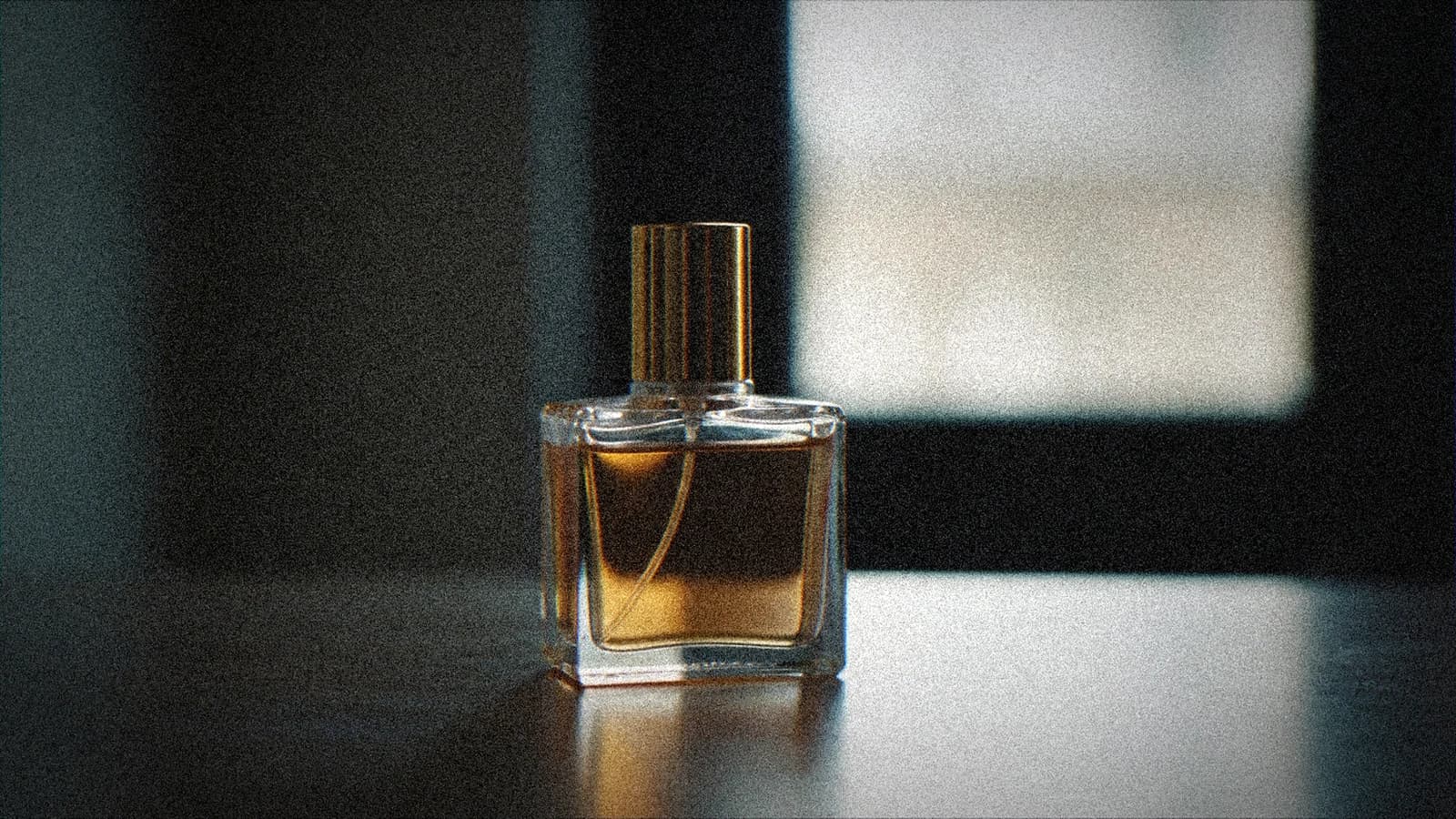
You generate a beautiful shot of a perfume bottle floating in a luxurious set. Except the bottle changes shape between second 1 and second 4. The logo disappears. The cap goes blurry. And your client receives a video that looks like a hallucination of their product rather than an ad.
AI video for product advertising is a specific use case. Not the same problem as narrative video, not the same constraints as the short film. You have a real object to represent, often a brand style guide to respect, a short ad format with a very particular rhythm, and a client who is going to compare pixel by pixel with the studio packshots they already own.
Not all AI video tools are suited to this case. Here is how to choose depending on your format, your budget and your real constraints.
The central problem of product ads in AI video
Before comparing the tools, you have to name the central problem: product consistency.
In generative AI video, objects are not "known". The tool does not know that your perfume bottle has exactly that cylindrical cap with that particular engraving. It generates an interpretation at every frame. The result: over 4 seconds, your product can drift slightly from its real appearance.
For product ads, this is the main point of friction. A car shot can drift in color. A piece of jewelry can lose its shape. A cosmetics box can see its logo become illegible.
The tools that handle this problem best in 2026 use either strong reference images (image-to-video), or keyframe mechanisms that lock points of the animation. That is the first selection criterion.
The 5 tools and their real strengths for product ads
Runway Gen-4.5: maximum control, especially on static shots
Runway is the most used tool in professional production for a good reason: control. In image-to-video mode, you provide a quality packshot image and Runway animates from there. If your packshot is good, product drift is minimal on short shots (4-6 seconds).
The Act One feature (performance control) is mostly useful for shots with characters. For pure product ads (product without an actor), the image-to-video workflow with a very minimal prompt works better than long prompts.
What really works: product shots with subtle motion (slow rotation, changing light, smoke, pouring liquid). Consistency stays good on short shots.
What gets stuck: longer shots (more than 8 seconds) or ones with complex product movement in space. The drift becomes visible.
For which budget: Runway Pro at 35 USD/month or the Teams version for agencies. Not the most economical, but the most predictable for client deliverables.
Kling 3.0: solid reference image, native vertical format
Kling excels at image-to-video when you provide a strong reference. Its render is often more "photographic" than other tools on static product shots: textures, materials and reflections are handled well.
Turbo mode lets you generate previews quickly, which is useful for validating the direction with a client before investing in high-quality generation.
Kling handles the native 9:16 format properly, which is relevant if your ad is designed for vertical social media from the start rather than adapted after the fact.
What really works: product shots with premium materials (leather, metal, glass), luxury moods, perfume and cosmetics ads.
What gets stuck: shots with on-screen text baked into the video (AI text is still unstable in Kling), and multi-shot sequences with product consistency from one shot to the next.
For which budget: free plans available, subscriptions from 8 USD/month. Good value for freelancers.
Veo 3 and Veo 3.1 (Google): native audio, but restricted access
Veo 3 is technically impressive for product ads for one precise reason: synchronized native audio. If your product ad has a voice-over or product sounds (a cap that clicks, packaging that opens, an effervescent that fizzes), Veo generates the audio at the same time as the video, synchronized.
That is a real advantage for short formats where sound reinforces the perception of the product.
The major downside: access to Veo 3 stays limited. You have to go through Google AI Studio or VideoFX, and the commercial access plans are not as direct as Runway or Kling for client projects.
What really works: product shots with integrated sound narration, moods where the product sound is a feature (champagne, effervescent cosmetics, electronics).
What gets stuck: the product's visual consistency is not always superior to Runway or Kling, and commercial access remains more complex to manage.
For which budget: access via Google One AI Premium subscription (22 USD/month) for VideoFX, or API for developer uses. Less direct for an agency that delivers regular client projects.
Luma Ray 2: very strong advertising aesthetic
Luma Ray 2 has a stylistic advantage over the competition: the renders often have a natural "luxury ad" look that other tools deliver less easily. The shots are fluid, the atmosphere is clean, and the lighting is handled convincingly.
Luma's Modify Video feature lets you take an existing video (a real packshot video for example) and modify it, which opens up interesting hybrid workflows: a base in real video, finishes and extensions in AI.
What really works: ads with a strong aesthetic and atmospheric dimension, tabletop shots with indirect lighting, lifestyle videos around a product.
What gets stuck: less granular control than Runway on precise movements. Better for "moods" than for precise technical animations.
For which budget: Ray subscriptions from 29.99 USD/month. Well positioned in the range.
Seedance 2.0 Fast (MiniMax): speed and cost
Seedance 2.0 Fast has been available via the Runway API since June 2026 and offers a very attractive time/cost ratio for high-volume projects. If you have to generate 30 variants of the same product shot for A/B tests, Seedance Fast lets you do it without draining your credit budget.
The quality is decent, not at the level of Runway Gen-4.5 or Kling on fine details, but enough for short formats (15 seconds) on social media.
What really works: high-volume productions, concept tests before investing in the more expensive tools, 480p formats for stories.
What gets stuck: demanding high-definition shots or products with a lot of textured detail.
For which budget: the most economical on the list for intensive use.
Quick selection table
| Use case | Recommended tool | Main reason |
|---|---|---|
| Luxury product shot (jewelry, perfume, cosmetics) | Kling 3.0 | Material render, image-to-video consistency |
| Ad with voice-over and product sound | Veo 3.1 | Synchronized native audio |
| Production with strict client control | Runway Gen-4.5 | Predictability, stable image-to-video workflow |
| Lifestyle / atmosphere ad | Luma Ray 2 | Natural advertising aesthetic |
| Volume of variants / A/B tests | Seedance 2.0 Fast | Cost per generation, speed |
| Native vertical social format | Kling 3.0 | Solid native 9:16 handling |
Practical workflow for an AI product ad
No matter the tool chosen, the workflow that gives the best results in product advertising follows the same logic.
1. Quality reference packshot. Your source image must be flawless. If your starting packshot has bad lighting or a complex background, the AI will amplify the problems. Always start with a clean product image, neutral background or defined context, high resolution.
2. Minimal prompt for the movement. In product ads, the video generation prompt must describe the movement, not the product. The product is already in the reference image. Example: "slow rotation, soft light shift on surface, fog rising gently at base" rather than "a luxury perfume bottle with gold cap rotating".
3. Short, precise shots. Work in shots of 4 to 6 seconds maximum. Product consistency degrades over time. A 30-second ad is made of several short shots assembled in editing, not a single 30-second shot.
4. Validation in context. Always view the shot in the editing context before client validation. A shot that seems fine in isolated playback can reveal problems when it is glued to other shots.
5. Compared iterations. Generate 3 to 5 variants of the same shot with different seeds before settling. The variations can be significant from one generation to the next on product details.
💡 Frank's Cut: For cosmetics and luxury ads, I get the best client-approval rate when I combine Kling for the "pure product" shots and Luma for the "mood/lifestyle around the product" shots. Each tool in its zone of strength, a clean edit that assembles the two.
What clients do not always understand
A point you often have to explain to clients about AI product ads: the tool does not "know" their product. It interprets from the reference you give it. If the product changes even slightly from shot to shot, it is a property of current technology, not a mistake on the creator's part.
The solution is not to change tools. It is to set, right from the brief, the rule of short shots, to use the same reference image as the source for all the shots of one product, and to plan a light retouching step on the shots where the drift is visible.
If you work on client projects with strict validation constraints, the contract clauses on AI-generated content can help set the frame correctly from the start.
And for projects where you have to calculate the production budget, our AI production budget calculator factors in generation costs per tool.
What it will look like in 12 months
The tools evolve fast. Product consistency is going to keep improving: several editors are working on "product consistency" mechanisms similar to what some image tools already offer (fixed seed + reference image = stable character). Kling and Runway have announced directions along these lines.
But in 2026, the workflow described here is what gives deliverable results. Master it now, and the improvement of the tools will multiply what you can already do.
Foire aux questions
Réponses rapides aux questions les plus fréquentes sur cet article.
What is the best AI video tool for a product ad in 2026?
There is no single best tool: it depends on your use case. Runway Gen-4.5 is the most predictable and controllable for demanding client deliverables. Kling 3.0 excels on premium materials and luxury. Luma Ray 2 has the most natural advertising aesthetic. Veo 3.1 is the only one to generate synchronized native audio. Seedance Fast is the most economical for volume.
Why does my product change shape in the generated AI videos?
This is the main limit of current AI video generation: the tools have no fixed memory of the object. They interpret from the reference image at every frame, and temporal drift means the product can vary slightly. The solution is to work with short shots (4-6 seconds), a very high-quality source image, and a prompt that describes only the movement, not the product.
How do I avoid logo or detail drift in an AI product ad?
Three rules: short shots (no more than 6 seconds), a clean packshot reference image as the source, and a video prompt that describes only the movement. If the logo has to appear perfectly, it is better to add it in post-production rather than counting on the generation to keep it stable.
Can I use real images of my product as a base for AI video?
Yes, and it is even recommended. Most tools offer an image-to-video mode: you provide an image of your real product (studio packshot preferably), and the tool generates an animation from that base. It is the workflow that gives the best product consistency.
Which AI video tool is best suited for vertical social media ads (9:16)?
Kling 3.0 handles the native 9:16 format solidly. Runway can also generate in 9:16 but its main strength is in 16:9. If your budget is mainly vertical social content (Reels, TikTok, Shorts), Kling has a pipeline advantage.
How much does it cost to produce a product ad with AI video?
Costs vary depending on the tool and the volume. A 4-6 second shot on Runway costs between 3 and 6 credits depending on resolution. On Kling, the rates are similar. For a 30-second ad (5 to 7 shots), count between 50 and 200 USD in pure generation depending on the tool, the iterations and the resolution. Our AI production budget calculator gives more precise estimates per project.
Is Veo 3 really better than Runway for product ads?
Not in a general way. Veo 3 has a specific advantage on synchronized native audio: if your format needs product sounds in the video, there is no equivalent. But on visual consistency and product movement control, Runway remains more predictable and commercial access is more direct for client projects.
Related articles
 Comparatifs
Ideogram, Recraft or Leonardo AI: Which Tool to Choose?
A field comparison between Ideogram AI, Recraft and Leonardo AI to choose the best tool according to your goal: text in the image, brand consistency, speed and real quality.
 Tutoriels
Lip-Sync: Which AI Tool to Choose for Your Virtual Actors?
A field comparison and a complete method to choose an AI lip-sync tool, direct the performance and get a credible lip synchronization.
 Tutoriels
Creating AI Advertising Product Packshots That Hold Up in Post
A debrief-to-export packshot workflow to produce clean, believable product shots with AI.