How to Manage Costume Continuity Across Several AI Scenes
A simple method to lock the costume, materials and accessories across a whole AI sequence without losing hours in retouching.
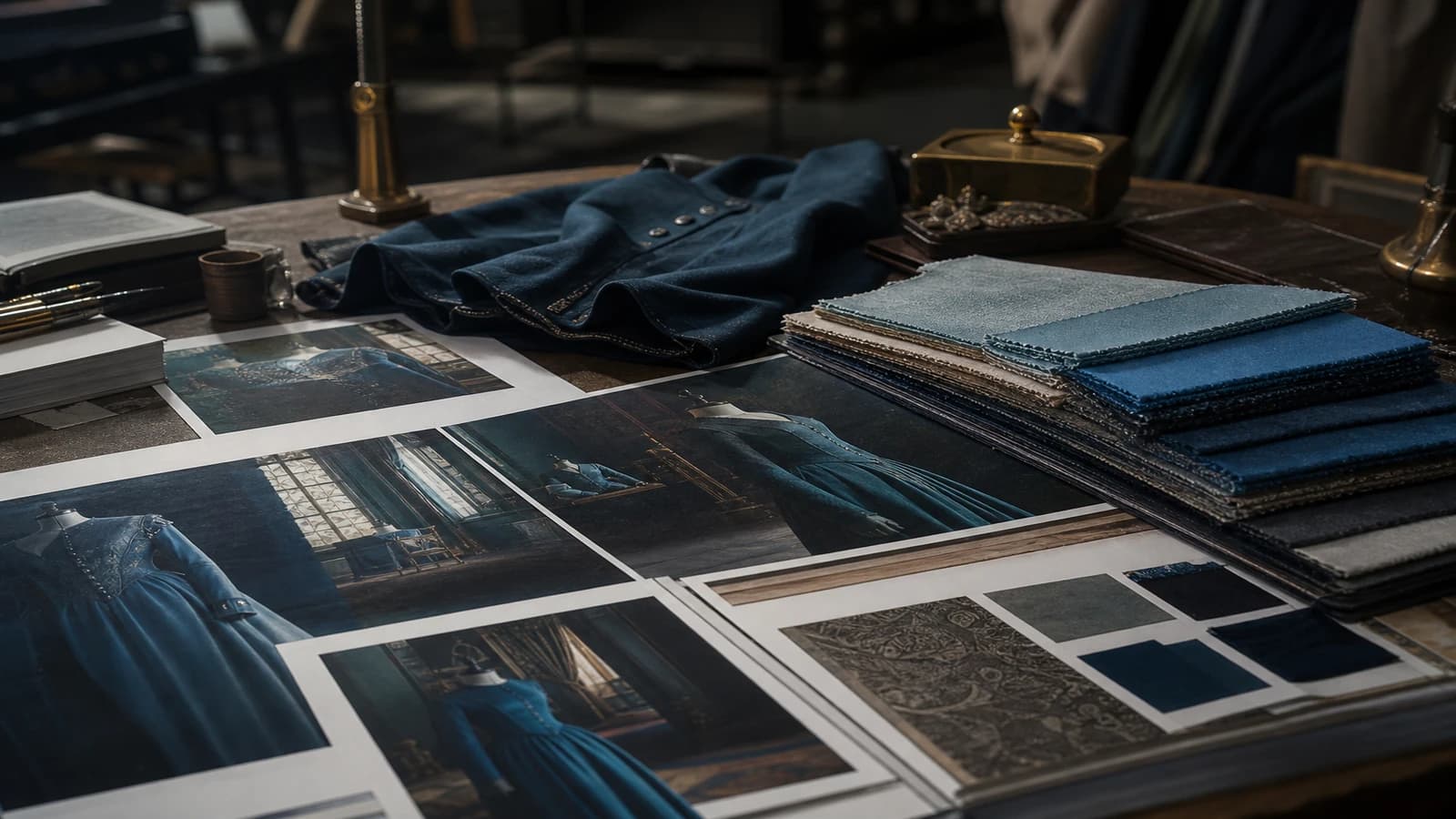
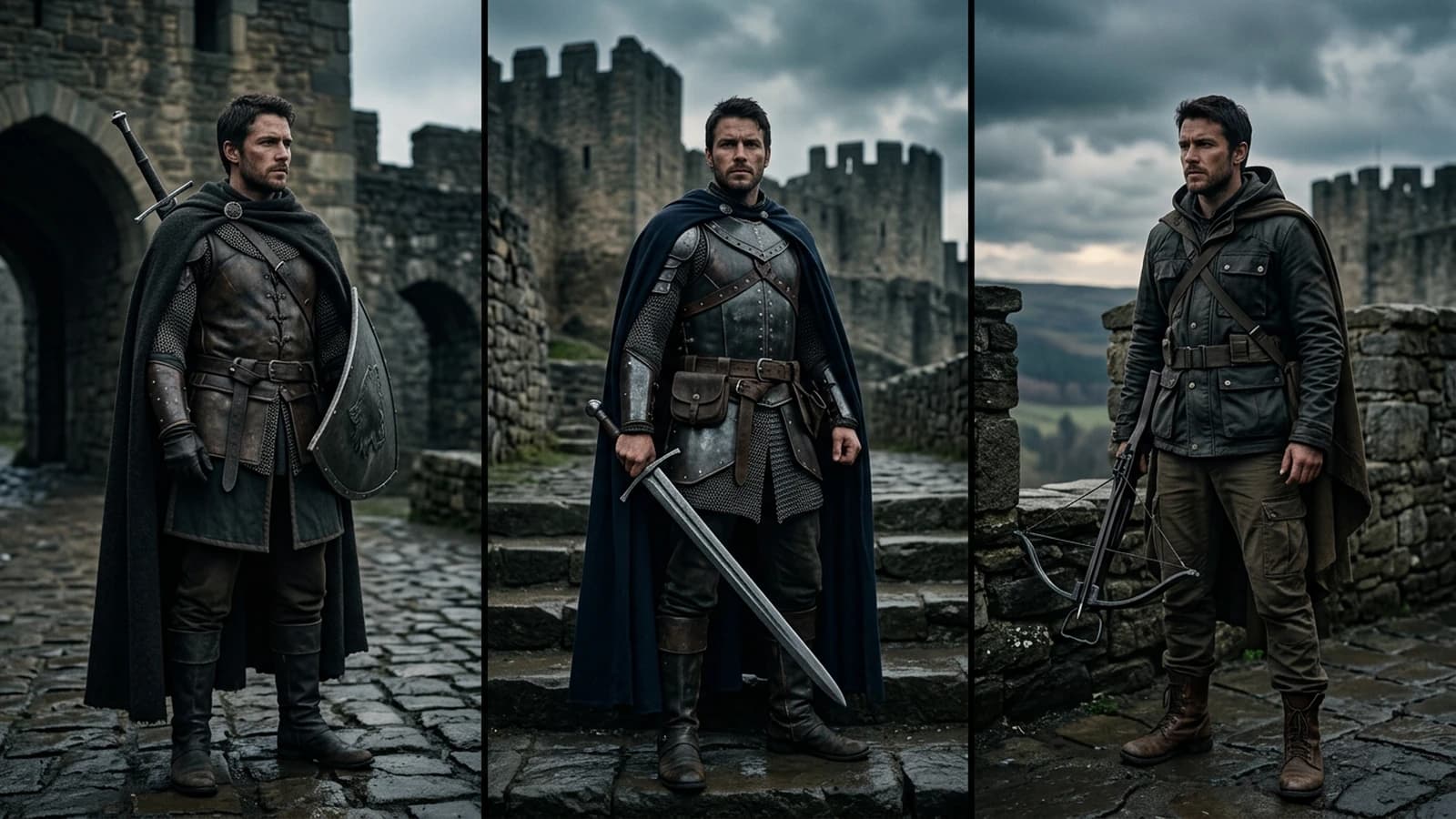
Scene 3: navy blue jacket, open collar. Scene 7: the same jacket has become anthracite black with a high collar. Scene 12: the character wears a shirt they did not have thirty seconds earlier in the story. The edit has to be redone, the client asks questions, and you spend your night in inpainting. How to manage costume continuity across several AI scenes is not a luxury for perfectionists. It is what separates a "cheap AI" video from a credible production.
The engines do not retain what your character wore in the previous shot. Each generation reinterprets the clothes. This guide gives you a system to lock the costume, materials and accessories without losing your mental health.
Why costumes drift in AI
The costume is a set of visual signifiers: color, cut, texture, accessories, state. The models compress this complexity into a few tokens. "Blue jacket" becomes a different jacket every time.
The problem worsens when you change set or light. A blue jacket in cyan neon does not look like the same jacket in golden light. The viewer compares unconsciously.
The accessories are the first to disappear: watches, rings, glasses. A character without glasses then with glasses, with no narrative reason, destroys the trust.
For the face that changes in parallel, see why my characters change at every scene and IP-Adapter and references: locking a face across several shots.
💡 Frank's Cut: create a one-page costume sheet with three reference photos (face, three-quarter, material detail). Forbid yourself from generating a character shot without this sheet open.
Anatomy of a locked costume sheet
Identifier: CHAR-01-CASUAL
Stable description: "navy blue wool blazer, single-breasted, two buttons, white crew-neck t-shirt, dark indigo jeans, brown leather belt, white sneakers"
Prohibitions: no black jacket, no turtleneck, no logo
Visual references: 3 validated images, different angles
| Element | Locking | Method |
|---|---|---|
| Main color | Strict | Image reference + identical prompt |
| Cut / silhouette | Strict | Detailed description |
| Material texture | Moderate | Material keyword + reference close-up |
| Accessories | Strict | Systematic mention |
| State (clean/worn) | Moderate | Consistent by narrative arc |
Field workflow: a consistent costume from end to end
Step 1: costume design before the first shot
Generate six variations, choose the best, archive it as the master reference.
Step 2: character sheet
Face, profile, three-quarter, fabric close-up. Same outfit, neutral light, gray background. See complete tutorial: creating consistent characters across several images.
Step 3: copyable prompt block
Paste the same block into each prompt without modifying it. The slightest variation invites the model to reinterpret.
Step 4: image-to-image and IP-Adapter
A strong reference (weight 0.6-0.8). Adjust: too strong freezes the pose, too weak drifts the costume.
Step 5: video from a validated still image
Never ask the video engine to invent the outfit from text alone.
Step 6: control in the edit
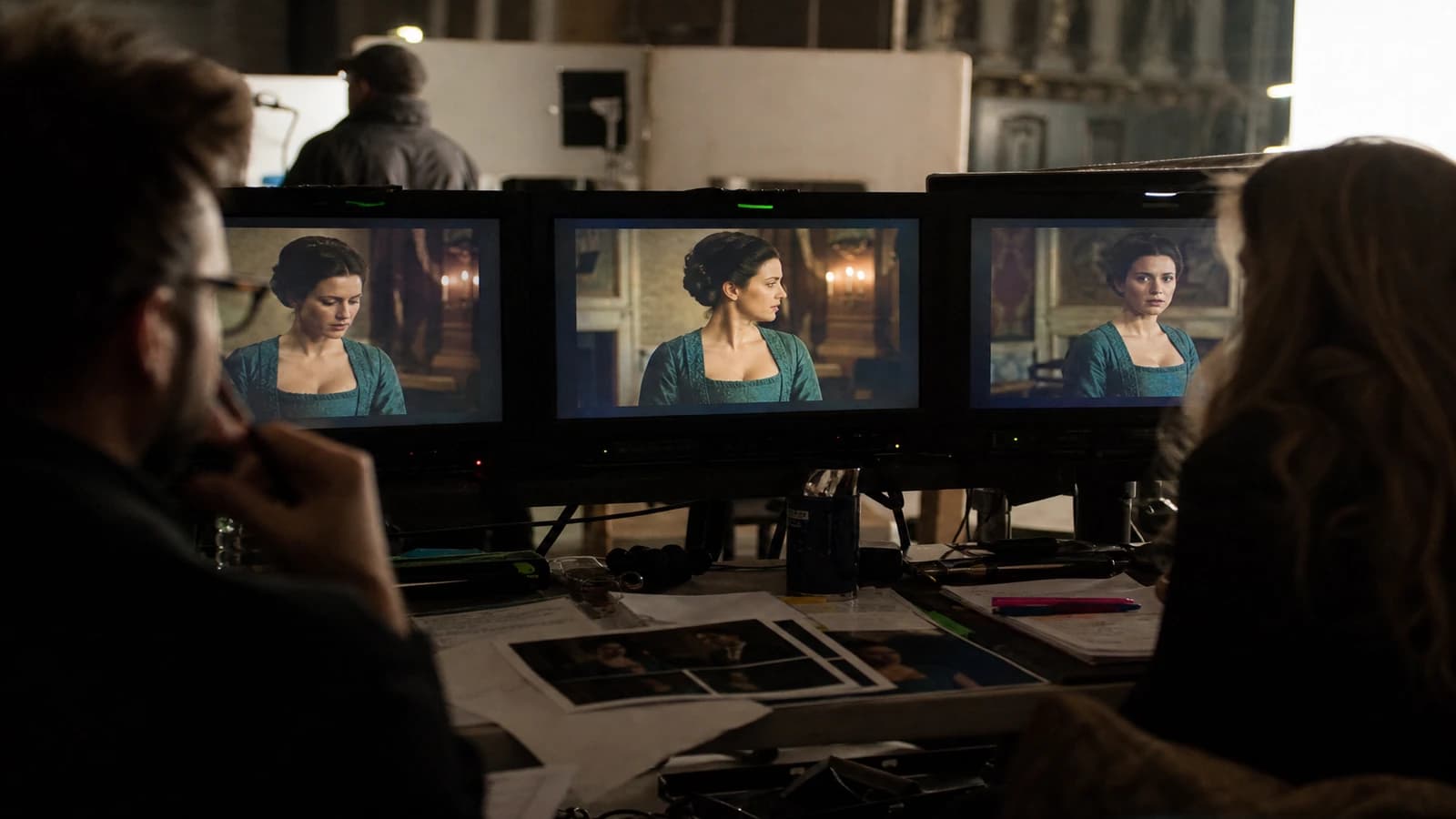
Scrub between scenes. The eyes see the drift before the client.
Step 7: inpainting as a last resort
If a shot is indispensable but the costume is off, inpaint the zone. See local inpainting: retouching eyes and hands in AI.
Real scenarios
Short series, same outfit for 5 minutes. One sheet, zero change. Refuse the shots where the tint drifts.
Day/night ad. Identical outfit, document the reaction to the different lights.
Narrative outfit change. Two distinct sheets, a visible transition on screen.
Production over several weeks. Reopen the sheet at each session. Compare before each batch.
Frequent mistakes and fixes
Rephrasing the costume at each prompt. Fix: an identical copyable block.
Forgetting the accessories. Fix: a list in each character prompt.
Changing engine between scenes. Fix: the same pipeline, the same references.
Correcting only with color grading. Fix: the jacket tint is not a LUT problem.
Unstable hair and beard. Fix: treat them as part of the costume.
The American Costume Society and Smithsonian Fashion History remind us that the costume tells the character.
Foire aux questions
Réponses rapides aux questions les plus fréquentes sur cet article.
How many different outfits should I manage on a short project?
One to two outfits maximum per main character over five minutes. Each additional outfit multiplies the risk.
Do AI-generated costumes have rights issues?
Avoid logos and iconic patterns. Create generic but detailed outfits. Document the generation chain.
How do I manage the continuity on back shots?
Generate a back reference in the character sheet. Check the jacket length relative to the front shots.
Should I use ControlNet for the costume?
Combine OpenPose for the pose and IP-Adapter for the costume.
What do I do if an accessory disappears on a crucial shot?
Targeted inpainting in priority. Regeneration if the inpainting distorts the gesture.
Does costume continuity matter in a very wide shot?
Yes for the silhouette and the dominant color. A wider tolerance on the fine details.
How do I manage several characters in the same scene?
One sheet per character, distinct codes. Generate separately first if needed.
Should the costume be in the locations bible?
No, the character bible. Cross the two for the materials according to the set. See creating a locations and sets bible for an AI project.
Are white costumes harder?
Yes. Document the reaction to the light. Prefer a defined off-white rather than a vague "white shirt".
How do I manage coats and seasons?
A separate CHAR-01-WINTER sheet. A visible transition or an owned temporal cut.
Costume continuity is industrial discipline applied to a probabilistic tool. Apply this method to how to manage costume continuity across several AI scenes, and your characters will exist from one scene to another.
Materials, patterns and visual traps
Materials react to light: wool absorbs, satin reflects, leather has marked highlights. Document how each main material of your hero outfit reacts in neon interior vs sun exterior. Generate two light references of the same costume if the sequence alternates the two.
Avoid complex patterns (checks, fine stripes, tweed) on the hero outfits. Patterns drift faster than solid colors. If the script requires a pattern, plan for more inpainting budget and references.
Glasses are the nightmare of continuity: they appear, disappear, change shape. Either they are locked in each prompt, or you own that they disappear and you avoid the close-ups where they should be visible.
Costume checklist before delivery
- Dominant color identical to the reference?
- Silhouette (jacket length, cut) stable?
- Accessories locked and consistent?
- Hair and beard stable?
- Shoes correct if visible?
Two unchecked = plan B. Three = regeneration or inpainting.
FAQ (additions)
How do I manage a narrative stain or tear?
If the script requires a stain that grows, version the costume sheet: CHAR-01-ACT2-STAIN. The change must be visible and documented. A stain that appears with no reason is a continuity error.
Do the extras' costumes count?
In a crowd close-up, yes partially. Simplify: blurry silhouettes, short wide shots. Do not promise distinct individuals you cannot maintain.
Costume continuity is industrial discipline. Apply this method to how to manage costume continuity across several AI scenes.
Materials, patterns and accessories: advanced terrain
Wool absorbs the light, satin reflects, leather creates marked highlights. Document how each material of your hero outfit reacts in interior neon versus exterior sun. Generate two light references of the same costume if the sequence alternates the two contexts.
Avoid complex patterns on the hero outfits: checks, fine stripes, tweed. Patterns drift faster than solid colors. If the script requires a pattern, plan for inpainting and additional references.
Glasses are the number one nightmare: they appear, disappear, change frame. Either strict locking in each prompt, or an owned absence on all the shots. Watches and rings follow the same logic.
Production over several weeks
Reopen the costume sheet at each session. Compare the first shot of the day to the master reference before any batch. Projects drift between two sessions, not during a single one.
Checklist before client delivery
Dominant color, silhouette, accessories, hair, shoes if visible. Two unchecked boxes out of five: plan B minimum. Three: regeneration or inpainting mandatory.
On a series I delivered, the character wore a beige shirt over eight shots. We refused three magnificent shots because the tint drifted toward ochre. The client noticed that "it held", not that we had thrown away spectacular shots.
Multiple characters and extras
One sheet per main character: CHAR-01, CHAR-02. Distinct color codes in the descriptions. Do not mix the references in a single generation if the tool handles multi-reference badly.
For the crowd: blurry silhouettes, short wide shots, or a static crowd. Do not promise distinct individuals you cannot maintain.
White and very light costumes drift toward gray or cream depending on the light. Prefer a defined off-white (ivory cotton #F5F0E8) rather than a vague "white shirt".
The costume tells the character but above all the credibility of your AI production. A viewer does not name the jacket error: they say "it looks cheap".
On an ad, the character carries the brand through the outfit. A jacket that changes tint between the product shot and the lifestyle shot sends an amateurism signal. The client does not name the error: they ask for a vague retouch. Lock it before. Last-minute inpainting on a whole jacket costs more than four well-briefed generation variations at the start.
Inpainting and last resort
When a shot is narratively indispensable and the jacket drifts, inpaint the zone reusing the costume reference. Do not redo the whole shot if 80% is good. For the hands and details, combine with local inpainting: retouching eyes and hands in AI.
The video engines invent the outfits from text: always start from a validated still image with costume plus face. It is non-negotiable on a series or an ad with a recurring character.
Costume log
CHAR-01-CASUAL | ref: char01-sheet-v3.png | prompt block: [paste here] | shots: SC02-PL01 to SC05-PL03
Archive at each validation. In a month, this file is worth gold.
The character sheet is your digital costume department. Face, three-quarter, back if needed, material close-up. Same neutral light, gray background. This sheet is the source of truth for the whole production. When a director on set says "same costume, take 2", you do the same: the same prompt block, the same references, zero improvisation on the clothing adjectives.
A narrative outfit change? Two sheets, a visible transition. A winter coat? A separate CHAR-01-WINTER sheet. The viewer accepts a change they see. They reject an invisible jump between consecutive shots.
Costume table
| Element | Locking | Note |
|---|---|---|
| Color | Strict | Image ref |
| Cut | Strict | Prompt block |
| Accessories | Strict | Fixed list |
| Patterns | Avoid | Fast drift |
| Wear state | Moderate | Narrative arc |
The American Costume Society reminds us that the costume is narration. In AI, it is technical credibility. A consistent character is worth ten spectacular inconsistent shots. An identical prompt block at each character shot. IP-Adapter references. A still image before the video. A checklist before delivery. Simple discipline, disproportionate results.
Apply this method to how to manage costume continuity across several AI scenes, and your characters will exist from one scene to another. Costume continuity is not perfectionism: it is what distinguishes a serious production from a montage of isolated clips. When the client says "it looks pro", they often talk about these details they cannot name.
Costume discipline, delivered credibility.
See also creating a locations and sets bible for an AI project for the overall consistency of the project. Costume and set form the visual world together with the light.
Costume sheet per character
For each hero, lock a one-page document: dominant color, texture, signature accessory, what is forbidden (hood, jewelry, open jacket). Reference still: three angles under the same light. Stable prompt: repeat the same clothing terms word for word between the shots. QA: compare the collar, the buttons and the fastenings at 200% zoom before moving to the next scene. A costume that drifts kills the continuity faster than a slightly different face.
💡 Frank's Cut: a photo of the costume on the virtual set is worth ten adjectives in the prompt.
Document the validated version with the date: the project's memory is worth more than the last winning prompt.
Publication threshold: do not validate until the mute mobile test has passed.
Related articles
 Tutoriels
IP-Adapter and References: Locking a Face Across Several Shots
References method, weights, safe angles and matches to keep the same face from one shot to another with no mannequin effect.
 Tutoriels
Complete Tutorial: How to Create Consistent Characters Across Several Images
Character sheet, stable prompts, seeds, LoRA, and visual QA: a studio method applied to AI image.
 Tutoriels
Over-the-Shoulder Shot: Eye-Line Continuity and Depth
OTS framing, axes and prompts to link two characters without crossing the line of action.