Creating a Location and Set Bible for an AI Project
How to document each set to keep the same visual mood from the pilot to the final delivery.
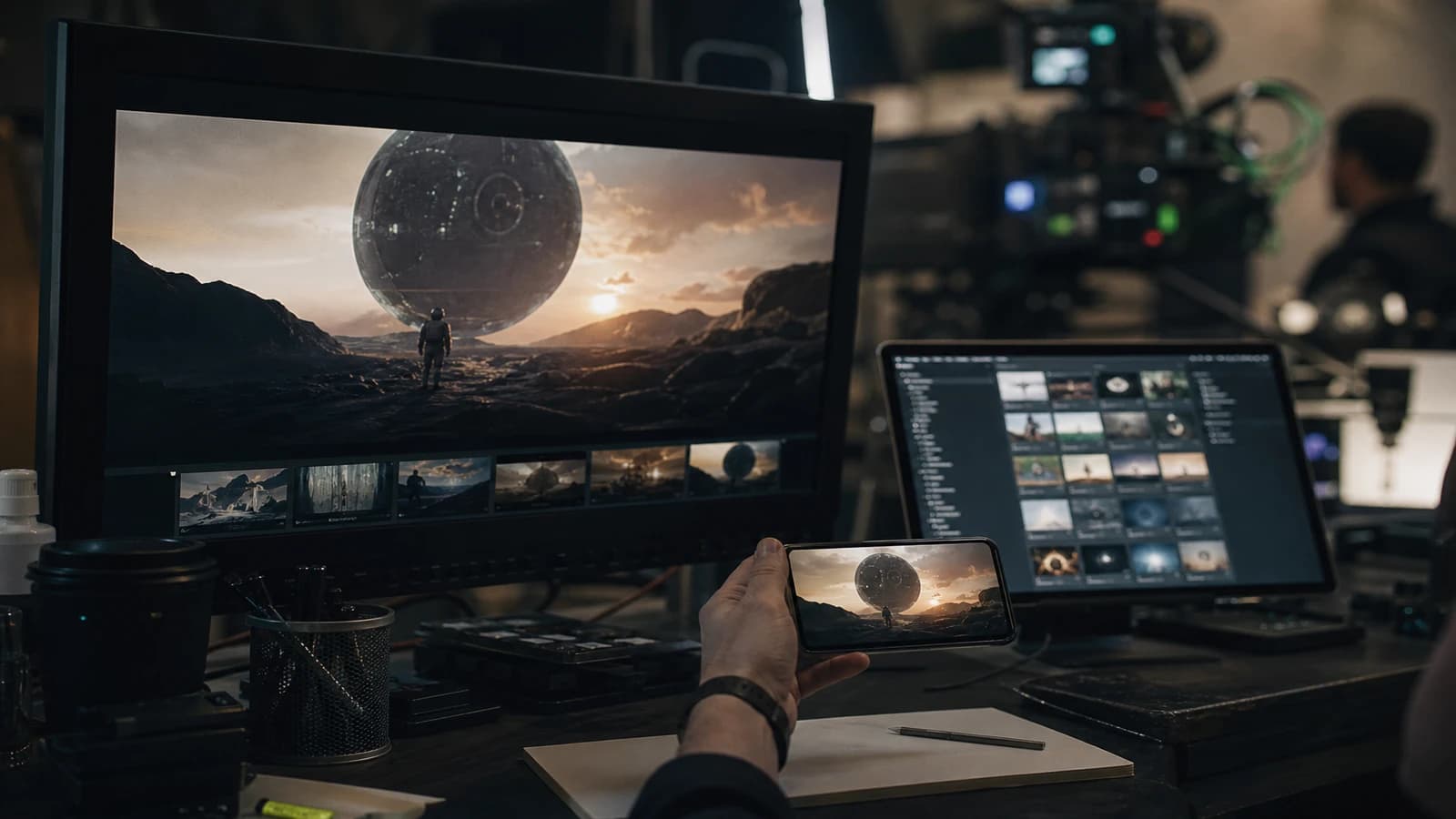
Scene 4, the cafe has red brick walls. Scene 9, the same walls are gray. Scene 14, the cafe has become a white gallery. Creating a location and set bible for an AI project turns probabilistic sets into recognizable spaces.
I have rebuilt entire sequences because the "same" apartment no longer matched between two sessions.
What a location bible must capture
Architecture, palette, natural lighting, recurring props, scale, texture. The viewer feels the consistency through three to five visual anchors per location.
See Notion AI: organizing the production bible, building an AI video shotlist and calibrating interior and exterior light.
💡 Frank's Cut: for each location, generate a "location card": a wide shot, a signature prop detail, a window/light shot. Three images minimum.
Structure of a location sheet
Code: LOC-CAFE-01
Stable description: "Small Parisian corner cafe, exposed red brick back wall, dark wood counter, green subway tiles, two round marble tables, large south-facing window"
Bans: no white gallery walls, no industrial concrete
Palette: brick #8B4513, tile #2F5D50
| Element | Lock | Method |
|---|---|---|
| Architecture | Strict | Description plus wide shot |
| Colors | Strict | Hex codes plus reference |
| Major props | Moderate | List in the prompt |
| Minor props | Free | Can vary |
| Light | Strict per hour | Linked light bible |
Field workflow
Step 1: location inventory
Merge the duplicates. A 5-minute short film: 3-6 locations.
Step 2: lock priority
The most visible location first.
Step 3: location cards
Six variations, choose the best, three angles. See Flux workflow for ultra-detailed images.
Step 4: a complete sheet
Bans included: what the model wrongly invents.
Step 5: drift tests
Regenerate a week later. Compare.
Step 6: shotlist with the location code
SC02-PL03 | LOC-CAFE-01. No free description.
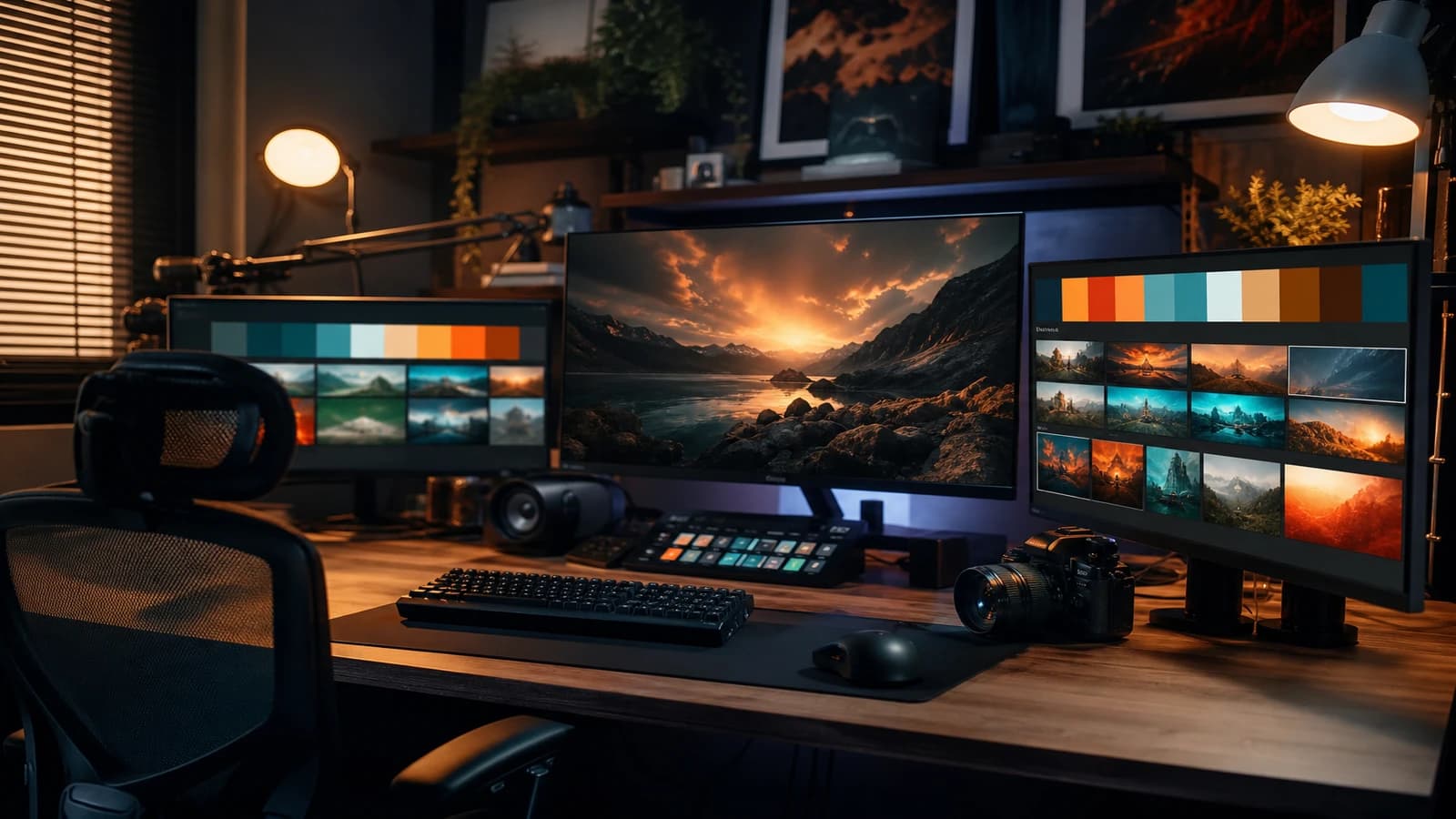
Step 7: maintenance
A new location equals a complete sheet before generation.
See how to use AI for location scouting.
Linking the location bible and the light bible
LOC-CAFE-01 uses LIGHT-CAFE-MORNING and LIGHT-CAFE-EVENING. Location equals space. Light equals how the space is lit.
Real scenarios
6-episode series, same apartment. One location, light variations per hour.
30s multi-set ad. Two locations max.
Symbolic music video. Fixed palette and texture, free details.
Full season. Version every validated change.
Common mistakes
Describing it differently in every prompt. Fix: a copyable block.
Too many locations for a short format. Fix: merge.
Forgetting scale. Fix: a scale element in the reference.
A location with no bans. Fix: list the frequent drifts.
A frozen bible with no version. Fix: LOC-CAFE-01 v2.
BFI production design resources for documentary rigor.
Foire aux questions
Réponses rapides aux questions les plus fréquentes sur cet article.
How many images per location?
Minimum three, ideally six for hero locations.
Model in 3D?
Not required. 2D references plus depth often suffice.
A location that evolves narratively?
Version it: LOC-APT-01-DAY vs LOC-APT-01-WRECKED.
Bible and audio?
Document the sound ambience per location.
Reuse across projects?
Structure yes, visual references no.
Real sets and AI?
A hybrid sheet: what is a plate, what is AI.
Urban exterior?
Anchor a unique architectural landmark.
Who maintains the bible?
A single bible owner. Generators update the statuses.
Is the location locked enough?
A three-angle test a week later. A stranger must recognize it without hesitation.
Shotlist integration?
A LOC-XXX code mandatory on every line.
A location in AI only exists if you document it. Apply this method to creating a location and set bible for an AI project.
Props, drift and the light link
Signature props (a monstera plant, an espresso machine) must be listed in the set's copyable block. Minor props can vary. LOC-CAFE-01 points to LIGHT-CAFE-MORNING and LIGHT-CAFE-EVENING.
Lock test
A week after creating the sheet, regenerate three angles. If a stranger says "same place" without hesitation, the bible holds.
Urban exteriors
Avoid the generic "Paris street". Anchor a landmark: a fountain, a fictional sign, a staircase.
Props, light and the drift test
Signature props (a plant, an espresso machine, a poster) must appear in the set's copyable block. Minor props can vary. Each location sheet points to the light states: LOC-CAFE-01 uses LIGHT-CAFE-MORNING.
A week after creating the sheet, regenerate three angles. If a stranger says "same place" without hesitation, the bible holds. Otherwise reinforce the references.
Generic urban exteriors drift: anchor a unique architectural landmark. "Paris street" becomes any city with no anchor.
Mandatory shotlist integration
Each line references LOC-XXX. Impossible to generate without opening the location sheet. This rule eliminated most of my set drifts in recurring production.
A complete location bible workflow
Step 1: inventory of the script's locations, merge the duplicates. Step 2: priority to the most visible location. Step 3: six variations, choice, location card (wide, detail, light). Step 4: a complete sheet with bans. Step 5: a drift test a week later. Step 6: the location code in each shotlist line.
For still reference images, see Flux workflow for ultra-detailed images. For upstream scouting, how to use AI for cinema location scouting.
A cafe that becomes a white gallery between scene 4 and 14 is not a model bug: it is the absence of a bible. The viewer does not read your location sheet, they feel the inconsistency.
The set is a silent character. When it changes with no narrative reason, the story loses a crutch. The location bible is not bureaucracy: it is the external memory the model does not have. Invest one hour upfront, save a day of inconsistent editing.
A typical location sheet
Code LOC-CAFE-01. A stable description in a copyable block. Explicit bans (no white gallery, no nightclub). Hex palette. Signature props. 3-6 reference images. Associated sounds. Scenes used.
For locations that evolve narratively: LOC-APT-01-DAY vs LOC-APT-01-WRECKED. Two sheets, two owned states.
Cross-reference with Notion AI: organizing the production bible and calibrating interior and exterior light.
Location bible scenarios
6-episode series, same apartment. One location, light variations per hour. Fixed furniture except for a narrative beat.
30s multi-set ad. Two locations max. Transition by a color match cut.
Symbolic clip. Fixed palette and texture, free details.
Long season. Version every client-validated change.
Generate six variations per location, choose, produce a three-angle location card. Archive prompts and seeds. Drift test a week later.
Maintenance in production: a new location equals a complete sheet before generation. Update the scenes used on each addition. The bible lives with the project, it is not a dead PDF after the pilot.
Set locking table
| Element | Level | Method |
|---|---|---|
| Architecture | Strict | Description plus wide ref |
| Colors | Strict | Hex plus image |
| Major props | Moderate | Prompt list |
| Light | Strict/hour | Linked light bible |
| Crowd | Free | Silhouettes |
The BFI production design resources inspire documentary rigor even in generation. A location with no bible only exists once per prompt. Location inventory, hero priority, location cards, complete sheets, drift tests, shotlist codes. Each step takes less than an hour if you skip none. Skipping the inventory costs a day of inconsistent editing.
Apply this method to creating a location and set bible for an AI project, and your viewers will believe your spaces. A locked set frees your creative energy for the action and the emotion instead of repairing inconsistent backgrounds.
A copyable set block identical in every prompt. Explicit bans. A weekly drift test. A mandatory location code in the shotlist. The bible is living or useless.
For light per location, calibrating interior and exterior light in AI generation. Location and light are inseparable: the same cafe at 8am and 6pm needs two documented light states, not a single reused prompt.
Operational summary
For each series or multi-scene ad project, keep three lines in your notebook: the location intention in one sentence, the set prompt block in one sentence, the visual proof in one reference image. If one is missing, you are not ready to generate at scale: you are ready to diagnose. The location bible is not a dead document after the pilot. It lives, versions, and saves you when you reopen the project in three weeks.
A cafe, an office, an apartment: each deserves its sheet before the first shot. The viewer will never read your sheet. They will believe your world because the walls, the props and the light no longer lie between scenes.
Document, generate, compare, version. The location bible is the memory the model does not have. Without it, every prompt is a roulette. With it, every scene reinforces the next instead of contradicting it.
Apply this method to creating a location and set bible for an AI project. Your sets will hold from the pilot to the final delivery.
Invest one hour in the bible. Save a day of inconsistent editing. That is the math I apply on every AI series.
A believable set is not improvised. It is documented.
That is the rule. Not the exception. Your location bible is your visual quality assurance over the whole project.
Conclusion
A location in AI only exists if you document it. Without a sheet, every prompt is a roulette: the model invents a version of the cafe, the office, the apartment. The viewer does not read your bible, but they feel it when the walls change color between two consecutive scenes.
Invest one hour in inventory and sheets before the first generation batch. Six variations per hero location, a three-angle card, a copyable prompt block, explicit bans, a LOC-XXX code in each shotlist line. A drift test a week later: three angles, a fresh look. If the stranger hesitates, reinforce the references.
The bible lives with the project. A new location equals a complete sheet before generation. A client-validated change equals an archived V2 version. Location and light stay inseparable: two states for the same cafe morning and evening, not a single reused prompt.
Apply this method to creating a location and set bible for an AI project. Your sets will hold from the pilot to the final delivery. A believable set is not improvised: it is documented.
Bible owner and governance
Designate one person responsible for the bible on team projects. The generators update the statuses and the scenes used, but a single person validates the sheet changes. Otherwise the cafe turns blue on one episode and green on the other without anyone noticing.
Audio and ambience per location
Document the sound ambience associated with each location: street noise, coffee machine, office ventilation. The final mix gains in consistency when the image and the sound tell the same space. The location bible is not only visual.
Reuse across projects
Reuse the sheet structure and the typical bans, not the visual references from one client to another. Regenerate the reference images for each project. Copy-pasting a validated set onto another brand creates intellectual property collisions and registry inconsistencies.
To organize it all, Notion AI: organizing the production bible stays my favorite setup on long series. A cafe, an office, an apartment: each deserves its sheet before the first shot.
Document, generate, compare, version. Without a bible, every prompt is a roulette. With it, every scene reinforces the next instead of contradicting it. Invest one hour upfront. Save a day of inconsistent editing. That is the math I apply on every AI series I deliver. The set is a silent character: treat it with the same respect as your protagonist. When the walls hold, the story breathes. Keep three lines in your notebook before each batch: location intention, copyable prompt block, validated reference image. If one is missing, you are not ready to generate at scale: you are ready to diagnose costly drifts in post.
Location bible: minimum viable
One page per set: palette, dominant materials, fixed light sources, immovable objects, allowed camera axes. Bans: what must never appear (a readable poster, a logo, an impossible window). References: three validated stills pinned at the head of the folder. Version: LOCATION_v02 after each client change. When you generate a new shot, open the bible before the prompt: you avoid the living room that becomes an office between two cuts.
💡 Frank's Cut: the set that changes its wall with no reason is the cousin of the face that changes. Document the walls.
Document the validated version with the date: the memory of the project is worth more than the latest winning prompt.
Publishing threshold: do not validate until the mobile-without-sound test has passed.
Read the bible aloud before each generation session: the inconsistencies jump out to the ear before the screen.
Related articles
 Tutoriels
Creating Realistic Rain and Snow Scenes With AI
A layer-by-layer approach to make weather, materials and motion more believable without overloading the prompt.
 Tutoriels
Keeping Props and Accessories Consistent on an AI Project
A tracking system for key objects to avoid inconsistencies in shape, color and position from one shot to the next.
 Tutoriels
Creating an Actionable Moodboard for AI Production
Turning an inspiring moodboard into an operational document that guides prompts, shots and post-production.