Calibrating Interior and Exterior Light in AI Generation
A method to keep solid lighting consistency when a scene alternates interior, exterior and different times of day.
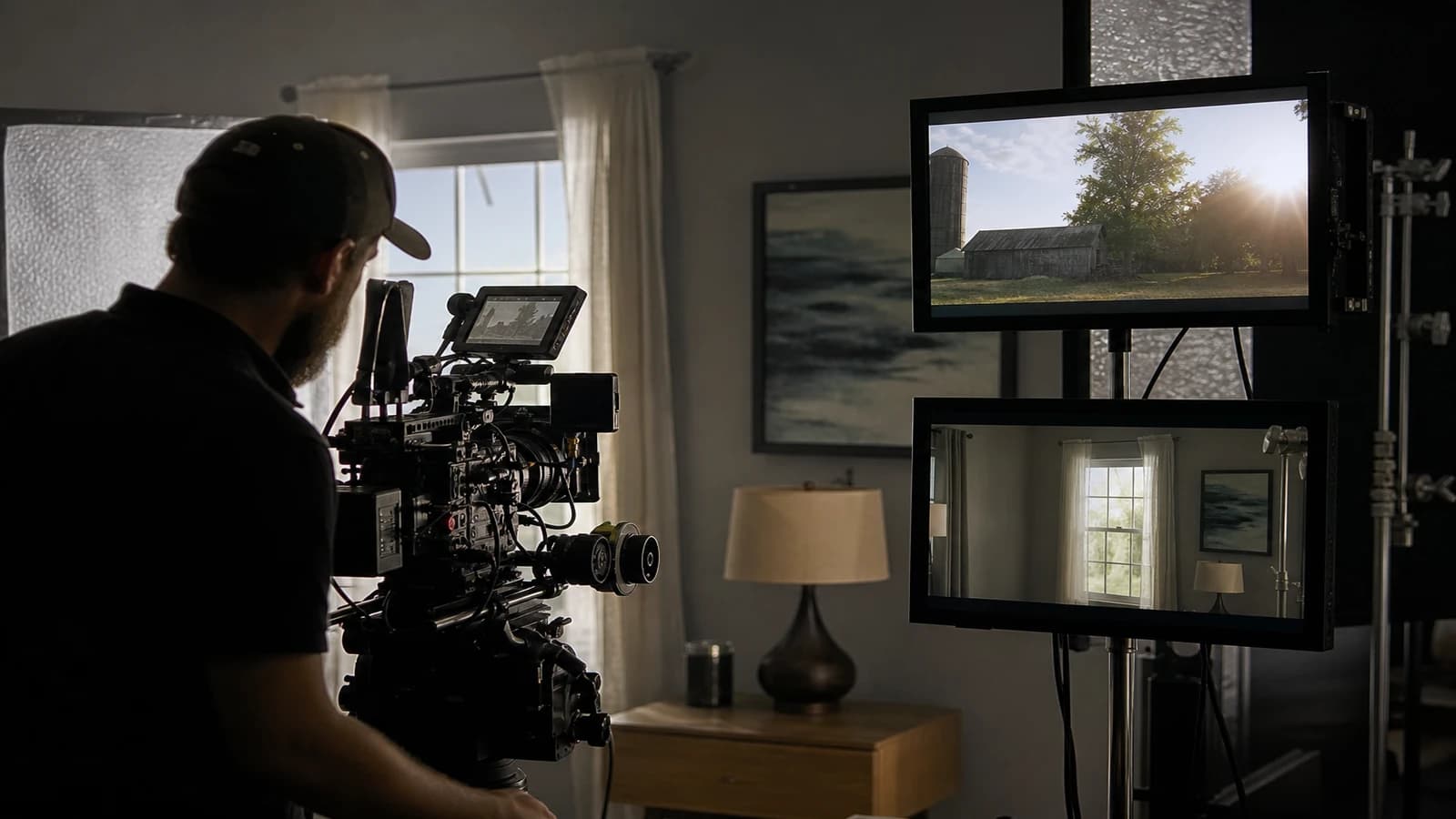
You edit a sequence: office interior in the morning, cut to a terrace in full sun, back interior at dusk. On paper, it is consistent. On screen, it is a disaster. The skin turns orange outside, cyan inside, the shadows no longer have a common direction, and the viewer unconsciously feels that something is wrong without being able to name it. Calibrating interior and exterior light in AI generation is not a colorist's detail. It is the backbone of believability.
I lost hours fixing in post the lighting breaks I should have locked at the brief. This guide condenses what I now apply systematically: a logic of temperature, exposure and direction that crosses sets, hours and engines.
Why interior and exterior break so often in AI
Image and video models are trained on millions of photos with no narrative continuity. Each prompt is interpreted as an isolated image. When you go from an open space to a street, the engine does not know it is the same day, the same character, the same story. It optimizes the local beauty of the shot, not the global consistency.
The second trap is semantic. "Bright office" for a model can mean cyan neons and LED panels. "Sunny street" can swing toward aggressive saturation and hard shadows. Without explicit calibration, you get two different film aesthetics in the same sequence.
The third trap is temporal. The time of day changes the quality of the light far more than the set. An interior at 8am (cool side light) and an interior at 6pm (golden hour through the windows) have nothing in common, even if the furniture is identical. If you do not document the narrative hour, every regeneration drifts.
Light creates the emotional continuity. A viewer accepts fast cuts if the lighting logic holds. They reject individually gorgeous shots if the whole lies. To go deeper into the narrative structure that carries this logic, see how to structure an AI video like a real film.
💡 Frank's Cut: before each session, write a line of lighting truth: "Day X, hour Y, main source Z, temperature W Kelvin". Stick it above each prompt. If a shot contradicts it, it is C, even if it is beautiful.
The three pillars of lighting consistency
Light direction
Each scene has a dominant source: window, sun, neon, practical (desk lamp). The direction of this source must stay logical in the space. If the window is on the left in the interior, the face shadows fall to the right. Outside, the sun must respect the same angle logic, adjusted to the new set.
In a prompt, be surgical: "soft window light from camera left, 45 degree angle, gentle falloff on right cheek". Not "beautiful lighting". The second locks nothing.
Color temperature
Interior and exterior communicate through temperature. A winter morning: a slightly warm interior (3200-4000K perceived), a cooler exterior (5500-6500K). A golden hour: an interior bathed in amber (2800-3500K), a consistent golden exterior. Document these values in your light bible.
The American Society of Cinematographers guide on white balance stays a solid reference for understanding how DPs think about continuity, even when you work without a physical camera.
Exposure and contrast
The classic mistake: an underexposed dark interior, an overexposed cliche exterior. For a consistent narrative day, define a target contrast ratio. A calm scene: moderate contrast, open shadows. A tense scene: more marked contrast, but constant between interior and exterior.
| Context | Perceived temperature | Contrast | Dominant source |
|---|---|---|---|
| Office morning | 4500K, slightly cool | Moderate | Window plus neons |
| Terrace noon | 6000K, neutral cool | High | Zenith sun |
| Living room dusk | 3200K, warm | Low | West window plus lamp |
| Interior night | 2700K, very warm | Marked | Practicals only |
This table lives in your light-bible.txt file. Each shot references it by a code (e.g., OFFICE-MORNING-01).
For office interiors that drift toward cyan, the guide office interior: fixing the cyan light of AI offices covers a case you will often meet in alternation with exteriors.
Field workflow: calibrate before generating
Step 1: a lighting map of the sequence
List each scene with: set, narrative hour, main source, target temperature, mood. Example:
- Office 8am: east window, neons, 4500K, calm professional
- Street 10am: high sun, 5800K, urban energy
- Office 6pm: window golden hour, 3400K, soothing conclusion
This map precedes the shotlist. Without it, you generate by feel.
Step 2: reference images per lighting state
For each state (not each shot), generate a locked reference image. Three states equal three references, not twelve. Use these references as image-to-image input or via IP-Adapter. The goal: the engine sees the light before it sees the action.
Step 3: prompts with a lighting anchor
The prompt structure I use:
[set] plus [hour] plus [directional source] plus [temperature] plus [shadow quality] plus [bans]
Interior example: "modern office interior, early morning, soft window light from left, 4500K neutral-cool, open shadows, no cyan cast, no HDR glow"
Exterior example same day: "city street, late morning, natural sunlight from high left, 5800K, realistic shadows, same skin tone rendering as interior reference, no orange oversaturation"
Step 4: generation in pairs
When a sequence alternates interior/exterior, generate in successive pairs, not in silos. Generate the office morning, then the street, then recheck the office before moving on. Compare the skins, the blacks, the highlights side by side.
Step 5: post correction with a house LUT
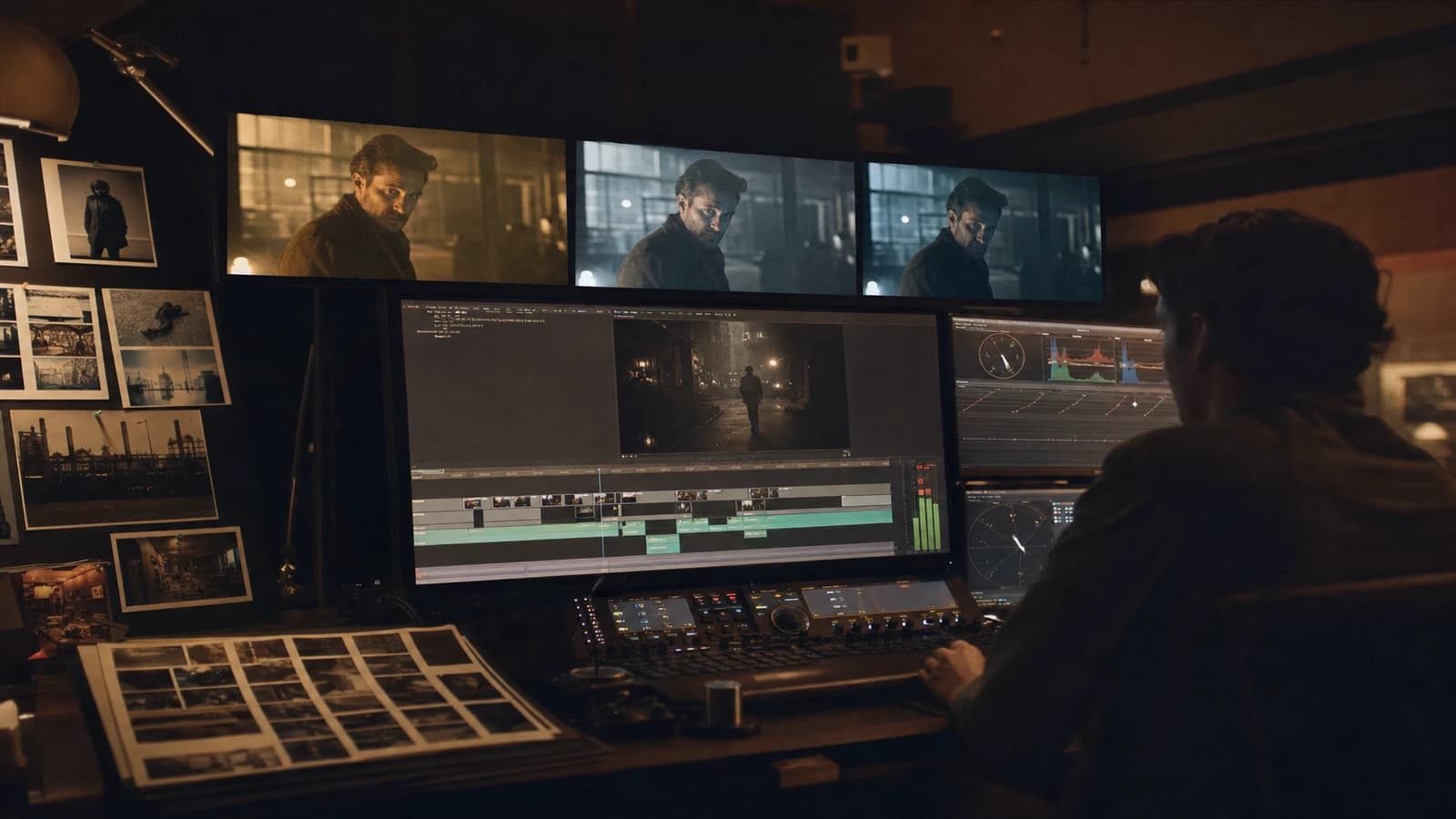
Even with a good brief, a light pass in post unifies the sequence. Create a LUT or a Resolve/DaVinci preset per project, not per shot. Apply the same curve on all the shots of the same narrative hour. Then adjust the exceptions case by case.
For misty or forest exteriors that must match an interior, see forest mist exterior: depth and consistency in AI video. Mist is a powerful lighting transition tool if you control it.
Step 6: QA on a calibrated screen and on mobile
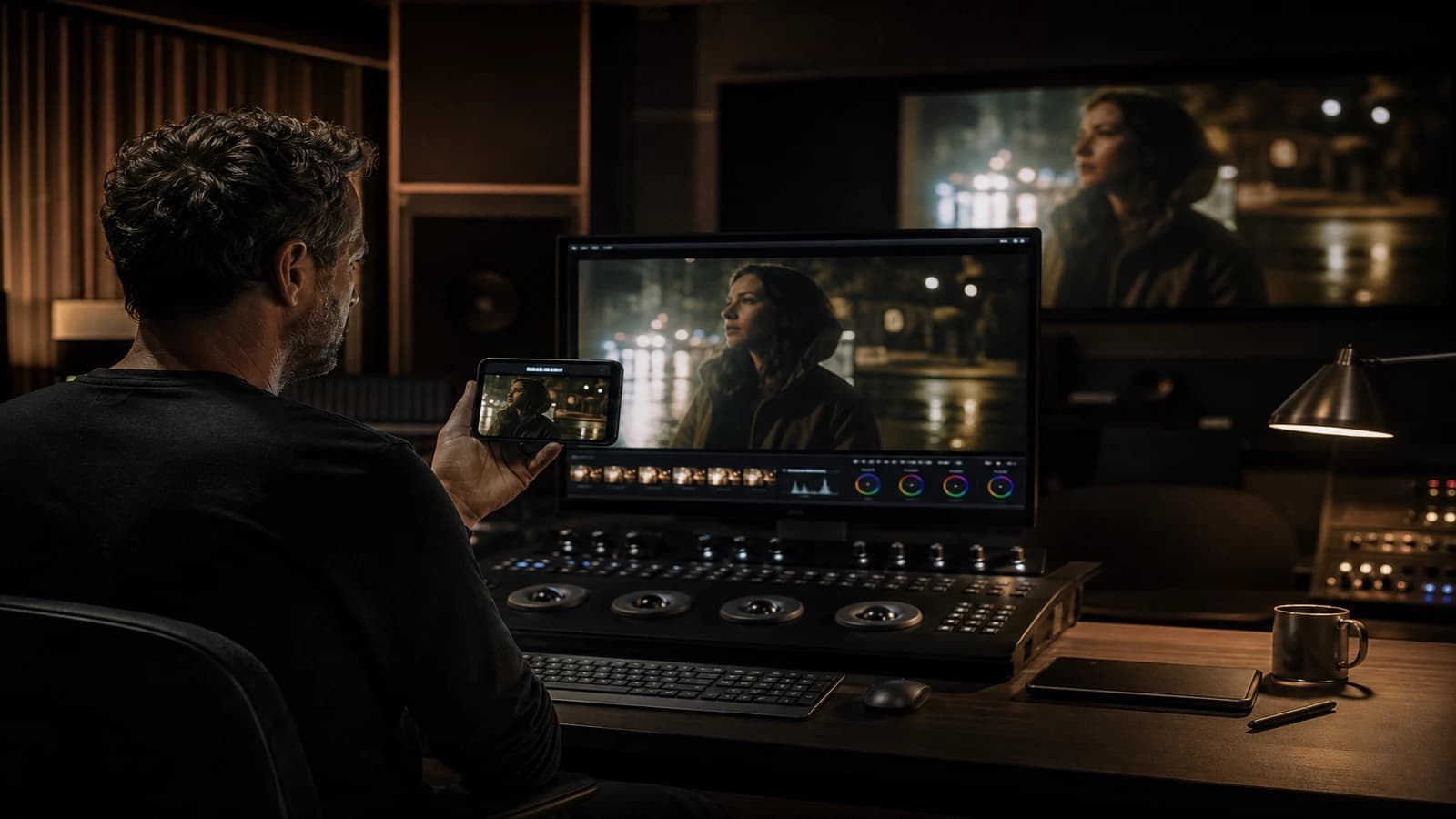
Lighting consistency is judged on two screens minimum. A shot that matches on a monitor and diverges on mobile has a saturation or luminance problem. Test the interior/exterior cuts specifically: that is where the viewer feels the break.
Real scenarios
Scenario A: corporate interview interior plus exterior B-roll. The client wants credibility. Lock 5000K on the interview, a slightly cooler exterior (5500K) to signal the space change without a violent break. No direct sun outside if the interior is in soft light.
Scenario B: fiction, chase from a store interior to the street. The action imposes fast shots. The continuity goes through the light direction: store neons on the left, then setting sun on the left too when the character exits.
Scenario C: AI documentary, same place at three hours. Generate three lighting references of the same set. Do not reuse the morning prompt for the evening by changing one word.
Common mistakes and fixes
Skin break between interior and exterior. Fix: generate a validated interior face close-up, use it as a skin reference for all the exteriors via image prompt.
Overexposed sky pulling everything toward blue. Fix: specify "controlled sky exposure, no blown highlights" and avoid "cinematic HDR" prompts.
Cyan neons inside contaminating the palette. Fix: an explicit ban in the prompt plus a targeted HSL correction in post.
Forgetting the practical light in an interior night. Fix: each source visible on screen must have a consequence on the shadows.
Correcting shot by shot in post with no global logic. Fix: a project LUT, local adjustments only afterward.
For neon nights that must match an interior, neon night: believable skin with no magenta bath completes this workflow.
The Netflix color management recommendations are a useful reference for structuring your validation chain.
Edge cases: windows, reflections and weather
Windows showing the exterior are the ultimate test. Generate the reference exterior first, then the interior with window view matching reference exterior. Check that the molding shadows follow the same direction as the face shadows.
Reflections in the glass must show a sky consistent with the next exterior shot. If the reflection shows a sunset and the next cut is noon, you lose the viewer.
The narrative weather must stay stable over a short sequence. Rain visible at the window equals wet ground outside. Do not mix brutal sun and windows with drops for no reason.
Interior/exterior cut checklist
Before validating an edit that alternates the two: skin in the same tone family, blacks at the same depth, compatible shadow direction, temperature that evolves logically (no 2000K jump with no transition), identical grain in post.
Foire aux questions
Réponses rapides aux questions les plus fréquentes sur cet article.
How do I choose the Kelvin temperature when the engine does not interpret it literally?
Models do not read Kelvin like a RAW camera. Use associated visual descriptors: warm amber sunset interior rather than 2700K alone. Combine a number and a mental image: 4500K, neutral morning daylight through windows. Validate by side-by-side comparison on two screens, not by theory. Keep a reference image per temperature and force the match via image-to-image. If after three tries the drift persists, simplify the set rather than stacking lighting adjectives.
Should I generate interior and exterior with the same engine?
Ideally yes on the same sequence. Changing engines between shots multiplies the gaps in skin rendering and contrast. If you must mix a Flux image and a Kling video, plan a normalization pass in post with a project LUT and document which engine produced which shot. Future retouches depend on that trace.
How do I handle interior windows that show the exterior?
Generate the reference exterior first, then the interior specifying that the window view matches that reference, same time of day. Check the direction of the molding shadows. It is the test clients look at without naming it.
Can color grading save an inconsistent sequence?
Partially. A LUT masks moderate temperature gaps, not contradictory shadow directions or radically different skins. If the break is structural, regenerate. Post is a refiner, not a time machine.
How do I calibrate when the sequence spreads over several days?
Document everything in a dated light bible. At each resumption, reread the lighting map and regenerate a recall reference image. Projects drift between two sessions, rarely during a single one.
What role does grain play in continuity?
A constant grain unifies slightly different shots. Apply the same grain in post over the whole sequence. In the prompt, mention a consistent level (subtle film grain, 35mm).
Dark interior then sunny exterior: how do I avoid the shock?
Use a bridge shot: a threshold, a glazed lobby, a dolly toward the window. Or converge the exposures in post before the hard cut.
Should I use the same seed between interior and exterior?
The seed alone guarantees nothing if the prompt changes radically. Favor visual references and the light bible.
Reflections in the glass must show a sky consistent with the next exterior shot. The narrative weather stays stable: rain visible at the window implies wet ground outside. These silent details silence the viewer's critical brain. Check every interior-exterior cut on mobile: that is where the break jumps out.
Light is the silent language of continuity. When you calibrate interior and exterior as one system, your AI sequences finally breathe. Apply this method to calibrating interior and exterior light in AI generation, and the cuts that used to hurt will become invisible.
Day / interior continuity test
Before validating a mixed sequence, align three markers. Temperature: the window and the practical lamp must tell the same hour, not two different films. Direction: note the azimuth of the key on a sketch, even approximate. Exposure: the interior face must not clip when you cut to the exterior visible through the glass. Run each cut in split screen: if the skin changes tone, correct the window before the face. A single LUT on the timeline does not save two lying lights.
💡 Frank's Cut: when interior and exterior contradict each other, correct the window first. It is the window that sells the cut.
Document the validated version with the date: the memory of the project is worth more than the latest winning prompt.
Related articles
 Tutoriels
Office Interior: Fixing the Cyan Light of AI Offices
Why AI open spaces turn blue and how to bring back a credible tungsten / window hierarchy.
 Tutoriels
How to Describe Light Like a Director of Photography in a Prompt
Key, fill, color, hardness, practicals, and how to avoid the 'nice lighting' with no geometry.
 Tutoriels
Preparing a Shot Breakdown Before AI Video Generation
The AI version of the shooting plan to avoid useless generations and deliver usable shots faster.