How to Structure an AI Video Like a Real Film
Acts, transitions, rhythm, and grams of editing to go beyond the single-shot clip.
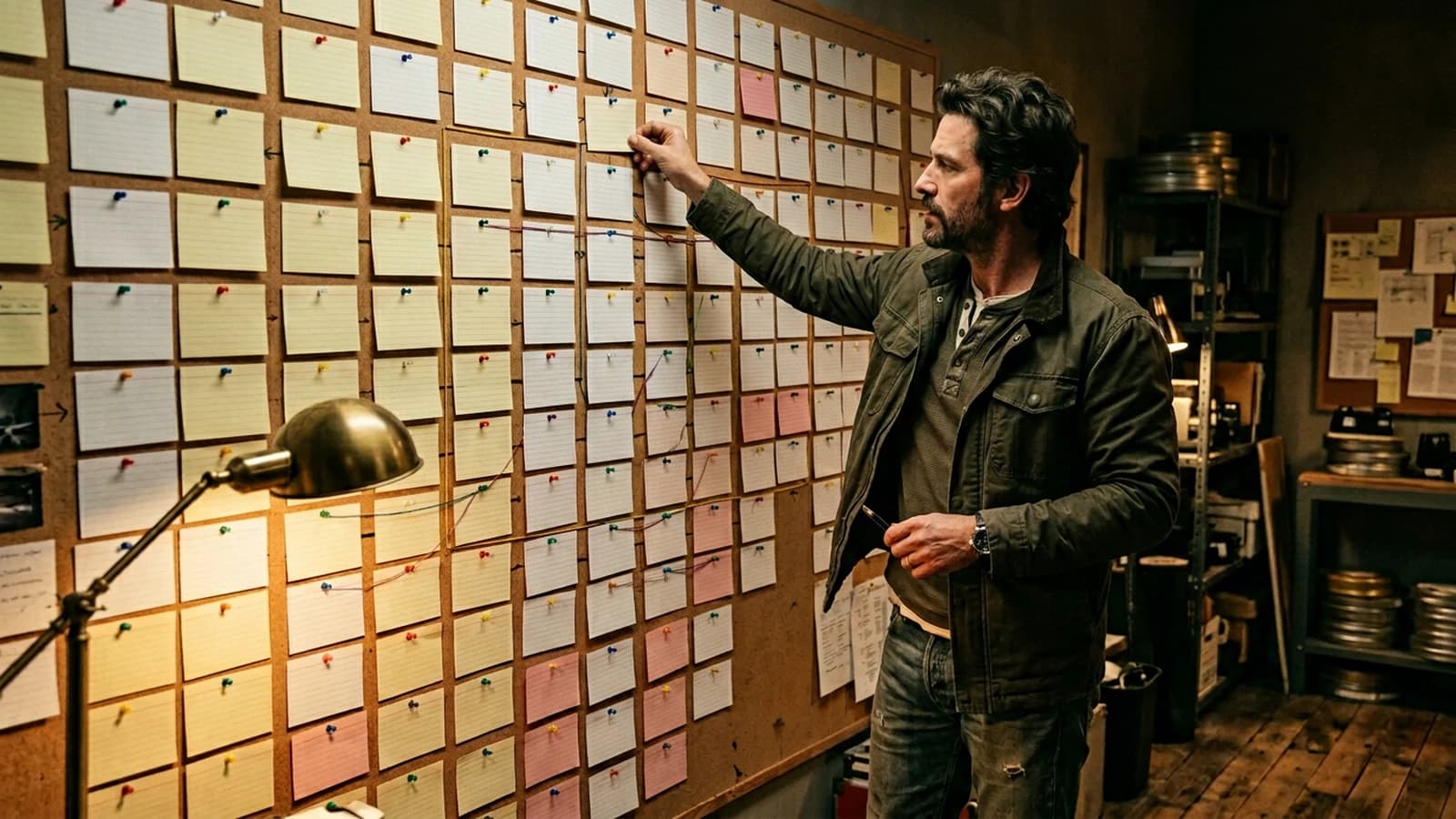
Contents · 13 sections
You may have already produced a gorgeous shot, then a second image that does not live in the same universe, then a third clip where the rhythm collapses. It is not a fate: it is almost always a backbone problem, not an "engine not powerful enough" one.
Many creators accumulate assets with no clear timeline. The result looks like a capabilities demo rather than a film. Here, we reverse the priority: the timeline and the beats command the generations, not the opposite. The problem is rarely technical alone: it is an absence of narrative skeleton and editing grammar. Structuring an AI video like a film is not adding the word "cinematic" to a prompt. It is deciding who looks at what, when, and why the viewer turns their head at the right moment.
This guide lays a work method: from the brief to the timeline, going through shots generated with clear intentions. We avoid the showroom vocabulary. We stay on verifiable choices: duration, function of each shot, sound, cut.
You can read what follows as a mental checklist at each session: before opening a model, you write three lines on the timeline; after each export, you note what changed compared to the previous hypothesis. This apparent slowness saves you hours in fewer useless regenerations and in much less frustration.
Why the "single sequence" clip fails so often
A single long generated take promises fluidity. In practice, it accumulates errors: the geometry slides, the face changes slightly, the background invents details. Classic editing invented the cut precisely to redirect attention and mask what the camera cannot hold indefinitely.
When you produce with generative tools, you reinject this problem in another form. The solution is not always "more seconds in the same clip". Often, it is several honest short shots, linked by the sound and by a stable intention.
If your starting text is fuzzy, begin with how to write an effective script for an AI-generated video: an effective AI script describes what is filmable, not what sounds literary in a word processor.
The three layers to set before generating
Layer 1: the emotional arc in one sentence. "From solitude to relief" or "from distrust to trust". One sentence, not a paragraph. It guides the light and tempo choices without locking the set.
Layer 2: the shot map. Even a rough one: wide shot to establish, medium shot for the action, tight for the reaction. You can draw it in three boxes. Three boxes are often worth ten prompts with no framing.
Layer 3: the provisional soundtrack. A room tone, an ambience, a door click. The sound defines the breathing of the film before the image is frozen. Many "fake" AI clips are so because they are mute or scored like a TV ad with no silences.
For the movement itself, cross-reference with how to improve motion realism in AI video: the modesty of movement in generation leaves the edit to add the energy.
Scenarios: same tool, different structures
Short fifteen-second ad. You need a visual hook at 0 seconds, a readable proof or product around 4 seconds, a memorable sentence or gesture around 10 seconds, and a calm logo or call to action at the end. Each segment can be a distinct shot generated separately, then assembled. The continuity comes from the palette, the sound, and a stable character, not from a single impossible shot.
Two-minute documentary portrait. Here, the rhythm breathes. Alternate calm shots and details: hands, a personal object, the place. The voice-over structures the time. The images follow beats: each strong sentence has a shot that illustrates it without repeating it word for word.
One-minute micro-scene fiction. You need an opening, a minimal conflict, a visual consequence. Even minimal, it requires a grammar: cut on the gaze, reverse cut on the reaction, return to the space. If you ignore this grammar, you get a slideshow of beautiful images with no tension.
When the prompts refuse to stabilize, why your prompt does not work, and how to fix it gives a grid to isolate what is missing: geometry, light, or internal contradiction.
Workflow: from the beat sheet to the timeline
Step 1: the one-page beat sheet
Write ten lines maximum. Each line is a moment: place, action, emotion, suggested sound. No chatty dialogue at the start if you have not yet validated the faces. If you have dialogue, keep short, spoken sentences.
Step 2: the "function" column
Next to each beat, a function column: establish, show the relation, reveal a detail, prepare the next cut. If you cannot name the function, the beat is decorative and you can cut it early.
Step 3: generation by shot, not by dream
For each beat, an image or video prompt with the same anchored character: clothing, hairstyle, time mark. The short character sheet takes precedence over twenty adjectives. For the consistency of the features, how to write a prompt for a realistic and consistent character stays a useful reference.
Step 4: generous duration, tight edit
Generate clips slightly longer than necessary. At the edit, cut to the rhythm of the sound or the gaze. The hard cut gives the intention. The fade extends a moment. Too many AI fades between different geometries often give a visual gluiness.
Step 5: early mix
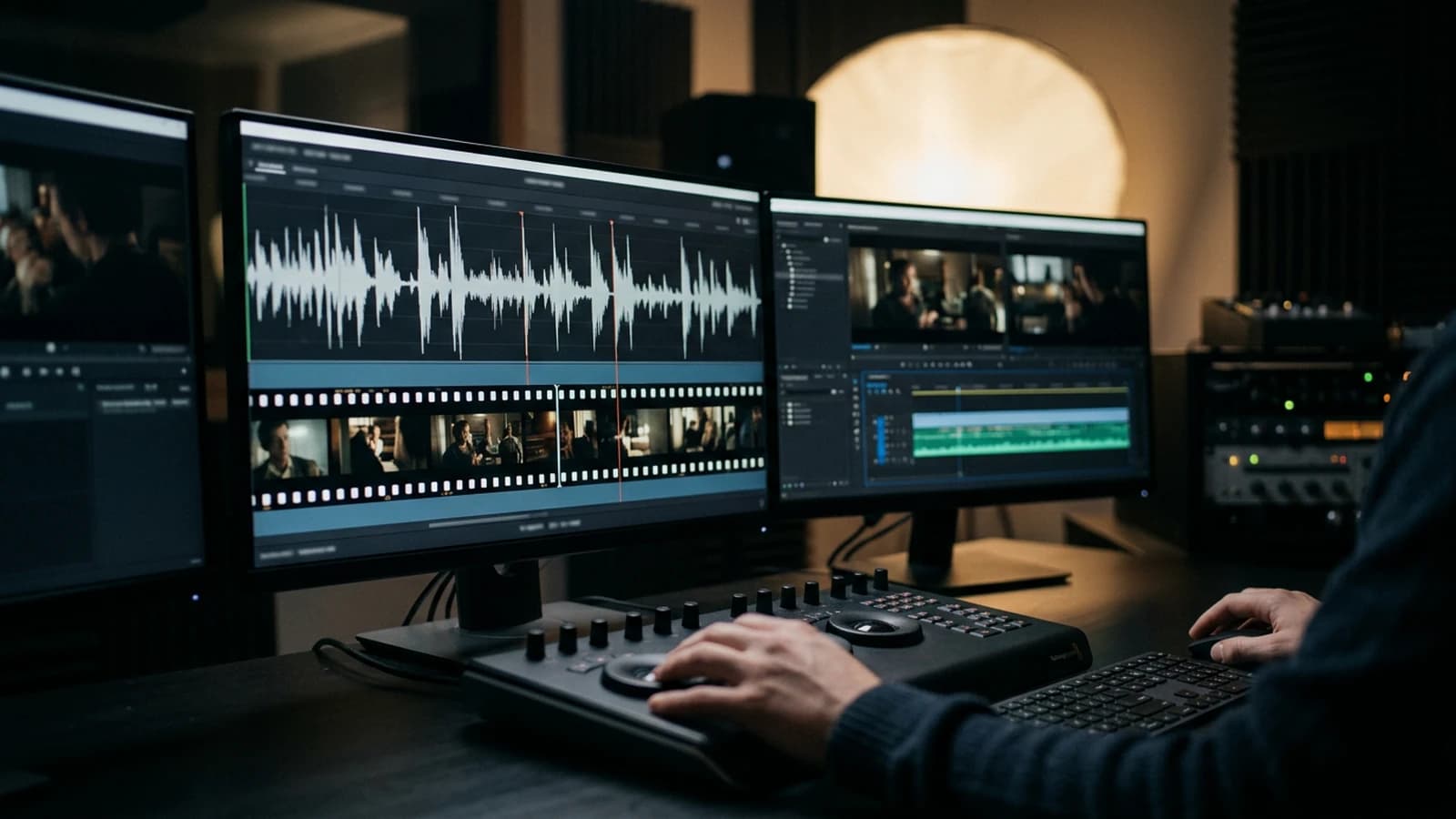
Place voice, ambience, music early in the process, even in draft quality. The mix reveals the dead shots: if nothing happens on a whole beat while the sound rises, your image is not working.
Step 6: five-minute critique
Timer, three flaws maximum: light inconsistency, rhythm break, face glitch. You fix first what breaks the reading, not the aesthetic detail.
Example of a shot sheet for a "reaction" beat:
Beat: subject hears noise off-screen; holds breath.
Shot: medium close-up, 35mm, eye level, slight low-key.
Light: single practical warm rim, face mostly in shadow except eyes.
Sound: distant metallic creak, then near-silence (room tone stays).
Cut next: wide of empty corridor (establish threat space).
Negative: symmetric catchlights, plastic skin, warped ears.
Spatio-temporal continuity with no magic
The viewer understands the space by controlled repetition: a recognizable object, a window in the same place, a dominant color that returns. You do not need to lock every pixel. You need two or three visual anchors that cross the shots: a jacket, a chipped cup, a poster in the background.
When you change set between two beats, signal it with the sound or an explicit transition shot: hand on the handle, foot on the threshold, light change. Otherwise the brain reads an error rather than a narrative ellipsis.
Ellipses in editing consist of jumping in time or space assuming the viewer fills the gap. With AI, the danger is the involuntary ellipsis: two shots that share no light or temporal logic. If you jump, do it deliberately and give a compass: same actor, same time of day, same type of grain.
Rhythm, silence and music
Silence is not the absence of a track. It is a controlled breath. Keep a low room tone, then cut where you want the real void. The contrast between almost nothing and nothing creates the tension.
The music must leave gaps for the dialogue and for the object sounds. If the music fills everything, the viewer stops believing in the sounds of the world. For an intimate scene, avoid the orchestral arches that tell the emotion in place of the shots.
Sound transitions often replace image transitions: a door slam, a discreet whoosh, a music drop on a beat. The ear assumes the continuity while the image jumps honestly from one shot to the next.
Image, color, grain
The palette consistency over several shots is not a hope: it is a reference pasted on the screen edge or a LUT applied sparingly. The eye tires fast; the pipette on a neighboring shot does not.
Global sharpening stays the enemy of the face. If you want sharpness, mask the skin and only attack the fabrics or the distant details. Otherwise you transform micro temporal instabilities into shimmer.
Grain glues the shots together when the noise levels differ. Start fine, test on a phone: a lot of grain disappears on a small screen, which pushes you to put too much on the desktop.
Formats: horizontal, vertical, square
Vertical is not a horizontal reframed with no thought. The center of gravity rises: crucial information in the upper third, hands and gazes anticipated higher than in 16:9. The square imposes a different symmetry; the wide allows the environment. Choose the format before the prompts, not afterward.
Decision table: structure vs length
| Target duration | Minimal backbone | Frequent mistake | Success signal |
|---|---|---|---|
| 8 to 15 s | 2 to 3 beats | a single "demo" shot | each beat has a function |
| 30 to 45 s | act 1 + pivot + exit | too much set | measurable tension in the sound |
| 1 to 2 min | thread + breathing | voice too written | naturally spoken sentences |
| 2 min + | stable characters + B-roll | light inconsistency | same directional key |
A film, even a short one, begins when you own an intention and you show it without explaining everything. The generated image does not replace that decision.
Dialogue, voice-over and subtitles
If you write dialogue for a synthetic or recorded voice, test it aloud before freezing the text. Written turns of phrase sound hollow: "it should be noted that" disappears, replaced by "here is what matters". Keep short sentences, pauses marked by periods, not by ten commas.
Subtitles impose a readability: two lines maximum, realistic reading time. If your image is cluttered at the bottom, raise the safe title slightly or simplify the frame. A subtitle that masks an important face breaks the emotional reading.
When you have no dialogue, the object sound carries the structure: clinks, steps, water, wind. Each beat can have a signature noise that returns like a discreet leitmotif.
Collaboration and versions
Even alone, play the editor and director roles at different moments. The director pushes to add a shot because the idea is beautiful. The editor asks: "does this shot advance the function of the beat?". Mentally separating these two voices avoids timelines that get heavy for no reason.
Name your exports with semantics: sc01_beat02_wide_v03.wav for a test track, sc01_master_v01.mp4 for a delivery. Keep a decisions.txt file where you note why you cut a given shot. In a month, you will avoid regenerating what you had already solved.
Trench warfare: structure mistakes and fixes
The mental storyboard with no writing. You think you will remember the cuts. You will not. Write the beats.
The rhythm dictated by the chance of the generation. You wait for the clip to "find" the tempo. The edit imposes the tempo; the generation provides the material.
The vague film references. "Like Dune" with no precision about sand, haze, backlight, does not feed a prompt. Replace with physical parameters.
The generic "cinema" AI transitions. Often they are fades that mix two geometries. Prefer to cut and add sound.
The voice-over written like an article. Long sentences, multiple subordinates: unreadable aloud. Shorten, breathe, read aloud.
The fear of black. Shadows raised to gray: you lose the volume. Keep real black if your look allows it.
Shot selection. A gorgeous shot that serves no beat must go: the edit is an aggressive selection, not a showroom of everything you know how to generate. Keep a "b-roll" archive separately if you cannot bring yourself to throw it away, but do not put it in the master. Credits and intros. On the web, every second counts from the first image; on a screening, you can afford a different breathing. Several characters. Reduce the number of simultaneous faces, separate the sheets, and avoid crowds at the start. Voice-image contradiction. Change the image or the text: the viewer sanctions the contradiction before analyzing the cause, and they will not trust you for the rest.
The classic narrative structure in acts is not a prison; it is a compass. The article three-act structure recalls a simple idea: setup, confrontation, resolution. Even a fifteen-second ad can implicitly follow this rhythm if you place the pivot at the right moment.
Frequently asked questions
Quick answers to the questions readers ask most about this article.
Do you absolutely need a script before the image?
For any multi-shot project, yes in a short form: beats, functions, sounds. Otherwise you improvise expensive prompts.
How many shots for fifteen seconds?
Often three to five beats, not fifteen unmanageable micro cuts.
Is the fade forbidden?
No, but it must serve a narrative pause, not hide two incompatible worlds.
How to keep the same character?
Stable sheet, fixed references, consistent light, and avoid changing major features between beats.
Is royalty-free music enough?
Not if it eats the emotion. Choose tracks with emptiness and dynamic variations.
I have no sound budget?
Home room tone, simple sound effects, light compression. Better a modest consistent sound than absolute silence.
Does vertical format kill cinema?
No, but it imposes a different visual hierarchy. Recompose for the frame, do not reframe at random.
How do I know if my structure holds?
Cut the sound: if the image alone no longer suggests the progression, your picture edit does not carry the story. If you hesitate, ask someone to watch with no context: confusion is a structure signal, not only a style one.
Useful internal links
Related articles
 Tutoriels
How to Create an AI Video Ad Like a Pro Agency
Client brief, variants, compliance, deliverables, and finishing that passes the creative review.
 Analyses
AI film director: a real job or a LinkedIn title?
Is AI film director a real job or a padded title? What the DGA contract says, what real 2026 job ads ask for, and my five-question test to tell them apart.
 Tutoriels
How to Think Like a Director With AI
Move from a simple prompt to a real staging logic for credible AI images and videos.