How to Improve Motion Realism in AI Video
Speeds, trajectories, hand-object interactions, and when to prefer editing over raw generation.
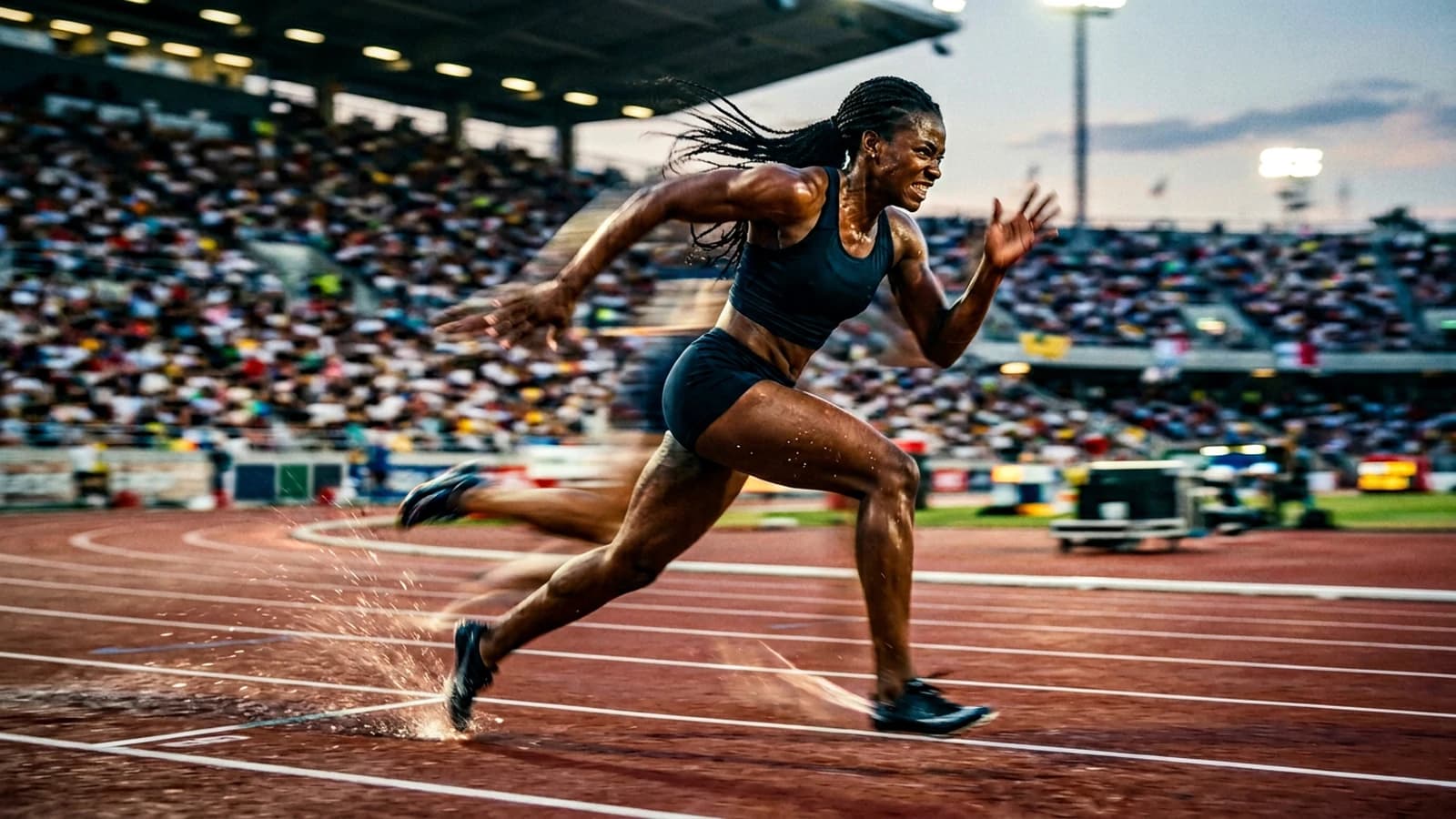
An arm crossing the air with no anticipation, a wall that breathes during a tracking shot, a hand fusing with a cup: the realism of an AI video often plays out before the 4K resolution advertised on the marketing page. You can export an impossible gesture in high definition: you will only have a high definition of impossible, readable on one screen out of two. The viewer does not measure your pixels; they measure the physics of the gesture, the consistency of the light during the movement, and the way the sound sticks (or not) to the image. When these signals diverge, the brain classifies the clip as a "demo" in a few seconds, even if the color grading is pretty.
This text is a work grid to reduce movement inconsistency without promising you a perfect virtual camera. We will cover speed, set complexity, hand-object interactions, the role of sound and editing, and the moment when it is better to cut than to generate a single impossible shot. The guiding idea: less amplitude in the generation, more intention in the edit: like on a set where the operator knows that a discreet push-in sells better than an orbit that breaks the geometry.
Three textbook cases. Inès wants a "cinema" minute in a single prompt: she gets furniture metamorphoses. Paul pushes the movement slider to the max for "dynamism": the faces ripple. Amina freezes a beautiful image then adds a 360° orbit: the ceiling becomes liquid. The method below brings them back to sustainable briefs and to an image → movement → critique → correction chain.
Commitment. Set yourself a short deliverable: ten to fifteen finished seconds with sound and a named export. Motion realism is learned on complete loops, not on previews abandoned halfway.
Three scenarios with pivots
Brand spot, product and hand. The hand grabs the bottle: fingers that fuse. Pivot: hand off-frame during the contact phase; you see the product placed, then cut to a face close-up smiling; the real contact can be a live shot or a classic 2D comp if the client demands the truth of the edge.
Dialogue scene, two characters. A single long shot: the heads change proportions. Pivot: separate reverse shots generated with the same lighting brief, edited over the voice; the gaze and the rhythm carry the scene.
Exterior, wind, hair. The strands become a mask. Pivot: a hat, a tie-back, or wind "suggested" by the sound rather than by hair complexity in each frame; or reframe to the chest with less mobile hair.
Key concepts: what movement reveals (and what it hides)
Amplitude and credibility. Image-to-video or text-to-video tools often offer a movement slider. Very high, you pay in temporal deformation and texture sliding. Start low (often between 20% and 45% depending on the tool), go up in steps when the set is simple and the subject stable.
Anticipation and release. A human gesture has a start and an end. Models tend to interpolate "too smooth" or to skip phases. Describe pause → action → pause in the brief, or generate fewer seconds and lengthen in the edit with an ambience that masks the junction.
Modest camera. A push-in of a few percent, a very slow pan, a light truck: the viewer reads the emotion without the scene having to rebuild fifty meters of perspective per frame. To go further on the narrative structure, see how to structure an AI video like a real film.
Dense sets = risk. Vertical lines (shelves, windows) during a lateral tracking shot demand high geometric stability. Simplify the background, shorten the movement, or add a light motion blur in post on the background if you own a "handheld" aesthetic.
Sound as an anchor. A dubious image sometimes survives with a credible soundtrack; the reverse is rare. Lay a room tone, a distant street, an empty room with a hiss: before freezing the master. Even a temporary track changes your judgment of the movement.
Pilot image before video. If your tool starts from a frame, invest in an image that is lighting-accurate: nose shadow, key direction, consistent focal length. Otherwise the video amplifies the error. Bridge with how to turn an AI image into fluid, credible video.
Frame rate and motion blur. A fast movement at 24 frames/s with little natural blur can "strobe"; an excessive blur looks like smear. If your tool allows an implicit shutter setting or a motion blur, test a medium value rather than the extremes. The goal is for the viewer to follow the subject without reading double edges on the borders.
Temporal consistency vs prompt change. Changing several terms between two segments of the same scene can break the set geometry. For a long continuity, keep a stable prompt core (light, materials, focal length) and only vary the action or the framing: or cut explicitly in the edit to mark time.
Set notes: interactions, depth, compression
Hands and objects. Grabbing, placing, turning a key: these are edge cases. Reduce the speed, avoid extreme close-ups on the fingers, or cheat by framing (hand off-frame, object already in place). For faces in movement, keep how to avoid distorted faces in AI generation handy.
Depth of field vs movement. If the background blur does not evolve logically when the camera advances, the implicit 3D is broken. Describe the subject-background distance; sometimes accept a less "extreme bokeh" shot to gain stability.
Social compression. An export too clean + upload = artifacts around the moving edges. A light grain and controlled highlights often help after encoding. Same logic as for the "plastic" images in why my AI videos look fake (and how to make them realistic).
Vertical vs horizontal format. The center of gravity rises in 9:16; a low action can be eaten by the phone's UI. Compose accordingly before generating the movement.
Dialogue and lips. If the lip sync is unstable at low resolution, pull the framing back, shorten the line, or switch to voice-over + visual reactions. The viewer prefers a clear reading to a noisy mouth in close-up.
Color continuity between generated shots. If you chain two AI clips, the balance can slip. Plan a global grading pass on the timeline or a series LUT applied to both sources. Same spirit as for stills: how to control visual style in an AI generation.
Reaction shots. Even with no real actor, think cut / reverse cut / silence: the edit carries the dialogue. See how to write an effective script for an AI-generated video to align text and breakdown.
Practical workflow: from the brief to a readable clip
Step 1: a one-page brief, five fixed lines
- A located subject (physical, place, time).
- The dominant emotion in one word.
- The target duration and format (e.g. 12 s, 16:9).
- Three references of light and space, not vague titles with no detail.
- Prohibitions (no orbit, no hands in close-up, no HDR sky).
Save this block: it is your contract with yourself.
Step 2: pilot image
Three still images with the same prompt core; vary only the time of day or the air quality. Choose the one that holds the skin, fabric and perspective at zoom. Settings: moderate guidance, avoid the "fantasy" presets if you aim for the real.
Step 3: minimal movement
A single type of movement per attempt: a slow push-in, a slow pan, or a short truck. Not 360° at the start. If the tool has consistency / adherence to the source image, go up slightly until the hands are stable, then stop.
Step 4: generated duration > final duration
Generate longer than necessary, cut hard in the edit. The cut carries the intention; the cross-dissolve sometimes masks an inconsistency but can also give an "AI demo" look if overused.
Step 5: sound early
Room tone + contextual noise. Then voice or music. The sound reveals the moments when the movement "floats" without you having seen the problem in mute.
Step 6: editing, reframing, light grain
Reframe 2-3% to break the "perfect by default" framing. Soft curve: avoid burned highlights on the skin. A fine grain overlay to glue the shots. Grain reference: how to add cinema grain to an AI image (transposable to video).
Step 7: critique in five minutes
Timer. Three defects max per pass. You correct consistency first (hand, perspective), then cosmetics.
Step 8: iterate one variable at a time
Movement OR light OR duration: not all three. Otherwise you do not know what saved the clip.
Step 9: "slow motion" review
Watch once at half speed: the subtle deformations (walls, window grid, teeth) often appear where the eye misses them at normal speed. Note them, then decide: regeneration, reframing, or masking by sound and cut: not all three in a panic.
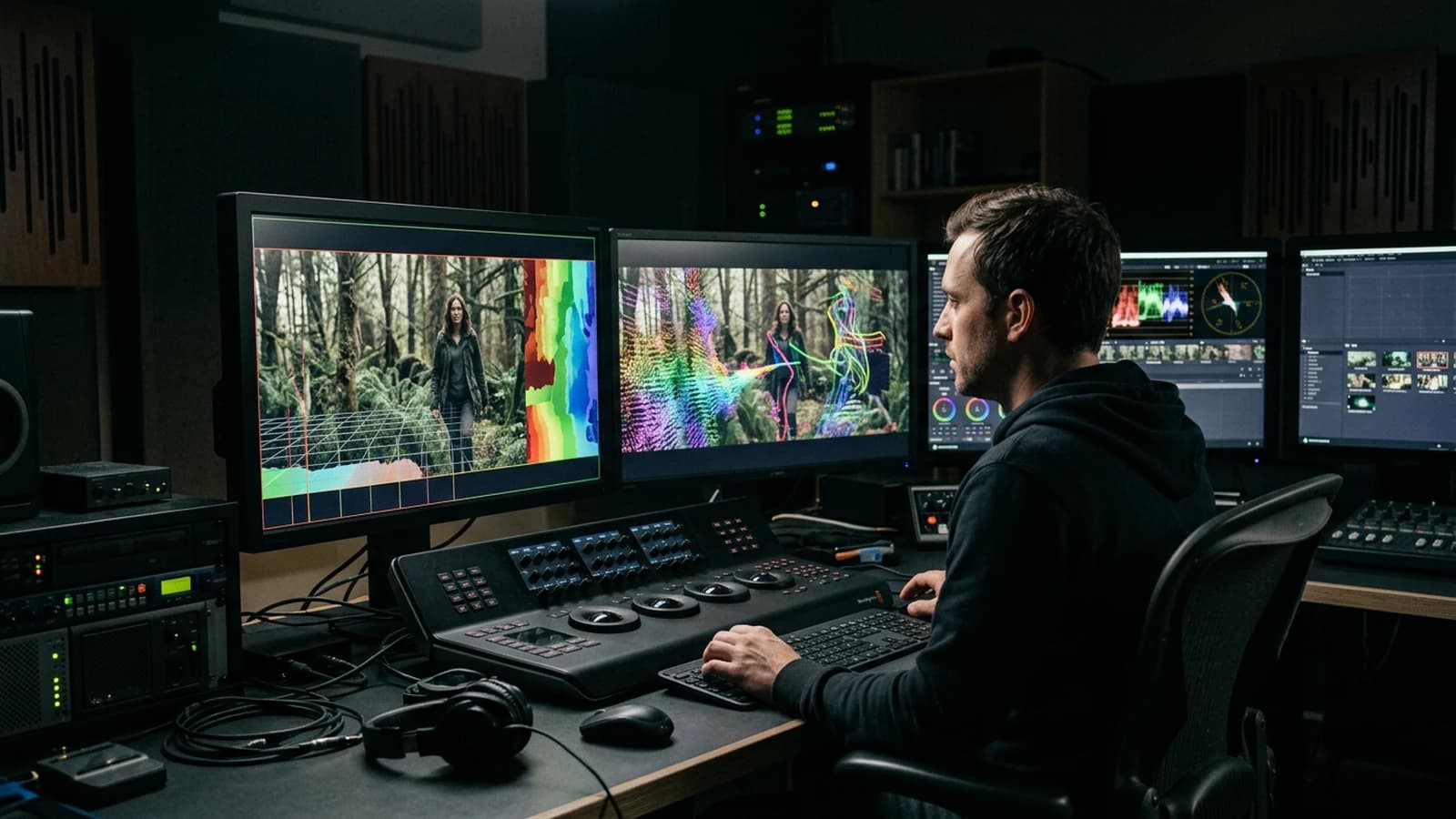
Quick decision table
| Phase | Goal | Lever | Quick test |
|---|---|---|---|
| Brief | clarify | 5 lines | readable aloud |
| Pilot | stable look | still image | skin / fabric zoom |
| Movement | credibility | low amplitude | hands stable 3 s |
| Sound | anchoring | room tone | no absolute silence |
| Editing | rhythm | hard cuts | mobile reading |
| Master | distribution | grain + curve | platform test export |
A video prompt is a list of physical decisions. Without that, the model improvises a dataset choreography: and it is never your choreography.
Trench warfare: frequent mistakes
Orbit or long tracking shot on a rich set. Reduce the distance traveled or simplify the background.
Max movement + prominent face. You get "jelly face". Lower the amplitude or pull the framing back.
Ignoring the light of the reference video (if transfer). Harmonize the direction of the shadows between source and character, or accept an inconsistent composite.
Comparing to a blockbuster. Compare to a budget and a set close to yours; otherwise you always judge "bad" without learning.
No session log. Note the date, prompt, sliders, seed or job ID. Otherwise you do not reproduce a success.
Over-dependence on the dissolve. Prefer the sound and the cut for the continuity.
Forgetting the mental timecode in a short ad. At 0 s, 3 s, 7 s, 12 s: what information changes? If nothing, the movement is decorative.
Underestimating the weight of the initial frame. A tilted horizon or an impossible shoulder line on the pilot image becomes a nightmare as soon as the camera moves. Correct the still before the video.
Multiplying "repair" effects in post. Aggressive stabilizer + sharp + NR can give a "rubber face". Prefer to regenerate with less amplitude or a simplified set.
Not validating at the real playback speed. Speeding up the preview masks the micro stutters. Play at 1x on a phone before the master.
Ignoring the rights on a reference video for motion transfer. Use takes you own the rights to or material shot for the test.
Useful links in the AI Studio series
- How to structure an AI video like a real film
- How to create an AI video ad like a pro agency
- The prompt mistakes that make an AI image look artificial
- How to avoid distorted faces in AI generation
Foire aux questions
Réponses rapides aux questions les plus fréquentes sur cet article.
How long for a first clean clip?
Counting on several short sessions is more realistic than one long single sprint. Credible movement requires test/correction/edit loops, and your judgment drops fast after a few hours. A good routine is to aim for a micro-deliverable per session, then adjust with a rested head.
Why does my clip look like a TV ad?
Often because the image is too clean everywhere: strong saturation, uniform sharpness, frontal light with no relief, and "showroom" movements. Reintroduce a lighting hierarchy, lower the sharp on the face, and keep a more modest camera movement. A fine grain and better ambient sound also help to get out of the demonstration render.
The movement deforms everything: what do I do?
First reduce the amplitude of the movement and the duration of the shot, then simplify the set (vertical lines, reflections, crowd). If the base is already fragile, restart from a corrected pilot image before re-animating. And do not hesitate to cut in the edit: three stable shots beat a long shot that decomposes.
I am losing motivation.
Reduce the scope of the deliverable immediately: 8 to 12 finalized seconds with sound are worth more than an unfinished minute. Split the project into visible steps (pilot still, movement, sound, master) to find progress again. Motivation comes back when you finish sequences, not when you accumulate tests.
Is sound optional?
No, sound is indispensable to judge the perceived realism. Even a simple ambience (room tone, distant street, hiss) strongly changes the reading of the movement and the rhythm. Without sound, you often validate false good shots that collapse in the final edit.
Which software do I start with?
Start with the tool that gives you a stable pilot image on your exact subject the fastest. The marketing promises matter less than your rate of usable shots per hour. If a tool forces you to constantly correct the same defects, pivot with no guilt.
When should I prefer several short shots to a sequence shot?
As soon as you have a dense set, hand-object interactions, a close face or a complex camera movement. These combinations quickly increase the temporal artifacts. Several short shots give you narrative control, more visual safety, and a more readable edit.
4K first or movement first?
First the credible movement at working resolution, then the upscale. 4K corrects neither an inconsistent trajectory nor a face morphing, it just makes them more visible. Validate the physics and the rhythm before investing in the definition.
"Cinema" AI transitions between two images?
They often mix two geometries: prefer a cut + sound. See also how to create consistent scenes with several shots in AI.
How do I brief a hand-object interaction?
Low speed, a wider framing, a two-step action (approach, contact), and short retakes rather than a long single take.
Seed / variation: what is it for in video?
As in image: the variation does not correct a physically false trajectory. Change the brief, then lock when you get close to a stable result.
I do vertical TikTok: what does the movement change?
The subject must be readable in the upper third; wide lateral movements often cut the face under the UI overlays. Prefer a push-in / light pan.
Two characters in the same shot: any advice?
Reduce the complexity: one static character, a light movement on the other, or split into two shots. Body-to-body interactions stay among the most fragile cases.
Water, smoke, glass: a danger?
Yes: transparencies and particles explode the artifacts in movement. Simplify, or mask by framing and sound.
I am delivering for TV / broadcast?
Check the legal levels, safe zones, and above all the motion judged on a large screen: what passes on a phone can collapse on a living-room OLED.
Why do my "HDR" skies break the realism?
Uncontrolled highlights: apply a soft roll-off and lower the local contrast on the sky before pushing the saturation. Same logic as on stills that are too "drone".
Editorial compliance section
Useful internal links:
Related articles
 Tutoriels
How to Improve Skin Texture in an AI Image
Side light, frequencies, local retouching and export for video or print.
 Tutoriels
Why Do My AI Videos Lack Realism
Inconsistent light, slipping texture, implausible camera movement, and disconnected sound: the most frequent causes.
 Tutoriels
How to Add Realism in Post-Production
After the AI video generation, realism is won in post: motivated grade, temporal texture, moderate movement, credible sound, and a rejection discipline that turns a demo clip into a deliverable shot.