How to Create Consistent Scenes with Several Shots in AI
Light, character, set continuity, and prompt breakdown for a readable sequence.
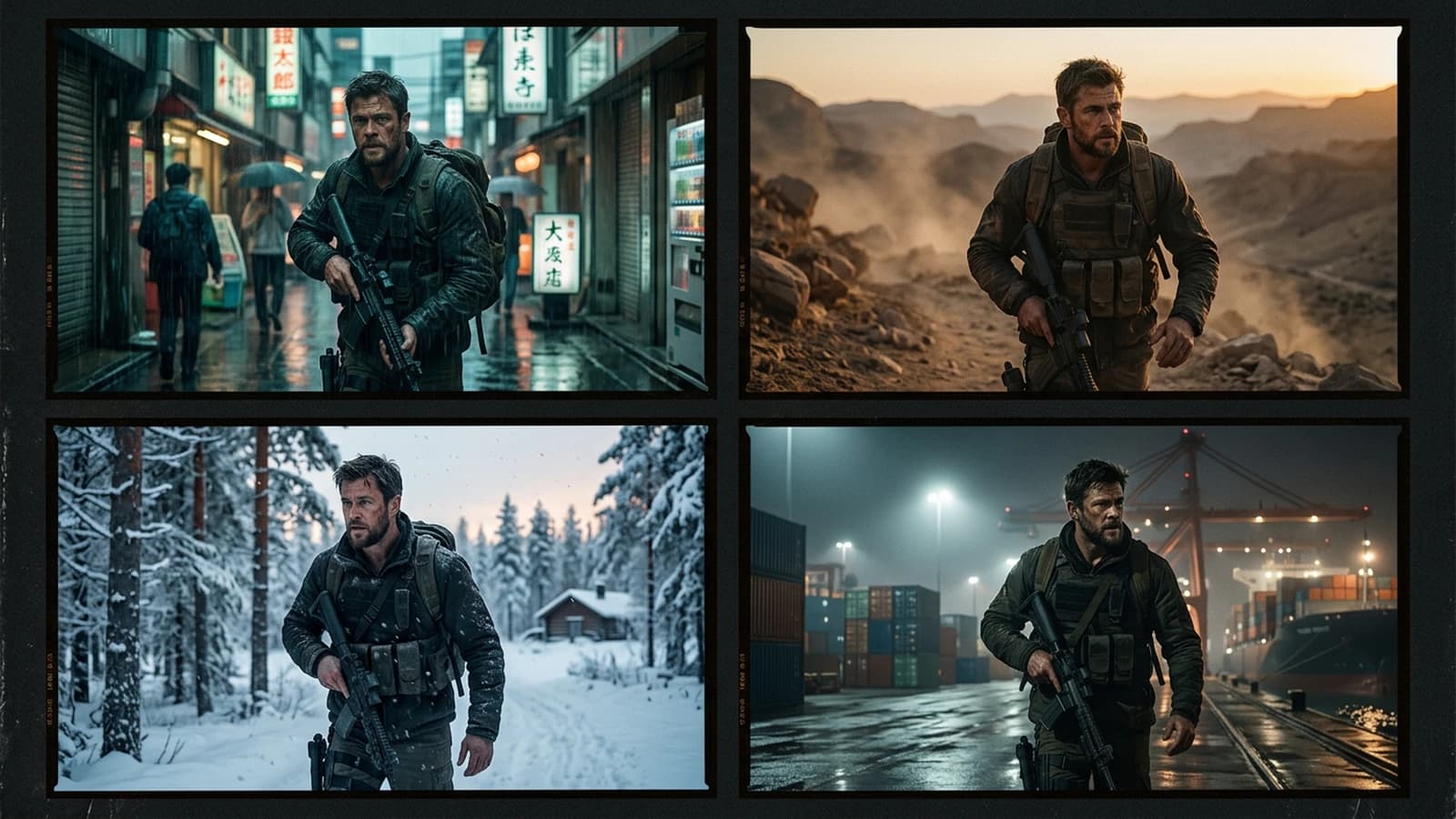
A sequence is not three beautiful images that follow each other, it is a chain where each link accepts being compared to the previous one by an eye that does not need your commentary to judge. It is a promise that the viewer recognizes the same space, the same time, the same light pressure, the same clothing, the same proportions. With AI, each click is a new piece drawn at random if you do not explicitly lock what must stay. This guide sets a continuity sheet method, classic failure scenarios, a per-shot workflow, a control table, a trench warfare section, encyclopedic links, four internal links, and a FAQ.
Scenario A. A twelve-second clip shows a character entering a bar, and each shot seems to be filmed in a different neighborhood. Shot 1, night street. Shot 2, interior. Shot 3, face close-up. The street is wet, the interior is dry and sunny, the face has a key opposite to the two previous shots. The viewer does not say "inconsistent", they say "weird".
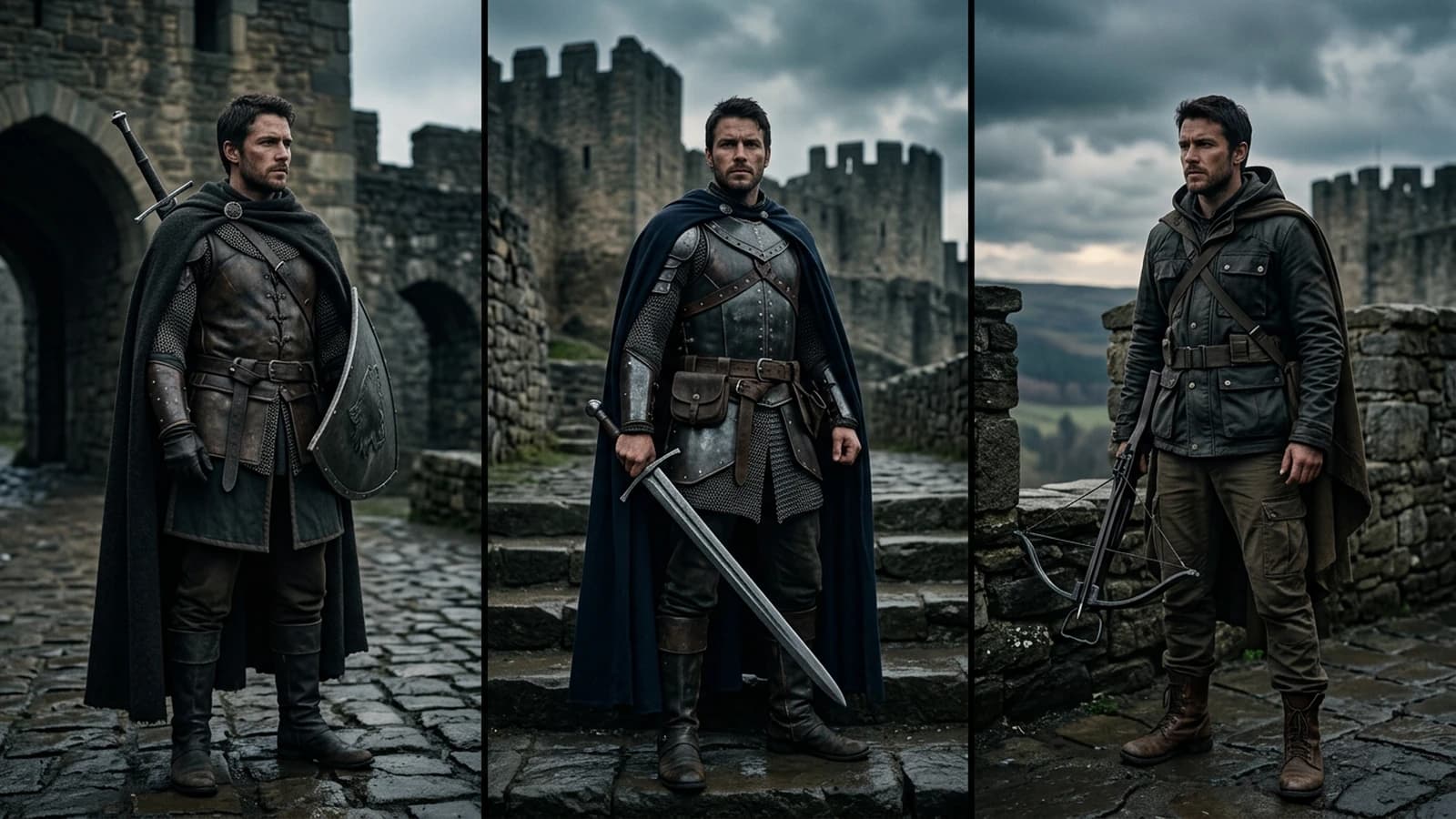
Scenario B. A creator keeps the same prompt and only changes "close-up". The set changes city, the jacket changes color. They did not understand that the prompt must freeze the world and only vary the described framing and action. The world prefix must travel intact from one shot to another, the shot suffix only describes the scale and the gesture.
Scenario C. A team storyboards correctly but generates without copying the lighting line on each frame. The edit looks like a mashup.
Why multi-shot consistency is harder than the single beautiful image
An isolated shot only has to convince on its own. A sequence has to convince on the relationships between images. The brain automatically compares the direction of the shadows, the length of the hair, the tint of the wall, the position of a visible lamp, the noise level of the simulated sensor. You do not always see these comparisons consciously, you feel a friction.
The models have no memory of your scene. The continuity sheet is your external memory. The image references are a partial memory if your pipeline supports them. Without one or the other, you play at assembling random prints that "look like" the same world.
The depth of field must follow a law between shots of the same place and the same fictional focal length. If the wide shot announces a 35mm and the close-up has a background as blurred as with a 135mm with no justification, the sequence lies. Write the focal length in the sheet and repeat it, or justify the change with an explicit rack focus if you move to video.
Hands and interactive objects are tests of truth. If shot 1 shows a white cup on the table and shot 2 a red cup with no action, it is a continuity error. Either you freeze the cup in the prefix, or you own a narrative change, "he puts down another cup".
The minimal continuity sheet, five lines per scene
Place and fictional time. Kitchen interior, 7 AM, gray day.
Key. Left window, soft light, slightly cold.
Character, invariants. Navy jacket, hair tied back, brown leather bag.
Action per shot. Entry, puts down the bag, drinks.
Prohibitions. No hands in the foreground on shot 3, no readable text on the labels.
You copy this block at the head of each prompt of the scene, then you add the shot-specific line.
Extension for scenes with two characters. Add one line per silhouette, clothing and hair invariants, and one line on their relative position, A to the left of B, face to face, same side of the table. Otherwise the places swap as in a bad edit.
If the sheet fits on a sticky note, it has more chances of being used than a twenty-page PDF.
Prefix, suffix, and copy-paste discipline
Mentally split your prompt into a world prefix, everything that must not move between the shots of the same scene, and a shot suffix, framing, focal length, action, expression. When you move to the next shot, you duplicate the prefix identically. If you "improve" the prefix along the way, you create a parallel branch.
Version the prefix. If you have to correct a light error, increment place_v2 in your file and regenerate all the shots of the concerned scene, or accept that the old shots are obsolete. Otherwise you mix two lights for the same narrative moment.
The prohibitions in the prefix protect the fragile zones. If shot 3 must not show the hands, write it in the prefix, not only in the shot 3 line, some models still propagate hands if the global context invites them.
Generation order that limits the drift
First generate the shot most informative about the place, often the wide shot or the medium-wide shot. It becomes the spatial reference for the next ones if your tool accepts img2img or image control.
Then the medium shots, same light reinjected, tighter framing.
The close-ups last if the face is fragile, with the same lighting line and the same character sheet.
If you have to improvise the order, still document the sheet afterward, otherwise the series dies at the pick-up.
Transition shots. A door, a hallway, a reflection in a window can help justify a slight key change without breaking the scene. Write them as dedicated shots rather than accidents.
Eye-line matches. If the character looks at an off-frame object in shot 1, shot 2 can show the object with an angle that respects the line of action. Note the gaze orientation on the sheet, "looks toward the right of the frame, toward the window".
Eight-step workflow
Step 1: text or drawn storyboard
Even three boxes with a pen. They force a decision on the horizon line and the gaze.
Step 2: continuity sheet
Five lines, as above.
Step 3: wide shot prompt
Place, light, character, action, prohibitions.
Step 4: light validation
Pause. Compare with your intention. Correct before continuing.
Step 5: next shots with an identical prefix
Same world prefix + light, framing + action suffix.
Step 6: shadow and reflection check
Same shadow direction on the ground between shots of the same place. If one shot is under a tree and the other not, note the character's position under the foliage or own a displacement.
Express checklist in thirty seconds. Nose shadow, catchlight direction, color of the background relative to the foreground, width of the shoulders in the frame if the same focal length, height of the eyes in the frame if the same camera height.
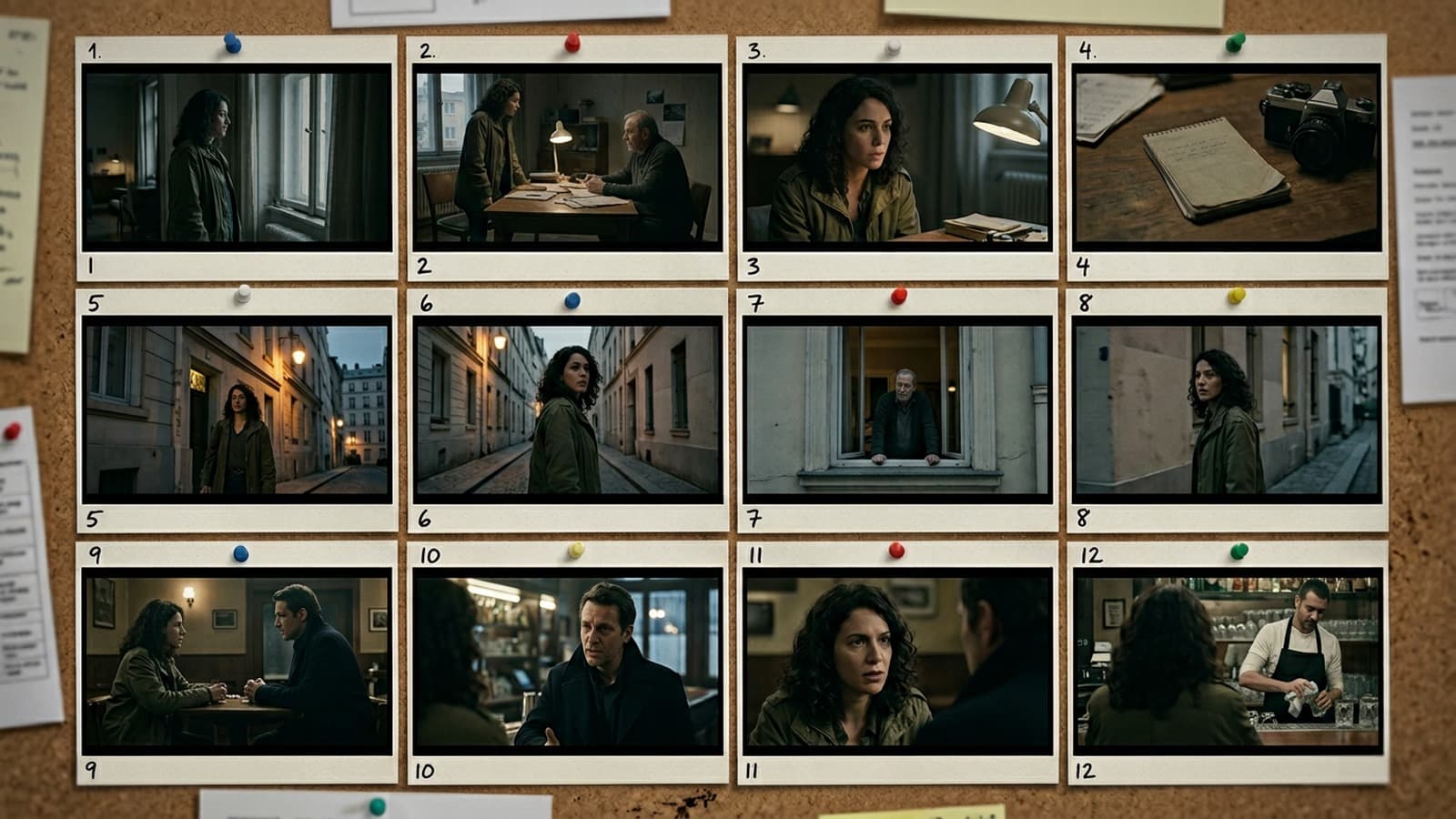
Step 7: thumbnails side by side
A grid. The jumps jump out at you.
Step 8: export and log
Same naming convention, archived prompts.
Step 9: edit simulation
Even with no final video, place the images in a timeline or a board with approximate durations. The rhythm problems and line jumps appear.
Step 10: sound note for what follows
One line on what each shot should hear helps choose framings with space for the sound later, a breath before the dialogue line, silence after an action.
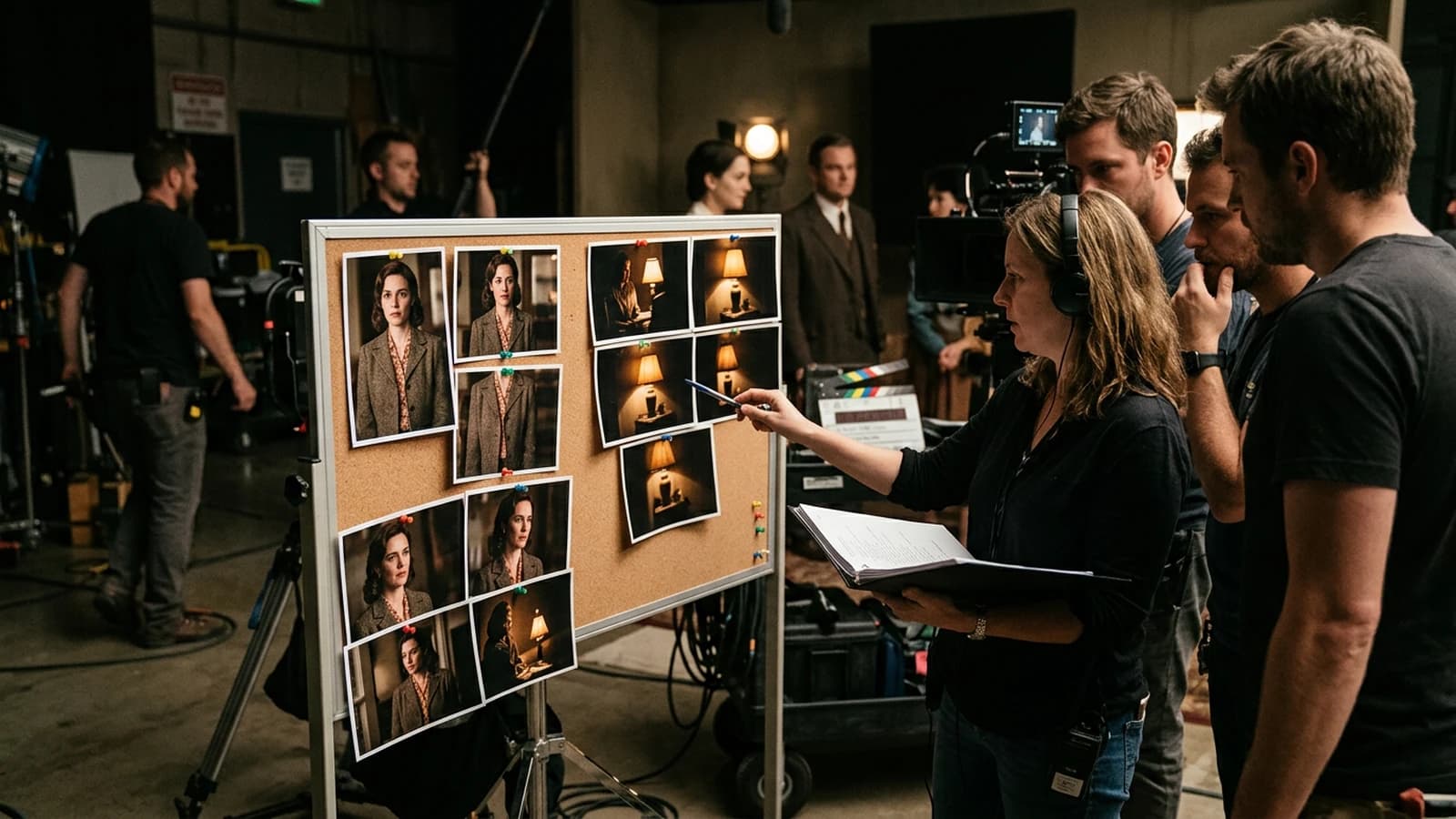
Quick control table
| Shot | To check | Error signal |
|---|---|---|
| Wide | perspective, horizon | walls that bend |
| Medium-wide | costume continuity | different jacket |
| Tight | key on the face | inconsistent nose shadow |
| Cut | axis jump | broken-line gaze |
| Background | depth | bokeh that changes law |
Textbook case: conversation at a table
Wide shot, two characters, rectangular table, window on the left, cold key, tungsten practical at the back. Before generating, write the position of the chairs and the side where the door opens if it is visible. These micro-decisions prevent the model from rearranging the room between shots. Medium shot A, profile of the one speaking, same window visible in the blurred background. Medium shot B, reaction of the other, careful not to cross the line, the window stays on the same side of the narrative geometry. Detail shot, hands on the cup if you own the risk, otherwise cup off-frame.
If you generate B before A with no sheet, you often get a different table, a window on the right, a lamp that changes place. The sheet says: left window, dark wood table, white cup, repeated three times before the framing line.
Textbook case: chase in a hallway
The depth and the perspective must accelerate visually in a consistent way if you bring the framings closer. Note the height of the ceiling, the distance between lamps, the color of the floor. If the hallway magically widens between two shots, the viewer reads a place error. Reduce the competing elements, fewer visible doors, to help the model hold the geometry.
Exterior, weather, and floor continuity
Same street, three shots. Note the state of the floor, dry, wet, slush. Note the position of the sun or the luminance of the sky. If shot 1 is under a light rain and shot 2 dry with a hard shadow and no shelter, the series lies. The weather is an invariant until a narrative cut.
Vegetation and season. Leafy or bare trees, yellowed or green grass. One line in the prefix avoids the season jump between two shots of the same scene.
Signs and urban furniture. Choose two or three recurring elements visible in the blurred background to anchor the neighborhood, not the whole city. Too many distinctive signs multiply the chances of invention and permutation.
Moving to video without throwing everything away
When you move from stills to the moving image, export clean masters, not already over-compressed. Keep the continuity sheet as a contract for the first and last frame of a clip. If the video tool distorts the face, go back to the still and reduce the amplitude of the requested movement. Often a static shot with a slight environment movement is more credible than an ambitious tracking shot.
Durations and frame rate. If you know a shot will hold eight useful frames in a fast edit, do not over-detail the set on that shot. If a shot has to hold three seconds in silence, give a composition that supports the gaze without moving, negative space, a stable vanishing line.
Color stability between video tools. The transfers between models can shift the skin. Keep a balance reference on the first frame and match the next ones.
Team review, an efficient format
In a meeting, project side by side two consecutive shots, not an isolated slide. Ask "what changes for no reason?" rather than "do you like it?". Note three answers maximum, otherwise the meeting drifts. One person keeps the continuity sheet open and corrects the text while the others talk.
Vague feedback "make it more cinema" translates into tasks, more lateral key, lower fill, more present grain, tighter framing on the gaze. If the task is not translatable into a prompt sentence, it is not assignable.
Archiving rejected shots. Keep a cut subfolder with the reason in three words, light, costume, axis. Otherwise you fall back on a rejected image two weeks later believing it is a novelty.
Reflection consistency. If a mirror or a window appears on a shot, check that it does not contradict the set of the next shot. Otherwise avoid the specular surfaces in this scene.
Multi-shot consistency is a note-taking chore. The teams who do it seem "more talented", in reality they are more disciplined.
Trench warfare
Changing model between two shots without redoing the wide. You will glue it back with sweat.
Adding "more cinematic" on shot 2 only. You create a different look.
Forgetting the 180 degrees. If you cross the line of action without meaning to, the viewer loses the geometry of the room.
Mixing image ratios in the same scene. Aggressively reframing a 4:3 into a fake 2.39 on one shot only changes the perceived perspective. Keep a stable ratio per scene or own a documented crop.
Neglecting the camera height between shots. A waist-height shot then an extreme low-angle shot with no dramatic intention breaks the reading of the room.
Relying on the detail to save a false light. The viewer forgives an imperfect texture faster than a shadow that lies.
For the vocabulary of editing and chaining, see film editing. For shots and framings, shot (filmmaking). For continuity on set, script supervisor. For continuity as a discipline, continuity (filmmaking). These pages do not replace your judgment on a timeline, they give a shared vocabulary with a client or an editor.
Useful links in the AI Studio series
- How to write a prompt for a realistic, consistent character
- How to create a consistent visual world with AI
- How to structure an AI video like a real film
- How to turn an AI image into fluid, credible video
Foire aux questions
Réponses rapides aux questions les plus fréquentes sur cet article.
Do I need the same seed?
Often useful on the same tool, not enough without the same world prompt. Seed plus a stable prefix beats seed alone when you compare two sessions.
How do I handle interior/exterior?
Two continuity sheets, an explicit bridge at the door.
Does sound help?
Yes in the final edit, not in the image generation alone, but note it early too.
How many shots max with no image reference?
It depends on the model, reduce the set complexity if it drifts.
Img2img at what denoising?
Test low to keep the place, raise it if you have to correct a layer, note the value that still preserves the window.
And the 16:9 vertical?
Keep the same composition logic, adapted center of gravity.
How do I avoid the costume jump?
A clothing sheet in the prefix is mandatory.
Should I animate every shot?
No, but prepare the images as if the edit was going to cut them.
How do I handle a flashback in the same sequence?
A new continuity sheet, two different documented look pillars, return to the present with an exact reuse of the original prefix.
Do I need animatic storyboards?
Very useful to validate the rhythm before generating eight expensive shots.
What do I do if a single shot is perfect but isolated?
Sacrifice it or regenerate the neighbors to integrate it, otherwise the sequence stays a collage.
Recurring props, how do I lock them?
A dedicated line in the prefix, a short stable description, and avoid close-ups on them if the model hallucinates.
How do I work with a non-technical director?
Translate their notes into a continuity sheet, have the sheet validated before mass generation.
Insert shots on objects, any advice?
Keep the same table, the same hand if visible, or isolate the object on an owned neutral background to avoid conflicts with the main set.
Can you reuse a shot from another scene?
Only if the continuity sheet is compatible or if the edit owns a strong ellipsis.
How do I document for the client?
Deliver the grid of numbered shots, the frozen prompts, and a capture of the continuity sheet, without exposing sensitive internal data or the seeds if your team policy keeps them private.
Editorial compliance section
Useful internal links:
Related articles
 Tutoriels
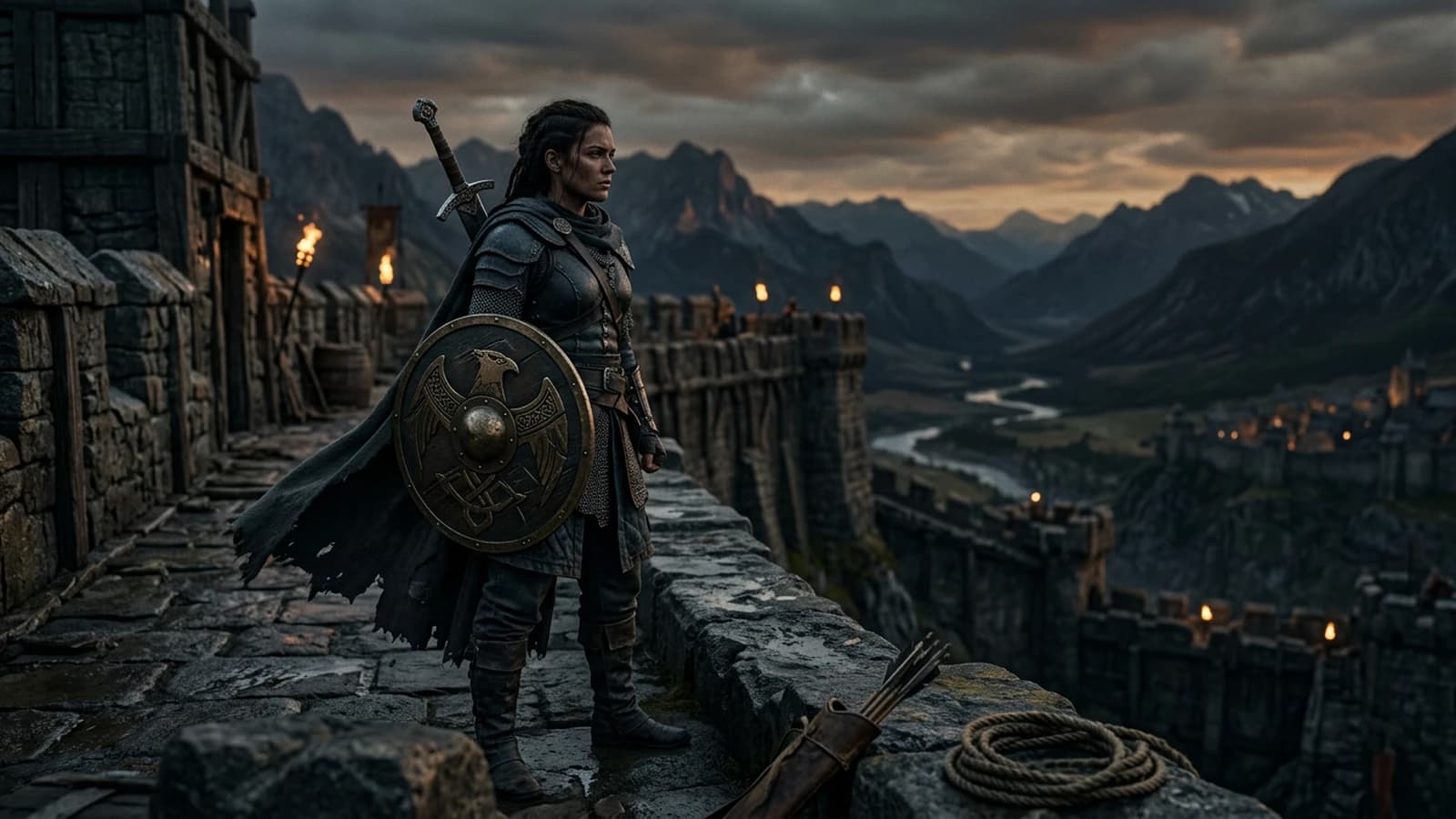
Complete Tutorial: How to Create Consistent Characters Across Several Images
Character sheet, stable prompts, seeds, LoRA, and visual QA: a studio method applied to AI image.
 Tutoriels
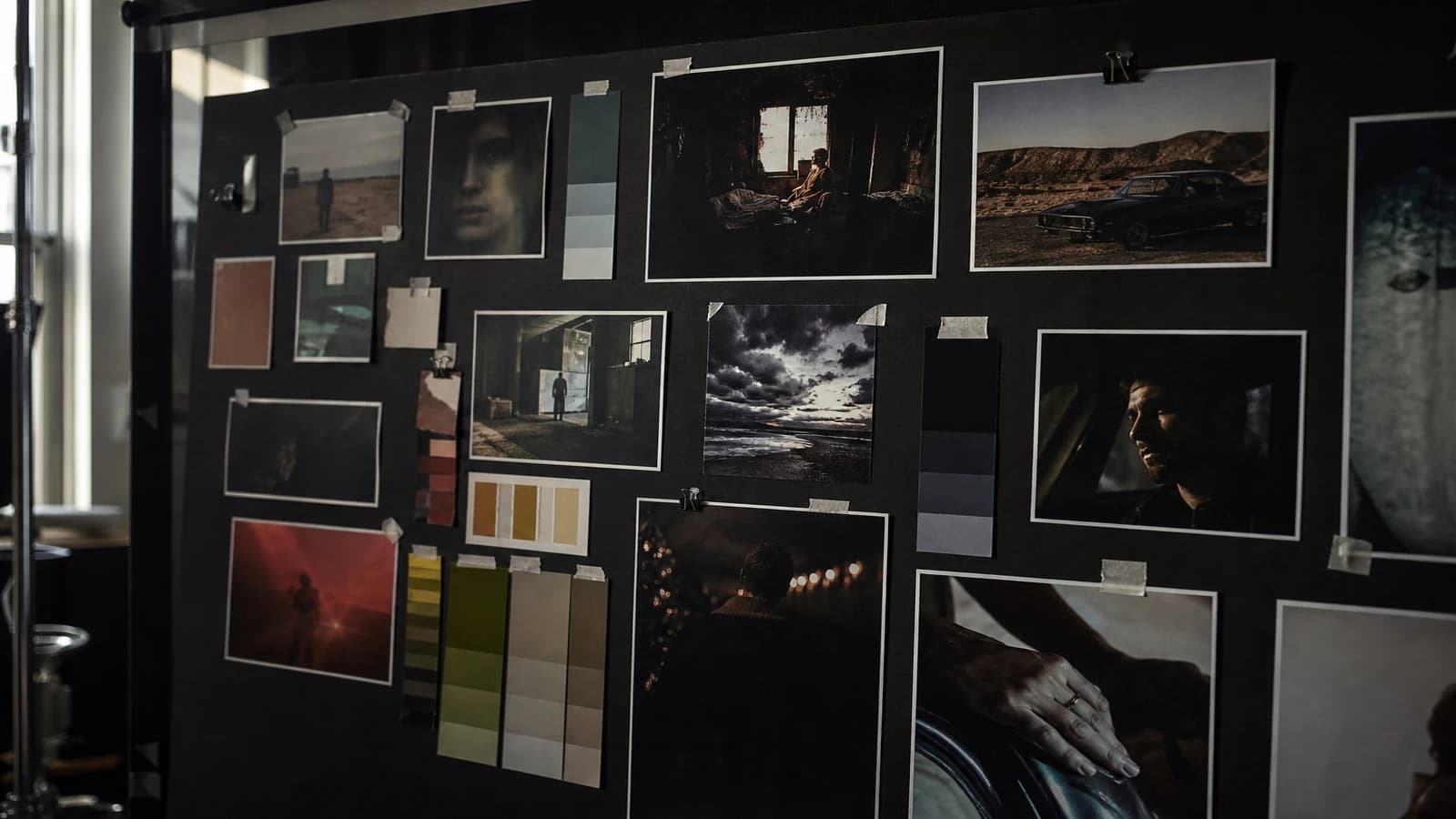
How to Create a Consistent Visual World with AI
Lighting bible, palette, architecture, and decision rules for ten images or more.
 Tutoriels
Creating YouTube Thumbnails Consistent With Your AI Video
A thumbnail approach oriented toward click-through rate and editorial consistency to attract without deceiving the viewer.