How to Create a Consistent Visual World with AI
Lighting bible, palette, architecture, and decision rules for ten images or more.
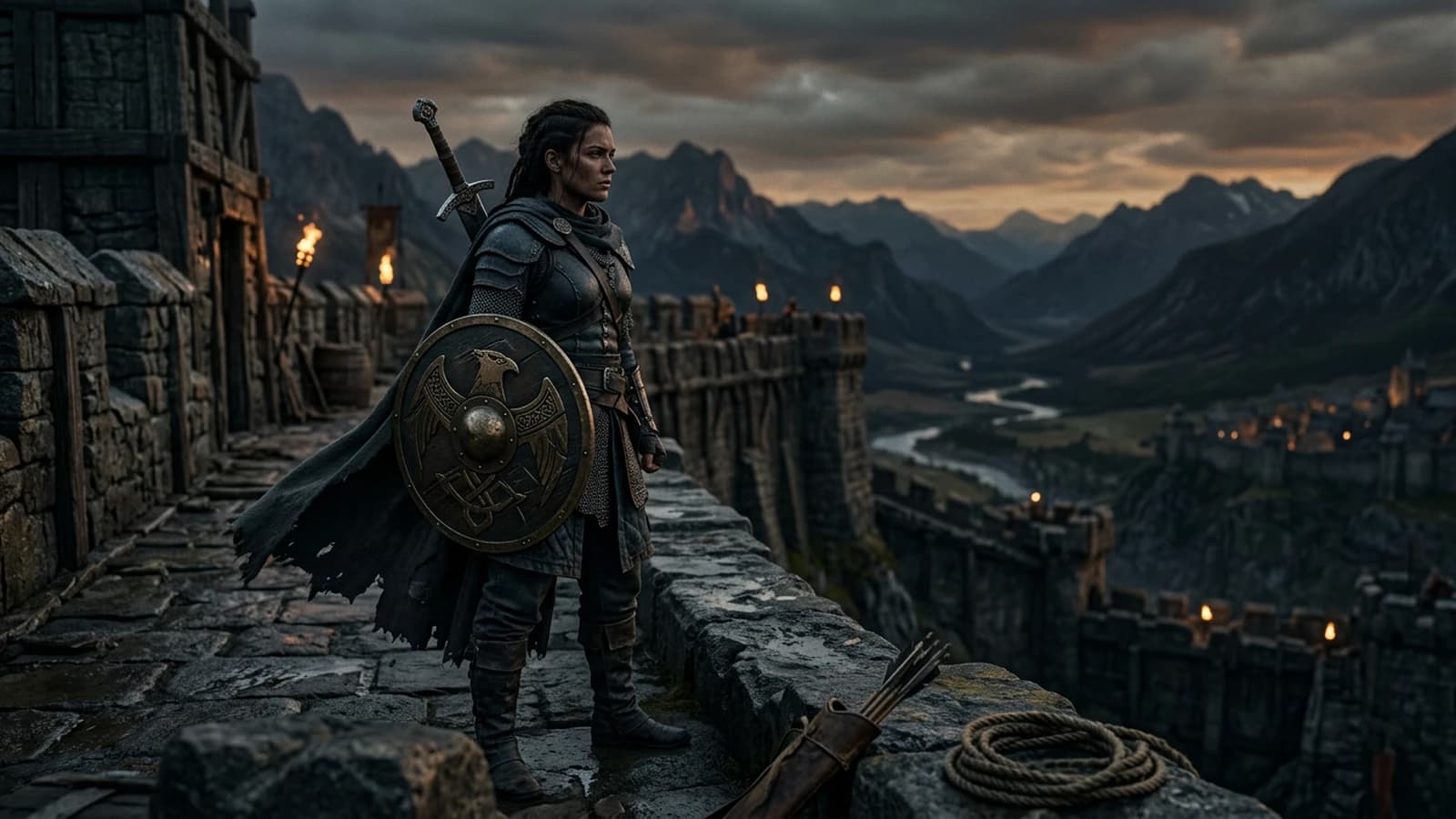
A visual world is not an Instagram aesthetic stuck on ten different images, nor a collection of "best outputs" sorted by feel with no common grid, nor a demo of technical capability with no narrative thread. It is a system: same lighting laws, same range of materials, same architectural scale, same grain, same way of treating the skin and the reflections. With AI, drift is the norm, because each image is a new optimization. This text gives you a light bible, slip-up scenarios, a workflow for long series, a decision table, a trench warfare section, encyclopedic links, four internal links, and a FAQ.
Scenario A. A team produces twelve keyframes for a pitch. Each image is beautiful on its own. Together, they tell six worlds: 80s neon, clinical sci-fi, soft nature, blue-night thriller, bright comedy, grainy documentary. The client says "an identity is missing". A shared rules sheet before the generation was missing.
Scenario B. An indie author locks the palette in the color suite but not in the prompt. The shapes change, the materials change, the light jumps. The LUT cannot glue back different lighting geometries.
Scenario C. A studio documents the winning prompts badly. At the pick-up two weeks later, nobody reproduces the same "world". The bible exists in heads, not in files.
Why AI drifts even when you are "consistent"
The models optimize each image as a local problem. They have no memory of your project except what you reinject, references, prompts, the ControlNet of the moment, img2img. Two images with the same text prompt can diverge if the sampling noise, the reframe, or a slider has moved. World consistency is a process, not a magic property of a button.
The drift shows up first in the places where the human brain is demanding: hands, glasses, text, street perspective, the repetition of a recurring object. Then it appears in the subtle places, sidewalk width, door height, handle style, window grid type. You do not have to control everything, but you must choose which details sign your world and repeat them.
Cognitive load of the set. The more fine geometry you ask for in a single prompt, the more the model sacrifices pieces. For a series, simplify the set when you want to hold the character's identity, and vice versa. It is the same logic as on a set where you move a wall to save the light.
Shadow consistency across several shots. Note for each place the dominant direction of the shadows on the ground and on the faces. When you generate the next shot, reinject this direction. Otherwise you assemble an edit where the sun seems to turn around the scene with no time passing.
The "like a film by X" motion style with no lighting breakdown produces mixes. Prefer a bible that talks about materials and light. If you have to reference a work, do it privately for yourself, then translate it into physical parameters for the prompt.
The five pillars of a short bible
Light. One sentence on the project's dominant key, soft north window everywhere, or neon with a dark background, or low sun and dust. You can have scene exceptions, but they must be named as exceptions.
Palette. Three dominant colors and one accent color. Not twenty. The neutrals count, warm gray, dirty beige, night blue.
Recurring materials. Raw concrete, oiled wood, brushed metal, matte fabric. When a new material appears, you decide whether it becomes recurring or whether it breaks the world.
Grain and sharpness. Same grain family across the whole series, or a documented variation, fine grain by day, denser grain at night.
Scale and architecture. Ceiling height, street width, window style. AI gladly changes scale if you do not pin it down.
Typography and graphics in the image. If your world includes signs, screens, posters, decide early whether you accept unreadable text or whether you place surfaces with no letters. Text is a breaking point. Many professional bibles simply say "no readable logos, no slogans".
Vehicles and era. A car or a bike anchors the time. If your story is soft contemporary, avoid models too iconic that scream a precise decade, unless intended.
A world is what you refuse as much as what you ask for.
Example of a minimalist bible, wet urban fiction
Light. Exterior, overcast sky, warm point sources from the shopfronts, no hard sun. Interior, cold neon in the background, soft key on the face from a dirty window.
Palette. Bluish gray, amber on the practicals, secondary brick red, green neon accent on a single type of place.
Materials. Wet concrete, oxidized metal, glass with streaks, matte textiles.
Grain. Fine, visible mostly in the open shadows.
Architecture. 70s buildings, repetitive rectangular windows, exposed pipes.
This block fits in less than fifteen lines. Each new prompt of the series starts with a copy-paste of this block, then adds shot, action, character.
Series scenarios: same character, same city, same time
For a narrative series, add a continuity sheet per session: fictional time, weather, direction of the sun or the neons, state of the hero's clothes. When you generate image 7, you reinject the sheet before the shot detail.
Legitimate variations. Interior versus exterior, night versus day, must stay within the rules of your bible. If your world is "gray urban day", the night must be consistent with the same signs, the same street materials, not a sudden futuristic metropolis.
Narrative exceptions. If a scene has to break the world, write the exception on the session sheet, "dream scene, stronger grain, desaturated colors, unstable geometry". Otherwise the review thinks it is an error.
Multi-tool consistency. Image in one engine, video in another, the bible must travel. Export a reference still and a line on the light for the next tool. Do not assume that "the same style" is transmitted by magic between APIs.
Workflow for ten images or more
Step 1: write the bible on one page
Five pillars, ten lines maximum. Read it aloud. If it holds, it holds for the team.
Step 2: pilot image
An image that combines a typical place, a typical character, a typical light. Validate it with hindsight. It is your north. If the pilot image is "almost", do not launch the series right away, otherwise you will reproduce the defect twenty times. First correct the lighting sentence or the framing, then freeze.
Quick stress test. Generate two variants of the pilot image with the same bible and a single light parameter modified. If the world already jumps, your bible lacks constraints or your prompt mixes too many intentions.
Step 3: adaptations by layers
Same base prompt, you change only one parameter, framing, action, justified time. Otherwise you lose the thread.
Step 4: tracking table
A file with columns: name, final prompt, seed, tool, date, authorized exceptions.
Step 5: "fresh eyes" review
Someone who did not generate looks at the thumbnails side by side. The drifts jump out faster.
Step 6: global color locking
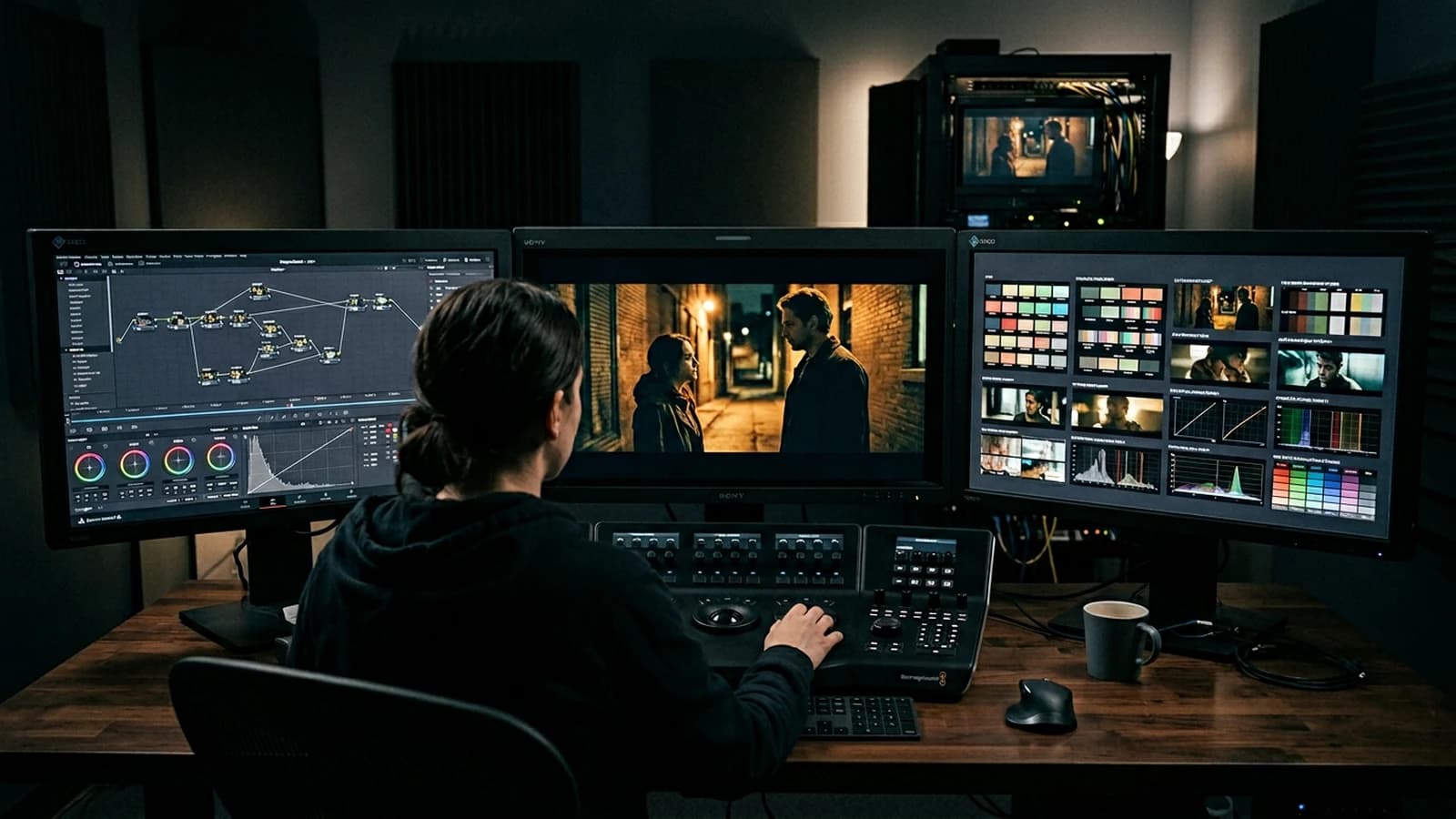
A LUT or reference curve, applied after the validation of the lighting geometries.
Step 7: named exports
project_scene_shot_v###.png beats final_final2.
Step 8: prompt archiving
One .txt per deliverable or a single dated log.
Step 9: "wall collage" review
Print or display small all the thumbnails. The brain sees the jumps of white, contrast, temperature, faster than screen by screen. Even a Figma mockup with grids helps.
Step 10: version freeze
When a series is validated, copy the folder read-only or tag the git version. Untracked "small retouches" are the number one source of ruptures at the pick-up.
Decision table
| Drift signal | Probable cause | Action |
|---|---|---|
| Grain jump | different prompts with no grain line | set a grain sentence in the bible |
| Scale jump | absence of an architectural landmark | add height, window type |
| Skin that changes | too many variable face details | a short stable character sheet |
| Different neons | too many colors listed | one accent, the rest neutral |
| Cheap HDR | non-hierarchized contrast | rewrite key and fill |
Weekly review with no mythology
A team that generates fast tires visually. Set up a short slot where someone compares six thumbnails with a checklist: same global temperature, same grain family, same reflection logic, same density of objects in the street, same average camera height for the comparable shots. Check or not. The unchecked boxes become tickets, not vague discussions.
The screenshots of the settings are worth gold when a model changes version. If your tool updates a checkpoint, redo a pilot image and note the version in the bible. Otherwise you continue a series on a foundation that no longer exists.
The client deliverables must include a sentence on what is canon. "Pack A, bible version 3, frozen on dd/mm." That avoids the request "put back the version from the day before yesterday" when nobody knows which prompt produced the day before yesterday.
When to expand the world without breaking it
Adding a new place is done by extension, not by replacement. Write a half-page sub-bible: which materials stay, which are new, how the light changes, why narratively. If the new place shares the same city, keep the same signs in the blurred background, the same types of poles, the same sidewalk widths.
If you add a flashback era, change at least two pillars at the same time, more present grain, a different palette, but keep a signature, for example the same green accent or the same type of crowd noise as a visual suggestion. The viewer must feel the kinship and the difference.
A world extension is a documented patch. A silent replacement is a flight forward.
Consistency of silhouettes, costumes and recurring accessories
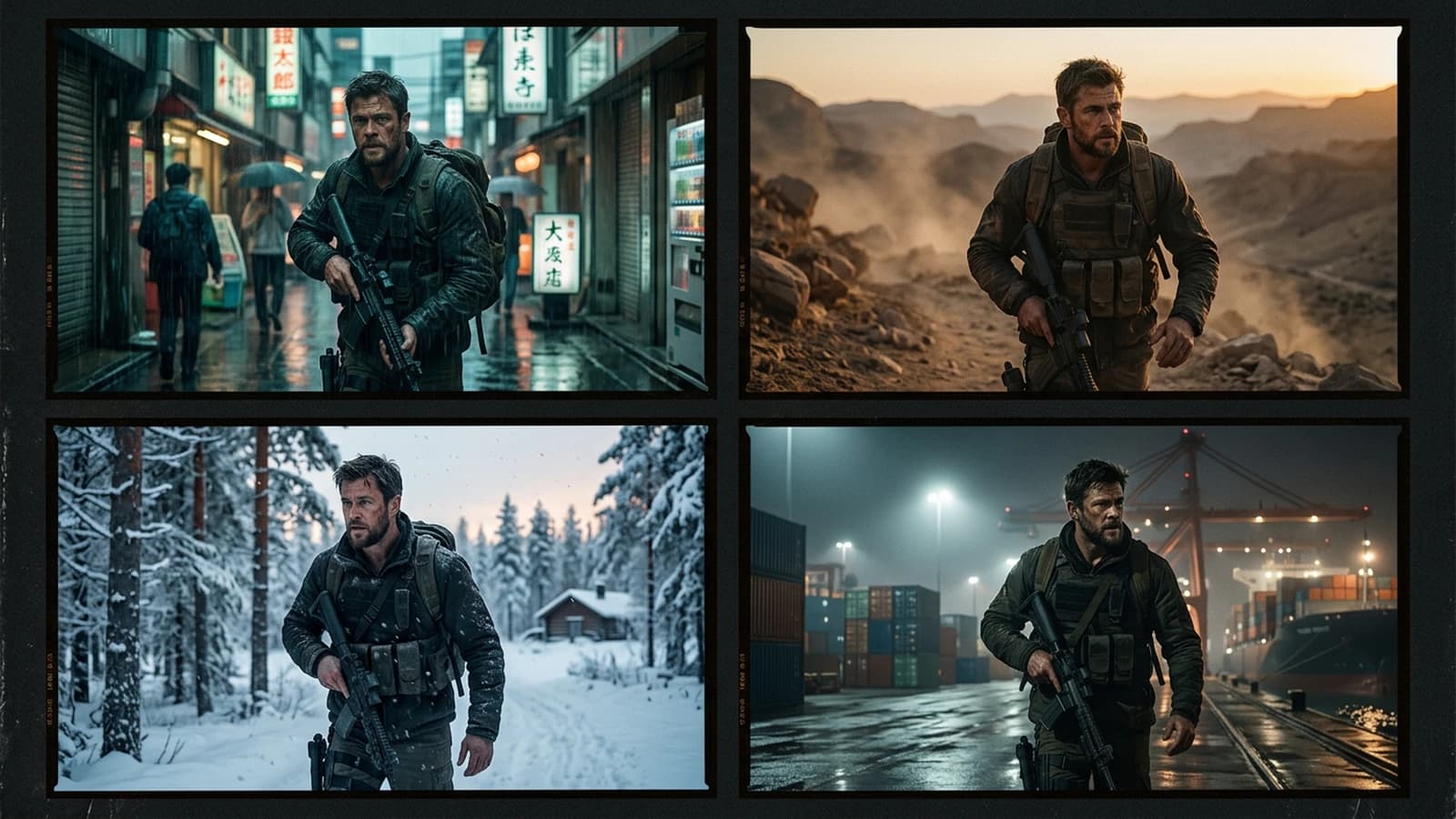
In a long series, the audience retains three anchors on a character, the haircut, the jacket, the bag. Set these anchors in the character bible, not only in the prompt of the day. When you change shot, reinject the anchors before the action. If the jacket changes color with no wardrobe scene, it is no longer the same character for the human brain.
The extras and the crowd require a simple rule: generic silhouettes, no sharp faces in a dense crowd if your tool leaves artifacts there. Write "blurry crowd", "silhouettes", "no readable faces in the distance", depending on what your model understands.
The recurring objects, phone, stylized fiction weapon, notebook, must have a short stable description. "Worn brown leather notebook, rounded corners" is often better than a page of details.
Trench warfare
Believing that style transfer catches everything. It sometimes smooths the texture and kills the fine consistency. Correct the light upstream.
Adding a new Pinterest reference to every image. You import parallel worlds. Limit the active references to three images maximum for the whole series, and convert them into written rules.
Letting each freelancer reinvent the bible. Same freelancer, same mandatory bible file, same review.
Forgetting the sound and the rhythm in a project that becomes video. The visual world must hold when the shots chain together. If you plan editing, keep consistent negative spaces for titles and subtitles.
Mixing two checkpoints in the same series with no narrative transition. If you change model, redo a pilot image.
Neglecting the recurring props. The cup, the bike, the badge must be stable or owned as replaced.
Underestimating the logos and brands. For a clean world, avoid unauthorized real brands, invent generic packaging.
Continuing a series after a break without re-reading the bible. You reinject fresh intuitions that contradict the freeze. Re-read the page before each generation session.
Ignoring the gaze direction and the recurring composition. If your world often uses the tension of the off-frame, reserve the space in the frame so you do not cover it with marketing text in post.
For the art direction vocabulary, see art director. For color consistency in the image, color. For architecture as an anchor, architecture. For the notion of visual identity applied to brands and adaptations, corporate identity.
Ethics and rights. Document what is generated, retouched, licensed, and what cannot represent identifiable real people with no framework. The technical bible does not replace the client's legal framework. Add a line on the brand and product-design copy prohibitions if you deliver for a commercial campaign, so the legal team knows what it is looking at.
Useful links in the AI Studio series
- How to create consistent scenes with several shots in AI
- How to write a prompt for a realistic, consistent character
- How to control visual style in AI generation
- How to structure an AI video like a real film
Foire aux questions
Réponses rapides aux questions les plus fréquentes sur cet article.
How do I integrate real photos and AI in the same world?
Treat the photos as the truth of the light, generate around them with the same key direction and the same temperature, and harmonize in post with a common curve.
Should the bible be long?
No. One page beats a novel. Length creates contradictions.
Can you have two worlds in parallel?
Yes, with two bibles and separate folders.
How do I handle day and night?
Two explicit sub-rules, not a single vague prompt.
Does the text world influence the visual world?
Yes. The names of places and era orient the objects.
What do I do if the client wants an aesthetic pivot?
A new pilot image, a new bible, not a patch on twelve images.
Do I need external references?
Yes, but as lighting and material landmarks, not as a copy of the subject.
How do I avoid series fatigue?
Limit the sessions, come back with a comparison grid.
Does the metadata matter?
For reproduction, yes. Document the tool, model, date.
How do I train a junior on a bible?
Have them redo three images changing only one pillar at a time, then a thumbnail review. The pedagogy goes through controlled variation.
What do I do with two excellent but incompatible images?
Choose the one that respects the bible. The other becomes an "off-canon" variant or a new project branch.
Must the world include post-production?
Yes, at least one line, target grain, global contrast, to avoid five operators making five films.
Can you automate the bible?
You can script prompt prefixes, but human judgment stays necessary on the pilot image.
How do I handle the seasons of the same series?
Season 1 bible, season 2 bible, with a list of the owned changes, weather, vegetation, degradation of the places.
Can a bible include image ratios?
Yes, 2.39, 16:9, 4:5, note them to avoid reframes that break the overall composition between the deliverables.
Do I need a moodboard image per pillar?
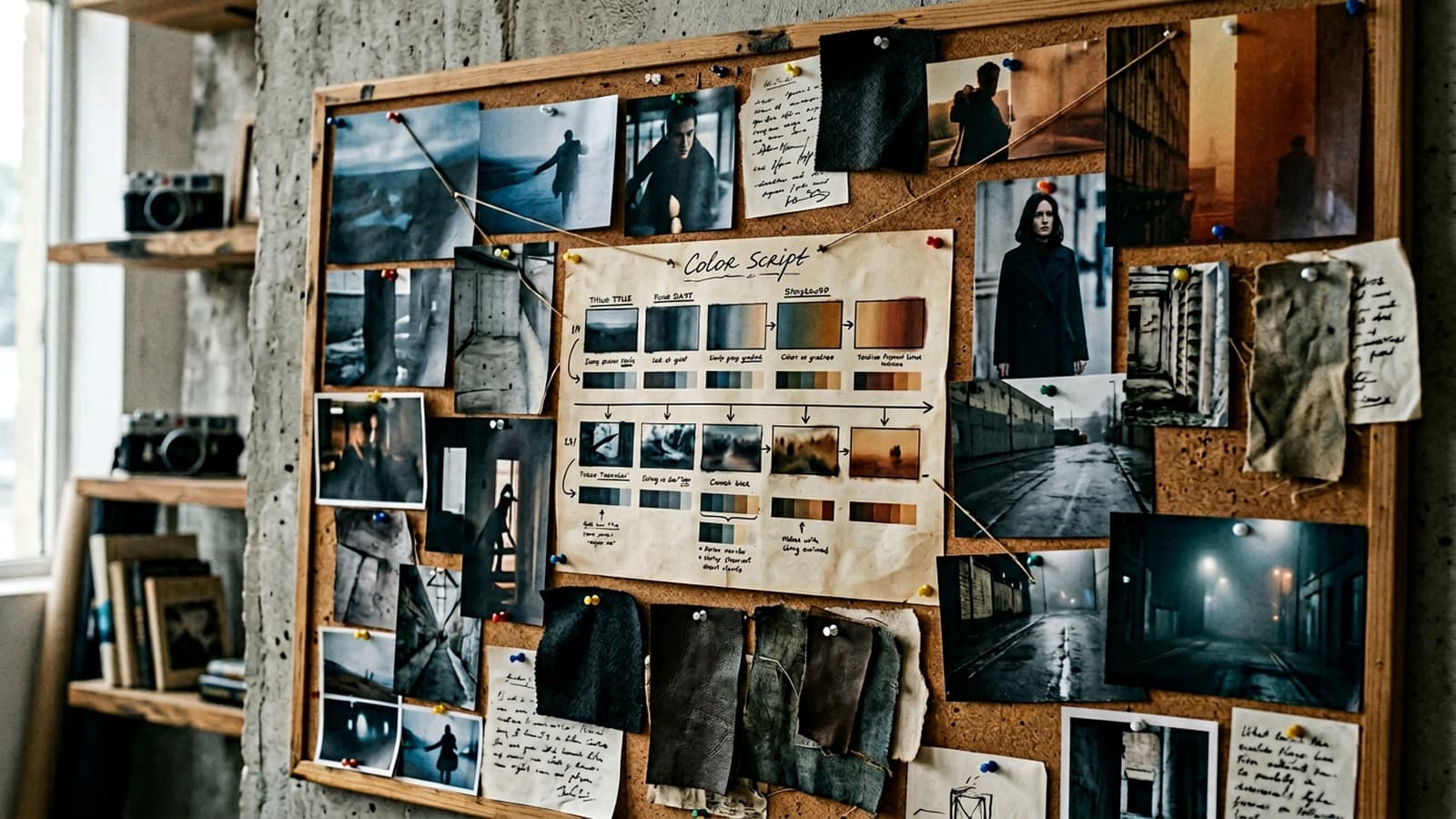
Useful but not mandatory. One image per pillar can help the team, provided you translate them into textual rules so you do not depend on the visual alone.
Editorial compliance section
Useful internal links:
Related articles
 Tutoriels
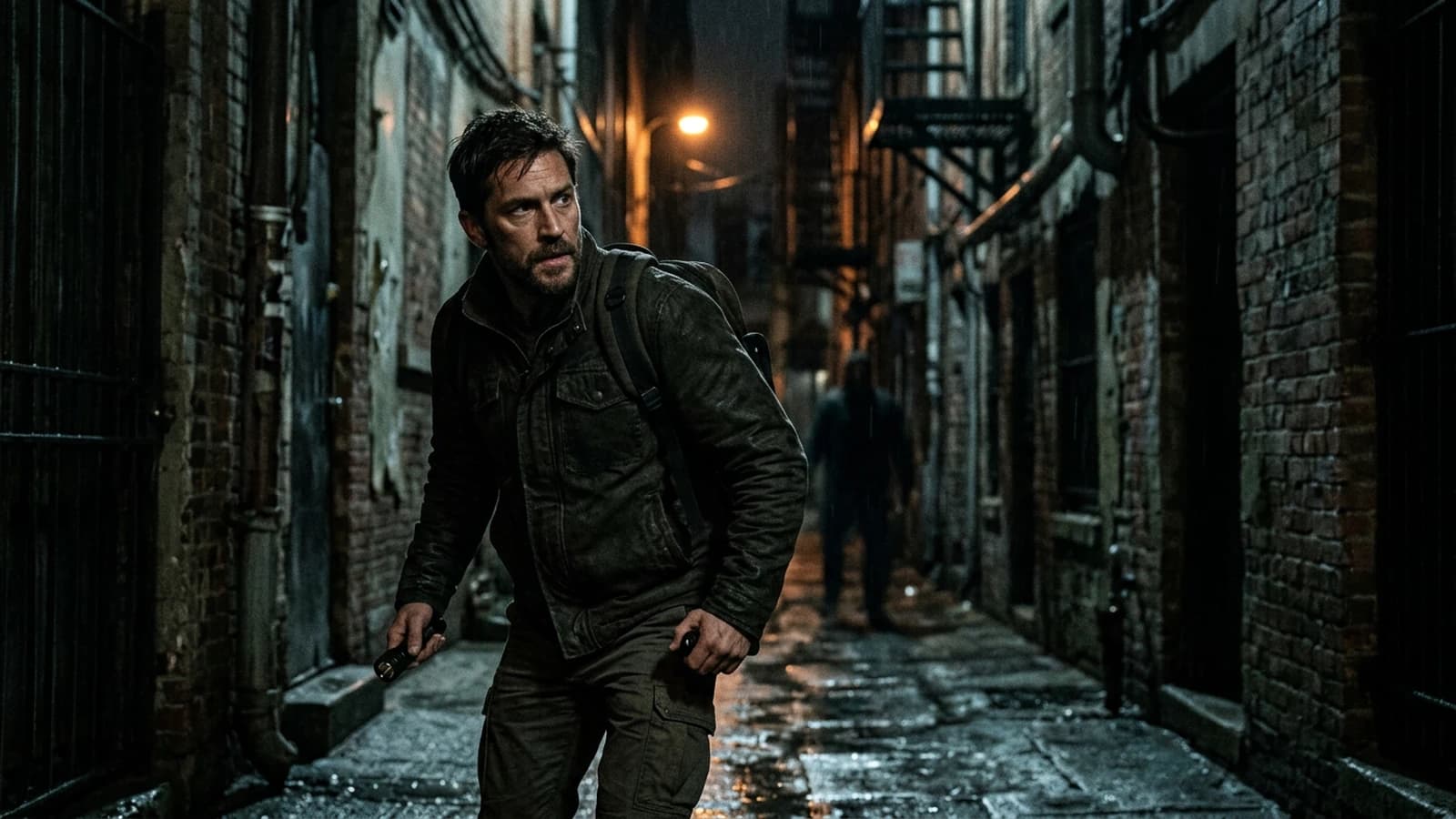
How to Create Consistent Scenes with Several Shots in AI
Light, character, set continuity, and prompt breakdown for a readable sequence.
 Tutoriels
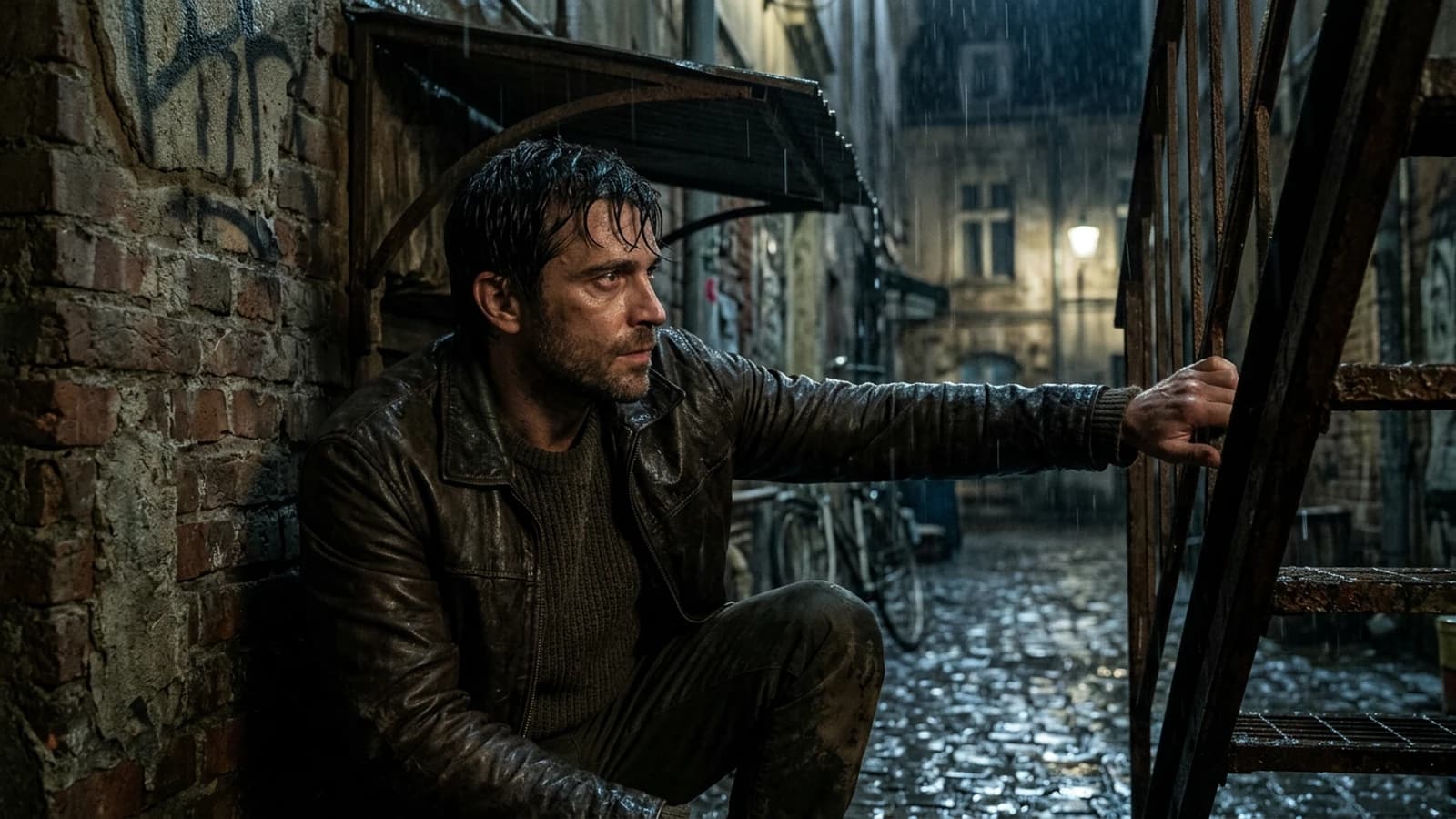
How to Create Visual Tension in an AI Scene
Building credible visual tension in AI with frame, light, rhythm and narrative contrast.
 Tutoriels
How to Create Visual Storytelling with No Dialogue
Telling a clear story with the image, the frame, the light and the rhythm, without depending on dialogue.