How to Control Visual Style in an AI Generation
References, LUTs, words that lie, and separating style from subject so you do not mix everything.
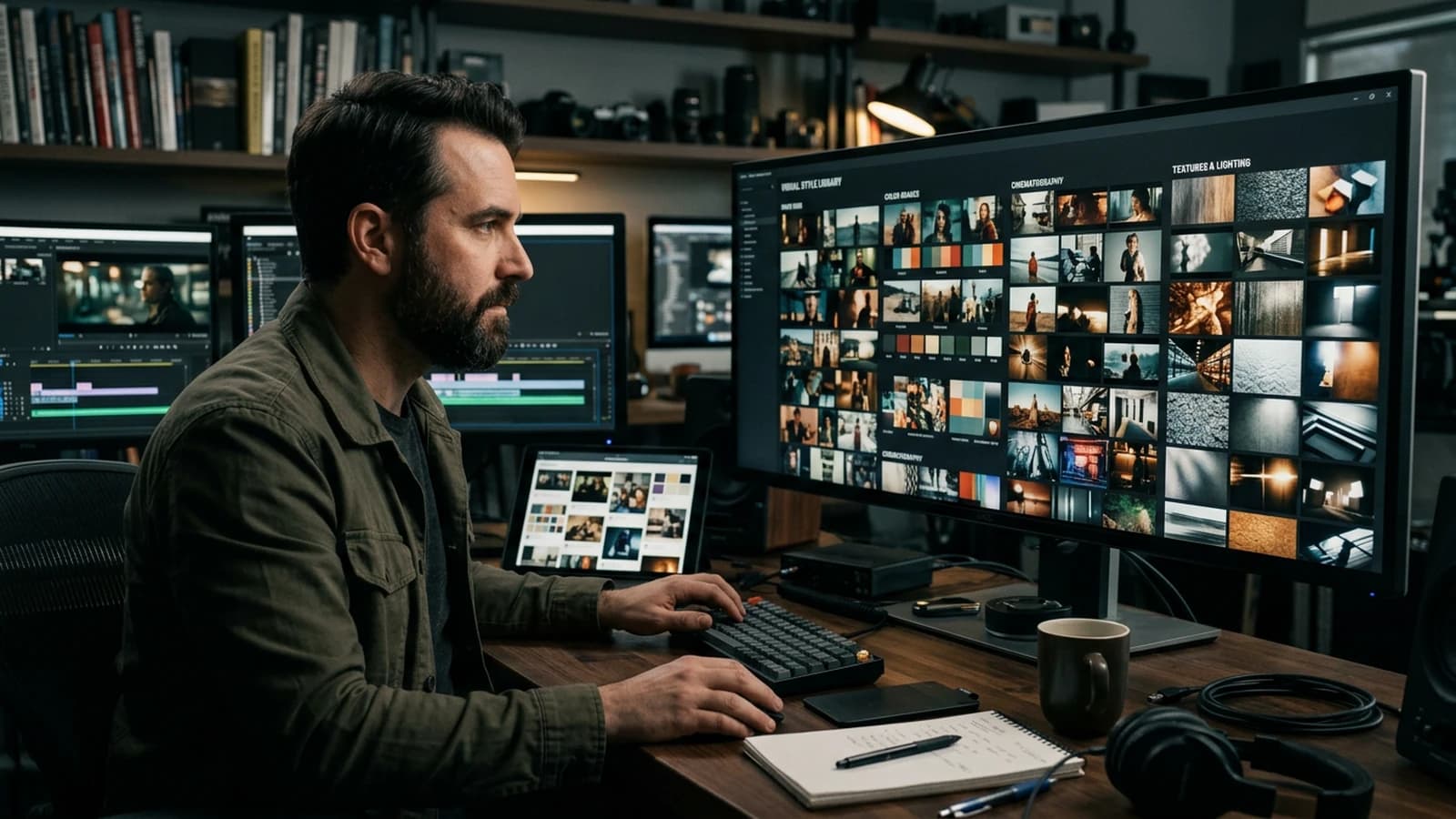
Imagine a director shouting "cinema" in a hallway without specifying the focal length, the time of day or the temperature of the sources. Nobody knows what to shoot. With AI, that is exactly what a prompt does when it mixes style, subject, emotion and technique in the same magma. You get a "pretty" image at first glance, then at zoom the brain screams collage: light that cannot coexist with the shadow, material that changes family between the foreground and the background, grain absent where the skin is too clean. This guide is a method of layer separation: you decide what is stable (your visual world) and what moves (the action, the framing), you lock a reference, you iterate without breaking everything at each click.
I start from the field: no promise of a "unique style in three magic words". Style, in generation, is a series of coherent decisions that the model can interpret. If you do not name them, it borrows from the average dataset: gratuitous neons, smoothed skin, postcard framing, demo bokeh. Your job is to replace the statistical default with a readable brief. We will see how to link text and post-processing (LUT, curves, grain), how to keep the "look" from eating the subject, and how to document what you do so you can reproduce it tomorrow.
Three quick portraits. Julien wants an urban thriller but only describes "dark and cinematic": he receives an anonymous neon pack. Nadia wants natural but stacks twenty poetic adjectives with no geometry: she gets symbolic blur, not a credible north window. Omar has a strong visual pilot on one image, then changes all the vocabulary on the next: the visual series falls apart on the second shot. What follows gives you safeguards to avoid these three pitfalls without becoming a lighting engineer.
Mini commitment. Choose a short exercise: a single image or a clip of eight to fifteen seconds, a single "look document" that you reuse to the end. Infinite tutorials with no finished deliverable maintain the illusion of progress. A finished average deliverable is worth more than a series of brilliant abandoned tests.
Three beginner scenarios (with a concrete pivot)
Scenario 1: The "three portraits" series for a creative book. You want three framings of the same character with the same visual "season". You generate: the first is soft north window, the second becomes neon without you asking, the third is ad-saturated. Pivot: you write an identical copy-pasted "look" paragraph, you only change the shot and the action; you apply the same curve or LUT afterward on the three exports.
Scenario 2: The fifteen-second brand clip. The client wants "premium". You push the sharpness and the cleanliness: result, AI showroom. Pivot: you lower the global sharp, you add light grain, you keep a visible warm practical, you accept a micro imperfection on a non-critical material.
Scenario 3: The game / animation adaptation to fake real. You want a recognizable but photographic character. The model oscillates between cartoon and uncanny. Pivot: you simplify the costume into real materials (cotton, wool, worn leather), you avoid the mirror metal surfaces at the start, you lock the side light and a single dominant color temperature.
What "style" means to a model (and what it is not)
For a human, style is often a label: "70s", "Marvel", "documentary". For a diffusion model or an image-to-video chain, style is mostly a distribution of textures, contrasts and frequencies learned on millions of images. When you write "like a film", you do not send a DVD to the network: you bias toward frequent clichés (tint, sharpness, background blur). Hence the value of breaking down the style into physical bricks: apparent size of the sources, air quality, implicit lens, grain, dominant palette, hardness of the shadows.
Style is not the subject. If you describe "a sad woman in Blade Runner style" without specifying interior or exterior, rain or indirect neon, the model will have to choose. It will often choose the most "spectacular" path of the dataset. Separate: subject and action on one side; light, lens, material, imperfections on the other. You can even write two mental paragraphs then merge them into a single structured prompt.
References naming works with no precision are empty placeholders. "Like Dune" can mean burning sand, haze, minimalist architecture, or simple warm saturation. Instead, describe what the camera records: dust in suspension, low sun, strong contrast between rock shadow and veiled sky, a long focal length that compresses the planes. Same inspiration, but testable to the eye.
Style also stabilizes outside the prompt. A LUT, a mastered curve, a grain overlay applied after an almost-correct generation can align ten images more surely than ten extra adjectives. It is not cheating: it is separating what the engine does well (rough composition, pose, architecture) from what you control better in grading (global contrast, highlight roll-off, skin consistency).
High and low frequencies. Part of the "look" lives in the high frequencies (skin texture, grain, local micro-contrast) and part in the low ones (wide cast shadow, sky gradient, face volume). When you push the steps or the guidance to the max, you risk crystallizing the high frequencies into stucco. Spot the level where the skin becomes "suggested" again rather than "drawn with a compass", then stop. It is often before the max slider the interface proudly displays.
Palette consistency between shots. If you chain several images for an edit, export a reference (a still of your pilot) and keep it visible while grading the next ones. The eye tires; the reference thumbnail does not. For the recurring contrast gaps, see also why my AI images lack contrast (and how to fix it).
Set notes: details that tip the balance
Lighting hierarchy. A credible scene almost always has a readable dominant source, even if it is complex. Note it in one sentence: wide north window, warm practical lamp at the back, no aggressive fill. If you do not name the hierarchy, you get flat gray or gratuitous HDR.
Framing and intention. Framings that are too centered read as "poster". Shift the subject, leave space in the direction of the gaze. It is not a textbook rule: it is a tool to avoid the model's default symmetry.
Lens and depth of field. Describe a focal family (24mm wide, 35mm versatile, 50mm sober, 85mm portrait) and the subject-background distance, even approximately. Otherwise the "generic" bokeh arrives, often too sharp and too clean. For anamorphic, own the oval bokeh and the characteristic sharpness falloff; otherwise stay spherical. More details in how to simulate an anamorphic lens in AI generation.
Material and imperfections. Three controlled real imperfections are worth more than twenty aesthetic tags: fine grain, micro skin texture at zoom, light dust in a ray of light. Add two explicit prohibitions to counter your model's defects: no porcelain skin, no aggressive global sharp, no perfect symmetric catchlights if you aim for the natural.
Seeds and locking. The seed reproduces; it does not improve a false composition. First change the light and the geometry, then lock a seed when you get close to the goal. Note the seed, the final prompt and the critical settings in a dated text file.
Practical workflow: from the mood to a series of images that look alike
Step 1: an intention sentence, then geometry
Before the adjectives, write what the camera shows: medium shot, size, close-up; camera height (eye level, slight low angle). Then only the dominant emotion. With no geometry, the emotion often becomes neon and a catalog pose.
Test: remove all the "cinematic" from your prompt. If it collapses, it was hollow.
Step 2: light in three lines (DP spirit)
- Line A: Main source: apparent size, color, direction (e.g. north window, soft, slightly cold).
- Line B: Fill or absence (e.g. no fill, hard shadow under the nose).
- Line C: Background (e.g. dark room, warm practical, wide bokeh).
You replace ten vague adjectives with a hierarchy readable for the model and for you.
Step 3: visual style: palette and constraints, not buzzwords
Choose one dominant direction: natural documentary, contrasted thriller, soft romance, dirty science fiction. Then set two quantifiable or comparable parameters: global contrast (strong / moderate / low), saturation (natural / stylized), sharpness (soft optics / neutral). Avoid mixing three "genres" in the same paragraph.
Step 4: a recurring character or subject
A short sheet: felt age, anchored clothing (material, color), hairstyle, one memorable accessory. Fewer traits, more stability between shots. For the overall consistency, cross-reference with how to create a consistent visual world with AI.
Step 5: iteration in separate passes
Pass 1: Composition and light. Pass 2: Skin and fabrics. Pass 3: Sharpness and grain. Do not touch all three at once: otherwise you will not know what saved the image.
Step 6: useful negatives
Four to eight targeted negatives according to your model beat an encyclopedic list: extra hands, fused teeth, unreadable text, curved horizon, oversharpening. Adapt to what your setup produces by default.
Step 7: post: LUT, curve, grain
When the image is almost good, export a "flat" version and a graded version with the same LUT or the same curve across the whole series. The grain as an overlay binds the too-clean zones to the worked ones; see how to add cinema grain to an AI image.
Step 8: project locking
Name the files (SEQ01_INT_window_v04.png), keep a capture of the settings, paste the final prompt into a .txt. Your future self should not have to guess.
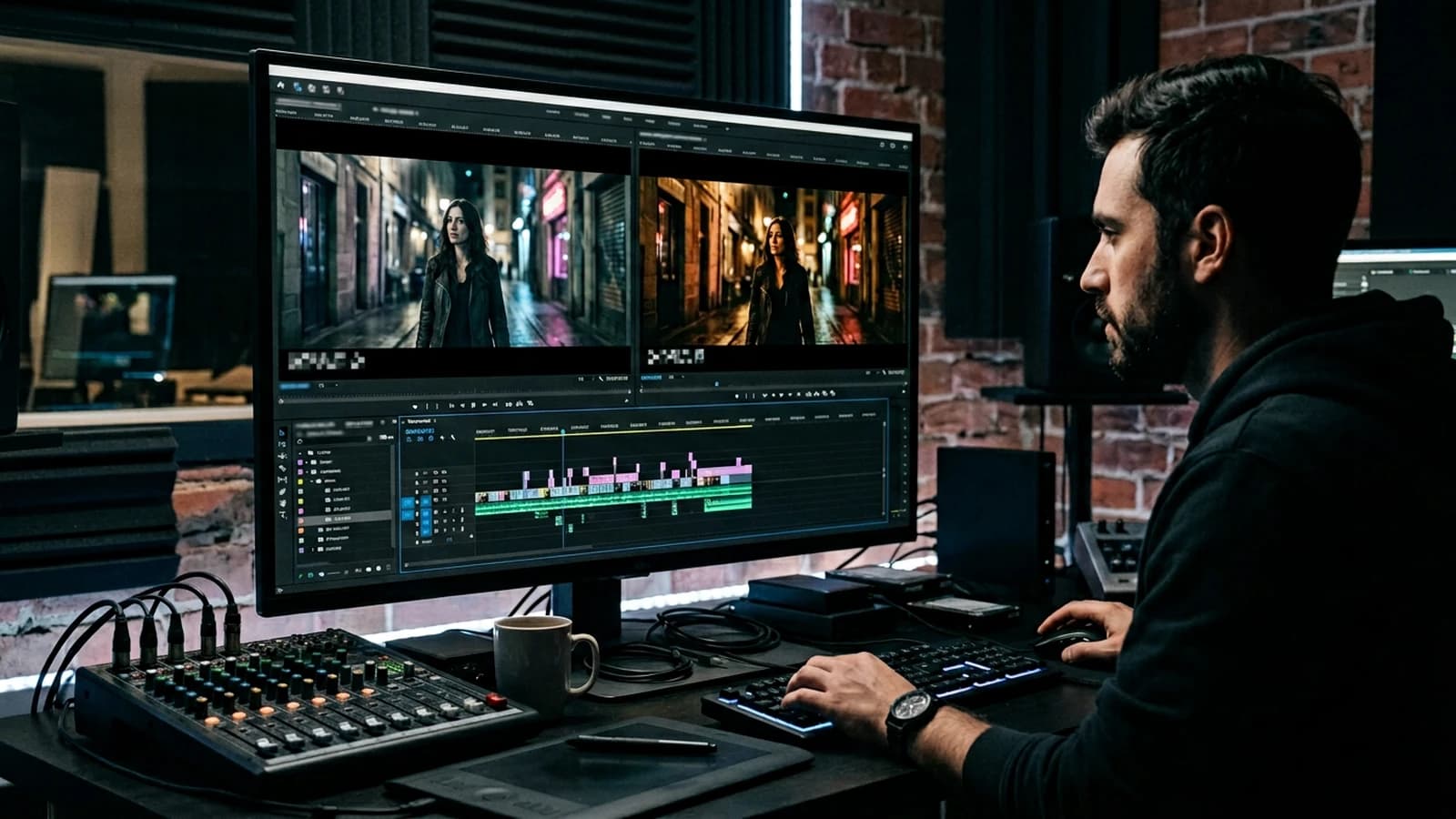
Quick decision table
| Layer | What you write | Frequent mistake | Good signal |
|---|---|---|---|
| Camera | shot, height, focal | only "cinematic" | you visualize the frame |
| Light | key, fill, background | "beautiful light" | you know where the source is |
| Style | palette + contrast + grain | five genres mixed | one dominant direction |
| Material | 3 real imperfections | 20 adjectives | defects consistent with the place |
| Negative | 4-8 targets | an infinite list | you correct a measured defect |
| Lock | seed + txt file | all in your head | reproducible tomorrow |
A prompt is a list of decisions. If you do not make them, the model will make them for you, and you will not like its taste.
Trench warfare: classic mistakes and fixes
Mixing style and subject in the same magma. Take your prompt and highlight: geometry, light, subject, style. Reorder in that order or split into two passes (look first, action next).
Multiplying film references with no visual breakdown. Replace each title with three observable elements: light, space, material.
Changing vocabulary between two images of the same series. Keep a glossary of ten stable photo terms for your project; only vary the framing and the action.
Relying on the sharp for "pro". Global sharpening on the skin gives plastic. Mask the face, sharp very lightly elsewhere if needed.
Neglecting the check on the phone. Part of the audience will see your image on a small, bright screen; the grain can disappear, the contrast explode. Adjust after a mobile test.
Under-describing the transition between interior and exterior. If your character goes from a bar to the street, set two distinct light profiles in your brief (tungsten + neons vs moon or sodium) rather than a single word "night". Otherwise the model fuses incompatible sources in the same frame.
Forgetting the sound when you prepare an image for video. Even a still image meant to become a clip often carries a rhythmic intention. A line "what do we hear" in your style doc helps choose a tighter or wider framing; the final edit will gain consistency with how to write an effective script for an AI-generated video.
Giving up after an "almost" image. Keep it as proof of what is off: note three precise defects (e.g. absent nose shadow, bokeh inconsistent with the distance), correct one layer, regenerate. The method beats the seed roulette.
Useful links in the AI Studio series
- How to avoid distorted faces in AI generation
- How to create a consistent visual world with AI
- How to add cinema grain to an AI image
- How to simulate an anamorphic lens in AI generation
Foire aux questions
Réponses rapides aux questions les plus fréquentes sur cet article.
Should I put everything in a single prompt?
Not always, and it is often counterproductive. A single very long prompt easily mixes composition, light, style and local corrections, which makes the iterations unreadable. In practice, two passes (visual foundations then details) or a prompt + post couple (LUT/grain) give a more stable and above all more reproducible render.
How do I keep a character in the same style?
Lock a short sheet (silhouette, clothing material, palette, dominant light), then reuse it word for word at each shot. Add one or two reference images and change only one variable at a time (framing, action, angle), otherwise you lose the continuity. If your tool offers a persistent seed/reference, use it as an anchor, not as a miracle solution.
Where should I note my tests?
In a versioned text file next to the exports, with the date, final prompt, seed, key settings and a quick verdict. The goal is to be able to reproduce a good result a week later without replaying the whole session. With no log, you progress less fast because you repeat the same "intuition" attempts.
English or French in the prompt?
Both work, but many photo/cinema tags are better recognized in English depending on the models. The most effective is often to write the logic in French then inject the technical words that behave well in your setup. Do a mini A/B on three generations, then keep a stable glossary for your project.
Why does my "cinema night" look like a demo?
Because the scene often lacks a real lighting hierarchy: shadows lifted to gray, highlights too HDR, and no plausible source in the frame. Describe a clear main source (practical, window, sign), its orientation, and a time/weather. Then adjust the curve before the saturation to find a readable black rather than a "muddy dark".
Does style only in the negative work?
Partially, but never alone. Negatives are excellent for removing recurring artifacts (oversharpen, failed hands, parasitic text), not for defining a visual world. You always need an explicit positive direction (palette, light, optics, material), then targeted negatives to clean.
Do I copy prompts from Discord?
Yes as a starting point, not as a final recipe. A public prompt contains model, seed and subject biases that are not yours. Take the useful structure, rewrite for your set, your character and your constraints, then document what works on your pipeline.
LUT before or after local retouching?
Recommended order: local corrections first (skin, defects, cleanliness), LUT/curve next, grain last. If you apply the LUT too early, you risk correcting defects already distorted by the grading and wasting time. Keep a no-LUT variant to go back quickly if the series drifts.
How do I know if my style holds over ten images?
Display the ten images in a grid and look at them first small, then full screen. If you read several visual "worlds" (skin, contrasts, temperatures, implicit focal lengths), your vocabulary and your post are not locked. Good validation is double: overall consistency as a thumbnail, material credibility at zoom.
Does it apply to video?
Yes, and it is even the best way to secure an AI video. First lock the look on pilot stills, then transfer the same light/material core into the animated clips to limit the frame-to-frame drift. Then, the consistency plays out in the edit and the series grading, not only in the prompt.
Editorial compliance section
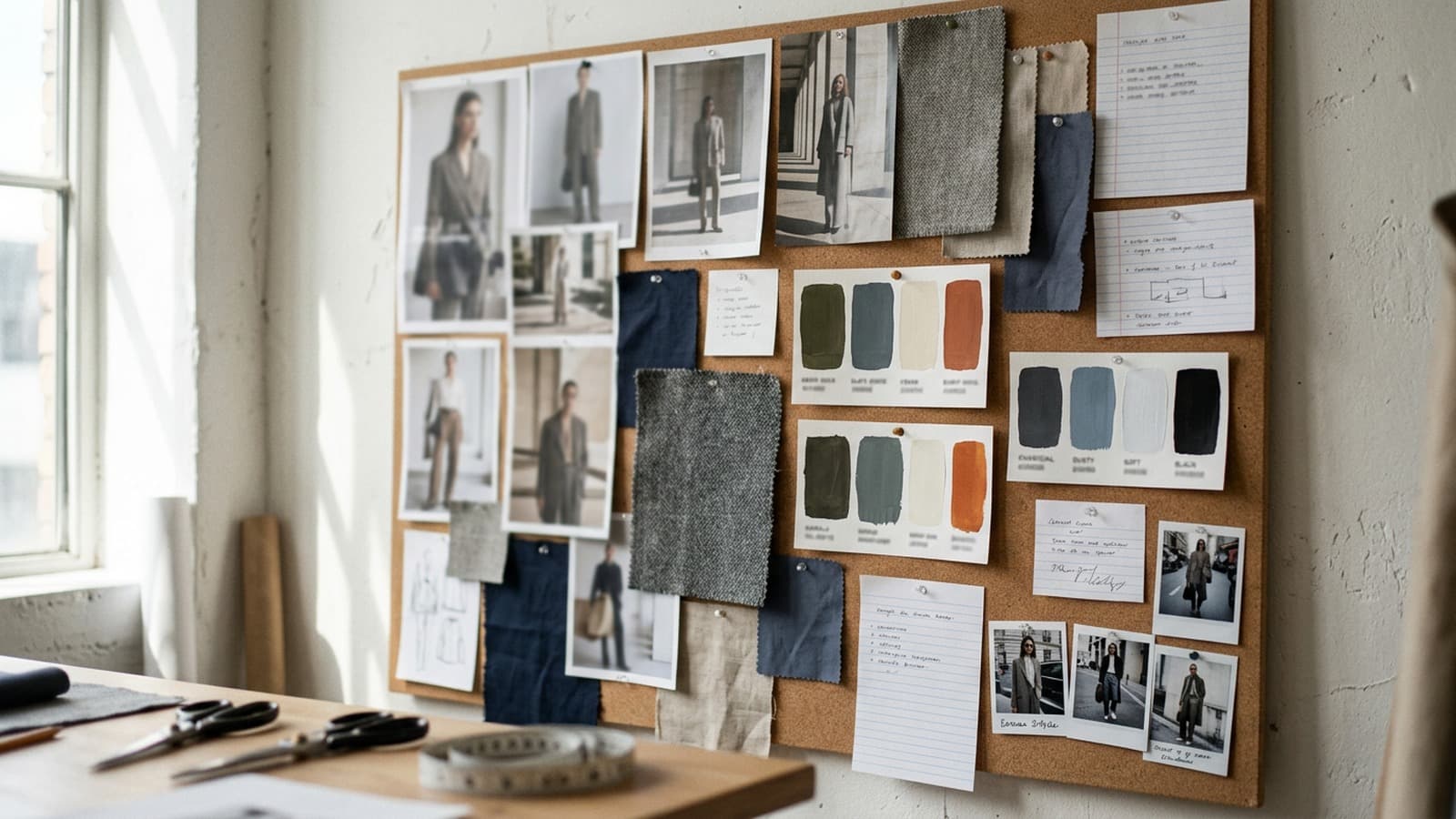
Useful internal links:
Related articles
 Tutoriels
How to Create a Consistent Visual World with AI
Lighting bible, palette, architecture, and decision rules for ten images or more.
 Tutoriels
How to Avoid Distorted Faces in AI Generation
Framing, resolution, useful negatives, inpainting and iterations without breaking everything.
 Tutoriels
How to Simulate an Anamorphic Lens in AI Generation
Bokeh, falloff, flare, slight distortion, and when not to use the word anamorphic.