How to Avoid Distorted Faces in AI Generation
Framing, resolution, useful negatives, inpainting and iterations without breaking everything.
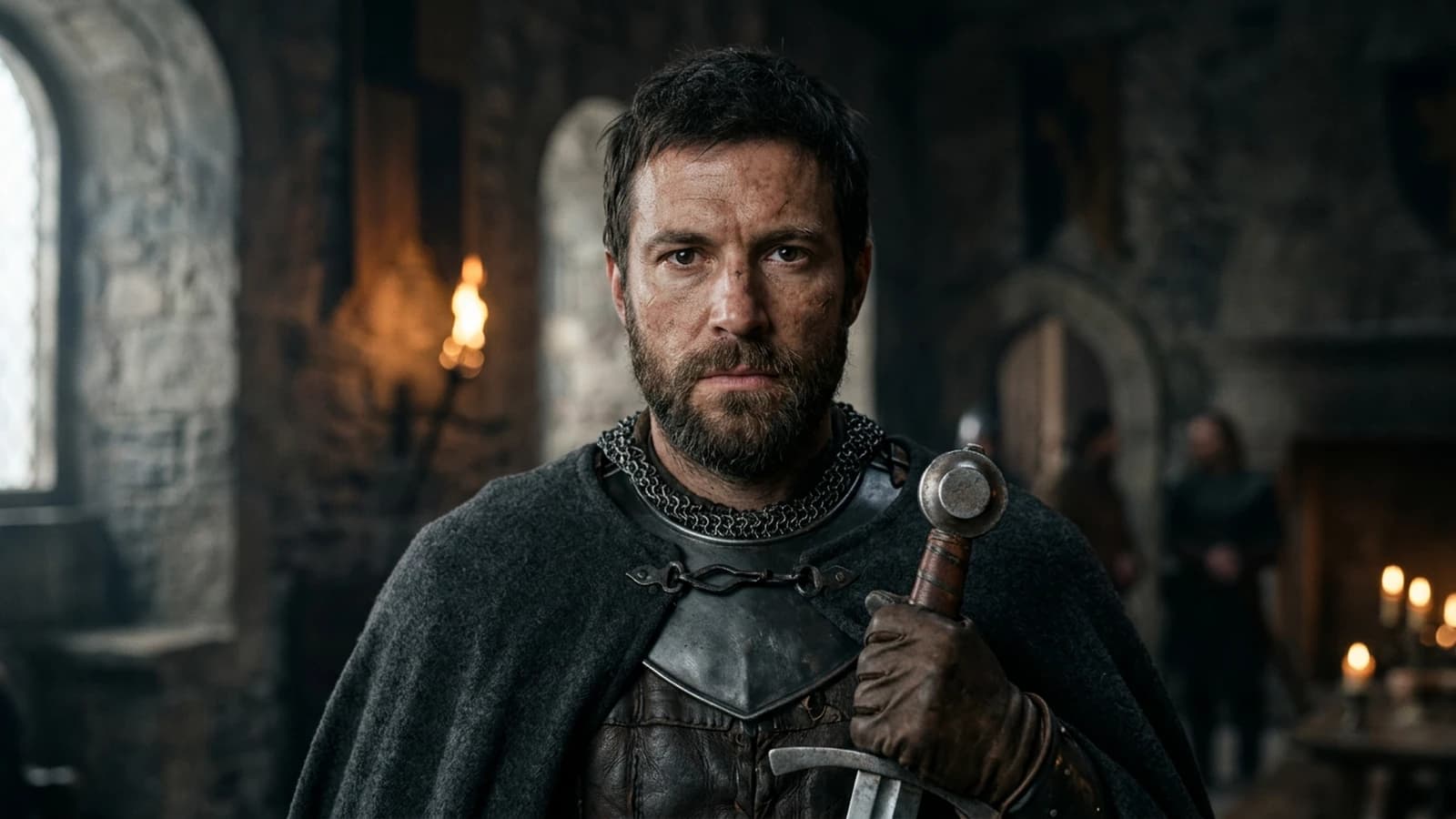
A distorted face is not a fatality nor a proof that "AI cannot do it". It is a signal that the problem is badly posed: too many contradictory constraints, not enough pixels on the critical zone, or an angle the model tries to guess instead of receiving a clear instruction.
When you work for a client, a failed face costs more than a failed set. The audience sometimes forgives a weird chair; it almost never forgives a mouth that melts. So prioritize the face geometry in your quality-control order, even if you have to simplify the set. It is almost always a bad compromise between resolution, angle, prompt complexity, and detail overload. The models have sensitive zones: eyes, mouth, teeth, ears, hands near the face. Your job consists in reducing the pressure on these zones before clicking fifty times at random.
This guide lists concrete gestures: framing, light, working resolution, targeted negatives, inpainting, and the moments when it is better to change the angle than to force it.
You can use it as a checklist before each session: five boxes to check (framing, light, resolution, negatives, angle plan B). If a box is missing, you deliberately accept a higher risk on the face.
The "ultimate quality" vocabulary around the generated image does not help diagnose a missing ear. Here, we name symptoms and levers, not value judgments on your talent.
Why the face breaks first
The human brain is specialized in reading faces. A slight natural asymmetry passes. An inconsistent asymmetry between the two eyes, a mouth that melts into the cheek, or a tooth that fuses with the lip triggers immediate rejection. You are a severe critic with no training, because your species spent millennia reading gazes.
Generators optimize global statistics. When you push too much detail, too much style, or a difficult angle, the statistical distribution breaks locally on the face. Hence the value of simplifying the problem.
To stabilize the identity across a series, how to write a prompt for a realistic, consistent character stays the complementary reference: fewer contradictory traits, more repeatable anchoring.
Angles and framing: the free lever
Face to camera with a soft side light is often more stable than a full profile or an extreme three-quarter. If you do not need the profile, do not ask for it. If you need it for the story, plan a hat, a strand of hair, or a shadow that simplifies the problematic zone. It is not cheating: it is set framing.
The extreme close-up reveals skin and mouth errors. Step back a framing notch: a medium-wide or a chest shot. You gain stability and you lose little in emotion if the light and the gaze hold.
So the global style does not sabotage the features, how to control visual style in an AI generation helps separate the graphic look from the reading of the face.
Resolution, guidance, and checkpoints
Work at a resolution where the face has enough pixels to exist, but not so much that the model invents micro structures. If you are too low, the eyes become spots. If you are too high too early, the over-definition turns the skin into a grid.
Guidance that is too high freezes impossible features. Lower it in steps. Checkpoints oriented "beauty" or "fantasy" can distort the realistic proportions. Test a more neutral base on the same short prompt.
The choice of engine matters. Flux vs SDXL: which AI to choose for realistic images encourages an honest A/B test on your angle and your lighting.
Light and shadows of the face
A side key with a readable shadow under the nose structures the volume. A hard frontal light flattens then makes the transitions melt under the eyes when the model looks for contrast. For natural, how to create natural light in an AI image gives window and fill landmarks.
The catchlights must correspond to the sources. A rectangular reflection on a "candle only" scene lies. Harmonize or simplify.
Shadows under the eyes that are too vectorial give a 3D makeup look. Ask for soft transitions, a micro color variation in the dark circles, not a hard band. The cheeks have layers, not flat layers.
The perfect symmetry of the face is rare in humans. A slight credible asymmetry can help avoid the mannequin. On the other hand, eyes of different sizes or an inconsistently shifted mouth break the image: there, you are no longer in natural asymmetry, you are in the error.
Expression and performance
A neutral or slight expression is more stable than a laugh or a scream on the first attempt. If you want a strong emotion, first get a stable facial structure in a calm expression, then push the emotion via img2img or inpainting with a moderate strength.
The gaze to camera versus the off-frame gaze changes the pressure on the eyes. The off-frame can hide an asymmetry, but if you show too much white of the eyes with no reason, the result tips into caricature.
Age, proportions, and involuntary "morphing"
The very young and the very old have proportions that some checkpoints render badly: cheeks too smooth or too marked, eyes too big. If your subject is sensitive, use measured textual references: "adult", "about forty", rather than a stack of adjectives.
When you mix "child" and "extreme detail", you increase the risk of animated proportions. Simplify the set and the light before adding detail on the face.
Hands, hair, accessories
Hands near the face multiply the errors. Move the hands away, put them off-frame, or slightly blur the foreground. Glasses add reflections and fine geometry: a camera angle where the reflection does not show an impossible set.
Hair on the face requires a clean transition. If the model mixes the strand and the skin, change the hairstyle in the prompt or reframe.
Workflow
Step 1: shot geometry
Shot, focal length, camera height, gaze direction. Remove the "cinematic" adjectives if the geometry disappears with them.
Step 2: light in three lines
Key, fill, background. One sentence each.
Step 3: generation at lab resolution
Iterate fast. Choose the best face structure before beauty.
Step 4: eye-mouth zoom
Reject early the images where the eyes do not share the same geometry. Also check the consistency of the eyelids: an eyelid that cuts the iris differently from the other side is a frequent defect even before the mouth moves.
Step 5: targeted inpainting
Eyes or mouth only if the rest holds. A soft mask, a short prompt.
Step 6: late upscale
When the features are stable.
Step 7: fast selection with criteria
On a batch, first eliminate everything that has a facial geometry error, even if the light is beautiful. Only then compare the aesthetics. Otherwise you fall back on an appealing but false image you will try to save for an hour.
Step 8: angle plan B
If three honest iterations fail on a profile, change the angle or the storytelling: showing the character in a mirror, behind a window, in silhouette. The story can carry the absence of a perfect profile.
50mm eye-level medium close-up, single soft window key camera left.
Adult face, relaxed expression, eyes open toward lens, natural asymmetry.
Natural skin texture, subtle pores, no beauty retouch.
Negative: deformed eyes, melted mouth, fused teeth, extra fingers near face, plastic skin, watermark, text.
35mm medium shot, subject turned 30 degrees, hat brim shadows upper eyes slightly (stylized but stable).
Soft fill from opposite side, low contrast shadows on cheeks.
Negative: profile collapse, duplicated ears, warped jaw, cartoon features.
Useful negatives
Target what your model often produces: eyes of different sizes, mouth too low, fused teeth. Avoid a list of thirty negatives that contradict each other.
When you add "perfect face" or "symmetrical face" as a positive, you can paradoxically force an over-regularization that looks like a doll. Prefer physical formulations: two open eyes, closed mouth, naturally moist lips, relaxed eyelids.
Sleep, visual fatigue, and review
After thirty minutes on faces, you accept errors you would see in ten seconds in the morning. Take a break or change task. Face quality control is tiring; sleeping on a selection is not procrastination.
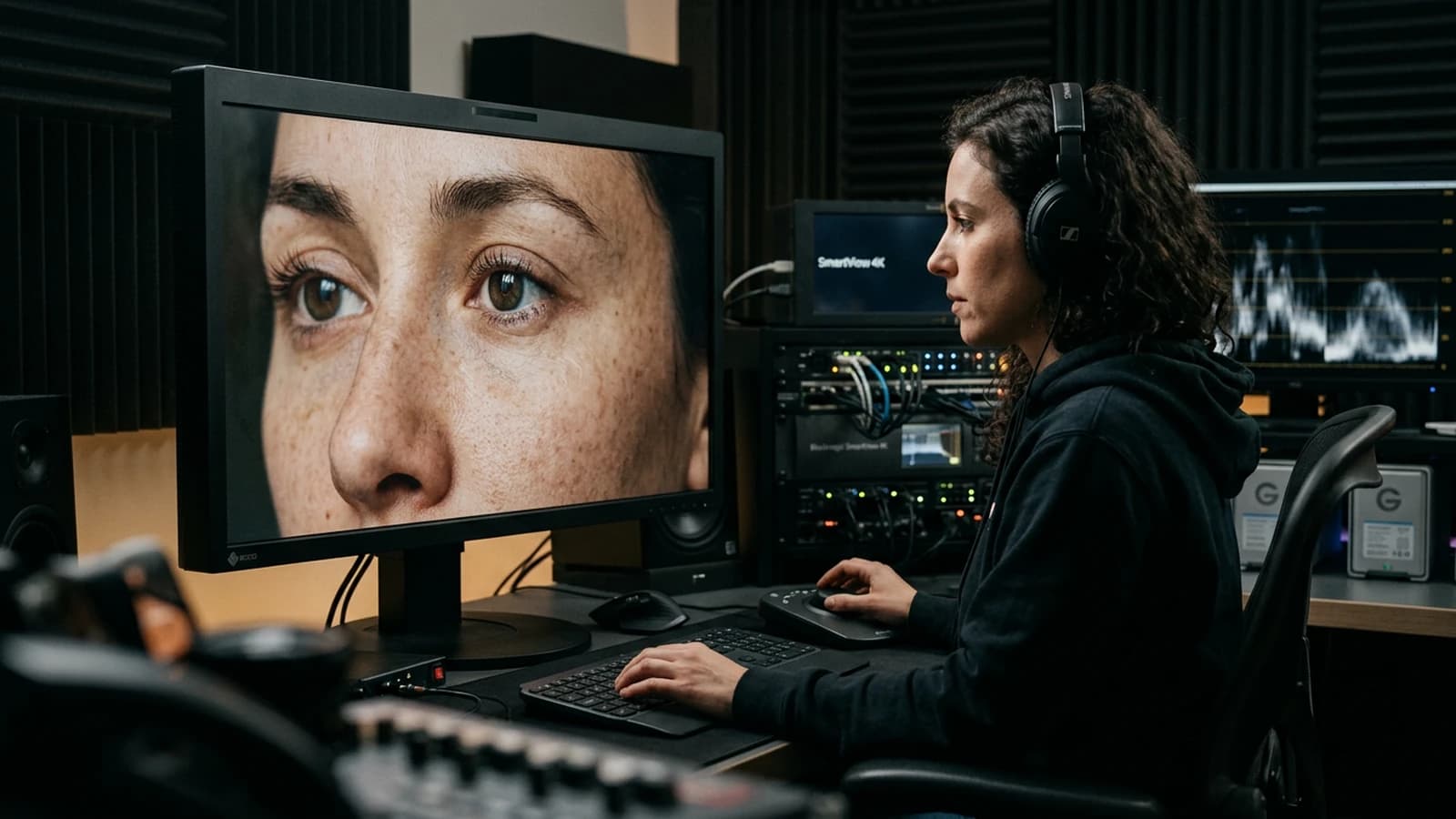
References, control, and tool limits
If your pipeline allows a reference image for the identity, keep it stable and well framed. If the reference is blurry or in profile while you generate frontal, you mix signals. Document the reference weight: too strong sometimes freezes defects from the source, too weak does not hold the identity.
The pose tools can help, but an extreme pose on a static model can force impossible facial twists. Prefer sober poses for the first attempts.
Difficult cases: crowd, mirror, screen
Crowd. The more faces there are, the more the error probability rises. Reduce the number of sharp faces, move the crowd away, or blur the backgrounds.
Mirror. The reflection must correspond to the subject. If you do not need the mirror, remove it. If you need it, simplify the angle so the reflection shows less geometry.
Screens and phones in front of the face: reflective surfaces and unreadable text. Often simpler to remove them from the prompt.
Light post
You can correct a slight asymmetry of the sclera or a micro shadow under an eyelid in local retouching. You will not save a liquid jaw with sharp. Separate the geometry problems from the color grade problems.
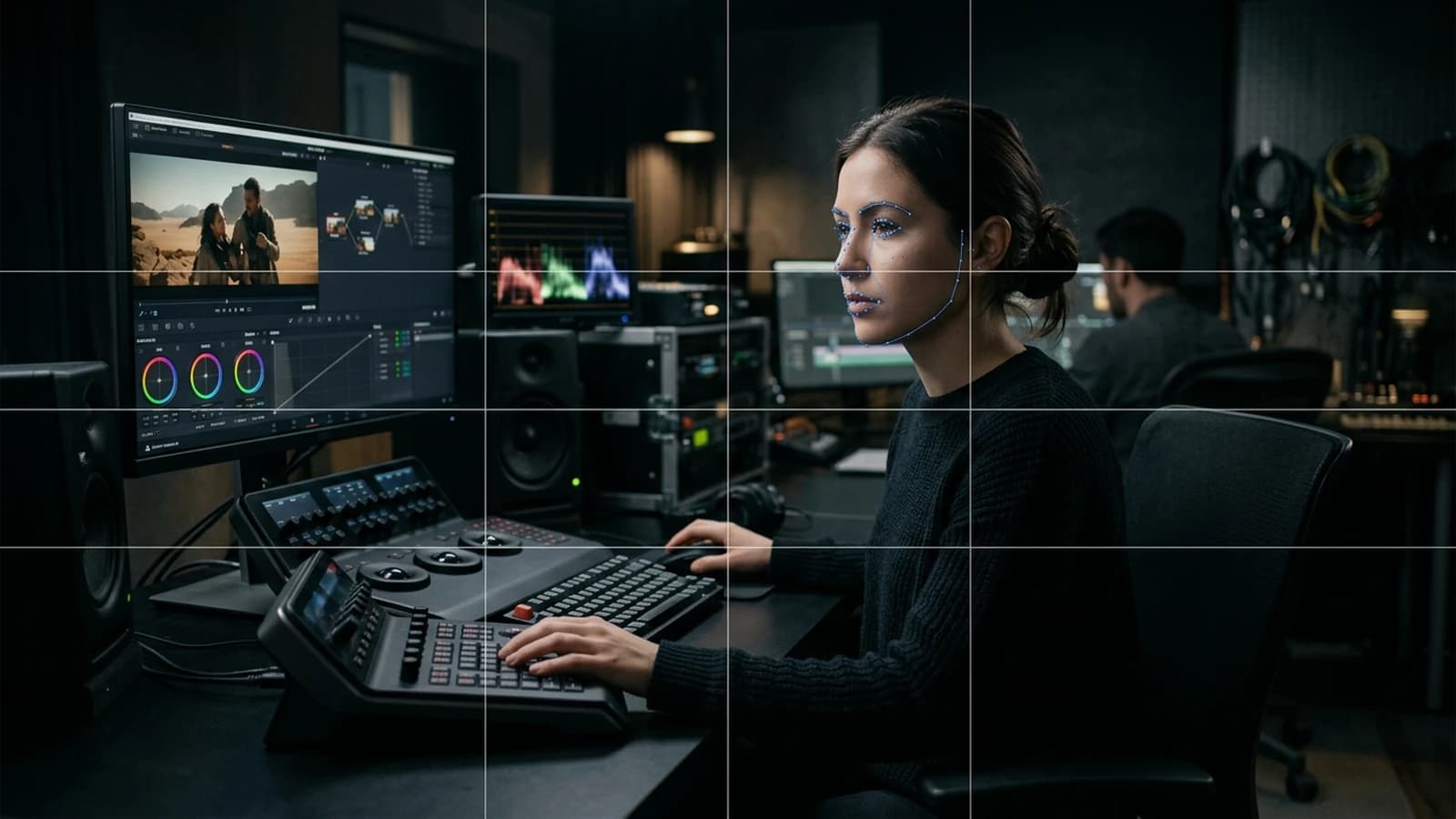
Face diagnostic table
| Defect | Frequent cause | First lever |
|---|---|---|
| Different eyes | close-up + high CFG | step back, lower guidance |
| Melted mouth | hard frontal key | side key |
| Fusing teeth | wide smile requested | almost-closed mouth |
| Missing ear | extreme profile | moderate three-quarter |
| Hand on cheek | skin-skin contact | move the hand away |
A credible face often holds through a wiser framing and a clearer light, not through twenty adjectives.
If you deliver a series of images for a campaign, keep an internal face reference: a capture of the validated character. Each new image is compared to this reference before validation. Otherwise you get "the same character" with five different jaws by the end of the week.
Short ethics: resemblance and stereotypes
Avoid prompts that target real people by name to get a copy. Also avoid the chains of reductive "ethnic" stereotypes: describe the light on the skin, the hairstyle, the clothes, the context, without turning the identity into a list of clichés. It is not only a moral question: the clichés often produce generic and unstable faces because the model mixes contradictory patterns.
Trench warfare
Changing the seed on a loop without changing the prompt. You are playing roulette.
Asking for "hyper realistic" with no geometry. The model compensates with plastic.
Profile + wide smile + hands + glasses on the first attempt. You stack the risks.
Global sharp on an already-fragile mouth. You crystallize the error.
Believing that an upscaler "repairs" a liquid jaw. The upscale extrapolates; it does not reconstruct a coherent anatomy.
The uncanny valley describes this rejection when a human figure is almost convincing but not quite. In generation, you often cross it when the features are almost good but the micro inconsistencies add up. Reduce one layer of complexity at a time to come back to the shore of the "almost real but stable".
When you show an image to a layperson, observe where they look first. If it is not the character's gaze while the story requires it, your framing or your contrast guides the attention badly, and the facial defects become secondary but real.
Foire aux questions
Réponses rapides aux questions les plus fréquentes sur cet article.
Do I always need face to camera?
No, but it is more stable to start. Introduce the difficult angles when the base holds. If your story requires a profile, plan additional time or a stylistic backup shot.
Inpainting destroys the light: why?
Strength too high or mask too wide. Reduce both. Copy the part of the prompt that describes the key into the inpainting prompt to re-anchor the light.
External fixers?
Useful in targeted post. They do not replace a bad framing. Use them as the last kilometer, not as the first line.
Why do the eyes "shine" too much?
Hard catchlights and high saturation on the white. Soften locally. Also check if the model adds a too-marked black outline around the iris: it is a frequent signal of a fake gaze.
The teeth?
Often: ask for less smile, or an almost-closed mouth, or a shadow on the teeth. Avoid complete visible rows in extreme close-up at the start.
Minimum resolution for a portrait?
Enough for each eye to have a structure, not just a spot. Test on your tool. If you are too low, raise the resolution before adding detail in the prompt.
Several faces?
Reduce the number, increase the distance between subjects, or treat each face in a separate inpainting if necessary. Otherwise, accept that the second plane is slightly less perfect than the first.
Video afterward?
Freeze the face in a stable pilot image, modest movement, low amplitude. If the face pulses, go back to the still image: the video does not correct an already-false geometry. For dialogue, prefer short shots and reactions rather than a single long shot that exposes the micro drifts.
Field deep dive: How to avoid distorted faces in AI generation
This chapter extends the angle "Framing, resolution, useful negatives, inpainting and iterations without breaking everything." for the real subject behind comment-eviter-visages-deformes-generation-ia. The goal is not to stack adjectives, but to install a short QA loop you can reuse on every deliverable: capture, note, compare, decide, archive. Most creators waste time because they mix three variables in one session, then blame the model. When you separate light, composition, texture, intention, you get back an honest diagnosis and measurable progress.
"One variable" protocol (30 minutes)
Minute 0 to 5: write the sentence "what the viewer must believe with no caption". Minute 5 to 12: list three possible visual proofs (cast shadow, prop in use, consistent reflection). Minute 12 to 22: generate two images that differ by only one of those proofs. Minute 22 to 28: test on a mobile thumbnail and full screen. Minute 28 to 30: choose A or B and name the winning criterion in the project file. This protocol avoids the drift where each regen changes everything except the initial problem.
Scenarios A, B, C with pivots
Scenario A. Render too clean, too showroom. Pivot: add a localized trace of use and a more marked side light, without touching the subject if the geometry is good. Scenario B. Cluttered image with no hierarchy. Pivot: remove two objects from the prompt, recenter the contrast on the subject, or tighten the framing. Scenario C. Spectacular but cold image. Pivot: lower the global saturation slightly, add a fine, even grain in post, then regenerate only if the geometry or the perspective still lies.
Trench warfare: ten frequent traps
- Fixing everything at once. You no longer know what saved the image.
- Comparing only full screen. Mobile often exposes fake luxury.
- Ignoring rhythm upstream of the video. Even upstream, think about cutting and the breathing of shots.
- Copy-pasting prompts with no local brief. The words must fit your real subject.
- Aggressive global sharpening. Garish edges read as "digital".
- Too many contradictory adjectives. One dominant intention is enough at the start.
- No archive text file. You lose the seed, the version, and the reason for the choice.
- Validating while tired. Fatigue makes "beautiful" out of what is only familiar.
- Stacking models on the same day. You compare different chains, not settings.
- Delivering with no A/B. The client or your future self will not know what was acceptable.
Quick decision table
| If you observe | Priority action |
|---|---|
| inconsistent light | simplify the sources |
| subject drowned | framing or contrast hierarchy |
| plastic texture | fine grain or less HDR |
| impossible hands | off-frame or trivial action |
| catalog set | micro wear and a functional prop |
| empty sky | cloud volume or motivated haze |
| impossible reflections | reduce the contradictory sources |
Client or commissioner workshop
Even for yourself, write a mini brief: audience, channel, expected reading time, prohibitions (violence, brands, real faces). For a team, add a "proof of compliance" column: capture of the service's terms, model version, export date. That column saves you when a broadcaster asks where the image comes from.
Extended FAQ
Should I deliver two versions? Yes, A and B with one named sentence of difference, otherwise the discussion stays vague. Should I document the prompts? Yes, even partially: it is your internal quality insurance. What if the model changes? Set a test brief and compare before continuing a series. Does manual retouching cheat? No if you own the chain and the contractual limits. How much time per serious image? Often longer in validation than in raw generation, plan for it in the quote. Do I need a technical target? Yes: final resolution, color space, headroom on highlights if there is social compression. And intellectual property? Check the terms of service and the rights on the references included in the prompt.
Multi-screen control station
Minimum chain: main monitor, standard laptop, smartphone. If you only have two screens, send a test export to your phone through a clean channel (not a messenger that recompresses endlessly). Note the perceived difference on skin, edges, and micro-contrasts. Many "AI" images become so mostly after a second involuntary compression.
Useful internal links
Cross-reference with why your prompt does not work, and how to fix it, the prompt mistakes that make an AI image look artificial, and how to control visual style in an AI generation. If your subject touches video, also link to how to structure an AI video like a real film and to how to improve motion realism in AI video.
End-of-session log (template)
Date:
Slug / file:
Hypothesis of the day:
Variable tested:
Result A vs B:
Decision:
Next test:
Operational summary
For comment-eviter-visages-deformes-generation-ia, keep three lines in your notebook: intention in one sentence, lighting law in one sentence, material proof in one sentence. If one is missing, you are not ready to regenerate en masse: you are ready to diagnose. Long-term quality comes from that discipline, not from the latest model released on Tuesday.
A last useful reflex, always do a cold check before final validation.
Related articles
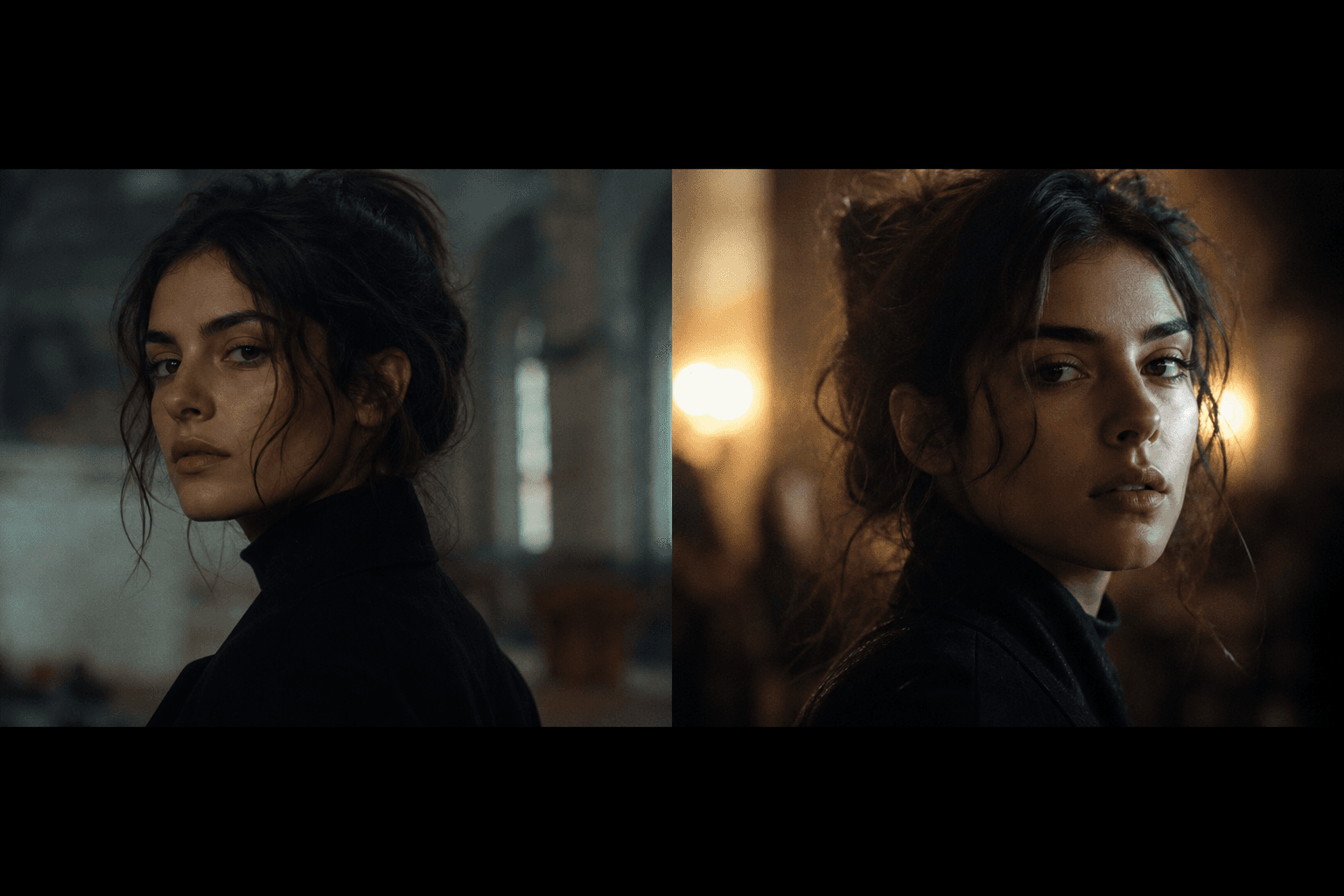 Tutoriels
AI Film: Continuity Errors (Visual Inconsistencies) and How to Avoid Them
A field method to eliminate the continuity errors in an AI film and keep a cinematic visual continuity end to end.
 Tutoriels
How to Avoid the Unwanted Cartoon Render
Trigger words, implicit saturation, hard edges, and contradictory styles: getting back to photo without falling into plastic.
 Tutoriels
How to Avoid the 'Generated Image' Effect
Suspicious symmetries, plastic material, gratuitous HDR, and 'catalog' poses: a checklist to slip under the visual radar.