Flux vs SDXL: Which AI to Choose for Realistic Images
A field comparison, use cases, VRAM, and how to decide in twenty minutes of tests.
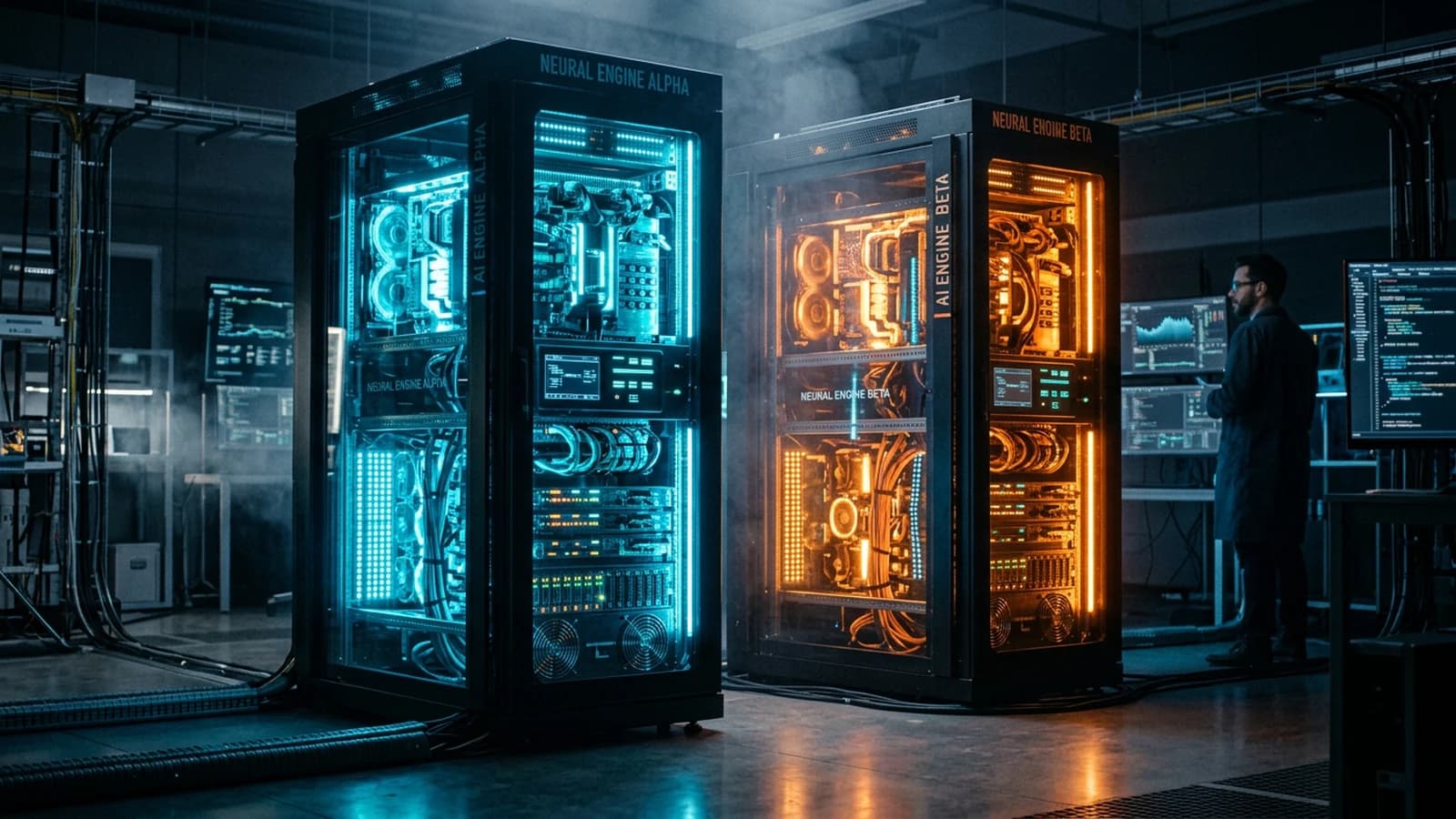
You read a thread shouting victory for Flux, another that often swears SDXL stays king with the right LoRAs. You open your GPU wallet, you look at your VRAM, you wonder if you must relearn everything fast. The simple good news: you do not need a religion, you need a twenty-minute test protocol on your real subject of the day.
This guide compares the two families in the field: portrait, busy scene, local speed, passage to video, and above all file habits that will survive the next model released next Tuesday. Three profiles to anchor the discussion. Thomas in Nantes does corporate portraits: he wanted stable eyes and credible wool jackets, he compared the two engines on the same brief before choosing a pipeline. Inès in Dakar produces illustrations of urban places: she valued the ComfyUI ecosystem and the hundreds of SDXL checkpoints. Roberto in Barcelona prepares keyframes for video: he needed clean PNGs, focal-length metadata, and a reproducible chain. None of the three is "right" in absolute terms: they aligned the tool with a precise constraint, GPU budget, graph freedom, or animated deliverable.
For the historical and technical context of the SDXL family, the Stable Diffusion article on Wikipedia stays a readable base. Flux belongs to a more recent wave of models, often evaluated on the consistency of materials and complex scenes.
What "realistic" means in this comparison
Realistic does not mean "looks like a filtered Instagram photo". Here, it means: credible geometry on close objects, light with an identifiable direction, skin that does not look like wax, and a depth of field that does not cut the subject like a collage. If your project is deliberately stylized, the comparison changes criteria: you then look for the consistency of the style, not the photo-credibility.
Set a private rating scale on three points: hands and teeth, fabrics, reflections. Rate each test from 0 to 2. After ten tests, you see trends without letting yourself be impressed by a single lucky image.
The honest A/B test in twenty minutes
You prepare a single short structured prompt, not a wall copied from Discord. You set the ratio, the base resolution, and you note everything in a text file.
35mm spherical, eye level, medium shot, man early 30s, stubble,
worn denim jacket, rainy street at dusk, neon reflections on wet asphalt,
single key from shop window, cool fill from sky, natural skin texture,
shallow depth of field, no plastic skin, film grain fine
Minute 0-5: you generate with your best usual SDXL setup, checkpoint + LoRA if you use any, guidance in the middle of the range, steps at the first stable threshold.
Minute 5-10: you generate with Flux or the implementation available on your side, same dimensions, identical or equivalent prompt if the tool imposes a syntax.
Minute 10-15: you compare at zoom on hands, teeth, fabric transitions, and the consistency of the ground reflections.
Minute 15-20: you decide not "which is better in general", but which lies the least on your subject of the day. You archive both PNGs with a file name that contains the date and the engine.
"Interior" test variant
Duplicate the session with an interior north-window prompt, a practical in the background, the same character. The engines do not always react like in a neon exterior. Note the hand and fabric scores separately. If the interior favors SDXL and the exterior Flux on your stack, you won a roadmap: you no longer choose at random depending on the time.
"Text in the image" test variant
If your use includes a readable sign, add a line with the exact text and observe which of the two engines respects the typo best without deforming the environment. This test quickly eliminates the illusions about "versatility".
Pro tip: if you change three variables between the two tests, you compare your mistakes, not the engines.
To avoid the plastic render whatever the engine, how to generate photorealistic AI images with no plastic effect completes this page.
Portrait: skin, eyes, and stability
On a tight portrait, the battle is often played on the shadow-to-light transition and the detail of the eyes with no doll shine. SDXL with a good portrait checkpoint and sometimes a skin LoRA can be extremely flexible. Flux is often cited for soft transitions on complex materials.
You test with hands off-frame first, then a version with hands visible in a blurred background. If the hands break on both, the problem is geometric (focal length, framing) before being "Flux vs SDXL".
For the grain and the finish afterward, how to add cinema grain to an AI image applies to both pipelines.
Busy scene: objects, depth, and readability
When the frame contains a shop window, a street, suggested passersby, vehicles, the visual hierarchy becomes the criterion. You look at whether the background collapses into mud or whether the ground reflections stay consistent with the sources.
SDXL can shine with node-based workflows where you control step by step. Flux can simplify certain transitions if your interface integrates it well. Once again, your set decides more than the marketing badge.
If the depth of field lies, how to generate a realistic scene with depth of field helps to fix the prompt before blaming the engine.
Table: criterion, SDXL, Flux, field note
| Criterion | SDXL | Flux | Note |
|---|---|---|---|
| LoRA ecosystem | very wide | growing | depends on your need |
| Custom workflows | mature ComfyUI | depending on integration | document your nodes |
| Portrait skin | very good with good weights | often very good | A/B test |
| Complex scene | variable | often strong | A/B test |
| Reproducibility | seed + checkpoint | seed + version | archive everything |
| VRAM | optimizable | depending on quant | look at the real batch |
Pro tip: the best engine is the one you know how to document. A mediocre model with a clean
readmefile beats a mysterious giant.
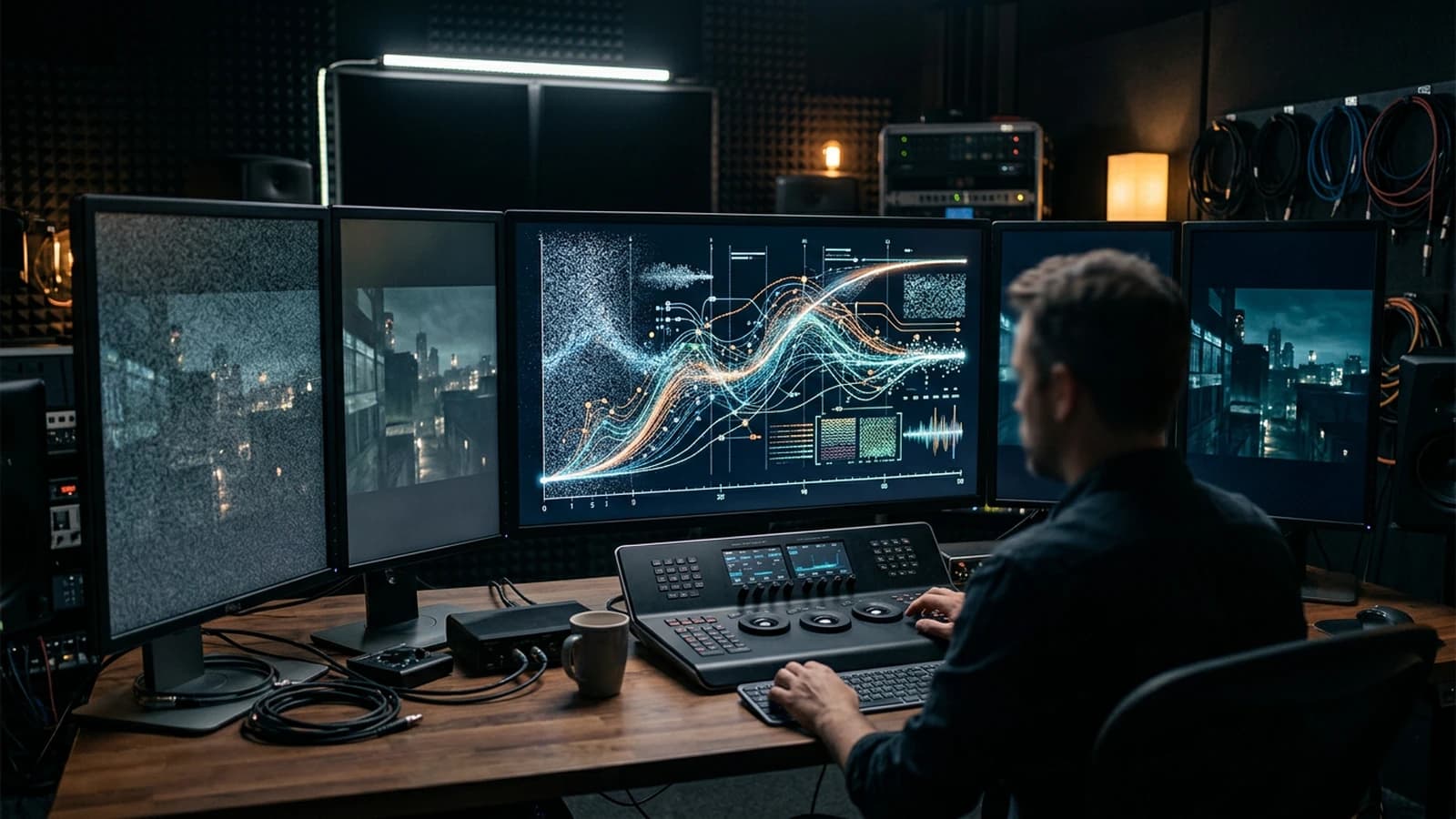
VRAM, speed, and iterations
You iterate at a modest resolution, you upscale or you regenerate high when the composition is frozen. This rule holds for both worlds. If your GPU suffocates, lower the resolution, reduce the batch, disable the heavy previews, and keep a minimal number of steps to decide, not to deliver.
On a laptop, prefer short sessions with systematic saving of the prompts. VRAM is a physical constraint, not a value judgment.
Typical session log
At the end of each evening, write four lines: engine, resolution, average steps, and one sentence on the main failure (hands, reflections, mud). After two weeks, you read your log like a dashboard. You will know whether you waste time on the wrong setting or on the wrong tool.
If you use ComfyUI or equivalent, export a capture of the graph when an image is validated. The graph is worth as much as the prompt for the reproduction. Name the file with the short hash of the model if the interface shows it.
When you switch to a cloud queue, copy into your text file the checked options, "safety", "refiner", or other boxes that modify the output. The interfaces change with no warning, your text file becomes your contract with yourself.
For the contrast and the color after generation, why your AI images lack contrast and how to fix it avoids compensating in saturation for what comes from the engine.
Passage to video: clean PNGs and metadata
Whatever the source, export a version with no extreme sharpen for the video, note the focal length and the light direction in a text file next to it. If you deliver to an external editor, add a line on the expected gamma (usual sRGB) and on the presence or not of an already-embedded grain, to avoid the involuntary double grain. A clean file chain is better than a brilliant badly-documented model.
If you use several tools, keep a refs folder with the pilot frame and a prompt_master.txt. The video will thank you when you must match the grain and the highlights.
Trench warfare: what beginners miss, and how to fix it
You think that changing engine replaces a bad brief. You get the same neon because your prompt does not name the key.
You copy CFG and steps settings from a tutorial with no the same checkpoint. You conclude that "SDXL is muddy" or "Flux is plastic" when you compare different worlds.
You raise the resolution to hide a false composition. You optimize mistakes in 4K.
You ignore the LoRAs on SDXL out of snobbery, or you stack five with no test. In both cases, you lose control.
You do not archive the model version and the date. Three months later, you cannot reproduce a winning image.
You want to do everything in the cloud with no budget: you find yourself juggling between queues and reset settings. Document even the cloud sessions like a studio.
You compare compressed JPEGs instead of the source PNGs. The artifacts become "proofs" against an engine.
You install five extensions on the same day, you change scheduler, you activate an automatic post-treatment, then you conclude that "SDXL is unstable". Come back to a documented minimal config, add one brick at a time.
You think the best model replaces the grading. You deliver neon greens on the skin because you did not spend ten minutes on a common curve after generation.
Pro tip: choose a fixed "test subject" in your life, your coffee, your cat, your desk, and rerun the A/B test each time you change a big chunk of stack. You quickly see the drift.
Pro tip: if Flux wins on the material but SDXL wins on the fine control with LoRA, hybridize your pipeline: generate wide with one, inpaint or refine with the other if the licenses and the tool allow it.
Foire aux questions
Réponses rapides aux questions les plus fréquentes sur cet article.
Should I abandon SDXL if Flux exists on my tool?
No with no test. Keep SDXL if your LoRA ecosystem and your workflows are already profitable. Add Flux as an option on the scenes where you see a measured gain on your own prompts.
How long for a serious A/B test?
Twenty minutes are enough if you set a prompt, a resolution, and a zoom comparison method. One hour if you explore several checkpoints, but note each variant.
The minimal VRAM, what is it?
It depends on the quant, the resolution, and the framework. Measure with GPU monitoring during a real batch rather than believing the marketing tables.
Why are my Flux and SDXL results incomparable?
Different schedulers, image pre-treatments, integrated post-treatments, or prompts slightly transformed by the interface. Normalize everything you can before judging.
I mostly do portrait, where to start?
A/B test on a portrait with hands off-frame, then with hands in a blurred background. Look at the eyes, the jacket texture, the nose-cheek transition. Keep the engine that lies the least on these three points.
I mostly do complex urban sets?
A/B test on a wet street with reflections and signs. Look at the consistency of the ground and the readability of the subject. Note whether you must simplify the prompt for one of the engines.
Grain, before or after?
Often after in a controlled overlay, sometimes light in the prompt in addition if you know what each layer brings. See the site's grain article.
Can I prepare an image for video with both?
Yes, provided you export clean masters, with no aggressive sharpen, and document the focal length and the light. The video consistency depends more on your file discipline than on the badge on the engine.
How to avoid the dependence on a single cloud provider?
Keep local copies of prompts, seeds, and source images. Export in PNG when possible. If the service changes model, you have a trace of what worked.
Is SDXL "finished"?
No as an ecosystem. The tools evolve fast. Your criterion stays the render on your subject and your ability to reproduce, not the label of the week on social.
Can I combine both in the same project?
Yes if the licenses and the formats allow it: for example a set base with the engine that handles the scene best, then a portrait refinement with the other. Document both chains so as not to get lost in the different colors and grain.
How to handle the color differences between two engines on a series?
Apply a common reference curve in post over the whole series, or generate with a prompt that imposes a more neutral balance before grade. Keep a reference still on the screen edge during the session.
Which is the most "client-pro"?
The one that lets you deliver on time with a stable and traceable quality. Clients buy a result and a method, not a technical badge. If SDXL gives you irreplaceable job-specific LoRAs, it is a value.
Should I learn ComfyUI for SDXL?
Not mandatory, but very useful if you want reproducible and modular pipelines. If you prefer a simple interface, choose a stable front-end and document your settings by hand anyway.
Does Flux always consume more VRAM?
Not "always", it depends on the implementation, the resolution, and the activated optimizations. Measure on your hardware with a typical project rather than believing the rumors.
How to know if my SDXL checkpoint is rotten?
Test it on three short prompts you master. If three different subjects give the same flaws (teeth, eyes, fabric), the weight is perhaps at fault. Compare with another checkpoint before accusing the whole engine.
Does the upscale change the verdict of the A/B test?
Yes if you upscale differently between the two branches. If you want to compare the engines, stay at the same post-treatment resolution or upscale with the same tool and the same parameters, otherwise you judge the upscaler, not the base generator.
Useful internal links
Related articles
 Tutoriels
Lip-Sync: Which AI Tool to Choose for Your Virtual Actors?
A field comparison and a complete method to choose an AI lip-sync tool, direct the performance and get a credible lip synchronization.
 Tutoriels
Why Do My AI Videos Look Fake, and How to Make Them Realistic
The signals that betray AI, from plastic to geometry, and concrete corrections for a credible render.
 Tutoriels
How to Choose the Right Camera Angles in AI
Choosing credible, narrative camera angles to avoid flat or artificial AI images.