How to Think Like a Director With AI
Move from a simple prompt to a real staging logic for credible AI images and videos.
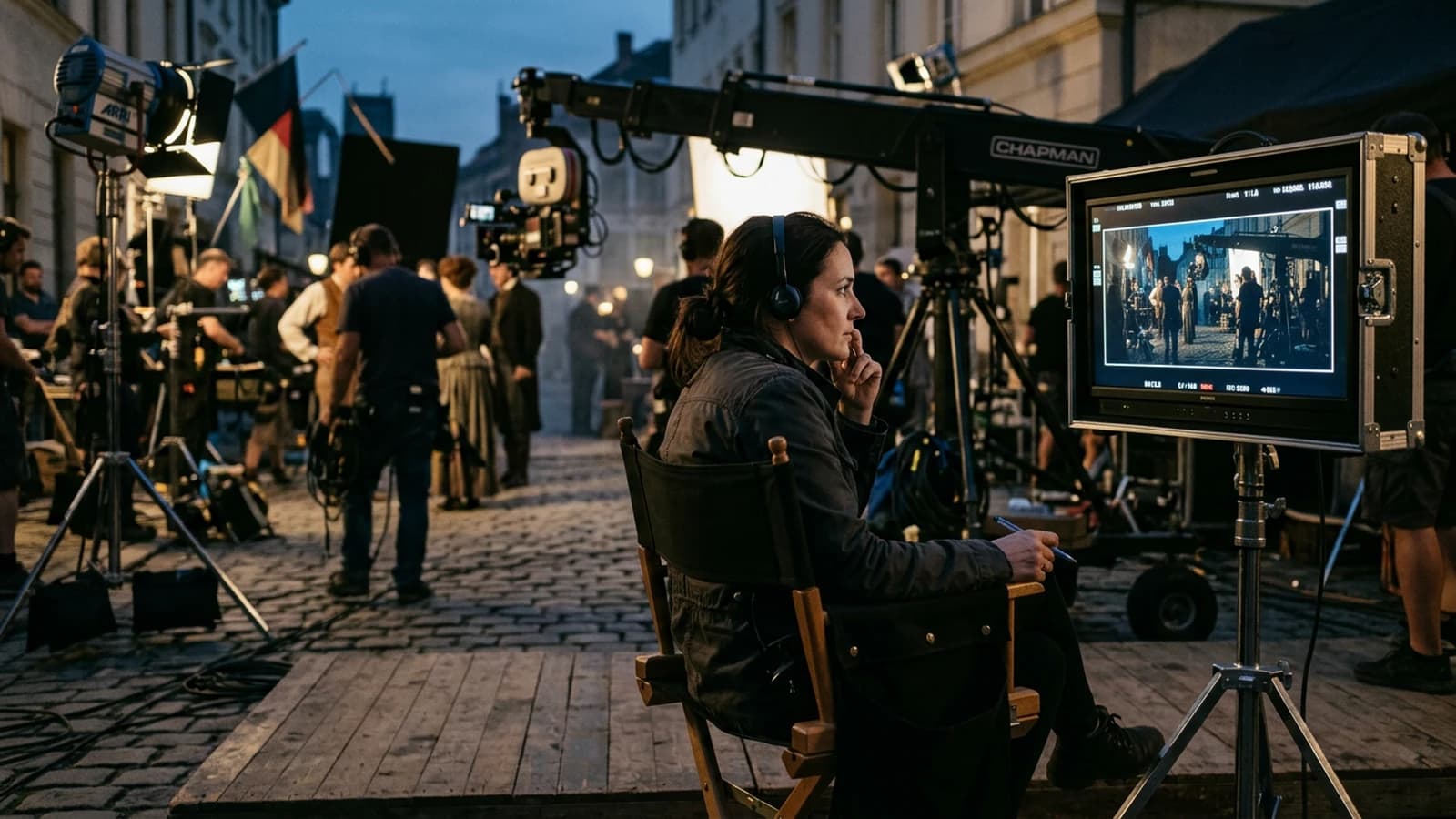
You open your tool, you launch a prompt, you get a beautiful image, then another beautiful one, then another beautiful one. And yet your film tells nothing.
I see this problem every week with brilliant beginners. They work hard. They learn fast. They test Flux, SDXL, ComfyUI, plenty of workflows. But they think like a tool operator, not like a director.
A director does not start with the preset.
He starts with an intention.
Here, we are going to do exactly that. You are going to learn to think like a stage director, even if you are a beginner, even if you have never touched a real camera. And yes, it is possible with local AI, provided you respect a hard, clear, reproducible method.
Hook, the real frustration
Classic scene. You want to make a 40-second teaser for a perfume brand. You generate 30 superb images. You move to the edit. It is flat. We do not understand who is looking at what, why the character moves forward, nor what changes emotionally.
The issue is not the model.
The issue is the directing thought.
When you think like a director, each shot has a mission:
- establish the space
- place a tension
- provoke a decision
- show a consequence
If a shot does not serve one of these functions, it goes out. With no pity.
Pro insight
The audience forgives a small technical imperfection. It never forgives a fuzzy intention.
Core concepts, what a director decides before generating
Before you even open your node graph, set these six decisions.
1) The narrative point of view
Who carries the scene, the main character, an observer, or an outside force.
This choice changes everything, focal lengths, camera height, cut rhythm, edit breathing.
2) The emotional objective
Not "make it cinematic".
Too vague.
You must write a readable emotional target:
- progressive unease
- brutal relief
- suspended tension
- softness then rupture
3) The visual hierarchy
Your frame must answer a single question, where the eye looks first.
If you have three answers, your image is a failure.
4) The light logic
A motivated main source, a secondary separation source, a shadow management that tells the mental state of the character.
5) The shot progression
A film is not a gallery.
It is a movement.
You must plan a progression of scale and intensity:
- establishing shot
- engagement shot
- rupture shot
- consequence shot
6) The consistency pact
Same character, same skin material, same color logic, same optical constraints. It is exactly there that many AI productions blow up.
To lock the consistency between sequences, also take this guide, how to create consistent scenes with several shots in AI. For the reading of the frame itself, then move on with how to frame an AI image like a cinema pro.
Staging is not a list of buzzwords: it links intention, space and time. To situate your vocabulary, a reference entry like mise-en-scène helps to name what you already do intuitively.
The mandatory prompt template
You can use it for every key image.
[NARRATIVE_POV]: who carries the scene (hero, observer, off-frame antagonist).
[EMOTIONAL_OBJECTIVE]: one measurable sentence (e.g. rising unease then a sharp blow).
[VISUAL_HIERARCHY]: where the eye reads first, second, last.
[LIGHT_LAW]: dominant source + direction + hardness + fill/rim if needed.
[FELT_OPTICAL_SENSE]: felt focal length, camera distance, plausible height.
[ACTION_AND_STAKE]: strong verb + visible or suggested obstacle.
[CONTINUITY_TAGS]: costume, skin texture, palette, optics frozen for the series.
[SHOT_MISSION]: establish / tension / decide / pay the price (a single function).

Negative: no empty symmetric catalog, no three contradictory suns,
no decorative beauty shot with no narrative function.
But remember this well, the template is only a container. What makes the quality is your [SCENE DESCRIPTION], so your direction.
Beginner scenarios, the real field blockages
Scenario 1, "I have beautiful images but no film"
You produce 20 shots in 2 hours. Each image is pretty as a thumbnail. At the edit, it sounds like a moodboard.
Why:
- no intention shot by shot
- no gaze continuity
- unmotivated light variations
- no visual conflict
Pro fix:
- Reduce to 8 shots maximum for a 45-second scene.
- Assign each shot a narrative verb, locate, threaten, doubt, act, endure.
- Delete any shot with no clear verb.
Result, you lose 40 percent of material, you gain 200 percent of readability.
Scenario 2, "My character changes at every shot"
You have the same actress in theory. In practice, face, texture, apparent age and morphology move.
Why:
- character description too vague
- lack of a fixed textual reference
- generation order with no guardrail
Pro fix:
- Create a single character sheet, 8 to 12 fixed lines.
- Reinject this sheet into all the prompts of the scene.
- Generate first three pivot shots, wide, medium, tight, then derive.
- Refuse any shot that drifts even if the image is "beautiful".
To reinforce this point, reread how to write a prompt for a realistic and consistent character.
Scenario 3, "Everything is clean, but it looks fake"
Yes, it is sharp. Too sharp.
Yes, it is clean. Too clean.
Why:
- absence of micro-imperfections
- overdosed digital contrast
- uniform color with no dead zones
Pro fix:
- Add a material intention, light sweat, visible pores, imperfect fabric.
- Decrease the global sharpness in post.
- Introduce a subtle film grain, not an Instagram effect.
- Check the image at 100 percent, then at 25 percent, the credibility must hold in both cases.
Ultra granular practical workflow, AI Studio method
Here is a concrete pipeline to build a scene that tells something.
Step 0, a 5-line narrative brief
Write:
- who acts
- what they want
- what blocks
- what tips over
- what changes at the end
Without it, generate nothing.
Step 1, scene visual charter
You define:
- 16:9 format
- consistent anamorphic optics
- contrast level
- dominant color temperature
- grain level
Simple note, you do not change these parameters in the middle except for a narrative reason.
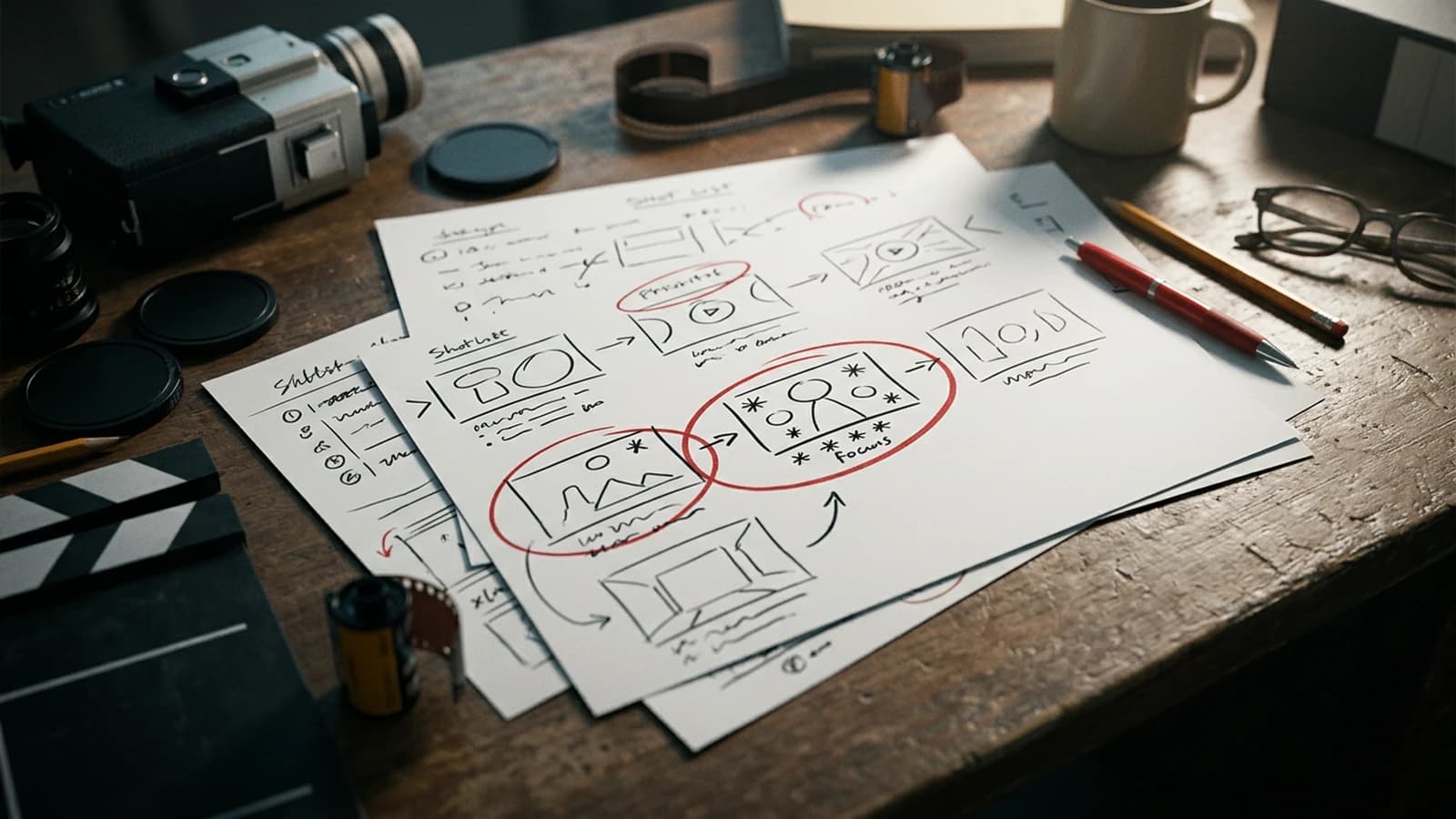
Step 2, mandatory shotlist
For a short scene, aim for 6 to 10 shots:
- Establishing
- Situation medium
- Tension insert
- Reaction
- Action
- Consequence
Step 3, local generation of the keyframes
Tools: Flux or local SDXL only.
Goal: 1 strong image per shot, not 20 soft options.
Recommended starting settings:
| Block | Recommended beginner setting | Why |
|---|---|---|
| Resolution | 1536x864 | good quality/time balance |
| Steps | 28 to 40 | enough detail without smoothing |
| CFG | 4.5 to 6.5 | control with no rigidity |
| Seed | fixed per shot | reproducibility |
| Denoise (img2img) | 0.25 to 0.45 | clean iterations |
| Final upscale | x1.5 to x2 | keep realistic texture |
Step 4, readability validation
Single question per shot: Does the viewer immediately understand what is at play.
If not:
- simplify the background
- recenter the hierarchy
- remove a parasitic element
Step 5, generation of the useful variants
Two variants max per shot:
- a more intimate one
- a more distant one
Not ten variants. You drown your decision.
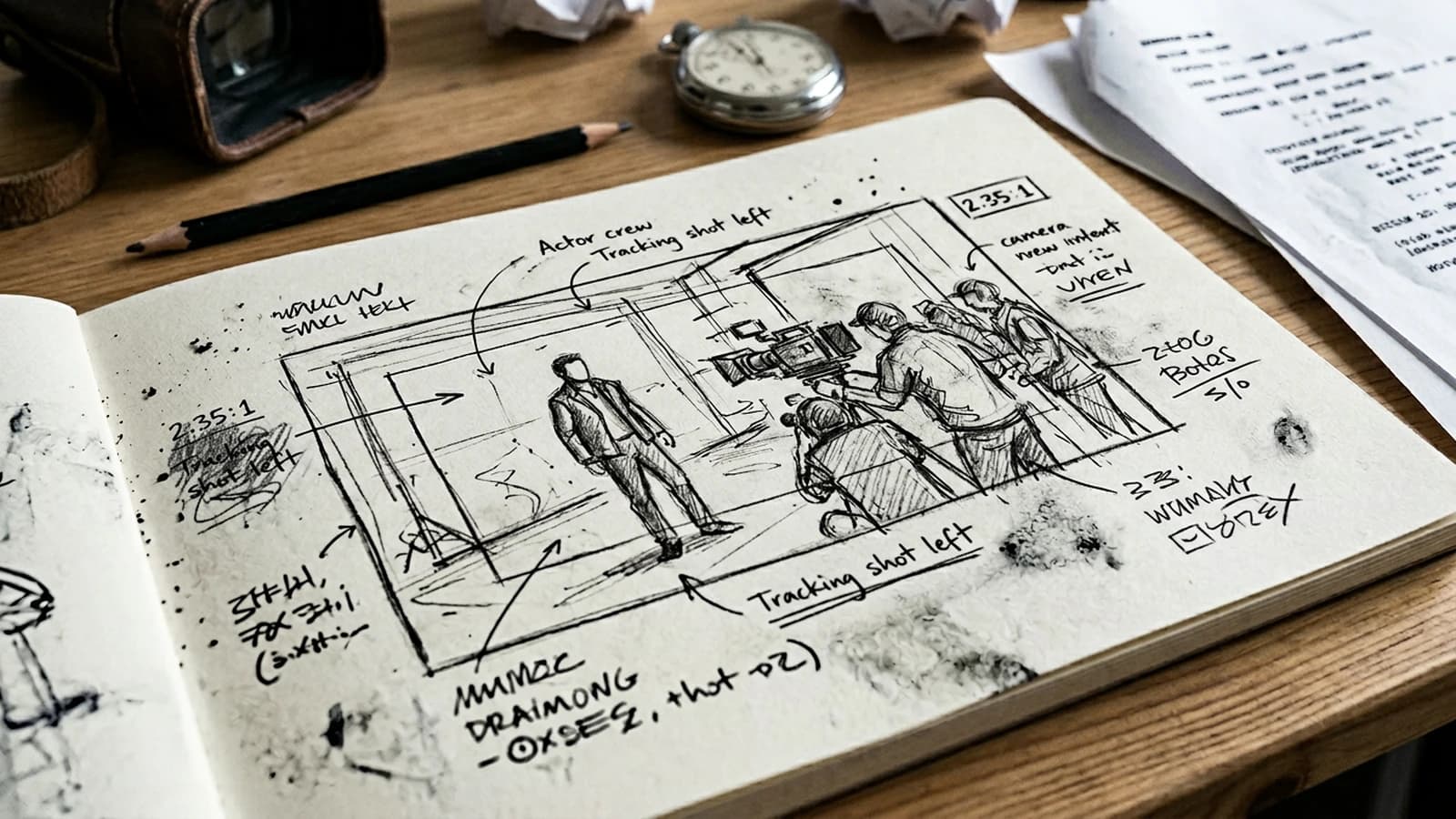
Step 6, narrative pre-edit
Assemble first in a rough cut, with no advanced sound design.
You test the logic.
Checklist:
- the gazes connect
- the geography stays clear
- the intensity rises
- the end produces an identifiable emotional effect
Step 7, texture and imperfection pass
On the kept shots:
- subtle even grain
- light micro flicker possible
- natural skin texture
- no artificial 3D-render-type sharpness
Step 8, guide sound pass
Even with no final mix, lay a simple layer:
- ambience
- a proximity sound
- a tension accent
Sound instantly reveals the useless shots.
Step 9, test export and external eye
Show it to a non-technical person.
Ask only three questions:
- You understood the situation in 10 seconds.
- You felt an emotional change.
- A shot pulled you out of the film.
If they hesitate, you re-cut.
Massive trench warfare, what beginners miss and how to fix it
1) Generating before writing the scene
Mistake: you confuse exploration and production.
Fix: 5 lines of brief before any generation.
2) Too many ideas, zero spine
Mistake: each shot tells another film.
Fix: one mission sentence per shot.
3) Changing style every 10 minutes
Mistake: over-consumption of aesthetics.
Fix: one visual charter per scene, period.
4) Looking for beauty instead of clarity
Mistake: decorative composition with no intention.
Fix: ask the question "what must the viewer feel here".
5) Ignoring the gaze space
Mistake: characters stuck to the edge with no logic.
Fix: keep a readable direction of gaze and movement.
6) No control of skin and materials
Mistake: plastic render.
Fix: explicit material prompts + texture pass in post.
7) Caricatural "cinematic" color
Mistake: automatic aggressive orange teal.
Fix: sober color, contrasts motivated by the scene.
8) Keeping weak shots because "I spent time on them"
Mistake: emotional attachment.
Fix: strict kill list, one weak shot kills the global credibility.
9) Cutting to the rhythm of the music, not the story
Mistake: clip editing.
Fix: cut on intention, action or reaction.
10) Forgetting the consequence
Mistake: the scene ends with no impact.
Fix: last shot = visible emotional trace.
11) Wanting to fix everything at once
Mistake: iteration chaos.
Fix: one variable modified per pass.
12) No archive of the winning settings
Mistake: impossible to reproduce.
Fix: simple log per shot, seed, cfg, steps, version.
Second contextual image, editing thought
Complete case study, a 45-second teaser built like a director
We take a concrete subject. Teaser for a mini-series, a young chef returns to the family restaurant closed for years. Emotional objective, nostalgia then tension, then decision.
Beat 1, establishment (0 to 8 seconds)
Wide exterior shot, light rain, character small in the frame.
Mission, establish solitude and stake.
Beat 2, entrance (8 to 16 seconds)
Medium shot, hand on the handle, visible hesitation.
Mission, transform the context into action.
Beat 3, memory (16 to 24 seconds)
Insert on an old photo, ambient sound lowers.
Mission, create the emotional charge.
Beat 4, threat (24 to 33 seconds)
Tight face shot, gaze off-frame, sharp noise.
Mission, move the scene toward suspense.
Beat 5, decision (33 to 45 seconds)
Medium shot, character moves forward in the dark kitchen.
Mission, show the character's tipping point.
Director's direction table
| Beat | Intention | Camera decision | Light decision | Success criterion |
|---|---|---|---|---|
| 1 | isolation | wide static | cold exterior source | feeling of emptiness |
| 2 | hesitation | medium slightly close | more marked contrast | readable micro gesture |
| 3 | memory | stable insert | soft localized light | emotion with no dialogue |
| 4 | threat | close-up | dominant shadow | immediate tension |
| 5 | tipping | medium moving ahead | dark depth | owned action |
Why this format is powerful
You no longer endure the generation.
You pilot an emotional progression.
The director's role in AI is that, hold a narrative course when the technical temptation pushes in all directions.
Operational check before client delivery
- scene intention written in one sentence
- mission of each shot validated
- character and light consistency checked
- emotional evolution perceptible with no dialogue
- final shot with a clear consequence
- no "pretty but useless" shot
This check seems simple. It is what separates a correct render from a pro render.
Pro training over 14 days
Week 1:
- day 1 to 3, analyze 3 film scenes and note the beats
- day 4 to 5, reproduce the structure in local AI
- day 6, rough cut with no music
- day 7, correction based on external returns
Week 2:
- day 8 to 10, new scene with a stronger constraint
- day 11, version A oriented toward emotion
- day 12, version B oriented toward tension
- day 13, critical comparison
- day 14, documented final version
Always document:
- final prompt
- technical settings
- reasons for the shot choice
- mistakes encountered
- applied correction
That is how you build a real personal method.
Short preparation, enormous yield
Before talking about the tool, write three lines you reread aloud. First line: situation and place in one short sentence. Second line: desire of the main character and main obstacle. Third line: what must change in the body or the gaze between the beginning and the end of the scene. These three lines do not replace a script, but they avoid the scatter when you move to generation. When you forget these lines, you fall back into the thumbnail collection.
Add a "risk" column to your shotlist. For each shot, note what can break if the model drifts: skin texture, set symmetry, light inconsistency, hands at the edge of the frame. When you anticipate the risk in the brief, you reduce the expensive surprises. It is not production paranoia, it is time gained at the edit.
End each session with an honest sentence: "the scene says X" or "the scene does not yet say X". If you cannot complete the sentence, you have not finished the director pass, only the texture pass. Many AI portfolios are beautiful because they skip this final sentence.
Foire aux questions
Réponses rapides aux questions les plus fréquentes sur cet article.
Do you need a film school to think like a director with AI
No. You must above all learn to decide under constraint: who carries the gaze, what changes between two shots, and why you cut now rather than in three seconds. Directing is not a secret shop reserved for an elite: it is a discipline of choices you can train on short scenes, even with no physical set. If you can explain in one sentence what the viewer must feel at each moment, you are already in the right direction. The technique comes after to execute that intention with Flux, SDXL, or any other pipeline.
Should I first master Flux or first the narration
First the narration. A very technical operator with no intention will produce hollow images and a confused sequence as soon as you cut several shots. A clear narrator with an average technical level will produce a stronger film because the viewer understands the emotional play before judging the perfection of the render. Then, when your decisions are clean, learning Flux or SDXL gives you speed and precision. You then buy machine time, not a ready-made intention.
How many shots for a beginner scene
Start short: 6 to 10 shots for 30 to 60 seconds. It is largely enough to establish a context, create a tension and conclude on a clean consequence. Beyond that, beginners often lose the consistency of the cuts and multiply filler shots that dilute the intention. If you insist on adding shots, add them only if each new frame changes the reading of the conflict or the space. Otherwise, you build a decorative slideshow.
How do I know if my scene is readable
Do the 10-second test with an external person who does not know your brief. If they understand where they are, who wants what, and what is changing with no subtitles, your scene holds. If they only describe "it is pretty" or cite texture details with no story, you have a visual narration problem: at best you have a strong image, at worst a series of poses. Then reformulate the mission of each shot with an observable action verb.
What do I do when a shot is superb but breaks the continuity
You remove it from the delivered edit. It is hard at first, but it is a real professional leap. A gorgeous shot out of the system destroys the viewer's trust because they feel a rule break with no narrative justification. Keep this shot in an inspiration bank or a "B-side" folder, not in the final timeline. If you absolutely want to keep it, you must rewrite the neighboring shots so that the geography, the light and the gaze reconnect.
How to avoid the too-clean AI effect
Work in layers: credible skin material, fabric with light flaws, discreet atmospheric depth, even grain at the end of the chain, realistic color with no caricatural LUT. Then check your render on a "normal" screen, smartphone included, not only in your technical viewer zoomed all the way. Realism does not live in the dead pixel: it lives in the consistency of the imperfections and in the stability of the optical decisions.
What is the biggest mistake of motivated beginners
They look for the "good image" instead of building the "good sequence". Cinema, even in AI, is a logic of relations between shots: gazes, movements, reactions, silences. You do not sell a single poster: you sell an experience that evolves over time. When you treat each image as an end in itself, you optimize the median of the portfolio and you sacrifice the narrative line.
Which guide to read after this one
Move on to how to frame an AI image like a cinema pro to solidify the shot-by-shot reading. Move on with the complete workflow to go from an idea to a realistic AI film to industrialize your pipeline and document your passes. If you work on video, how to structure an AI video like a real film complements this reading well.
Related articles
 Tutoriels
How to Frame an AI Image Like a Cinema Pro
Concrete framing methods to give your AI images a clear, cinematic visual reading.
 Tutoriels
How to Direct an AI Character Like an Actor
Creating more credible performances in AI by directing gestures, gaze, rhythm and emotional continuity.
 Tutoriels
How to Describe Light Like a Director of Photography in a Prompt
Key, fill, color, hardness, practicals, and how to avoid the 'nice lighting' with no geometry.