Midjourney in 2026: A Complete Guide to Create Stunning Images
The field guide to understand Midjourney, get a credible render, master Discord, midjourney.com, SREF and avoid the artificial AI look.
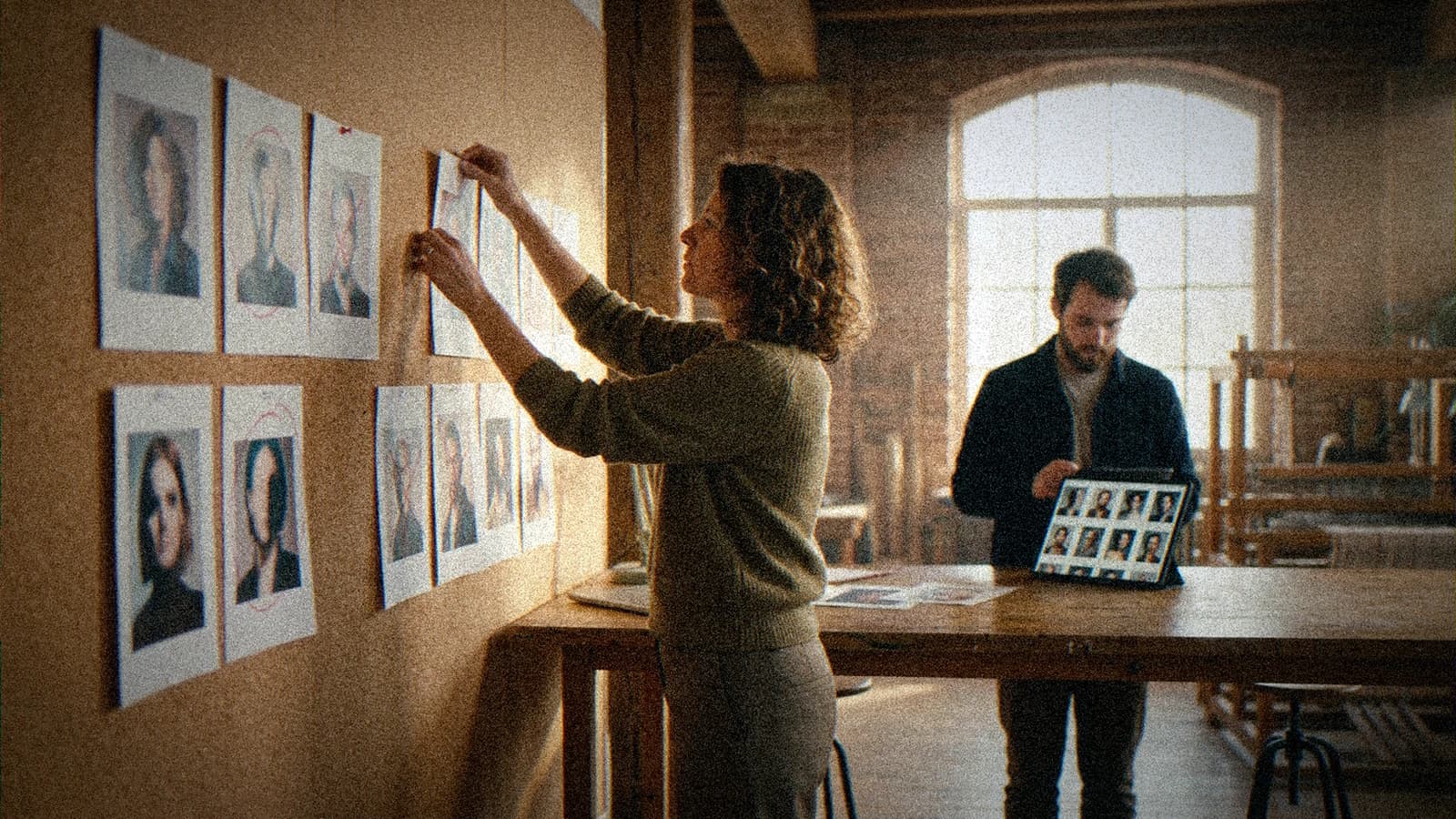
You type a prompt, you wait, and the midjourney image that comes out disappoints you. Plastic skin. Too-perfect light. A setting that smells of fake 3D studio. You look at online galleries and you tell yourself the problem is you. No. The problem almost always comes from the method. I broke weeks of production on the same mistakes, especially in advertising where each frame has to hold up in front of a demanding art director. This guide is here to save you from that, step by step, with precise settings, real scenarios, and concrete choices when you no longer know what to adjust.
If you are a beginner, you are often going to search how to use midjourney or even what is midjourney before understanding the render logic. It is normal. But in 2026, Midjourney is no longer just a bot that makes pretty images quickly. It is a real creative environment, between midjourney discord, midjourney bot and midjourney.com, with powerful options like sref midjourney and the updates of midjourney 8.1. The real quality jump comes from your visual direction, not from a magic copy-pasted prompt.
What exactly is Midjourney?
Midjourney is a text-driven visual generation engine, but saying that is no longer enough. In practice, it is a chain of decisions where each instruction influences composition, light, material, and style consistency. When you read midjourney inc, you think of a tech company. In the field, think rather of a creative laboratory that quickly updates its models and its interpretation behaviors.
The beginner trap is to approach Midjourney like a poster generator. You get an impressive visual in small format, then everything collapses in pro use. The textures become artificial, the hands tell anything, the objects do not respect the physical logic. It is not an isolated bug. It is the result of a fuzzy brief and an absence of constraints in the prompt.
What changes everything is to treat Midjourney like a virtual director of photography. You first define the narrative intention, then the image grammar. Simple example: instead of writing "beautiful woman cinematic", you set the context, the action, the point of view, the light source, the expected texture. You reduce the chance and you gain useful iterations.
I learned that producing advertising concepts where the client demanded "less AI" without knowing how to name what was wrong. The solution was not to add adjectives. The solution was to clarify the proofs of real: local wear, skin imperfection, shadow logic, consistent materials. Midjourney becomes excellent as soon as you give it these visual proofs to generate.
How to use Midjourney today
The modern flow is simple on paper: you create your account, you choose your interface, you write a prompt, you iterate, you upscale, you export. In reality, the quality depends on the order of the decisions. Always start with a single intention sentence: "what the viewer must believe in 2 seconds". With no that, you are going to pile up options and lose time.
Then, work in blocks. Block 1: subject and action. Block 2: camera angle and implicit focal length. Block 3: main light and atmosphere. Block 4: texture and material render. Block 5: negative constraints. You can write a base prompt then refine it, but keep the same skeleton for 3 or 4 tests to know what works.
Here is a field example that works better than 90% of the "cinematic" prompts copied online:
- Subject: "45-year-old chef, flour-stained jacket, intense concentration"
- Angle: "eye level, waist shot, 50mm"
- Light: "cold side window + soft warm bounce"
- Material: "natural skin, micro-imperfections, realistic steam"
- Constraints: "no CGI render, no smoothed skin, no text"
💡 Frank's Cut: lock a single variable per iteration. If you modify subject, light and style at the same time, you will never know why the image is better or worse. In real production, this reflex saves hours.
When you are stuck, compare two versions in mobile thumbnail before judging on full screen. Many "beautiful images" die on a phone because of an inconsistent contrast and a soft visual hierarchy. It is brutal, but it is the most honest test for social or advertising content.
Midjourney on Discord: is it still the best way to use it?
midjourney discord stays extremely useful to learn fast. You see other people's prompts, you analyze the variations, you spot the structures that come back in the successful images. For a beginner, it is an accelerated visual school. You understand the logic of Midjourney by active observation, not just by reading tutorials.
The downside is the noise. Too much flow, too many contradictory styles, too much jargon. Many users copy long prompts that seem pro, while they pile up incompatible terms. Result: a spectacular but unusable visual. If you work for a client, you need a reproducible process, not a random jackpot.
The midjourney bot in Discord is still handy to iterate quickly, especially when you want to test 3 visual leads in parallel. But for a real production, I advise documenting each test in a tracking file: prompt, seed, ratio, visual goal, verdict. With no log, you lose the best finds.
Concretely, Discord is excellent for research, less comfortable for strict archiving. Many creatives now do a mix: exploration on Discord, finalization and series management on the web. It is often the best compromise between learning speed and production rigor.
Midjourney.com: what has changed
midjourney.com has clearly reduced the user friction. The web interface eases the navigation of the creations, the resumption of iterations, and the management of a project's style. For beginners, it is more readable than the Discord channel experience, especially when you want to find a precise version of a visual.
The big change is the ability to organize your workflow like a real creative pipeline. You can better compare your variants, isolate the relevant leads, and avoid drowning your best generations in a community flow. This point alone already improves the quality of your decisions.
I insist on one point: the tool does not replace your eye. Many think that going through the web is automatically going to make their images more pro. False. If your starting prompt is fuzzy, the cleanest interface in the world will not correct a badly formulated intention. It will just give you a better view of your mistakes.
If you want to build a solid base on the photorealistic style side, I advise you to complement this read with our guide on photo prompts that avoid the artificial render. You will see how to structure the light and material descriptions to get out of the plastic look.
Midjourney 8.1: new features and quality
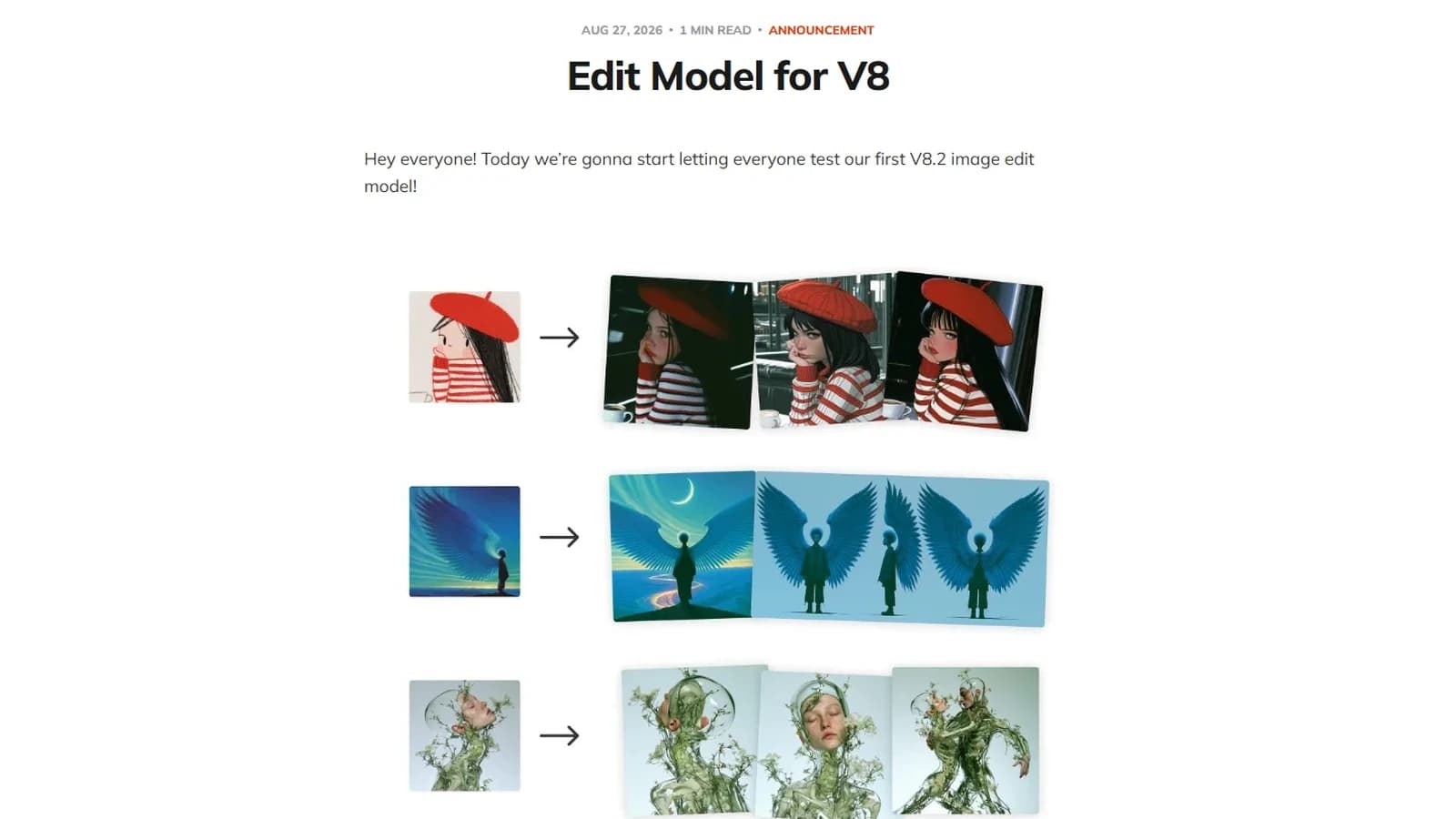
midjourney 8.1 has improved the global consistency in several use cases, notably on skin textures, certain textile materials, and softer light transitions. It does not mean "zero defect". It means the base is cleaner, so your direction mistakes show even more.
The quality rise is particularly visible when you give credible scenes. Midjourney reacts better to a concrete intention than to a list of aesthetic adjectives. "Rainy night in front of a pink neon" will often be less stable than "night vendor closes her stall under fine rain, asphalt reflections, readable fatigue". The model reads the story.
Here is a useful comparison to start fast:
| Criterion | Fragile beginner approach | Robust pro approach |
|---|---|---|
| Prompt | accumulated adjectives | subject-action-light-material structure |
| Iteration | change everything at once | one variable at a time |
| Validation | full screen only | mobile + full screen |
| Style | generic "cinematic" | concrete proofs of real |
| Export | single version | documented A/B variants |
To follow the official evolutions and the version behaviors, regularly check the Midjourney documentation. It is the most reliable source when an option discreetly changes behavior.
Midjourney free: can you use it for free?
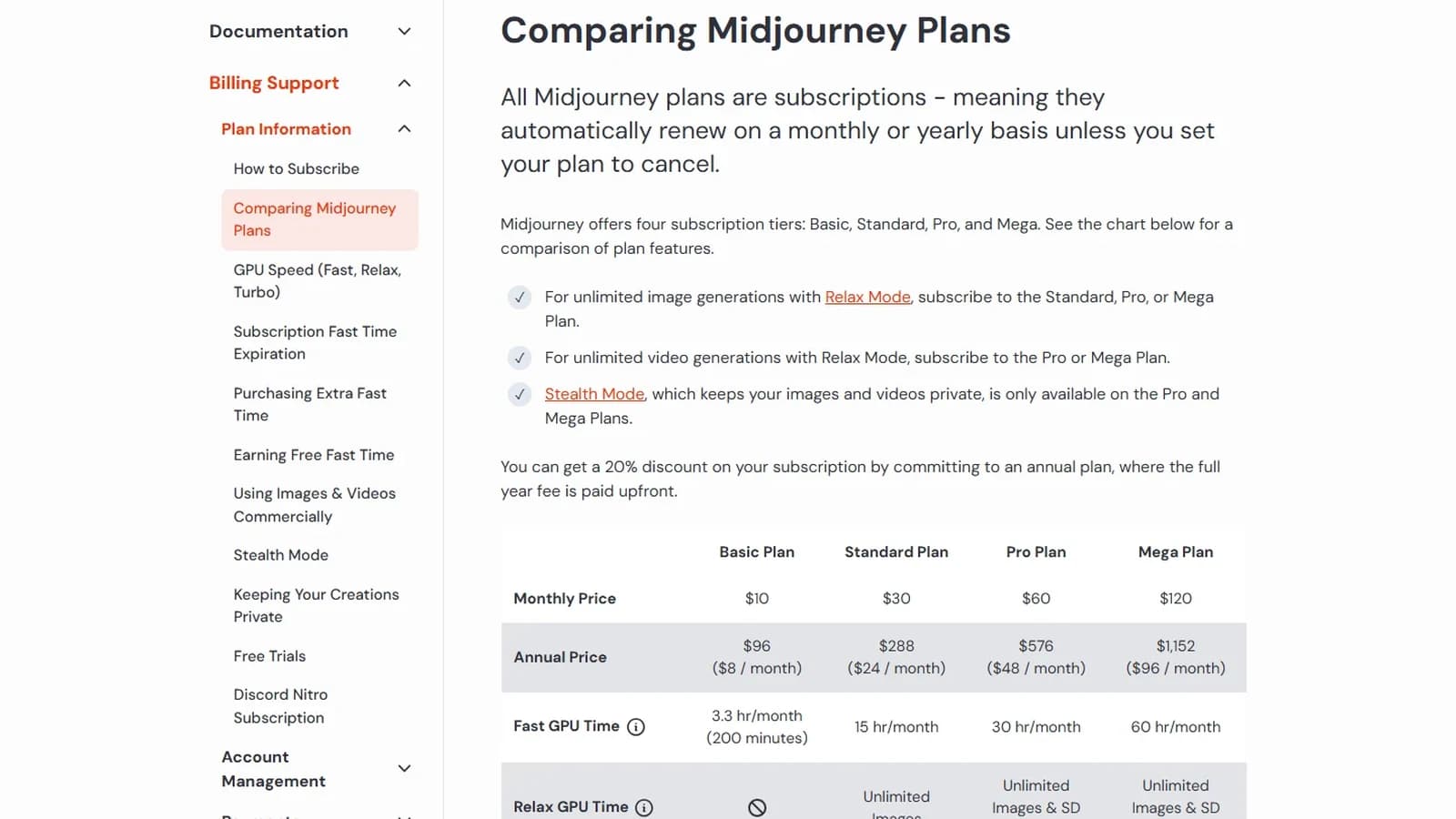
The question midjourney free comes back all the time. Let's be clear: the access conditions evolve according to the periods and the platform's decisions. You can sometimes see trial windows, limited access, or specific campaigns, but building a pro workflow on a "permanent free" assumption is a strategic mistake.
If your goal is to learn, a limited access can be enough to understand the basics of prompt and visual direction. If your goal is to deliver client projects, you need a stable frame. The quota instability destroys the creative continuity. You cut your series, you lose your rhythm, and the consistency suffers.
I recommend calculating your cost per useful image, not per generated image. A session with 80 random generations can be less profitable than a session of 20 directed images with method. The "small" budget quickly becomes huge when you iterate badly.
For free or hybrid alternatives when you explore with no pressure, also look at our comparison on the best AI image generator according to the uses. The idea is not to replace Midjourney at all costs, but to use the right tool for the right step.
Midjourney promo code: what you need to know
The subject midjourney promo code attracts a lot of searches, and it is logical. But beware of the dubious promises. You will see pages that list expired, unofficial, or downright deceptive codes. Before testing anything, always check the official channels of midjourney.com.
In the field, I advise never basing your tool decision on a one-off discount. What counts is the real production cost: time, consistency, ability to reproduce a style, readability for your team. A small discount never compensates for an unstable pipeline.
Also check the usage terms if you produce for commercial campaigns. The rights, licenses and exploitation part is not a detail. You can start by reading the official pages Midjourney and cross-check with the terms of service when you launch a sensitive client project.
If you want to avoid the legal bad surprises in production, also read our breakdown on the copyright of generated images. It is less sexy than a viral prompt, but it is what protects your work and your clients.
The SREF parameter on Midjourney
sref midjourney has become central to keep a stable visual identity across several images. In short, SREF helps you keep a reference style without recoding the whole style in each prompt. It is precious for a series of ad visuals, a brand universe, or a consistent storyboard.
The classic trap is to use SREF as a total crutch. You force a strong style, then you can no longer adapt the scene, the emotions, or the context. Result: all your images look too alike, with a template impression. A good use of SREF maintains a visual signature while letting the story breathe.
Simple workflow to start correctly:
- Choose a reference image that truly expresses your target style.
- Generate 4 variants with the same prompt and SREF active.
- Change only the action of the subject, not the light.
- Measure the consistency of skin, shadows, and dominant color.
- Then adjust the stylistic intensity in small touches.
When it is well set, SREF saves you a huge amount of time in series. When it is badly set, it locks your project in a rigid style. The good marker: if each image tells the same visual story but keeps its own energy, you are on the right trajectory.
My tips to get a more pro render
Here is the truth that few tutorials say: the pro render does not come from a "secret prompt". It comes from a system. I work with a short cycle: intention, generation, sorting, targeted correction, multi-screen validation. Each cycle must produce a clear decision. Otherwise you are just running the machine.
First lever: write prompts that describe concrete visual proofs. Not "ultra realistic masterpiece", but "rain trace on the jacket, diffuse reflection on the asphalt, slightly textured skin, cold side light". Midjourney responds better to observable precision than to abstract superlatives.
Second lever: impose realistic negative constraints. Useful examples: "no wax skin, no plastic highlights, no over-sharpened texture, no fake bokeh rings". Well-chosen negative constraints clean up many visible AI defects without killing the creativity of the image.
Third lever: use an objective sorting grid. I score each image on 5 criteria: subject readability, light consistency, material credibility, emotion, commercial usability. If an image is beautiful but weak on usability, it leaves. It is hard at the start, but it is what makes you level up quickly.
Fourth lever: think global pipeline. An isolated image impresses easily. A consistent series sells a project. If you want to evolve your level up to the multi-shot narrative render, complement with our guide to avoid the generated-AI-image effect and apply the same discipline across your whole production.
Troubleshooting - What Beginners Break
The first beginner crash is the prompt overload. You throw twenty styles, ten references, five atmospheres. Midjourney tries to satisfy everyone and gives you a visual soup. The fix is immediate: reduce the prompt to a single intention and rebuild by layers. Fewer words, more control.
Second frequent break: the inconsistent light. You ask for a strong backlight and hyper-sharp frontal details on the whole face. Physically, it does not hold. Correct by defining a main source, then a light secondary source. If the shadows become credible, the image becomes credible.
Third problem: the "beauty filter" skin. It happens when the sharpness, glamour-render and contrast instructions collide. Add targeted negative constraints, then reintroduce the natural texture. In high-end advertising, a slightly imperfect skin seems more premium than a smoothed skin.
Fourth problem: the iteration panic. You change everything on each generation because you want a fast miracle. Stop. Switch to a "one variable" protocol. You modify only angle, or light, or material. You keep the rest fixed. In three series, you identify what really transforms your render.
Fifth problem: forgetting the usage context. An image destined for a social feed is not judged like a large-format printed key visual. Always check your render in the final format. Many defects disappear, others appear violently. It is this test that avoids the bad surprises at publication.
FAQ (PAA Optimization)
-
Is Midjourney still relevant in 2026 against the other AI tools?
Yes, Midjourney stays extremely relevant in 2026, especially for creatives who want a strong visual quality from the first iterations. Its advantage comes from its ability to produce stylish and detailed images quickly, with a convincing art direction if the prompt is well structured. Where many go wrong is that they compare viral captures instead of comparing complete workflows. In a real environment, you must judge the series consistency, the reproducibility, and the validation time. On these points, Midjourney stays very competitive when you apply a disciplined production method. -
How to use Midjourney when you are a complete beginner and you feel lost?
Start small. Open a single visual lead, choose a simple subject, and limit yourself to a clear scene. Avoid looking for the perfect image from the first hour. Your real starting goal is to understand the relationship between intention, prompt formulation and visual result. Take notes on each test: what you changed, why, and what improved. This routine transforms the learning. Many beginners progress slowly because they archive nothing. By documenting even briefly your trials, you build reusable knowledge and you quickly gain precision. -
Is Midjourney Discord mandatory or can you work only via the web?
You can work efficiently via the web, and many creatives do it to keep a clean flow. Discord is not mandatory, but it stays useful as an observation laboratory. There you see other prompts, other composition logics, and unexpected uses of the options. The right choice depends on your goal. If you are learning, Discord speeds up the understanding of the mechanics. If you produce at a pace for client deliverables, the web interface often brings more readability and control. In practice, most professionals combine the two, according to the project phase. -
Does Midjourney free really exist for regular use?
Free access can exist in a one-off or limited way, but you must not make it the base of a serious pipeline. The conditions change, the quotas move, and you can find yourself blocked in the middle of a project. To discover the tool, it is acceptable. To deliver campaigns, it is too fragile. The good approach is to define your budget according to the really usable images, not according to the raw number of generations. This logic protects you against the over-consumption of useless tests and forces you to iterate intelligently. A small financial discipline directly improves the creative quality. -
Is the SREF Midjourney parameter really worth it to keep a consistent style?
Yes, SREF clearly is worth the learning investment if you create consistent series. It lets you keep a stable visual signature across several scenes without rewriting your style on each prompt. But you have to use it with finesse. If you push it too hard, your images become monotone. If you set it too low, the consistency disappears. The best method consists of fixing a solid reference, then testing variations of action or framing with one variable at a time. You thus get a recognizable but living style, which is crucial in branding and storytelling. -
What is the real difference between Midjourney 8.1 and the previous versions?
The most useful difference shows in the visual stability on complex scenes and in the quality of certain textures. Many users also feel a better global management of the atmospheres, provided you supply more concrete prompts. Midjourney 8.1 does not automatically correct a weak brief, but it rewards a precise art direction more. If you work methodically, you will notice a gain in consistency between iterations. If you work at random, you will mostly see "pretty but unusable" results. The version helps, but the method stays the main factor. -
How to avoid the "fake AI" effect in a midjourney image destined for an ad?
Think like a director of photography, not like a collector of visual keywords. Define a physically plausible light, a credible material, and a readable action. Add micro-details of real: slight mess, use trace, non-uniform texture. Avoid too-smooth skin and artificial contrasts that scream "digital render". Then, validate your image in its real distribution context, especially on mobile. Finally, impose a strict sorting with objective criteria, not emotional ones. This protocol is the difference between an image that impresses in a gallery and an image that really holds up in a commercial campaign.
I lost enough hours chasing unusable "wow" renders. The day I started noting my decisions and testing variable by variable, the quality took off. Do the same, and your progression will be visible in a few weeks, not in a few years.
Related articles
 Tutoriels
Stable Diffusion in 2026: A Complete Guide to Create Images Locally
Understand stable diffusion, install a solid local workflow, exploit SDXL, compare with Midjourney, and produce credible images with no plastic render.
 Tutoriels
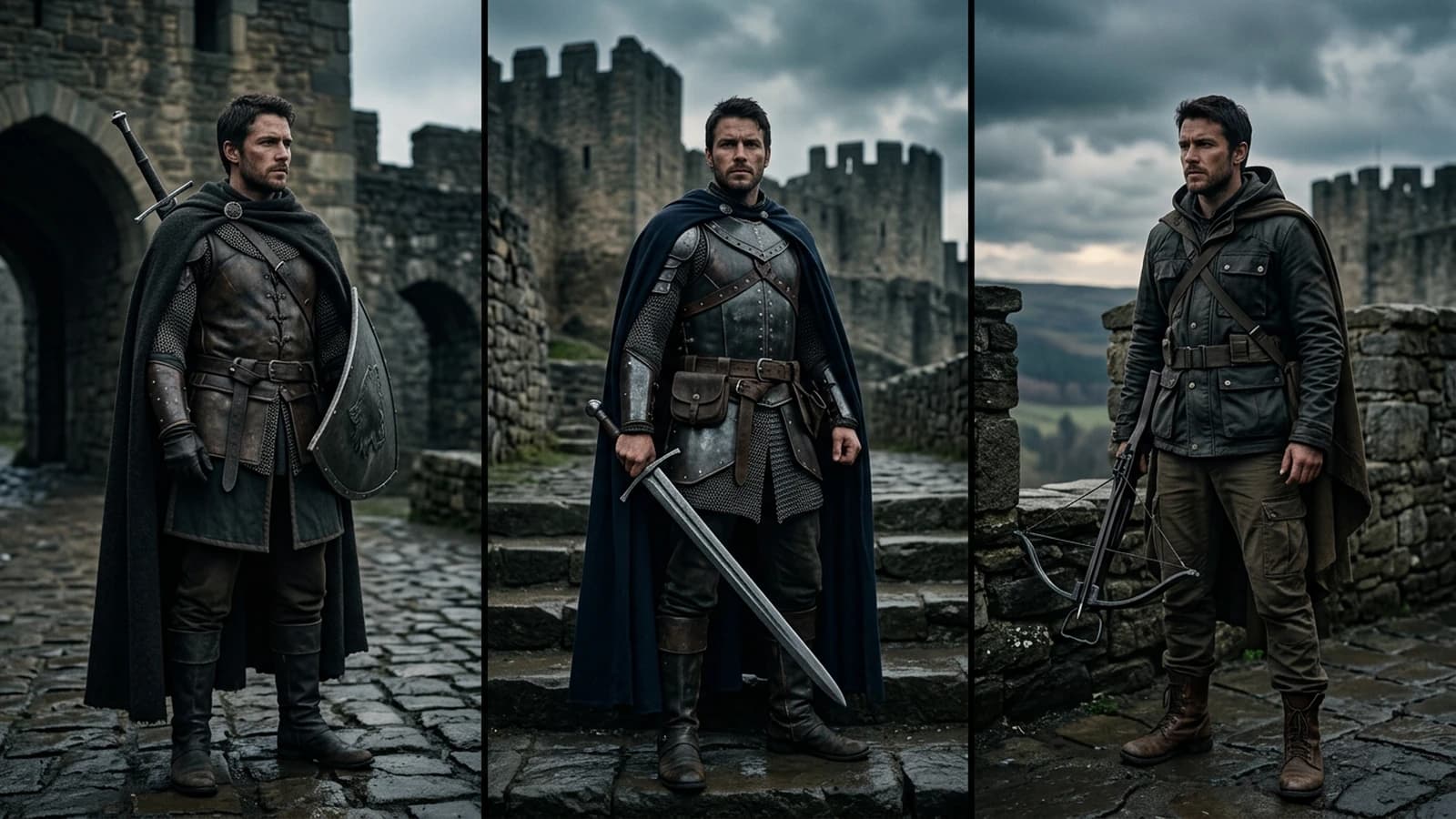
Complete Tutorial: How to Create Consistent Characters Across Several Images
Character sheet, stable prompts, seeds, LoRA, and visual QA: a studio method applied to AI image.
 Tutoriels
Midjourney vs DALL·E 3: Which to Choose for Concept Art?
Iteration, art-direction consistency, pose control, and deliverables: the right tool depends on the type of concept, not on the logo on the slide.