Vehicles in motion: consistent reflections in AI video
Field workflow to generate cars and vehicles in motion with credible bodywork reflections, with no drift or video-game effect.
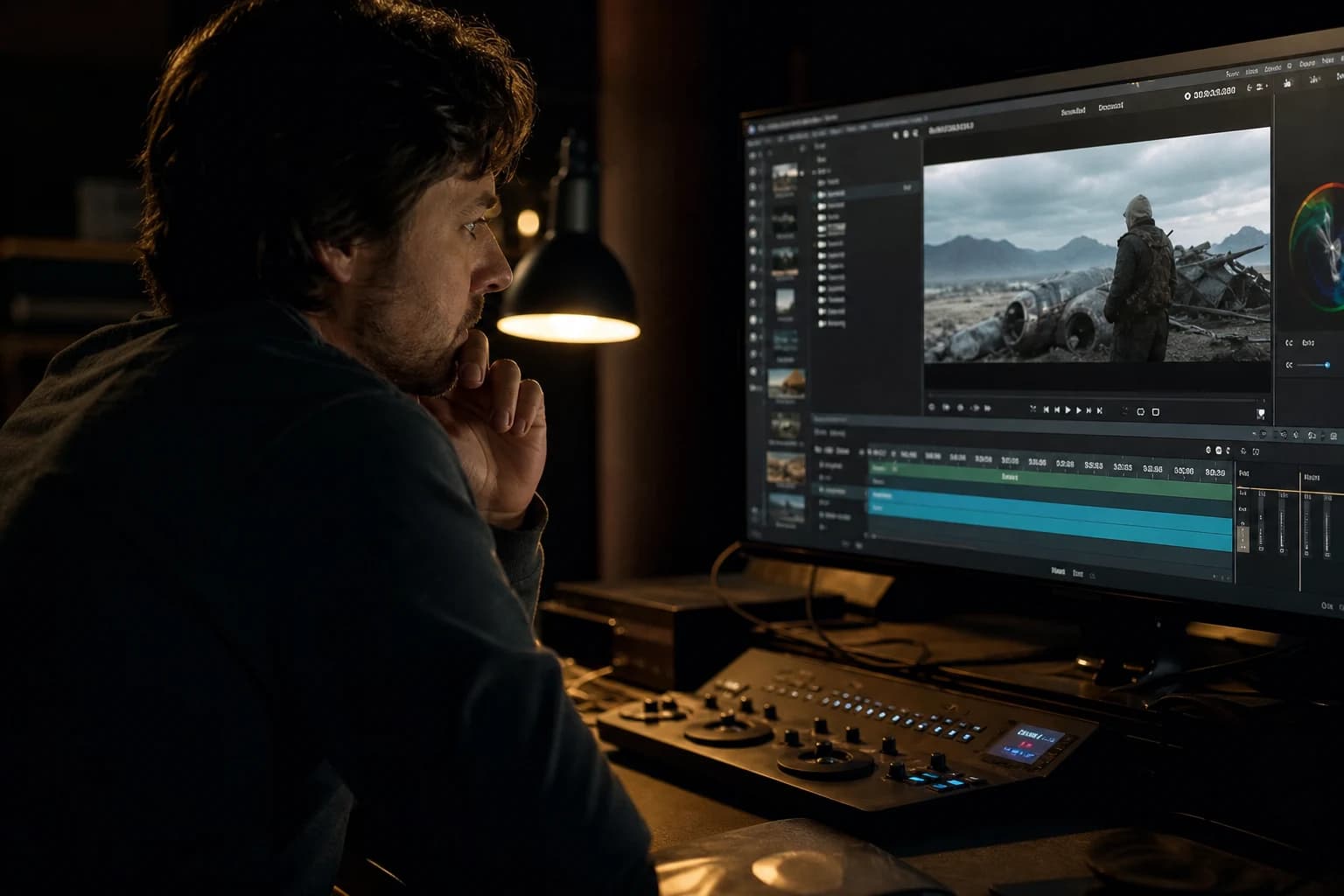
The car crosses the frame. The client says "almost". The headlights are good. The wet road too. But the bodywork tells a false story: the sky reflects on the left while the light comes from the right. On the next frame, the reflection becomes a liquid stain. The windshield shows a city that does not exist in the set. You did not miss the prompt. You underestimated the physics of bodywork reflections in AI video. Vehicles in motion are one of the hardest tests for the models: curved surfaces, multiple mirrors, fast movement, wheels that must turn credibly.
Vehicles in motion: consistent reflections in AI video is not asking for "cinematic car chase" and hoping. It is building a scene where each light source has a visible consequence on the paint, locking this logic in the pilot image, limiting the movements the engine holds, and accepting the edit of short shots rather than an impossible single take. Auto ads and brand teasers tolerate zero video-game effect. An inconsistent bodywork kills the premium instantly.
This guide is entirely dedicated to cars and vehicles in motion: prompt, light, image-to-video, post, edit. No generalities on AI video. Bodywork that lies or convinces.
Why vehicles break the AI models
A bodywork is a distorting mirror. Each curve returns a version of the surrounding world. The AI video models optimize for the "vehicle that moves" on the surface, not for the conservation of the reflections frame by frame. Result: highlights that slide on the sheet metal like badly dried wet paint, windows that show a sky different from the rest of the scene, chromes that become muddy gray.
The wheels pose a second problem: rotation, ellipse in perspective, motion blur. Many generations give wheels that visually slip or stay static on a car that moves forward.
The interactive ground (wet road, puddles, light trails) must match the chassis reflections. If the ground reflects a blue neon and the bodywork an orange sunset with no reason, the brain classifies the shot as cheap CGI.
Finally, the perceived speed: a lateral tracking shot on a sedan at 80 km/h does not have the same parallax as a close-up on the hood at 20 km/h. Mixing the movement scales in the same single take exposes the AI.
For reflective surfaces in general, see avoiding artifacts on glass and metal in AI video. Vehicles combine glass, metal, rubber and plastic in a single moving object: the difficulty is multiplied.
💡 Frank's Cut: first lock a static bodywork pilot image where you can read each reflection. If the photo does not hold at a standstill, the video will not catch up. The movement amplifies the lies.
The light-reflection grammar for the bodywork
Before any prompt, draw mentally (or on paper) the scene:
Sources: sun or key from where? Ambient fill? Neons, streetlights, signs? Each source = a highlight on the bodywork.
Material: metallic paint (visible flakes), matte (no strong mirror), chrome (hard mirror). The prompt must say it.
Ground: dry, wet, night with trails. The ground shares the same sources as the bodywork.
Hour: golden hour = warm longitudinal band on the sheet metal. Urban night = multiple hard points.
Example of a consistent description: "silver metallic sedan, wet asphalt reflecting blue neon signs from the right, warm street lamp rim light from rear left, overcast sky reflected softly on hood, no contradictory sky in windows". The last phrase avoids the classic windshield-sky-sun in a night street.
| Element | Frequent mistake | Prompt/pilot fix |
|---|---|---|
| Hood | floating light stain | key direction + wet road match |
| Windows | invented set | "windows reflect same street as background" |
| Rims | absent rotation | shorter shot + motion blur or wheel insert |
| Chrome | dirty gray | "specular highlights" + named source |
| Road | reflections with no source | list the same neons as on the bodywork |
Cinematographic workflow in eight steps
Step 1: cut into holdable shots
Abandon the 12-second single take, tracking + turn + slow motion, except for an experimental test. Cut: establishing road, hood/reflection insert, front three-quarter in motion, wheel, rear light, wide departure. Each shot 2 to 4 seconds. See preparing a technical breakdown before AI video generation.
Step 2: pilot image per angle
Generate in a still image (Flux, SDXL, Midjourney) each angle before image-to-video. Iterate on the bodywork alone until consistent reflections. Archive the prompt and the seed. The car of shot 3 must be the same as shot 2: same color, same lines, same level of dirt on the sheet metal.
Step 3: lock set and light between shots
A mood-night-rain-road folder with shared light references. Same temperature, same dominant direction. If the wide shot shows a pink neon on the right, the bodywork close-up must show a pink touch on the same sheet-metal cheek.
Step 4: image-to-video with minimal movement
For the critical reflection shots, favor slow camera movement rather than extreme vehicle speed. Soft lateral tracking, push-in on the hood, the car advances slowly toward the camera. Less displacement = less reflection drift.
Typical movement prompt: "slow lateral tracking shot, car drives steadily, reflections slide naturally along metallic body panels, wheels rotating, wet road reflections consistent".
Avoid "high speed race" on a first batch. Win the consistency, then increase the intensity shot by shot.
Step 5: mask the fragile zones
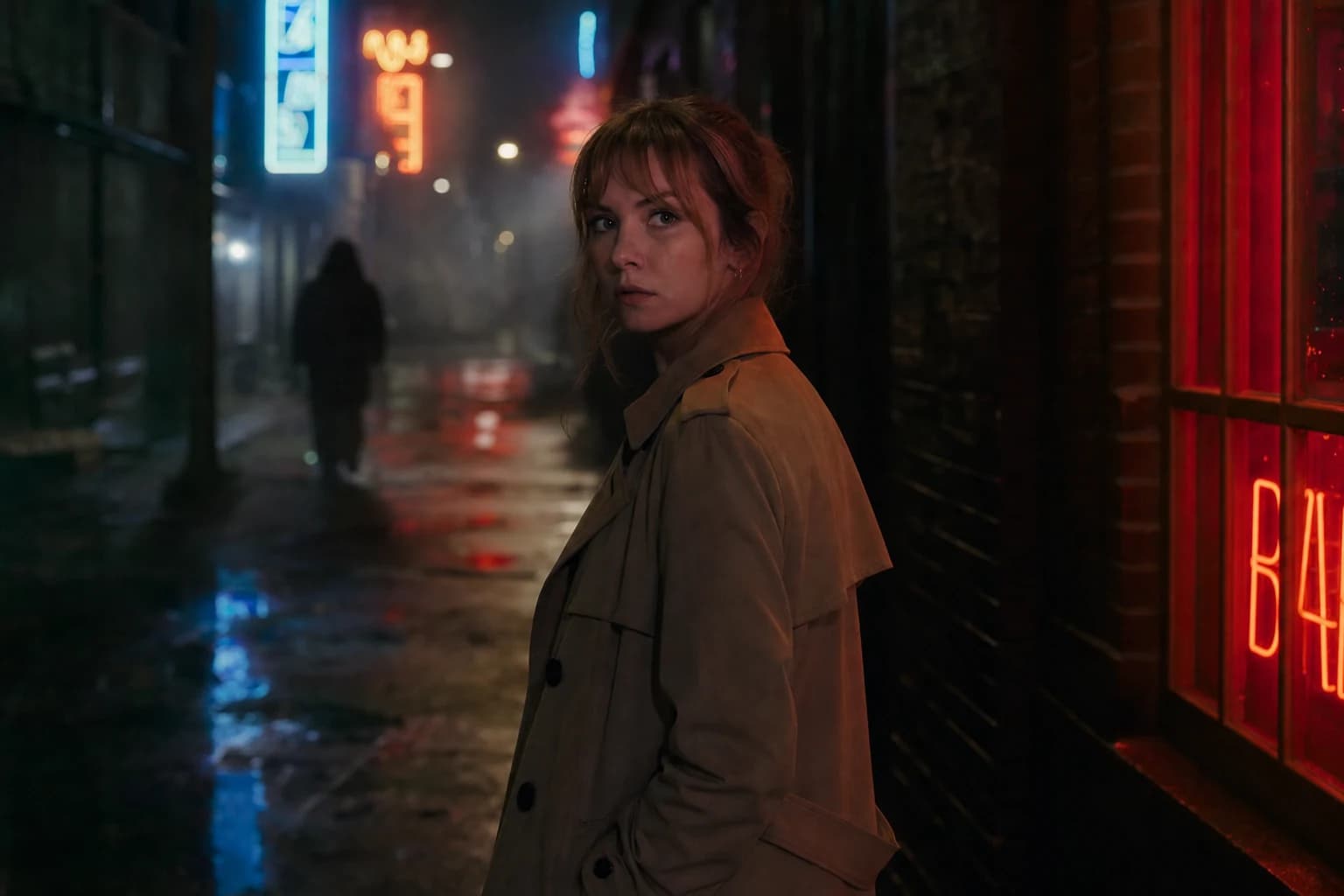
If the wheels break, frame to hide them partially: three-quarter angle, grass at the edge, depth blur. If the windshield invents a set, recrop or accept a dark reflection ("tinted windows, dark interior"). It is not cheating, it is a director who knows the limits of the engine.
Step 6: edit and light matches
Assemble a hard cut. Two consecutive shots with reflections that contradict the light direction: regenerate the worst or harmonize in post. The sound matches (whoosh, engine, rain) mask cuts on the bodywork better than the AI dissolves.
Step 7: targeted bodywork post
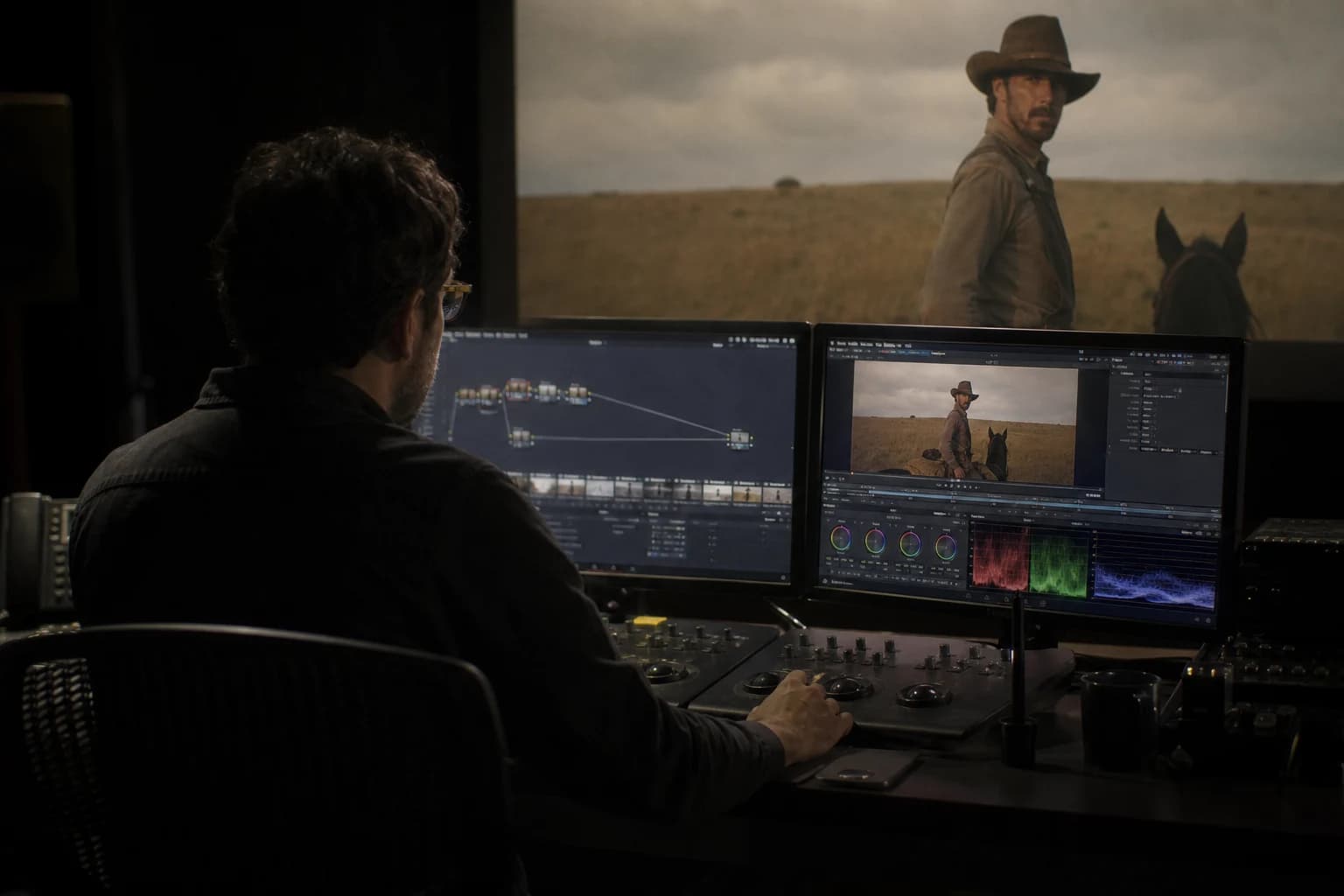
Global grading first. Then power windows on the bodywork highlights if a stain drifts slightly: no complete repaint. A wide mask on the sheet metal, lower the saturation on the lying highlight, or clone from a neighboring stable frame. Topaz or a light stabilization if the jitter is global. Do not smooth the whole bodywork: you lose the metallic.
Step 8: big-screen QA and compression
The lying reflections stand out on TV and cinema. Go on a big screen. Test upload for social if the campaign goes there. The compressions sometimes eat the inconsistencies; sometimes they reveal them in banding on the hood gradients.
Field scenarios: three AI auto shoots
The premium sedan rain ad (Marc, Stuttgart)
Brief: gray sedan, wet European street, night, sober premium. Marc tried a 10 s single take: inconsistent reflections from second 4. Redo: five 3 s shots, same three-quarter bodywork pilot, slow tracking. Hood insert with controlled neon reflection. Delivery validated by the auto agency. Generation time: one day instead of three in single take.
The desert SUV golden hour (Aisha, Dubai)
Low light, dust, warm longitudinal reflections. Mistake: "desert sunset" prompt with no direction. Reflections everywhere. Fix: "sun low camera left, long warm highlight along driver side panels, dust in air, matte road no wet reflections". The reflections became readable and stable because the light geometry was simple.
The urban e-bike day (Tom, Amsterdam)
Not a car, but the same physics: metallic frame, canal reflections, bike movement. Short shots, fixed pilot of the bike at a standstill then light image-to-video. Wheels in deliberate motion blur to mask the AI rotation. The nervous edit sold the speed better than a long unstable shot.
Troubleshooting: what beginners break
Prompt "luxury car driving cinematic" alone. Symptom: video-game render. Fix: light, material, ground, reflection direction explicit.
No pilot image. Symptom: different car on each shot. Fix: pilot locked per angle.
Excessive speed. Symptom: wheels and reflections explode. Fix: slow down the movement or cut shorter.
Windows too visible. Symptom: invented set in the glass. Fix: tinted windows, oblique angle, dark night interior.
Smooth post on the whole bodywork. Symptom: plastic. Fix: localized retouch on the highlights only.
Ignoring the engine sound. Symptom: "fake" car even if the reflections are OK. Fix: engine layer consistent with the speed, tires on wet if rain.
For real auto visual culture, study the breakdowns of automobile advertising and the ASC documentation on vehicle photography. Understanding how an auto photographer places the softboxes and the flags on sheet metal helps you write prompts that imitate a physical logic, not a vague aesthetic.
Tools and parameters: what works today
The image-to-video engines (Runway Gen-3/4, Kling, Seedance, Luma) vary in reflection hold. My battle order: strong pilot image first, then I2V with moderate movement. The pure text-to-video models for a vehicle in motion still give too much arcade effect.
CFG and constraints: stay moderate. Too high = textures that freeze and reflections that screech. Too low = total drift. Iterate on the pilot rather than on the extreme sliders.
Duration: 3 to 5 seconds per clip for the hero bodywork. Extension by chaining shots, not by temporal extension of an unstable clip.
Foire aux questions
Réponses rapides aux questions les plus fréquentes sur cet article.
Can you make a credible single-take car shot in AI?
Honestly, rarely on a single clip of more than six seconds with a change of direction and variable speed. The published AI auto single takes are often edits of several short generations very well matched, sometimes with frame-by-frame retouching. For a beginner or a client delivery, aim for short shots and a dynamic edit. If you absolutely must have a long shot, limit to a constant lateral tracking, stable speed, simple light, and plan for a lot of regeneration.
How to keep the same car on all the shots?
Pilot image locked per angle, same model and color description in each prompt, documented seeds, cross-references between shots. For a real brand with a logo, avoid AI logos: frame to hide them or add the logo in post on a flat zone. The continuity of the silhouette and the paint color counts more than the detail of the bumper. A plan C where the car changes model kills the entire sequence.
Are wet roads more difficult?
Yes, because they double the reflections (bodywork + ground) and require the same light geometry. But they also sell the premium and the cinema. If you do wet, list the sources in the prompt for the ground AND the sheet metal: "wet asphalt mirrors blue neon from right side, same neon streak on door panels". Avoid the inconsistent partial wet (dry ground, rain-mirror hood).
Should you shoot at night or during the day for the AI?
Urban night with point sources is more difficult but more sellable if mastered. The overcast day simplifies the reflections (natural softbox) and suits the first tests. Golden hour is magnificent but exposes the warm-tint inconsistencies along the whole length of the bodywork. Choose according to the level: learning = cloudy day; premium ad = controlled night with few sources.
How to handle wheels that do not turn?
Shorter shots where the motion blur masks the rims, an angle where the wheels are small in the frame, or a dedicated wheel insert with explicit rotation and minimal camera movement. Some teams composite a turning wheel onto a static shot in post (rotoscope mask). It is work, but less shameful than a frozen wheel on a highway.
Is the camera or the car movement the priority?
For the consistency of the reflections, slow camera + car at moderate speed beats fixed camera + very fast car in the majority of current engines. The extreme parallax makes the highlights slide in a non-physical way. To sell the speed, edit short shots with aggressive sound rather than a single ultra-fast shot.
Can you use a real car photo as a pilot?
Yes, if the rights are clear (stock, client, your own photo). The real-photo pilot often anchors the reflections better than a pure generation. Beware of the set consistency if you change the background in post or in inpainting. The I2V will start from the photo: do not radically change the environment without regenerating a consistent composite pilot.
When to abandon the AI for a vehicle shot?
If the hero is a long interior driver shot, a complex chase, or a readable brand logo in motion over several seconds, the AI can cost more in time than premium stock footage or a real insert shoot. The AI excels on the short beauty shots, the reflection inserts, the atmospheres. Know the threshold where you switch to hybrid real + AI.
Vehicles in motion: consistent reflections in AI video
is light direction applied to sheet metal, cut into shots the engine can hold, locked by pilots where each highlight has a source. When the bodywork tells the same story as the set, the viewer does not think "special effect". He thinks "beautiful car". It is the only metric that counts for an auto ad or a premium teaser.
Related articles
 Tutoriels
Keeping Props and Accessories Consistent on an AI Project
A tracking system for key objects to avoid inconsistencies in shape, color and position from one shot to the next.
 Tutoriels
Nano Banana workflow to create consistent characters
Identity sheet, frozen prompts, visual QA and disciplined iterations: the Nano Banana pipeline for consistent characters over a whole series of images.
 Tutoriels
Complete Tutorial: How to Create Consistent Characters Across Several Images
Character sheet, stable prompts, seeds, LoRA, and visual QA: a studio method applied to AI image.