Adobe Project Live Set: editing a video while it plays
At the Adobe MAX Sneaks, Project Live Set changed the subject, set or camera of a video mid-playback. What it promises for an AI film, and its limits.
Contents · 7 sections
On November 11, 2026, the second day of Adobe MAX, Adobe presented its Sneaks: ten research projects shown on stage, hosted by actor Terry Crews. Four of them are about video, and one got the whole room going: Project Live Set, which changes a video while it is playing.
If you make AI films, this is the kind of demo to watch with two eyes: one that sees what it would change in the way you work, and one that remembers a Sneak is not a product.
What follows comes from Adobe's post on the Sneaks (John Yang, November 11) and Variety's article (Todd Spangler) published the same day, read on November 12. I could not test these projects: they are not open to the public.
What the Sneaks are
Source: Adobe, official blog, captured on November 12, 2026.
Every year at MAX, Adobe shows technology that is still in the lab. Some of it becomes a feature, some of it disappears. Variety notes that past Sneaks became Generate Soundscape and Relight, which are in Adobe's apps today. But Adobe promises nothing: no date, no software.
This year's ten projects are Scene Sweep, Screen Test, Live Set, On Cue, Sound Bender, Deep Brush, Sight Span, Hands On, Rinse Repeat and Link Up.
The four video projects
Source: Adobe, official blog, captured on November 12, 2026.
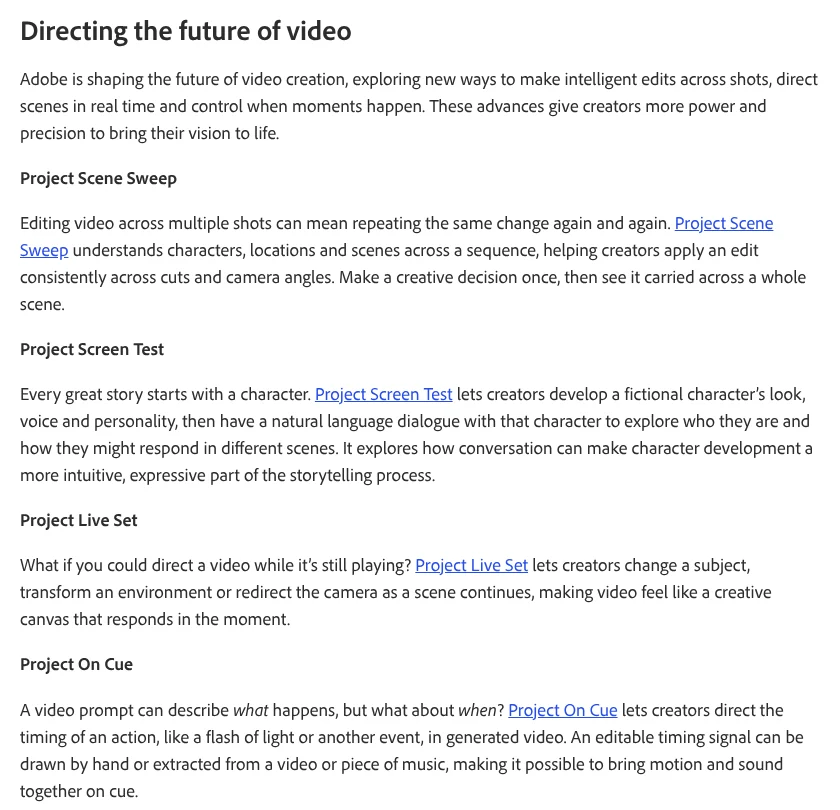
According to Adobe:
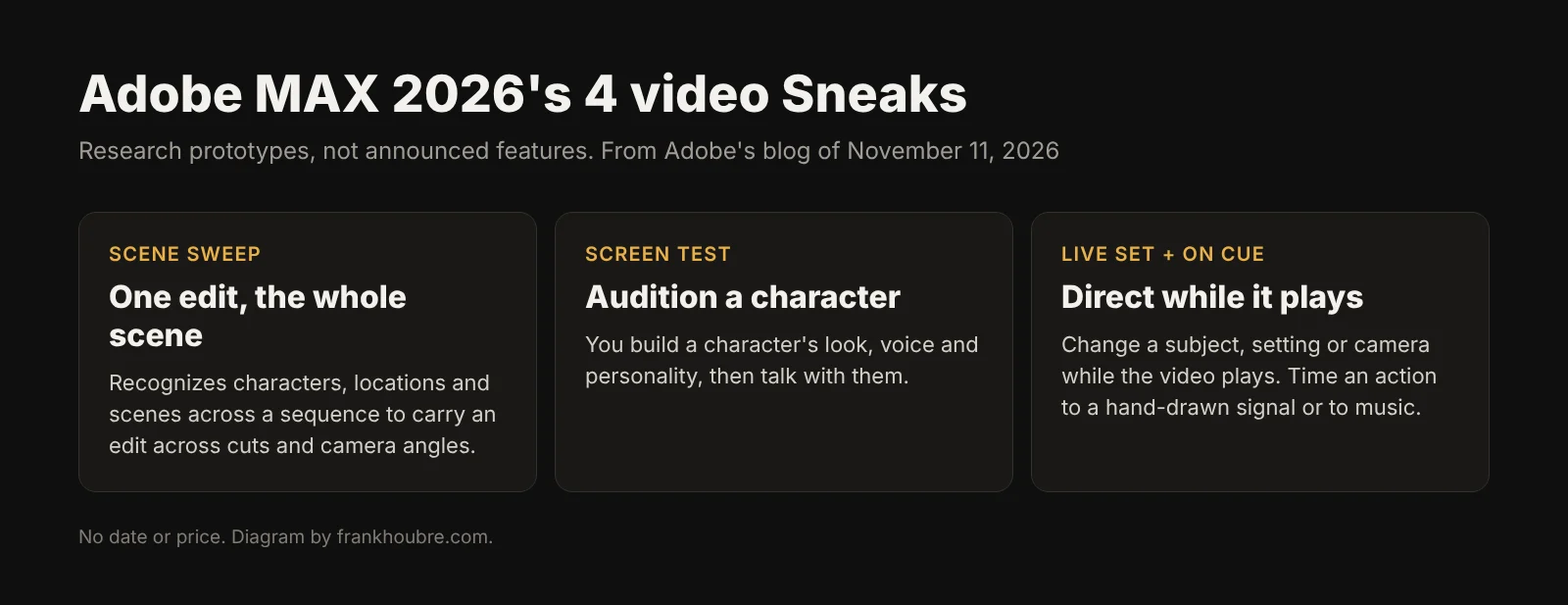
- Project Scene Sweep carries an edit across every shot and angle of a scene, understanding who the characters are, where they are and which scene it is.
- Project Screen Test builds a character's look, voice and personality, then lets you talk with it before you shoot it.
- Project Live Set changes the subject, set or camera of a video during playback.
- Project On Cue times an action to a signal: a hand-drawn line, or a rhythm taken from a video or a piece of music.
Project Live Set, in more detail
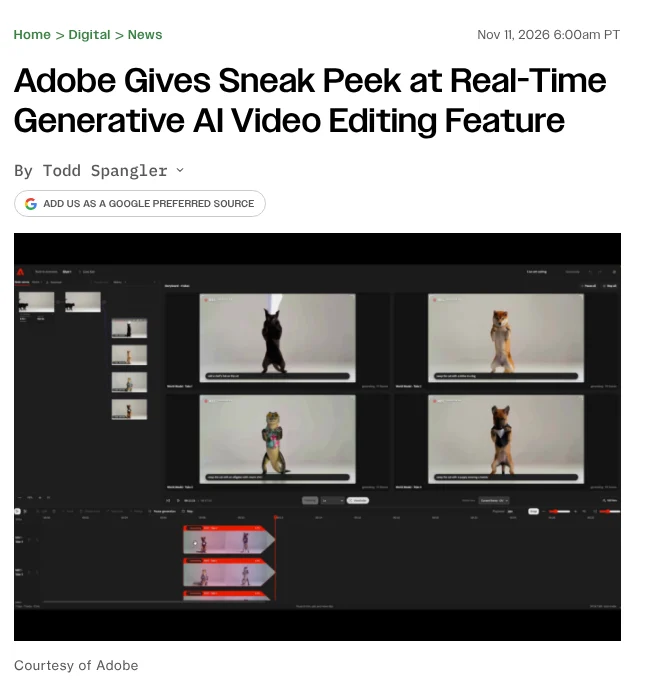
Source: Variety, captured on November 12, 2026.
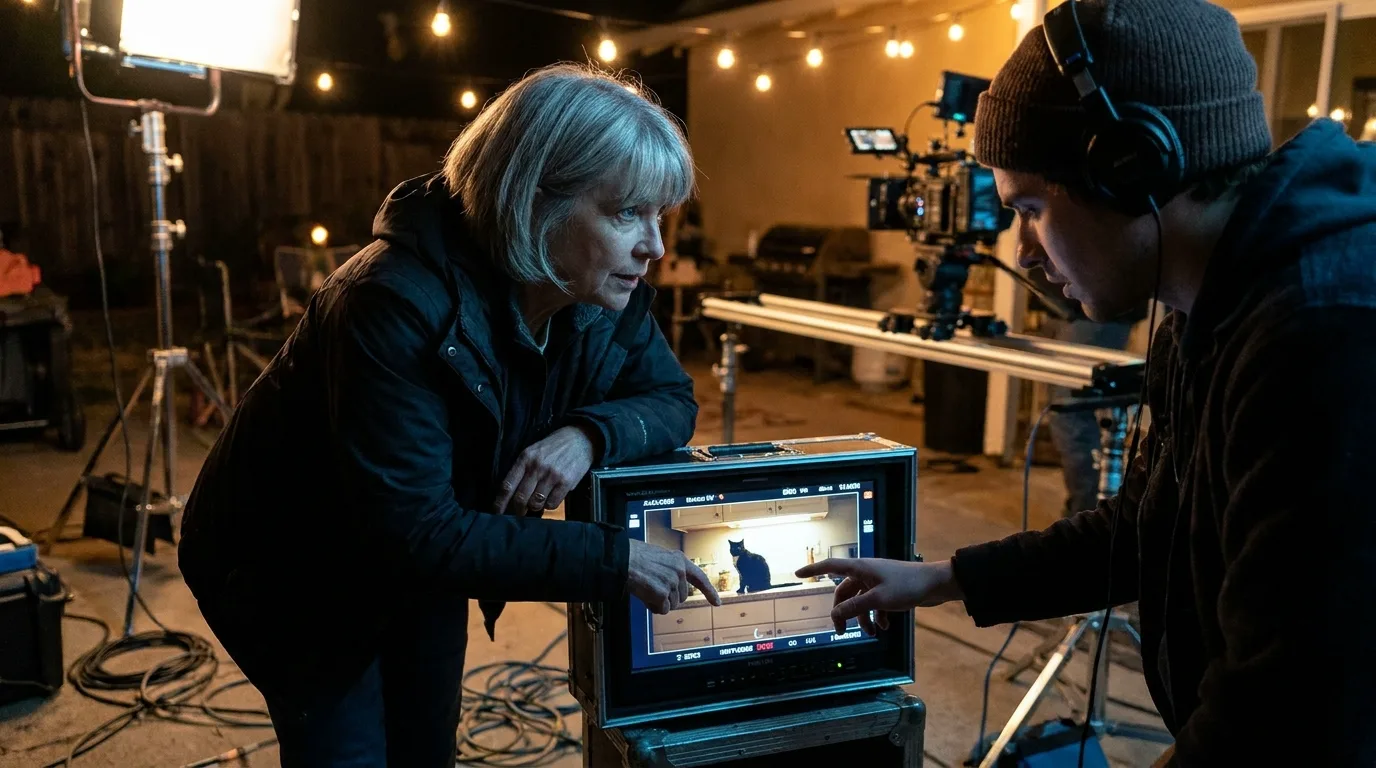
On stage, according to Variety, the demo started from a video of a black cat. Four prompts ran at the same time: the cat in a chef's hat, the cat turned into a shiba inu, an alligator in a Miami shirt, a puppy in a tuxedo. The versions changed without waiting for a render.
Gautham Mysore, senior principal scientist at Adobe, sums up the idea to Variety: Live Set should let creators "generate and edit video at the speed of thought", because "today, a large part of the video creation process is waiting." He describes it as a sketching tool for moving images.
Two limits to keep in mind, again according to Variety: it is an early research preview, and Adobe did not say which models run underneath.
What it would change for you
People often think the brake on an AI film is shot quality. In practice, it is waiting. You write a prompt, wait one to three minutes, look, fix, run it again. On a forty-shot music video, you spend more time waiting than deciding.
A tool like Live Set flips that: you watch and say "make it night", "wider", "a different animal", and the image follows. That is exactly what previz is for, and that is where I see it working: finding the shot, not delivering it.
💡 Frank's take: Screen Test intrigues me almost more than Live Set. Talking to a character before you shoot it is what a director does with an actor at a table read. If it ever lands in software, it will really help to lock a character before generating forty shots with it. But today these are demos, nothing more.
For the directing side, my piece on how to direct an AI character like an actor gives a method that works with today's tools. And for what Adobe actually shipped at MAX, with Color Mode and generation in the timeline, read what changes in Premiere.
What I would do this week
- Watch the Sneaks demo on Adobe's site to judge the real speed for yourself.
- Time your waiting on your next shot: how many minutes between two tries, and how many tries for the right one. That is the number a tool like Live Set promises to cut.
- Do your previz at low quality with a fast model before you launch the final render. You already get part of what Live Set promises.
- Change nothing in your workflow for a Sneak. Wait for a product announcement.
What we don't know
- Whether Live Set will become a product. Adobe does not commit to it.
- The models used. Adobe did not name them, according to Variety.
- Quality outside the demo. A cat on a counter is an easy case. A two-character shot with movement was not shown.
- The hardware needed. Nothing says whether it runs locally or in Adobe's cloud.
Frequently asked questions
Quick answers to the questions readers ask most about this article.
What is Project Live Set?
It is an Adobe research project shown at the Adobe MAX Sneaks on November 11, 2026. According to Adobe, it changes the subject, set or camera of a video while it plays, without waiting for a render between versions.
Can you use Project Live Set today?
No. It is an early research preview, according to Variety. Adobe gives no date and no software. Only a few other Sneaks, such as Deep Brush and Hands On, are available in Adobe Labs Playground.
What are Adobe Sneaks?
They are lab technologies Adobe shows every year at MAX. Some become features, such as Generate Soundscape and Relight according to Variety, others never ship. They are not product commitments.
What other video projects did Adobe show?
Project Scene Sweep, which carries an edit across every shot of a scene, Project Screen Test, which creates a character you can talk with, and Project On Cue, which times an action to a drawn signal or to music.
Which AI model does Live Set use?
Adobe did not say. Variety notes that the underlying models were not disclosed during the presentation.
What could Live Set be used for in an AI film?
Mostly previz: trying several versions of a shot live to find the right idea, before generating the final version with a production tool. That is my analysis, not a promise from Adobe.
Related articles
 Actualité
Adobe MAX 2026: what changes in Premiere for cutting a film
Color Mode grading, generation in the timeline, object removal, AI agents: what Adobe shipped for Premiere at MAX, and what is still in beta.
 Tutoriels
Creating a Location and Set Bible for an AI Project
How to document each set to keep the same visual mood from the pilot to the final delivery.
 Actualité
Google Flow and Veo 3.1: audio arrives on all functions, editing gets sharper
Google just extended Veo 3.1 and Flow with native audio on Ingredients to Video, Frames to Video and Extend, plus new precise editing tools. What it changes for AI video creators.