The Best Alternatives to Midjourney in 2026
A field comparison of the best Midjourney alternatives in 2026: Recraft, Ideogram AI, Leonardo AI, Bing Image Creator, Firefly, Craiyon and Nano Banana.
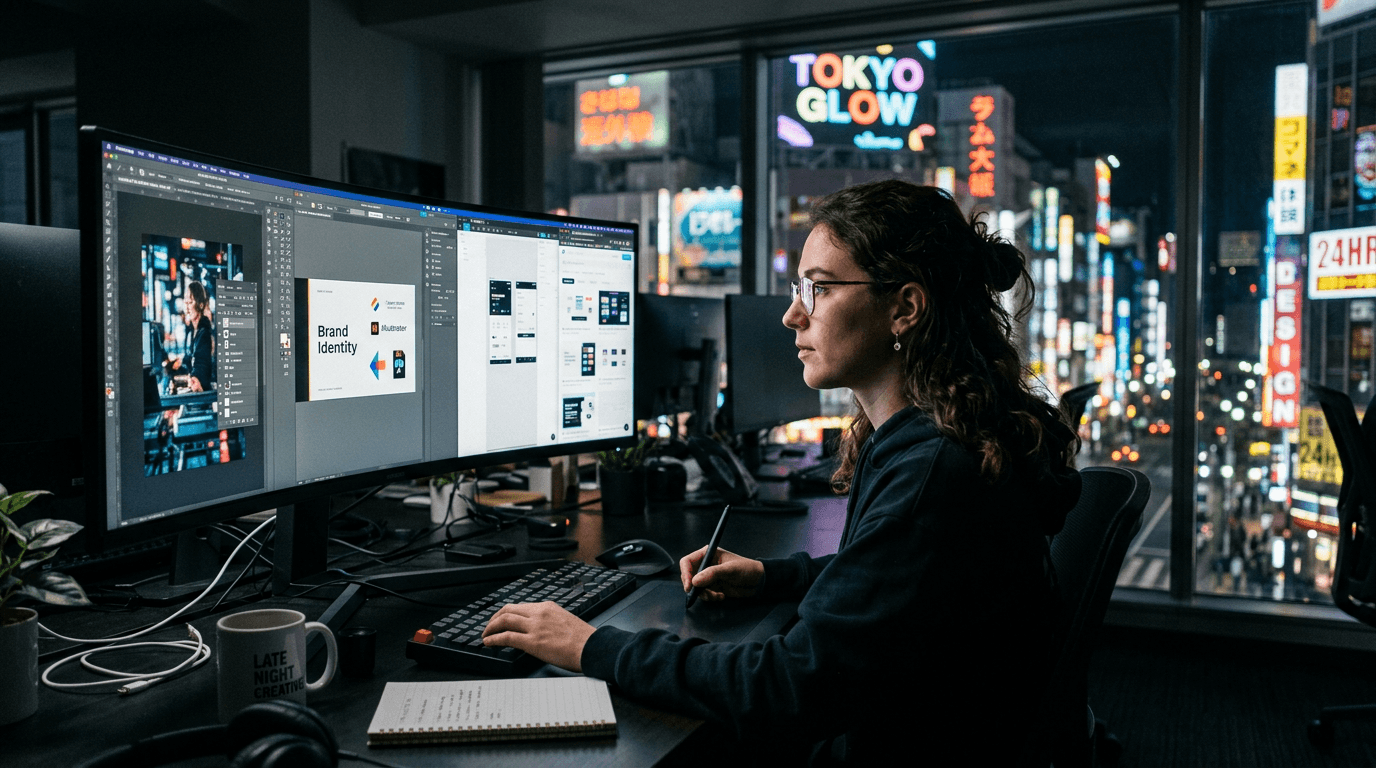
You launch Midjourney, you get an impressive image, then you hit a wall when you have to hold brand consistency, a tight budget, or an aggressive client deadline. That is when the midjourney alternative search becomes urgent. I know that moment. You do not need a "cooler tool". You need a tool that serves your real pipeline, your level, your distribution channel, and your business constraint.
In 2026, the market has matured. Between recraft, ideogram ai, leonardo ai, bing image creator, craiyon, firefly, adobe firefly, nano banana 2 and nano banana pro, you can cover almost every creative use case if you know how to choose methodically. The problem is that most comparisons take pretty screenshots and avoid the real subjects: series consistency, correction speed, mobile reliability, cost per usable image.
This guide is a field comparison. I will show you what to use depending on your goal, what breaks for beginners, and how to avoid the "clean but fake" AI render. If you want something concrete, you are in the right place.
Why look for an alternative to Midjourney
The first reason is simple: Midjourney is not always the best answer for each stage of a project. It can be excellent at fast visual ideation, but less suited to certain very framed marketing workflows, or to precise integrated-text needs. A midjourney alternative becomes interesting when your deliverable imposes specific constraints.
The second reason is operational control. Some teams need tools better integrated with their design stack, with export, collaboration, and smoother adaptations. In a production funnel, raw quality is not enough. Ergonomics and reproducibility matter as much as the render.
The third reason is budget management. Many creators look at the monthly price and forget the main hidden cost: lost time. A slightly less "spectacular" but more stable tool in your pipeline can be far more profitable. The real KPI is the cost per validated image, not the number of generations.
The fourth reason is brand consistency. Some tools are better at keeping a clean graphic direction across social series, ad assets, or multi-format adaptations. If your work is business-oriented, this consistency can be worth more than the initial wow effect.
The best free alternatives
When we talk free, let us be honest. Free does not mean unlimited or friction-free production. That said, several options let you learn, prototype, and sometimes deliver decent assets if your brief is clear. bing image creator is often an accessible entry point to test ideas fast.
craiyon stays interesting for the quick exploration of concepts with no pressure for perfection. It is not the tool I would choose for a premium campaign, but to clear a visual direction or explain an idea to a client, it can be enough. What matters is owning its role: creative draft, not final master.
Some free or freemium access versions from other players can also be useful to understand your style and your method. But avoid building your entire business on uncertain quotas. You want durable learning and a pipeline that holds when a client asks you for variants in a hurry.
My field advice: use the free options to train your eye, then switch to the tool that gives you consistency and a reliable cadence. Free is a springboard, not a long-term production strategy.
The best alternatives for marketing design
For marketing design, the main criterion is not "the prettiest image". It is the ability to produce usable visuals in series, with a clear hierarchy, mobile readability, and fast adaptations. In this context, adobe firefly can be very practical thanks to its anchoring in the Adobe ecosystem.
ideogram ai is often chosen when the text in the image has to hold better than average. For display, thumbnail, or social creations with a strong promise, this capability can speed up production. But keep strict quality control, because readable text does not compensate for inconsistent light or artificial material.
recraft can be a very good choice for more structured design needs, especially when you want to produce clean assets with a more controlled graphic logic. If your goal is repeatable brand content, this angle can save the team time.
leonardo ai stays relevant for teams that want a good compromise between creative flexibility and production cadence. You simply have to impose a demanding sorting method, otherwise you end up with pretty images that are too close to visual clichés already seen everywhere.
The best alternatives for keeping a consistent style
Consistency is the battle beginners lose most often. A successful image is easy. A consistent series of ten visuals, with the same identity, that is where the level shows. For that, you need a tool that accepts a style-reference logic, plus a versioning method.
recraft and ideogram ai can be very effective depending on your use, especially if you frame your brief and your style rules well. adobe firefly can also play this role in pipelines where you have to align creation and retouching in an environment the team knows.
nano banana 2 and nano banana pro are often mentioned for experimentation and fast iteration uses. The potential benefit is variation speed. The risk is over-iterating with no framework. If you use them, impose a strict validation grid, otherwise consistency dilutes in a few cycles.
To hold real consistency, always document your base: dominant palette, type of light, texture density, ratio, contrast level, and visual prohibitions. You can change tools. As long as this base stays stable, your visual identity survives.
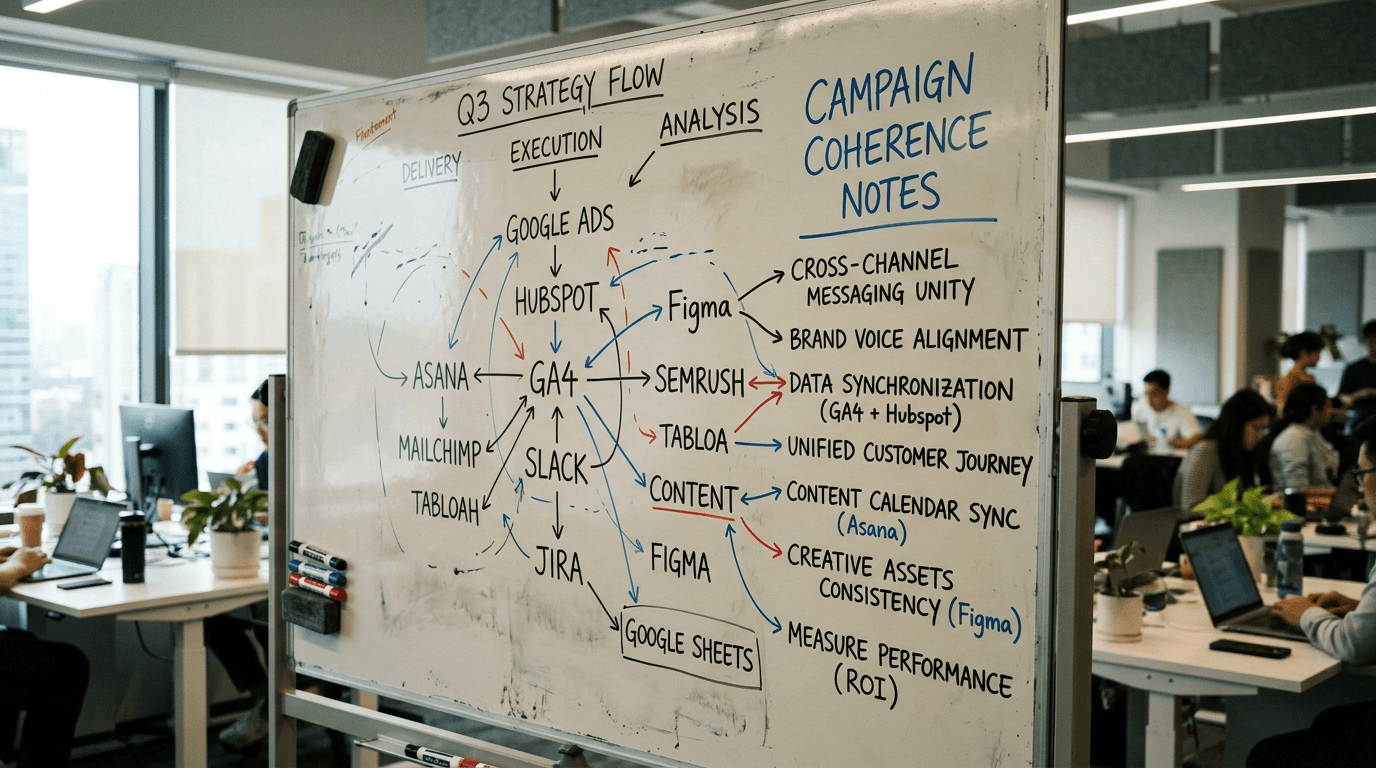
My quick tool-by-tool comparison
Here is the no-fluff version. I compare these tools in production mode, not in demo mode.
| Tool | Main strength | Frequent limit | Best use |
|---|---|---|---|
| Recraft | design structure and consistency | may need a calibration phase | brand assets, marketing series |
| Ideogram AI | often more stable text render | photo quality varies with brief | social ads, thumbnails, textual visuals |
| Leonardo AI | good creativity/production balance | stylistic drift if the brief is vague | concepts + fast variations |
| Bing Image Creator | simple and fast access | limited fine control | initial ideation, quick tests |
| Craiyon | exploration with no barrier | render often weak for premium | raw visual brainstorming |
| Adobe Firefly | design integration and Adobe workflow | depends on uses and existing pipeline | integrated marketing production |
| Nano Banana 2 / Pro | fast iterations on style | needs strong sorting discipline | experimentation and prototyping |
This table is useful, but not sufficient. The real test is your actual case. Take a single brief, run it on three tools, then score each output with five criteria: readability, lighting consistency, texture, emotion, business usability. This score will give you a rational choice.
To understand how a "pro" render is built beyond the tool, read our guide to avoiding the AI-generated image effect. That is exactly where many comparisons stop too soon.
The Trench Workflow to choose your Midjourney alternative
You want an actionable method. Here is the one I apply with beginners and content teams.
Step 1: write a visual promise in one sentence. Step 2: create a minimal common brief for all the tools tested. Step 3: generate 4 images per tool, no more. Step 4: score the results with the same grid. Step 5: iterate a single variable on the best tool. Step 6: validate on mobile and desktop before deciding.
Scenario A, local cosmetics brand. Brief: natural skin, soft side light, premium non-clinical tone. Recraft outputs consistent assets, Firefly integrates better into the Adobe chain, Leonardo gives more aggressive creative variants. Final decision: Firefly for regular production, Leonardo for campaign explorations.
Scenario B, artisanal pizzeria on social media. Need: fast visuals with readable promo text. Ideogram AI takes the lead on text readability. Bing Image Creator serves for base ideas. Decision: Ideogram for final posts, Bing for exploration.
Scenario C, agency selling multi-sector ad concepts. Need: fast variety then style locking. Leonardo AI + Recraft gives a solid duo: Leonardo for creative divergence, Recraft for brand-safe convergence. Result: a better time/quality ratio than the monolithic use of a single tool.
This method avoids the emotional trap "I like this tool". You replace personal taste with a decision protocol. It is more pro. And honestly, far more profitable.
Troubleshooting - What Beginners Break
Mistake 1: comparing tools with different prompts. That skews everything. Use an identical brief at the start, then adjust after the first round. Otherwise, you compare your creativity, not the tools.
Mistake 2: judging only at full screen on desktop. Also test on a mobile thumbnail. Readability and contrast defects appear immediately. That is critical for social ads and organic content.
Mistake 3: choosing based on X or YouTube hype. Trends are useful, but your pipeline is unique. A tool adored online can be a catastrophe for your type of deliverable.
Mistake 4: ignoring export and post-production. A tool that generates well but integrates badly into your flow can slow down the whole team. Pipeline speed matters as much as image quality.
Mistake 5: forgetting series consistency. You validate spectacular isolated images that are incapable of living together in a campaign. Result: heterogeneous render, weakened brand.
Mistake 6: absence of a decision log. With no notes, you repeat the same tests on every project. Document the winning choices and the costly mistakes. It is your best accelerator.
Core Concepts for a useful comparison
The first concept is tool-goal fit. A tool can be excellent for concept art and mediocre for marketing assets. If you do not define the deliverable before comparing, your verdict has no value.
The second concept is render stability. A tool that is appealing on the first test but inconsistent over a series quickly becomes costly. Always evaluate over several images with the same brief.
The third concept is team friction. The best visuals in the world are useless if no one can quickly integrate them into the design, retouching, validation, publication flow.
The fourth concept is creative governance. You have to set style rules and a sorting method. Without that, any tool drifts toward a generic "AI stock" render.
The fifth concept is the total cost of production. Tool price + iteration time + retouching + validation. It is that total that decides real profitability.
To go deeper on the tool-by-tool comparison on a broader axis, you can also read our comparison of the best AI image generator in 2026.
If you want to strengthen visual consistency across several scenes, also add our guide to keeping consistent characters from one image to another.
Real use case: how I decide in 20 minutes
I always start with a single 5-line brief. Subject, action, light, material, message. Then I run it on three tools max. Not five. Too many options kills the decision.
I rate each output from 1 to 5 on five criteria. I do not debate long in the first round. I eliminate the tools under 3/5 average. Then I run a variable-by-variable iteration on the best duo.
If the scores are close, I decide on the pipeline. Which tool makes me deliver faster, with less retouching, in my real environment. That is where Firefly or Recraft can take the lead depending on the team.
Finally, I validate the consistency on three series visuals. If the style holds, the tool is adopted for this project. If the style breaks, back to the second tool. This method avoids impulsive decisions.
Useful links and authority sources
To check the announcements, features and terms of use, consult the official sources:
Never rely solely on screenshots relayed with no context. Terms and performance evolve fast.
FAQ (PAA Optimization)
-
What is the best midjourney alternative for a complete beginner? For a beginner, the best alternative mostly depends on the immediate goal. If you want to learn fast with little friction, an accessible tool like Bing Image Creator can be enough to start. If you already want to create cleaner marketing assets, Ideogram AI or Adobe Firefly can be more suitable depending on your workflow. The classic mistake is to look for a universal winner. It is better to test three tools maximum on the same brief, then choose the one that gives the best combination of quality, readability and production speed in your real context.
-
Is Recraft better than Midjourney for brand visuals? Recraft can be better in certain branding contexts, especially when graphic consistency and design structure take priority over instant visual impact. Midjourney stays very strong for striking artistic directions, but a brand also needs repeatability and clean adaptations. If your main stake is a consistent visual system across several formats, Recraft can offer a practical advantage. The right choice is made on comparable tests with a scoring grid. It is not a question of overall reputation, but of fit with your production pipeline.
-
Is Ideogram AI really stronger for text in the image? In many use cases, Ideogram AI handles the readability of integrated text better than other pure-image-oriented generators. That is particularly useful for thumbnails, social posters, or promo creations that require a clear textual promise. That said, the final quality always depends on the overall visual brief. Decent text does not save a weak composition or inconsistent light. The good practice is to validate text, visual hierarchy and material consistency simultaneously. In marketing production, these three dimensions must hold together to generate real impact.
-
Is Adobe Firefly a good midjourney alternative for a marketing team? Yes, often, especially if your team already works in the Adobe ecosystem. The integration can speed up the creation, retouching, validation and delivery chain. This flow gain is sometimes worth more than a few points of raw style. Firefly becomes particularly relevant when you have to adapt assets fast while keeping an acceptable visual consistency. On the other hand, you still have to impose an art direction and sorting method. Without a framework, even good integration does not guarantee a premium render. The tool eases the pipeline, but quality stays a discipline.
-
Are Nano Banana 2 or Nano Banana Pro worth it in 2026? They can be worth it for fast experimentation and stylistic variation phases, especially if you need to generate many options in little time. The main risk is dispersion. You can end up with a high volume of images with no clear visual line. If you use these tools, impose a strict protocol: single brief, limited number of iterations, quality score, and multi-screen validation. Without this framework, you gain raw speed but lose consistency. With this framework, they can become an interesting lever on certain projects.
-
How do I objectively compare Leonardo AI, Recraft and Ideogram AI? Use a simple, repeatable benchmark. Same brief, same number of images, same output format, then a rating on five criteria: readability, lighting consistency, material credibility, series consistency, business usability. Then run a targeted iteration on the best option to measure the correction capacity. That last point is crucial. A good tool is not only the one that outputs a beautiful image on the first try, but the one that responds well to adjustments. This method avoids emotional choices and gives you a defensible decision in a team or in front of a client.
-
Can a free alternative be enough for professional use? It can be enough occasionally for simple needs, quick tests, or low-stakes visual content. For regular professional use, the limits appear fast: quotas, stability, fine control, series consistency, and pipeline integration. The real subject is not "free or paid", but "reliable or fragile" for your goal. You can perfectly combine a free exploration phase with a paid production phase. This hybrid strategy is often the most rational way to keep a good level of quality without blowing up the costs.
You do not choose an AI tool to impress Twitter. You choose it to deliver better, faster, with a quality that holds over time.
Related articles
 Comparatifs
HeyGen and ElevenLabs: the Best AI Tools for Voice and Avatars?
A field comparison HeyGen vs ElevenLabs to create credible AI voices and avatars in 2026, with a pro workflow, real limits and business use cases.
 Comparatifs
Best AI Image Generator: Complete 2026 Comparison
A 2026 field comparison of the best AI image generator tools: ChatGPT Image, Midjourney, Firefly, Ideogram, Recraft and Bing Image Creator.
 Comparatifs
The Best AI Video Tools in 2026: Sora, Runway, Higgsfield, Pika Labs
A field comparison of the best 2026 AI video tools: Sora, Runway, Higgsfield and Pika Labs to produce credible shots with no fake render.