Best AI Image Generator: Complete 2026 Comparison
A 2026 field comparison of the best AI image generator tools: ChatGPT Image, Midjourney, Firefly, Ideogram, Recraft and Bing Image Creator.
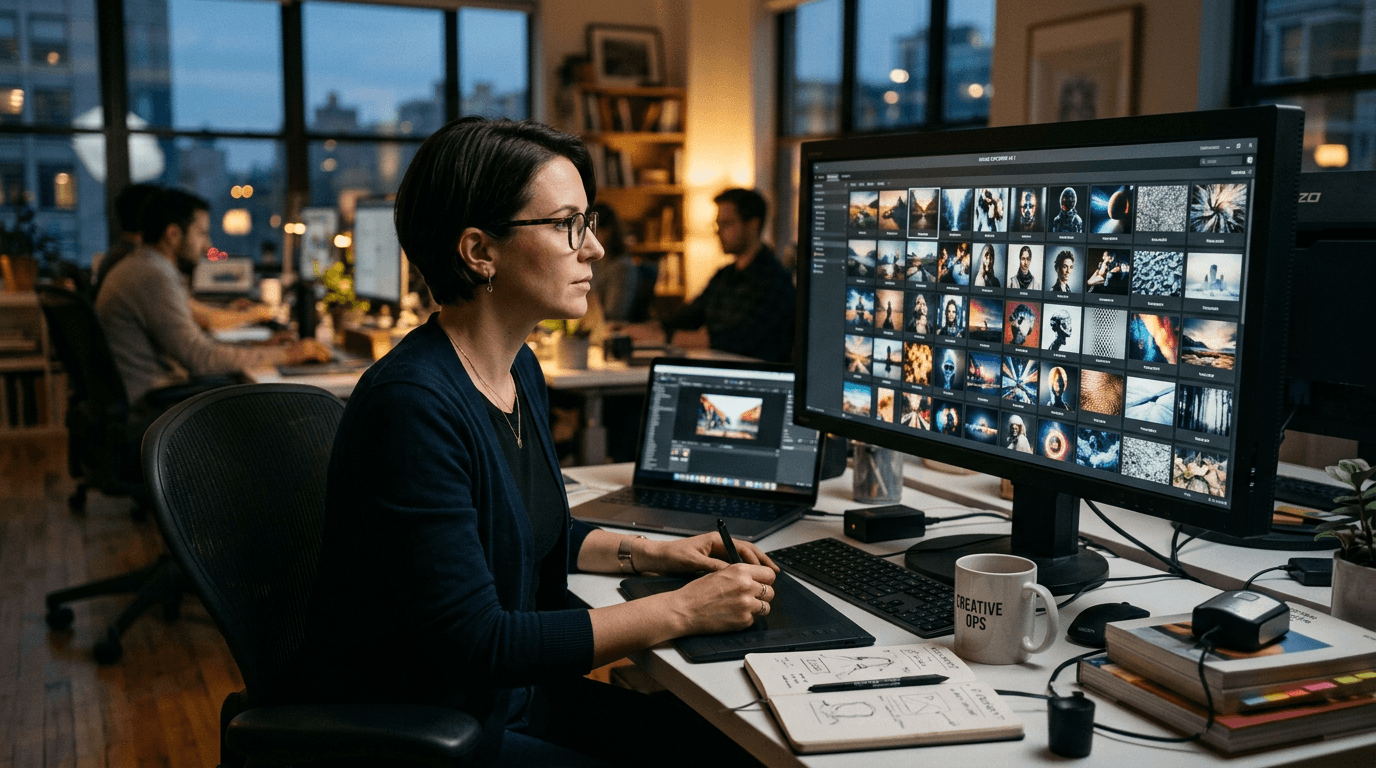
You search ai image generator, you open ten tabs, and you end up choosing at random. I know this scenario. It is normal. The web is full of "pretty vs pretty" comparisons that do not answer the real question: which tool makes you produce credible images, in series, in a real deadline, with a level that holds up in front of a client.
I am going to give you a field answer. Not a fanboy answer. I tested chatgpt image, midjourney, firefly, ideogram, recraft and bing image creator on concrete cases: social ads, editorial visuals, local campaigns, commercial concepts. The verdict depends on your goal. And that is exactly what we are going to clarify here.
If you are a beginner, keep this simple idea: the best AI image generator is not the one that produces the most beautiful image on the first try. It is the one that gives you a reliable workflow from the brief to the delivery.
How to judge a tool without getting trapped
Beginners often compare by eye. Bad strategy. You must compare with a grid. Five criteria are enough: mobile readability, light/material consistency, iteration speed, series consistency, business usability.
If a tool wins on "wow" but loses on thumbnail readability, it does not hold up in social. If it wins on style but loses on series consistency, it will make you lose time on the variations. If it wins on raw quality but requires too many retouches, your real cost explodes.
The good comparison is a pipeline test, not a screenshot contest. You take a single brief, you generate four outputs per tool, you score, then you make a targeted correction. This second round reveals the real power of the tool.
It is exactly the method I apply when a client asks me "what do we go with?". It avoids the impulsive choices and gives a defensible decision.
ChatGPT Image: best to learn fast and correct in dialogue
chatgpt image is very strong when you want to move fast with no technical friction. The natural dialogue lets you correct progressively: "keep the framing, soften the side light, reduce the plastic skin effect". It is fluid, intuitive, and very useful for beginners.
On editorial content, fast marketing visuals, or creative pre-production, it is often an excellent first choice. You build a visual direction without getting lost in a too-dense parameter panel.
Its limit appears when you ask for an ultra-specific artistic signature on long series with no strict method. You then need a sorting and consistency protocol. With no frame, you can generate a lot but validate little.
To go further, lean on our complete DALL·E and ChatGPT Image guide.
Midjourney: immediate impact, imperative discipline
midjourney is often brilliant on the initial visual impact. You can produce very strong images quickly. For creative ideation and marked art directions, it keeps a real lead on certain cases.
But the impact is not the end goal. In production, you have to hold the consistency, the readability, and the client feedback. With no method, Midjourney can quickly drift toward spectacular but hard-to-industrialize renders.
The winning workflow with Midjourney rests on a simple principle: one variable changed at a time. You keep the structure, you adjust light or material or angle, then you validate. It is less sexy than a magic prompt, but it is what produces solid series. And if Midjourney does not fit your need, compare the best alternatives to Midjourney.
For the method details, reread our Midjourney 2026 guide.
Adobe Firefly: the king of the integrated marketing pipeline
firefly is rarely "the most impressive" in one-shot. But in a team, on marketing production cycles, it can win in productivity thanks to its integration and its flow fluidity.
You save time on the back-and-forths, the variation, and the transition to retouching. For a team that lives in the Adobe ecosystem, it is a massive operational advantage.
Its main limit is the uniformization when the brief is too vague. You get clean visuals, sometimes too clean. To avoid that, impose concrete narrative details and anti-smoothing constraints.
For a dedicated analysis, check our complete Adobe Firefly test.
Ideogram and Recraft: two different logics, two real strengths
ideogram is often interesting for the readability of text in an image. For thumbnails, promos and social visuals with a strong hook, this advantage can save a lot of time.
recraft is very useful when you want to maintain a brand graphic consistency over a series of assets. It excels in system logic more than in the instant "wow".
The trap is to oppose them head-on. In reality, they can complement each other according to your pipeline. Ideogram for the message-oriented variations, Recraft for the campaign visual convergence.
You can go deeper into this match in our comparison Ideogram, Recraft or Leonardo AI.
Bing Image Creator: simple, fast, useful for prototyping
bing image creator stays useful to quickly start an idea and test directions with no friction. For the upstream phase, it is handy.
Its limit is the fine control and the premium hold on certain demanding renders. It is a good starting tool, less a high-end finishing tool.
I often use it in the divergence phase: fast exploration, sorting of ideas, then transition to a more suited tool for the convergence and the final delivery.
If your budget is tight, this hybrid strategy can be very profitable.
My tool-by-tool comparison in real conditions
| Tool | Strength | Frequent limit | Best use |
|---|---|---|---|
| ChatGPT Image | ultra-fluid iteration dialogue | style sometimes too neutral with no frame | fast production, beginners, pre-prod |
| Midjourney | strong visual impact | drift risk with no method | art direction, ambitious ideation |
| Firefly | marketing pipeline integration | sometimes too-clean render | Adobe team, variation pace |
| Ideogram | readable text in image | variable material quality by brief | textual promo, social ads |
| Recraft | series consistency | initial calibration required | branding, visual systems |
| Bing Image Creator | access and speed | more limited fine control | fast visual brainstorming |
This table gives a heading. It does not replace a test on your real case.
The Trench Workflow to choose the right generator in 45 minutes
Step 1: write your goal in one sentence. "This image must make a local audience aged 25-45 click on mobile."
Step 2: prepare a common 5-line brief: subject, action, light, material, constraint.
Step 3: generate four visuals on three tools max.
Step 4: score each visual on five objective criteria.
Step 5: do two targeted iterations on the two best tools.
Step 6: validate the consistency over three series variants.
Scenario A, local restaurant: Ideogram wins on promo readability, Midjourney wins on visual impact, Firefly wins on variation speed. The final decision depends on the priority channel.
Scenario B, e-commerce campaign: Recraft + Firefly is often very solid for the consistency and the pace.
Scenario C, premium editorial visual: ChatGPT Image to frame quickly, Midjourney to push a more marked direction, then strict sorting.
This method avoids the war of opinion. It gives you a measurable choice.
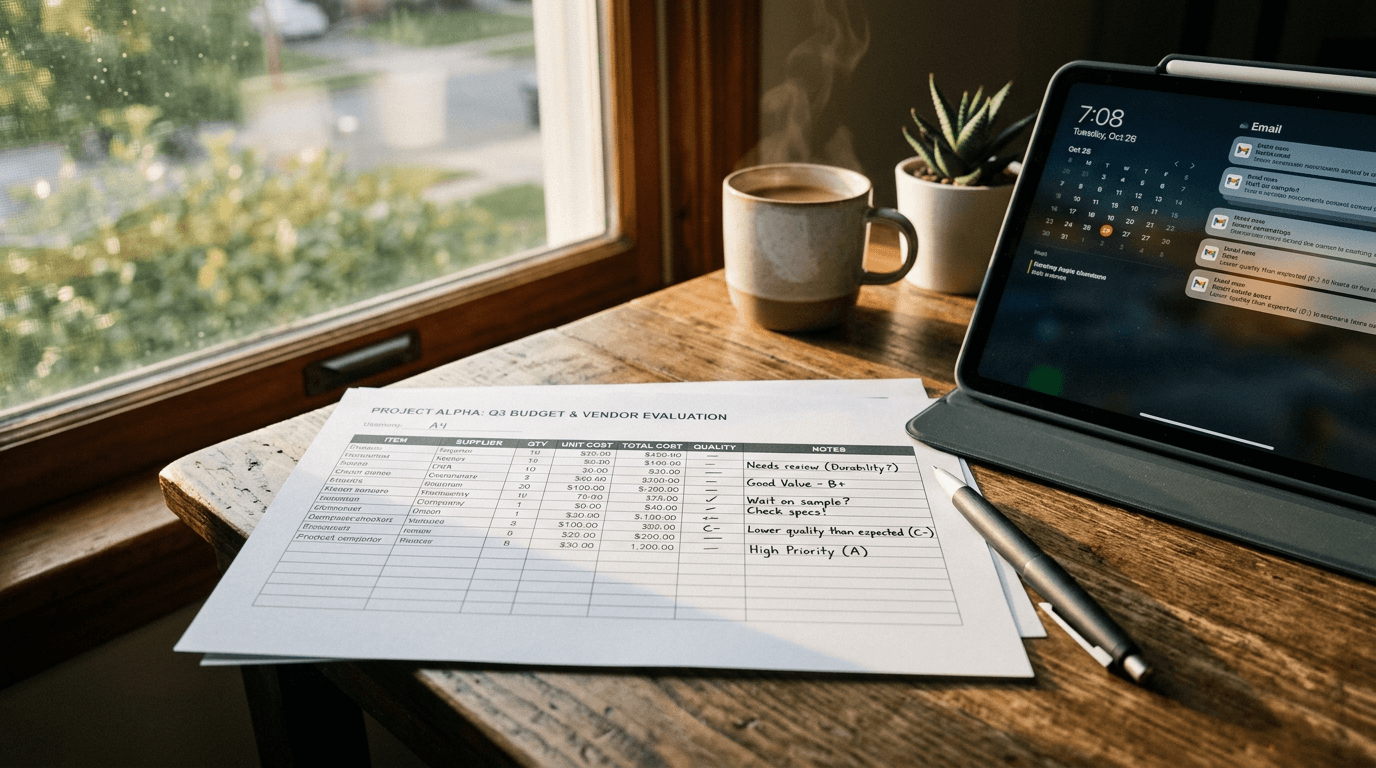
💡 Frank's Cut: always compare workflows, never isolated images. A "wow" image can be a trap if the tool does not hold the series.
Troubleshooting - What Beginners Break
Mistake 1: comparing different prompts on each tool. Biased test.
Mistake 2: judging only on desktop. Mobile can ruin the hierarchy.
Mistake 3: looking for the perfect image on the first shot instead of iterating.
Mistake 4: changing five variables at once. Impossible to diagnose.
Mistake 5: ignoring the retouching time cost. The most beautiful is not always the most profitable.
Mistake 6: choosing the "hype" tool instead of the tool suited to the deliverable.
Core Concepts for a professional choice
First concept: intention before tool. With no clear goal, no generator saves you.
Second concept: consistency before spectacle. A campaign is won on the series, not on the one-shot.
Third concept: measured iteration. One variable modified at a time, otherwise you move forward blind.
Fourth concept: real-context validation. Mobile, desktop, final format.
Fifth concept: total production cost. Tool + time + retouching + validation.
If you want to better lock this logic, reread our method to avoid the generated-AI-image effect.
External authority sources to watch
To follow the real evolutions rather than the rumors:
These pages change. Keep the habit of checking regularly.
Detailed business scenarios to choose with no regret
Scenario 1: you are a freelancer and you have to deliver three social ad visuals for a local brand in under 24 hours. In this case, the framing speed and the ease of correction count more than extreme sophistication. A ChatGPT Image combo to frame fast then targeted finalization can be very profitable. The trap is to get lost in endless iterations because you want perfection. Set a clear limit: two correction rounds maximum per visual, then decision.
Scenario 2: you manage an e-commerce shop with recurring product variation needs. Here, the series consistency becomes the dominant criterion. You want visuals that look similar enough to build an identity, while varying enough to avoid repetition. Recraft and Firefly are often relevant according to your team environment. The good test consists of producing a batch of six images on two tools then comparing the total production time, not only the beauty of an isolated image.
Scenario 3: you are a YouTube content creator and you have to produce thumbnails with readable text and immediate impact. In this context, Ideogram can save time thanks to the text handling. But careful: text readability does not mean a good thumbnail. You must check the global contrast, the subject hierarchy, and the emotional clarity at reduced size. If a thumbnail is beautiful at large size but confused at small size, it does not hold the click.
Scenario 4: you are an agency and you have to propose creative leads to a demanding client who often changes their mind. Leonardo AI can be excellent in fast creative divergence, then you converge toward the tool that best holds the consistency and the final production. The classic agency trap is to impress on the first render then collapse at the variation phase. Never validate a direction before testing three close variants.
Scenario 5: you build a personal brand and you want a recognizable style over six months. The best tool will be the one that lets you document and reproduce your visual choices: dominant light, material, framing, contrast, detail density. You can start with an accessible generator, but your level-up will mostly depend on your archiving and validation system. A library of calibrated prompts is worth more than a tool change every two weeks.
Advanced mistakes that cost dearly after the beginner level
Advanced mistake 1: confusing originality and inconsistency. You want to avoid the generic look, so you change style on each visual. Result: no universe. Pro originality comes from a mastered variation inside a stable base, not from a permanent change of visual language.
Advanced mistake 2: over-optimizing the local detail and forgetting the global reading. You spend ten minutes correcting a secondary texture, but your main subject stays badly hierarchized. In visual communication, the message always wins against the micro-detail.
Advanced mistake 3: validating with no distribution test. Many creatives judge their images only in the generation tool, then discover the problems after social compression. Set up a fixed protocol: test export, mobile preview, contrast check, control of the critical zones.
Advanced mistake 4: depending on a single tool on principle. Creative maturity consists of building an intelligent hybrid pipeline. One tool to frame, one tool to stylize, one tool to produce in series. The dogma costs more than the flexibility.
Advanced mistake 5: not tracing the decisions. When a client asks to redo version 2 with a more human tone, you must be able to answer without starting from scratch. A simple log file with prompt, corrections and verdict completely changes your efficiency.
FAQ (PAA Optimization)
-
What is the best ai image generator in 2026 for a beginner?
For a beginner, the best choice is often the tool that lets you iterate fast with no excessive technical friction. ChatGPT Image is very strong on this point thanks to the conversational interface. You can correct progressively without getting lost in a complex interface. That said, "best" depends on the result you want to produce. If your need is a strong artistic signature, Midjourney can be more suited. If your need is the marketing pace in a team, Firefly can be more profitable. The good reflex is to do a guided mini benchmark rather than choosing blind. -
Is Midjourney still the most powerful for visual quality?
Midjourney stays very strong for striking visual renders and ambitious art directions. But the perceived quality depends on the method. With no precise brief and disciplined iteration, even Midjourney can produce spectacular but barely usable images. In real production, visual power is not enough. You also need series consistency, correction speed and pipeline integration. According to your context, a tool less "wow" at first glance can generate better business results. The real question is not "who is the strongest", but "who holds your workflow". -
Can ChatGPT Image replace Midjourney for pro use?
In some cases, yes. For fast workflows, editorial content, and teams that want to iterate in natural language, ChatGPT Image is extremely practical. For very marked style needs, Midjourney can keep an advantage on certain projects. Many professionals actually use a hybrid approach: ChatGPT Image to frame fast, Midjourney to push a specific visual direction, then final sorting. The right choice depends on the deliverable, the deadline and your consistency requirement. Testing your real case stays always more reliable than a general opinion. -
Is Firefly better for marketing teams than for solo creatives?
Firefly can be excellent for marketing teams because it integrates well into production flows with fast variations and validations. This organizational benefit is often decisive in a company. For a solo creative, it can also be relevant, especially if the Adobe ecosystem is already part of the workflow. The difference plays on your priorities. If you want a high pipeline speed and a production continuity, Firefly is solid. If you look for a very marked aesthetic signature, other tools can be more suited according to the projects. -
Do Ideogram and Recraft serve the same uses?
Not exactly. Ideogram is often appreciated for the readability of text in an image and the speed of message-oriented production. Recraft is generally stronger on the visual-system consistency for brand series. Opposing them head-on is often a mistake. They can complement each other in the same production chain. You can use Ideogram to explore hooks and Recraft to lock the final graphic consistency. This duo is particularly efficient in content marketing, provided you have a clear visual direction from the start. -
How to objectively compare several AI image generators?
Use a fixed procedure. Same brief, same number of images, same evaluation criteria. Score readability, light consistency, material quality, emotion and business usability. Then do two targeted corrections to test the responsiveness of each tool. This second phase is crucial because it reveals the tool's ability to hold a real workflow. With no protocol, you mostly compare your personal preferences. With a protocol, you get a measurable, reproducible decision that is easy to justify to a client or a team. -
Can you get non-plastic images with any ai image generator?
Yes, largely, if you apply a rigorous method. The plastic render often comes from too-vague prompts, inconsistent lights and disordered iterations. To avoid it, specify action, material, light, negative constraints and usage context. Then validate on mobile and desktop. This protocol strongly improves the credibility, whatever the tool. Some generators ease this process more or less, but none replaces the art direction. The lasting quality comes from your work system, not from a magic button.

The best tool is the one that turns your brief into a reliable deliverable, not the one that wins a screenshot contest.
Related articles
 Tutoriels
What Is the Best Free AI Image Generator?
An honest decision grid: 'real' free, freemium, local GPU, and what you actually pay in time or in data.
 Comparatifs
The Best AI Video Tools in 2026: Sora, Runway, Higgsfield, Pika Labs
A field comparison of the best 2026 AI video tools: Sora, Runway, Higgsfield and Pika Labs to produce credible shots with no fake render.
 Comparatifs
HeyGen and ElevenLabs: the Best AI Tools for Voice and Avatars?
A field comparison HeyGen vs ElevenLabs to create credible AI voices and avatars in 2026, with a pro workflow, real limits and business use cases.