The Best AI Video Tools in 2026: Sora, Runway, Higgsfield, Pika Labs
A field comparison of the best 2026 AI video tools: Sora, Runway, Higgsfield and Pika Labs to produce credible shots with no fake render.
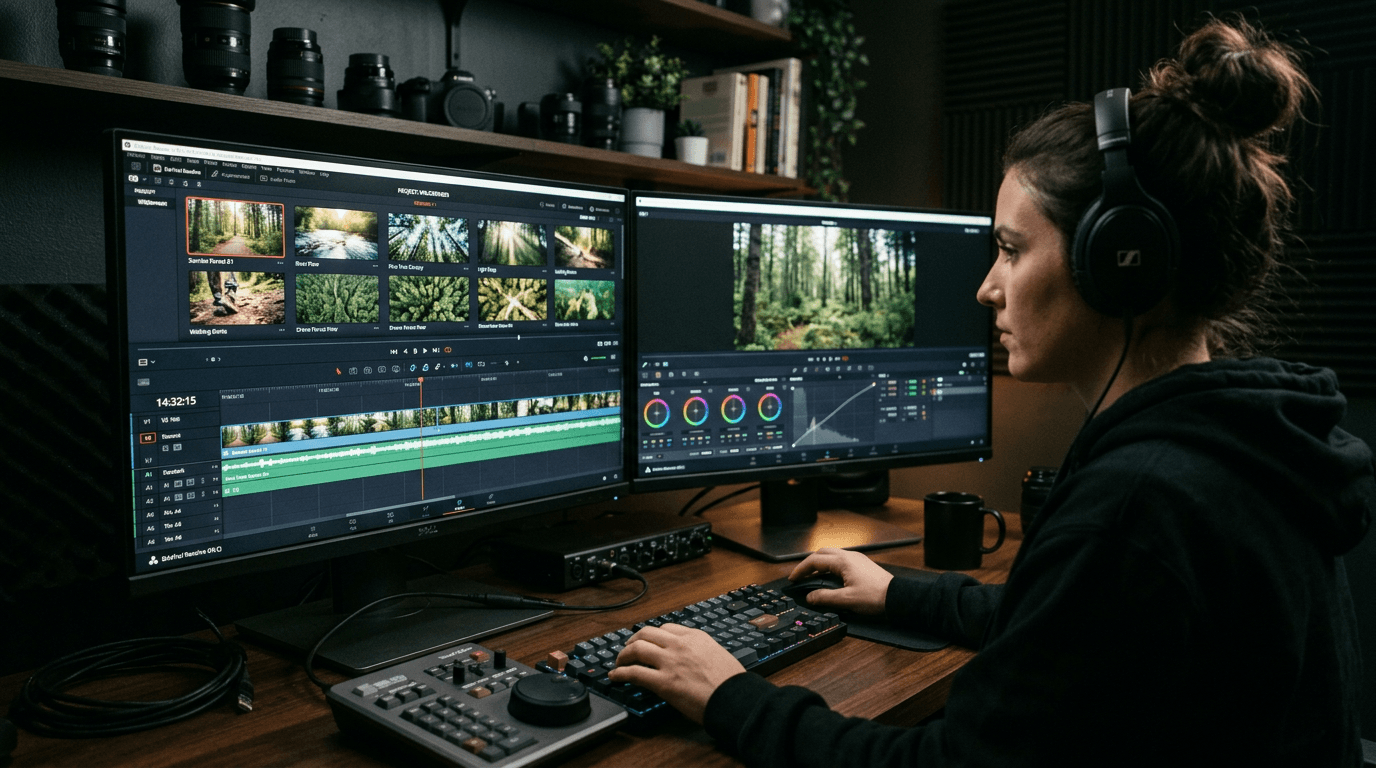
You type ai video tool, you see stunning clips, then you launch your first test and your shot looks like a synthetic ad with no soul. It is brutal. And it is normal. The demos show the best of each tool, not the production reality when you have to hold a narration, a style, a budget, and a deadline.
I tested sora, runway, higgsfield, pika labs on concrete cases: local ads, narrative reels, product teasers, short-film sequences. I am going to tell you what holds in production, what breaks, and how to choose the right tool according to your level and your goal.
If you are a beginner, remember this immediately: the best AI video tool is not the one that makes the most spectacular shot. It is the one that lets you produce a consistent sequence from the first to the last shot.
Why most beginner AI videos look fake
Problem number one is the absence of shot intention. Many generate animated images, not narrative shots. Result: gratuitous movement, floating framing, inconsistent light.
Problem number two is the "miracle prompt" logic. In video, it almost never works. You must think in sequence: shot 1 intention, shot 2 continuity, shot 3 visual payoff.
Problem number three is forgetting the physics. If the light changes for no reason between two frames, the brain immediately detects the fake. Same thing for the materials and the micro-movements.
Problem number four is the absence of a post-prod pipeline. A raw AI video is rarely ready to deliver. You need timing, cut, sound design, sometimes upscale and color harmonization.
Sora: powerful for visual narration, demanding on the direction
sora is impressive on the ability to produce sequences rich in atmosphere and apparent continuity. On certain narrative uses, it can give very credible shots if your brief is precise.
Where Sora becomes strong is when you clearly describe the action, the rhythm and the camera dynamics. If you stay vague, you get a pretty but barely controllable result.
Its limit in production is often the long iteration if you look for a very specific shot. You must prepare your prompt like a mini shoot brief: subject, action, implicit focal length, light, temporality.
For projects where the narration comes before the "social template" effect, Sora clearly deserves a place at the top of your shortlist.
Runway: excellent AI video production hub
runway is formidable as a production environment: generation, retouches, variations, extension, sometimes a complete workflow around the AI shot. For creators who want to move fast, it is a real asset.
Its main advantage is operational. You can chain the tests without leaving your pipeline every five minutes. This friction gain is huge when you produce several shots per week.
The raw quality strongly depends on your brief, like everywhere. But Runway often shines on the ability to correct and iterate in a real production context.
I often recommend it to the profiles who want to professionalize their AI video chain without multiplying the tools from the first month.
Higgsfield: interesting for style and experimentation, watch the consistency
higgsfield attracts for its stylish results and its creative potential on marked aesthetics. If you want to test strong visual directions, it is a stimulating ground.
The trap is classic: a strong style does not mean a solid narration. You can get a shot that impresses, then fail to maintain the same language on the rest.
To use Higgsfield intelligently, I recommend positioning it in the divergence phase: exploration of looks, atmospheres, shot energy. Then convergence toward the tool that better holds the complete series.
It is an excellent creative tool when you keep a continuity discipline.
Pika Labs: fast to prototype, to frame for pro deliverables
pika labs is very useful to move fast on video prototypes, movement ideas, concept tests. In the ideation phase, the speed/pleasure ratio is excellent.
Its limit arrives when you move to a delivery requirement. You must strongly frame your use to avoid the too "AI effect" sequences and the unwanted style variations.
I often advise Pika Labs to test a motion storyboard quickly, then switch to a more stable tool for the final key shots.
It is a great laboratory, less a complete autonomous pipeline on demanding premium projects. If you hesitate precisely between these two engines, read Pika Labs vs Runway to choose the right engine.
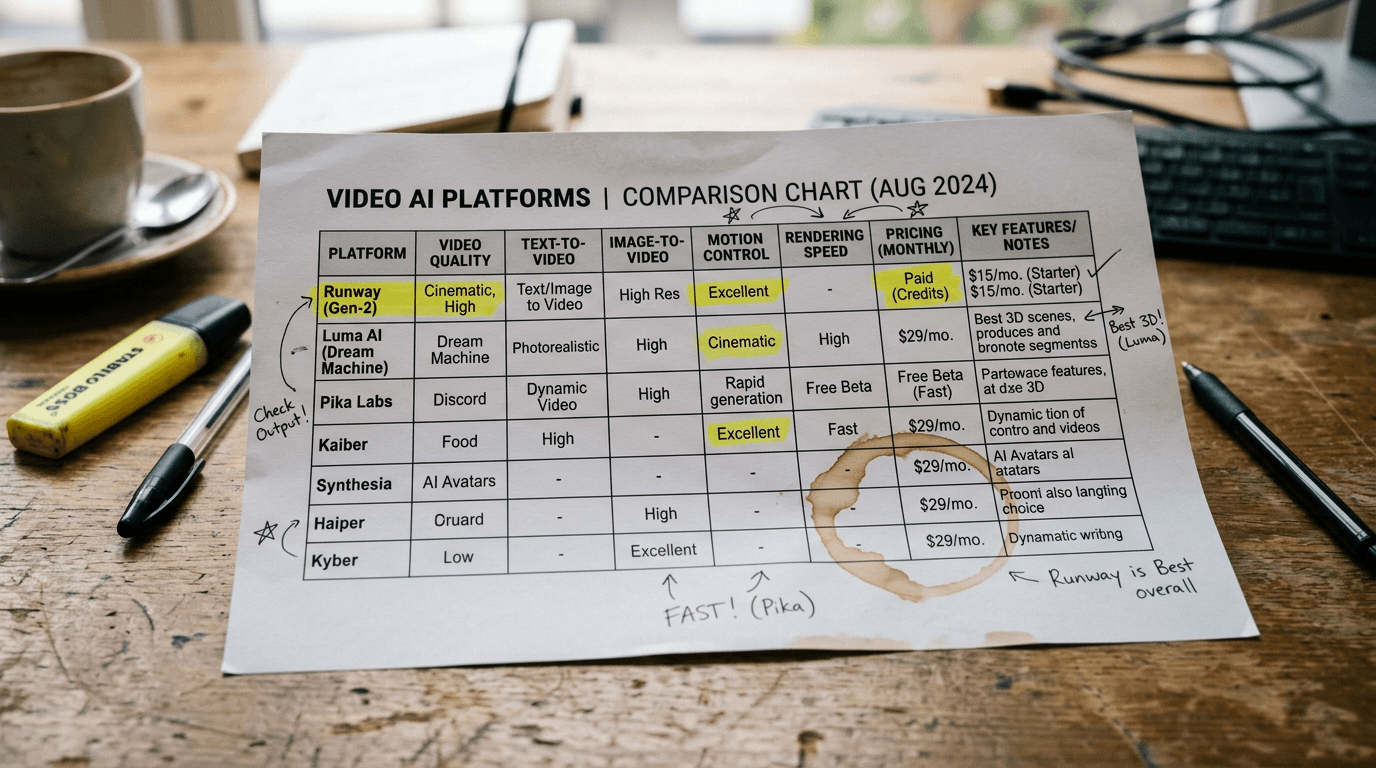
My quick tool-by-tool comparison
| Tool | Main strength | Frequent limit | Ideal for |
|---|---|---|---|
| Sora | rich visual narration | costly iterations if fuzzy brief | story-driven shots |
| Runway | complete and fast pipeline | variable quality with no strict direction | regular production |
| Higgsfield | strong creative style | fragile series consistency | visual exploration |
| Pika Labs | ultra-fast prototyping | sometimes limited finishing | motion ideation |
You can already settle a good part of your choices with this table, but the real decision comes from a benchmark on your use case.
The AI video Trench Workflow I use in production
Step 1: write the emotional promise of the shot.
Step 2: describe the action in 1 concrete sentence.
Step 3: define light, rhythm, camera angle.
Step 4: generate 3 variants max.
Step 5: score readability, movement, credibility.
Step 6: correct one variable, then lock.
Scenario A, local restaurant ad. Goal: credible kitchen steam shot. First render too clean. Correction: material texture, micro-irregularities, more realistic side light. Shot validated on the second cycle.
Scenario B, SaaS teaser. Goal: premium atmosphere with no gimmick. Runway allowed fast iteration on the shot rhythm and the color continuity.
To reinforce the movement quality before the final render, you can also apply our method to improve the realism of movements in AI video.
Scenario C, short lifestyle clip. Higgsfield excellent in style exploration, then final stabilization on a more consistency-oriented pipeline.
The golden rule: do not launch ten variants with no goal. A clear intention always beats an avalanche of attempts.
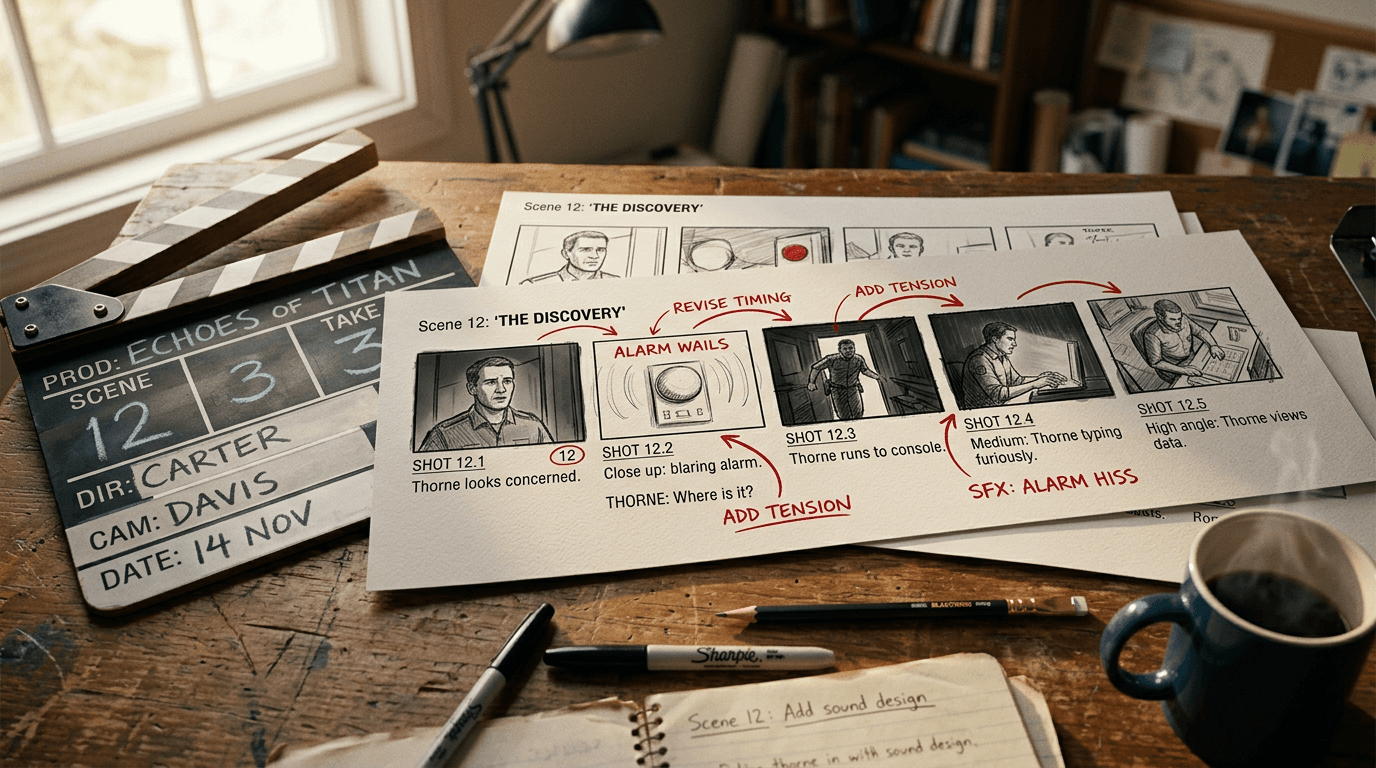
💡 Frank's Cut: before generating, write the sentence "this shot must make people feel…". If you cannot finish this sentence, you are not ready to launch.
Troubleshooting - What Beginners Break
Mistake 1: confusing image animation and video staging.
Mistake 2: ignoring the light continuity between shots.
Mistake 3: multiplying the prompts with no comparison protocol.
Mistake 4: validating with no mobile test or sound.
Mistake 5: forgetting that the edit makes 50% of the credibility.
Mistake 6: delivering a raw video with no final harmonization.
Core Concepts to move from gadget to filmable
First concept: continuity beats spectacle. A consistent sequence is worth more than an isolated viral shot.
Second concept: the shot rhythm is narrative. You must think time, breathing, and progression.
Third concept: the sound and the edit transform the perception of realism.
Fourth concept: a video prompt is a staging brief, not a list of adjectives.
Fifth concept: the final-context validation decides the real quality.
To reinforce your base, reread our guide to structure an AI video like a real film, our method to make an AI scene credible, our Runway tutorial to animate a fixed shot, and our complete idea-to-AI-film workflow.
Business use cases: which tool to choose according to your profile
Freelance social content: Runway or Pika Labs according to the deadline. You favor speed and number of deliverables.
Creative agency: Sora + Runway duo. Sora for strong narrative shots, Runway to industrialize the production.
Solo long-format creator: start on Runway for structure, add Sora on signature shots.
Experimental studio: Higgsfield in divergence, then a pipeline tool for convergence.
No option is universal. The best choice is the one that holds your publishing pace without breaking the quality.
Useful external sources
Detailed real cases: tool choice by field constraint
Case 1, solo creator who publishes three reels per week. Main constraint: pace. Here, a pipeline centered on Runway with prompt templates and a fixed edit structure often gives the best time/quality ratio. The trap is wanting to reinvent the style on each video. At a high pace, the consistency always wins against the over-experimentation.
Case 2, local agency that produces a monthly premium ad. Main constraint: perceived client credibility. Sora can be used for the signature shots that carry the emotion, then Runway for the alternative versions and the variations. This combination reduces the risk of "redo everything" at the last minute. The agency secures the final render while keeping flexibility.
Case 3, e-commerce that wants to humanize its product launches. Main constraint: volume + consistency. Pika Labs can serve as an angle and movement laboratory, then a convergence phase on a more stable tool lets you finalize the validated shots. The gain comes from the fast upstream sorting, not from the search for a universal tool.
Case 4, experimental-oriented creative studio. Main constraint: originality. Higgsfield becomes interesting to generate less-expected visual directions, but a continuity protocol is indispensable. With no this protocol, the sequences are strong individually but fragile in global narration.
Case 5, online-training creator. Main constraint: educational readability. Here, the visual sobriety and the clarity come before the spectacle effect. A stable tool with repeatable prompts and short iterations is often superior to a too-artistic render that distracts from the message.
If you want to dig into the client-acquisition logic around these formats, also look at our method to find AI video clients. To lock the inter-shot consistency, complement with our guide to create consistent AI scenes across several shots.
Advanced mistakes that ruin AI videos after the first successes
Advanced mistake 1: confusing visual sophistication and narrative efficiency. You can produce ultra-detailed shots that explain nothing. In commercial or educational content, the message must stay dominant.
Advanced mistake 2: forgetting the sequencing logic. A good shot A does not guarantee a good shot B. The cut immediately reveals the light, scale and rhythm inconsistencies.
Advanced mistake 3: neglecting the audio phase. A visually correct video can seem cheap with a weak sound design. In AI video, the sound is often the most underestimated realism factor.
Advanced mistake 4: prompt overfitting. You enrich the prompt so much that the tool becomes unpredictable. Structured simplicity often beats encyclopedic descriptions.
Advanced mistake 5: absence of a library of validated shots. With no archive of prompts, timings, LUTs and winning settings, you lose the benefit of your learning every week.
30-day level-up plan for a serious beginner
Week 1: produce ten short shots with a single tool, with no looking for perfection. Goal: understand the prompt/movement/render relationship.
Week 2: introduce a strict evaluation grid and reduce the useless iterations. Goal: progress in perceived quality.
Week 3: build a mini sequence of three consistent shots with light continuity and edit rhythm. Goal: get out of the isolated shot.
Week 4: create a complete deliverable project with simple sound design, homogeneous color and an export adapted to the final channel. Goal: move from the exercise to the client or audience result.
This plan is deliberately pragmatic. The level-up comes from structured repetition, not from chasing the latest model of the moment.
Final checklist before publishing an AI video
Check the light consistency between adjacent shots. If a cut gives the impression of changing visual planet with no intention, the viewer drops off.
Check the readability of the main subject in the first two seconds. A beautiful atmosphere does not compensate for an unreadable subject.
Check the movement continuity. The transitions must seem motivated by the staging, not by an algorithmic chance.
Check the audio in a real context: earbuds, smartphone speaker, laptop. Many "studio-ok" mixes become weak on mobile.
Check the final export on the target platform. A correct render in local can be degraded after social compression.
This checklist seems basic. It is precisely why it is powerful. The pros move forward thanks to fundamentals executed with no exception.
If you apply this protocol on ten projects in a row, your average quality rises mechanically. Not because the tool becomes magic, but because your eye becomes precise, fast and relentlessly consistent.
FAQ (PAA Optimization)
-
What is the best ai video tool to start with in 2026?
To start, Runway is often a very good entry point because it combines generation and iteration in a relatively fluid environment. You can test, correct and progress without rebuilding your pipeline at each step. Pika Labs can also be useful if you want to prototype fast and understand the basics of movement. The best choice depends on your immediate goal: learning the narrative logic or producing fast clips. In all cases, start with a strict comparison method, otherwise you risk confusing generation speed and deliverable quality. -
Is Sora really superior to the other AI video tools?
Sora can produce very impressive sequences, especially on narrative uses where the atmosphere and the visual continuity count a lot. But "superior" depends on the production context. If your need is a fast and repeatable pipeline for frequent content, Runway can be more profitable. If you want to explore styles, other tools can also be relevant. The good reflex is to test on your real brief with measurable criteria: consistency, movement quality, iteration speed, and the ability to hold a series of shots. -
How to avoid the fake effect in an AI-generated video?
The fake effect often comes from inconsistent light, unmotivated movement and an absence of continuity between shots. To avoid it, write a clear intention per shot, define a stable light logic, and limit the gratuitous camera variations. Then, correct one variable at a time and validate on mobile plus desktop. Finally, add a consistent edit and sound pass, because the perceived realism depends hugely on the audio and the rhythm. A credible AI video is a directed staging, not a raw generation published immediately. -
Is Runway enough to produce commercial videos?
Yes, Runway can be enough in many commercial contexts, especially if you have a clear workflow and a control requirement in post-production. It is particularly efficient to regularly produce content at a good pace. That said, on very signature shots, you can gain by combining Runway with another tool according to the creative direction. The key point is to define your expected quality level before launching the tests. Runway is powerful, but like all tools, it gives its best with a precise direction method. -
Is Pika Labs only a prototype tool?
Pika Labs is excellent in fast prototyping, and it is often its main strength. It does not mean it is limited to this phase, but for complex premium deliverables, you generally need a stricter finishing frame. Many creatives use it to explore shot ideas and lock an intention before finalizing elsewhere. This hybrid strategy works very well in practice. The mistake would be to ask it for the whole pipeline with no adaptation. Used in the right place, Pika becomes a formidable accelerator. -
Should you choose a single ai video tool or combine several?
Combining several tools is often the best strategy in real production. One tool can be excellent for creative divergence, another for series consistency, and a third for finalization. The important thing is to keep a readable pipeline with clear roles. With no this structure, the combination becomes chaos. With it, you gain flexibility and quality. Creative maturity is not blind loyalty to a tool. It is the ability to orchestrate the right tools at the right moment. -
How long does it take to produce a really pro AI video?
It depends on the format, the requirement level and your pipeline, but a really pro video almost always requires more time than the raw generation. The invisible work is the direction, the sorting, the correction, the edit, and the final validation. A serious production can be fast if your method is solid, but it is never instant. The best way to speed up is to standardize your workflow: clear intention, evaluation grid, limited iterations, and decision archiving so you do not start from scratch on each project.
The perfect shot does not exist. The reliable pipeline does.
Related articles
 Comparatifs
The Best AI Tools to Create, Cut Out and Design Faster
A 2026 field comparison of AI design tools: Photopea, Remove.bg, Looka, Figma, Microsoft Designer, Freepik, Pexels and Shutterstock.
 Comparatifs
HeyGen and ElevenLabs: the Best AI Tools for Voice and Avatars?
A field comparison HeyGen vs ElevenLabs to create credible AI voices and avatars in 2026, with a pro workflow, real limits and business use cases.
 Tutoriels
Pika Labs vs Runway: Choosing the Right Engine for an Action Shot
A field comparison on movement, hands, duration and post to decide in twenty minutes which engine carries your action shot.