Ideogram, Recraft or Leonardo AI: Which Tool to Choose?
A field comparison between Ideogram AI, Recraft and Leonardo AI to choose the best tool according to your goal: text in the image, brand consistency, speed and real quality.
You want to produce solid visuals, you test three tools, and you end up more confused than before. ideogram ai gives you readable text but a sometimes uneven render. recraft gives you a nice graphic structure, but you have doubts about creative spontaneity. leonardo ai seems flexible, then sometimes goes in directions too "wow" for client use. If this scenario speaks to you, relax, it is normal. The problem is not your level. The problem is the absence of a choice protocol.
I am going to give you exactly that protocol. Not a showroom comparison. A field comparison. I used these three tools on local campaigns, social ad assets, editorial visuals, and client requests "can you redo the same thing but different" at 6:42 PM. We are going to look at what holds in production, what breaks, and how to avoid the clean but soulless AI render.
This guide answers a simple question: in which case to choose ideogram ai, recraft or leonardo ai in 2026, with a method that saves you time and avoids costly mistakes.
First, the real question to ask before comparing
Most beginners ask "which tool is the best?". Wrong question. The right question is "which tool best serves my deliverable in the real deadline I have?". A tool can be excellent for integrated text, average for photorealism, and very good for fast variations. If you look for an absolute champion, you are going to waste time.
Second critical point: your distribution channel changes everything. An image for a desktop banner does not have the same requirements as a mobile thumbnail. Some tools give a "strong" render in large format but lose readability in small. With no context validation, your comparison is misleading.
Third point: series consistency. A successful image is not difficult. Ten consistent images with the same visual identity, that is where the difference between tools becomes visible. A good tool is not the one that "impresses once". It is the one that holds over a full campaign.
Fourth point: the correction speed. In real production, you do not need a tool that produces a "beautiful" image on the first try. You need a tool that reacts well to corrections. This iteration capacity is often the criterion that makes or loses a project.
Ideogram AI: where it is excellent, where it breaks
ideogram ai is often cited for its handling of text in the image, and yes, it is a real advantage in many cases. If you do promotional visuals, thumbnails, or social ad creatives with a strong textual promise, this asset is concrete.
Where Ideogram becomes interesting is when you have to quickly produce variations of a visual message without going through a too-heavy edit. You can test several hooks, layout angles, and reading priorities in little time.
But you must stay lucid. On very demanding photorealistic renders, the quality can vary a lot according to the precision of the brief. If your prompt is fuzzy, you get a clean but generic visual. If your prompt is too loaded, you sometimes get an inconsistent render.
The winning method with Ideogram is to separate the goals. First the readability of the message. Then the visual consistency. Then the texture and the realism. Many do the opposite and end up with a "pretty" image that does not communicate.
Recraft: design-consistency machine, not a magic wand
recraft often shines when you have to produce consistent brand assets. Its main interest is not the instant spectacular. Its interest is the visual stability and the system logic. For a marketing team that has to decline fast, it is huge.
I like Recraft when the project requires a clear graphic line across several formats. You can maintain an identity more easily, avoid the drift from one render to another, and build a production that looks like a brand, not a collection of AI images.
The trap is to believe that design consistency = automatic final quality. If the starting brief is weak, Recraft will give you a weak consistency, but consistent. It is worse than an isolated failure, because you industrialize an average direction.
To use Recraft well, start by framing your visual base: dominant palette, light, texture density, contrast level, angle style. Only then do you decline. With no base, you steer in the fog.
Leonardo AI: powerful flexibility, mandatory discipline
leonardo ai is appreciated for its versatility and its capacity for fast exploration. You can push varied visual directions, test styles, and get interesting creative leads in little time. For the ideation phase, it is often very useful.
On the other hand, this flexibility can become a trap if you have no frame. Many beginners open too many leads in parallel, change five parameters at once, and no longer understand why a render works or not. Result: fatigue, dispersion, loss of consistency.
Leonardo becomes strong when you use it in protocol mode. Same brief, short batch, quality score, correction variable by variable. With this discipline, you exploit its power without drowning in the options.
I often recommend Leonardo for the creative divergence phase, then a more consistency-oriented tool for the final convergence. It is a very efficient combination in an agency or as a demanding solo.
My quick comparison Ideogram vs Recraft vs Leonardo
Here is the table I use in training when someone asks me "ok, which one do I take?".
| Criterion | Ideogram AI | Recraft | Leonardo AI |
|---|---|---|---|
| Integrated text | very good often | good depending on case | variable |
| Series consistency | good with method | very good | good if strict protocol |
| Creative exploration | correct | good | very good |
| Marketing production speed | very good | very good | good |
| Style drift risk | medium | low | high with no frame |
| Learning curve | moderate | moderate | moderate to high |
The table is useful, but does not decide for you. The real verdict comes from a mini benchmark on your real case.
- Take a single 5-line brief.
- Generate 4 images per tool.
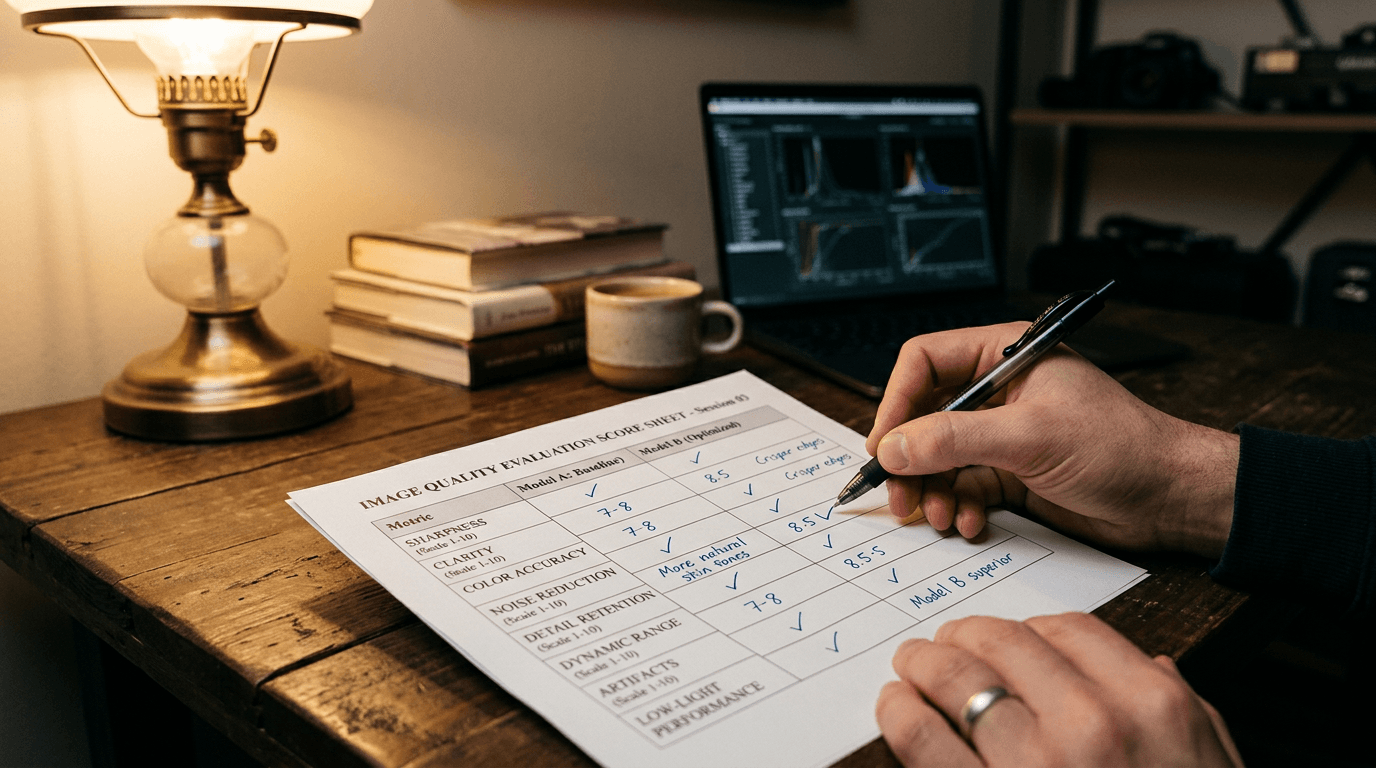
- Score each image on readability, light, texture, emotion, usability.
- Make a targeted correction on the best one.
- Check the consistency over 3 variations.
With this test, the decision becomes factual.
The Trench Workflow I use to decide in 30 minutes
I always start with an ultra-clear intention. "This visual must make a local audience aged 25-45 click in under 2 seconds." With no this type of sentence, your test drifts toward personal preferences.
Then, I write a common skeleton prompt for the three tools: subject, action, light, material, constraint. I change nothing between tools on the first round. It is non-negotiable. Otherwise, you compare different briefs.
First round: 4 images per tool. I keep a simple grid on 5 criteria scored out of 5. I take short but precise notes. Not "I do not like it". I write "message hard to read in thumbnail" or "skin too smoothed".
Second round: I keep the two best tools and I correct a single variable. Example: reduce global saturation, keep framing. Or: improve skin texture, keep composition. This round reveals the correction capacity, often more important than the initial raw quality.
Third round: series consistency test. I ask for three visuals in the same direction. If the style holds, I have my production tool. If the style breaks, I switch to the second choice. This system has saved me dozens of hours of useless retouching.
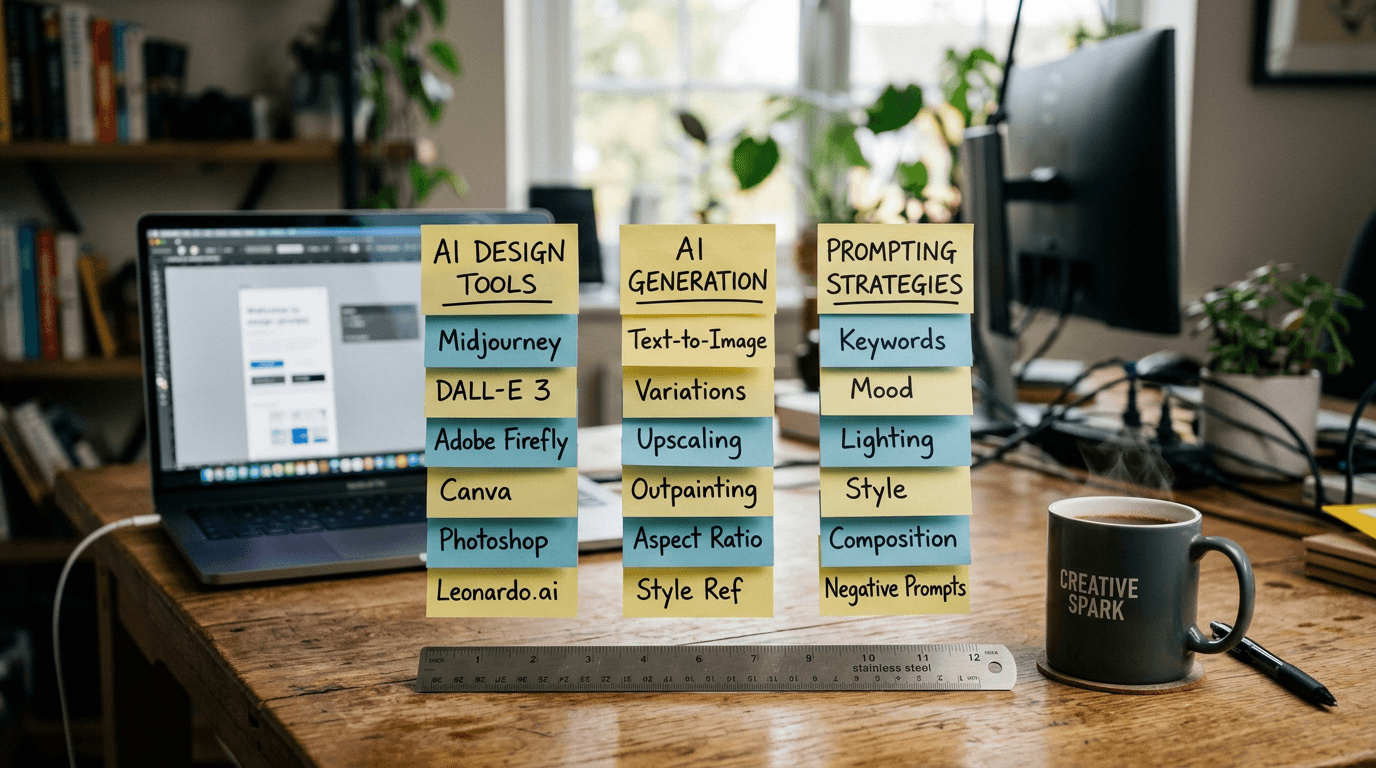
💡 Frank's Cut: never compare "best of" images. Compare complete workflows. A tool that wins the first image can lose the full campaign.
Troubleshooting - What Beginners Break
Mistake 1: different prompts per tool from the start. You bias the test. Keep a common base on the first pass.
Mistake 2: confusion between visual quality and business performance. An image can be magnificent and bad in conversion or readability.
Mistake 3: desktop-only validation. Mobile immediately reveals the visual hierarchy problems.
Mistake 4: changing ten parameters at once. You lose all diagnostic capacity.
Mistake 5: no test log. With no trace, you repeat the same mistakes on each project.
Mistake 6: choosing the trendy tool, not the suited tool. The hype does not pay for your lost hours.
Real cases: which tool I choose according to the need
Case 1, local restaurant promo with strong text. I often favor Ideogram AI for the initial readability, then I validate the texture and the visual credibility. If the material render stays weak, I do a second pass on another tool.
Case 2, brand content series for e-commerce. I choose Recraft when system consistency is a priority. The stability gain between visuals is clear. The client feedback is faster because the identity seems "held".
Case 3, creative pre-prod for a more ambitious campaign. I use Leonardo AI to open the creative field quickly. Then I converge toward the tool that better holds the final consistency and the pipeline integration.
Case 4, hybrid marketing + design team. I do an Ideogram/Recraft duo. Ideogram for the visual message variations. Recraft to lock the final graphic direction. It is a very profitable combination.
How to keep a professional render whatever the tool
First lever: narrative precision. Write what happens, not just what is beautiful. A concrete action almost always improves the credibility.
Second lever: physical light. A clear main source, a discreet secondary one. If the light lies, the image lies.
Third lever: the material. Naming "natural skin", "lightly worn textile", "brushed metal" gives proofs of real. Abstract superlatives are not enough.
Fourth lever: objective sorting. Use a grid. With no grid, you confuse personal taste and visual efficiency.
Fifth lever: in-context validation. Mobile, desktop, and final format test. That is where you know whether the image is ready, not before.
To push the long-term consistency, read our guide to keep consistent characters across several images and our method to avoid the generated-AI-image effect.
If you want to deepen the logic of prompts that hold in production, add our complete Midjourney 2026 guide and our tutorial on realistic photo prompts. Even if you do not use Midjourney, the formulation method stays transferable to Ideogram, Recraft and Leonardo.
For a broader view of the ecosystem before your final choice, also check our best AI image generator 2026 comparison.
Official sources to watch
Before choosing, always check the official pages of the tools:
The features evolve fast. A static comparison with no update quickly becomes obsolete.
Core Concepts that beginners ignore too often
The first concept is reproducibility. You must be able to redo a result with minor adjustments. With no this capacity, you do not have a workflow, you have luck.
The second concept is creative governance. Define style rules before generating. It avoids the drift and reduces the vague feedback of the "I do not know, it does not work" type.
The third concept is the total cost. Tool price + time + retouching + validation. It is this total that decides the profitability, not the entry price.
The fourth concept is team integration. The ideal tool for you alone is not necessarily ideal for a multi-role team.
The fifth concept is the correction speed. In production, this criterion almost always wins against the "stunning first image" effect.
FAQ (PAA Optimization)
-
Is Ideogram AI the best choice to create visuals with integrated text?
Ideogram AI is often an excellent choice when your main need is the readability of the text in the image, notably for social ads, thumbnails and promotional visuals. That said, you must distinguish readable text and globally performing image. A useful creation must also hold up in composition, material, light and visual hierarchy. The best reflex is to test Ideogram on a real brief and compare it to a second tool with an objective grid. If it wins on readability and stays solid on the other criteria, it is probably a good choice for your case. -
Is Recraft better suited to brands that want a consistent visual identity?
Yes, in many contexts, Recraft stands out precisely on this aspect. It can ease the production of a consistent visual series, which is essential for branding, e-commerce and multi-format campaigns. But the consistency does not come from the tool alone. It also depends on a well-defined style base: palette, light, texture, framing, usage rules. Recraft amplifies a good direction as it can amplify an average direction. If your brief is structured, it becomes a very powerful ally to industrialize a credible visual identity. -
Is Leonardo AI too complex for a beginner?
Leonardo AI can impress at the start because of its flexibility and its options, but it is not inaccessible. The real trap is not the technical complexity, it is the creative dispersion. If you test too many leads at once, you lose the thread. A beginner can very well progress quickly with Leonardo by applying a simple method: clear brief, short batch, objective scoring, correction one variable at a time. With this frame, the tool becomes readable and efficient. With no this frame, it becomes an endless-iteration machine. -
How to choose between ideogram ai, recraft and leonardo ai for a client project?
Start by defining the exact deliverable, the deadline, and the distribution channel. Then, run a short benchmark: same brief, same number of images, same evaluation grid. Compare readability, light consistency, material quality, emotion, business usability, then correction speed. This step gives you a factual rather than emotional decision. In practice, Ideogram can win on integrated text, Recraft on series consistency, and Leonardo on creative exploration. The right tool is the one that serves your real goal with the best ratio of quality, speed and stability. -
Can you combine these three tools in the same workflow?
Yes, and it is often the most efficient strategy. You can use Leonardo to open creative directions, Ideogram for message-oriented variants, then Recraft to converge toward a stable visual identity. This hybrid approach avoids forcing a single tool on all the steps. It just requires a pipeline discipline: common style rules, validation criteria, and decision archiving. Well steered, this combination increases the quality and reduces the lost time. Badly steered, it creates confusion. The method makes all the difference. -
What is the main trap when comparing AI image tools in 2026?
The main trap is to compare isolated captures instead of comparing complete processes. A single image can be spectacular, but unusable on a series or in mobile context. You must judge the tool on its capacity to hold the consistency, to accept precise corrections, and to integrate into a real production flow. With no this global view, you risk choosing the most impressive tool in the short term, then losing time and budget in late retouching and arbitrations. -
How to avoid the generic AI render whatever the chosen tool?
Set a clear intention, describe a precise action, impose a credible light, and name the materials. Add targeted negative constraints against smoothing and fake relief. Then, work in short iterations with one variable per cycle, then validate on mobile and desktop. This protocol eliminates a large part of the generic renders. The original style comes less from a "miracle" tool than from the quality of your art direction. If you keep this discipline, even an average tool can produce clearly more convincing and usable visuals.
The right tool is not the one that impresses fastest. It is the one that makes you deliver better, more often, without losing your style.
Before concluding a definitive choice, do one last simple test: take a validated visual, ask for two close variants, then a bolder variation. If the tool keeps the consistency on the first two and stays creative on the third without breaking your identity, you probably hold the right compromise for your pipeline.
Related articles
 Comparatifs
Which AI video tool to choose for a product ad? Comparison by use case
Runway, Kling, Luma, Veo, Seedance: not all equal for a product ad. Here is which AI video tool to choose depending on your format, your budget and your brand-consistency constraints.
 Tutoriels
Lip-Sync: Which AI Tool to Choose for Your Virtual Actors?
A field comparison and a complete method to choose an AI lip-sync tool, direct the performance and get a credible lip synchronization.
 Comparatifs
ScreenWeaver vs Final Draft: which to choose to write (and show) your film in 2026?
Field comparison between Final Draft, the industry standard, and ScreenWeaver, the AI-native script-to-storyboard tool. Strengths, limits, migration and who should choose what.