ComfyUI for Beginners: A Cinema Pipeline with No Useless Node
A minimal ComfyUI graph for photorealistic pilot images and clean export to video, with classic mistakes avoided.
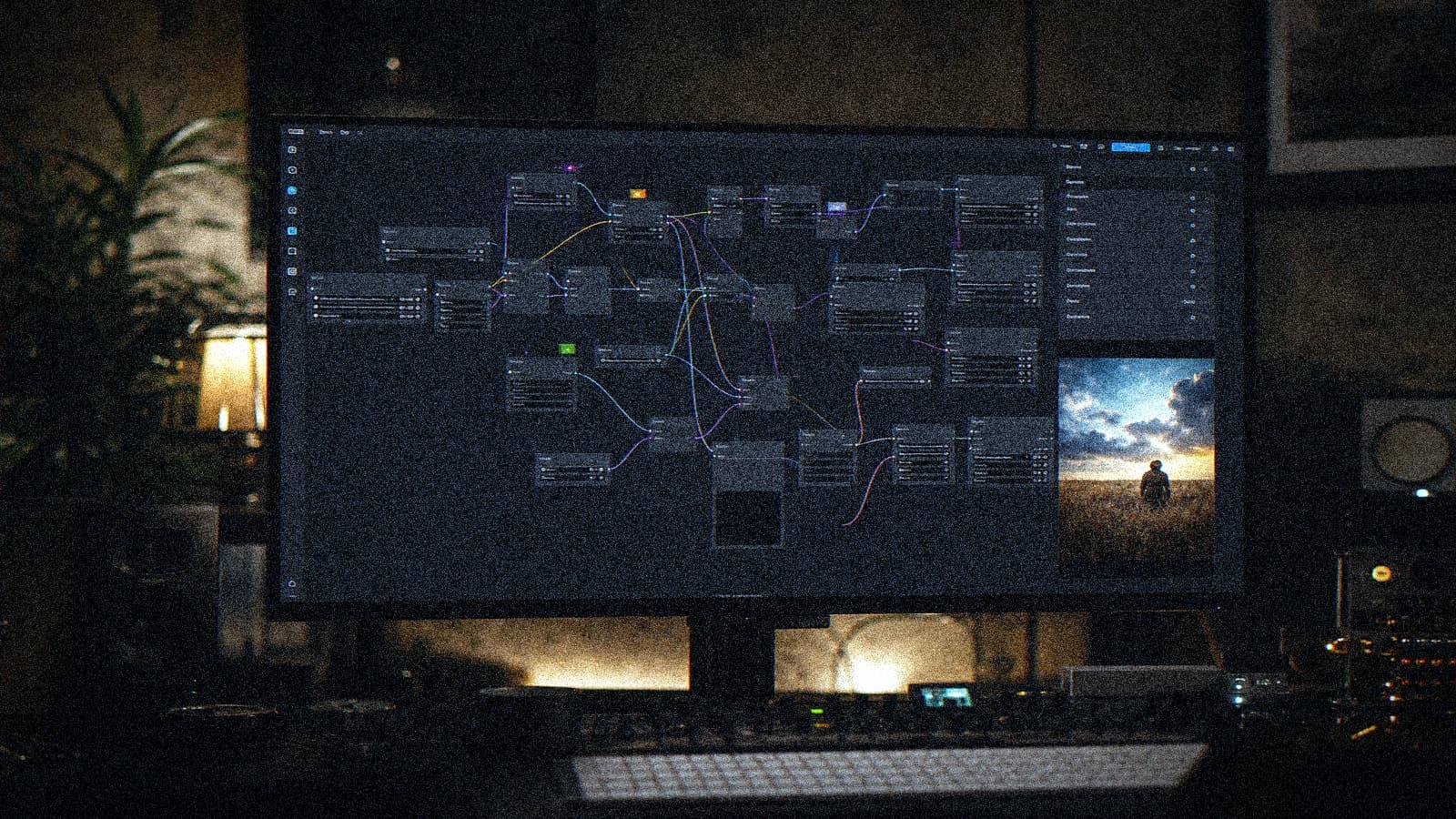
You open ComfyUI, you download a monster workflow with fifty nodes, and you no longer understand what really influences your image. Result: everything looks technical, nothing is controlled.
The good news is that a beginner ComfyUI pipeline oriented toward cinema rendering can become reproducible very fast when you set simple rules. Here you have an execution guide, not a salon theory. I give you what holds in production, what breaks, and how to fix it without losing your visual identity.
This text follows a field logic: prepare, generate, reject fast, correct locally, deliver cleanly. You do not need ten tools. You need a method that protects your time, your credibility, and the client's trust.
You will find a direct tone, sometimes harsh, because production is not gentle. The empathy here consists in saving you weeks of fumbling. If a step does not serve the final quality, we cut it. If a habit slows your flow, we replace it.
Unfiltered diagnosis
In a beginner ComfyUI pipeline oriented toward cinema rendering, beginners get trapped by excess. Too much movement, too many promises, too much trust in a single render. The result seems strong as a thumbnail, then collapses in long viewing. Visual credibility is not a wow effect, it is repeated stability.
The second trap is emotional. After two hours of testing, you want to believe a shot is good because you are tired. You have to create a cold distance: written criteria, an A/B/C verdict, and immediate rejection if two critical signals appear. This discipline avoids false choices.
The third trap is commercial. Many deliver a beautiful but non-reproducible file. In an agency, that is not enough. Your client wants adaptations, formats, campaign consistency. With no protocol, you become the prisoner of a stroke of luck.
Finally, remember this: a minimal, readable, reproducible ComfyUI graph oriented toward video production. If you think in a complete chain, you turn generation into production. Otherwise you only produce appealing but fragile tests.
Decision table before generating
You can print this table and keep it open during the whole session. It serves to make fast decisions when the pressure rises. You do not negotiate with the visual facts, you apply the framework.
| Critical parameter | Recommended starting value | Immediate rejection signal | Corrective action |
|---|---|---|---|
| Test duration | 3 to 5 seconds | Drift after 2 seconds | Shorten then rerun |
| Camera movement | Slow, clear direction | Floating or gratuitous rotation | Back to a simple axis |
| Subject consistency | Locked identity | Face or outfit morphing | Return to the source reference |
| Light | Readable main source | Inconsistent reflections | Redo the photo direction |
| Finishing | Sober post | Plasticity and strong sharpen | Clean the post chain |
You will save hours by following this framework. The fast creators are not the ones who generate the most, they are the ones who cut fast what does not hold. That is the difference between activity and real progress.
To strengthen the preparation phase, use how to write an ultra-realistic cinematic prompt then how to turn an AI image into fluid, credible video. These reads directly extend the day's practice.
Executable workflow in six phases
Director's brief usable by the whole team
Write a one-page brief maximum: subject, action, mood, rhythm, prohibitions. The goal is to be able to relaunch a shot tomorrow with the same intention. If your brief is vague, your render will be vague.
Add a measurable success criterion, for example face stability until the last second or product readability on a mobile screen. This criterion avoids endless discussions and makes the validation objective.
Pilot image locked before video
No video without a clean pilot. Check the texture, perspective, material, and lighting hierarchy. A shaky base is paid for later at a high price, with endless retouching.
Archive the prompt, seed, and validated version. Name the files correctly. Naming rigor is an underrated creative skill, because it gives you the freedom to go back without panic.
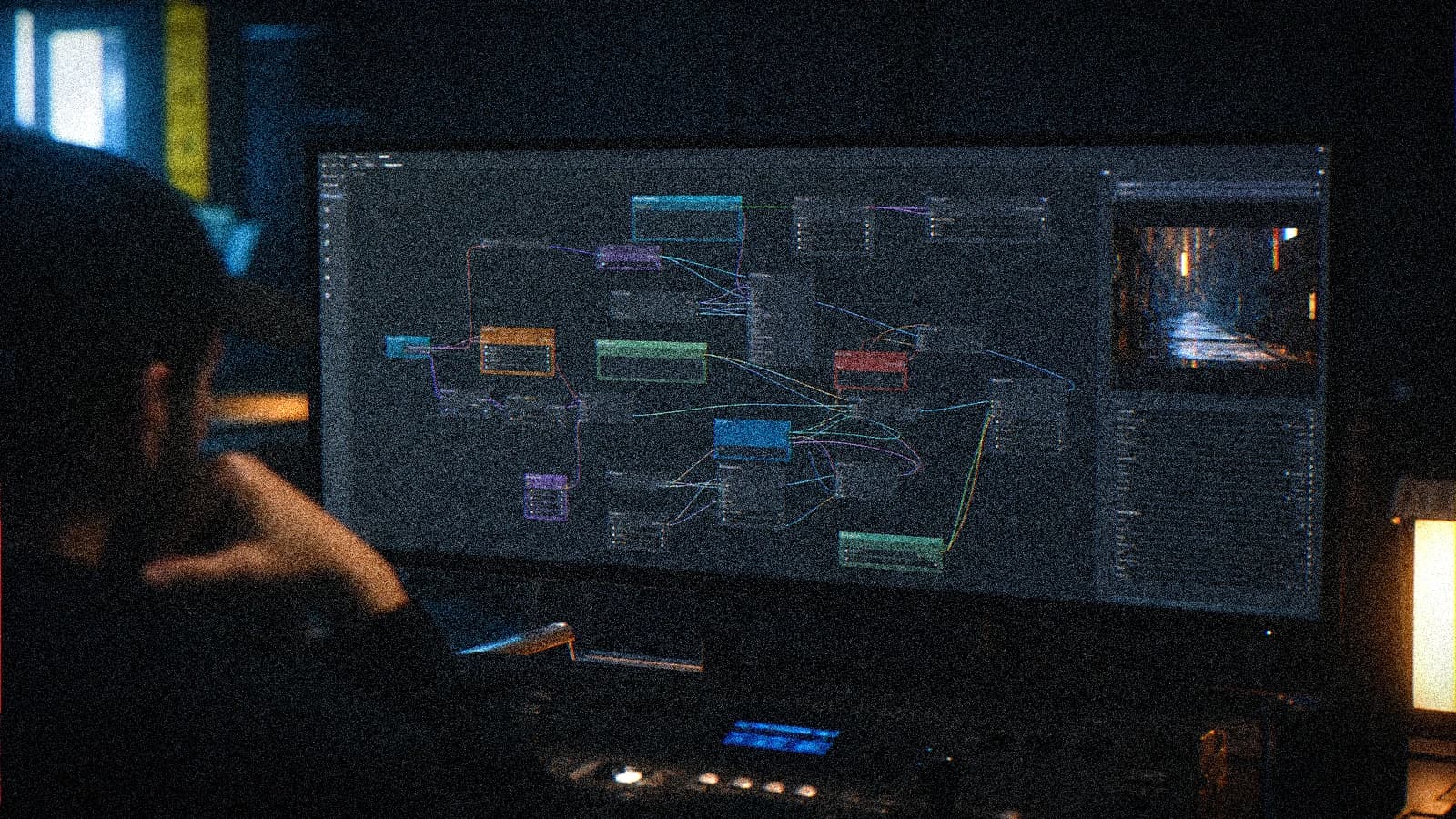
Short batch, brutal sort, simple iteration
Launch a short, homogeneous batch. Classify A/B/C. Change only one lever at a time. This method seems austere, but it is the fastest to understand what really works.
When a shot moves to A, do not rework it out of ego. Put it in the fridge, move on, then come back later with fresh eyes. Many regressions come from a useless retouch on an already validated shot.
Local stabilization and useful finishing
Treat the fragile zones locally. Eyes, hands, object edges, fine textures: surgical intervention, not global bombardment. You thus protect the composition and the initial rhythm.
In post, stay sober. Exposure, balance, local contrast, fine grain. No aggressive LUT that standardizes everything. A credible render keeps nuances, even in the shadows.
For the final narrative and the editing, connect how to structure an AI video like a real film and how to add realism in AI video post-production. You reinforce the premium perception without betraying the source material.
💡 Frank's Cut: execute small, validate fast, document everything. Pros do not win because they have more ideas, they win because they convert ideas into consistent deliverables.
Trench troubleshooting
When it breaks, start by reducing the complexity. Lower the duration, simplify the movement, check the light. If the shot stays unstable, reject it and start from the base. It is not a failure, it is production hygiene.
Another rule: never give the edit the mission of repairing false physics. The edit can pace, mask, reinforce. It cannot make credible a face that changes structure every twenty frames.
Third rule: a mobile test is mandatory before validation. A scene can seem premium on a studio screen and break in network compression. This simple test saves you painful feedback after publication.
Field scenarios: Élodie, Marc, Hiba
Élodie
Élodie was running an AI introduction workshop in Bordeaux. Her students copied graphs with no logic. She reduced the workflow to nine essential nodes, then added variants step by step. The progression was immediate, and the exports were finally comparable.
Her progress does not come from a secret tool. It comes from a repeatable framework and an ability to say no to appealing but fragile variants. It is exactly the posture of a creator moving from testing to production.
Marc
Marc wanted to industrialize real estate visuals in Geneva. His graph accumulated unstable plugins. We cleaned up, locked the checkpoints, and separated generation, upscale, and color control. He gained a robust base instead of a house of cards.
Marc gained authority in meetings because he arrived with concrete criteria, not with impressions. When you speak in criteria, you reassure the decision-makers and you keep the art direction.
Hiba
Hiba was preparing character pilots for a web series in Rabat. Her issue came from references mixed in a single block. She structured the inputs and clarified the weights. In two days, she held a much more stable identity.
Hiba works with rigor and empathy. She explains the trade-offs transparently, and she turns constraints into narrative choices. This approach creates durable client relationships.
7-day execution plan
Day 1, you set the project framework and the rejection criteria. Day 2, you lock the pilots. Day 3, you launch the short batches and you classify without mercy. Day 4, you correct locally the B shots that can move to A.
Day 5, you assemble a first cut with temporary sound. Day 6, you perform the sober post and the multi-format exports. Day 7, you do the final QA, internal feedback, then client delivery with transparent notes. This rhythm is sustainable and professional.
This weekly plan protects you against chaos. You know what to do each day, you limit emotional decisions, and you keep mental space for the real creativity: the narrative, the staging, the brand voice.
If your schedule is tighter, compress it into three days but keep the logic. Remove variants, never the critical controls. A tired team with no QA delivers files that look correct and that explode after distribution.
You can also turn this plan into a team routine. One person drives the visual direction, another the QA, another the post. Even solo, taking on these roles at distinct moments improves lucidity.
Constancy is worth more than heroism. A simple system executed each week largely beats a big one-off performance followed by exhaustion. It is what I call adult execution.
External references and internal links
To strengthen your craft foundations, lean on cinematography, color grading and video editing practices. These references let you justify creative choices with a solid professional vocabulary.
Internally, keep handy how to write an ultra-realistic cinematic prompt, how to structure an AI video like a real film, how to add realism in AI video post-production and how to turn an AI image into fluid, credible video. Four relevant links are enough to keep progressing without drowning in infinite reading.
Team cadence, client feedback, and durable execution
When you work alone, you have to play three roles in the same day: director, quality operator, and project manager. The trap is to mix everything at the same moment. The solution is to separate the work blocks. During the creative block, you explore. During the QA block, you become cold and binary. During the client block, you translate the choices into understandable benefits. This separation reduces decision fatigue and saves you from emotionally defending a shot that should be rejected.
On team projects, the clarity of responsibilities changes everything. One person carries the visual intention, another validates the technical criteria, a third prepares the exports and the deliverables. You can stay agile without falling into chaos. When everyone touches everything, no one really owns the final quality. When the roles are readable, disagreements become productive, because they are based on explicit criteria and not on vague preferences.
Client feedback must be guided, otherwise it turns into an endless loop. Always send a limited pack: version A, version B, and a clear note on what changes between the two. Ask for three pieces of feedback maximum: readability, credibility, brand alignment. If you open the door to free comments on every pixel, you get contradictory requests that break the direction. Your role is to frame the decision, not to execute opinions that cancel each other out.
Also think about commercial pedagogy. Many clients are still discovering the constraints of AI video. If you explain from the start what is robust, what is sensitive, and what requires a compromise, you avoid late disappointment. This transparency does not remove value from your service, it adds to it. You show that you master your craft, that you protect the budget, and that you know how to steer a production under real constraint.
Operational constancy depends on an end-of-session ritual. Archive the useful prompts, note the observed errors, save a validated version, then write in five lines what you will do first tomorrow. This mini handover is worth gold, especially on campaigns that span several weeks. You restart fast, without getting lost in the history, and you maintain a stable quality even under pressure.
Finally, protect your energy. Direct execution does not mean exhausting yourself permanently. Set time limits, impose short breaks between two critical batches, and refuse the infinite sessions that degrade judgment. The best results rarely come at the fourteenth hour of work. They come from a clear framework, a mastered repetition, and an ability to cut what does not serve the delivery.
Also add a weekly review of your ComfyUI graph. Delete the inactive nodes, check the versions, and note the truly useful dependencies. This technical hygiene keeps a clean and fast pipeline when the client pressure rises.
Foire aux questions
Réponses rapides aux questions les plus fréquentes sur cet article.
What is the first mistake that kills a ComfyUI pipeline for beginners?
In a ComfyUI pipeline for beginners, the first mistake is to chase a spectacular render before getting a stable base. Start by locking the visual intention, then impose a short protocol: reduced duration, simple action, A/B/C classification and targeted local correction. Then check the render on a mobile and desktop screen before validating. This double reading exposes the defects invisible in the studio. Finally, note the decisions made, because real progress comes from conscious repetition, not from chance. If you hold this framework for a few sessions, your level climbs clearly and durably.
How do I know if my shot is stable enough to be delivered?
In a ComfyUI pipeline for beginners, the first mistake is to chase a spectacular render before getting a stable base. Start by locking the visual intention, then impose a short protocol: reduced duration, simple action, A/B/C classification and targeted local correction. Then check the render on a mobile and desktop screen before validating. This double reading exposes the defects invisible in the studio. Finally, note the decisions made, because real progress comes from conscious repetition, not from chance. If you hold this framework for a few sessions, your level climbs clearly and durably.
Should I aim for the maximum duration from the first test?
In a ComfyUI pipeline for beginners, the first mistake is to chase a spectacular render before getting a stable base. Start by locking the visual intention, then impose a short protocol: reduced duration, simple action, A/B/C classification and targeted local correction. Then check the render on a mobile and desktop screen before validating. This double reading exposes the defects invisible in the studio. Finally, note the decisions made, because real progress comes from conscious repetition, not from chance. If you hold this framework for a few sessions, your level climbs clearly and durably.
How do I avoid vague and endless client feedback?
In a ComfyUI pipeline for beginners, the first mistake is to chase a spectacular render before getting a stable base. Start by locking the visual intention, then impose a short protocol: reduced duration, simple action, A/B/C classification and targeted local correction. Then check the render on a mobile and desktop screen before validating. This double reading exposes the defects invisible in the studio. Finally, note the decisions made, because real progress comes from conscious repetition, not from chance. If you hold this framework for a few sessions, your level climbs clearly and durably.
Does sound really change the perception of realism?
In a ComfyUI pipeline for beginners, the first mistake is to chase a spectacular render before getting a stable base. Start by locking the visual intention, then impose a short protocol: reduced duration, simple action, A/B/C classification and targeted local correction. Then check the render on a mobile and desktop screen before validating. This double reading exposes the defects invisible in the studio. Finally, note the decisions made, because real progress comes from conscious repetition, not from chance. If you hold this framework for a few sessions, your level climbs clearly and durably.
What protocol should I follow to improve without starting from scratch?
In a ComfyUI pipeline for beginners, the first mistake is to chase a spectacular render before getting a stable base. Start by locking the visual intention, then impose a short protocol: reduced duration, simple action, A/B/C classification and targeted local correction. Then check the render on a mobile and desktop screen before validating. This double reading exposes the defects invisible in the studio. Finally, note the decisions made, because real progress comes from conscious repetition, not from chance. If you hold this framework for a few sessions, your level climbs clearly and durably.
Related articles
 Tutoriels
AI pipeline from A to Z: from idea to shot list in one day
How to chain AI tools to go from a raw idea to a complete shot list in a single workday. A concrete method, with the tools that actually slot together.
 Tutoriels
Building an AI Video Shotlist That Avoids Useless Shots
A field shotlist template to plan the shots that truly serve the edit and limit visual debt.
 Tutoriels
How to Mix Audio and Image for a Cinema Render
Mixing audio and image for a cinema render on AI video: sound hierarchy, stems, dynamics, spatialization, calibration with the grade and delivery with no fatigue or 'demo' feeling.