How to Add Realistic Motion Blur
After an AI video generation that is too sharp, motion blur becomes a question of perceived physics: plausible temporal integration, vectors that read together, a serious software chronology and mobile tests against the double blur that delivers, once again, a tired demo.
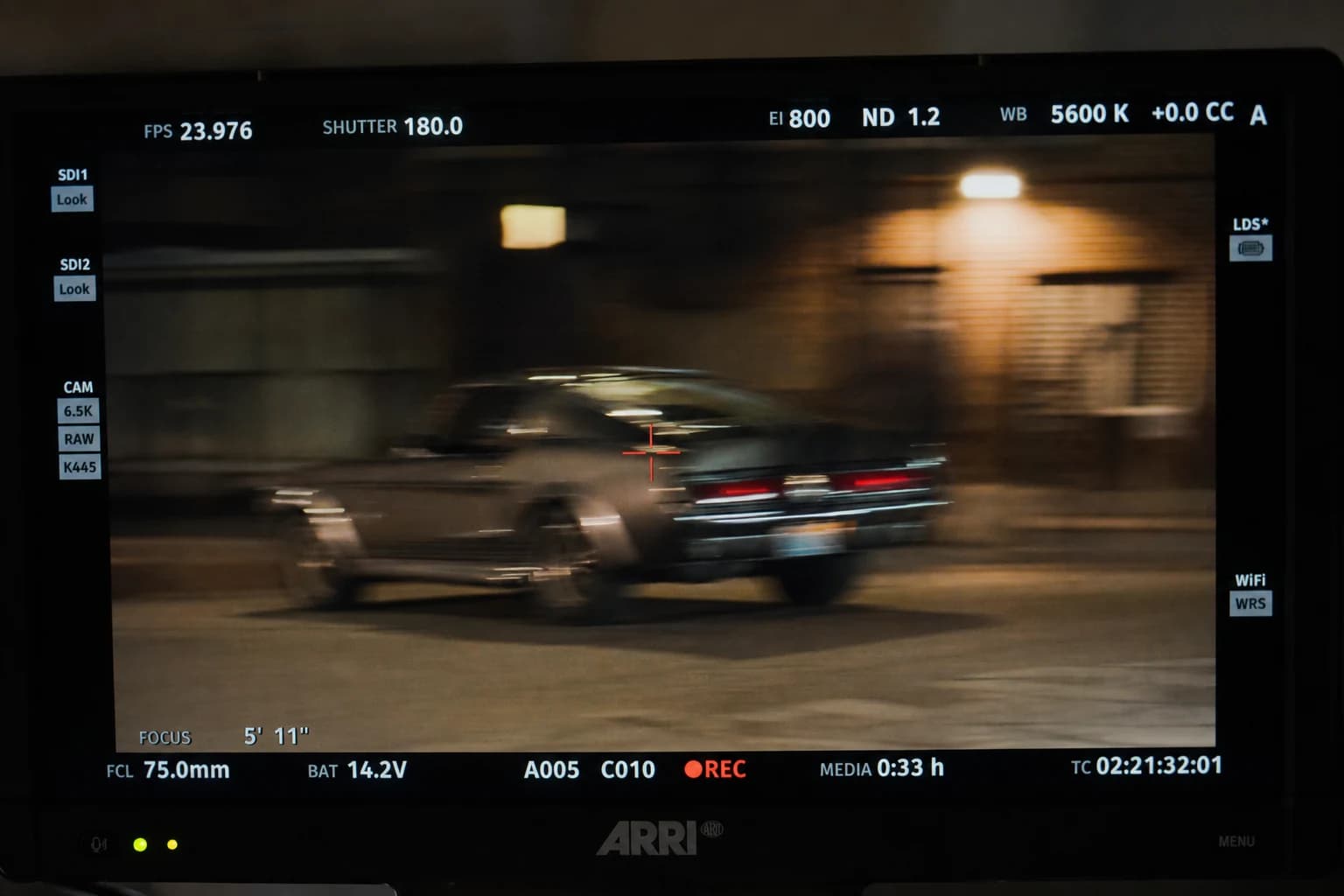
When a sequence comes out of a generative engine, it sometimes carries an almost classic signature: a beauty too clean, a stability too perfect, and above all a sharpness that looks like independent stills chained together instead of a short integration of light while something is happening. This is not a condemnation of the medium. It is a simple reminder: getting realistic motion blur on an AI video is not a last-minute fix laid on like an Instagram filter. It is a reading decision that repairs the promise the shot made to the viewer from the first frame, provided your upstream does not already contradict the physics you claim to reinforce.
This guide is for creators who know how to produce an "impressive" clip as a thumbnail, but who want a render that holds on a desktop screen, on a tired phone, or in front of a client watching at real speed and not in a heroic loop. You will find the distinction between a photographic trail and a decorative effect, a post chronology that avoids regressions, concrete notes for After Effects and DaVinci Resolve, safeguards against double blur, and a FAQ to decide before exports that social compression sometimes turns into caricature.
To frame what follows with four internal resources directly useful to realistic AI video motion blur, link what you read here to how to add realism in AI video post-production, where the mention of a missing motion blur already appears among the frequent settings after export. Continue with how to improve motion realism in AI video, because no software blur turns an impossible gesture into a credible one: it only softens already-coherent speeds. Continue with how to turn an AI image into fluid, credible video to set the cinematics at the right level of modesty before the first blur pass. Finish with why AI videos lack realism, so you never use the trail as the only band-aid when the geometry or the light still tell something else under the hood.
Defining realistic motion blur after an AI video
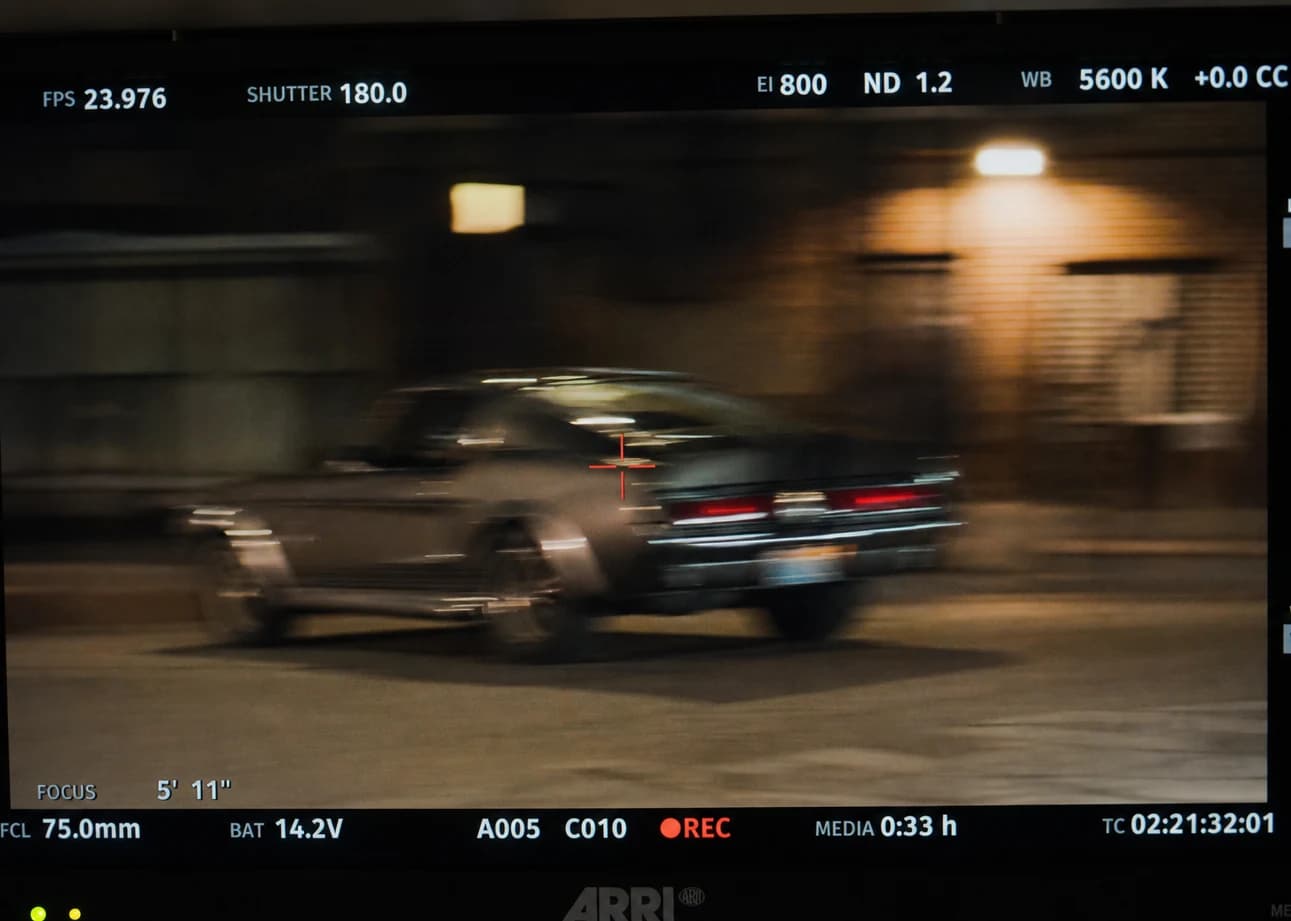
Photographic motion blur is born from a simple cause: during a non-zero exposure, the scene can slide on the sensor. A fast subject crosses the field, the camera moves, or both combine according to relative translations that a viewer never states in formulas, but that they evaluate as a proportion between useful sharpness and displacement trail. Too much sharpness everywhere when everything announces speed evokes a software demo render or a game showing its frames. Too much blur everywhere when the scene plays calm looks like an old tired cathode tube, unless your stylized intention clearly owns it.
An AI video almost never hands you a numbered, verifiable shutter logbook. So you cannot claim to reproduce the shutter of a set camera without lying a little. What you can demand, on the other hand, is a stable lie: a physical direction common to several shots of the same scene, moderate camera micro-movements when the anatomy is fragile, and localized trails when they avoid a too-clinical reading of small details that the model destabilizes with no strong narrative reason.
The frequent mistake is to confuse "cinematic" with "blurry aesthetic". A cinema look can be very sharp or very soft. What holds is not a marketing preset, but a hierarchy: what must stay readable, what must show the direction of movement, and what can accept a directional dispersion without becoming jelly.
If you have to explain your approach in one sentence before opening any software: reduce the digital reading of movement without destroying the intention realized upstream. By digital reading of movement, understand: stabilization that freezes the air inconsistently with the action, a generator that delivers frames that are visually too independent, sharpening that halos the edges on already-tense subjects, and a double application of blur because two plugins did not talk to each other.
Bridges to the upstream: why blur alone loses the battle
Let us start with an unglamorous field truth: if your camera movement contradicts the physics the set suggests, if your character crosses impossible anatomies between two breaths, or if three perceptual directions fight over the field with no strong motif, no motion blur will save the narrative. For this reason, I always treat blur as a late layer, after a serious brief and a moderate generation. The moderation of movement is precisely the subject of the internal guide on movements; keep an engineering rule here: each additional second multiplies the chances that the model exposes an inconsistency that the trail can only blur, not fundamentally repair.
On the still image as on video, the "plastic showroom" effect is a gateway to sequences that shine without convincing. The settings that correct the material upstream reduce the oscillations in time: less ceramic tones, less showroom textures, less omniscient mirror reflections. Reinvest that gain before fantasizing a heavy blur that masks rather than harmonizes.
Honest inventory before opening a motion filter
Before After Effects or Fusion, write four lines about your shot:
- Who moves in this shot and why must the viewer remember it? Otherwise you blur out of creative habit while nothing travels narratively.
- Which zones must stay deliberately very sharp? Legal text, gaze, hero product, logo: all of that suffers from a global automatic trail.
- How compressed is the source already? A flow re-downloaded and recompressed several times amplifies thin trails into visible artifacts after a final client sharpening.
- Camera movement vs subject movement: the perceptual vector of the blur should rarely be unique if the arm and the set do not share the same relative translation.
To stay honest with a client or with yourself, note a debt scale: structural debt (geometry, light, action), material debt (texture, local contrast), temporal debt (frame stability and consistency of perceived speeds). Motion blur mostly helps the temporal debt and part of the material debt when it replaces an aggressive sharpness contradictory with the action. A heavy structural debt calls for a regeneration or a cut, not three more nodes.
The recommended chain: an order that avoids regressions
A strict order is not a religion, but it reduces the back-and-forth that destroys five precious work passes.
1) Stabilize the contrast reading before dramatizing the perceived movement
Normalize exposure and midtones soberly, still with no aggressive final look. A trail laid very early on unstable contrasts attaches its halos exactly where the next color nodes will have to work: you will rework three times too long for avoidably silly reasons.
2) Apply the motion blur thinking family by family
Group your shots by similar physics: fast lateral exteriors, calm interiors where only one object crosses, almost-fixed product inserts. Otherwise you produce a fragmentation where each AI file imposes its own sharpness aesthetic with no common law, and the trail masks this fragmentation instead of resolving it.
3) Finish sharpening and grain after most of the geometric movement treatments
Global sharpening on an AI is often an artifact amplifier. Prefer cautious frequency masking or local sharpness on decisive cues. If you have to choose between a light harmonizing grain and an aggressive sharpening, sacrifice the sharpening except on product shots where the material texture is the subject.
4) Plan a more modest "social" derivative if your blur is very fine on the flats
On smooth generated skies, thin trails combined with brutal social encoding can reveal parasitic banding. A slight measured reduction of intensity on the compressed derivative can save a phone reading while you keep a richer intermediate cinema version for the next steps of the project.
After Effects without drowning in layers
Pixel Motion Blur can help when your layer transformations stay geometrically interpretable for motion analysis. On composite pixels coming from raw AI with no real decomposition, check at moderate zoom: you can summon double edges on very detailed figures if the scene already contained unstable local crisp.
CC Motion Blur stays a useful generic tool when you animate inside After Effects light secondary elements that are not your main AI world (texts, light decorative masks, branding micro accents). The trail here must serve a hierarchy: the secondary movement still supports the subject without imposing a common jelly on the whole frame.
A composition by distinct velocities often goes through duplication with soft masks when the arm, priority face and background do not share the same relative translation. This work costs editor time but avoids the lazy alternative: a whole-world blur, a cliché in the style of a tutorial downloaded last Wednesday with no brief behind it.
Always compare a low-destructive intermediate export against a compressed file close to the real broadcaster: hostile compression against noise sometimes reveals color and sharpening instabilities that a calibrated desktop flatters to the point of fooling a euphoric team at the end of the night.
DaVinci Resolve: Timeline, Fusion, and the physical promise
You still start by stabilizing an honest color hierarchy: stable exposure, skin behaving consistently with the announced light sources, readable reflections. Otherwise the motion blur amplifies midtone instabilities that compression on a phone reveals as unpleasant ghosts around the edges.
Add Motion Blur on Timeline or Fusion transformations when the camera-world geometry still seems to hold together. Otherwise stay modest in the physical promise: avoid a blockbuster caricature when your brief described, on the contrary, a calm, muffled scene, almost domestic in its rhythm.
Reserve Fusion for vector motion on composites where the arm, hair, clothes or accessories require different intensities within the same continuous generative sequence. It is more rigorous in human terms, but it is also more honest when your shots come from several heterogeneous AI passes.
Protect the central figures when the narrative requires it: a motion blur on very fine textured skin can disperse subtle colors perceptible after aggressive encoding. A common solution combines roto or soft qualification with a majority trail on the dynamic environment when narratively legitimate.
If you have to cheat against a recalcitrant generator, prefer one strong, well-documented pass rather than three successive weak passes where each layer adds its own ghosts. Human reading prefers a defined lie to an accumulated indecision that fools no involuntary critic but annoys everyone during the project reviews on Monday at noon.
Beware of upscalers presented as "cinematic" that inject aggressive temporal sharpening: they can fight against trails you were trying to obtain. Choose distinct philosophies, either explicit hyper-sharp or soft cinema movement integration, avoid inconsistent mixes where each layer testifies to a different intuition with no common law.
Promising third-party plugins deserve to be tested on your internal AI shots several times before buying an annual license: different GPU costs depending on the stations, different behaviors depending on the graphics drivers, and team tensions when everyone does not see the same preview.
The upscalers, even very expensive ones, never erase a fundamentally absurd tracking shot or geometry: correct the overall consistency before any late creative polish.
Hybridizing set footage and generative shots still requires harmonizing the perceived movements: upstream moderation very often avoids the escalation of a blur applied to the whole world with no clear narrative motif.
Avoid a late and brutal digital zoom in the timeline before stabilizing the geometry and the movement: otherwise the generative artifacts are further amplified by the sampling.
Quick decision table for generative motion blur
| Typical generative context | Motion blur helps when… | Step back when… |
|---|---|---|
| Fast horizontal tracking shot | you smooth a game-style stutter without sacrificing the still-readable horizon | the window geometry is reinvented at each frame |
| Central object in movement | a strong direction the eye can follow | the silhouette of the hands is inconsistent where blur hides a broken anatomy without repairing its cause |
| High contrast, sharpening halos after export | a clean directional micro-diffusion to rebalance the social perception instead of the brutal global halo | a very compressed client file that turns thin trails into salient artifacts |
| Calm face close-ups | almost no blur is often better except in a rare light case | a forced slow-cinema imitation where the data still stylistically resists |
When you modify the speed over long portions of the same sequence, also anticipate the physical consistency of the blur, which itself evolves when you speed up or slow down different segments. In these situations, splitting into intermediate exports then reassembling in the edit is often more honest than a single file where the perceived movement contradicts itself once compressed for social.
A small grading layer plus a very light organic texture avoids the integrated movement ending only on a smooth surface like showroom cosmetics with no perceptible density.
Some textures stay hypnotically sharp while the whole frame moves: first refine the sharpness hierarchy by simulated focus planes or differential layers before assaulting everyone with a global motion blur as uniform as it is lazy.
If four different approaches to blur afterward give four incompatible physical readings, go back to the generator and the brief: you almost always save a full night compared to the fifth "miracle" node launched at five in the morning.
A fantastical client brief about a "Netflix level" with no comparable budget or time window? Explain in black and white that honest motion blur is only a pass on an already plausible geometry. Otherwise the promises turn into billing conflicts. Document your deliveries with no ambiguity: a cinematic master, highly compressed derivatives for social, different blur intensities if the platform requires it, rather than a single file that lies everywhere at once.
Mistakes that cost a lot, even on a short film
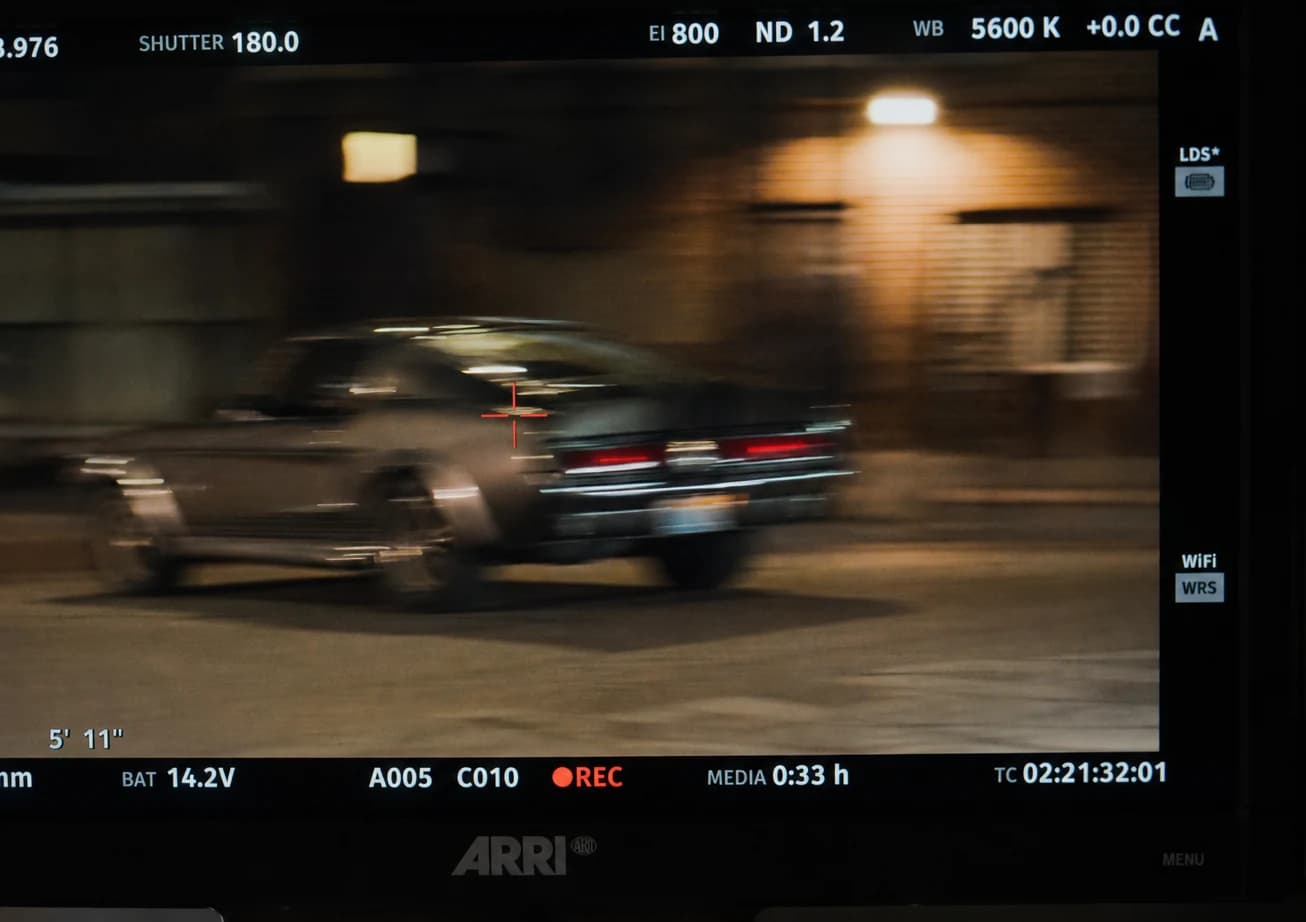
Double motion blur when several filters interpret the same camera translation with no coordination: the field takes gelatin ripples that tire even faster than aggressive sharpening.
Whole-world blur to hide only the problematic faces: you get a homogeneous plastic surface that contradicts precisely the ambition of realism. If, on the contrary, you aim for a very stylized aesthetic, name it so in the brief.
Identical trails on violent light points as on matte surfaces: even with no technical jargon, this contrast fools few viewers.
Sound very mixed promo-style against very soft images: the pact breaks fast. Harmonize perceptually, even when this article talks above all about the visual.
Microscopic slider variations under a calibrated monitor: briefly disable the blur to find a more honest reading.
Naming a folder reallyfinal_motion_blur_fix_only often prepares a drama when someone has to redo a pass six months later while the licenses or plugins will have lapsed.
HDR Dolby Vision formats: your tonal transfer metadata also changes the very fine reading of the motion blur. So make a physical HDR proof before delivery, especially when your trails are thin.
Licenses that expire and make your graph unreadable months later: keep annotated captures and a few text lines describing each critical delivered step for your project archives.
Testing before signing off
A short checklist avoids many bad surprises after delivery:
- a serious read on a trusted monitor;
- a pass on a very bright phone then a dimmer one, sometimes with the volume lowered, so the mix does not mask a reading defect;
- a compressed export close to the real broadcast before qualifying anything as "definitive", even in an internal meeting;
- viewing at about half speed on a problematic segment if you feared digital collages, because movement problems often read better there;
- a check on a middle frame in raw export: the thumbnail often lies, the full read reveals another diagnosis.
💡 Frank's Cut: cut the sound of the sequence and observe the displacement between two neighboring shots. If you have to look for a stable point after two reads, very probably correct the movement defined too early rather than only the intensity of the blur afterward.
FAQ (Frank's Cut)
| Question | Short answer | Frank's Cut |
|---|---|---|
| Should the same blur cover the whole AI timeline? | No: group by families of comparable movements in the story. | A general blur often stays hypnotic for a few seconds then heavy over time with no narrative justification. |
| Is it mandatory to imitate a physical 180° shutter? | Only as a mental landmark, not as a contractual promise. | No real shutter value comes with the file: decide after observing several honestly spaced frames. |
| Does the blur repair impossible hands and morphologies? | No in practice: cut or regenerate before even blurring. | A skeptical read ends up seeing that you are making up a still-false structure. |
| Should you start in After Effects or in Resolve? | After for rich internal animated layers; Resolve when color mastering and global movement dominate. | The less the school war matters: the more the project team's sleep comes out unharmed. |
| Are two motion blur filters in parallel prudent? | Rarely without explicit coordination of the perceptual vectors. | Better one owned strong pass than two different ghosts with no common law. |
| Where to place the sharpening relative to the blur? | Often a light sharpness very late after stable geometry. | Otherwise early halos under mobile compression reveal your desktop overconfidence. |
| Can the blur hide a bad intermediate compression? | Rarely cleanly: first correct the bitrate and sober intermediate passes. | Otherwise you would accumulate two different layers of perceptual chaos. |
| When to definitively stop the post-blur branch? | When four different strategies still do not give a coherent physical reading. | Back to the prompt and the generator: almost always cheaper than a fifth node miracle. |
| Do smartphones stay the final judge for social? | Very often yes for short mass-market distribution. | A calibrated monitor sometimes flatters an image that the street destroys in one second. |
It is rare that someone verbally thanks a well-dosed motion blur. What most retain is an impression of a possible world, still without thinking about it. In this spirit your realistic AI video motion blur stops being an afterthought sticker: a small physical consistency to the story already defined before the final software layer.
Reinvest the time saved in better briefs and fewer regressions on your next exports.
Related articles
 Tutoriels
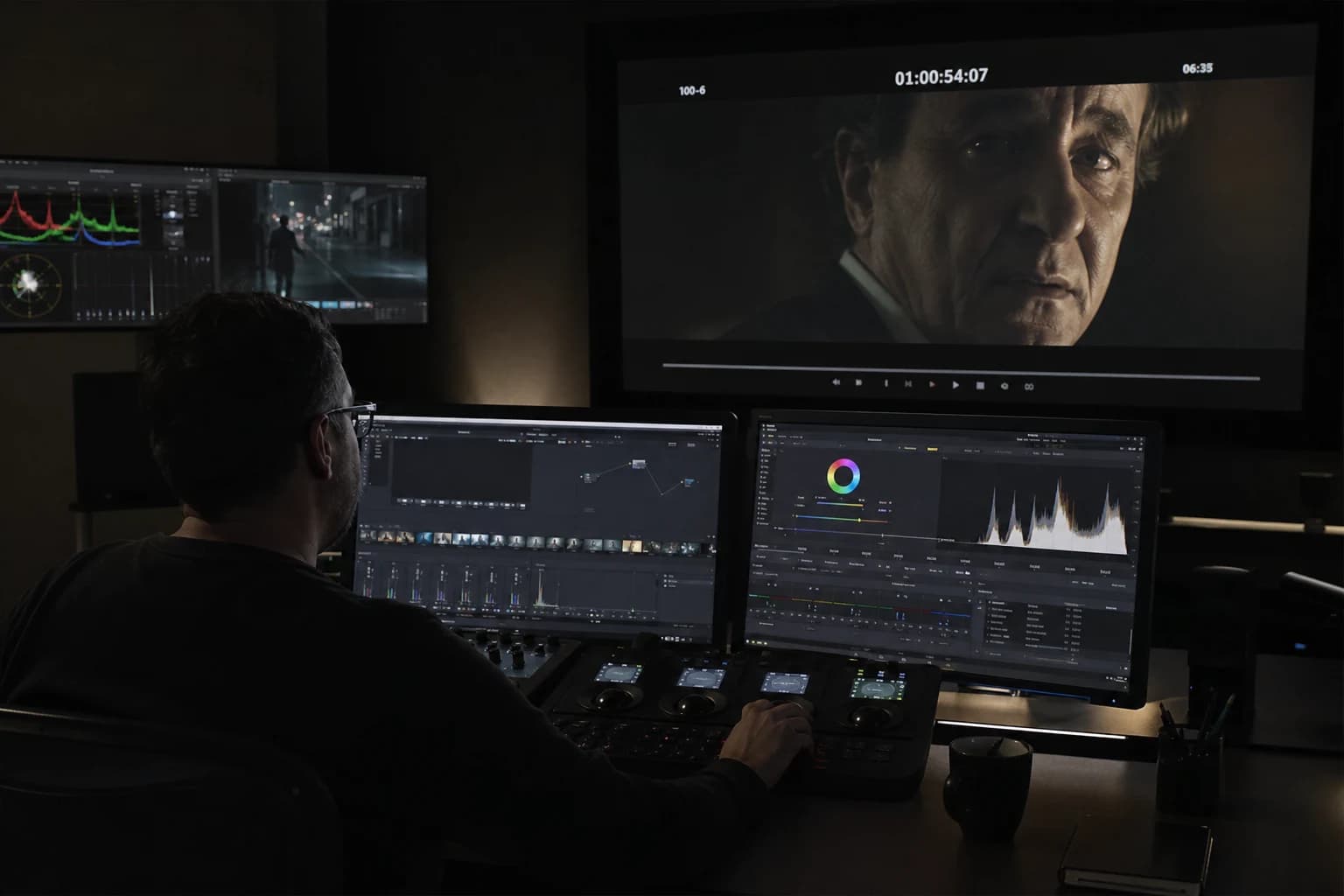
How to Add Realism in Post-Production
After the AI video generation, realism is won in post: motivated grade, temporal texture, moderate movement, credible sound, and a rejection discipline that turns a demo clip into a deliverable shot.
 Tutoriels
Kling 3 workflow for a fluid and realistic animation
Kling 3 pipeline from A to Z: pilot image, movement control, temporal QA and post for fluid and credible animations, with no demo effect.
 Tutoriels
HaiLuo / MiniMax Workflow for a Realistic AI Short Film
A complete HaiLuo and MiniMax chain: brief, pilot, modest movement, QA and post for a credible short film with no demo look.