How to Build a Cinematic Scene Shot by Shot
A shot-by-shot method to create a consistent, readable and emotionally effective AI scene.
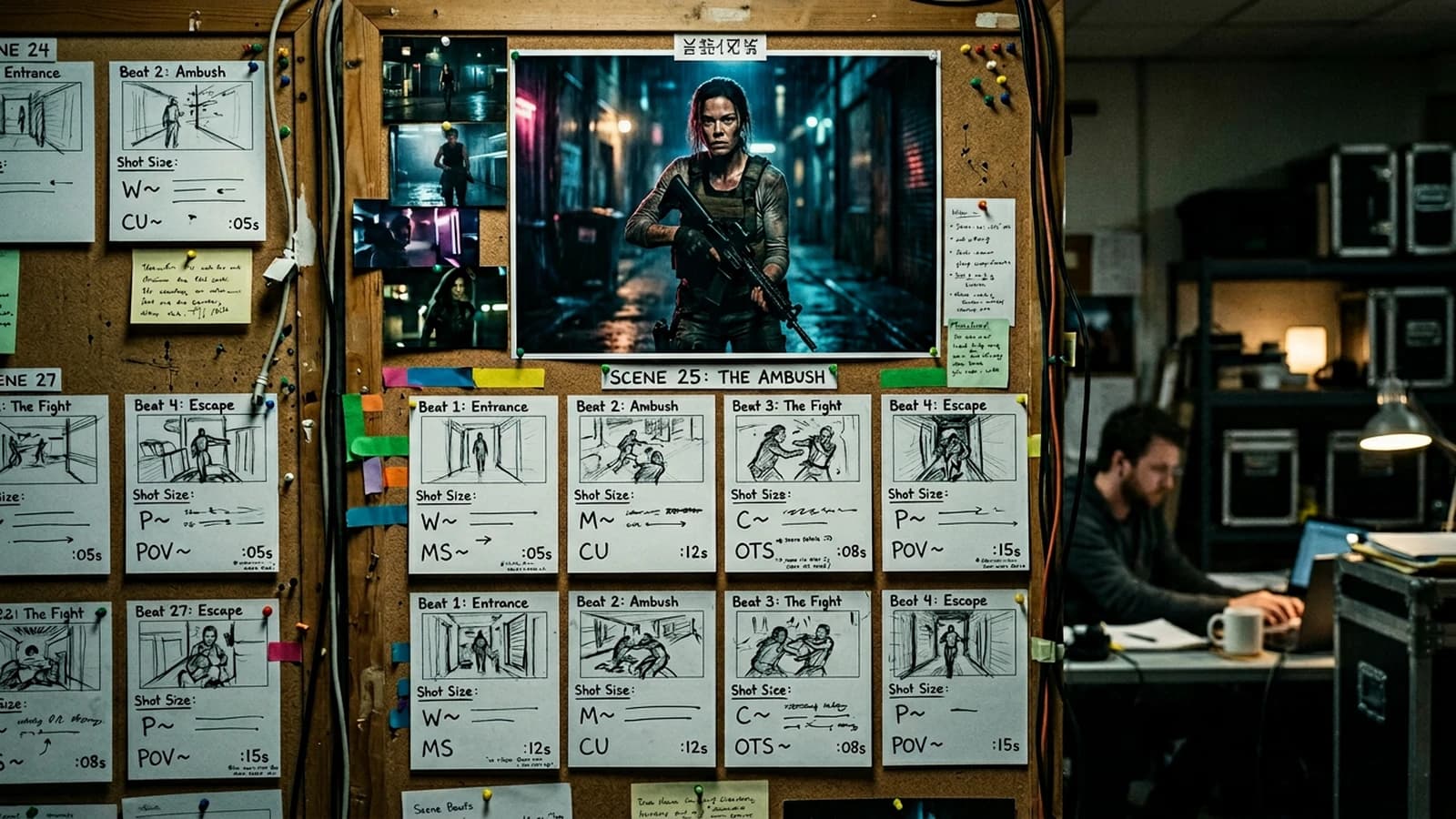
A cinematic scene is not generated in one block. It is built shot by shot.
The secret is continuity. Same character, same lighting logic, same narrative intention that progresses. To lock this flow, keep in mind the complete workflow to go from an idea to a realistic AI film.
Base structure of a scene
- Establishing shot
- Tension shot
- Decision shot
- Consequence shot
Prompt template
Per-shot checklist
- the narrative role of the shot
- consistent angle and focal length
- stable light
- clear gesture/emotion
- a logical cut with the next shot
| Shot | Function | Common mistake |
|---|---|---|
| Wide | set the place | too many useless details |
| Medium | carry the action | a frame with no intention |
| Close-up | emotion | unstable face |
| Reaction | consequence | cut too fast |
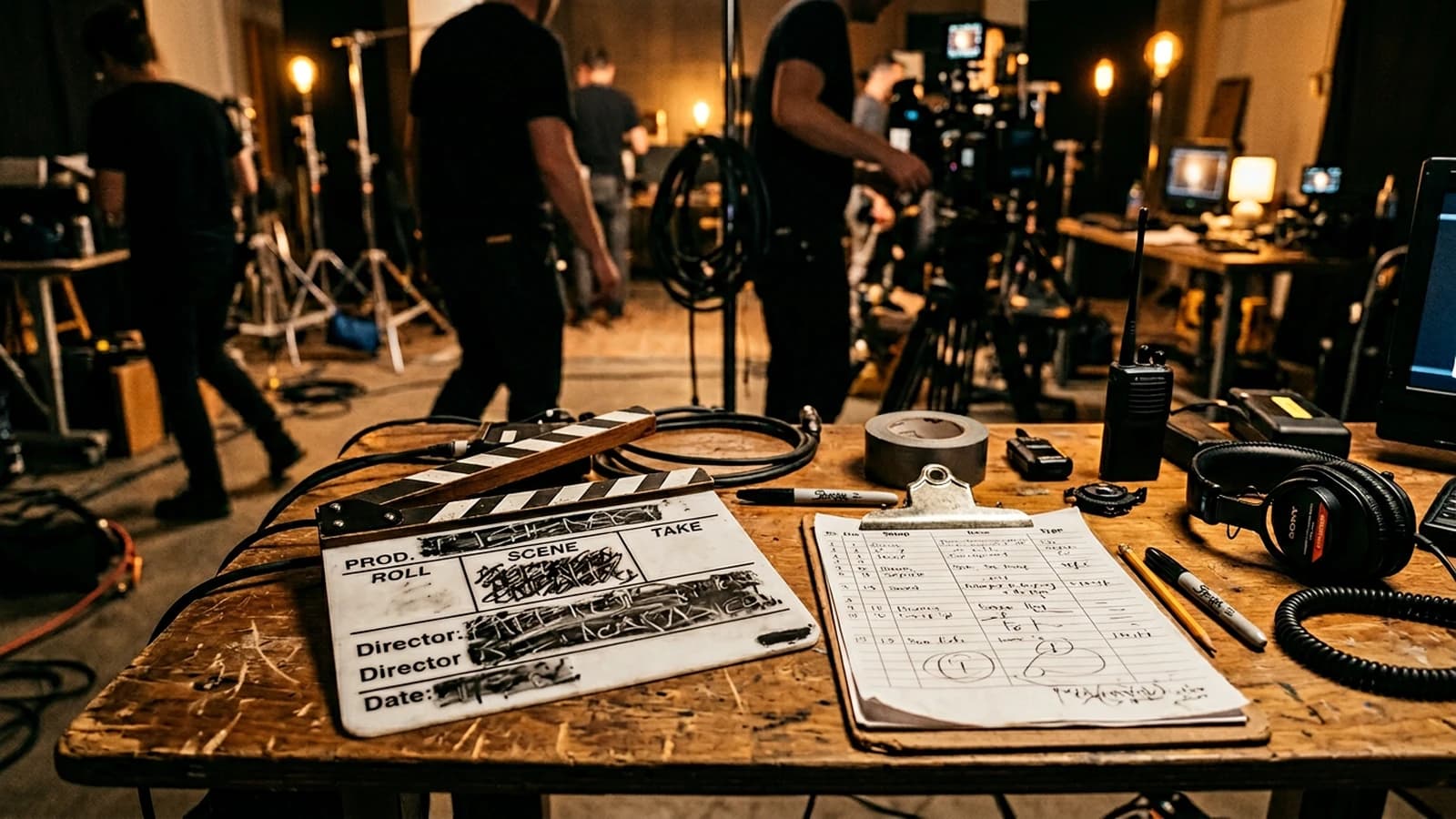
Key things to internalize:
- how preparation simplifies the execution
- how a shot serves a precise intention
- how to keep the visual consistency of a scene
To improve the movement cuts between shots, also link with how to improve motion realism in AI video.
Trench warfare
- generating isolated shots with no mission
- forgetting the eye-line matches
- changing light and focal length at every shot
- wanting shots that are too long
- ignoring costume/set continuity
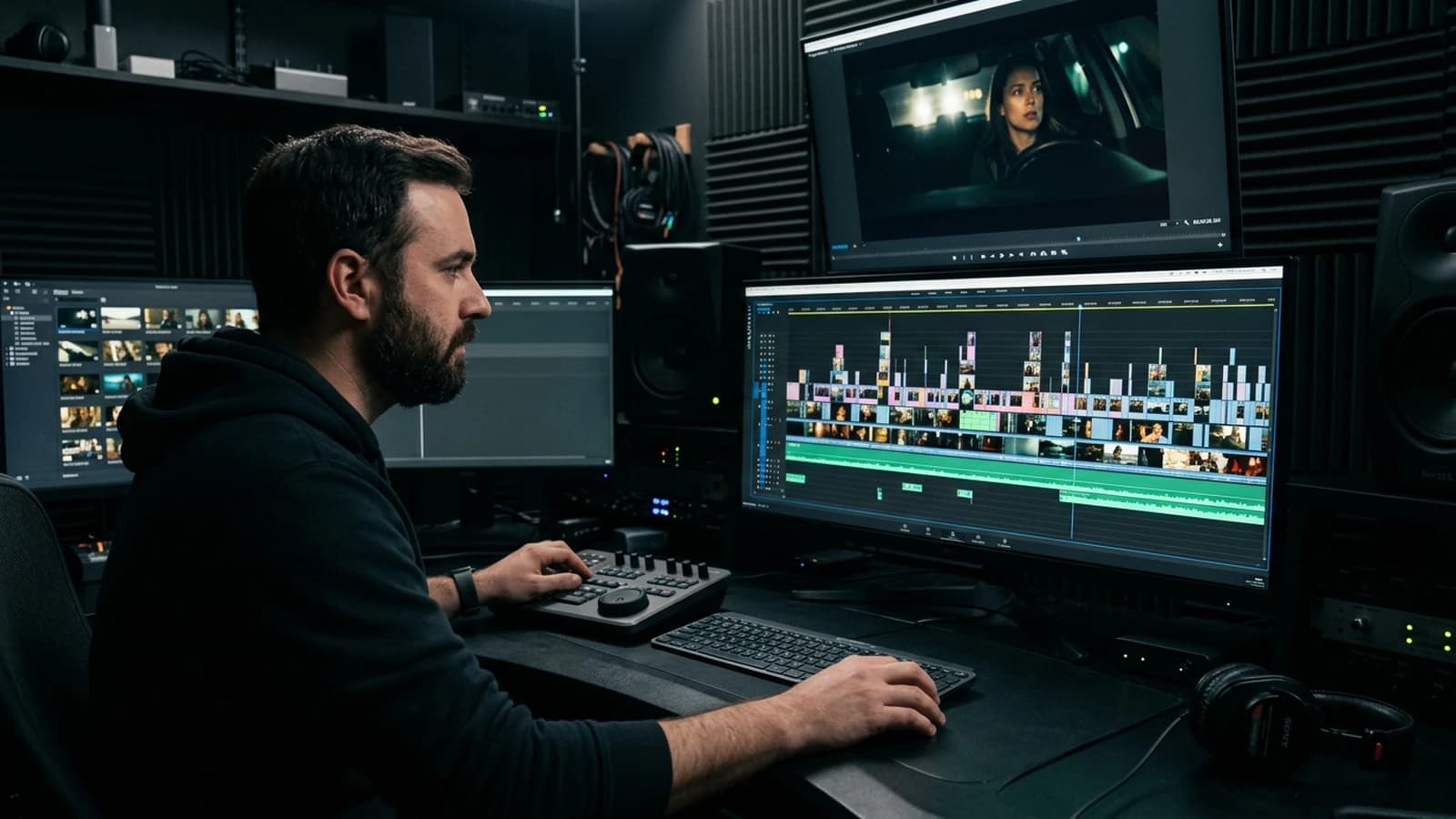
Why shot by shot changes everything
A scene that works is rarely a "miracle shot". It is a chain of shots that answer each other.
You build:
- a geography
- an intention
- a rise
- a consequence
When you skip this logic, you fabricate a collage.
Pro insight An isolated shot can be superb, a scene holds only through the cuts.
3 beginner scenarios
Scenario 1, dialogue scene with no continuity
You alternate pretty shots, but the gazes do not match.
Fix:
- a stable axis
- consistent gaze points
- a planned scale variation
Scenario 2, confusing action scene
You show the main action too late.
Fix:
- a short establishing shot
- a readable action shot
- an immediate reaction shot
Scenario 3, flat emotional scene
All the shots have the same size.
Fix:
- wide for context
- medium for tension
- tight for decision
Ultra-granular workflow
Step 1, write the scene intention
One sentence: "in this scene, the character goes from A to B".
Step 2, break it into beats
Four beats minimum:
- entry
- tension
- shift
- exit
Step 3, assign one shot per beat
Each beat has a main shot.
Step 4, define the cuts
Mandatory matches:
- gaze
- light direction
- focal consistency
- costume/set continuity
Step 5, generate with a constant charter
Same character, same visual logic.
Step 6, edit in layers
Pass 1: understanding. Pass 2: emotion. Pass 3: finishing.
Construction table
| Beat | Key shot | Goal | Frequent mistake | Fix |
|---|---|---|---|---|
| Entry | wide | situate the space | too long | shorten to the essential |
| Tension | medium | raise the stakes | lack of focus | reinforce the subject |
| Shift | tight | show the decision | cut too early | let it breathe |
| Exit | reaction | confirm the consequence | decorative ending | anchor the change |
Massive trench warfare
1) Too many "optional" shots
Fix: keep only the shots that serve the story.
2) Neglected eye-line match
Fix: check the axis before export.
3) Inconsistent scale
Fix: a wide -> medium -> tight progression.
4) No consequence shot
Fix: always show the after-action.
5) Light change with no motif
Fix: justify any variation.
6) Shots too long in AI
Fix: short segments, smart editing.
7) Non-narrative "clip" edit
Fix: cut on intention, not on a musical beat.
8) Decorative sound
Fix: the sound must help read the action.
9) Selection too permissive
Fix: reject weak shots fast.
10) Fragile character continuity
Fix: a character sheet + constant prompts.
11) Set inconsistency
Fix: fixed visual references.
12) No scene checklist
Fix: validate each cut before the final.
13) Too many transitions
Fix: prefer clean, motivated cuts.
14) Random focal lengths
Fix: a focal charter per scene.
15) Ending with no impact
Fix: the last shot = a perceptible change.
Practical case, a 45-second scene
Shot 1, 5 s: place + situation Shot 2, 7 s: rising tension Shot 3, 6 s: obstacle Shot 4, 8 s: decision Shot 5, 6 s: consequence Shot 6, 5 s: exit
You get a readable scene with no heaviness.
Hook, the frustration we see in production
You work hard. You test prompts. You launch local renders for hours. And in the end, you feel it does not hold like a real film.
The problem is not your general level. The problem is more precise: building a cinematic scene shot by shot. As long as this brick is not solid, everything else stays fragile.
Here we are going to settle this concretely, set-oriented, edit-oriented, results-oriented.
Core concepts, what to lock before generating
Here is the minimal foundation to lock:
- emotional intention per shot
- clear visual hierarchy
- material and light continuity
- rhythm consistency between shots
- a consequence logic at the end of the scene
If a single one of these bases is missing, the credibility drops immediately. Even with a clean render.
Pro insight What makes it pro is not the complexity of the setup, it is the consistency of decision from start to finish.
3 detailed beginner scenarios
Scenario 1
A two-character dialogue that breaks because of the cuts. This case happens very often when you try to compensate for a vague intention with more style.
What breaks:
- no explicit shot mission
- too many parameters moving at the same time
- purely aesthetic validation
What fixes it:
- one mission sentence per shot
- one variable modified at a time
- a reading test with an external person
Scenario 2
An unreadable action scene for lack of shot progression. Here, the defect is not only technical, it is narrative.
What breaks:
- absent emotional progression
- inconsistent cuts
- loss of focal point
What fixes it:
- a wide-to-tight progression
- controlled gaze and light matches
- a radical simplification of the secondary elements
Scenario 3
A flat emotional scene with redundant shots. The render may seem ambitious, but the viewer quickly feels the fabrication.
What breaks:
- texture too clean
- aggressive contrast
- movement or angle with no motivation
What fixes it:
- realistic material and micro imperfections
- sober grading
- a story-oriented shot choice
Practical workflow, ultra-granular method
Step 1, scene brief in 5 lines
Write:
- who acts
- what they want
- what stops them
- what shifts
- what changes at the end
Without this brief, no generation.
Step 2, fixed visual charter
Set from the start:
- 16:9 ratio
- dominant light logic
- grain level
- detail density
- material consistency
Step 3, recommended starting settings
| Parameter | Starting value | Why |
|---|---|---|
| Resolution | 1536x864 | balance of quality and speed |
| Steps | 28 to 42 | useful detail with no drift |
| CFG | 4.5 to 6.5 | strong but natural guidance |
| Seed | fixed per shot | reproducibility |
| Denoise img2img | 0.25 to 0.45 | controlled iteration |
| Upscale | x1.5 to x2 | clean finishing |
Step 4, production in passes
Pass 1, pure readability. Pass 2, emotion. Pass 3, material finishing. Pass 4, cut verification.
Step 5, quick human test
Show the sequence to someone who does not know your process. Ask three questions:
- what did you understand first
- which moment seemed fake to you
- what did you feel at the end
You adjust according to these answers, not according to your attachment to a shot.
Step 6, stabilization pass
- remove the beautiful but useless shots
- realign the weak shots with the intention
- harmonize the material
- tighten the rhythm
Step 7, final check
Checklist:
- readable with no sound
- credible at normal speed
- consistent frame by frame
- clean on mobile and on a large screen
Trench Warfare, what beginners do wrong and how to fix it
- Generating too fast, correcting too late. Fix, write the intention before launching the slightest render.
- Chasing a style instead of a story. Fix, each shot serves a narrative verb.
- Too many variations at the same time. Fix, one variable per iteration.
- Keeping weak shots because they are pretty. Fix, cold elimination.
- Forgetting the edges of the frame. Fix, a systematic edge-to-edge scan.
- Inconsistent lighting. Fix, a stable main source.
- Artificial skin or fabric material. Fix, material prompts and subtle post.
- Contrast pushed too far. Fix, come back to a realistic curve.
- A clip editing rhythm. Fix, cut on intention.
- No final emotional consequence. Fix, the last shot must transform something.
- No settings log. Fix, record seed, cfg, steps.
- Solo validation only. Fix, a short external test.
- A set too cluttered. Fix, remove the visual competitors.
- Monotonous shot scale. Fix, a structured progression.
- Neglected eye-line match. Fix, a gaze map before export.
- Inconsistent focal lengths. Fix, a scene focal charter.
- Too much post to save a weak shot. Fix, correct at the source.
- Overloading the prompts. Fix, dense, prioritized sentences.
- Forgetting the sound narrative. Fix, ambience and narrative accents from the pre-edit.
- Not reviewing the render the next day. Fix, mandatory cold validation.
Foire aux questions
Réponses rapides aux questions les plus fréquentes sur cet article.
Do I have to be an expert to apply this method
No. You mostly have to be rigorous. The method is designed for motivated beginners. If you apply the steps in order, you will quickly produce more readable and more credible results.
Why do my renders stay fake despite good local models
Because credibility does not come from the model alone. It comes from the intention, the consistency of choices, the material, and the cuts. A powerful model amplifies your qualities as much as your mistakes.
How long does it take to see real progress
With short, disciplined daily practice, often in one to two weeks you see a clear jump. The secret is to repeat comparable cases and to note what works.
How do I avoid getting lost in the settings
Set a base preset then touch a single variable per pass. It is the fastest way to understand the real effects of your choices.
What simple test guarantees better readability
The 2-second test. You show a shot very briefly, then you ask what the person saw and felt. If the answer is not aligned, your shot must be simplified.
Should I favor realism or style
You must favor readability then consistency, and only then style. Without readability, style looks like a filter. With readability, style becomes a signature.
Advanced workshop, solidifying the shot-by-shot cuts
You want to stop the collage scenes. This workshop is calibrated to lock geography, gazes, focal lengths, and dramatic progression across the whole sequence.
Module 1, strict preparation
Duration, 30 minutes.
You write a single scene sheet with:
- the main emotional goal
- the secondary stake
- the expected progression
- the fixed technical constraints
- the non-negotiable failure criteria
This document must stay visible during the whole work. As soon as you deviate, you go back to the sheet.
Module 2, controlled batch production
Duration, 90 minutes.
You produce short batches, never uncontrolled marathons.
- batch A, a sober version
- batch B, a more tense version
- batch C, a more intimate version
You compare according to a single grid, not according to the impression of the moment.
Module 3, cold review
Duration, 20 minutes.
You step away from the screen for five minutes, then you come back with this checklist:
- instant readability
- material consistency
- visual continuity
- emotional progression
- overall feeling of naturalness
If two criteria fall, you do not finalize.
Module 4, test delivery
Duration, 15 minutes.
You export a short cut and have an external person watch it. You note their feedback word for word, with no arguing.
Only then do you correct.
Quick decision table
| Situation | Beginner reaction | Pro reaction |
|---|---|---|
| A shot is beautiful but inconsistent | keep it | delete it |
| The render is too clean | add effects | correct material and light |
| The narrative is vague | generate more | simplify the structure |
| The edit is soft | speed up everywhere | reinforce the shift points |
| The emotion does not come through | push the grading | correct the shot direction |
Complementary trench warfare, 10 silent mistakes
- You validate too fast when it is pretty. Fix, a mandatory comprehension test.
- You adjust the color instead of the meaning. Fix, correct the intention first.
- You accumulate versions without deciding. Fix, the rule of 3 variants max.
- You forget the mobile effect. Fix, check on a small screen too.
- You use vague words in the prompts. Fix, concrete, visible verbs.
- You confuse density and disorder. Fix, prioritize the elements.
- You do not note the winning settings. Fix, a minimum production log.
- You correct in post what should be corrected in generation. Fix, go back to the source.
- You ignore decision fatigue. Fix, short sessions and clear goals.
- You deliver with no break. Fix, cold validation the next morning.
Complementary FAQ
How do I know I am really ready to publish
When the sequence is understandable with no explanation, visually stable, and emotionally readable by an external person. If you have to explain your intention a lot, the render is not ready yet.
I am short on time, what is the minimal version of the method
Do three things, a 5-line brief, production in 3 batches maximum, a 2-minute external test. This trio is already enough to avoid the most costly mistakes.
How do I keep a personal signature without falling into cliché
The signature comes from the coherent repetition of useful decisions, not from an aggressive visual effect. Choose a light register, a rhythm, a way of framing, then hold it across several projects.
The biggest lever to progress in 30 days
The review discipline. Produce less, observe better, correct precisely. It is less spectacular in the moment, but it is what gives you a real, durable level.
Related articles
 Tutoriels
How to Create a Cinematic Video with AI Step by Step
A complete method to go from a vague idea to a credible AI video, shot by shot, with no plastic render.
 Tutoriels
How to Create a Dark, Cinematic Mood with AI
Real black, practicals, faces in shadow, grain and export with no mud or cheap HDR.
 Tutoriels
Runway Gen-3 tutorial: animating a still image for a film shot
Detailed method to animate a still image with Runway Gen-3 with no artificial render or distortions.