Treating Skin and Faces in AI Video Post Without the Plastic Look
A delicate post workflow to fix AI faces without falling into a smooth, artificial render.
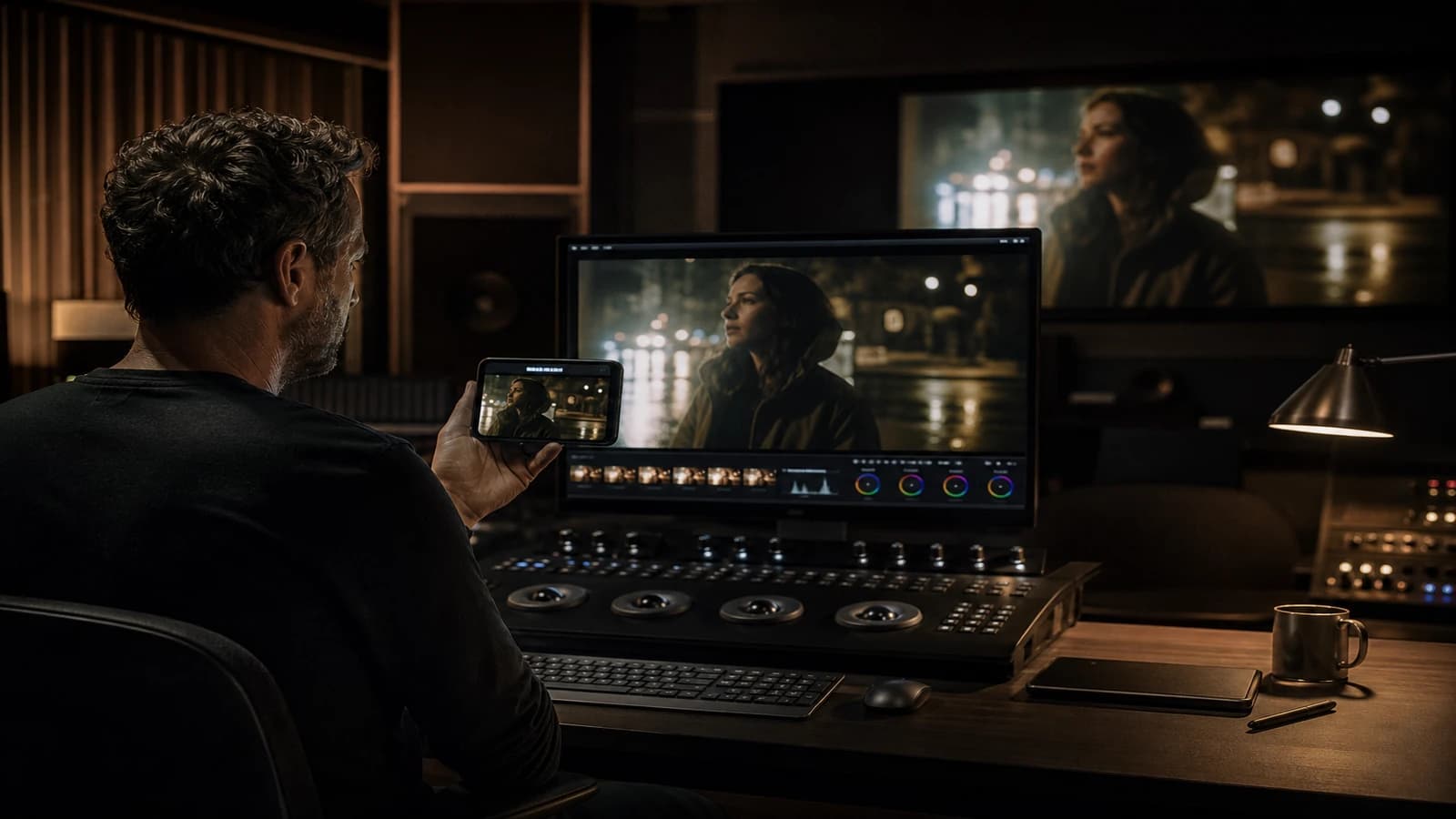
The face is almost good. Almost. A bit of flicker on the cheek. Pores that breathe weirdly between two frames. You open a beauty plugin, push it all the way, export: Madame Tussauds in 4K. The client says "more natural". You lower the slider, re-export: the flicker comes back. You are stuck between the AI artifact and digital plastic. Welcome to AI video face post, the trickiest terrain in modern post-production.
Treating skin and faces in AI video post without the plastic look is not "removing the flaws". It is stabilizing the human illusion without killing the texture that makes it believable. Living skin has micro-variations, localized redness, pores visible in close-up, shadows that move when the head turns. AI models oscillate around that truth. Your job in post is to reduce the oscillation, not to replace it with smoothness.
This guide describes the workflow I use in DaVinci Resolve (transposable to Premiere, After Effects): analyzing the flaw, choosing the tool, the order of operations, the limits not to cross. You will learn to save a shot without turning it into a 2000s sunscreen ad.
Understanding what is wrong with AI skin
Before you touch a slider, name the flaw. The most frequent categories:
Temporal flicker: the skin texture changes frame by frame with no lighting reason. Often on the cheeks and the forehead.
Porcelain: a surface too smooth, uniform oily reflections, an absence of micro-contrast.
Color drift: a tint that drifts between shots or within a shot (hands warmer than the face).
Unstable geometry: jaw, ears, hair that breathe. This is not skin, but you often treat it in the same place by mistake.
Sharpening halo: the contour of the face too crisp from a sharpening pass or a model that "grabs" the edges.
Each flaw has a different treatment. Applying a global denoise to a geometry problem makes everything worse. Applying smoothing to flicker with no temporality leaves the problem alive under the wax.
For the upstream context, see how to generate photorealistic images without the plastic look and why faces change between AI scenes. The less you have to repair in post, the better you live. But when the shot is narratively indispensable, you repair with surgery.
💡 Frank's Cut: zoom to 200 percent on the cheek, not the eyes. The eyes lie to you because the brain wants to believe them. The cheek and the neck tell you the truth about your texture.
The order of operations: do not destroy while correcting
The order matters. Here is the stack I follow on a problematic face shot:
| Step | Typical tool | Goal | Risk if too strong |
|---|---|---|---|
| 1. Global color balance | Resolve primaries | Harmonize the shot | Dead tones |
| 2. Wide skin mask | HSL qualifier or Magic Mask | Isolate the zone | Visible cut |
| 3. Light temporal stabilization | Temporal NR or a dedicated OFX | Reduce flicker | Motion ghost |
| 4. Skin micro-contrast | Inverse texture pop or low midtone contrast | Make pores believable | Dirty grain |
| 5. Localized retouch | Spot tracking on the artifact | A targeted fix | Blurry patches |
| 6. Common finishing grain | Film grain overlay | Unify to the sequence | Cheap noise |
| 7. Very light global sharpen | Output sharpening | Clarity | Halo |
Never start at step 4 without doing 1-3. Micro-contrast on flickering skin freezes the noise into plastic relief.
A detailed workflow in Resolve (adaptable elsewhere)
Step 1: a base node and a reference
Place your shot in the timeline with the previous and next shots. Compare the skin in split screen. Note the target temperature and exposure. The face in shot 4 must fit the family of shot 3, not become the most beautiful in the sequence at the cost of consistency.
Step 2: qualify the skin without eating the eyes
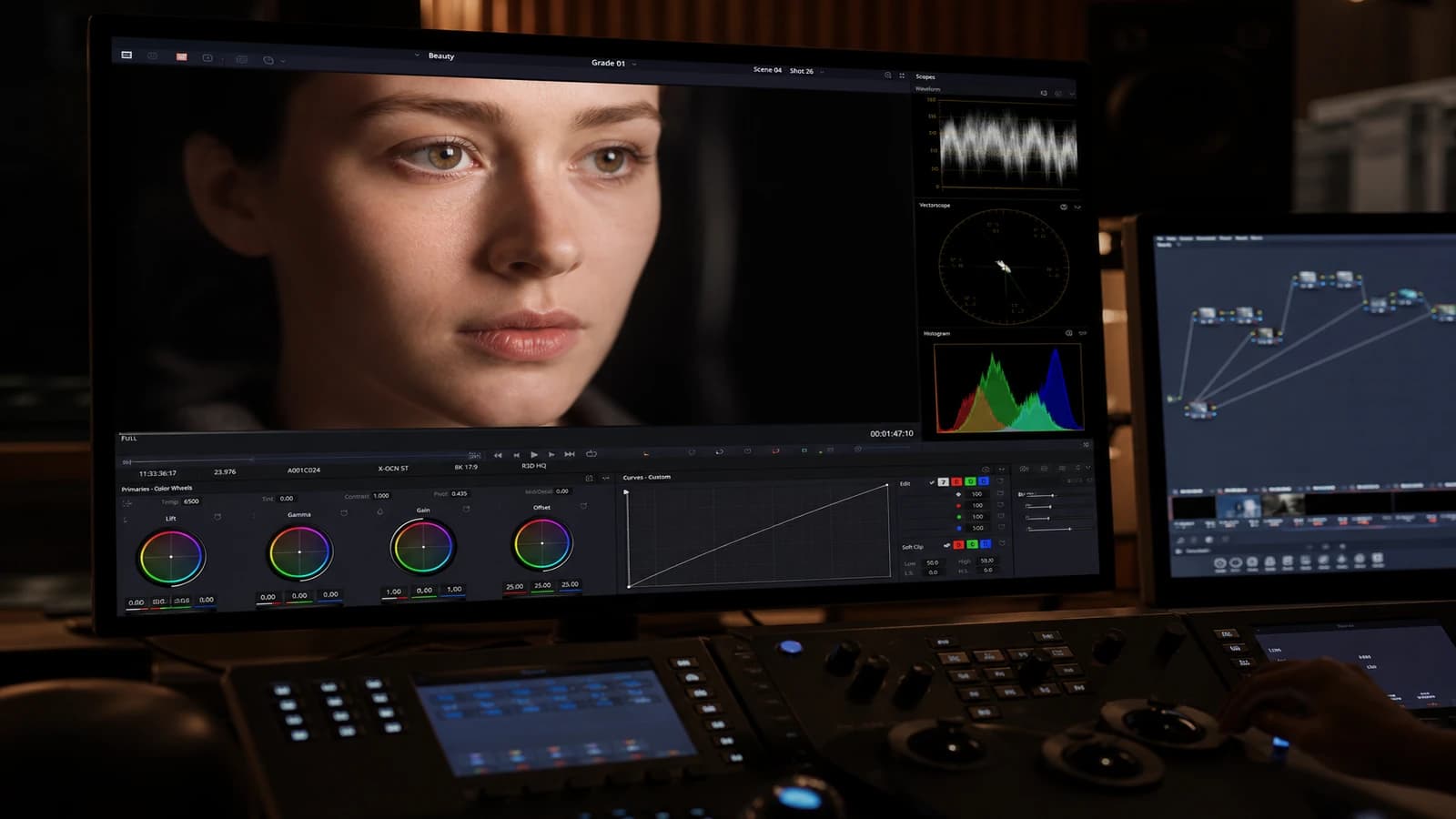
Use an HSL mask on oranges/reds, refine to exclude the lips if they must stay saturated. Extend the mask to the neck and the forehead. Mask softness 20-40 pixels depending on resolution. A mask too hard gives a face glued onto a body.
Exclude the eyes from aggressive smoothing. The eyes need sharpness. The white of the eye tolerates smoothing poorly.
Step 3: targeted temporal noise reduction
On the skin-masked node, apply a low temporal noise reduction. Bring it up gradually until the flicker decreases without a ghost on the head movements. If the ghost appears, you went too far. Back off.
Third-party plugins (Neat Video, etc.) can help on stubborn flicker. Profile the noise on a static cheek area for a few frames.
Step 4: restore the texture, not the perfection
Instead of smoothing more, add controlled micro-contrast in the skin mids. Techniques: a soft S curve on the skin mask, or a texture tool with low-amplitude enhancement. The goal: suggested pores, not a topographic map.
If the skin is native porcelain from the model, a light additional grain inside the skin mask before the global grain helps break the uniform oil.
Step 5: tracked spot retouches
A local artifact (a spot, a fused finger at the edge of the face): a tracked mask, a clone or a directed blur, minimal duration. A retouch visible on three frames beats a whole shot smoothed.
For unstable geometry (a breathing jaw), sometimes a light tracked scale and reposition on the face is enough. Sometimes you have to regenerate. Do not mask a deformed jaw with blur: it shows.
Step 6: grain and output
Apply a finishing grain over the whole image on the last node. The same intensity as the rest of the sequence. Treated skin with no global grain sticks out like an island.
Export a 1:1 preview of the treated shot before applying to the whole timeline.
Field scenarios: three saved shots (or not)
The flickering hero close-up (Lea, Marseille)
A 5-second shot, dialogue, unstable cheeks. Moderate temporal NR plus skin grain plus color harmonization with the wide shot. Saved. Time: 45 minutes. Regeneration alternative: three hours with no guarantee. Lesson: surgical post beats regeneration on a short narrative shot.
The "glow" skin ad (Karim, Dubai)
Client brief: premium glow. Karim overdid it on a beauty plugin. Plastic result. Fix: remove the beauty, lift the mids, add a rim light in post on the hair only, keep the cheek texture. The client approved the "less perfect", more believable version.
The impossible profile shot (Nina, Berlin)
Full profile, unstable ear and jaw. Post masked it partially. On a big screen: no. Nina regenerated in 3/4 face with the same pilot. Lesson: some angles cannot be posted, they have to be regenerated.
Troubleshooting: what beginners break
Beauty plugin maxed out. Symptom: wax, dead eyes. Fix: remove it, start over from light temporal NR plus grain.
Strong spatial denoise with no temporal. Symptom: boiled skin, lost detail. Fix: favor temporal over spatial for video.
Static skin mask on a moving head. Symptom: a seam around the face. Fix: track the mask or use Magic Mask / a light rotoscope.
Correcting the skin before the global grade. Symptom: inconsistency with the rest of the shot. Fix: primaries first, skin next.
Output sharpen to "save" the blur. Symptom: a contour halo. Fix: accept a bit of softness or regenerate.
For skin color fundamentals, the DaVinci Resolve documentation on the skin qualifier and the ACES guides on flesh-tone reproduction give stable benchmarks.
When to post-process vs regenerate
Post-process if: a minor flaw (light flicker, tint), a short shot, a frontal or stable 3/4 face, no major hand/geometry problem.
Regenerate if: unstable jaw/ears, hands in the foreground, a strict profile, a long duration with progressive drift, or if post has already created irrecoverable plastic.
Do not take revenge on the model by posting ten nodes onto a fundamentally broken shot. You lose time and quality.
After the skin treatment: export and delivery chain
A shot saved in the color page can degrade at export if you compress too much. After skin treatment, export a 5s clip at the target delivery bitrate and check on a phone: temporal NR plus grain can turn to mud in aggressive H.264. Raise the bitrate by 3 to 5 Mbps or slightly reduce the finishing grain on that shot alone.
If you deliver ProRes to the client and H.264 for social, the skin treatment is done before the derivatives branch. Do not retreat the skin twice on the H.264: double NR equals guaranteed wax.
Document in the changelog: "shot 4, temporal NR 0.35 skin mask, grain +8 percent". In six months you will reproduce the setting on the sequel, not by feel.
For sequences with ten face shots, create a still grade reference (a copied node) and paste it on the shots of the same scene. Harmonize first, surgery next. Otherwise each shot becomes a perfect island in an inconsistent sea.
Foire aux questions
Réponses rapides aux questions les plus fréquentes sur cet article.
Which beauty plugin can I use without the plastic look?
Most one-click "beauty" plugins push toward smoothness. If you use one, stay under 30 percent intensity and combine it with a recall grain. I often prefer a native Resolve stack: skin mask, temporal NR, soft curve, grain. Useful third-party plugins: tracked spot retouch (mocha, Fusion paint), not a global "magic skin". Always test in motion, not on a paused frame. Skin that is beautiful on pause and awful on playback is unusable.
Does temporal noise reduction not blur the whole face?
It can, if you overdo it. The key: skin mask, low setting, test on head movement and speech. If the lips lose definition, exclude them from the NR mask. Some implementations separate static detail from motion better than others. Render a five-second test before applying to the whole clip. Temporal NR is a medicine, not a food.
How do I treat several faces in the same shot?
A mask per face or Magic Mask per person. Avoid a global "all skins" mask if the two faces have different flaws. Track them separately. Then harmonize both toward the same color family with a light global node above. On wide shots, sometimes you only treat the main narrative face and leave the extras slightly less perfect: more believable.
Does skin under neon or colored light change the method?
Yes. Under strong neon, the skin must carry an environmental tint. Do not "correct" everything toward a neutral studio skin: you kill the scene. Work the consistency (the same cast across the whole face) rather than neutrality. Reduce the flicker without uniformizing the color. Keep a bit of red in the cheeks even under cyan. See how to correct AI video colors for the global balance.
Should I treat the skin on the master or on each source clip?
Treat on the clips in the color page timeline, or on per-shot timelines if you composite complex work. Avoid treating on a flat export then reimporting if you can still adjust the edit. If you must deliver multiple versions (16:9 and 9:16), do the skin treatment before the reframing so you do not recompute the masks. Tracked masks sometimes break on a crop: plan a check after the reframe.
How much time should I budget for skin post on a 30-second spot?
Count 30 to 90 minutes if one or two face close-ups are problematic, zero if the generation was clean. If half the shots are AI face close-ups, plan a half-day of skin post or an upstream regeneration with better prompts and pilots. Skin post is expensive in time: better to invest upstream in the secrets of photographic AI rendering.
Does 4K help mask skin flaws?
Paradoxically, 4K often exposes more AI flaws on the skin. You see every micro-instability. 4K helps if you have a clean source texture and a fine grade. Otherwise, a well-treated 1080 master can be more convincing than raw flickering 4K. Do not raise the resolution to hide; correct or regenerate.
Treating skin and faces in AI video post without the plastic look
means accepting that smooth perfection is the enemy of realism. You stabilize, you harmonize, you give back a fraction of texture, you grain, you stop before the wax. The viewer does not notice your work. They just believe the face. That is the win.
Related articles
 Tutoriels
How to Generate Photorealistic AI Images Without the Plastic Look
A field method to get a realistic, textured, credible image, with no waxy skin or artificial render.
 Tutoriels
Neon Night: Credible Skin With No Magenta Bath
Neon / skin balance, selective saturation and LUT for night shots that stay human.
 Tutoriels
How to Improve Skin Texture in an AI Image
Side light, frequencies, local retouching and export for video or print.