How to Correct the Colors of an AI Video
A complete method to correct the colors of an AI video: diagnosing the typical defects, the order of corrections, scopes, continuity between shots, skin and mobile compression. Designed to move from the 'demo' render to a defensible delivery.
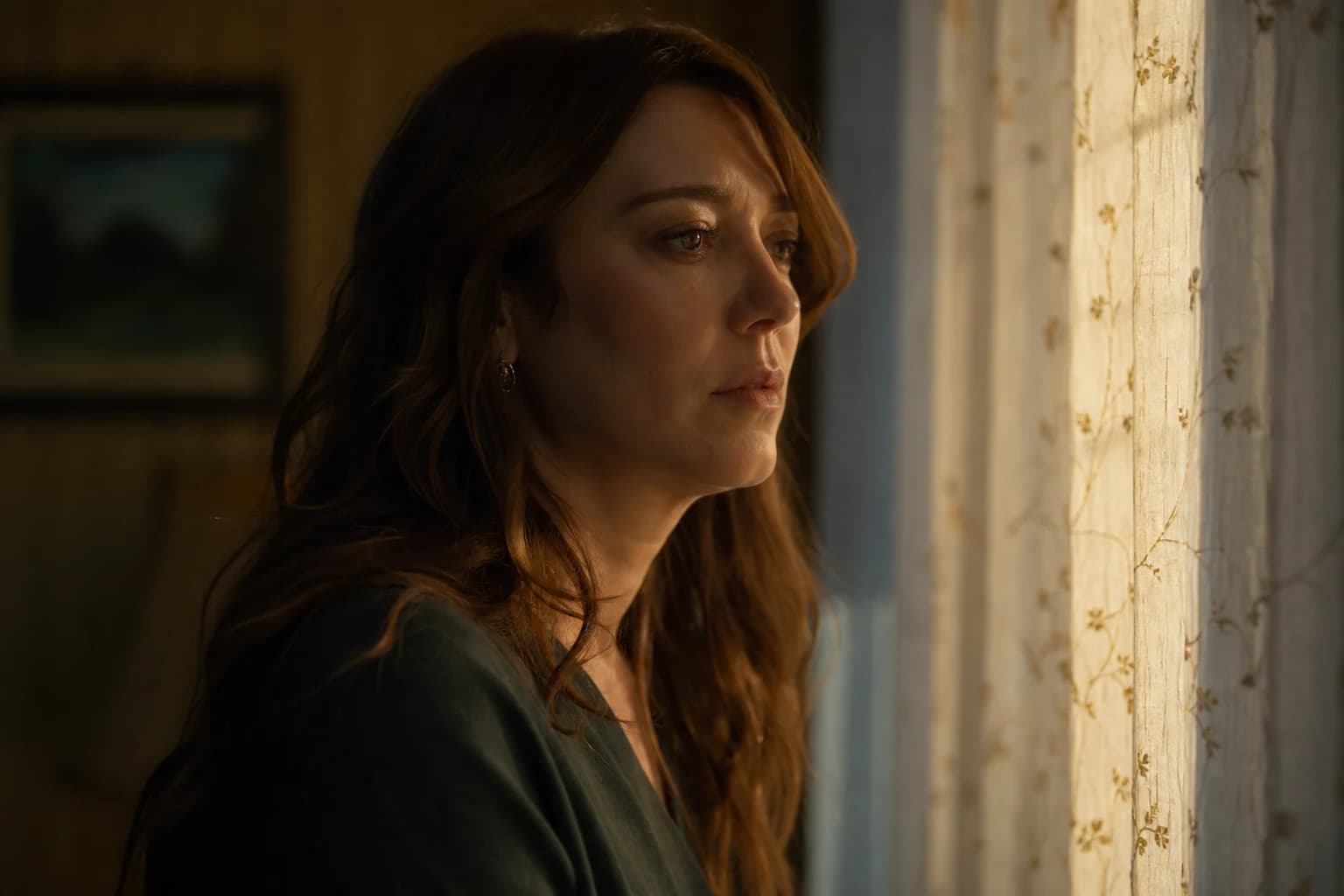
How to Correct the Colors of an AI Video
You export your sequence. On your calibrated screen, everything seems balanced. You open the same video on your phone and suddenly the magic dissolves: a green cast hits the shadows, the skin tones turn waxy after compression, two neighboring shots that "went together" to the naked eye become enemy brothers on Instagram. If you are looking for how to correct the colors of an AI video, start with an unpleasant obvious fact: you are not playing with film or a sensor, you are playing with a statistically plausible image that can change its spectral behavior as soon as you push a primary wheel too far.
This guide sets a field method: diagnose with no mythology, correct in an order that avoids regressions, then lock a delivery that survives the transcoding chains. The keyword correct AI video colors must not become an excuse to add a cinema LUT everywhere. It must designate a discipline: stabilize the technical truth of the clips, harmonize what needs to be, stylize sparingly, and document what you did so you can replicate it tomorrow on another engine.
Why AI color resists intuitive settings
A real camera imposes a physical chain: a light source, a reflection, a known or at least stable tonal response. A generated video imitates these signals. Result: you observe regions where the contrast seems "correct" as a thumbnail, then collapses into banding as soon as you open the shadows. You see smooth skin that supports a small saturation, then explodes into orange as soon as you try to warm the overall mood. You think you are correcting a cast on an isolated shot and you discover that the next shot, yet coming out of the same service on the same day, lives in another temperature.
This gap is not a creative fatality: it is a problem of pipeline and criteria. If you have not locked a lighting intention before generation, the color becomes a late attempt to rewrite the staging. It can work on a few short shots. It often fails on a sequence where the viewer compares two faces in the same narrative phrase. To correctly reposition your project even before the Color page, re-read how you chain pilot image, movement and validation in the complete image-to-AI-video pipeline. This link is not decorative: a failed upstream decision always comes back to the color room in the form of an ugly compromise.
In parallel, your timeline must be stable before you spend hours on grades that will fly to dust at the first cut change. If you still oscillate between three durations for the same passage, you will reinvent the color balance three times with three different levels of detail. To lock the narrative structure and the breathing of the edit before the color, the complete guide to AI-assisted video editing stays the compass most often neglected by teams rushed by the raw demo.
The four defects you will see on a loop
Casts that migrate with the movement
A tracking shot or a slight pan can be enough to slide the average of the pixels toward a tint you had not seen on the thumbnail. It is not "weird", it is consistent with the way the models stabilize the frames: they resample a plausible scene frame by frame. So the correction must plan for a range of variation, not a frozen point.
Inconsistent textures from one shot to another
A hyper-smoothed clip next to a clip that reveals noise after a first export: as soon as you push the sharpen or the local micro-contrast, you create a rupture that looks like a continuity error even if the light seems aligned.
"Plastic" highlights and bilious shadows
Models like sales-friendly images: they often push the reflections toward a too-clean white and the shadows toward a discreet green or magenta that only appears after a serious normalization on scopes.
Skin that reacts too fast
The face is a cognitive lie detector. On an AI sequence, a global correction that is too aggressive can seem neutral on a wall then become caricatural on a cheek. You have to think in zones, not only globally.
What to remember: correcting AI video colors does not mean applying the same curve to the whole timeline. It means classifying your shots by family (interior night, gray exterior, fantasy studio), choosing a pilot shot per family, then propagating with local adjustments reserved for the faces and the apparent light sources.
The order of operations: the rule that will save you hours
Even if you do not use DaVinci Resolve, the following logic applies: transform and normalize before stylizing.
- Balance and range: Make sure the signal is not already broken (clipped levels before import, double compression). Correct the primary balance up to a reasonable neutral base on a representative shot.
- Continuity: Harmonize the shots of the same scene so a cut is not a chromatic alert.
- Secondaries: Isolate the problematic zones (sky too neon, radioactive grass, skin too gray).
- Creative look: LUT or creative lift gamma gain only when the three previous steps are stable.
- Grain and reduction of the "AI" appearance: Fine texture to glue the diverging surfaces.
For a precise implementation with the specific Resolve tools (scopes, Color Warper, group management), lean on the tutorial How to grade an AI video in DaVinci Resolve: this guide complements this one with a software zoom without repeating each click.
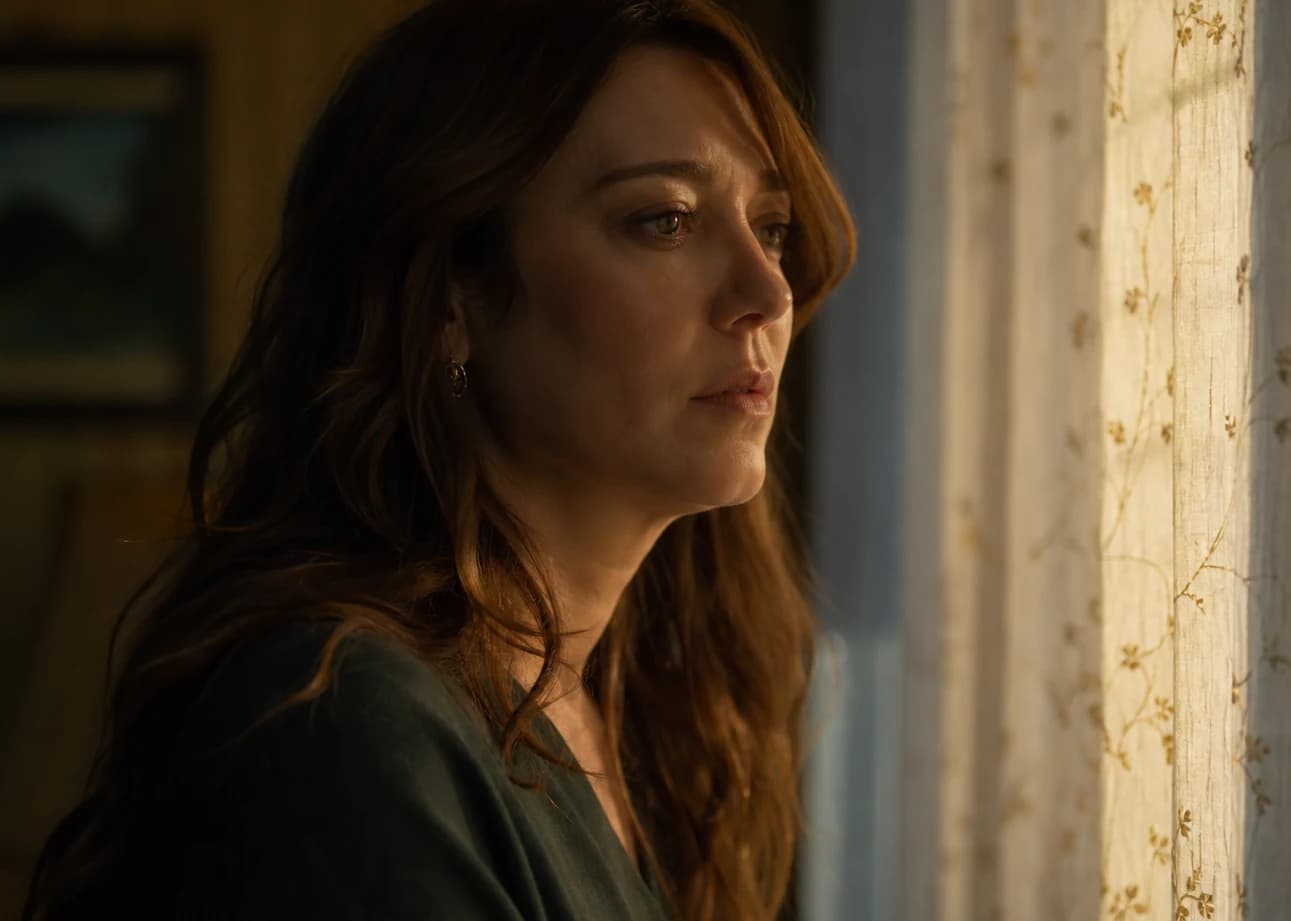
Reading the scopes without becoming a satellite engineer
You can correct by eye for two shots. You will not hold a whole series with no compass. Three families of instruments are enough in the majority of cases:
The waveform (luminance) shows you where your highlights live and whether your shadows crush into a suspicious straight line (a sign of compression or a too-flat gradient in the source).
The vectorscope reveals a global cast that your screen can mask if your environment is too dark or too blue at night.
The RGB parade helps you see if a channel rises too early or too late relative to the others, which guides a clean primary balance before any creative fantasy.
A simple habit before a client meeting: impose a "phone" reading on yourself after the scopes reading. Not because the phone is the absolute truth, but because it is often one distribution truth. If your grade does not survive that test, your interlocutor will remind you of theirs with the subtlety of a push notification.
Correcting without "saving" what should be regenerated
You can be tempted to turn the Color page into a hospital for shaky shots. Sometimes it is rational economically. Often you pay it in a weird square of skin. When the light contradicts the subject (inconsistent shadow on the face, impossible reflection), the correction masks then betrays on the next movement. The pragmatic criterion: if you have to isolate five animated masks for a three-second shot while a targeted regeneration solves the cause, your schedule is a liar.
For the broader creative positioning on the move from a fragile render to a convincing one, read how to go from an amateur render to a cinema render with AI. Color there is one factor among others (framing decision, rhythm, consistency), but it gains from being treated as a consequence of these decisions rather than as a miracle varnish.
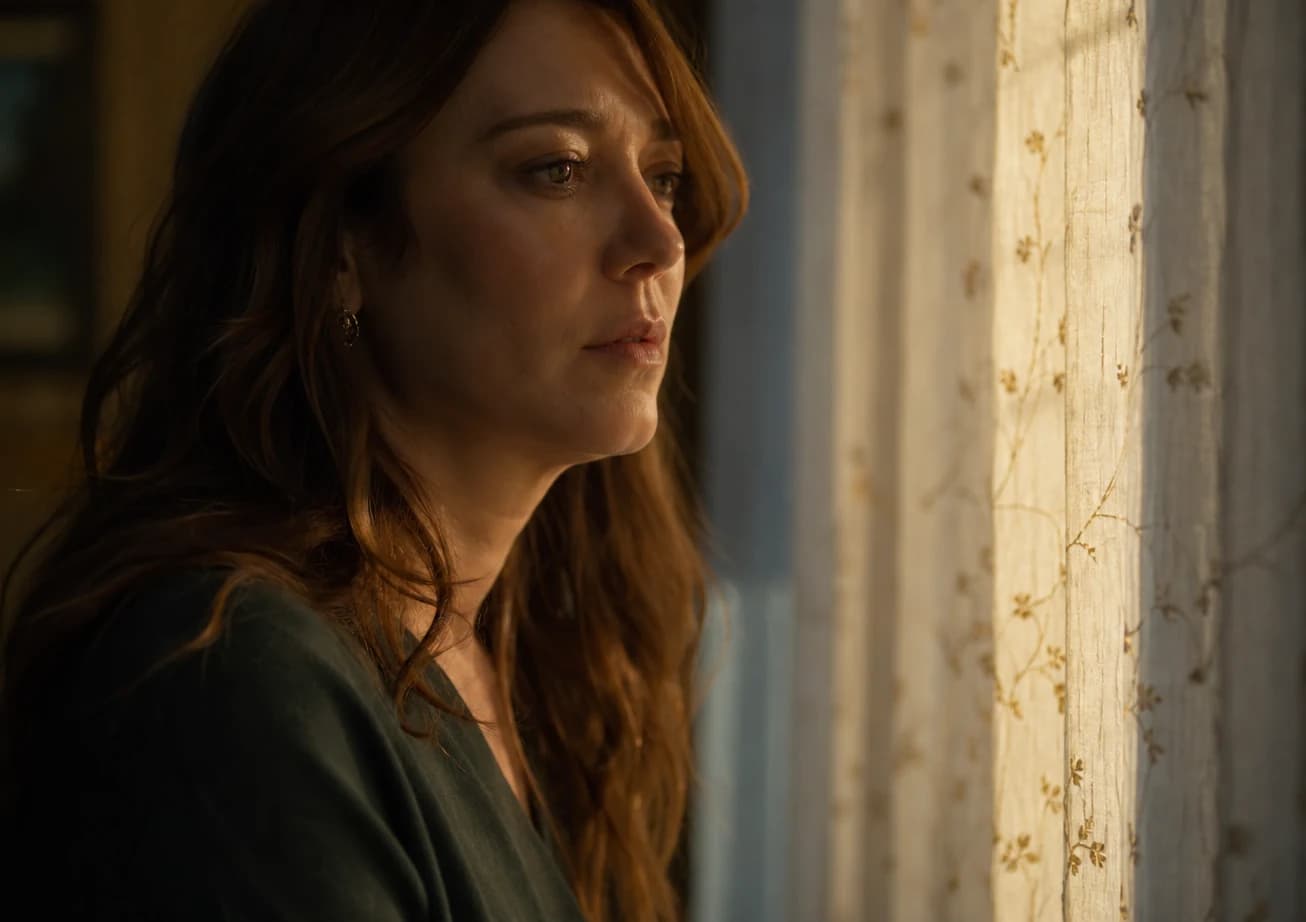
Strategy by shot family rather than by atomic clip
On a dense timeline, correcting clip by clip with no cognitive grouping drives you crazy. Instead:
- Mark your shots by narrative place or function (tonal introduction A, product sequence B, emotional passage C).
- Choose a pilot shot per group: the one with the best median exposure and the representativeness of the critical surfaces (skin, fabric, metal if present).
- Establish a reference correction on this pilot, then paste or adapt it to the other clips of the group with local micro corrections only where the prompts diverged.
If two shots in the same group stay incompatible after reasonable harmonization, do not force a chromatic torture: cut differently, change the order, or introduce a narrative ellipsis that avoids the brutal juxtaposition. Color loves transitions that give the brain thirty milliseconds to reset its expectation.
Skin: avoiding the statue and the lantern
On an AI video, the skin tones are often already in a plausible but fragile saturated zone. What works:
Priority to narrow corrections on the reds and oranges rather than a global saturation that also makes the fantasy backgrounds explode.
Limiting the brutal increases of midtone contrast on faces in extreme close-up: the AI texture responds badly to aggressive local structures.
Comparing two viewing formats after correction: desktop and mobile. Not to "choose" one against the other, but to avoid an invisible drift until the real distribution.
If you have to push a warm mood for the narrative emotion, do it first on the environment via secondaries or qualifications, then with light nudges on the skin. The reverse quickly creates the "tanning campaign" effect on a clip that was supposed to be sober.
LUT, showreel style and other mirages
A cinema LUT can magnify a clean source. It also amplifies the defects of an AI source: latent banding, sharp halo, colors already pushed by the model. Practical rule: if your pilot shot already reveals an uneven saturation before the LUT, correct that unevenness first. Think of the LUT as a perfume, not as a disinfectant.
When you deliver several versions (master, social, archive), keep a trace of your base grade before the look. Clients change their minds about the style afterward less often than about the intensity of the look, and you will save time if you can reduce or intensify from a documented neutral base.
Social compression and final decisions
Platforms resample. What seems delicately nuanced in your master file can turn into mush after passing through the encoder. For very short creatives where readability takes priority over absolute fidelity to the fine grain layers, you can pull a version with slightly more conservative contrasts and controlled saturation on the zones already critical in your vectorscope.
It is not cheating: it is recognizing a second implicit grade step exercised by the distribution algorithm. Some teams call it "social pre-master". The name does not matter if you measure the real result and not only the nice story told by your desktop player.
Frank's Cut: operational grid before export
This table summarizes a sequence of decisions I apply when I have to deliver fast without turning the session into infinite research. It is not a universal law: it is a checklist to avoid the omissions that cost a lot afterward.
Frank's Cut
| Step | Question to ask yourself | "Yes" criterion before moving on |
|---|---|---|
| 01 Source diagnosis | Are my levels already clipped or compressed even before my first wheel? | I see a readable tonal distribution on the waveform with no suspicious flat wall at either extreme with no creative reason |
| 02 Pilot choice | Which shot represents the credible median of the group? | I can defend this pilot as a reference with no miracle masks |
| 03 Primary balance | Do my RGB channels behave consistently on the scopes? | Obvious casts reduced without creating a new caricatural inverse cast |
| 04 Inter-shot continuity | Does the jump at the previous/next cut attract the eye for the wrong reason? | The critical transitions read as the same lighting world or an owned ellipsis |
| 05 Secondaries and isolation | Did I push a local correction that will break on a camera movement or a hair crossing the frame? | Masks or qualifications sustainable or abandoned in favor of regeneration |
| 06 Creative look | Does my LUT or my creative grade mostly amplify the remaining defects? | Look applied after a healthy base or intensity reduced to reserve encoder headroom |
| 07 Final texture | Do my ultra-smoothed shots glue to the noisier shots after a test export? | Grain or selective softening homogeneous to the eye on the distribution target |
| 08 Mobile pass | Does the version the client will open on the subway stay credible? | Micro adjustments accepted or a "social safe" derivative version knowingly produced |
Iterations, documentation, sleep
If you work in a team, document three things in a corner of the project: your pilot shot per group, the capture of the reference scopes or curves if your tool allows it without heaviness, and the simple "prohibitions" note (do not push the global saturation beyond X on this sequence). This deliberate friction prevents each new collaborator from reinventing a different film at each export.
For solo work, the documentation mostly saves you from finding yourself at midnight with a timeline that "worked yesterday" without understanding why an intermediate version had already solved your skin problem.
Bridges and honest limits
Correcting the colors does not rewrite an absent staging. It does not replace director decisions or a lighting intention set before generation. It can, however, turn a delivery perceived as an "obvious AI TikTok clip" into something sober and defensible if you treat the correction as a chain: scopes, groups, secondaries, look, test distribution.
You master this chain better when you refuse two cultural traps: the preset as a narrative solution, and perfectionism with no real distribution criterion. Your work exists where it will be seen.
FAQ: correcting the colors of an AI video
Do you absolutely need DaVinci Resolve to correct an AI video?
No. Resolve is powerful for scopes and node management, but the method takes priority over the tool. You can apply the same sequence of decisions in any serious software as long as you keep a scopes reading or equivalent and a realistic distribution preview.
Why do my corrections seem different on the phone and on my screen?
Several layers add up: personal calibration, night mode or TrueTone, adaptive brightness, then the platform encoder. Correct on a reasonably calibrated base, then always check a "phone" pass before final validation if your distribution includes that channel.
Are cinema LUTs a good base for an AI video?
They can be if your base before the LUT is neutral and if your sources are not already ultra-styled by the model. Otherwise you amplify artifacts and phantom casts. Apply a LUT as a late and reversible step in your project if possible.
How do I harmonize two AI clips that change temperature during the same shot?
First check if the problem is stable or moving. If it is moving, a global correction is rarely enough: consider a tracked qualification or a finer segmentation, otherwise cut or do a targeted regeneration if the movement exposes too many impossible tonal transitions.
Is it serious if I correct before finishing my edit?
For exploration or isolated tests, no. For a serious pass meant for delivery, yes: you risk costly back-and-forth. Freeze a timeline before grading except for minor owned structural corrections.
Does sharpening help save a blurry AI video?
It can mask then harm by creating halos that explode at the social codec. Favor better sources or selective upscaling if necessary, then very light sharpening after stabilizing the color and the planned compression.
Should I treat the faces differently from the rest of the frame?
Often yes on the shots where the social or product narrative imposes an emotional reading of the face. Use local qualifications sparingly to avoid mask transitions visible at the slightest movement.
At what point do I give up the correction in favor of a new generation?
When you double or triple the masking time to correct a fundamental lighting inconsistency that the shot geometry exposes relentlessly. If two honest creative decisions fail, the third pass must be generative rather than chromatic.
If you summarize everything in one sentence for your team: correcting AI video colors is not making an image more "cinema" by magic. It is imposing a verifiable spectral and tonal stability on sources that lie in small touches, then delivering a version that owns the real compression of your audience.
Related articles
 Tutoriels
How to Fix a Bad Visual Composition
Horizon, lines of force, subject hierarchy, and frame breathing: fixing before regenerating endlessly.
 Tutoriels
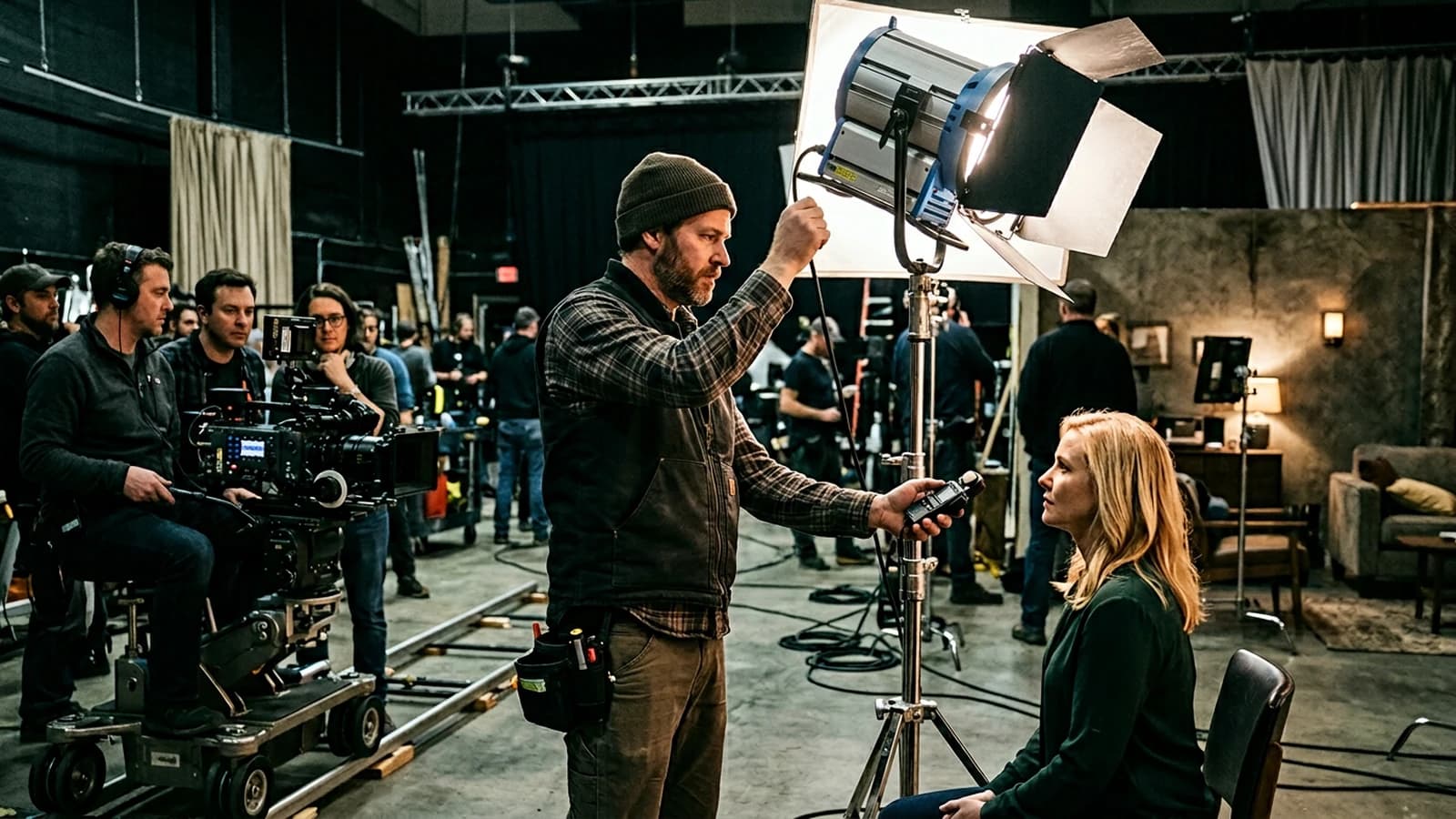
How to Fix Bad Lighting in AI
Source motivation, key fill rim hierarchy, and reprompt vs post: when to save it in generation and when to finish in grading.
 Tutoriels
Flicker in AI Video: Causes and Solutions
Your AI video flickers between frames? Here are the real causes of flicker and a concrete method to fix it, at generation as much as at the edit.