ComfyUI: The Video Guide for Beginner Creators
A step-by-step guide to get started on ComfyUI, build stable workflows and avoid the most frequent technical mistakes.

You open ComfyUI for the first time and you see a node graph that looks like an airplane cockpit. You click, it breaks. You change a node, the whole chain drifts. You import a workflow found online, dependencies are missing, and you lose an hour without generating a useful image. That is the normal experience at the start.
Here's the thing: ComfyUI is not complicated because it is bad. It is demanding because it is powerful. If you learn its graph logic, you gain a control that simplified interfaces do not give. And that control changes everything for a video creator.
This guide is designed for complete beginners who want to produce fast and cleanly: stable installation, minimal viable workflow, useful iterations, and a move toward more advanced pipelines without breaking consistency.
Understanding ComfyUI with no useless jargon
ComfyUI is a graph system. Each node does a precise task: load a model, encode a prompt, sample, decode, save. The final result depends on the quality of the chain, not on a single magic node.
The best way to learn is to start from a minimal workflow, then add a single brick at a time. Beginners break everything when they add five new things at once.
You also have to think in versioning. A workflow that works today can break tomorrow after an update. Save stable versions of your graphs.
Finally, do not evaluate ComfyUI on "the first image". Evaluate it on the repeatability of your render after 20 iterations.
Trench workflow to start cleanly
Step 1: installation and a stable environment
Install ComfyUI in a clean environment, with the recommended dependencies. Avoid mixing several undocumented installations on the same machine.
Then, create a clear project folder: models, outputs, workflows, references. This organization is vital so you do not get lost.
Run an official base workflow before importing complex community graphs. You have to validate your technical foundation.
Document your hardware and software configuration. When a bug arrives, you save an enormous amount of time.
Step 2: minimal viable image workflow
Start with a simple pipeline: model loader, positive/negative prompt, sampler, decode, save. Nothing more.
Test only three parameters at the start: steps, guidance, seed. Do not touch the rest until you understand their impact.
Run A/B series and note each variation. This log turns trial and error into real learning.
First validate a consistent style over 5 outputs before adding advanced modules.
💡 Frank's Cut: if you cannot reproduce a good result twice in a row, you do not have a workflow. You have a happy accident.

Step 3: move to video without blowing up the complexity
When your image base is stable, introduce video in small blocks. First short segments, then temporal consistency controls.
Avoid launching long shots from the start. The more the duration increases, the more visible the artifacts become.
Add control modules one by one and check their real effect in continuous playback.
Then assemble the segments in the edit to preserve consistency and rhythm.
Step 4: pro organization to scale
Version your workflows (v01, v02, v03) with precise notes. This reflex saves you in case of a regression.
Create templates by use: portrait, wide shot, light movement, dark texture.
Maintain a library of validated prompts and settings. You speed up without sacrificing quality.
Schedule a frequent quality review: visual consistency, stability, final multi-device render.
To connect ComfyUI to a complete pipeline, also work with our complete guide to Flux models, our grading method for AI videos, our complete AI clip editing workflow, and our visual continuity protocol.
Comparison table: improvised beginner vs structured beginner
| Approach | Learning time | Result stability | Progression speed | Final quality |
|---|---|---|---|---|
| Importing graphs at random | Fast at the start | Low | Low | Unstable |
| Minimal workflow + noted tests | Medium | Good | High | Good |
| Versioned workflow + templates | Longer at the start | High | Very high | High |
Troubleshooting: classic mistakes on ComfyUI
Mistake 1: misaligned dependencies. Fix: clean documented installation.
Mistake 2: too many nodes added at once. Fix: one variable at a time.
Mistake 3: no test log. Fix: systematic notes per run.
Mistake 4: seed/settings confusion. Fix: a strict A/B protocol.
Mistake 5: no continuous video validation. Fix: timeline playback, not an isolated image.
Practical cases: three learning progressions that work
Case 1: image creator who wants to move to video
This profile arrives with a good visual sensibility but little node-based practice. The frequent mistake is to copy an advanced video workflow without understanding the base logic. Result, a crash at the first missing node.
The efficient progression starts with a clean, reproducible image workflow. You set a style, you master seed, steps, guidance, then you move to very short video segments.
Then, you add the temporal consistency modules one by one. Each addition must be tested in isolation with an identical segment. It is the only way to understand what truly improves or degrades the render.
When this base holds, you assemble in the NLE. You do not try to solve everything in ComfyUI. You use each tool for what it does best.
Case 2: editor who wants to control the upstream generation
This profile knows rhythm very well, but discovers generation. Their trap is to want to "edit" directly in the generation parameters. The right move is to create stable assets first, then sculpt the rhythm in post.
You create a generation template by shot type: wide shot, medium shot, emotional shot. Each template has its validated parameters and its output folder.
Then, you generate controlled variations per shot and you keep a strict naming convention (scene_shot_take). This discipline hugely simplifies the edit.
The main gain is predictability. You replace randomness with a steerable production.
Case 3: complete beginner who wants to publish fast
Here, the priority is to avoid technical paralysis. You have to reduce the scope: a mini-project, one style, one workflow, one output.
Start with a goal of 20 to 30 finalized seconds. This limit forces useful choices and avoids infinite exploration.
Then, impose a simple routine: 1 setup session, 1 test session, 1 correction session, 1 editing session. Repeat this loop until stability.
This rhythm gives concrete results fast and builds robust reflexes.
From theory to practice: how to read a ComfyUI graph
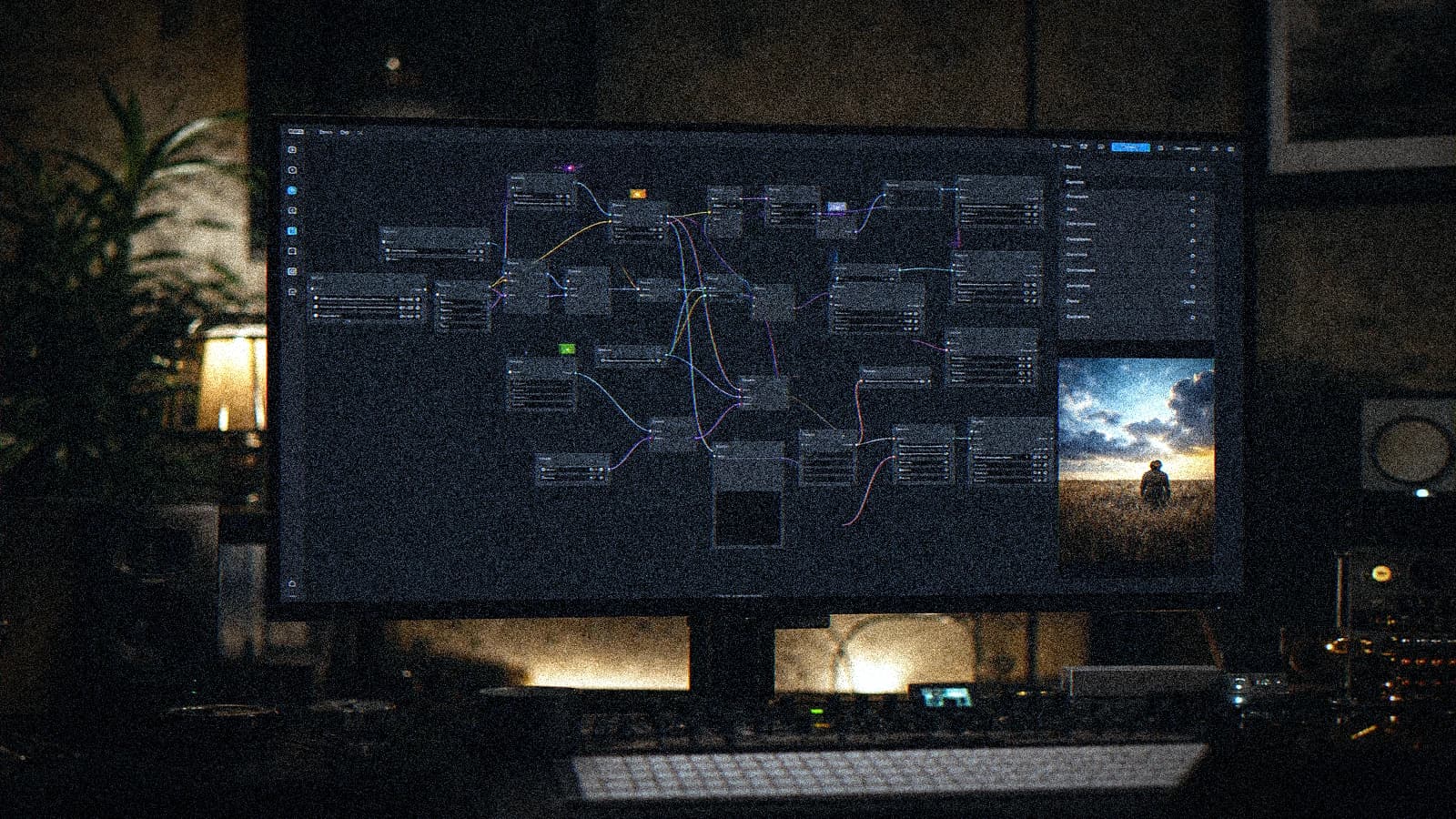
A stable graph reads from left to right like a chain of responsibility. Each block has a clear function. If you cannot explain the role of a node, that node is probably unnecessary at this stage.
The first block concerns the inputs: models, prompts, base parameters. It must stay readable and versioned.
The second block concerns the generation: sampler, iteration settings, seed handling. It is your main engine.
The third block concerns the output: decode, possible post-processing, saving. It is where you ensure reproducibility.
Readability checklist for a beginner workflow
- Name the node groups.
- Avoid useless branches.
- Keep a single source of truth for each key parameter.
- Document the winning settings in a text file.
- Save a "safe" version before each experiment.
30-day progression strategy
Week 1, goal: stable image pipeline. You learn the basics and you get reproducible renders.
Week 2, goal: controlled variations. You understand the impact of each setting on your style.
Week 3, goal: first consistent video segments. You test temporal stability with short durations.
Week 4, goal: a complete mini project exported. You integrate editing, sound and finishing.
This progression turns ComfyUI from an intimidating tool into a production system.
Performance and optimization: not getting lost
Performance does not come down to the graphics card. It also depends on the way you design your graphs. A clean workflow is often faster than a "powerful" but badly organized workflow.
Reduce useless recalculations by isolating the stable blocks. If a block does not change, do not rerun it needlessly.
Work with resolutions adapted to the stage. You do not need a high final resolution to validate a framing intention.
Also optimize your human time: documenting for 2 minutes can save 45 minutes of debugging.
ComfyUI maturity table for beginner creators
| Level | Goal | Frequent symptom | Priority action | Expected result |
|---|---|---|---|---|
| Level 1 | Generate a stable image | Random parameters | Minimal workflow + notes | Reproducibility |
| Level 2 | Control the style | Drift between runs | Templates and controlled seeds | Visual consistency |
| Level 3 | Produce video segments | Temporal artifacts | Short segments + QA | Usable fluidity |
| Level 4 | Complete content pipeline | Version chaos | Naming + versioning | Scalable production |
Final validation: criteria before publication
Before publishing a project generated via ComfyUI, check the overall consistency and not only the shot-by-shot quality. The viewer perceives the sequence, not your favorite node.
Check the rhythm and the transitions in continuous playback. A beautiful image never compensates for an inconsistent edit.
Validate on several screens and listening conditions if you publish a video. The viewing context changes the perception of quality.
Finally, keep a log of the decisions made. Durable quality is built on the memory of production.
Concrete templates to copy to start faster
Beginners gain enormous time with simple templates. Not giant graphs downloaded at random. Short, understandable, modifiable templates.
Template 1: stable still image. Model loader, prompt, sampler, decode, save. It is your reproducibility base.
Template 2: controlled variation. Same base + seed/steps control to explore without losing the style.
Template 3: short video segment. Image base + light movement module + sequence export. You stay at 2 to 4 seconds to validate the temporal consistency.
Each template must have a "safe" version and an "experimentation" version.
Anti-bug strategy: how to debug without panicking
When a workflow breaks, the beginner's reflex is to change everything. Bad approach. Effective debugging is sequential.
First, identify the last stable state. Then, compare with the broken version and isolate the changes. You come back to a testable hypothesis.
Then check the dependencies and node versions. Many errors come from a version mismatch, not from a "bad prompt".
Finally, test a minimal mini graph. If the mini graph works, the problem is in the added complexity.
Express debugging checklist
- Check the versions of the critical nodes.
- Check the model/checkpoint paths.
- Check the expected input format.
- Check the order of the nodes.
- Test with a known seed.
This routine strongly reduces the time lost in debugging.
Visual quality: precise criteria to judge a ComfyUI render
A render is not "good" because it is detailed. It is good if it is credible, consistent, and useful for your final project.
Criterion 1: material consistency. Skin, fabric, set must share a texture logic.
Criterion 2: lighting consistency. A readable main source, plausible shadows, controlled contrast.
Criterion 3: motion consistency (in video). No visible morphing on sensitive zones.
Criterion 4: sequence consistency. The shot must live with the others, not only shine alone.
From ComfyUI to publication: recommended pipeline
Step 1, stable asset generation. Step 2, strict selection. Step 3, narrative editing. Step 4, unified grading. Step 5, audio mix. Step 6, multi-format exports.
This pipeline seems basic, but it is exactly what is missing in most "full AI" projects that end in an inconsistent render.
The classic mistake is to invest 90% of the energy on the generation and 10% on the finishing. In real production, it is the reverse that gives the best results.
If you want to publish regularly, turn this pipeline into an SOP (standard operating procedure) with a checklist and clear roles.
"When to stay simple" vs "when to add complexity" matrix
| Situation | Stay simple | Add complexity | Recommended decision |
|---|---|---|---|
| First style test | Yes | No | Minimal workflow |
| Need for project consistency | Yes | Yes, moderate | Versioned templates |
| Final hero shot | No | Yes | Detailed pipeline + reinforced QA |
| Fast social delivery | Yes | No | Short segment + clean edit |
This matrix helps you avoid the over-engineering that blocks beginners.
Weekly routine to progress without drowning
If you really want to progress on ComfyUI, adopt a simple weekly routine. Day 1, controlled exploration. Day 2, reproduction of a stable workflow. Day 3, improvement of a single parameter. Day 4, an exportable mini project. Day 5, critical review and documentation.
This routine forces you to alternate creativity and rigor. Many creators stay stuck because they explore all the time without consolidating their gains.
Add a cleanup ritual: delete dead workflows, archive useful versions, annotate winning presets. A clean workspace improves decision speed.
Finally, end each week with a finished render, even a short one. Real progress comes from finished projects, not from infinite tests.
To reinforce this routine, also create a personal "frequent errors log". For each recurring bug solved, note the cause, symptom, solution. After a few weeks, this document becomes your best accelerator.
You can then turn this log into a pre-launch checklist: dependencies, model paths, node versions, critical parameters. This simple ritual drastically reduces avoidable crashes.
A last essential point: keep a space dedicated to validated workflows and another for experiments. Mixing the two destroys operational clarity and slows your progression.
Over time, you will see that mastering ComfyUI is not a question of "tricks". It is a question of repeatable method. The creators who progress fast are those who document, simplify and finish their projects.
Each finished render reinforces your system. Each inconclusive test teaches you less than a published version, even an imperfect one.
In short, ComfyUI rewards regularity more than one-off genius. If you maintain a clean method for a few weeks, the level rises dramatically.
This progression is even stronger if you publish small projects continuously. The pressure to publish forces you to choose, finalize, and learn on concrete work.
It is this publish, analyze, correct loop that turns a ComfyUI beginner into a reliable creator.
And it is precisely this level of reliability that lets you work in a team, hold deadlines, and deliver projects that inspire trust.

Useful external resources
To progress fast, work with the ComfyUI documentation, the best practices of Stability AI, and the guides of RunComfy.
FAQ
Is ComfyUI too technical for a complete beginner?
No, provided you follow a structured progression. ComfyUI can seem intimidating at the start, but its logic becomes clear when you work with a minimal workflow and controlled iterations. The most important thing is not to skip steps. Start simple, document, then add complexity progressively.
Do you need a very powerful machine to begin?
A decent machine helps, but you can learn the logic even on a modest setup by using short tests and adapted resolutions. The key is to optimize your workflow, not to force heavy renders from the start. Method efficiency often compensates more than raw power.
Why do my workflows found online often break?
Because they often depend on precise versions of nodes, models and dependencies. With no aligned environment, the graph can fail partially or totally. The solution is to validate your local foundation, then import progressively by identifying each external brick.
What is the best strategy to learn fast?
Repeating the same base workflow with controlled variations. Each run must test a clear hypothesis. This method avoids chaos and builds a real understanding of the parameters. You progress faster with 20 structured tests than with 200 random attempts.
Can you make serious video only with ComfyUI?
Yes, but generally in a hybrid pipeline with editing, grading and sound downstream. ComfyUI is excellent for generation and control, but the narrative finishing stays essential. A credible video comes from a complete chain, not from a single tool.
How do I know a workflow is "production ready"?
A workflow is ready when it is reproducible, documented, and stable over several runs. If you can rerun the same setup and get a consistent quality with no unpredictable tinkering, you have a usable base. Then add multi-format tests to validate the distribution.
Related articles
 Comparatifs
Mistral AI, Grok AI, Meta AI: Which Ones Are Useful to Creators?
A field comparison of Mistral AI, Grok AI and Meta AI for creators: ideas, scripts, research, production, real limits and a pro workflow.
 Tutoriels
Stable Diffusion: Installation Guide and First Steps for Beginners
Windows or macOS, GPU or plan B, weights download, first image, and classic mistakes to avoid from day 1.
 Tutoriels
ComfyUI for Beginners: A Cinema Pipeline with No Useless Node
A minimal ComfyUI graph for photorealistic pilot images and clean export to video, with classic mistakes avoided.