How to Improve the Smoothness of a Generated Video
Perceived smoothness, temporal stability and production chain: a concrete method to improve the smoothness of a generated video with no marketing illusion or random settings.
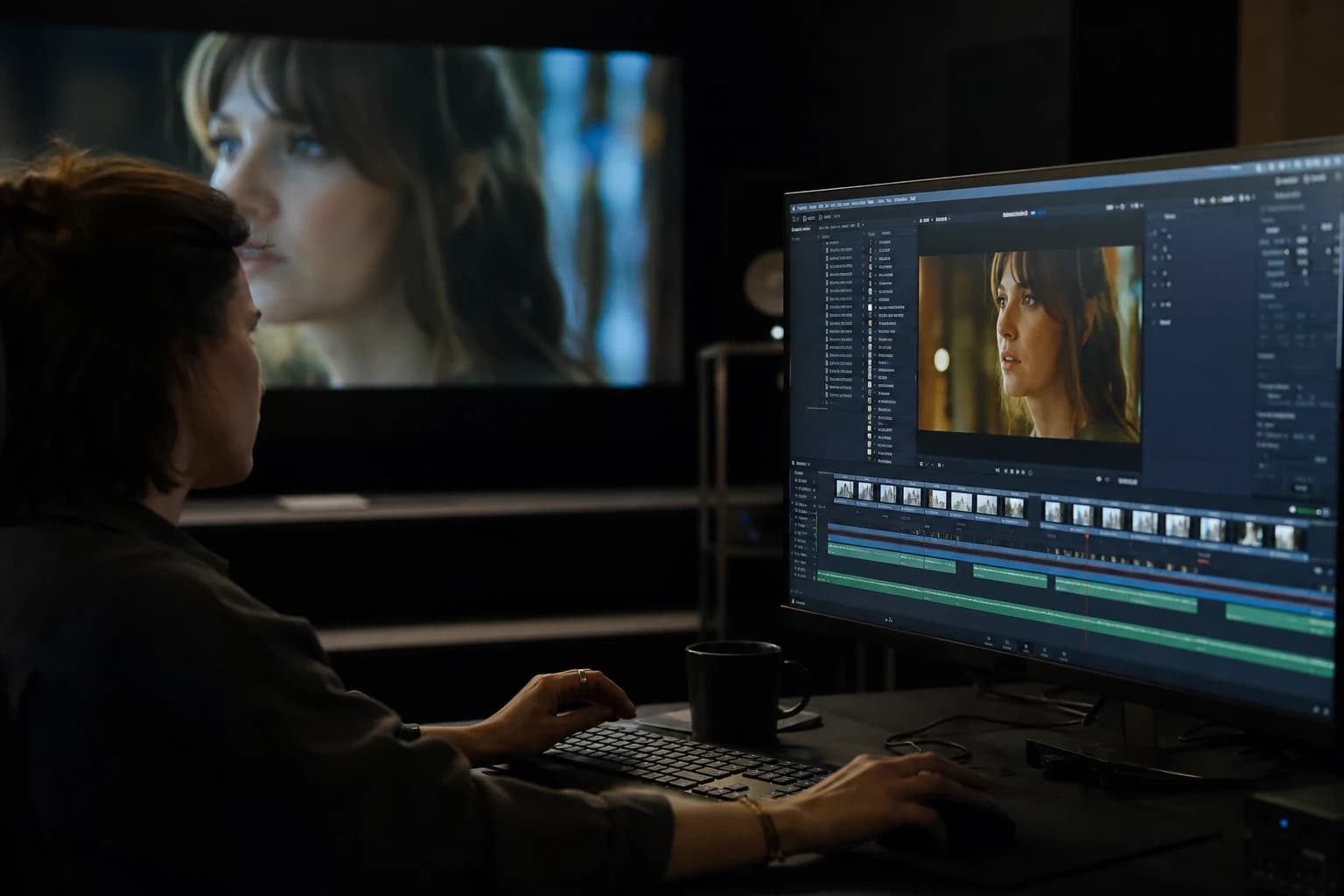
You export a clip. The transitions seem "OK" on your screen. Then you play it a second time, then on a phone, then in broad daylight on a client monitor. And there, you see what your first viewing masked: texture micro-jumps, a background that pulses, a face that slides from one frame to the next. It is not necessarily a "bad AI" problem. It is often a definition problem: you are trying to improve the smoothness of a generated video while you mix three different objectives in a single slider.
This guide sets a simple grid. Technical smoothness (pixel-to-pixel stability when needed). Narrative smoothness (reading rhythm, absence of ruptures that break the suspension of disbelief). Distribution smoothness (motion blur and compression that do not turn your image into mush). When you separate these three layers, you stop going in circles on the same regenerations.
What people call "smooth" (and what fools them)
On product pages, "smooth" often means "no gross stutter". In editing, this word covers something else: a readable trajectory, a camera intention that does not contradict itself, a set physics that does not breathe like gelatin. A video can be "smooth" in the sense that it does not stutter, while staying unbelievable because the material moves when it should not.
To improve the smoothness of a generated video, start by naming what you want to reduce:
- Spatial instability: edges that ripple, bricks that dance, window grid that changes pitch.
- Identity instability: same character, but a nose that migrates, ears that change volume.
- Lighting instability: temperature that oscillates between two tones with no realistic motif.
- Movement instability: accelerations that follow no mass, hands that pass through objects with no contact phase.
If you treat these four families separately, you progress fast. If you treat "everything" with a longer prompt, you add noise to the instructions and you shift the lottery to another seed.
The image-to-movement foundation stays the one you will find in how to turn an AI image into fluid, credible video: an honest pilot, a single movement intention, short passes. Here we go down a notch into the mechanics of smoothness and the chain errors that survive a still-beautiful image.
Why "smoothness" fails so often on AI shots
Generators interpolate in time from a statistical understanding of the world. When the scene is simple and the camera asks for little, the result can be impressive. When the scene is rich in contradictory micro-details (fine hair on a very textured background, metal grid on neons, teeth in extreme close-up), the model must arbitrate at each frame. These arbitrations create correlated minor variations: your eye reads them as jitter, even with no obvious "stutter".
Another trap: you confuse movement amplitude with movement quality. A wide orbit can seem dynamic for two seconds then reveal a geometry that twists. Conversely, an almost-fixed shot can be dull but extremely stable: you make it alive with sound, a microscopic breath of the subject, and a framing decision that guides the eye without moving everything.
To calibrate credible gestures and speeds, the natural complement is how to improve motion realism in AI video: the physics of the gesture and the perceived smoothness are two sides of the same coin. A plausible trajectory helps your brain tolerate a texture imperfection. An impossible trajectory breaks the illusion even if the pixels are stable.
The rule of invariants (before any slider)
Before regenerating anything, write three invariants: what is not allowed to change during the clip. Realistic examples:
- Geometric invariant: right angles of the furniture, height of the windows, relative position of the lamps.
- Identity invariant: face proportions, garment silhouette, general hairstyle (not each strand).
- Light invariant: main direction, global contrast, color motivated by a visible source.
If you do not fix these points, you optimize a local smoothness on a globally "soft" sequence. Experienced creators treat the invariant as a set contract: you know what you defend, you know what you are ready to sacrifice if the brief changes.
In a complete image-to-AI-video pipeline, these invariants become named deliverables: text brief, archived pilot, seeds note, labeled exports. You can lean on the structure described in complete image-to-video pipeline with AI to avoid smoothness being an isolated stroke of luck in the middle of a messy folder.
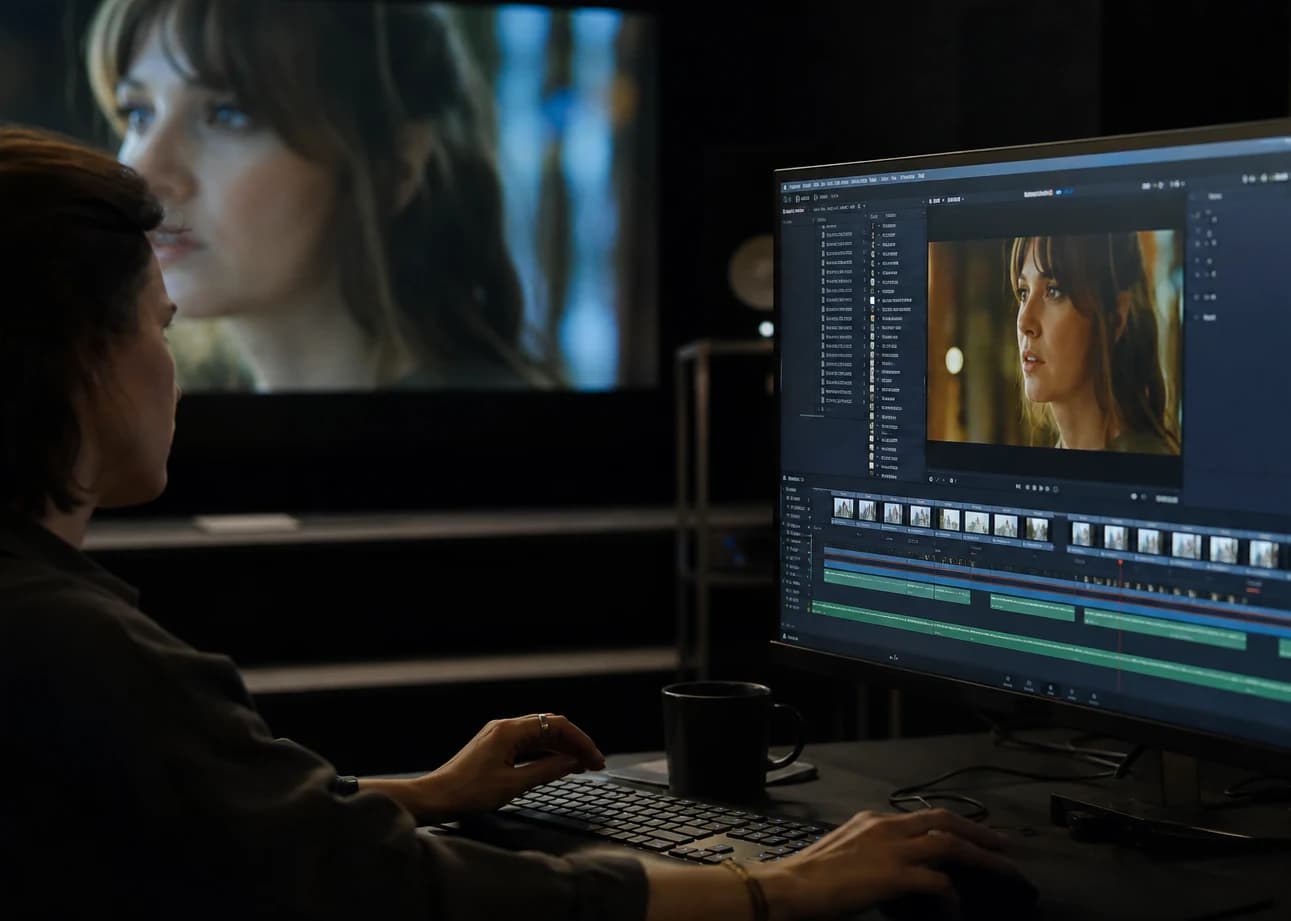
Pilot image: smoothness is won upstream
You do not correct a lying pilot only with "video denoising". You correct it or you replace it. The signals that sabotage smoothness before you even press the "animate" button:
- Hair too sharp on a deep blurred background: temporality will create a beat on the edges.
- Hands on the edge of plausible: three seconds later, the fingers become an editing problem.
- Contradictory textures: ultra-polished skin and hyper-rough sets in the same field: the model oscillates between two styles.
An effective strategy is to simplify what is not your main subject. Reduce the complexity of the background, increase the readability of the face if you are in portrait, or the reverse for a set shot: you clarify the geometry that must stay stable.
For a recent tooled chain with movement control and realistic passes, also compare with the Kling 3 workflow for fluid, realistic animation: the discipline is the same (short brief, comparable batches), even if the menu labels differ.
Duration, frame rate, and why "longer" is not "more cinema"
Very long clips multiply the zones where the model can drift. To improve the smoothness of a generated video, often work in short segments then assemble in the edit. Why this compromise is smart:
- you keep a localized error instead of a single shot where everything can break at the seventh second;
- you can reuse the best portion without recycling three entire tracks;
- you align the motion blur and the grain on each segment with a different intention if necessary.
On the frame rate, 24 frames per second stays a reasonable reflex for a "cinema" reading. Going up to 30 can serve if your final distribution is TV or social platforms that favor that base, but harmonize the whole timeline to avoid wild conversions that create judder to the eye.
If you have to deliver several formats, export from a stable intermediate master before adaptation. Recompressing the same fragile generation three times amplifies the micro-artifacts that pass for a lack of smoothness.
Movement: one main intention, one secondary at most
Visual smoothness often follows a simple law: one dominant intention. Examples:
- a very light lateral tracking shot on a set;
- a discreet push-in on a face;
- a micro-displacement of a fixed camera with life in the eyes and the shoulders.
When you stack orbit, zoom, wind in the hair, a hand grabbing an object and a simultaneous conversation, you increase the frame-to-frame variance. It is not "creative", it is an invitation to correlated errors.
If your brief requires several actions, sequence them into separate shots with lighting and costume continuity, rather than a single miraculous take. The edit becomes your tool for narrative smoothness: the viewer understands the continuity through the sound and the direction of the gaze, not because everything moves in the same window of neurons.
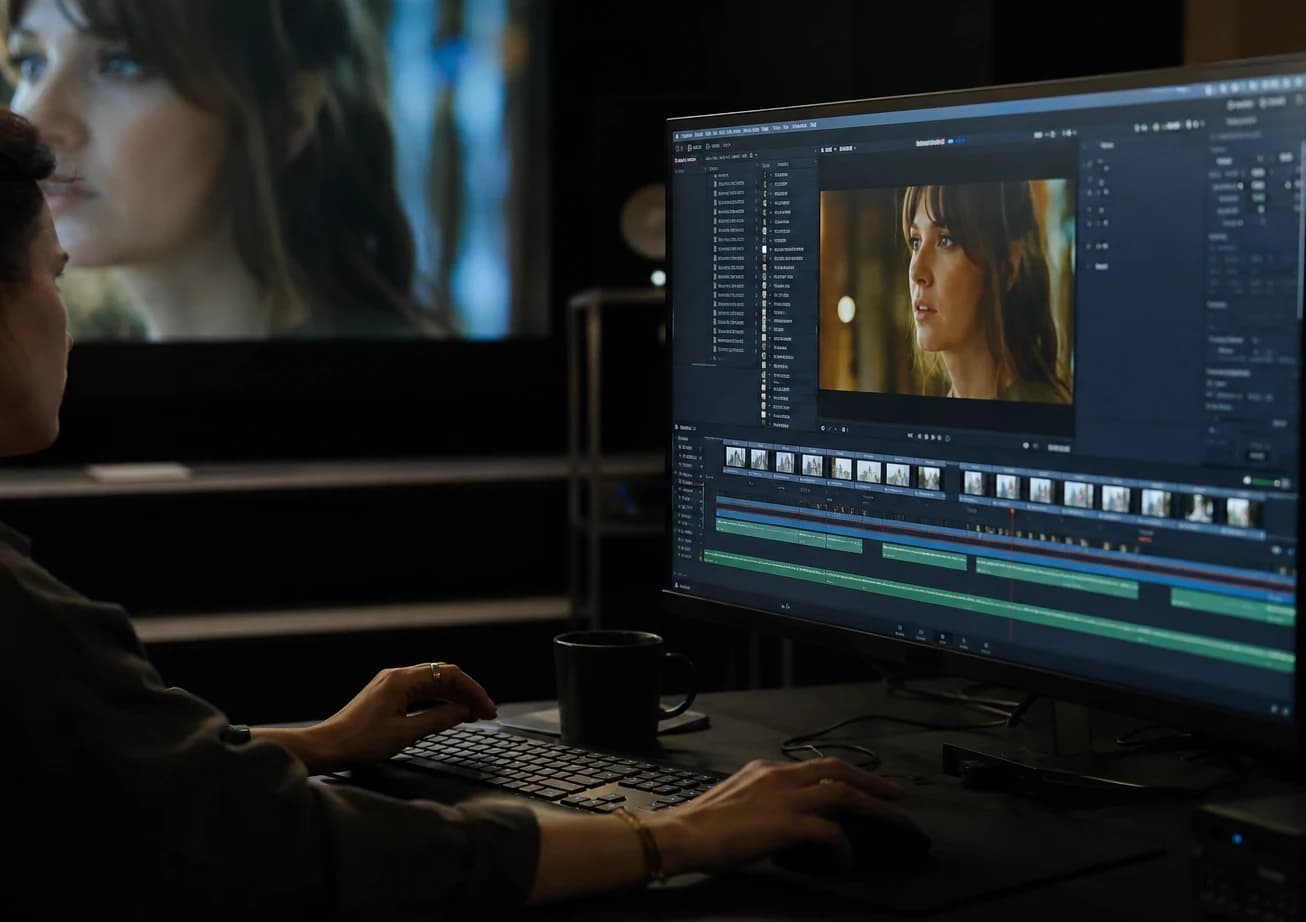
QA in thirty seconds (with no laboratory software)
Set up an honest routine before declaring a clip "good":
- Reading at real speed on two screens if possible (calibrated and "consumer").
- Image pause at three timestamps: start, middle, end. Compare eyes, hands, verticals.
- Muted sound then audio only: some smoothness ruptures disappear with the music, others explode without it.
Note the problems with short words: "grid", "jaw", "skin flicker", "tone drift". When you regenerate, change one variable at a time: duration, amplitude, seed, reframe. If you change everything, you will not know what helped.
This discipline meets the spirit of the guides already cited on image-to-video and the complete pipeline: smoothness is a measure, not an isolated feeling of the day.
Post-production: smoothing without lying
Post can mask or reveal. On an AI sequence, the classic "correction" mistakes:
- Aggressive sharpening: you think you gain detail, you magnify the jitter.
- Blind stabilization: you correct a trajectory but you stretch the background like a map.
- Automatic interpolation to "double the smoothness": sometimes useful on an already-clean lens move, often catastrophic if the material oscillates.
What helps more, in many cases:
- Light homogeneous grain to unify a texture too "clean" that makes the artifacts visible.
- Motion blur consistent with your frame rate and your real amplitude (physically credible).
- Sober grading that stabilizes the tonal transitions without pushing the skin to neon.
For a professional chain with multiple deliverables, think of your export as a step of real compression: look at the file as your audience will see it, not only after maximum bitrate on a desktop.
Audio: the invisible trap of the "smooth video"
An image can seem stable as long as the viewer has no strong auditory reference. Add footsteps, a strident ambience, a dry voice: the brain links the spatial audio to the spatial video. If the image micro-slides while an assertive sound cuts the silence, the rupture seems more brutal.
To improve the smoothness of a generated video in the full-experience sense, synchronize early:
- continuous ambiences under the cuts;
- sound transitions that mask a tight junction between two AI passes;
- avoid the clicks and gaps that simulate an editing error.
You do not need an exhaustive sound bank to start: you need consistency between three tracks maximum at the beginning.
Batches, seeds, and documentation (the project's smoothness)
The clip's smoothness and the project's smoothness go together. If you do not note the seeds and the settings, you will reproduce a good surprise without ever ordering it. Keep for each shot:
- motion settings and duration;
- seed or session identifier;
- link to the pilot used;
- reason for rejection in one line ("hands", "wall", "eyes").
On a team, this file avoids the "what did we do again?" conversations. For a freelancer, it avoids reworking for free because the client wants "the same smoothness" with no technical references.
Frequent mistakes when you want to "fix it big"
Upscaling too early. Enlarging an unstable sequence enlarges the instability.
Too much AI in the same chain with no reference. Each step adds a signature: combine them with a visual reference fixed on a wall or a costume.
Comparing to a tool's trailer. Those demos are cherry-picked. Your pipeline must be robust on your images.
Confusing sharpness and temporal precision. An ultra-sharp image can be harder to animate cleanly if the micro-contrasts beat.
Short practical cases
Talking portrait. Minimal movement, stable gaze, simple background. Smoothness = face stability. Add life with micro-contrast and sound, not with a dancing camera.
Product on a table. A single action: the hand enters from off-frame or already places the stable product; avoid the contact phase if you do not have time to control it.
City shot. Reduce the competing lines, avoid fine grids in the foreground, favor a light that guides the depth.
Night scene. Beware of neons and halos: they flicker fast. Stabilize the light sources in the pilot if you can.
Training and watch: where to learn without losing your way
Short programs exist that explain creative chains and productivity with no magic promise. Useful if your smoothness problem is also a problem of delivery cadence and client communication: technique alone will not save a project with no brief or scope. Favor sources oriented toward entrepreneurship and business skill-building for creators when the bottleneck is organizational rather than purely technical.
Keep your technical references, though, in sources that show failures and not only successes. The tutorials that display three miracle settings age fast; a QA grid stays valid across several generations of tools.
Tuning the variance without breaking everything (motion, guidance, resolution)
Interfaces change names from one month to the next, but the logic stays: you balance guidance (how much the pilot image weighs against the text or the temporal noise) and variance (how much the model explores around the most probable path). A variance too high on a busy set produces visible bifurcations; too low, you get a flat clip that "holds" but with no life.
A pragmatic strategy in three passes:
- Pass A exploration: moderate variance, several seeds, very short clips. You look for a trajectory that does not lie on the verticals or the gaze.
- Pass B locking: lower variance, fixed or near-fixed seed, movement amplitude adjusted to the millimeter. You reduce the surprises without totally freezing the organic material.
- Pass C delivery: you export from the best take, then you handle compression and grain for the final destination.
If your tool offers a "temporal consistency" slider or equivalent, raise it progressively rather than in jumps of fifty percent: you will often see a level where the texture freezes and starts to "slide" in another way. It is not a mysterious bug: it is an internal compromise of the model between fidelity to the pilot and inter-frame freedom.
Compression, social delivery, and deceptive smoothness
A sequence can look impeccable as an intermediate file then lose readability on an Instagram timeline or a mobile channel with an aggressive bitrate. The flat zones (sky, uniform wall) reveal banding; the fine edges around the hair become saw teeth; the "technical" smoothness survives, but the "distribution" smoothness collapses.
A few useful reflexes:
- Safety margins for story reframes: avoid sticking critical elements at the edge if you still have to zoom on the distribution side.
- Test on a phone on 4G: not only on office Wi-Fi.
- Avoid extreme contrast settings just before compression: you push the codecs into their least elegant artifacts.
This part complements the chain described in the complete image-to-video pipeline with AI: delivery is not a "free" step afterward.
When smoothness requires cutting rather than regenerating
Improving smoothness is not always "one more generation". Sometimes the best decision is a cut:
- you keep 2.5 stable seconds at the start of a shot;
- you jump at the moment the drift begins;
- you link with a cut motivated by the sound or an off-frame movement.
Classic editing stays a formidable accelerator for smooth reading. Viewers tolerate a well-placed narrative ellipsis; they rarely tolerate fifteen seconds of a breathing wall because you insisted on a single shot.
For the camera intentions and the gestural realism that make these cuts credible, also revisit how to improve motion realism in AI video: a cut works better when what precedes and follows respects the same physics.
Mini field FAQ
"My clip is smooth but it looks AI". Often it is the combination of skin too uniform, set too complex, and movement too generic. Simplify the pilot, add sober grain in post, reduce the amplitude.
"It only trembles on the eyes". Reduce the effective resolution of the face if the tool allows, or change the framing; the eyes are micro-error detectors.
"It moves well then derails at the end". The ends of clips are statistically more fragile on certain passes: shorten the duration or cut before the drift.
"Two tools give two textures". Normalize with a light grade and a common grain before exporting the assembled sequence; otherwise the junction looks "dry" even if each isolated segment is smooth.
Actionable summary
To improve the smoothness of a generated video:
- Separate technical, narrative and distribution smoothness.
- Fix three invariants before touching the sliders.
- A clean or simplified pilot; one dominant movement intention.
- Short segments, assembly in the edit, consistent frame rate.
- Systematic QA on several screens and with sound.
- Sober post: grain, blur, grading, no panic sharpen.
- Documentation of seeds and settings to repeat the success.
Reinvest these principles in the guides already published on the site: AI image to fluid, credible video, motion realism, complete image-to-AI-video pipeline, and the Kling 3 fluid, realistic animation workflow when that tool is part of your stack.
Smoothness is not a vague mood: it is a series of reversible decisions, tested one by one. When you work this way, you spend less time on frustration and more time on shots you can defend in front of a client without looking down.
Related articles
 Tutoriels
How to Improve an Average Render into a Pro Render
A decent AI video shot is not enough on a serious screen: layer-by-layer diagnosis, a solid post chain, controlled upscaling and rejection discipline to go from an average render to a pro render with no magic or misleading promises.
 Tutoriels
How to Avoid the 'Generated Image' Effect
Suspicious symmetries, plastic material, gratuitous HDR, and 'catalog' poses: a checklist to slip under the visual radar.
 Tutoriels
How to Improve Skin Texture in an AI Image
Side light, frequencies, local retouching and export for video or print.