Kling 3 workflow for a fluid and realistic animation
Kling 3 pipeline from A to Z: pilot image, movement control, temporal QA and post for fluid and credible animations, with no demo effect.
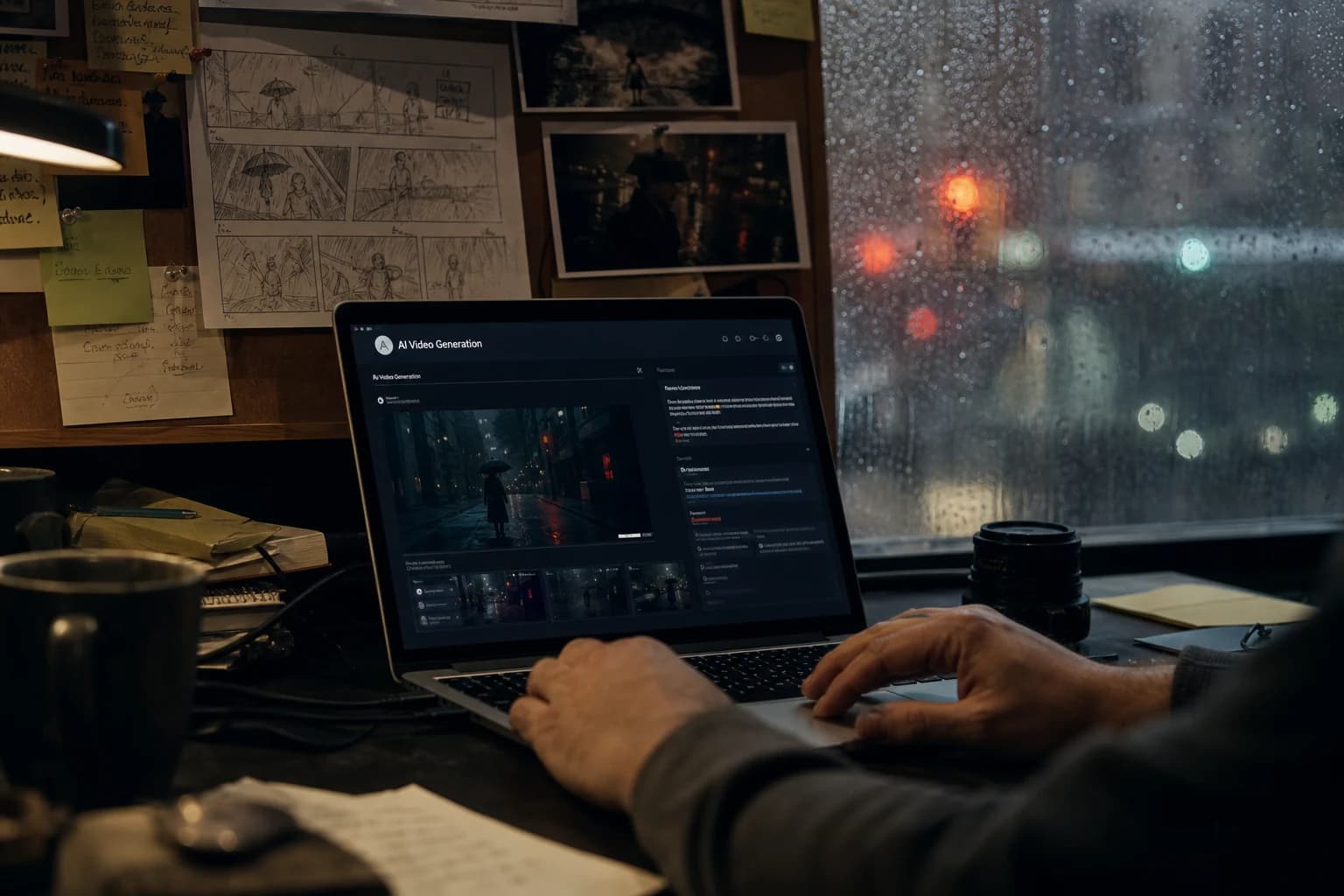
Contents · 11 sections
You launch Kling 3 on an image that cost you an hour. The first movement is seductive. Then the fabric becomes liquid, the face slides a millimeter at each frame, and your "fluid animation" looks like a melting postcard. You are not bad. You do not yet have a Kling 3 workflow that treats the movement like a director, not like an effect-machine player.
This guide is the complete pipeline I use when the brief requires fluid and realistic animation: ad with a product gesture, short fiction, ambiance shot with a credible displacement. Kling 3 is often strong on the dynamics, but strength with no discipline produces impressive sequences unusable in the edit. We are going to lock the upstream, calibrate the movement, reject fast, and finish in sober post.
This workflow was written for Kling 3. For where the tool stands in October 2026, with Kling 4.0, Video 3.0 multi-shot and current prices, read my Kling AI review for fiction.
What "fluid and realistic" means in production
Fluid does not mean "with no visible cut at first glance". It means: the subject stays the same being, the light does not jump temperature, the physics of the fabric and the hair does not betray the model between frame 12 and frame 48.
Realistic does not mean "hyper sharp". It means: a readable movement intention (who goes where, why), a camera that does not do gratuitous acrobatics, and imperfections that resemble the world (grain, micro motion blur) rather than a software demo.
The tool trailers show sorted prompts and short durations. Your daily life is client brief, feedback at 6pm, and ten shots to deliver. The Kling 3 workflow for fluid and realistic animation must therefore be fast to diagnose: you know in thirty seconds if a clip is a debt or an asset.
For the image-to-video base, open how to turn an AI image into a fluid and credible video, and for the complete structure, the complete image-to-video pipeline. Kling 3 amplifies what you give it. A contradictory pilot gives a "wow" then dead animation.
💡 Frank's Cut: on Kling 3, always start with low camera movement + single subject action. Raise the amplitude only when the face holds over 4 s. The reverse order costs you evenings.
Pipeline architecture (overview)
| Phase | Goal | Deliverable |
|---|---|---|
| 0 Brief | One action, one light | brief_shot04.txt |
| 1 Pilot | Texture + framing locked | PILOT_v03.png |
| 2 Kling 3 | Short batch, noted seeds | raw_v01-08.mp4 |
| 3 QA | Eyes/jaw/hands grid | selection_A/B |
| 4 Post | Balance, grain, no sharpen | post_shot04.mov |
| 5 Edit | Cuts + sound | master_scene.mov |
Compare with the generic Luma + Kling approach in Luma Dream Machine / Kling: generating fluid videos. This tutorial is Kling 3-specific and oriented toward subject animation, not only atmosphere.
Phase 0: movement brief (not a poetic novel)
A weak movement brief looks like "something dynamic and cinematographic". A strong brief looks like a call sheet: who moves, how much, in what direction, with what camera, and what is forbidden. Kling 3 interprets the vagueness as random energy. The random energy is the fabric that melts.
If you come from AI photo, you must unlearn the obsession of the perfect frame. In animation, the perfect frame in the middle of a failed transition serves nothing. Think cycle, think edit masking, think acceptable debt on the background if the face holds.
Write the movement like a verbal storyboard:
- Camera: static, slow pan left, push-in 5%, etc.
- Subject: walks two steps, turns the head, puts down the glass.
- Bans: no orbit, no violent zoom, no hair masking the eyes.
Drink ad example: "Chest shot, 28-year-old woman, plain t-shirt, window light, she lifts an 8 cm glass in 3 s, almost static camera, no splash, no camera rotation."
If you mix "she walks" + "camera orbit" + "hair in the wind" on the first try, Kling 3 will choose what it sacrifices. Spoiler: it will often be the fingers.
Phase 1: movement-oriented pilot image
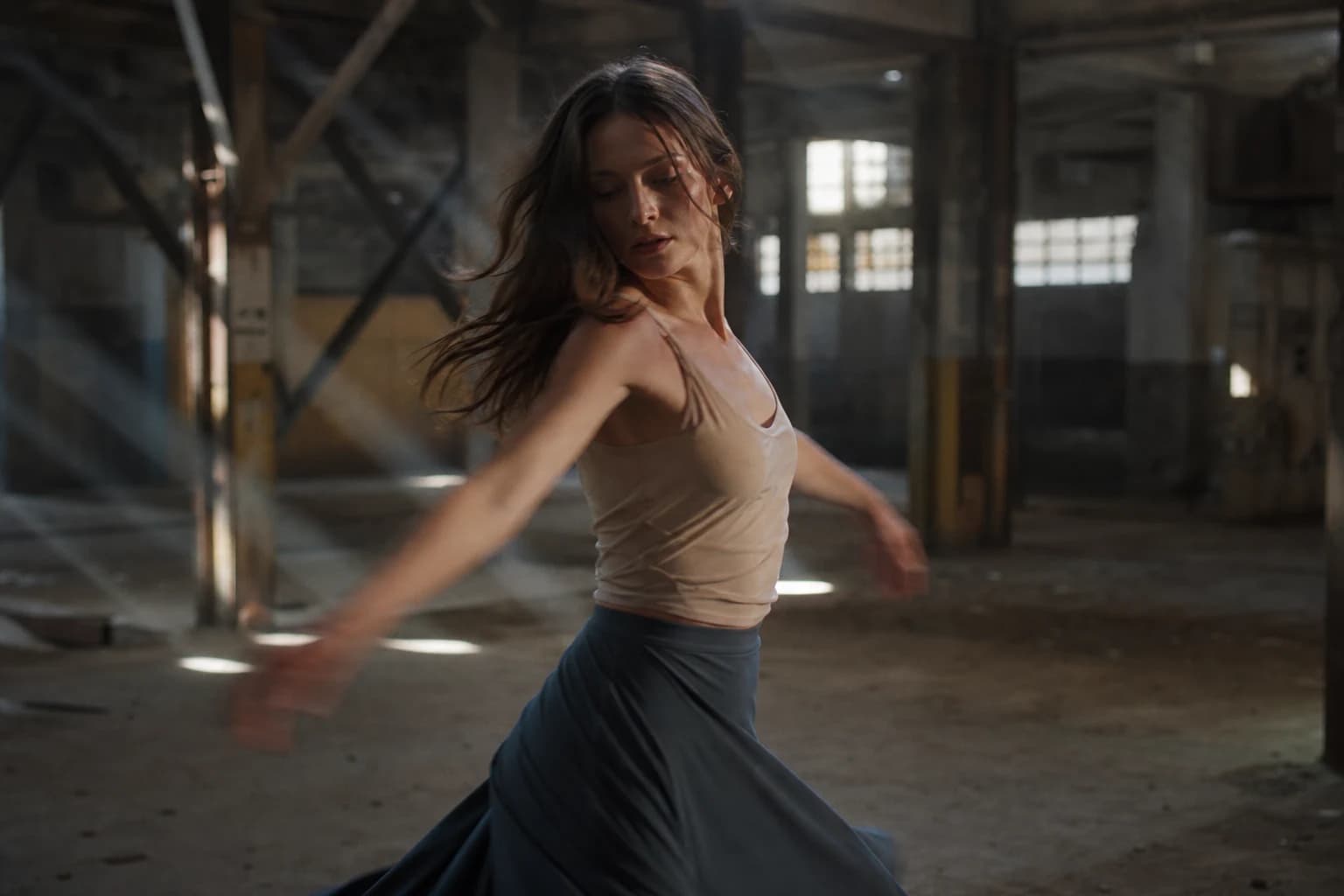
The pilot must prepare the gesture, not contradict it.
Framing: leave space in the direction of the movement (rule of thirds on the gaze side or the walk side). A subject stuck to the edge opposite the movement forces the model to "invent" a set.
Texture: skin with visible pores, fabric with folds, no "beauty" retouch. For ultra-detailed images upstream, the guide Flux vs SDXL: which AI to choose for realistic images helps choose the right image engine.
Hands: if the gesture involves the hands, the pilot must show the fingers clearly but with no extreme close-up. The hand close-up = red zone in video on almost all engines.
Archive: prompt, seed, resolution, explicit file name.
Phase 2: Kling 3, generation protocol
The interface labels change depending on the versions. The principles stay.
Starting settings (iteration)
- Duration: 4 to 6 s for a simple gesture; 3 s if a face close-up.
- Movement strength: low at the start; one notch at a time.
- Camera: a single instruction (pan OR push, not both).
- Resolution: fast iteration mode if available.
Typical prompt (structure)
CAMERA: very slow pan left, subtle, no orbit
SUBJECT: woman takes two slow steps forward, natural gait,
fabric moves realistically, no morphing fingers
LOOK: natural skin texture, soft film grain, restrained color,
no oversharpen, no plastic skin
NEGATIVE: deformed hands, face warp, flickering background lines
Batch: 4 to 6 variations, not twenty. Note the seed and the strength for each clip.
A/B protocol 45 minutes
- 10 min: baseline, 4 clips, classify A/B/C.
- 15 min: one lever (camera strength OR subject action).
- 10 min: re-test of the 2 best seeds.
- 10 min: export selection + note acceptable debts.
To deepen the movement vocabulary, how to improve the realism of movements in AI video details transferable strategies.
Phase 3: animation QA (the 20-second grid)
Playback with no sound, then with room tone.
- Silhouette: shoulders and head keep the volume.
- Feet (if visible): no ice-skate slipping.
- Fabric: no fusion with the skin.
- Face: eyes and jaw stable.
- Background: vertical lines with no ripple.
A "fluid" clip that fails on two lines is C, even if it is beautiful in thumbnail.
💡 Frank's Cut: play the clip at 50% speed once. The morphing defects you excuse at normal speed become obvious. If it breaks at 50%, it is not ad-deliverable.
Phase 4: post and edit integration
- Correction: one white temperature for all the shots of the scene.
- Contrast: moderate; the aggressive curves reveal the AI plastic.
- Grain: fine, especially shadows (cinema grain on an AI image).
- Motion blur: do not add any to "hide"; you also hide the realism.
- Sound: light foley (steps, fabric), room tone, hard cut rather than morphing between two different geometries.
The physics of human movement has been documented for decades; the biomechanics of gait recalls that the credibility comes from repeatable cycles, not from random gestures. Ask Kling 3 for short cycles rather than long acrobatics.
Three complete scenarios
Scenario 1: lifestyle ad (walk + smile)
Pilot: cowboy shot, wet sidewalk, lateral sunset light.
Kling 3: two steps forward, light smile, static camera, 5 s max.
QA: feet and jaw OK? Otherwise lower the strength and the duration to 4 s.
Post: desaturation 8%, fine grain, footsteps sound on a discreet drum machine.
Scenario 2: tension shot (abrupt stop)
Pilot: chest shot, corridor, hard key on one side.
Movement: subject stops, visible breathing (shoulders), no running.
Trap: "running" in the prompt = hands and background explode. Fix: "slows to a stop".
Scenario 3: product (hand toward object)
Cutting: shot A hand approaches, shot B object alone if the finger fuses.
Kling: minimal amplitude, 3 s.
Edit: hard cut + metal/glass sound, no morphing dissolve.
For the comparative engine context, WAN 2.7 vs Kling 3 and Seedance 2 gives a grid when you hesitate to stay on Kling for a precise shot.
img2img iteration from an extracted frame
Sometimes the middle of the clip is perfect but the end drifts. Export the cleanest frame, run it back as a pilot, relaunch Kling 3 on 3 s with a simpler ending action. You edit entry + ending on the cut. It is editor work, no shame. The demos that show a single perfect take omit this step.
Motion Control and external references
When the interface proposes Motion Control or a movement video reference, use a simple reference (slow walk, breathing) before importing a complex choreography. The reference guides the amplitude; it does not replace an honest pilot. If the face goes haywire, lower the motion influence and go back to the minimal brief.
Comparison table: Kling 3 movement types
| Movement type | Difficulty | Field tip | Recommended max duration |
|---|---|---|---|
| Slow push-in | Low | Ideal to start | 5 s |
| Slow pan simple set | Low | Avoid striped walls | 4 s |
| Walk toward camera | Medium | Check the feet | 4 s |
| Head turn + hair | Medium | Short or tied hair | 3 s |
| Hand + small object | High | Cut into 2 shots | 3 s |
| 360 orbit | Very high | Avoid in prod | 2 s test only |
Troubleshooting: animations that break
Jelly effect then jerk. Cause: movement strength too high on a static pilot. Fix: lower the strength, or a pilot with a light directional motion blur simulated in the image (with caution).
Fabric that fuses with the skin. Cause: wind + close-up. Fix: wider shot, less wind, short duration.
Face that "slides". Cause: push-in + close-up + smooth skin. Fix: skin texture in the pilot, slower push, 3 s.
Background that breathes. Cause: tracking on vertical lines. Fix: static camera or minimal set.
Too nervous "demo" animation. Cause: prompt overloaded with dynamic adjectives. Fix: remove 50% of the words, one action.
Long lip-sync on Kling. Cause: expecting perfect dialogue on a body gesture. Fix: voice in post, short shots, cuts on the gaze.
Comparing two exports unfairly. Cause: different durations or strengths. Fix: normalize before judging.
The AMPAS standards on visual narration do not talk about AI, but the principle holds: the movement serves the story. If you cannot explain why the camera moves in one sentence, remove the movement.
"Fluid animation" cutting for a 30 s scene
Do not think "one 30 s clip". Think 6 clips of 4 to 5 s with the same light pilot and disjoint actions: entry, pause, gesture, reaction, product detail, exit. Kling 3 holds the physics better on short beats. The edit creates the narrative fluidity, not a single long morphing.
Sound and animation: set before over-generating
Record or place a scratch audio (steps, breathing, glass) on the timeline before launching ten new variations. Your eye follows the ear: a too-fast gesture sounds false even if the image is pretty. How to structure an AI video like a real film helps when you go from single shots to an edited scene.
When to abandon Kling 3 on a shot
If after two clean sessions (unchanged brief, validated pilot, 12 variations max) you stay under 25% of A/B, the shot is badly designed for animation (too many hands, too much orbit, too much duration). Change the storyboard, do not torture the engine. Sometimes a static shot + cut + sound sells better than an impossible tracking.
Double quality pass. Pass one: normal playback. Pass two: frame by frame on three frames around the critical gesture (hand putting down the glass, foot landing). The fusion defects often appear on this ten-frame window.
Scale of the subject in the frame. A character too small forces the model to "invent" face detail in motion. A tighter shot with a sharp pilot often holds better than a wide shot where the face is a smear in motion.
Frequently asked questions
Quick answers to the questions readers ask most about this article.
Is Kling 3 enough alone for a short film?
Rarely with no edit discipline and no coherent pilots. Kling 3 excels on well-briefed single shots. A short film requires a character bible, sounds, and matches. Use Kling for the shots where the movement is the heart of the beat, not for the whole film in one click.
What difference with Luma Dream Machine?
Luma often shines on the atmosphere and the enveloping movements. Kling 3 is often more convincing when the subject displacement and a certain dynamic count. Many pros alternate depending on the shot, not depending on the hype.
Do I always have to write the prompt in English?
Not mandatory, but the technical tokens (push-in, locked-off, natural skin texture) are often better interpreted in English. If you work in French, keep a fixed structure CAMERA / SUBJECT / LOOK / NEGATIVE and do not mix the languages in the same identity block.
How to handle long hair?
Tie it, reduce the wind, avoid the close-up with strands in front of the eyes. Ask for a minimal head movement. The hair is a morphing border on most 2026 video engines.
Can I chain two Kling clips for a longer shot?
Yes with the same visual reference pilot and cuts on action (gesture masking). Avoid the dissolve transitions between two different face geometries. The viewer forgives a cut, not a face that melts.
High-resolution mode from the first try?
No. Validate the movement in fast iteration. Go up in resolution when the shot is A. Otherwise you pay in time to enlarge defects.
How to bill this workflow to a client?
Bill in validated shots, not in raw generations. Document the pivots (brief change, new character). The transparency on the AI avoids the disputes in post.
Where to place this workflow in a larger chain?
After storyboard and pilots, before the final grading and the mix. For the next step (AI storyboard, assets), chain with generating a complete professional storyboard with AI when you scale up.
Is Kling 3 suited to animals or objects alone?
Sometimes, with simple movements (cloud, curtain, water). As soon as a mammal or a face comes into play, apply the same QA grid. The furs and the reflections are morphing zones. Treat them like hands: short duration, low amplitude.
Should you interpolate between two Kling clips?
The interpolation can smooth, but it can also melt two incompatible geometries. Prefer the hard cut + sound when the faces do not match frame to frame. Reserve the interpolation for objects or backgrounds with no face.
The Kling 3 workflow for fluid and realistic animation is not "more movement". It is the right movement, at the right dosage, rejected without mercy when the physics lies. Do that, and Kling becomes a set tool, not a funfair.
Folder template per animated shot
: shot07_kling/raw/, shot07_kling/select/, shot07_kling/post/, shot07_notes.txt. Same logic as on a shoot: nobody delivers the whole hard drive to the client.
Realistic weekly rhythm
: Monday pilot bible, Tuesday-Wednesday Kling generation per scene, Thursday QA + post, Friday assembly edit. This rhythm avoids the "regenerate everything Friday" trap when the brief was good from Tuesday.
For cinema prompts that feed your pilots, how to write an ultra realistic cinematic prompt completes the upstream text layer.
Related articles
 Tutoriels
HaiLuo / MiniMax Workflow for a Realistic AI Short Film
A complete HaiLuo and MiniMax chain: brief, pilot, modest movement, QA and post for a credible short film with no demo look.
 Tutoriels
Complete workflow to go from an idea to a realistic AI film
From the note on paper to the master, the chaining of the steps, the files, and the control points like in a studio.
 Tutoriels
How to Add Realistic Motion Blur
After an AI video generation that is too sharp, motion blur becomes a question of perceived physics: plausible temporal integration, vectors that read together, a serious software chronology and mobile tests against the double blur that delivers, once again, a tired demo.