The 10 Artificial Intelligence Sites Every Creator Must Know (2026)
A map of the platforms really useful in production: image, video, sound, writing, research and workflow, with selection criteria so you do not dilute your budget.

You do not need fifty tabs. You need a map: ten sites that cover image, video, sound, writing, research, and work organization. The rest is noise.
If you are reading this at two in the morning because a client wants "more variations tomorrow", breathe: the solution is not an eleventh tool. The solution is a pipeline split and a file convention. The tools do not replace a production that knows how to say no.
This list is not a "fanboy" ranking. It is a survival kit for someone who has to deliver: brief, iteration, export, minimal compliance, and above all finishing. The URLs change, the interfaces too. What remains are the categories. If you learn the categories, you can change tool without losing your craft.
How to read this list without going wrong
I classify each site by function: what it replaces in a real creative chain. I also note the classic trap: where you lose time if you have no method.
The golden rule: one tool per critical step. If you have three tools that do the same step, you will fight with exports, colors, different faces, and you will blame the AI instead of blaming your lack of choice.
For an overview of the video tools, start with our comparison of the best AI video tools. For the complete "idea to file" chain, also link our article on video generation: new tools and changes for directors.
Table: ten bricks, ten needs
| Brick | Creative need | Selection criterion |
|---|---|---|
| Generalist image | Fast explorations | Cost / speed |
| Pro / control image | Deliverables | Consistency |
| Generative video | Short shots | Credible movement |
| Audio / voice | Dubbing, VO | Consent |
| Music | Beds, tests | Clear rights |
| Writing | brief, scripts | Structure |
| Research | sources, watching | Reliability |
| Organization | production | Traceability |
| Open models / community | fine control | Technical time |
| Honest watch | avoid the bullshit | Primary sources |
This table is deliberately brand-agnostic: in 2026, the names change fast, but the bricks stay. Your job is to map each brick to a tool you really master, not to collect logos on your showcase site.
The "TikTok creator stack" traps (and how to avoid them)
These traps are not moral: they are economic. They steal billable hours from you and give you a false sense of competence because you "tested lots of stuff".
The permanent demo trap
You spend your time reproducing tutorials instead of delivering. The demo is not a craft. Set a rule: one hour of watching, five hours of making.
The new-tool-every-Monday trap
You restart your learning curve in a loop. Choose one tool per quarter as "main" and limit the experiments to time slots.
The share-with-no-context trap
You post an "incredible" render with no mention of what failed before. You train your audience to believe in magic, then your client hates you when the magic does not happen.
The file debt trap
You export ten versions with no name. You lose the validated version. You redo everything. Name like an editor: date, initial, version.
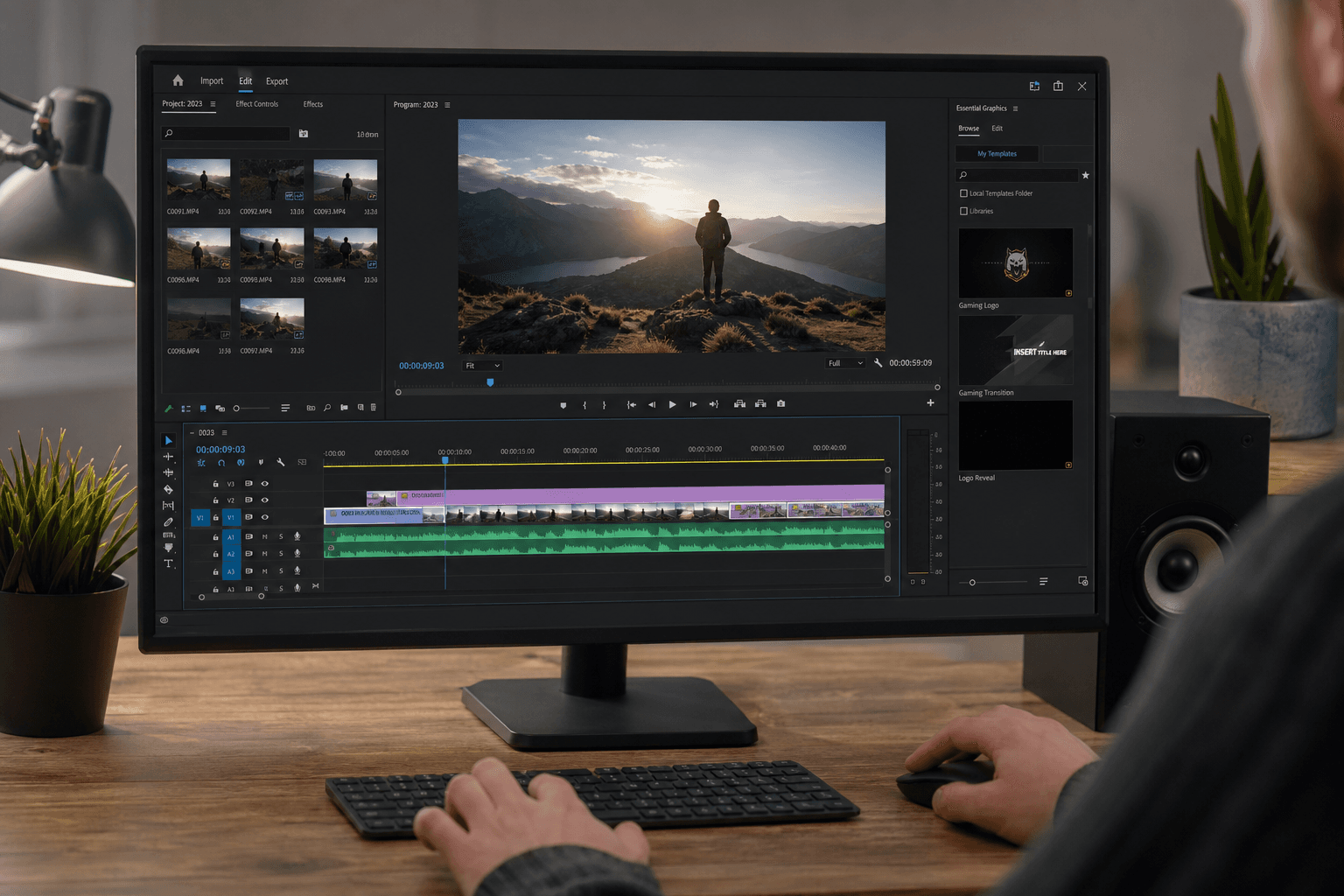
1) An "all-in-one" studio to iterate fast (Runway-like type)
The generalist studios serve to prototype: image, short video, sometimes audio. Their strength is speed. Their weakness is the fine governance of rights and the long-duration consistency.
Use this site as an idea editing room, not as a broadcast master with no verification. Export early, test on a big screen, check the hands.
In an agency context, I use it to decide: does the scene hold up in ten seconds? Does the visual rhythm fit the script? Does the client finally understand what "more cinema" means concretely? It is not the final version: it is a test bench.
💡 Frank's Cut: impose an internal rule: no face close-up shot with no human validation, even if the tool promises realism.
2) An "agency" image engine (Midjourney-like)
Here you look for the aesthetic signature and the exploration speed. It is excellent for moodboards, directions, palette tests.
The trap: everyone recognizes certain priors. If you want to avoid the stock look, you must push the constraint: light, optics, material, and owned imperfections.
For photorealistic bases with no plastic, see our guide how to generate photorealistic AI images with no plastic effect.
In practice, this type of tool also serves to convince a client who does not read the words. You show ten directions in one hour, then you lock a single one. Speed serves the decision, not the chaos.
3) A "Photoshop of the generative" tool (Firefly-like)
Indispensable when you must integrate AI into a retouch flow: cleanup, frame extension, variations of a validated composition.
The value is in the workflow: layers, masks, non-destructive. If you only use the magic button, you throw away the advantage.
The difference with a "one shot" studio is that you can reinject the real: a shot take, a product, a logo. It is often there that the campaign becomes credible, because you anchor the AI in a verifiable photo.
4) An open source / community hub (Civitai / Hugging Face-like)
If you want control, specialized models, checkpoints, LoRAs, you end up here. It is not "free in time": it is expensive in skill.
But it is often the only place where you can lock a style for a series.
To read the model ecosystem, a stable entry point is the community around Hugging Face (models, cards, discussions). It is not a recommendation of blind downloading: it is a library to use with caution and rights.
The classic trap: you download ten models and you master none. Better two documented models and a stable settings sheet.
5) A focused video generator (Kling / Luma-like)
You want short shots, camera movements, atmospheres. These tools move fast: the good tactic is to compare on the same brief for one hour, then choose. Always cross-reference with your screen test: a shot can hold on a phone and collapse on a TV.
Here, the skill to monetize is the animatic storyboard: showing a movement intention without promising a perfect feature. Brands often buy this step because it reduces the misunderstandings before a shoot or a big media purchase.
6) An audio voice stack (ElevenLabs-like)
The voice is a legal and ethical subject before being a technological one. The useful site is the one that gives you consent controls, clean exports, and a stable API.
Do not clone a voice with no frame. It is commercial self-sabotage. Document consent, usage scope, and a human plan B.
In a serious workflow, you separate work voice and master voice: the first serves to edit, the second is validated contractually.
7) A music stack (Suno / Udio-like)
Perfect for emotion tests, sound mockups, temporary beds. For a public delivery, you stay disciplined on the rights and the similarity.
Generative music excels on simple structures and atmospheres. It still struggles on fine narrative transitions and on ultra-specific mixing requests. Your ear stays the final judge, not the render button.
8) A writing assistant (ChatGPT-like)
Serves to structure briefs, reformulate, translate, prepare client questions. It is not a final author for a series, but a very useful copilot.
The trap: the "neutral" tone. You must impose a voice.
I also use it to prepare review grids: fifteen questions to check before validating an AI shot. It professionalizes a team without bureaucratizing it.
9) A "sources" search engine (Perplexity-like)
Useful to condense long docs and point to sources. Always check: the AI can hallucinate references.
For academic and technical rigor, cross-reference with arXiv when you touch strong claims.
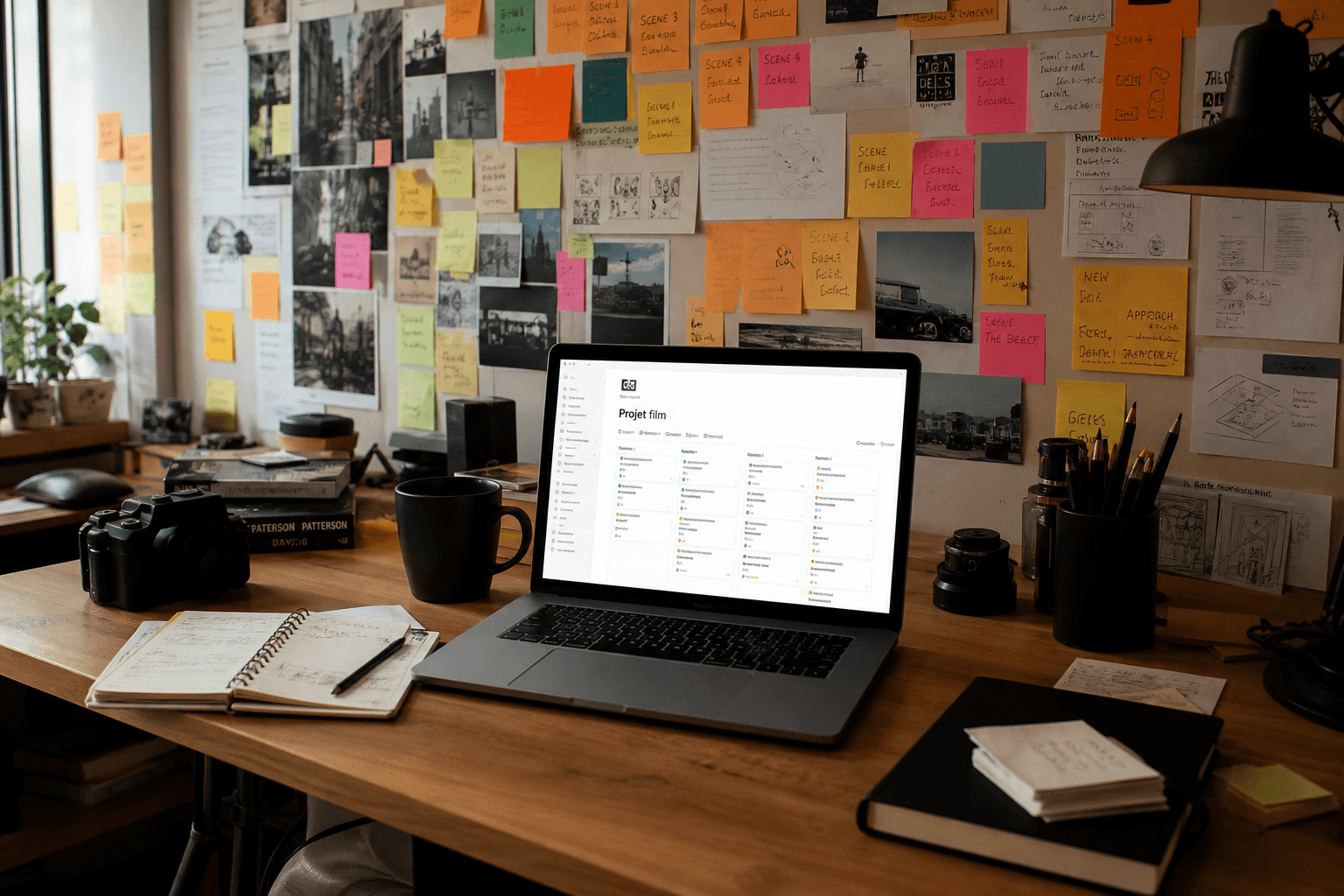
10) An organization tool (Notion-like)
AI production generates versions, prompts, captures. If you do not centralize, you lose your own knowledge.
For a production bible and a centralization of the versions, see our guide Notion AI for a film / series production bible.
With no organization, you cannot monetize: you cannot even find the seed of the validated shot. Organization is a revenue skill.
Practical case: a social campaign in ten days (realistic stack)
Day 1 to 2: tight brief + moodboard (image engine + org). Day 3 to 5: short video prototypes (studio or focused generator). Day 6: retouch and color consistency (Photoshop-generative-type tool). Day 7: temporary sounds + work voice (mind the consent). Day 8: internal review with a grid. Day 9: exports + versions. Day 10: unforeseen buffer. If you have no buffer, you negotiate the scope, not the quality.
This calendar assumes a tiny but disciplined team. If you are solo, add two days or remove a variation. What matters is not the number: it is the separation of the steps. The tools accelerate each step, but they do not replace the decision on what goes out. When a client asks you "faster", you show where the risk increases: faces, hands, logos, music.
30-day roadmap: stabilize your stack without going crazy
Week 1: honest inventory
List what you really use on your last three paid projects, not what you love on YouTube. Classify by time spent. Time does not lie. Add a "pain" column: where you got scared, where you lost a file, where you promised too fast.
Week 2: single benchmark
Choose a standard internal brief (portrait, interior, action shot). Run the same brief in two tools max per category. Document failures. Take named captures. Otherwise you will not remember why you chose.
Week 3: conventions
File naming, R&D vs DELIVERABLE folders, validation grid. It is boring and it saves you. Write a "team rules" page even if the team is you: future you will thank you.
Week 4: decision and unsubscriptions
Cut a redundant tool. Put the money back on training or on a bigger hard drive. One subscription less, one decision more. If you cannot cut, it means you have not documented the redundancy enough: back to week 2.
What you must refuse (even if it is free)
Refuse to mix "almost real" characters with no consent. Refuse the workflows where nobody knows who validates. Refuse the exports with no metadata when you work as a team. These refusals seem bureaucratic to you: they are in reality speed guardrails, because they avoid the catastrophic rollbacks.
Also refuse the race to accounts: two badly shared company accounts are worth less than one well-governed account. Refuse the "wild tests" on client data: a leak will cost you more than six months of subscriptions.
For the European frame that is rising in importance in the briefs, keep a stable reference: European Commission AI strategy. For a transversal reading on the societal impacts, see UNESCO AI. For the intellectual property questions when you mix sources and generation, the WIPO orientation page on AI and IP helps to lay the vocabulary (without replacing a lawyer).
Troubleshooting: why your stack explodes
You confuse exploration and master
Fix: two folders: R&D and DELIVERABLE. No mixing the file names. If you must recover an R&D image for a master, you copy it explicitly into DELIVERABLE and you rename it. Otherwise you deliver a non-validated file without realizing it.
You multiply the generators with no criteria
Fix: a monthly benchmark, not a daily one. Each new test must answer: "which bottleneck do I remove?" If you have no quantified or operational answer, you procrastinate.
You ignore the rights
Fix: read the terms of use and the data policy of each critical tool. For the European public frame, pick up the links already listed earlier in this article (Commission, UNESCO, WIPO) and have the borderline cases validated by a lawyer when you touch faces or voice.
Why only ten sites?
Because ten is already too much if you do not master them. The goal is a coverage: image, video, sound, text, research, org. Beyond that, you pay for the scatter. If you are solo, aim for six bricks max in the first quarter, then add as you see a real bottleneck, not a Twitter FOMO.
Should you take annual subscriptions?
Not at the start. Monthly, test, lock if the tool is on your critical path. The annual is interesting when you have twelve weeks of usage proof. Otherwise you find yourself funding a museum of subscriptions you no longer dare to cancel because "maybe useful one day".
Which site to sacrifice if the budget is tight?
Sacrifice the duplicate. Keep what saves you time on your main deliverable (often image + edit + org). If you must cut, cut first what is nice but not on your critical path, even if the interface is beautiful.
Are the "open weights" worth it?
Yes if you have technical time and need control. No if you must deliver tomorrow. The hidden cost is the maintenance: drivers, versions, dependencies, datasets. It is a business.
How to avoid the generic look?
Strong brief, references, imperfections, and real photo post-treatment. Add an internal rule: "excessive smooth forbidden". The generic loves plastic skin and HDR: you must learn to spot it like you spot a bad grading.
Are the "free" sites safe?
Sometimes not. Read the terms, the rights, and above all what you upload as client data. If you do not understand the data policy, assume that your files can be used to train third-party systems and explain the risk to the client.
Should you host everything locally?
Not mandatory. Choose according to the data sensitivity. The local increases the control and sometimes the cost. The cloud increases the speed and sometimes the exposure. The right choice is documented.
How to train a team on ten tools?
You do not train on ten tools. You train on three paths: idea, prototype, deliverable. The tools fit under these paths. Give one-page sheets per path: where to click, where to export, where to validate. Otherwise you create ten incomplete experts instead of a team that delivers.
Should you standardize on a single ecosystem?
If you can, yes, especially as a team. But do not sacrifice a better tool on a precise task out of dogma. Standardization serves the training and the billing, not the maximum quality on each micro task. The good compromise is often: one dominant ecosystem, plus a "spike" tool on a critical skill (sometimes open source for the control).
Related articles
 Analyses
Luc Julia and the French Vision of Artificial Intelligence
Career path, strong ideas and what a creator can take from them: between sovereignty, engineering and industrial pragmatism, with no naivety or catastrophism.
 Analyses
Artificial Intelligence and the Creative Industry: Opportunities or Dangers?
A reading grid for brands, studios and independents: where AI creates value, where it weakens trust, and how to decide without getting trapped by the marketing.
 Tutoriels
Why and How to Train in Artificial Intelligence in 2026
A realistic training plan for creators: basics, image and video tools, ethics, portfolio and continuous updating without drowning in the hype cycles.