FLUX.2 and the Open-Weights Shift: Local AI Image
With FLUX.2 and its open-weights variants, generating credible AI images locally becomes realistic. What it changes for a creator in 2026.
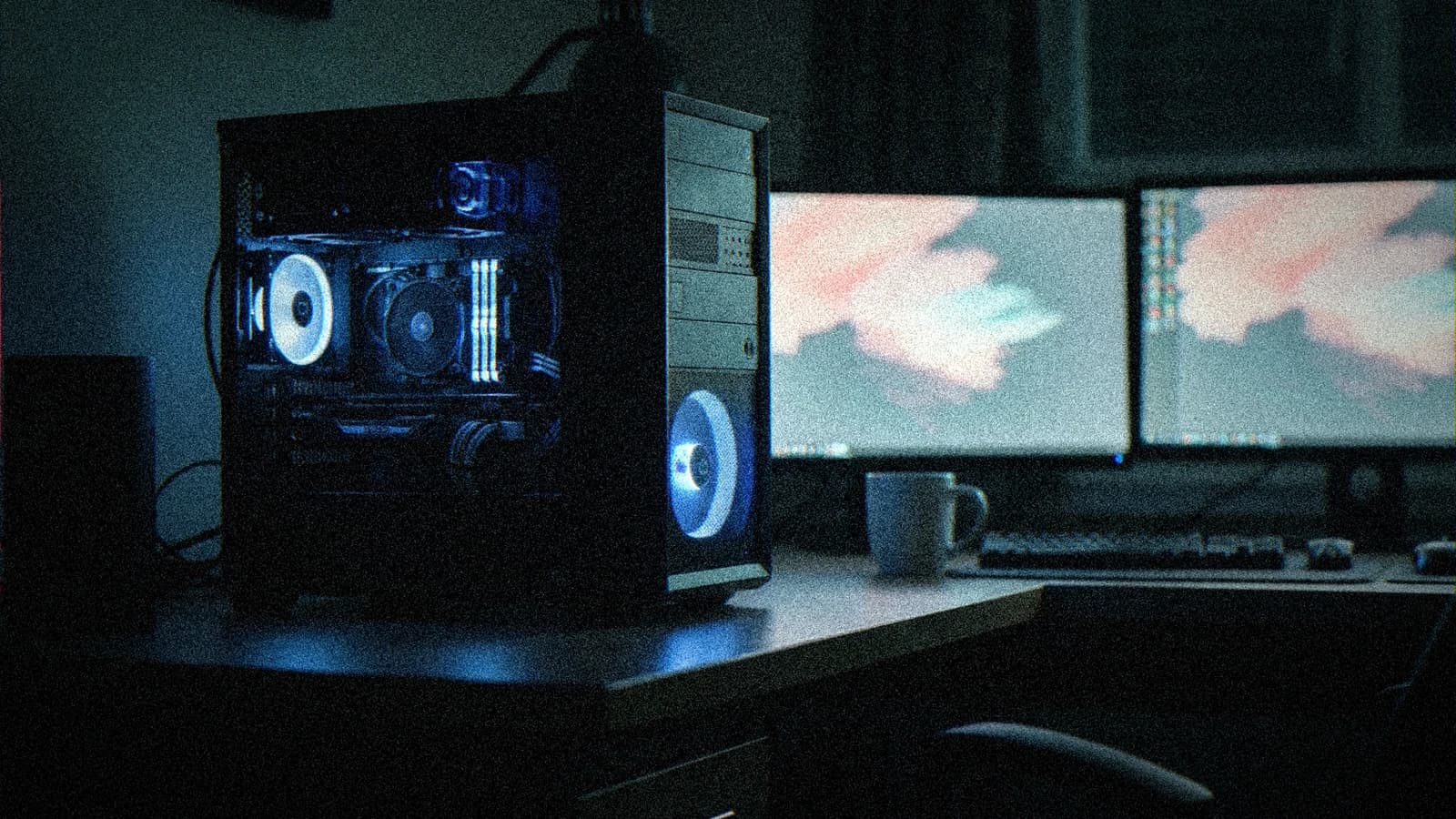
For months, the debate on AI image revolved around the cloud APIs: who pays the most credits, who waits in the queue, who gets rate-limited at the worst moment. In 2026, the question changed. With the FLUX.2 family from Black Forest Labs and the wave of open-weight models, generating credible images directly on your machine is no longer a tinkerer's fantasy. It has become a production option.
And it matters. Because the nerve center for a creator is not the slap of an isolated image. It is the control, the iteration speed, and the cost when you produce dozens of variants for a client who changes their mind three times a day.
We are going to look at what FLUX.2 really brings, what open-weights means concretely, and where the trap is.
What happened on the FLUX.2 side
Black Forest Labs, the team behind FLUX, pushed its second generation of image models. FLUX.2 [dev] is an open-weight model of 32 billion parameters for text-to-image generation and image editing, released at the end of November 2025. In January 2026, the team followed with the FLUX.2 [klein] family, presented as their fastest models, able to generate in under a second on consumer cards.
The family covers the whole spectrum. Four variants, from [pro] on the cloud API side to [klein] designed to run on your machine, by way of [flex] and [dev]. In other words, the same visual universe, from the server to the desktop PC.
On the hardware side, NVIDIA and Black Forest Labs worked together to quantize the model in FP8, which reduces the necessary video memory by about 40 percent at comparable quality. Field translation: models that barely fit on a big card start to run on more modest configs.
It is not an isolated event. It is a deep trend of 2026: powerful image and video models, published in open weights, optimized to run locally.
Open-weights, what does it mean for you
The term sounds technical, but the idea is simple. An open-weight model is a model whose parameters you can download and run yourself, on your hardware, with no going through the provider's API at each image.
For a creator, it changes three very concrete things.
First the cost. You no longer buy credits per image. Once the model is installed, you generate as much as your card allows. On a high-volume project, social variations, concept variants, client iterations, the financial gap becomes real.
Then the control. Locally, you plug the model into a pipeline like ComfyUI, you chain the nodes, you master each step. You are no longer a prisoner of the official interface's limits. You can push the editing, the inpainting, the consistency, where an API throttles you.
Finally the confidentiality. Your client briefs and your sensitive images do not leave on a third-party server. For certain contracts, it is not a comfort, it is a requirement.
💡 Frank's cut: open-weights does not mean free of commercial rights. Each variant has its license. Before billing a deliverable, check the usage conditions of the exact model you use. It is a line in your contract, not a detail.
The trap: local does not mean easy
Let us be honest. Going local is not pressing a button. It is installing, configuring, understanding your graphics card, managing the video memory, and accepting a learning curve.
The first wall is the hardware. Even with a quantization that reduces the memory, a 32-billion-parameter model stays demanding. The fast variants like [klein] exist precisely for this, but you trade a bit of raw quality for speed. It is up to you to judge what your project demands.
The second wall is the pipeline. Plugging FLUX.2 into ComfyUI demands understanding the nodes, the checkpoints, the precision formats. It is powerful, but it does not forgive improvisation. If you are starting, begin with a simple workflow and make it work before stacking the steps.
The third wall is the plastic-render trap. A recent model does not save you from a lazy prompt. You will get a clean image, and clean does not mean credible. Realism is always won in layers: motivated light, plausible lens, texture, post-treatment. The tool changes, the method stays.
What I would do this week
If you produce AI images for clients, here is the order I would follow.
Test first in the cloud, to validate that the FLUX.2 universe fits your style. No point setting up a heavy install if the render does not suit you.
If the style speaks to you and your volume justifies the effort, set up a minimal local pipeline. A fast variant, a simple ComfyUI workflow, a clear goal: reproduce a result you already master in the cloud.
Then measure what you really gain. Cost per series, iteration time, final quality after sorting. Local only makes sense if it saves you time or money over the long run, not because it is fashionable.
For the method part, two direct resources. If you hesitate on the base model, my comparison Flux versus SDXL for realistic images lays the right criteria. And to push the detail, look at the Flux workflow for ultra-detailed images. If you start ComfyUI, the ComfyUI guide for beginner creators will save you the classic mistakes.
The real news is not a model
FLUX.2 is impressive, but the important info is elsewhere. It is the normalization of the local. In 2026, a serious creator is no longer obliged to rent their creativity by the image. They can own their pipeline.
It gives power back to those who want to understand their tool rather than endure an interface. And it creates a divide: on one side those who stay in the cloud out of comfort, on the other those who invest in a mastered chain. Neither option is bad. But they do not lead to the same level of control.
ScreenWeaver starts from the same logic on the production side: it is not a magic button that builds the film, it is the workspace between the writing and the set, where you see the film while you write it. A credible local model is a brick of this chain, not the whole chain.
Foire aux questions
Réponses rapides aux questions les plus fréquentes sur cet article.
Is FLUX.2 free to use for a paid client project?
Open-weights does not automatically mean free commercial use. The FLUX.2 family includes several variants, each with its license, some oriented toward non-commercial use, others more permissive. Before billing a deliverable generated with a precise model, read the conditions of that variant. It is a five-minute check that spares you a dispute. In case of doubt on a sensitive contract, keep a written trace of the model used and its license, exactly as you would document a stock library.
Which graphics card do you need to run FLUX.2 locally?
It depends on the variant. The complete 32-billion-parameter model stays demanding in video memory, even if the FP8 quantization reduces the need by about 40 percent. The fast variants like [klein] are precisely designed to run on consumer cards, at the price of a slight compromise on the raw quality. The good reflex is not to aim for the biggest model, but to align the variant with your project: fast iteration and volume, or maximal final render on a few key images.
Will local replace cloud tools like Midjourney?
No, both logics coexist. The cloud stays unbeatable on simplicity: you open, you type, you get, with no install. The local wins on control, cost at high volume and confidentiality. Many creators keep a foot in each camp: cloud to explore a universe fast, local to produce in series once the style is validated. The real criterion is not the fashion, it is what your volume and your client constraints concretely demand.
Is a more recent model enough to avoid the plastic render?
No, and it is the most widespread mistake. A recent model gives you a clean image, but clean is not credible. The plastic render almost always comes from a vague prompt and an unmotivated light, not from the model. Realism is built in layers: light intention, plausible lens and depth, material texture, mastered post-treatment. FLUX.2 gives you a better base, but the art direction stays your work. The tool raises the ceiling, it does not make the film in your place.
Related articles
 Actualité
AI Video and Native Synced Audio: The 2026 Shift
Veo 3.1, Kling and HappyHorse generate the picture AND the sound together. What native audio really changes for your AI filmmaking workflow.
 Actualité
ElevenLabs Retires Its v1 Voices on July 9: What to Do
ElevenLabs is shutting down its v1 voice models on July 9, 2026. Here is what it changes for an AI film pipeline and how to migrate without breaking your renders.
 Actualité
Midjourney launches an ultrasonic medical scanner: hardware pivot or fireworks?
On June 18, 2026, Midjourney unveiled its first physical product: a full-body ultrasonic scanner. For creators who count on Midjourney for their images, here is what it really changes.