Keeping Props and Accessories Consistent on an AI Project
A tracking system for key objects to avoid inconsistencies in shape, color and position from one shot to the next.
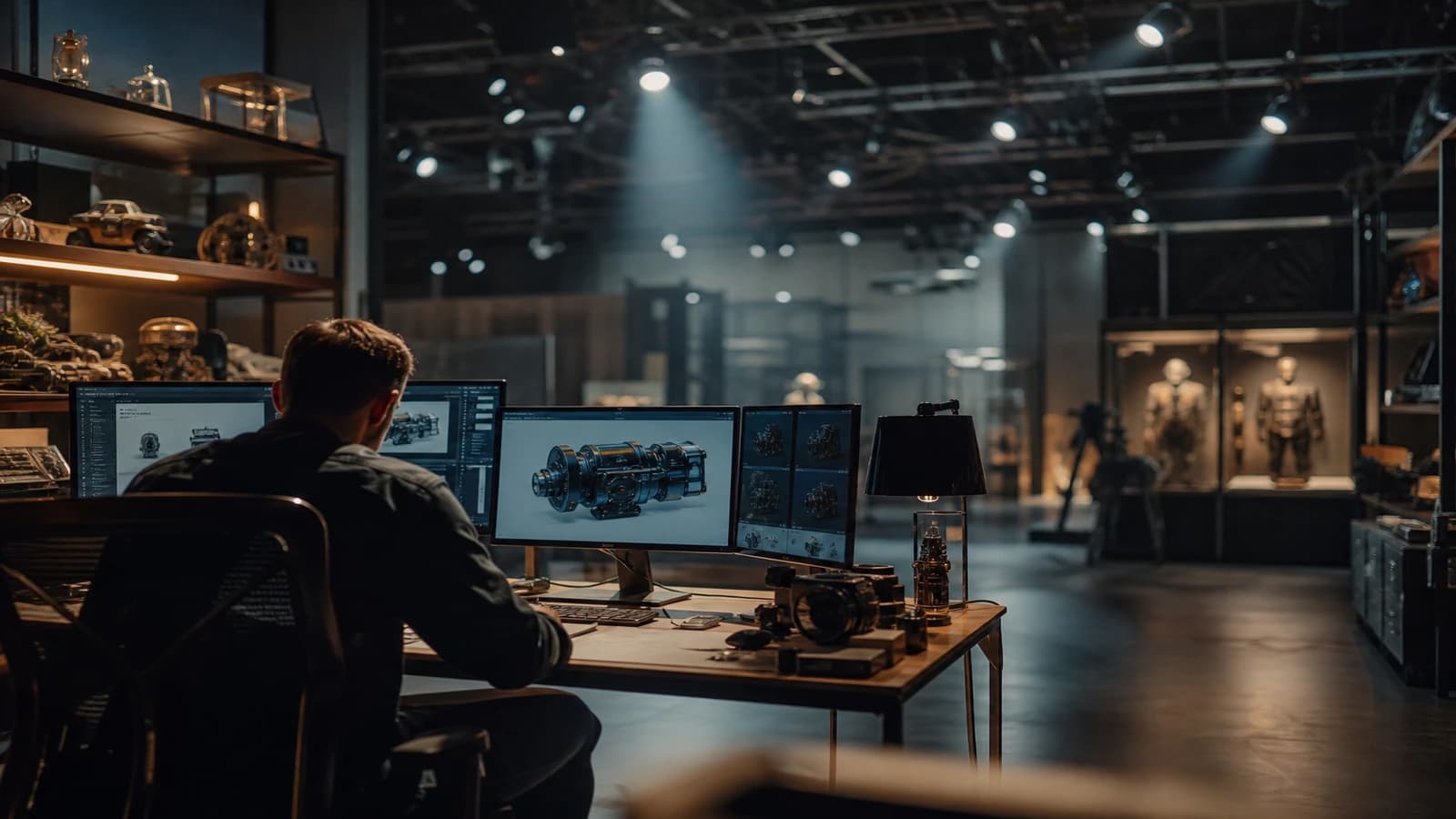
Shot 3: the whisky glass is short, thick, with a square base. Shot 7: the same glass is tall, cylindrical, and the color of the liquid has turned to cognac. Shot 12: the glass has vanished, replaced by a cup. You do not have a generation problem. You have a problem of unlocked props.
On an AI video project, accessories are the first traitors. Faces draw the attention, but it is the objects that give away the continuity: shape, material, position in the frame, reflection, wear. A client does not always say "the glass changed", they say "it looks cheap" or "it feels like a YouTube edit". Keeping props and accessories consistent on an AI project requires an object registry, visual references, and a naming discipline that most beginners never set up.
This guide lays out a field system: inventory, a sheet per prop, generation with a reference, control in the edit, targeted correction. No magic. Just what keeps you from redoing twelve shots because a pen changed color between two cuts.
Why props break before faces do
Image and video engines treat objects as contextual suggestions, not as persistent entities. You write "glass on the table" and the model invents a plausible shape on each pass. With no anchor, you get a variant that is believable on its own, inconsistent in sequence.
The second factor is the prompt that drifts. You add "golden light", then "tight shot", then "premium mood". Each layer reinterprets the accessories. The glass becomes something else without you touching the word "glass". The rule: separate the prop block from the light block and the action block. One lever per iteration.
The third factor is the absence of a registry. On a real shoot, the script supervisor notes "Glass A, shots 3, 7, 12". In AI, nobody notes anything. The result: you discover the inconsistency in the edit, when regenerating costs dearly in time and credits.
Finally, "secondary" props fly under the radar. A book in the background, a watch, a badge, a packaging. The viewer registers them unconsciously. A subtle break is enough to crack the overall believability, even if the hero is perfect.
To set the narrative foundation, read how to create consistent scenes across multiple shots in AI and inserting a product in an actor's hand without artifacts. Hand props and set props obey the same locking logic.
💡 Frank's Cut: create a prop sheet before the first generation: three photo angles or renders, relative dimensions, material, exact color, wear state. Without it, you negotiate with chance.
The object registry: the backbone
Before generating, open a props-registry.md file or a Notion column. Each critical prop gets an ID: PROP-01-whisky-glass, PROP-02-gold-watch, etc.
For each ID, document the physical description, the typical position in the frame, the affected shots, the validated visual reference, and the bans (mirror reflection, readable logo, condensation). This registry becomes your contract with yourself and with the client.
Do not treat everything at the same locking level. Reserve maximum effort for the objects the viewer must recognize from one shot to the next.
Prop criticality table
| Level | Object type | Action | Example |
|---|---|---|---|
| A | Hero product, hand, packaging | Total lock plus IP reference | Cosmetic bottle, phone |
| B | Recurring secondary | Sheet plus same seed/reference | Glass, pen, keys |
| C | Movable set | Locked palette and style | Blurred books, plant |
| D | Background noise | Let it vary slightly | Blurred poster, passersby |
A six-phase field workflow
Phase 1: inventory from the script
Read the script or the storyboard shot by shot. Highlight every object that appears twice or more. Also highlight any "brand" or "product" object even if it appears only once in close-up.
Write one sentence per prop: "What the viewer must believe about it." That sentence guides all the following generations.
Phase 2: a pilot image per level A and B prop
Generate a still image per prop, neutral background or minimal context. Validate shape and material before integrating into a scene. Archive as PROP-01-pilot-v3.webp.
For Flux or SDXL, use a structured prompt: isolated subject, material, soft studio lighting, no hands, no text. CFG Scale around 4 to 5 to avoid over-saturation.
Phase 3: scene integration with a reference
When you move to video, inject the pilot as a reference image or first frame. Keep the prop block identical word for word between the shots of the same set. Vary only the camera angle, the action, the global light.
Phase 4: control in the edit
At every cut between shots sharing a prop, check shape, color, position, scale and wear. Note OK or KO in your timeline.
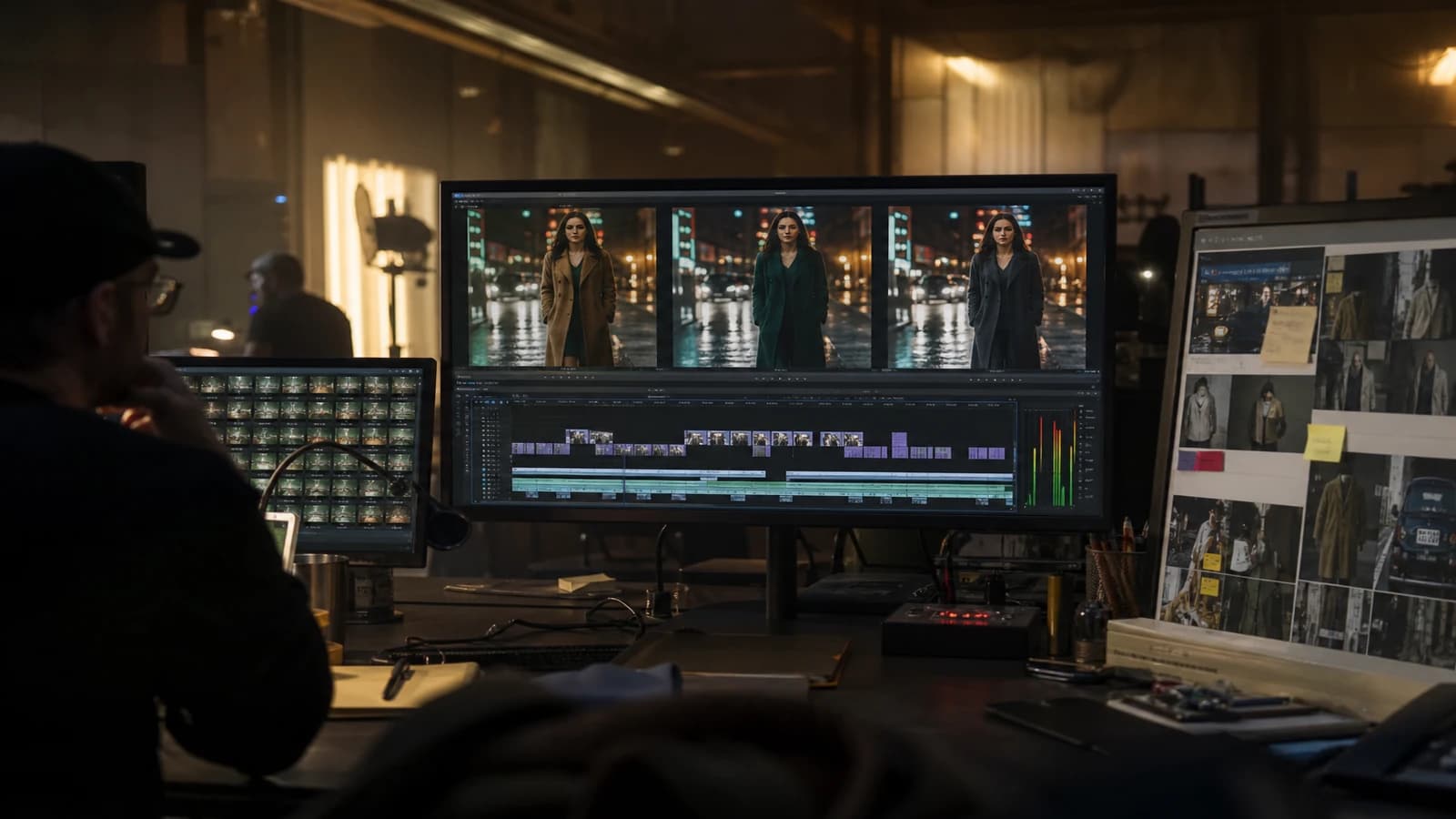
Phase 5: correct without breaking everything
Local inpainting for an isolated prop. Full shot regeneration if the hand, light and prop are all wrong. 2D compositing for client packaging or logo when the model fails on the text.
Phase 6: delivery and prop bible
Deliver the video master plus props-registry.md plus the pilot images. Future variations reuse the same IDs.
Reflective props and text: edge cases
Glasses, screens, shop windows and polished metal are major traps in AI. If you do not need the reflection, choose an angle where the surface is matte or turn the prop to avoid the mirror. If the reflection is narrative (a city in a window), generate the reflection as a controlled element in the prompt rather than letting the model invent an impossible scene in the glass.
Text on props (labels, screens, packaging) must be treated as level A with compositing as a backup. Asking the model for a "Nike logo" or a precise typeface is a lottery. The pro workflow: a generated neutral surface, the logo placed in post with a client vector file.
Hands holding a prop change its silhouette. First lock the grip as a still (hand plus object), then animate. Otherwise you correct the watch and the hand mutates at the same time.
Real scenarios
Spirits ad. The same glass pilot on the bar, living room and hand close-up shots. The bottle keeps its locked camera-facing side. Alcohol reflections adjusted only with light post.
Office series. A fixed-color laptop, a white mug with the handle on the right on all the open-space shots. The laptop screen can change content, not the shell color.
Object documentary. Ten still angles before any video on a unique artifact. Minimal camera movement afterward. Each shot cites PROP-01-medal in the file name.
Luxury watch ad. Level A watch PROP: case, strap, dial. No close-up of a changing date between shots. The displayed time frozen or composited in post.
Common mistakes and fixes
Describing everything in a novel-length prompt. Fix: separate PROP, LIGHT, ACTION, CAMERA blocks.
Confusing style and object identity. Fix: the glass can warm up in the light without changing shape.
Ignoring scale. Fix: note "glass equals 12 percent of frame height" on the sheet.
A dissolve to hide it. Fix: cut on action or regenerate.
No file naming. Fix: P07_PROP01_glass_v2_take4.mp4.
References: YouTube encoding, Vimeo compression, structuring an AI video like a film.
Foire aux questions
Réponses rapides aux questions les plus fréquentes sur cet article.
How many props should I lock on a thirty-second spot?
In practice, between two and five level A or B objects are enough for most ads. Beyond that, you spend more time maintaining the registry than telling the story. Do the script inventory first, then classify each object. Anything that appears only once in a blurry background stays level C or D. This prioritization avoids paralysis and concentrates your credits where the client will really look.
IP-Adapter or ControlNet for props?
IP-Adapter works for the visual identity of an object injected into a varied scene. ControlNet helps lock position and perspective. Often the combo of a pilot still plus img2vid with a locked first frame gives the best time/result ratio for beginners.
What do I do if the prop must change in the story?
Document two states with two pilots. In the edit, the cut must justify the change. Never let the model improvise the state of the liquid between shots with no narrative transition.
Can generated props carry a client brand?
Avoid asking the model for a precise logo. Generate a clean generic prop, then place the logo in compositing. For packaging, a real studio photo as a strong reference almost always beats a text prompt alone.
Should I use the same seed for all the shots with the same glass?
The seed helps on a still image when everything else is identical. In video, lean on the visual reference plus the frozen prop prompt block plus the edit checklist. The seed stays a bonus to note, not the main strategy.
How do I brief a client on the limits of AI props?
Show a before/after example: a shot with no registry vs with a registry. Explain that each recurring object costs locking time, like a set prop.
Inpainting or full regeneration for a KO prop?
If the rest of the shot is A, local inpainting. If more than two critical criteria are KO, regenerate. Inpainting on a hand that holds the object badly often creates worse artifacts than regeneration.
Is the prop registry useful solo?
Even solo, it is indispensable. You forget within forty-eight hours which pilot matches shot 7. The registry is your external memory.
When the accessories hold, the viewer does not notice them. They believe the scene. That is keeping props and accessories consistent on an AI project: invisible when it is done well, catastrophic when you ignore it.
Prop registry workshop: a 45-minute exercise
Minute 0 to 10: list all the recurring objects of the script on a sheet. Classify each object A, B, C, D by criticality. Minute 10 to 25: generate a pilot still for each A object. Minute 25 to 35: copy the prop prompt block into a separate text file, with no light or action. Minute 35 to 45: mentally edit the cuts and note the at-risk shot pairs.
This workshop avoids blind generation. You know how many objects you must lock before spending video credits. On a thirty-second spot, fifteen minutes of registry workshop often save two hours of regen in the edit.
When a client asks for "more premium", do not touch the prop first. Check whether the break comes from a change of glass, watch or packaging. Show them the side-by-side comparison with and without the registry. The client quickly understands that object consistency is not a creative whim.
Two-person teams divide the registry: one generator, one editor as guardian of the IDs. The editor refuses shots with no PROP tag in the file name. Brutal but effective on series of six episodes or more.
For kitchen and bar scenes, limit the number of visible glasses and bottles. Each reflection is a debt. A wall of blurred level C bottles beats five sharp level B glasses held badly.
Archive the pilots in a props/ folder at the project root, not in the browser's downloads folder. In six months, the client comes back for a season 2: you thank your past self.
Additional FAQ
How do I handle props when several generators work in parallel?
A single shared registry file, read-only for everyone except the lead. Each generator copies the PROP block from this file, never from an old Discord prompt. Version conflicts on the registry are resolved by the lead once a day, not live on each shot. Without this rule, you get three different glasses on the same production day.
Must AI props match a client product photo 100 percent?
For the hero packaging yes, via compositing or strong img2img. For set accessories no, aim for the visual family (shape, color, material) not the pixel-by-pixel copy. The client validates a signed pilot still; any visible discrepancy in the edit triggers inpainting or compositing, not a vague dispute at the end of the project.
Each level A prop deserves a line in the delivery contract: locked shape, reference provided, no substitution without written validation.
The prop registry is also a quoting tool: each level A object adds billable locking time.
Related articles
 Tutoriels
Creating a Location and Set Bible for an AI Project
How to document each set to keep the same visual mood from the pilot to the final delivery.
 Tutoriels
Structuring a Final Validation Checklist for an AI Project
A complete checklist before sending to the client to validate image, sound, narrative consistency and technical compliance.
 Tutoriels
Nano Banana workflow to create consistent characters
Identity sheet, frozen prompts, visual QA and disciplined iterations: the Nano Banana pipeline for consistent characters over a whole series of images.