Leonardo AI: The Best Free Alternative to Generate Images?
A complete test of Leonardo AI to find out whether it can really replace paid tools, with a realistic workflow and concrete limits.
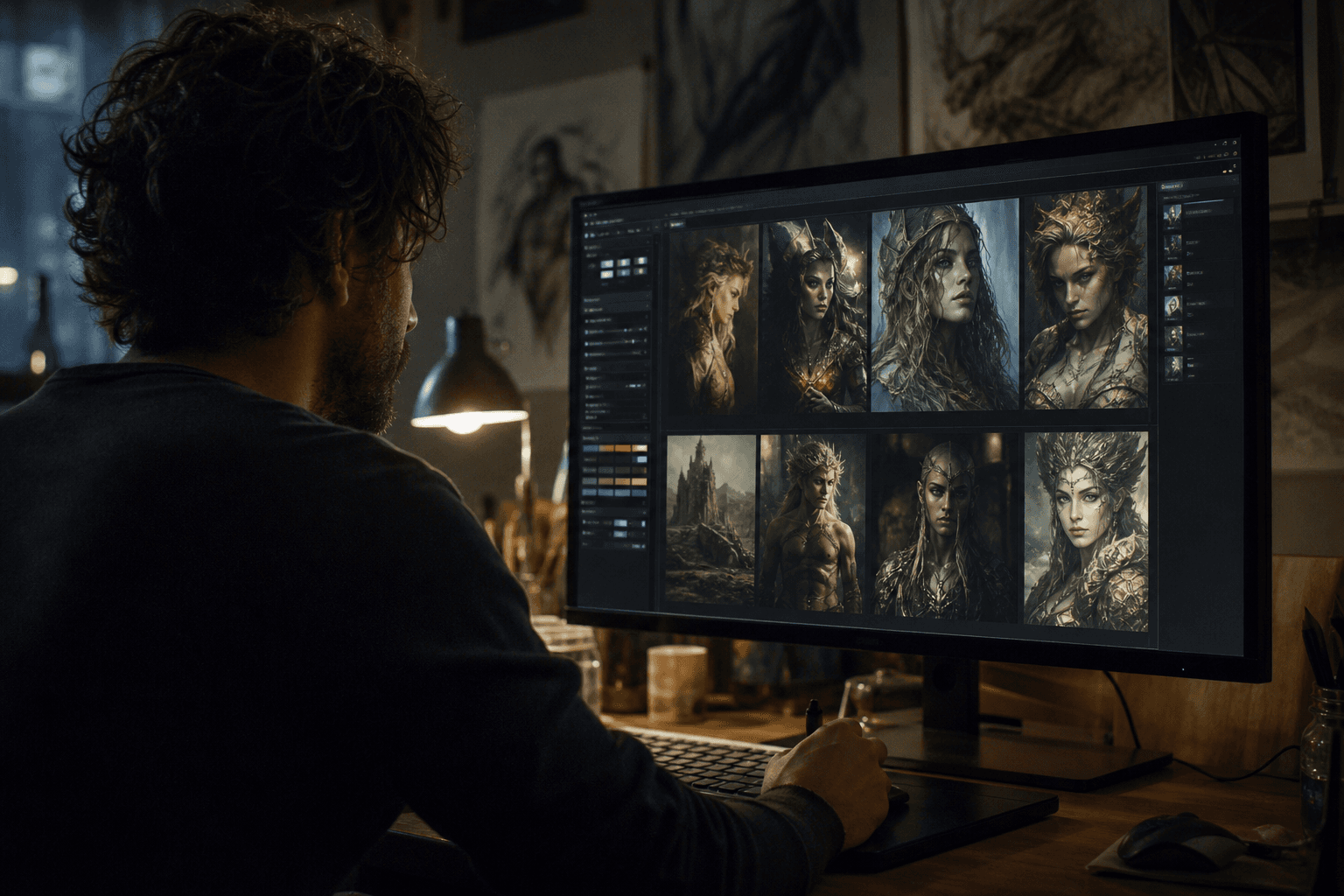
You are looking for a free alternative to generate images, you test Leonardo AI, and at first it seems almost too good to be true. Clean interface. Fast generation. Promises of pro quality. Then come the real questions: is it reliable for a real pipeline? Does the render hold in production? Is it really a serious alternative to paid solutions?
Let's be real. "Free" means nothing if you lose time on inconsistent iterations or if your style breaks between two image series. The right criterion is the useful quality per minute of work, not the marketing promise.
In this guide, we are going to test Leonardo AI as a production tool, not as a toy. You are going to see what it does well, what it does less well, how to structure your workflow, and in which cases it really deserves its place in your creative stack.
What "best free alternative" really means
When a creator asks for a free alternative, they often look for three things: reduce costs, keep a credible visual quality, and produce fast. The problem is that these three goals pull in different directions if the method is not clear.
A real free alternative must therefore meet production criteria: render stability, style control, iteration speed, and pipeline integration. If a tool is free but unpredictable, the hidden cost explodes in time.
Leonardo AI positions itself precisely in this intermediate zone: accessible, versatile, creator-oriented. But you must distinguish the "fast ideation" and "client deliverable" use cases.
The good test is not "did I get a beautiful image?". The good test is "can I reproduce this level over 10 consistent images?".
Leonardo AI's strengths in real production
First strength, the accessibility. To start fast, Leonardo reduces the friction. You can go from the idea to a set of images with no heavy technical setup.
Second strength, the variety of styles and renders. For visual exploration, moodboards, fast concepts, it is very practical.
Third strength, the feedback speed. You can iterate quickly on a prompt, test several directions, and converge faster toward an intention.
Fourth strength, the cost/usefulness ratio for light to medium projects. For a solo creator or a small team, it can represent a real lever.
The limits that comparisons often forget
First limit, the series consistency. Generating a strong image is easy. Generating a homogeneous series on character, light, texture is more demanding.
Second limit, the control precision depending on the styles. Some renders quickly become "generic" if you do not impose a strict direction.
Third limit, the credit and pace constraints depending on the free or hybrid plans. The "free" can push you to optimize your method differently.
Fourth limit, the finishing stage. An image out of Leonardo can require a post pass to reach a premium client level.
Trench workflow with Leonardo AI
Step 1: frame your intention before generating
Start by writing a visual intention in one sentence. Not a prompt. An intention. Example: "Intimate cinematic portrait, cold side light, organic texture."
Then, define your non-negotiables: framing, light atmosphere, skin texture, degree of realism. This list protects your consistency.
Prepare 2 to 3 visual references maximum. Too many references blur the direction.
Then set a session goal: style exploration, consistent series, or hero image. With no goal, you scatter.
Step 2: generate in structured blocks
Launch generations in blocks of 4 to 8 images with a stable prompt. You change one variable at a time: angle, light, distance, texture.
Quickly document each block: what works, what breaks, what deserves a next pass.
Keep a seed or a reproduction logic when possible so you do not lose the good bases.
Do not mix creative goals in the same session. One session = one dominant intention.
💡 Frank's Cut: your best quality gain often comes from a shorter and more precise prompt, not a longer prompt.
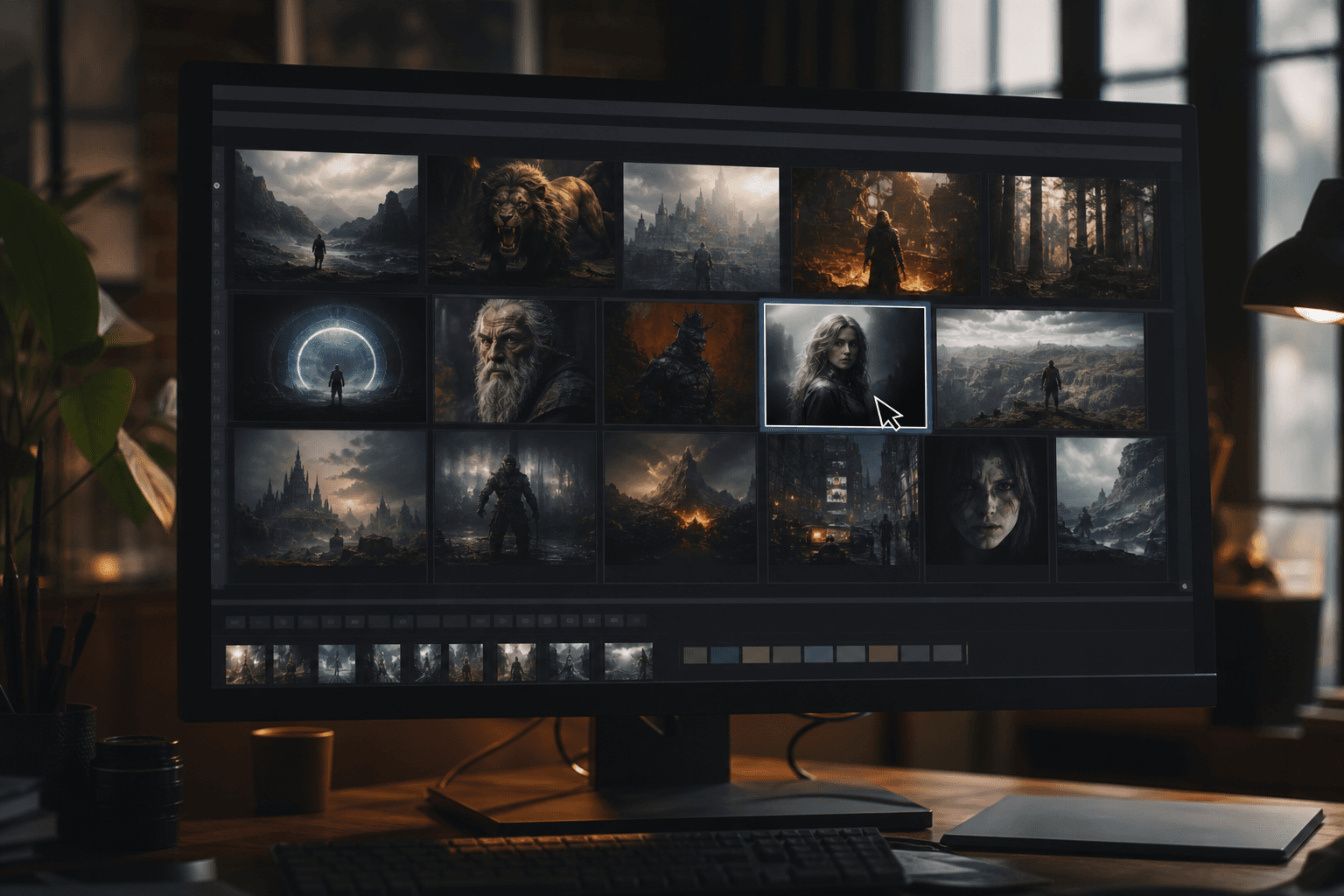
Step 3: select like an art director
The sorting is the real skill. With no hard sorting, your level stagnates.
Evaluate each image with a simple grid: readability, consistency, realism, usage potential.
Do not keep "the prettiest". Keep "the most usable".
Build a final set of validated references for the post-production phase.
Step 4: move to finishing for a pro deliverable
Even with a good Leonardo output, do a light finishing pass: contrast, color, micro-texture, harmonization.
Prepare exports per channel: web, social, print.
Check the robustness on different screens.
Archive prompt + settings + final version. It is your reproducibility base.
To strengthen your image pipeline, connect this process to our complete guide on the Flux models, our visual continuity protocol, our continuity checklist, and our grading method for AI videos.
Comparison table: Leonardo AI use by context
| Context | Leonardo AI alone | Leonardo + post-prod | Recommendation |
|---|---|---|---|
| Fast ideation | Very good | Excellent | Use in exploration phase |
| Client moodboard | Good | Very good | Add visual harmonization |
| Consistent character series | Average | Good | Require a strict workflow |
| Final premium deliverable | Limited | Good to very good | Move to systematic finishing |
Practical cases: when Leonardo is a real good choice
Case 1: solo creator with a tight budget
You have to produce many visuals for social media, thumbnails, slides, concepts. Leonardo can be an excellent main engine to generate fast.
The key is to define prompt templates per asset type. This reduces the quality gaps.
With light post-production, you can reach a very clean level for regular distribution.
This use case is probably one of the most relevant for Leonardo in 2026.
Case 2: agency preparing client visual leads
Here, the goal is the proposal speed. Leonardo helps to produce several creative directions in little time.
The trap is to present inconsistent images as "creative territories". Structure your set into visual families.
Then, do a consistency pass before the client presentation to avoid the "AI image bank" effect.
The gain is real if you maintain a discipline of sorting and visual narration.
Case 3: hybrid image + video pipeline
You want to use Leonardo to create keyframes or visual references for an AI video production. It is a very relevant use.
In this case, favor the light/material consistency more than the extreme stylization.
The images must serve as a stable base for the rest of the pipeline, not only "impress".
A good image base hugely reduces the consistency problems in video.
Advanced prompting to avoid the generic render
The generic render often comes from a fuzzy vocabulary and prompts that describe an aesthetic instead of a scene.
You must write reality-oriented prompts: subject, action, context, light, camera, texture.
Avoid the strings of premium adjectives with no concrete anchor.
Work in a stable structure and modify one variable at a time.
Operational prompt template
- Main subject + action.
- Concrete environment.
- Camera frame.
- Directional light.
- Texture and imperfections.
- Visual prohibitions.
This template gives more reproducible results than the vague narrative prompts.
Quality and performance: indicators to track
To judge Leonardo cleanly, measure your production:
- rate of retained images
- average time for a validated image
- consistency of a batch of 10 images
- post-prod time required
These indicators give you a pipeline truth. With no them, you stay in the subjective impression.
Tracking these metrics helps you know whether Leonardo is your main, secondary, or purely exploratory tool.
Troubleshooting: frequent mistakes and corrections
Mistake 1: too-long and contradictory prompts. Fix: short structured prompts.
Mistake 2: no clear light direction. Fix: explicit light source.
Mistake 3: emotional sorting instead of functional sorting. Fix: selection grid.
Mistake 4: no post-prod. Fix: systematic light finishing.
Mistake 5: inconsistent series. Fix: template + continuity rules.
Detailed practical cases: where Leonardo really saves time
Case 1: educational content creator with a volume need
You have to produce visuals each week for thumbnails, educational illustrations, and social posts. The budget is tight, the time too. In this case, Leonardo can be a real productivity engine.
The key point is to create prompt templates per format. A YouTube thumbnail template, an article visual template, a training slide template. With no these templates, you start from scratch each time and you lose the speed advantage.
Then, you must set up a minimal visual charter: palette, contrast level, light style, face treatment. This charter guarantees the consistency of your brand.
The gain is huge when you cut the "hesitation" loop. You know what to ask, what to reject, what to deliver.
Case 2: creative studio preparing leads before a shoot
In a studio, Leonardo can serve as an art-direction laboratory before the real prod. You test atmospheres, settings, costumes, light variations quickly.
There, the value is not the final render. The value is the creative decision speed. You show several visual routes, then you converge.
The danger is to sell "generated" images as a promise of the final render without specifying the limits. To avoid that, clearly separate "creative lead" and "final deliverable".
Used with transparency, Leonardo becomes a very efficient pre-production accelerator.
Case 3: e-commerce creator with a large catalog
On large catalogs, the challenge is the consistency. You have to generate varied but homogeneous visuals in perception of quality.
Leonardo can help create backdrops, situational settings, and fast visual variations. But you must lock the product elements to avoid the gaps that harm client trust.
A robust method consists of keeping a stable product truth base, then enriching the environment with AI. You keep credibility and speed.
The final result depends on your quality control over the series, not on a single image.
Building a reusable prompt system
The difference between amateur and pro is not the raw talent. It is the repeatability. If you want to scale with Leonardo, you must turn your prompts into a system.
Create a segmented library:
- realistic portrait prompts
- stylized packshot prompts
- narrative setting prompts
- social hook prompts
Each prompt must have a "base" version, a "light variation", a "framing variation". This structure reduces the drift and speeds up the production.
Also add a "prohibitions" section to each template. Example: no smoothed skin, no artificial sharpness, no inconsistent depth. These guardrails avoid the rollbacks.
Perceived quality: how to objectively judge a Leonardo render
The "I like / I do not like" judgment is not enough in production. You need a measurable grid.
I recommend a five-axis grid:
- Subject readability.
- Light and shadow consistency.
- Material credibility.
- Consistency with the series.
- Adaptability to the final format.
Assign a quick score to each axis. If a visual fails on two axes, it leaves the batch. This rigor strongly increases the average quality of your deliverables.
Express multi-format robustness test
A visual can be excellent in 1:1 and weak in 16:9. Always test the destination formats before final validation.
Check:
- subject readability in recrop
- edge stability
- texture hold in compression
- visual impact on a small screen
This test avoids bad surprises at publication.
Client workflow: reducing feedback and speeding up validations
The technical quality is not enough if the client process is fuzzy. Many "AI image" projects derail because of badly framed back-and-forths.
First present 3 directions maximum, not 20 disparate visuals. Each direction must have a clear intention.
Ask for a direction validation before producing the final batch. With no this lock, you expose yourself to costly late changes.
Then, deliver in short packages with checkpoints. The progressive validation reduces the massive feedback.
Finally, archive all the validated decisions. This document becomes your protection on the next phases.
Sustainable productivity: how to keep the quality when the volume increases
When the volume rises, the quality often drops if you do not change the method. You must standardize what is repetitive and keep flexibility where the intention changes.
Standardize:
- prompt templates
- naming conventions
- QA checklist
- export formats
Customize:
- art direction
- choice of references
- final selection arbitration
This separation lets you produce fast without becoming generic.
Table: when Leonardo is the right choice, when it is not
| Situation | Leonardo recommended | Why | Caution |
|---|---|---|---|
| Fast ideation | Yes | Very efficient short loop | Risk of dispersion with no brief |
| Social visual series | Yes | Good speed/quality ratio | Requires a strict charter |
| Unique premium render | Yes with post-prod | Solid base then finishing | Do not over-promise in raw |
| Ultra-faithful photo production | Partially | Useful for concept | Limits on absolute fidelity |
This pragmatic reading avoids the ideological "for or against" choices.
4-week progression method on Leonardo
Week 1: master the structured prompt + sorting.
Week 2: create 3 reusable templates.
Week 3: produce a consistent 10-visual series.
Week 4: deliver a simulated mini client project with a complete workflow.
At the end, you must be able to reproduce a style without starting from scratch.
This level of repeatability is the real indicator of mastery.
Strategic reading: free today, scalable tomorrow
The interest of an accessible tool like Leonardo is to let you learn fast with a limited financial risk. But if your activity grows, you must anticipate the rise in requirements.
Build now platform-independent processes: clean brief, selection grids, post-production, documentation. These bricks make you portable to other tools if needed.
Thus, you are not the prisoner of a tool. You become the owner of your method.
It is this difference that moves you from a "free" user to a professional creator.
Final checklist before publishing a Leonardo batch
Before publishing a series of images from Leonardo, apply a short but strict checklist. This step avoids the majority of the mistakes visible after distribution.
- Check the style consistency across the whole batch.
- Check the sensitive zones at 100% (faces, edges, fine materials).
- Check the readability in social-format recrop.
- Check the color stability between visuals.
- Check the quality after export compression.
This routine takes a few minutes and protects your render level.
In real production, the verification discipline is often worth more than the choice of a trendy model.
Useful external references
To complete your analysis: Leonardo AI, Adobe Firefly, and the methodological insights of Frame.io Insider.
FAQ
Is Leonardo AI really free for serious use?
It can be very interesting in free or freemium use depending on your pace and your need. For ideation and short cycles, it is often enough. For continuous intensive production, you must watch the credit limits and adapt your planning. The real cost is less the subscription than the time spent iterating.
Can you get a "cinema" render with Leonardo AI?
Yes, but it depends more on your process than on the tool alone. A cinema render comes from a clear direction: light, material, composition, series consistency. Leonardo can produce a solid base, then a light post-production finalizes the render. With no method, you quickly get a generic look.
Can Leonardo replace Midjourney for a beginner?
In some cases, yes, notably if your goal is learning speed and testing flexibility. But "replace" depends on your exact pipeline and the type of images sought. The right choice is the one that gives you the best ratio of useful quality / production time.
What is the most frequent mistake with Leonardo?
The absence of an iteration structure. Creators change everything on each run and do not understand what really improves the image. A single-variable method completely changes the quality of the results.
Should you move to post-production after Leonardo?
If you aim for a premium render, yes. A light finishing pass is almost always necessary to harmonize contrast, texture, and color consistency, especially for client deliverables.
Which indicator proves that Leonardo works for me?
The best indicator is the reproducibility: if you can produce a consistent series in a reasonable time with few heavy retouches, the tool is suited to your workflow. Otherwise, it must stay an exploration tool and not a final production one.
Related articles
 Tutoriels
What Is the Best Free AI Image Generator?
An honest decision grid: 'real' free, freemium, local GPU, and what you actually pay in time or in data.
 Tutoriels
How to Generate Special Effects (VFX) With AI Tools
A complete method to create credible AI VFX, from the shot diagnosis to the final compositing with no artificial render.
 Tutoriels
Luma Dream Machine / Kling: How to Generate Fluid Videos
A complete method to get fluid AI videos with Luma Dream Machine and Kling, with no artifacts or artificial render.