Optimizing Export and Codecs for AI Video Delivery
An export checklist to deliver clean files to the client based on platform, use and compression level.
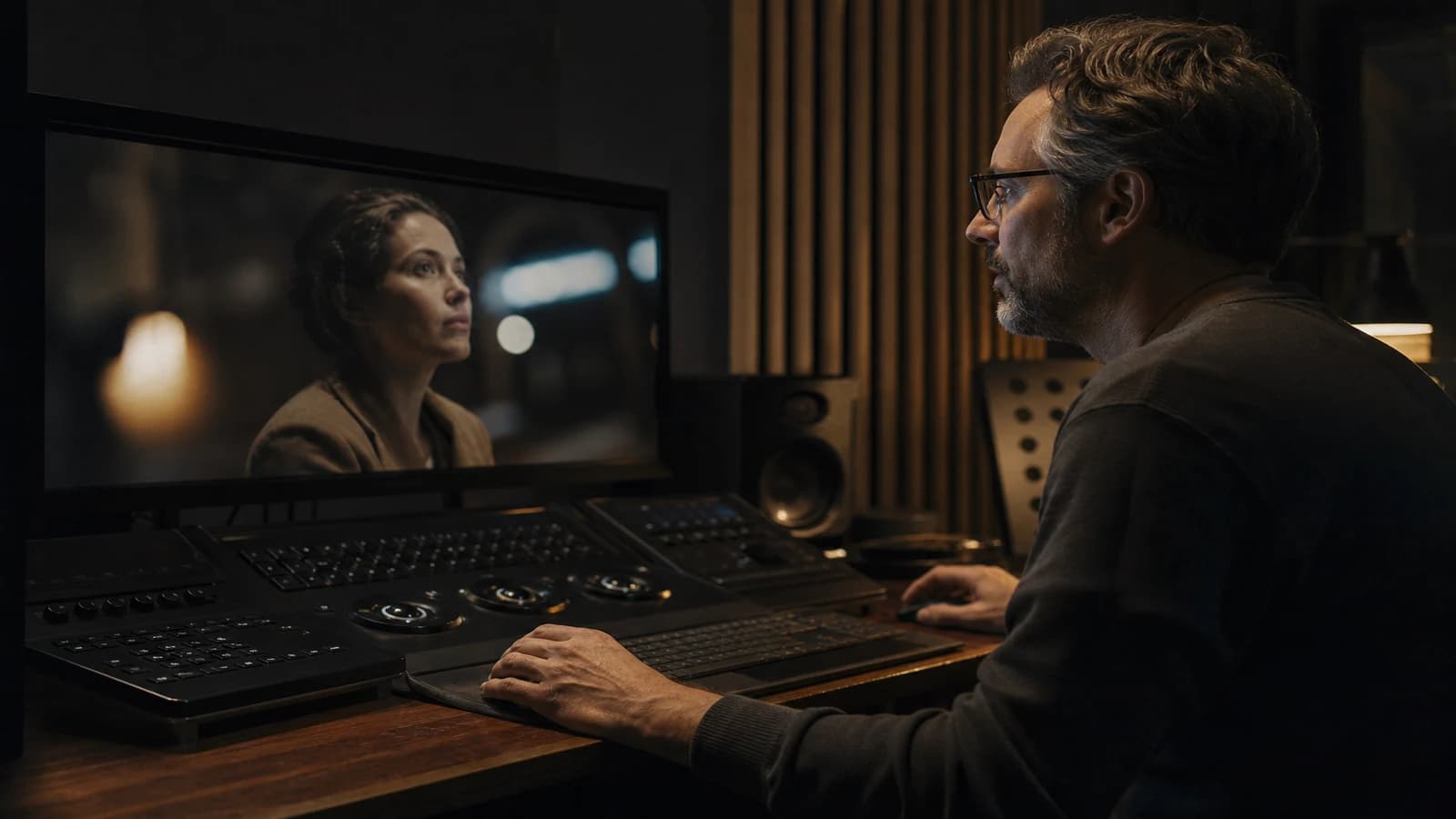
The client opens your master on their laptop. The blacks shift to gray, the skin turns plastic, the product details melt into mush. You spent twelve hours on the grade. They see an MPEG soup. The problem was not the AI generation: it was an H.264 export at 5 Mbps meant for a 4K screen, or a badly named ProRes that is not real ProRes, or worse: you delivered the same file for YouTube, broadcast and archiving.
Optimizing export and codecs for AI video delivery imposes one simple rule: one use equals one export profile. AI clips often have added grain, fine textures and sky gradients that punish aggressive compression. This guide lays out the presets by destination, the pre-delivery checklist, and the pitfalls specific to generated content.
Why AI punishes bad exports
Image and video models produce micro-textures (skin, fabric, foliage) that encoders read as noise. An encoder that is too aggressive eats the intentional grain and leaves banding in the skies. Conversely, a bitrate too high for social networks is recompressed by the platform: double compression, colors that drift.
The pro workflow: archived high-quality master plus derivatives per platform. Never a single "do-it-all" file.
For final QA before export, read checking mobile and desktop quality of an AI video. For the loudness that goes with the export, see loudness mastering for AI social ads.
💡 Frank's Cut: always export a master with no text overlay and apply titles/subtitles on the derivatives. The client who asks for "just the file with no logo" will thank you. Archive the non-burned-in master.
Understanding codec, container and bitrate
Codec: the compression algorithm (H.264, H.265/HEVC, ProRes, DNxHR). Container: the file (.mp4, .mov). Bitrate: the amount of data per second (Mbps). Profile: the codec constraints (Baseline, High, 422).
For client web delivery and modest broadcast, H.264 High Profile stays the compatibility standard. For archiving and a demanding client grade, ProRes 422 HQ or DNxHR HQX. For modern streaming at a controlled bitrate, H.265 if the client accepts variable compatibility.
Presets table by destination
| Destination | Codec | Resolution | Indicative video bitrate | Audio | AI notes |
|---|---|---|---|---|---|
| Archive master | ProRes 422 HQ | Native timeline | N/A (light) | PCM 48 kHz 24-bit | Grain preserved |
| Client web review | H.264 High | 1080p or 4K | 20-50 Mbps 1080p / 50-80 Mbps 4K | AAC 320 kbps | Avoid under 15 Mbps |
| YouTube upload | H.264 or H.265 | 4K if available | 35-68 Mbps 4K recommended | AAC-LC 384+ | Let YT recompress once |
| Instagram / Meta feed | H.264 | 1080x1350 or 1080p | 15-25 Mbps | AAC 256 | Moderate contrast, no export sharpening |
| TikTok / Reels | H.264 | 1080x1920 | 15-30 Mbps | AAC 256 | Check text safe zones |
| Light broadcast | MPEG-2 or H.264 per spec | Per grid | Per tech sheet | PCM or AAC per spec | Ask for the client's AV sheet |
A six-step export workflow
Step 1: lock the timeline
Everything in place: final grade, loudness-validated audio mix (-14 LUFS integrated typical for web), no offline clips. Name the timeline PROJECT_master_v1.
Step 2: export the archive master
ProRes 422 HQ or DNxHR equivalent. No destructive limiter on this file. Cold storage plus backup. This is your source of truth if the client comes back in six months.
Step 3: derivatives per use
From the master or the timeline, export each profile from the table. Strict naming: PROJECT_youtube_4k_h264_v1.mp4, PROJECT_meta_1080x1350_v1.mp4.
Step 4: automated QC plus an eye
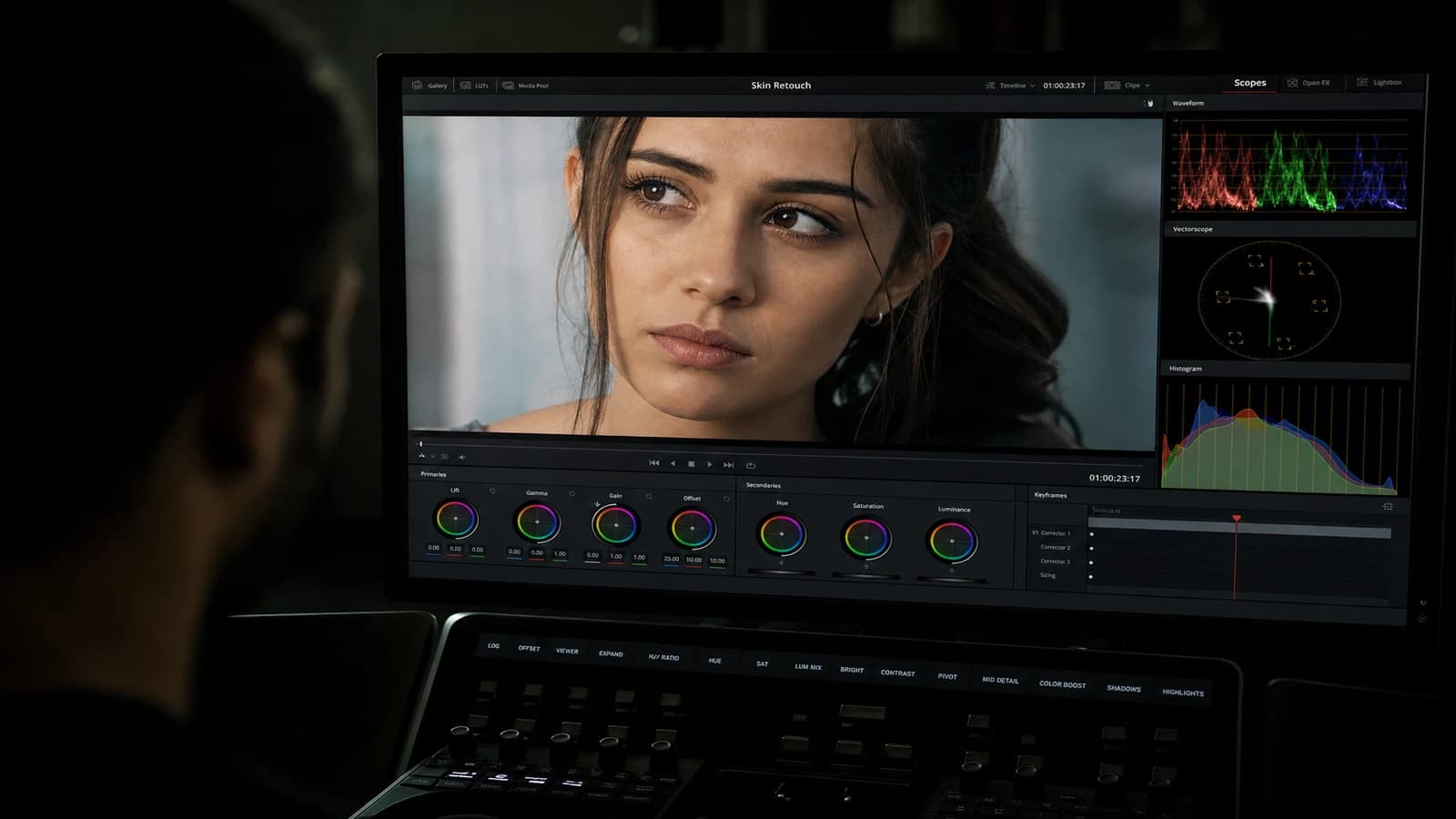
Check: sky banding, shadow blocking, audio clipping, sync. Open each derivative on a mid-range laptop and a phone. AI artifacts plus compression show on an average screen, not on your graded screen alone.
Step 5: delivery sheet
A PDF or email with: the file list, codec, resolution, bitrate, audio loudness, intended use, checksum or drive link. The client does not guess which file goes where.
Step 6: project archiving
Keep the NLE project plus master plus derivatives plus 30 days minimum. AI regens are costly to reproduce.
Resolve / Premiere settings (a starting point)
DaVinci Resolve Deliver H.264: MP4 format, H.264 codec, encoder depending on available GPU, quality Restrict to 40 Mbps for a 1080p web master, 60-80 Mbps for 4K. AAC 320 kbps audio. Check Render at source resolution.
ProRes master: QuickTime, ProRes 422 HQ, no bitrate limit. Timeline in float if the grade is pushed.
Premiere H.264: VBR 2-pass, target 30 Mbps / max 40 Mbps 1080p. Max render quality on. Use previews off for the final delivery.
Adjust to your gear; these values are floors, not ceilings. A broadcast client will give you their sheet; never guess.
Cloud delivery and file integrity
Upload to Frame.io, Drive or Dropbox depending on the client. Name the folder PROJECT_delivery_YYYYMMDD. Include a README_delivery.txt with a codec/resolution/use table. For large ProRes files, check that the client can download (corporate IT limits).
Option: an MD5 checksum on the master for long archives. The client rarely; you yes, to sleep at night.
Double compression: strategy
Every platform recompresses. Your job: be slightly above the recommended minimum, not at the minimum. If YouTube suggests 35 Mbps 4K, aim for 45-50 on grainy AI content. If you deliver already ultra-compressed, the second pass destroys the faces.
Do not confuse "light file for email" and "quality master". Two files, two names.
AI-specific export quirks
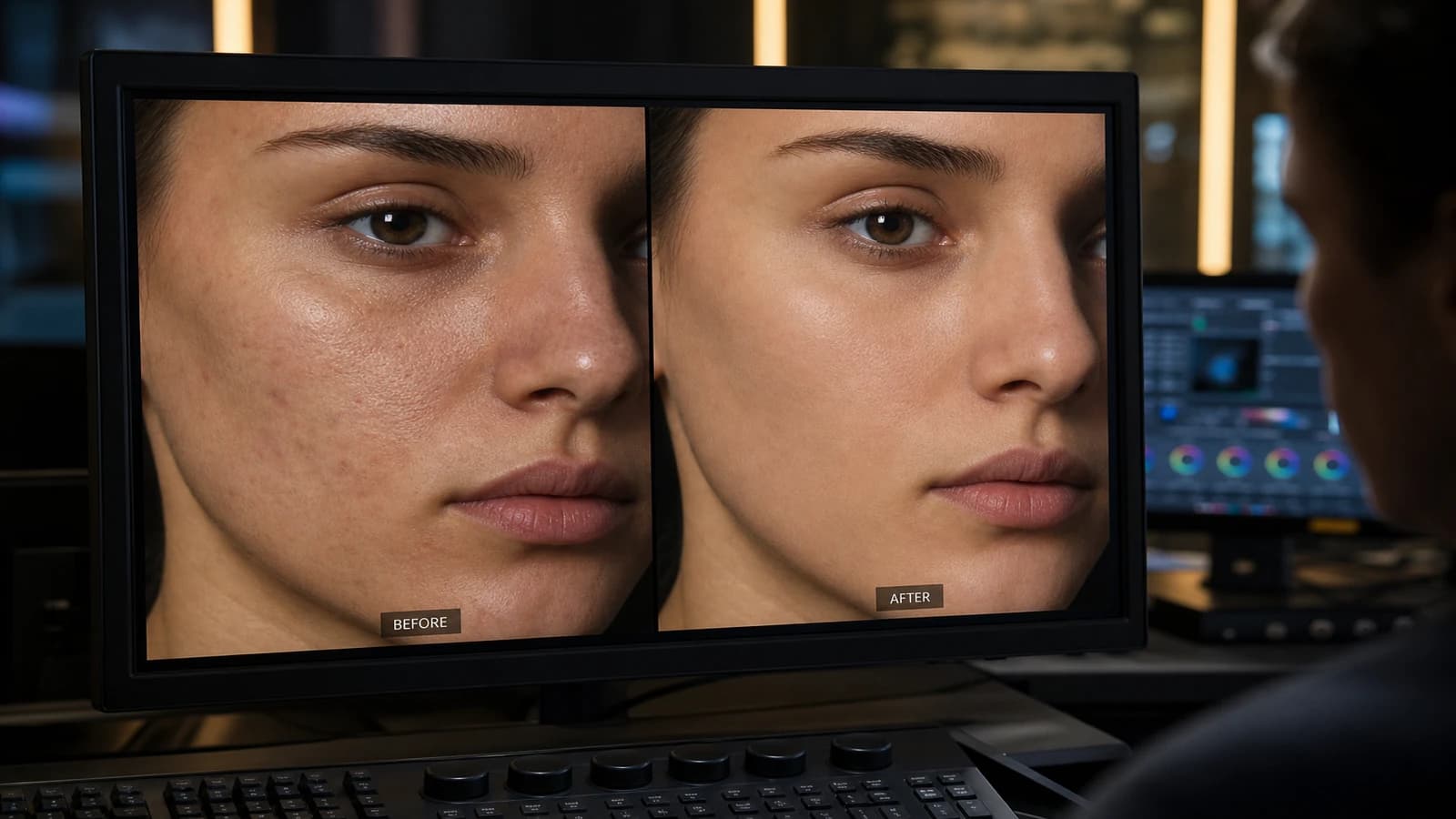
Grain added in post: do not sharpen after the grain. Sharpening before an H.264 export worsens the artifacts around AI contours. Composited text and logos: export at native resolution, avoid a last-minute software upscale. Sky gradients: if banding appears at export, light noise in the shadows before encoding (very subtle) or raise the bitrate. Faces: a bitrate too low equals wax skin; raise it 5 Mbps before touching the grade.
For accessible subtitles: burned-in subtitles and separate .srt files. Deliver both if the brief calls for it.
Real scenarios
Agency delivers a 30s spot plus banners. ProRes master plus client H.264 1080p 40 Mbps plus 9:16 25 Mbps Meta plus VO WAV stems. A one-page tech sheet.
Solo YouTube creator. 4K H.264 45 Mbps export, no ProRes (storage). Check on a phone before upload. Keep the DaVinci project.
Regional TV client. Asks for a specific MPEG-2 sheet. You export from the master, you do not deliver the YouTube file.
Batch of 10 Shorts. A saved DaVinci preset SHORTS_1080x1920_20Mbps. The same loudness -14 LUFS on all files. Perceived consistency in the feed.
Common mistakes and fixes
A single "universal" MP4. Fix: master plus derivatives.
Bitrate too low on AI faces. Fix: +5 to 10 Mbps or H.265 for better efficiency.
Double sharpening (post plus export). Fix: sharpen only in the grade, moderately.
Audio at -6 LUFS "loud". Fix: -14 to -16 depending on the platform, see the loudness article.
Vertical recrop after a horizontal export. Fix: a dedicated 9:16 timeline, not a destructive crop.
HDR export with no HDR screen. Fix: an SDR master for web; HDR only if the pipeline and client are validated.
Export-day checklist (to tick)
- Locked timeline, no red offline media.
- Loudness measured and noted (-14 LUFS web typical).
- ProRes master exported and playback-checked.
- Each platform derivative exported with a named preset.
- Laptop plus phone test per derivative.
- Delivery README with a codec/resolution table.
- Project plus masters archived on backup.
- Client email with links and use per file.
Eight boxes. If you skip one, the client or the platform will remind you painfully.
Edge cases: alpha, transparency, ProRes 4444
Animated logos with transparency: ProRes 4444 or a PNG sequence if the client integrates in post. H.264 does not handle alpha cleanly. For client text overlays that they will composite internally, also deliver a PNG sequence or an alpha MOV.
AI videos with a poorly keyed green screen: do not deliver the green to the client "so they handle it". A clean key or a neutral background. A cheap green export passes the technical debt to the client and tarnishes your reputation.
File name final_FINAL2.mp4. Fix: the convention PROJECT_use_codec_vX.
Frame rate, color space and subtitles at export
Frame rate: export at the timeline fps (24, 25 or 30). Mixing 23.976 and 25 in the same project then delivering in 25 without a clean conversion creates micro-stutter on already fragile AI motion. If the client requires 25 fps and your timeline is 24, convert once with quality interpolation, not by letting the client's player guess.
Color space: for SDR web, Rec.709 is the reasonable default. Do not export HDR10 "because it is better" without an HDR validation screen and without a client request. AI videos graded in SDR on a calibrated monitor become unpredictable in the automatic HDR of recent TVs.
Subtitles: deliver a separate .srt in addition to the burn-in if the brief calls for multi-platform reuse. Check UTF-8 encoding and timecodes aligned to the delivered derivative, not to the ProRes if the durations differ by a frame.
Fast start / moov atom: for web preview and some corporate players, enable fast start (moov atom at the head of the MP4) so playback starts before a full download. A ProRes master does not need this; an H.264 review does.
Quick A/B export test (10 minutes)
Export 10 identical seconds of the hardest shot (face plus gradient sky) at three bitrates: 12 Mbps, 25 Mbps, 45 Mbps H.264 1080p. Open on a mid-range laptop. Note the first bitrate where the skin and the sky stay acceptable. That bitrate becomes your project floor, not the generic value from a blog article.
References: YouTube recommended encoding, Apple ProRes white paper, Vimeo compression guidelines.
Foire aux questions
Réponses rapides aux questions les plus fréquentes sur cet article.
Which codec should I choose to deliver to a corporate client?
A ProRes 422 HQ master (or DNxHR HQX) for archiving and flexibility, plus an H.264 High Profile 1080p or 4K between 25 and 50 Mbps for internal and web distribution. State in the delivery sheet which file is meant for which use. The client who puts the H.264 on a 4K living-room screen needs enough bitrate; otherwise provide a 4K version too. Never deliver only a 15 Mbps social file as a single master.
H.264 or H.265 for YouTube in 2026?
Both work. H.264 stays the most compatible upstream. H.265 offers better quality at equal bitrate for the fine textures typical of AI. If you export H.265, test a private upload and check the visual retention after YouTube processing. Always keep a ProRes or high-bitrate H.264 master in archive. YouTube will recompress once anyway.
What minimum bitrate for a 1080p AI video without the mush effect?
In practice, do not go under 15-18 Mbps for content with faces and detail, except under extreme constraints. Aim for 25-40 Mbps for pro client 1080p delivery. Shots with a gradient sky and skin in close-up punish 8 Mbps. Run an A/B export test 15 vs 35 Mbps on the same 10s sequence: the difference on a mid-range laptop will convince you.
Should I export in 4K if the timeline is 1080p?
A 4K upscale does not improve a native 1080p AI for real quality; it increases the size and can give false sharpness. Export at the native production resolution unless the client requires 4K for a broadcast grid. If you generated in 4K, deliver 4K. If everything is 1080p, deliver clean 1080p rather than an empty upscale.
How do I name files to avoid chaos?
PROJECT_use_dimensions_codec_version.extension. Example: ACME_spot30_meta_1080x1920_h264_v2.mp4. No spaces, no "final". The version number increments with each client delivery. The client finds the right file six months later; so do you when they ask for "the version with no logo".
Should the audio be exported separately?
For pro projects with VO, music or a complex mix: yes, deliver stems (VO, M&E, full mix). WAV 48 kHz 24-bit format or AAC 320 kbps minimum on the delivered stereo mix. The target loudness depends on the platform (-14 LUFS integrated typical for streaming). Document the measured level on the delivery sheet.
What do I do if the client complains after compression on their platform?
Ask which platform, which file used, a screenshot if possible. Often they uploaded the wrong derivative or an internal tool recompressed it. Provide the right profile (often a higher bitrate to leave headroom for the second compression). Remind them that double compression is normal: your export must be slightly above the platform minimum, not at the minimum.
Should I deliver the DaVinci / Premiere project to the client?
Unless there is a contractual clause, no by default. Deliver masters and derivatives. The NLE project stays your working tool and contains your presets, your corrections and sometimes licensed assets. If the client requires the project, bill the handover and clean the non-licensable media. State in the brief what is included in the delivery.
Related articles
 Tutoriels
How to Optimize Your AI Workflow to Save Time
A concrete method to optimize your AI workflow and save time: diagnosing leaks, timeboxing, asset organization, QA and iterations with no scatter.
 Tutoriels
Creating an Actionable Moodboard for AI Production
Turning an inspiring moodboard into an operational document that guides prompts, shots and post-production.
 Tutoriels
Keeping Props and Accessories Consistent on an AI Project
A tracking system for key objects to avoid inconsistencies in shape, color and position from one shot to the next.