Loudness Mastering for AI Ads on Social Media
Target LUFS, dynamics and music for masters that pass TikTok, Reels and YouTube without crushing the voice.
Contents · 10 sections
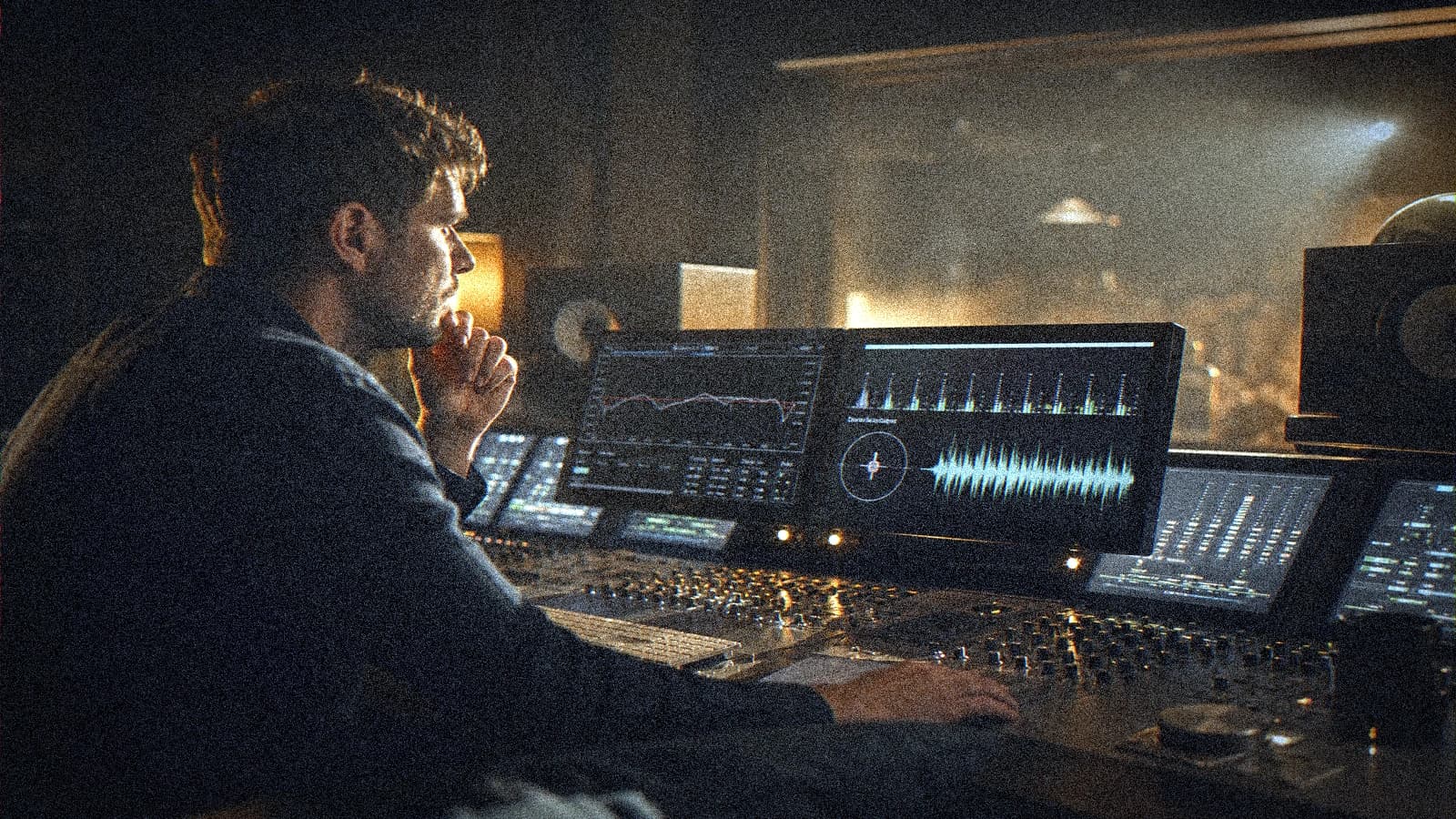
Your AI ad is beautiful. You raise the music "so we hear the atmosphere". On TikTok, the platform crushes your master and the voice disappears. The message goes with it. Loudness mastering for ads on social media is the difference between a spot that converts and a tiring wall of sound.
Goal: target LUFS per platform, controlled dynamics, always intelligible voice, music in support. Applicable to 6 s, 15 s, 30 s, whether they come from Seedance, Runway or a hybrid edit.
LUFS with no panic
LUFS (Loudness Units relative to Full Scale) measures the perception of the average volume. The platforms normalize toward targets (~ -14 LUFS integrated for YouTube, close for many social). If you deliver too loud, they turn everything down. If you deliver too low, your spot seems soft.
True peak: the ceiling of the peaks (-1 dBTP recommended) to avoid clipping after H.264 encoding.
💡 Frank's Cut: mix the voice before "pushing" the music. Each extra dB of music over the voice costs comprehension, not emotion.
Target table by destination
| Platform | Integrated target | True peak | Priority |
|---|---|---|---|
| TikTok / Reels | -14 to -13 LUFS | -1 dBTP | Voice > music |
| YouTube pre-roll | -14 LUFS | -1 dBTP | Clear voice |
| Stories | -14 LUFS | -1 dBTP | Impact first 3 s |
| Archive master | -16 LUFS | -1 dBTP | Headroom future mix |
Mix chain for an AI ad
1. Room tone and atmospheres
Lay a very low bed from the edit. No absolute silence (see integrating sound design in AI video).
2. Voice
Light EQ: low cut below 80 Hz, presence 2 to 4 kHz with moderation. Compression 2:1 to 3:1, no pumping.
3. Music
Light sidechain on the voice or manual reduction -8 to -10 dB under speech. Musical rise only in the zones with no voice.
4. Master bus
Transparent limiter, aim for the LUFS target, check the true peak. Export WAV 48 kHz then delivery codec.
5. Private upload test
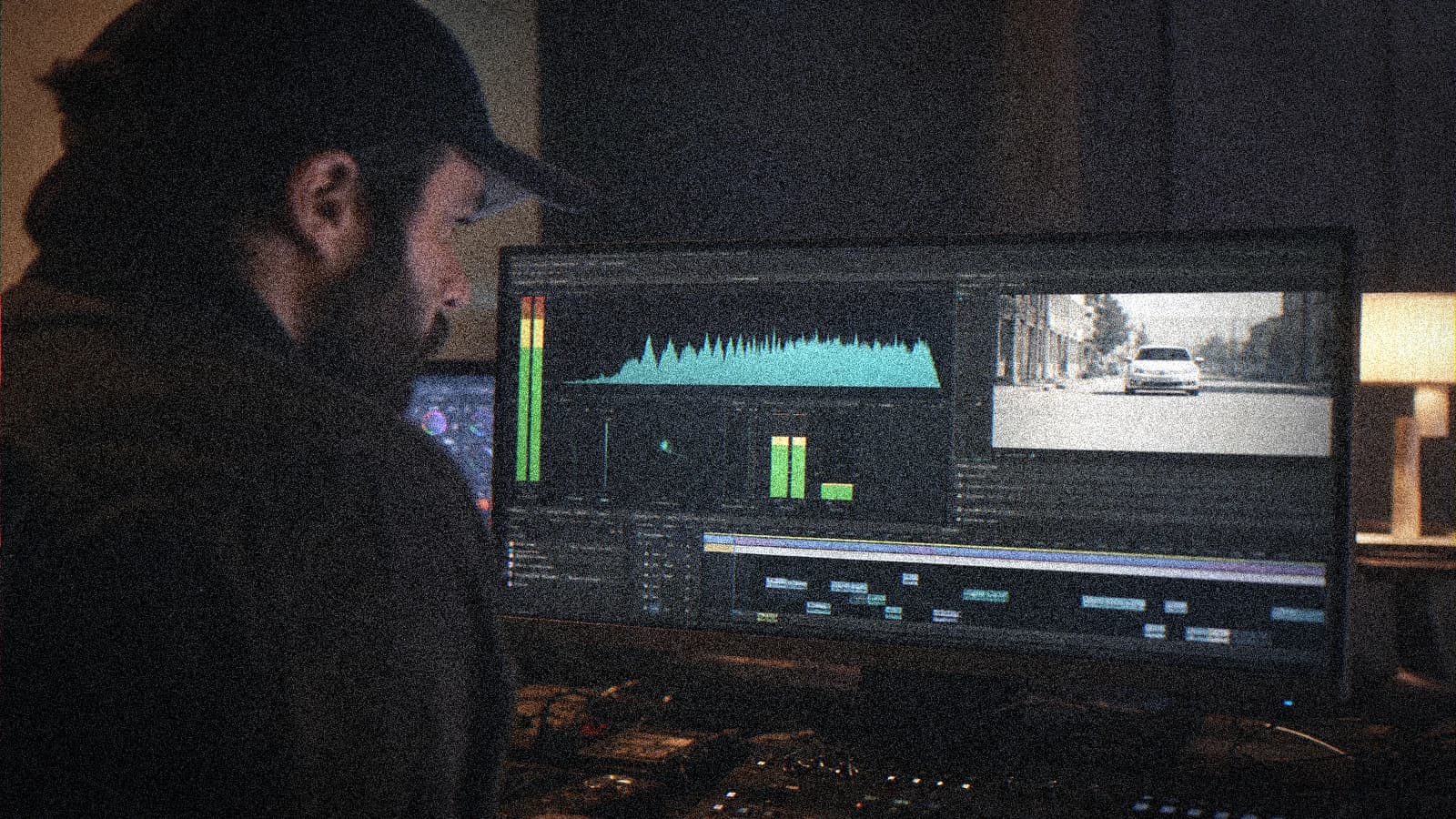
Listen on a phone, low-end earbuds, and Bluetooth speaker. The ad lives there, not on your Genelec monitors.
Scenarios
6 s spot: short sonic impact, voice from 0.5 s if verbal message. 15 s Reel: stable loudness curve, no brutal rise at the end. 30 s YouTube: musical breathing between sentences.
Troubleshooting
Buried voice: lower the music, do not boost the voice to distortion. Pumping: compression release too short. Saturation after upload: true peak too high. "Small" spot: LUFS target ok, EQ problem not volume.
- complete Seedance 2 workflow
- two-character dialogue scene with no broken continuity
- transform an AI image into a fluid video
- structure an AI video like a real film
Frequently asked questions
Quick answers to the questions readers ask most about this article.
Which software to measure LUFS?
iZotope, Youlean, integrated meters in DaVinci, Logic, Ableton. The important thing is the integrated measurement over the whole spot.
AI-generated music too loud?
Lower the music stem before the master, not only the final limiter.
Should you master each format?
One reference master, recropped derivatives with the same audio mix except a 9:16 adaptation if the duration differs.
Is automatic duck enough?
A good start, always listen to the transitions sentence by sentence.
Spot with no voice?
Similar LUFS target but watch the fatigue: a slightly livelier dynamic, strict true peak.
TikTok normalization destructive?
Yes if you deliver too loud. Aim for the target, keep useful dynamics.
Stems for the client?
VO, music, SFX, master. Pro billing and easy retouches.
How long for the mastering?
20 to 40 min per short spot if the mix is clean upstream.
A pro AI ad master respects the mobile ear and the algorithms. Voice first, music in support, meters before ego. You do not need to be a star sound engineer, you need a measurable target.
Field practice: the working routine
When you work on loudness mastering AI ad in real conditions, the chaos comes from the deadlines, not the tutorials. This section is what I put in the deliverable folder so the team lands on its feet a week later with no me.
Before each batch, reread the brief in five lines. A "quick" prompt change with no rereading the brief creates magnificent but unusable shots in the edit. The editor will thank you if each file carries a logical name and an A/B/C note.
For the validation, impose two screens: bright phone + neutral monitor. Many defects on loudness mastering for AI ads on social media only appear on one of the two. If it holds on both, you can move on. Otherwise, a single lever changes, not five.
In a client meeting, show a ten-second excerpt with sound, not a gallery of stills. The movement and the audio sell the credibility. The fixed images lie about the final quality of AI videos.
Document the owned debts (grain, micro drift, text composited in post). Transparency avoids the "redo everything" when the creative director sees the master on a big screen.
💡 Frank's Cut: if you do not feel like explaining a technical choice to the client, that choice is probably a debt to own in black and white, not to hide.
Always cross-reference with why my AI videos look fake when you doubt the global realism. Often the problem is not the subject of the article, but a missing pilot or sound upstream.
Typical session (45 min): brief 10 min, generation 20 min, QA 10 min, post 10 min, mobile export 5 min. If you do not have an A shot in one hour, pivot the brief, not the caffeine.
Final checklist: message readable with no sound (if subtitles), message audible with sound (if VO), consistency with the brand guidelines, platform export tested privately, files named and archived.
Complete mastering frame for multi-platform delivery
When you finish an AI video ad, the central question is not "does it sound loud?". The real question is: "does it stay intelligible, stable and credible after each platform's normalization?". A mix that seems spectacular in studio can become aggressive on TikTok and flat on YouTube if you have not prepared a loudness strategy per destination.
I recommend working in three masters, even for a short project: an internal reference master, a master oriented toward vertical social, and a YouTube master. The reference master serves as your truth of voice-music-impacts balance. The vertical master protects the comprehension on a smartphone, often in a noisy environment. The YouTube master keeps a bit more dynamic air while staying in the normalization target.
The key is to keep an identical architecture between these versions: same buses, same processing chain, same plugin order. You only adjust the thresholds and the final dynamics. If you change the whole chain according to the platform, you introduce timbre and presence gaps that tire the audience and complicate the client feedback.
Here is the routine that works well in express production:
- First balance the voice in solo, with no music.
- Bring the music up to support the rhythm, never the text.
- Add the impacts while checking the true peaks.
- Run an integrated LUFS check over the full duration.
- Do a smartphone listen, then a headphone listen.
- Correct only what harms the comprehension.
If your client wants "more energy", start with the micro dynamics of the voice, not with the global volume. A better-held voice seems more present without forcing the final level. It is often the difference between a professional spot and a spot that tires from the second loop.
Audio QA grid before sending to the client
You can attach this grid in your final reporting:
| Control | Recommended target | Validation |
|---|---|---|
| Integrated LUFS vertical | -14 to -13 LUFS | OK / To fix |
| Integrated LUFS YouTube | around -14 LUFS | OK / To fix |
| True peak | max -1 dBTP | OK / To fix |
| Voice intelligible at low volume | Immediate comprehension | OK / To fix |
| Music-voice balance | Voice priority | OK / To fix |
| Smartphone listen | No harshness or pumping | OK / To fix |
This table is not decorative. It turns a subjective feedback into concrete actions. If the client says "the music covers the voice", you go back to the "music-voice balance" line with a precise diagnosis. You save time, and you show a level of mastery that few creators really document.
Handling client feedback without breaking the master
The audio feedback often arrives at the end of the project, when everyone is tired. It is the moment when the costly mistakes appear. To avoid that, answer with a fixed method:
- reformulate the problem into a measurable criterion;
- propose two correction options maximum;
- announce the expected impact on the whole mix;
- validate in a short A/B on the concerned portion.
Classic example: "We want the music more present". Pro answer: "We can either raise the bed by 1.5 dB in the zones with no voice, or slightly compress the voice to gain perceived density. I propose a 20-second A/B to choose without risking the global readability." This type of answer calms the subjective discussions and protects your planning.
Do not forget the real-distribution factor. An AI ad is often watched in the subway, in an open space, or on a weak speaker. A magnificent mix at comfortable volume can become incomprehensible in these contexts. That is why I always keep a "bad context" listen before delivering: smartphone at half volume, room with light ambient noise. If the promise of the spot passes there, it will pass almost everywhere.
Last point: archive your mastering preset with the project version. Most teams lose time because they rebuild the audio chain on each campaign. A clean preset, named and dated, lets you restart fast without sacrificing the quality. It is also what gives a consistent sound identity from one campaign to another.
Related articles
 Tutoriels
Perfect Social Media Loops: AI Video Technique
Loop points, cyclic movement, crossfade and export for seamless loops in 6 and 15 seconds.
 Tutoriels
Setting the Editing Rhythm for 15s and 30s AI Ads
Shot cadence, breathing room and hooks to turn AI clips into real, high-performing ads.
 Tutoriels
Mastering Transitions Between AI Video Shots Without the Fake Effect
How to choose the cut, the match and the rhythm to link AI shots without breaking the scene's believability.