Complete Seedance 2 workflow for a cinema render
From the set sheet to the final export: end-to-end Seedance 2 pipeline for a credible film render, with no demo look or sterile all-nighter.
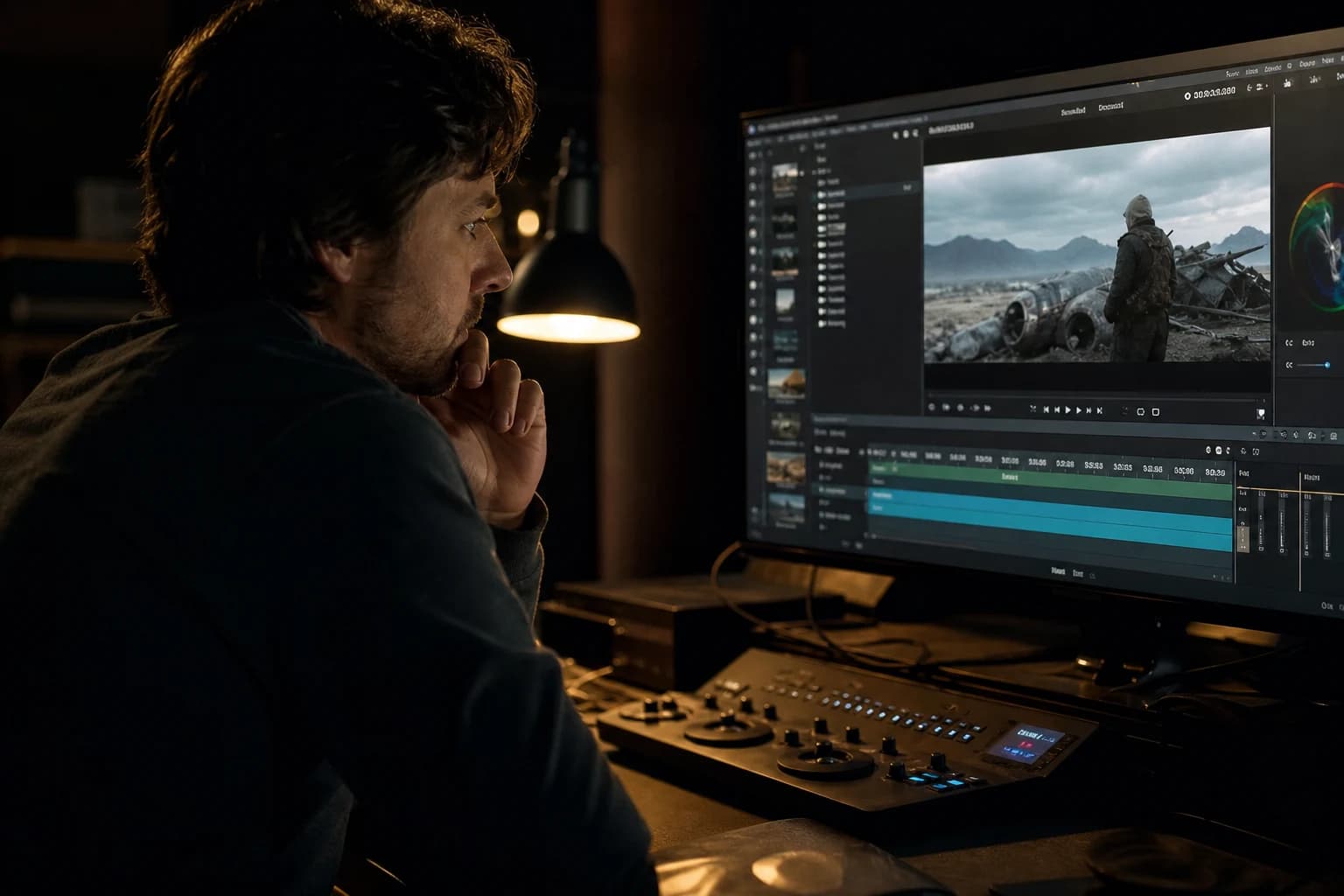
Contents · 9 sections
You spent three hours on a magnificent pilot image. You launch Seedance 2. The first second makes you want to post. The third, the face breathes like rubber, the coat changes tint, and your "cinema render" falls back into a YouTube demo. It is not a lack of talent. It is a complete Seedance 2 workflow that does not yet exist in your project folder.
The complete Seedance 2 workflow for a cinema render is not a list of magic sliders. It is a chain of decisions: brief, locked image, modest movement, rejection criteria, post that respects the light, sound that sells the material. This guide gives you the field version I use on teasers, ad shots, and short fiction when the client wants film, not Midjourney plastic.
What "complete workflow" really changes
Many creators treat Seedance 2 as a button after a beautiful image. Classic mistake. Cinema, even generated, starts before the video engine: intention, continuity, and rejection rules.
Workflow means each output has an address: 01_pilot_validated, 02_movement_v1, 03_post_LUT, 04_master_24fps. With no tree structure, you compare files by feeling and you lose the seeds, the prompts, and the reason of a failure.
Complete means you do not stop at "it moves". You validate the reading on the phone, you check the sound matches, you document what was accepted as visual debt (grain, micro tremble of the set) and what is forbidden (fingers, jaw, vertical lines that ripple).
Cinema render here is not garish 4K. It is a light hierarchy, a camera that does not show its guts, and an edit that compresses time. If you want the vocabulary of the fine settings on the engine alone, cross with how to get a cinema render with Seedance 2. Here, we chain the whole pipeline.
The difference between a "wow" clip and a deliverable shot often holds on an honest pilot image. The video models amplify the contradictions: too-smooth skin + hyper-detailed background = temporal oscillation. A simple side key, a background that supports without stealing the light, and you buy three seconds of credibility.
💡 Frank's Cut: before the first video generation, impose a pivot rule: 45 minutes or 12 variations max per shot. Under 25% of usable shots, you change angle, duration, or you start again from the pilot image. This rule saves more nights than ten tutorials.
For the image-to-movement base, keep how to turn an AI image into a fluid and credible video open next to you. Seedance 2 does not repair a lying pilot. If you're moving to the next version, I went through what 2.5 changes for a series (30-second takes, 50 references, Draft mode) in my Seedance 2.5 review.
When I accompany a team discovering AI video, the first session almost always serves to unlearn the reflex "longer prompt = more cinema". Classic cinema is an economy of means. A wide shot held ten seconds with a light that falls correctly beats three overexcited shots that contradict each other. Seedance 2 rewards the same restraint: less movement, fewer contradictions in the text, more consistency between the starting image and what you ask of time.
Another point beginners underestimate: the narrative temperature. A shot can be technically clean and emotionally empty. Before generating, write a sentence: "The viewer must feel..." (distrust, relief, fatigue). This sentence does not always go into the technical prompt, but it guides your framing and duration choices. A slow push-in on a tired face often holds better than a lateral tracking on a loaded set when your intention is intimacy.
Finally, think delivery from day one. If the client wants 9:16, compose the pilot thinking recrop, not by brutally cropping a 16:9 where the face falls apart in motion. If the destination is YouTube, the contrast will be read on medium screens: a too-flat pilot becomes plastic after compression. The complete workflow includes this phone test before declaring a shot "validated".
Phase 0: set brief in five lines
You do not write a novel. You write what a first assistant director would stick on the truck door.
- Subject (apparent age, locked costume, an identifiable accessory).
- Place (interior day, exterior night, etc.).
- Hour and light (side key, neon, morning window).
- Single action (look at camera, walk three steps, turn the head).
- Bans (no orbit, no hair in front of the whole face, no hands in the foreground at the start).
Field example: "32-year-old woman, beige trench, morning rain window, reads a letter, micro head movement, almost static camera, no long tracking."
If your brief contains three actions, the model will choose the one it will forget at frame 40. One action. One gesture. One beat.
Phase 1: pilot image (the real shoot)
Image tool. For textures and details that survive the movement, many teams go through Flux or SDXL with a strict control. The comparison Flux vs SDXL: which AI to choose for realistic images saves you from burning an evening on the wrong engine.
Skeleton prompt (frozen identity block + variable scene block):
IDENTITY (strict copy-paste between shots)
SCENE (light, set, angle)
CONSTRAINTS (50mm lens, hands off-frame, natural skin)
Pilot checklist before Seedance:
- Readable face triangle, no "porcelain" beauty.
- One dominant source, a discreet fill.
- Consistent depth of field (sharp subject, slightly softer background, not the reverse).
- No readable text on clothing (the letters mutate in video).
Export in high-quality PNG, name PILOT_shot03_v02.png. Archive the complete prompt in notes.txt next to it.
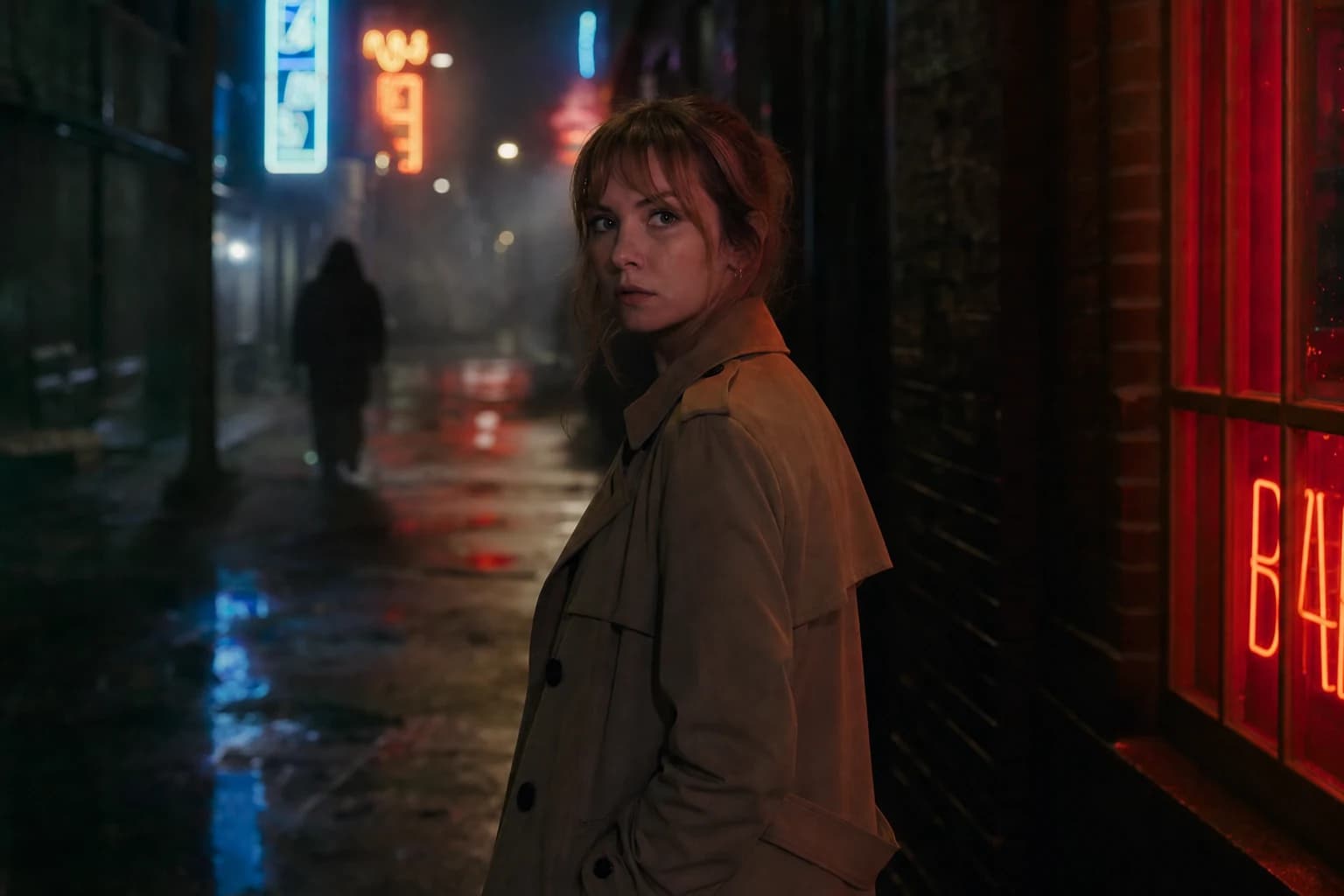
Phase 2: Seedance 2, settings and generation protocol
Here is the slice beginners skip: normalize before judging.
| Step | Typical setting (to adapt to your UI) | Why |
|---|---|---|
| Initial duration | 3 to 5 s | Less drift on face and hands |
| Camera movement | Low / slow Push in | The geometry holds better |
| Subject movement | Minimal | One breath, not a choreography |
| Iteration resolution | Modest | Speed = more useful tries |
| Final resolution | Raised when direction validated | Do not enlarge a lie |
Batch protocol (30 minutes per shot):
- Baseline: same pilot, 4 variations, low movement, 4 s.
- Classify each output: A usable, B recoverable in post, C dead.
- One single lever: if everything is C, change only the camera amplitude OR only the subject action, not both.
- Seed: note the one that holds the face; do not change everything at once.
Video prompt (English often better read by the engine, French OK if consistent):
Slow subtle push-in, locked-off feel, natural skin texture, soft film grain,
subject holds still except slight head turn, rainy window light, no camera orbit,
no morphing hands, cinematic but restrained color
Avoid ten adjectives "cinematic luxury dramatic 8K". Each word opens a contradictory door.
For the movement vocabulary beyond Seedance, how to improve the realism of movements in AI video stays valid on all engines.
Phase 3: merciless reading grid (20 seconds per clip)
In twenty seconds, in order:
- Eyes (symmetry, weird blink).
- Jaw (lateral drift).
- Hands (fingers, fusion).
- Hair on the face edges.
- Verticals of the set (walls, door frames).
If two critical zones fail, the shot is a debt, not a "we will see in the edit". The edit does not glue back a jaw that slides.
💡 Frank's Cut: watch each clip with no sound a first time, then with a low room tone. The sound sells the material; without it, you overestimate the plastic sharpness.
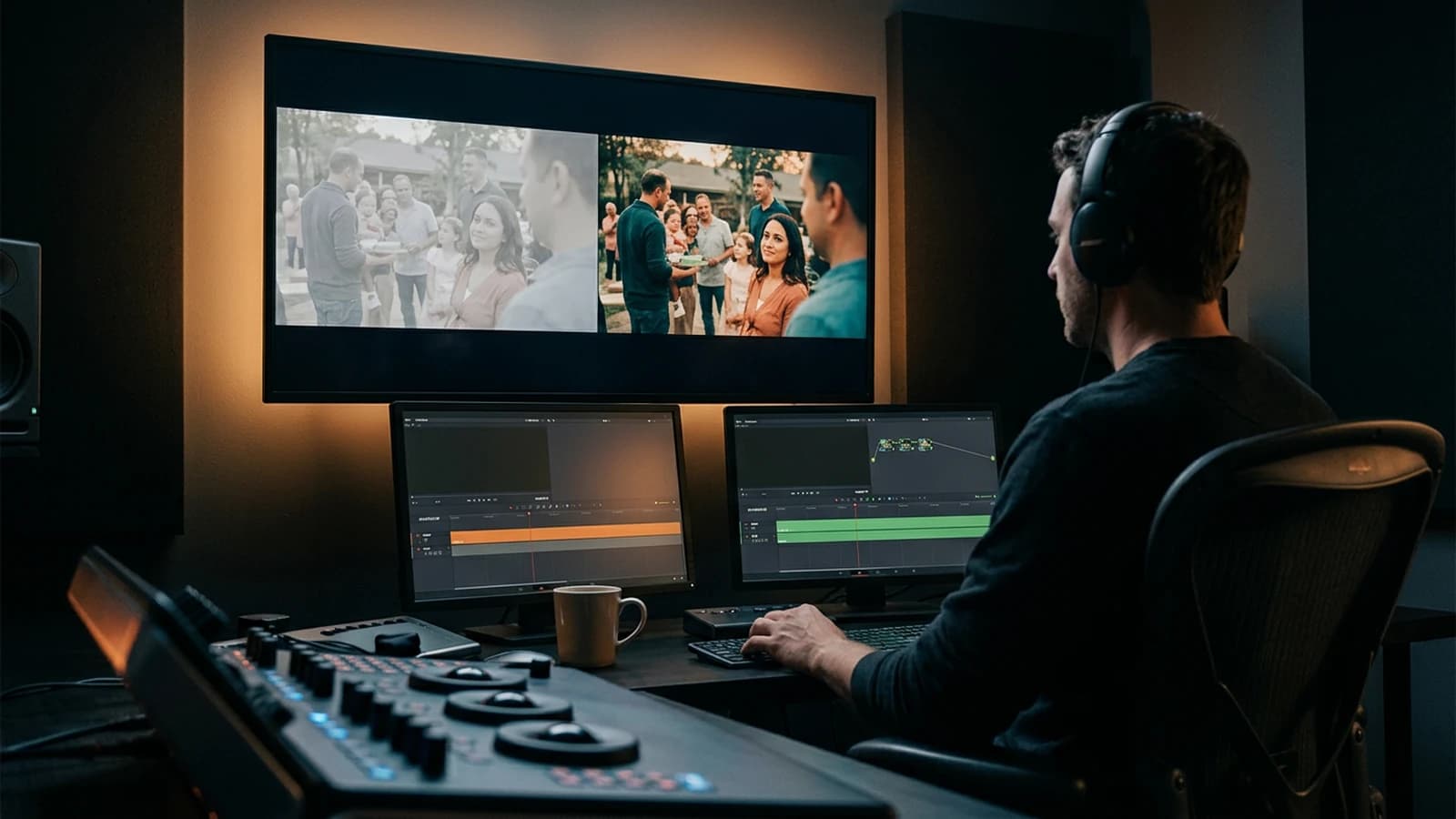
Phase 4: cinema post (restraint, not makeup)
The post saves what is almost good. It does not resuscitate a dead shot.
- Primary correction: balance toward a single temperature on all the shots of the scene.
- Contrast: light, no aggressive S-curve on AI faces.
- Grain: fine, especially in the shadows. See how to add cinema grain on an AI image for the philosophy (the grain masks micro defects, not a flat light).
- Sharpness: almost none. An aggressive sharpen = radioactive faces.
- Export: 24 fps for fiction, 25 if EU broadcast deliverable; document it.
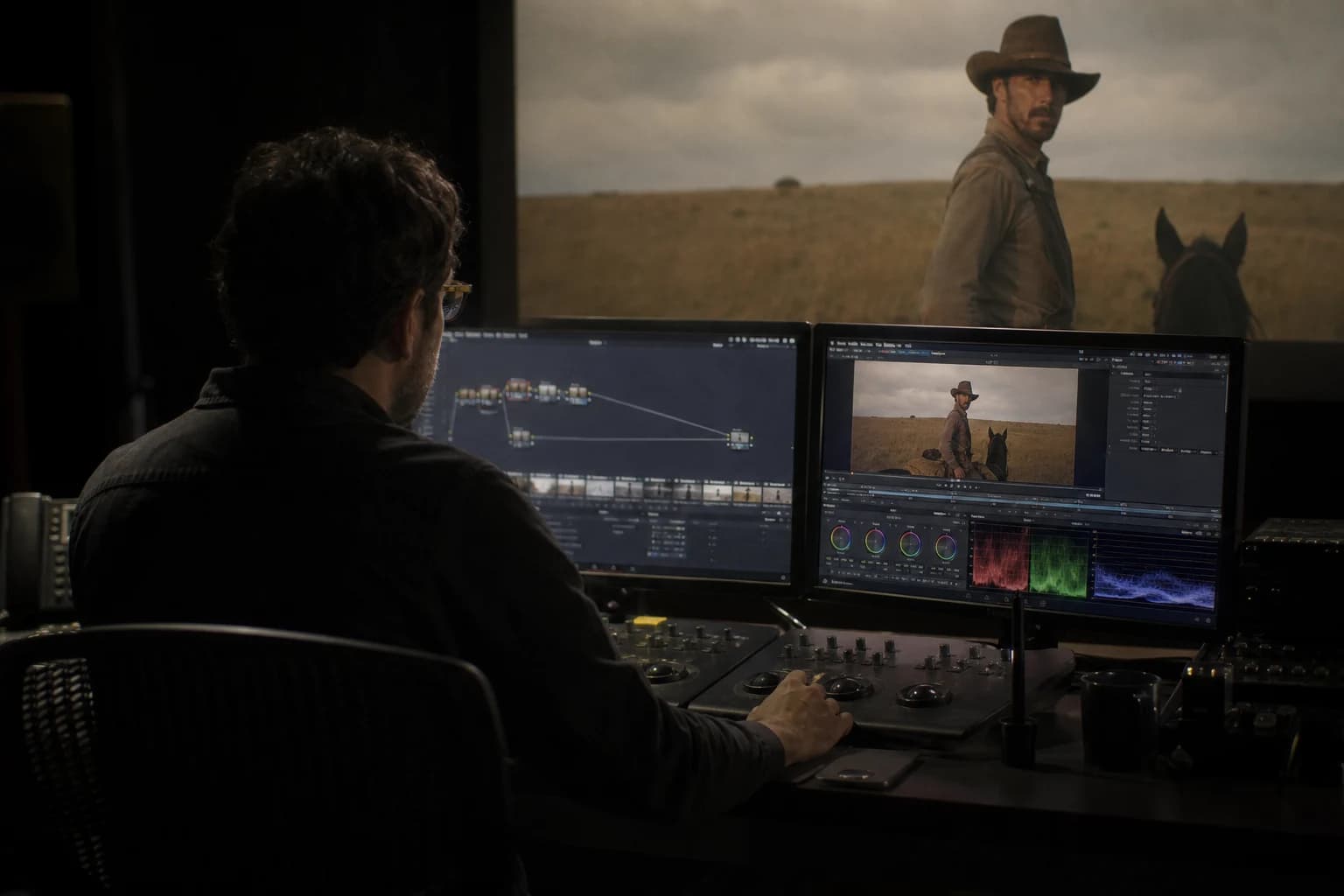
Cinematography links light, frame and movement to the story. Even in AI, if the light tells nothing, no preset will save the emotion. The ARRI resources on the camera chain recall a useful thing: the film render is an optical and color chain, not a single filter.
Three real scenarios, from A to Z
Scenario A: 15 s product teaser (vintage watch)
Brief: female hand, mechanical watch, wood desk, late-afternoon window light.
Pilot: simulated 85mm close-up, a light stain on the dial, blurry background.
Seedance: push-in 3 s, almost no movement on the fingers (fingers = red zone).
Result: 6 variations, 2 in A, edit of 3 shots + discreet tick-tock sound + room tone.
Accepted debt: micro grain in the desk shadow. Refused: dial reflection that changes shape.
Scenario B: interior fiction, short dialogue
Pilot: chest shot, window key, negative fill on the bedroom side.
Seedance: 4 s, head goes down then up (a single action).
Sound: voice recorded separately, no long lip-sync at the start.
Edit: cut on the gaze, no morphing between two different clips.
Scenario C: exterior night, neon
Trap: saturation and vertical lines. Fix: less saturated pilot, minimal camera movement, duration 3 s max, post desaturated by 10%.
Also compare the field feedback on other engines in WAN 2.7 versus Kling 3 and Seedance 2 if you hesitate on the right tool for a precise shot.
Scenario D: documentary "hand + object" shot
The hands are the graveyard of the video models. For a documentary shot where a hand grabs a notebook, work in two stages: a wider pilot (cowboy shot) where the fingers stay readable but not huge, almost no camera movement, action "the hand lands on the notebook" with no page-turning. If you have to show the inside of the notebook, cut on a second pilot image of the open notebook, do not ask for a single ten-second take that mixes hand + pages + camera.
Typical folder tree (copy-paste)
PROJECT_teaser_watch/
  00_brief/
  01_pilots/
  02_seedance_raw/
  03_selection_ABC/
  04_post/
  05_masters/
  notes.txt
In notes.txt, one line per try: date, seed, amplitude, A/B/C verdict, cause if C. In six months, you will thank your past self.
Troubleshooting: what beginners break (and the exact fixes)
The face "breathes". Cause: too-smooth pilot or too-strong camera movement. Fix: regenerate the pilot with skin texture, lower the amplitude, cut at 3 s.
The coat changes color. Cause: prompt naming two colors or an unstable shadow. Fix: one color in the identity, stable key light, no violent relighting in post.
The hands fuse. Cause: complex gesture + close-up. Fix: hands off-frame the first two sessions, or a wider shot.
The set ripples. Cause: tracking on striped walls. Fix: almost static camera, or a simple background.
Everything is "artistic" blur. Cause: "dreamy soft" prompt. Fix: remove the blur adjectives, reinforce a directional light source on the pilot.
It looks like a 2005 TV ad. Cause: saturation + sharpen + LUT before the light. Fix: take back the hierarchy of the sources, fine grain, no sharpen.
You compare apples and oranges. Cause: different durations or movements between tries. Fix: normalize duration and amplitude before judging a setting.
All-nighter at 40 variations. Cause: no pivot rule. Fix: 12 max, then change a lever or the tool.
The client screen is smaller than yours. Cause: validation only on a calibrated monitor. Fix: export a compressed preview, watch at arm's length. Many "plastic renders" are in reality contrasts that explode on mobile.
You confuse grain and noise. Cause: too-big digital grain. Fix: fine grain, especially in the shadows, never on the eyes in the foreground.
The H.264 compression in web delivery will still eat a bit of texture: plan a light grain upstream rather than a too-clean image that becomes wax after upload.
Frequently asked questions
Quick answers to the questions readers ask most about this article.
What difference between this workflow and the "cinema render" Seedance 2 guide?
The cinema render guide zooms on the habits and engine settings to push the film look. This complete workflow chains brief, pilot, generation, QA, post, sound, and delivery. You can read both: one for the depth on Seedance, this one to forget nothing in the project folder. In practice, start here if you deliver a teaser or a whole scene, not a single test clip.
Do I always have to go through Flux for the pilot?
No, but you must respect the pilot checklist. Flux or SDXL help when you want textures that survive the movement. The essential is a consistent light hierarchy and a skin that is not plastic. If your current image tool already gives that, keep it and document the settings.
How many seconds per clip to start?
Three to five seconds. The visual drift increases with the duration on the faces and the hands. When a shot holds at 4 s, you can sometimes chain two clips in the edit rather than a single impossible-to-stabilize 8 s clip.
Does Seedance 2 replace a shoot?
No for most serious usages with actors and complex sets. Yes for mockups, impossible shots, or fast iterations with assumed limits. The useful question is "what shot can I not get otherwise", not "how to replace everything".
Why do my 4K exports look worse?
The upscale enlarges the temporal defects. Iterate in modest resolution, validate the movement, raise the resolution only when the direction is good. A movement that lies in HD becomes a lie in 4K.
Is the sound really mandatory before validating?
Yes for an honest validation. The silence makes you believe the sharpness is enough. A low room tone often reveals too-clean textures. Add the sound early, even temporary, to calibrate your eye.
How to archive for a team or a client?
Folder per shot: pilot, prompts, seeds, numbered exports, A/B/C note, accepted debts. A one-page "visual bible" PDF with the target color temperature and the bans. The transparency on the AI chain avoids the misunderstandings in traditional post-production.
Can I chain several Seedance shots in a coherent scene?
Yes if you lock identity, costume, and light on the pilots, and if you edit with hard cuts rather than magic transitions between different geometries. For the multi-shot continuity, lean on a strict character sheet and the same words in the identity block.
You do not need a "cinema" preset. You need a chain that refuses the shots that lie, and that keeps those that breathe like film. The complete Seedance 2 workflow for a cinema render is that: set discipline, not magic.
Typical session (2 h, one shot)
: 20 min brief + pilot, 45 min Seedance batch, 20 min QA, 25 min post, 10 min export + client note. If you go over with no shot reaching A, the shot is not ready: change the brief, not the caffeine.
Client delivery checklist
: 24p master, documented LUT, list of shots with assumed debts, AI chain mentioned if the contract requires it. The long-term credibility is worth more than a non-reproducible "wow" clip.
Related articles
 Tutoriels
How to Get a Cinema Render with Seedance 2
Settings and work habits to push a video engine toward a film render, with no demo look.
 Tutoriels
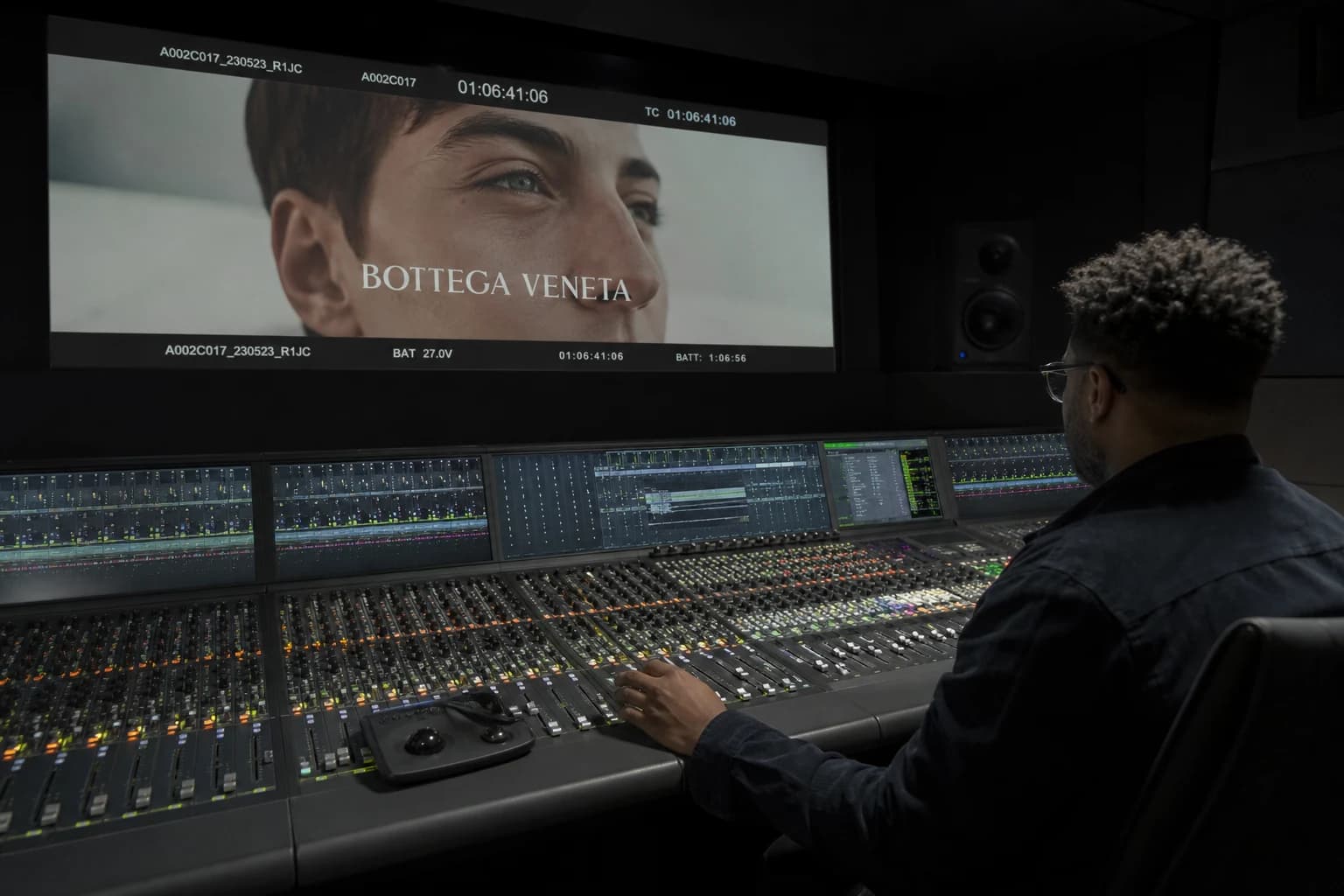
How to Mix Audio and Image for a Cinema Render
Mixing audio and image for a cinema render on AI video: sound hierarchy, stems, dynamics, spatialization, calibration with the grade and delivery with no fatigue or 'demo' feeling.
 Tutoriels
How to Go From an Amateur Render to a Cinema Render
Grade decisions, motivated light, grain, shot rhythm, and rejection: cinema is a discipline of choices, not a preset.