Mastering Transitions Between AI Video Shots Without the Fake Effect
How to choose the cut, the match and the rhythm to link AI shots without breaking the scene's believability.
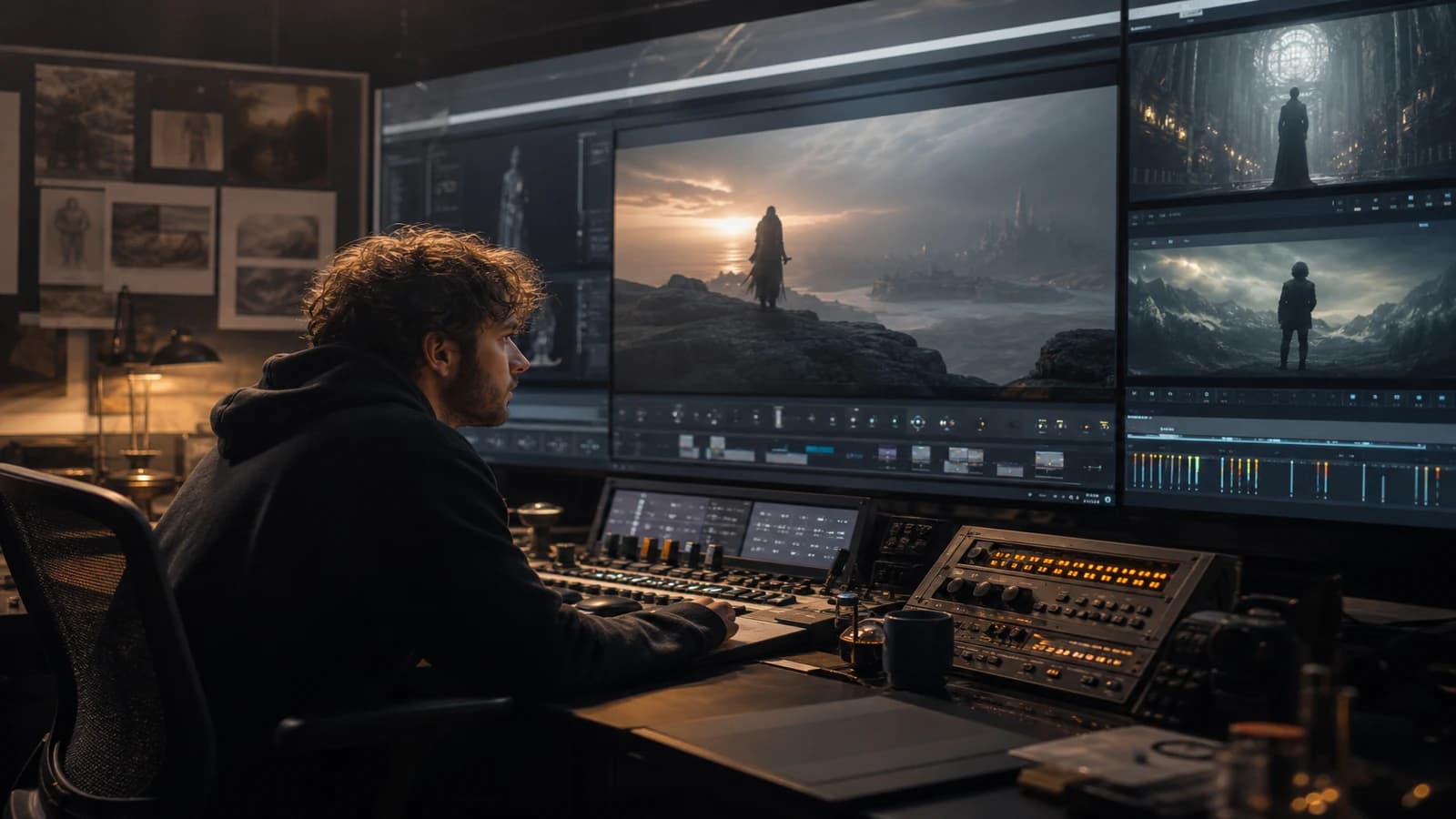
Wide shot: a woman at the window, evening light. Cross-dissolve to a tight shot: the same woman, but the green eyes have turned hazel, the lock of hair is cut differently, the wall behind her does not exist in the previous shot. You do not have a software transition problem. You have a matching problem: you let the dissolve mask a break that the viewer's brain refuses to absolve.
Mastering transitions between AI video shots without the fake effect starts by accepting a field truth: in AI, the hard cut is your friend, the dissolve is your last resort, and the ear often makes the continuity the image cannot hold. This guide lays out a grammar of matches adapted to generated clips: transition types, continuity rules, editing workflow, and fixes when two shots refuse to dialogue.
Why AI transitions betray so fast
Video models generate unstable geometries. A dissolve between two different geometries does not create a cinematic transition: it creates an involuntary morph where the face melts, the set breathes, the proportions slide. The viewer calls it "fake effect" without knowing why. You must name it: a bad match disguised as a dissolve.
The second factor is the confusion between transition and match. The match is the spatial and temporal logic between two shots (same character, same hour, same gaze direction). The transition is the visual effect that links the shots (cut, dissolve, wipe). In classic cinema, the match holds first; the effect comes after. In beginner AI editing, dissolves are added everywhere because the shots do not match. That worsens the problem.
The third factor is the absence of a transition shot. On a shoot, you film linking shots: hands, an object, a detail, a reverse. In AI, you generate two hero shots and hope DaVinci will do the rest. No. You must generate bridge shots with the same lighting brief and the same locked character.
For the continuity foundation, read how to create consistent scenes across multiple shots in AI and over-the-shoulder shot and gaze continuity in AI.
💡 Frank's Cut: before adding a dissolve, ask yourself: "could these two images be two photos from the same shoot two seconds apart?" If not, cut elsewhere or regenerate a bridge shot.
Match grammar in AI video
The hard cut: the smart default
The hard cut hides differences in grain, light color and micro-geometry if the narrative content flows. An action that continues: a hand opening a door / a character entering. A gaze leaving the frame on the right / a gaze arriving from the left. A sound that flows: footsteps, a door, breathing.
In AI, favor the cut on movement or on a strong sound. The viewer follows the action, not the morphology pixel by pixel.
The dissolve: when and how (rarely)
Reserve the dissolve for owned time ellipses: "three months later", a night-to-day passage, a clear narrative location change. Duration: 12 to 20 frames max (0.5 to 0.8s at 24 fps). Beyond that, you expose the morph.
Never a dissolve to glue two face close-ups of the same character with different features. You fuse two errors into one.
The match cut: the patient creator's weapon
Two similar compositions that answer each other: circle / circle, hand / hand, object / object. The brain accepts the spatial jump if the shape answers. Generate shot B imposing the same dominant silhouette as shot A. It is storyboard work, not a Premiere preset.
The sound transition: your best ally
An impact, a discreet whoosh, a musical build, a cut silence: the ear validates what the image contests. On average AI shots, a clean sound transition is worth three dissolves. For dialogues, first lock a two-character dialogue scene and AI matching before editing the junctions.
Transition choice table by situation
| Situation | Recommended transition | To avoid |
|---|---|---|
| Same scene, same character, continuous action | Hard cut on movement | 1s dissolve |
| Location change, same narrative day | Cut plus new-location ambience sound | Long morph dissolve |
| Time ellipse (weeks) | Short dissolve plus title card or VO | Strict 180 match |
| Dialogue A/B | Cut on reaction or line | 30s AI sequence shot |
| Emotion rising | Tighter shots, faster cuts | Cascading dissolves |
| Visual artifact on shot B | Early cut plus detail bridge shot | Slow motion to "save" |
Editing workflow: six anti-fake steps
Step 1: a match storyboard before generation
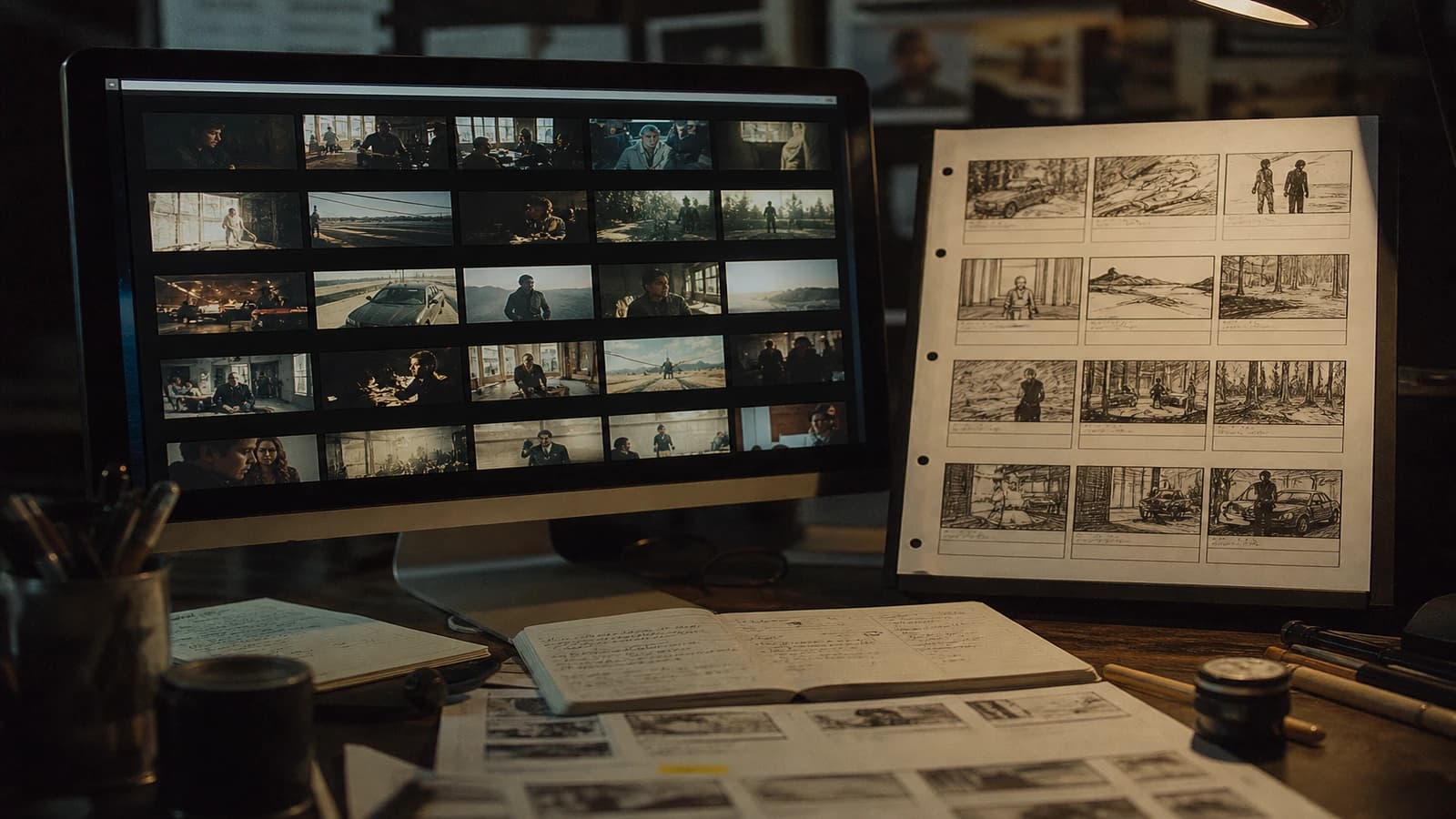
For each junction between shots, note: the expected match type (continuity / ellipse / match), the bridge shot needed (yes/no), the gaze direction, the camera axis. If you cannot describe it in one sentence, the junction will break in the edit.
Step 2: generate the bridge shots at the same time as the heroes
Hands on a handle, an object on a table, a back silhouette, a recurring set detail. Same seed or face reference, same light block. Bridge shots cost less than regenerating two hero shots.
Step 3: first edit in hard cuts only
No dissolve in the rough cut. You see the breaks immediately. Mark the KO junctions in red, the OK ones in green. That is your honest diagnosis.
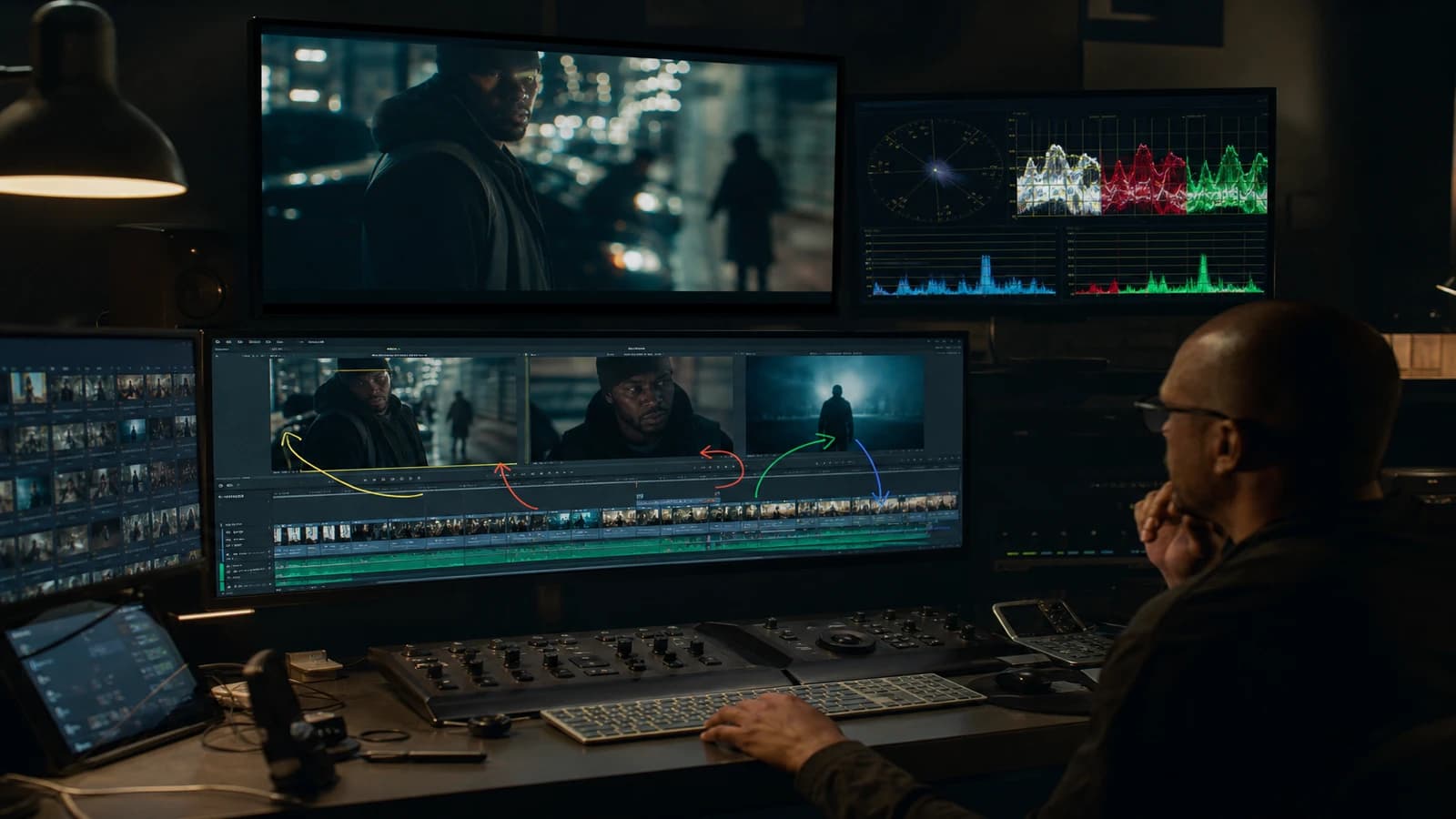
Step 4: correction in order of cost
- Move the cut point by 3 to 8 frames (often enough).
- Insert a bridge shot 0.5 to 1.5s.
- Sound transition plus cut.
- Regenerate the weakest shot with a locked brief.
- Short dissolve as a last resort for an ellipse.
Step 5: rhythm and breathing
Alternate shot lengths: a 4s long shot, a 1.5s short shot, a 3s medium shot. Bursts of 0.8s cuts sometimes mask the matches but tire the viewer. In AI documentary, breathing sells the realism.
Step 6: match QA on mobile
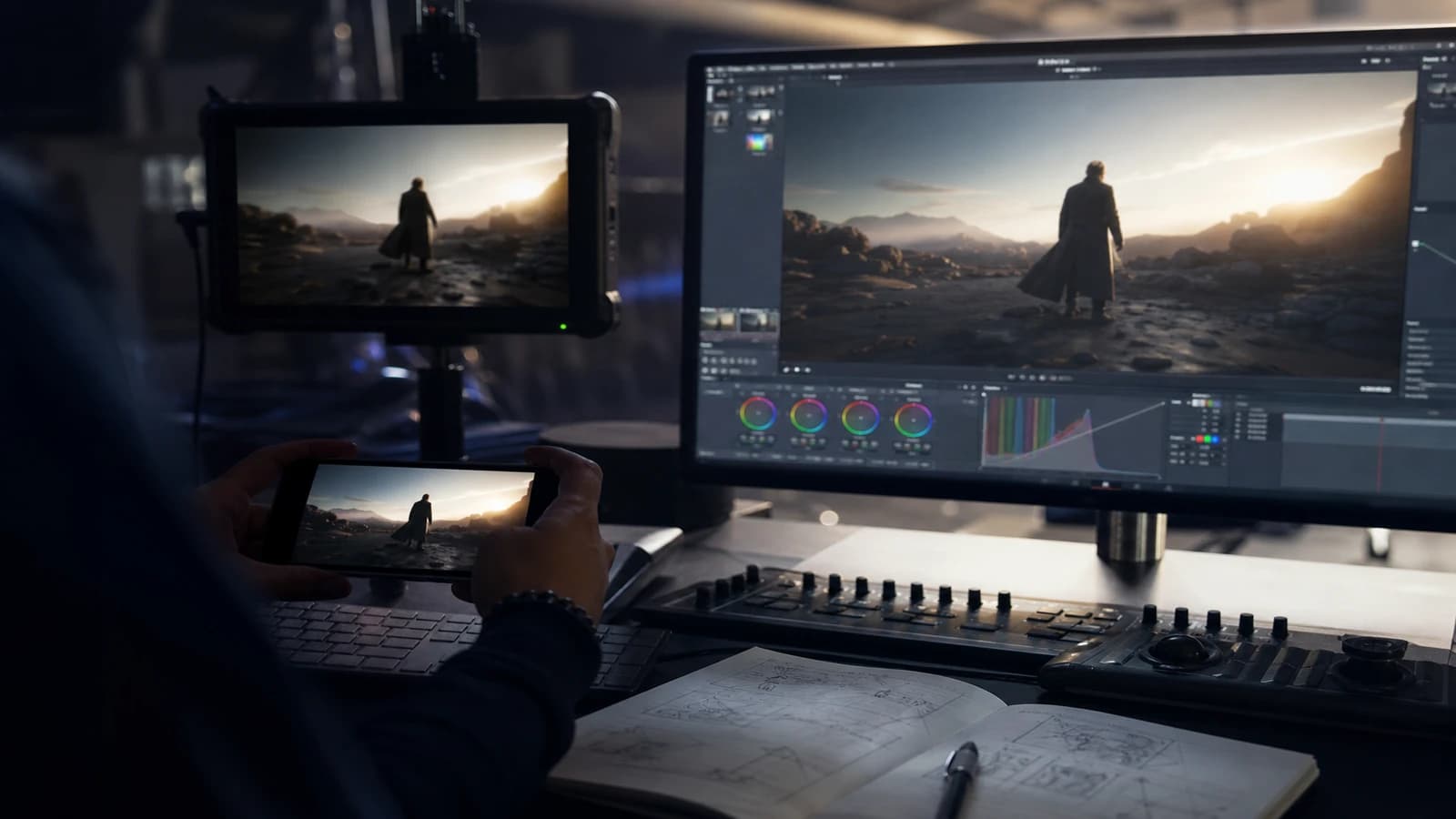
Watch each junction in a loop three times on a phone. The small screen reveals the brightness jumps and the faces that change. Note the timestamp plus the fix.
Real scenarios
Interior dialogue scene. Shots generated within a 30-degree axis max from each other. Gaze match: character A speaks, cut to B who listens before the line. Hand-on-table shots as a bridge if the faces drift. No dissolve.
Short urban chase. Fast cuts on movement, constant footstep sound, back and leg shots rather than face. The face appears only on the final shot. You limit the exposure of the facial inconsistencies.
Interior / exterior passage. Hard cut on action (exiting the door) plus a sound ambience change. VO "outside, the noise returns" to guide the ellipse. No morph dissolve between the two lights.
15s ad edit. Product match cut shot 3 to shot 7. Cuts on the musical beat. Zero dissolve except a 0.4s logo at the end. See setting the editing rhythm for 15s and 30s AI ads.
Spatial continuity: the rules AI ignores without a brief
The line of action: if the character exits left, they must enter from the right in the next shot if the time is continuous. AI does not respect this rule unless you impose the same camera axis and the same movement direction in the prompt. Note on the storyboard: exit arrow shot A, entry arrow shot B.
The scale: a character in a wide shot must not become a giant in the next shot with no narrative reason. Lock "head size equals X percent of frame height" on the character sheets. Scale breaks scream fake louder than a clumsy dissolve.
The light: same scene, same narrative hour, same key light direction. If shot A is window backlight and shot B is frontal neon with no ellipse, the viewer feels the seam. An identical light block word for word between the shots of a sequence.
The color: grade before judging a match. Two shots generated on different days can match in structure but not in LUT. A light color match on the junction (3-5 frames) is acceptable; a long dissolve to hide a global balance difference is not.
For multi-character dialogues, the 180 rule deserves a paper diagram: who is on the left, who is on the right, where is the camera. A deliberate violation equals a documented stylistic choice. An accidental violation equals a regen.
Common mistakes and fixes
Dissolve to mask everything. Fix: cuts plus bridge shots.
Two consecutive face close-ups with no continuity. Fix: insert a medium shot or a detail.
180 match violated. Fix: regenerate with a consistent camera axis, the same side of the line of action.
A Premiere "cinema" preset transition. Fix: hard cut plus sound, AI presets equal a demo look.
Same duration on all shots. Fix: vary 1.5 to 5s depending on intensity.
Forgetting the J-cut / L-cut. Fix: shot B's audio starts 6 to 12 frames before the image cut. The ear prepares the match.
References: Walter Murch In the Blink of an Eye, YouTube encoding, DaVinci Resolve transitions guide.
Foire aux questions
Réponses rapides aux questions les plus fréquentes sur cet article.
What is the safest transition in 100 percent AI video?
The hard cut on movement or on a strong sound element. It does not create intermediate pixels where the model mixes two incompatible geometries. If the two shots do not match on a hard cut, the dissolve will not save them: it will reveal the morph. Correct the match (bridge shot, new cut point, regeneration) before looking for a transition effect.
When do I use a cross-dissolve without the fake effect?
When the viewer understands that a time ellipse or a narrative location change is happening, and the two images do not pretend to be the same second. Short duration, music or VO that announces the jump. Example: office interior in the evening, 0.6s dissolve, exterior at dawn with a title "The next day". The dissolve becomes narrative grammar, not a technical bandage.
How do I do a J-cut in practice on the timeline?
Start shot B's audio (ambience, first VO syllable, music) six to twelve frames before the image switches. The viewer hears the new context before seeing it; the brain anticipates and accepts the cut. In AI, the J-cut saves average matches between two shots of uneven quality. It is a real editing technique, not a generated effect.
Should I generate specific shots for the transitions?
Yes. Bridge shots: a hand detail, an object, a character's back, a set insert. Low cost, huge gain. Generate them in the same session as the hero shots with the same light brief and the same character references. Without bridge shots, you depend on dissolves and retouches that cost more in believability.
Are the built-in AI transitions (morph, warp) usable?
Rarely on narrative photorealism. They sometimes work in abstract motion design or very stylized music editing. On a documentary or a product ad, they scream "effect". If you use them, once per piece, on a meta moment (a memory passage, a dream). Not between two realistic shots of the same character.
How do I test if a match holds?
Loop the junction three seconds before / three seconds after, ten times in a row, on headphones then on a phone. If something bothers you on the 3rd iteration, the viewer will feel it on the 1st. Ask someone who did not generate the shots to watch with no sound: the face breaks jump out.
Does slow motion mask a bad match?
Sometimes over half a second, at the cost of a "replay" effect that can look cheap. Slow motion is not a transition; it is a stylistic choice. Prefer a bridge shot or a cut move. Slow motion on an AI face can also reveal skin artifacts. Use it on an object or a landscape, not on an unstable face close-up.
Cut on action or on gaze: which priority?
Action first if the movement is readable (door, step, gesture). Gaze if the dialogue or the emotion dominates. In AI, continuous action hides the model's micro-differences better than two static glued faces. For dialogue, cut on the listener's reaction rather than on the end of each sentence: a more natural rhythm, less exposure of the AI lips.
How do I save a junction where the two shots have different color renders?
Do not dissolve. Apply a light color match over 4 to 6 frames at the cut, or insert a neutral bridge shot (hand, object, motion blur) that accepts a shorter transition. If the gap comes from a late regeneration, re-grade the isolated shot toward the sequence family before re-judging the match. A structurally good match with a color seam is fixed in post; a structurally wrong match is not saved with a LUT.
Sound transitions: a quick catalog
Sharp impact: a hard cut on a visible gesture (a slamming door, an object set down). The ear fills 2 to 4 frames of image offset.
Directional whoosh: camera movement or location change. Low volume, no whoosh on every cut.
Musical build: an emotional ellipse. The image dissolve can accompany it if the ellipse is narrative.
Deliberate silence: 6 to 12 frames before a reveal. Powerful in AI doc if the next shot is stable.
Continuous ambience: the same drone between interior and exterior with an EQ filter change. Sells the spatial continuity when the image hesitates.
Test each junction with no sound then on headphones. If the image match weakens with no sound, it also weakens with loud music.
Related articles
 Tutoriels
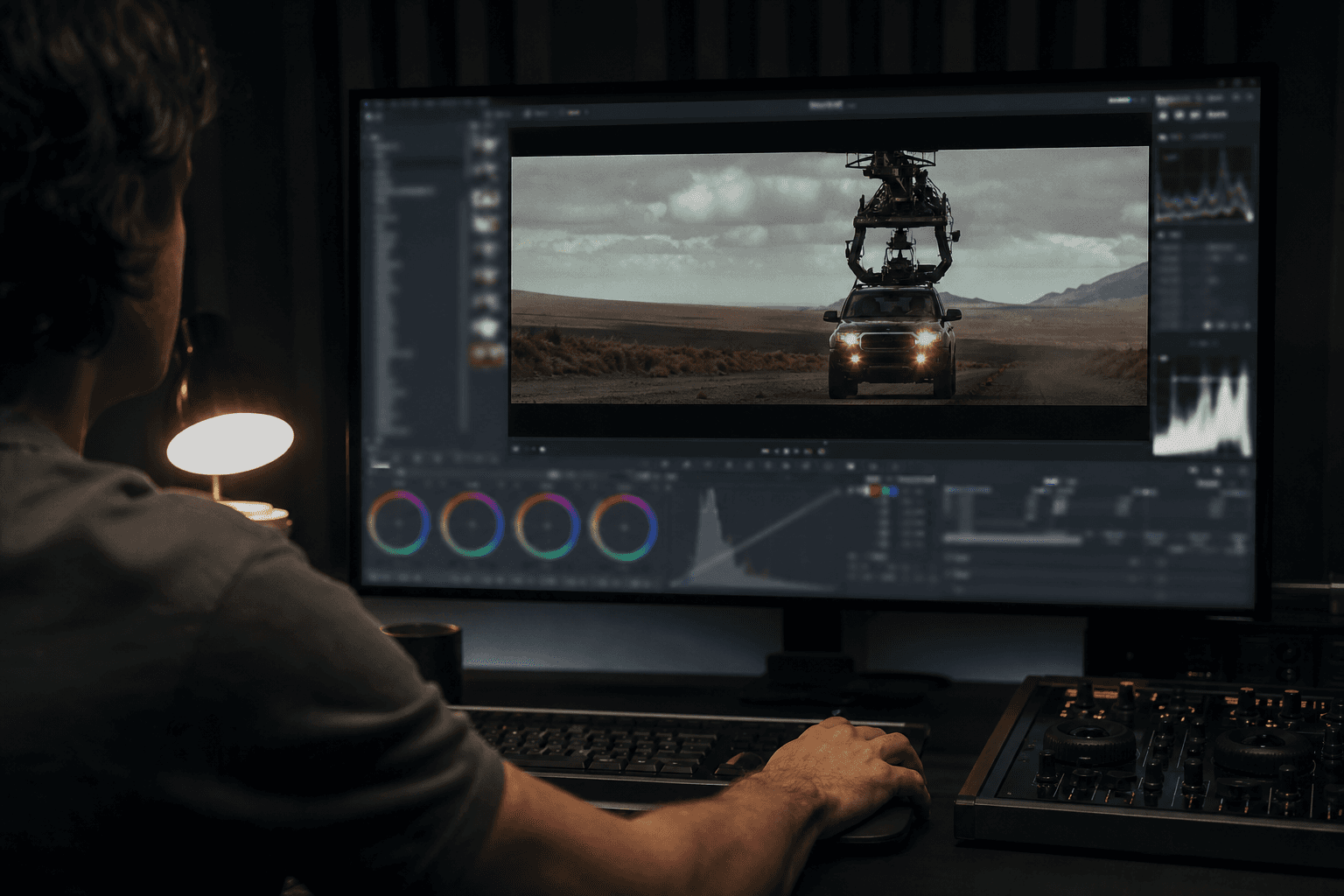
Building an AI Video Shotlist That Avoids Useless Shots
A field shotlist template to plan the shots that truly serve the edit and limit visual debt.
 Tutoriels
How to Use Photoshop's Generative AI (Firefly) to Extend Your Shots
A practical masterclass to extend shots with Photoshop Firefly without breaking perspective, light and visual continuity.
 Tutoriels
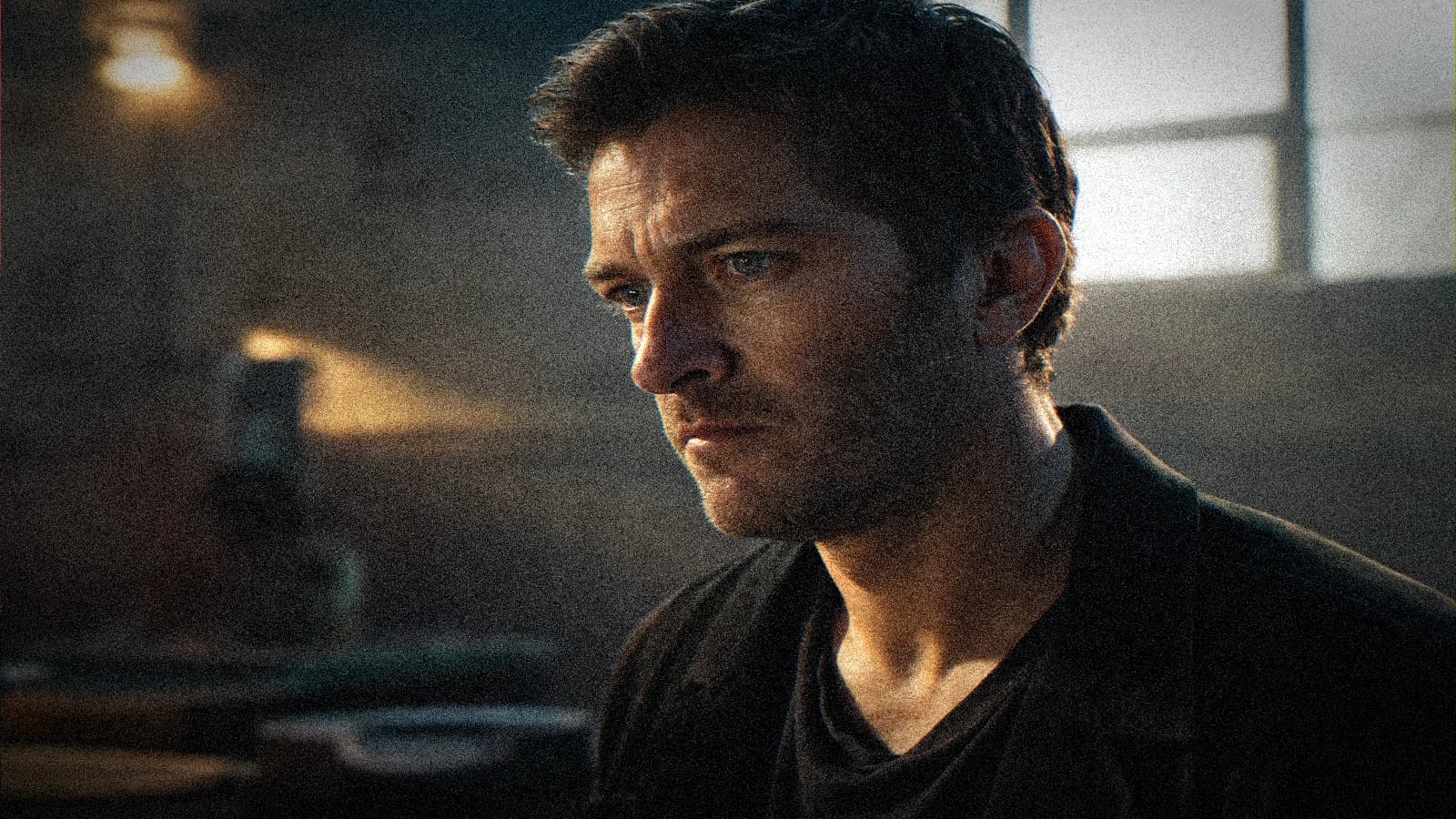
IP-Adapter and References: Locking a Face Across Several Shots
References method, weights, safe angles and matches to keep the same face from one shot to another with no mannequin effect.