Perfect Social Media Loops: AI Video Technique
Loop points, cyclic movement, crossfade and export for seamless loops in 6 and 15 seconds.

Contents · 13 sections
You want a perfect loop for TikTok: 6 seconds that play with no visible seam. You generate 8 s, you cut on feeling, and on cycle 2 everything jumps: light, cloud, shoulder. The seamless loop is designed before the generation, not in a desperate dissolve.
AI video technique for 6 and 15 s loops: entry/exit points, cyclic movement, minimal crossfade, export and platform testing.
What breaks a loop
A global light change, an irreversible displacement of the subject, a camera that does not return to its initial position, particles (smoke, rain) with a non-repeatable trajectory. AI loves linear movements that do not glue back together.
💡 Frank's Cut: loop first with no sound, then add a bed that also loops (or silence). An audio jump betrays an almost invisible visual seam.
Social loops table
| Format | Duration | Movement | Transition |
|---|---|---|---|
| TikTok loop | 6 s | Small cyclic | Crossfade 6 to 10 fr |
| Reels hero | 15 s | Breathing / pendulum | Match cut |
| Display | 6 s | Static + micro | None |
| Ambience | 15 s | Stable light | Separate audio loop |
Perfect loop workflow
Step 1: define the cycle
What comes back identically? Hand position, flame, pendulum, neon reflection. Everything else must stay subtle or frozen.
Step 2: pilot start = end
Generate a start image. Copy it as the end target (or a symmetric prompt). Validate the light and pose similarity.
Step 3: video 6 or 15 s, modest movement
Almost static camera or a 5° micro orbit. No lateral tracking. 4 variations, choose the one where frame 0 ≈ end frame.
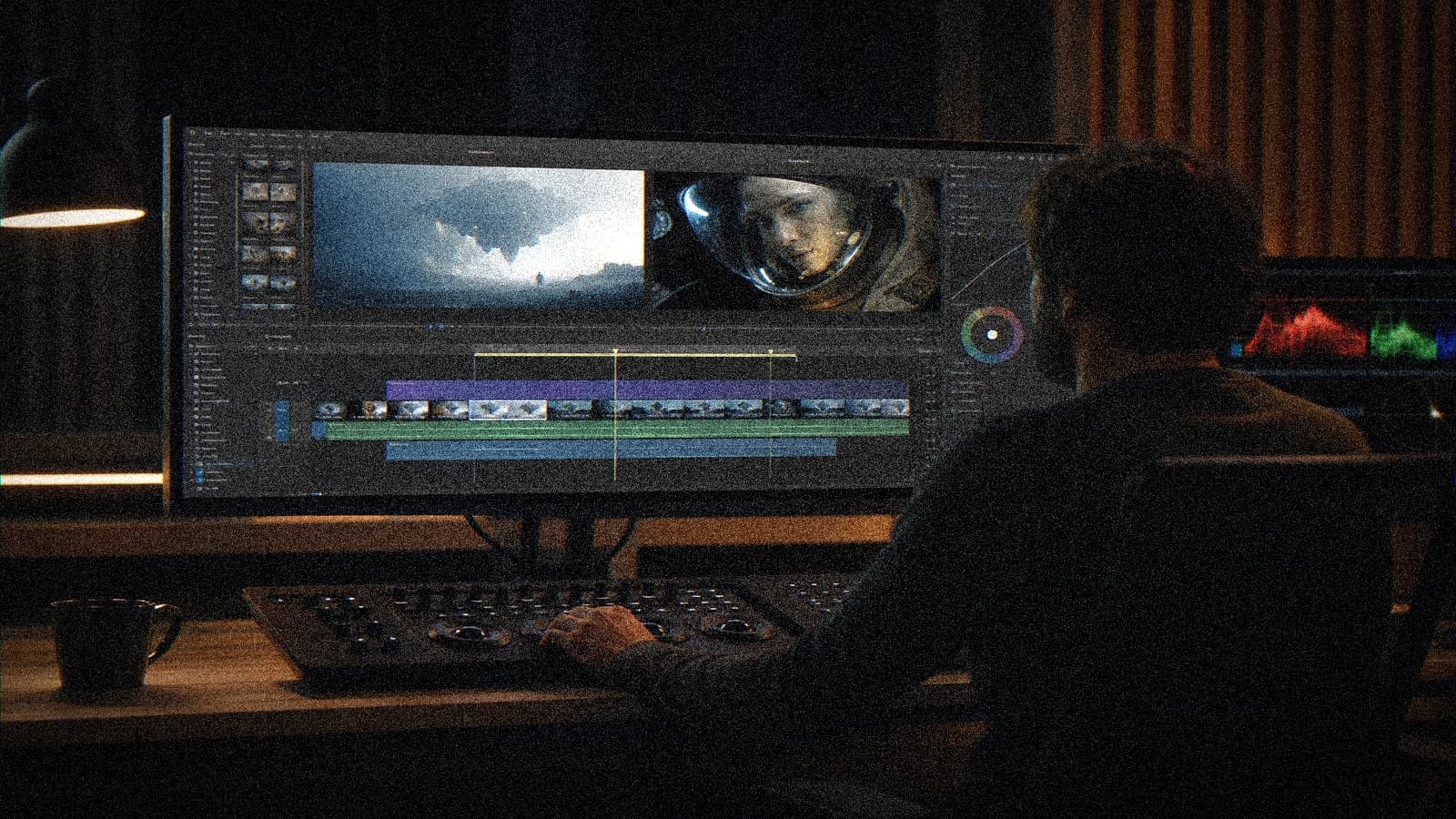
Step 4: gluing
In Premiere / DaVinci / AE: cut at the stable point, crossfade 6 to 12 frames if there is a slight offset. Avoid a 1 s dissolve that blurs everything.
Step 5: test the loop 10 times
Play the loop for 10 cycles. The brain detects the seam on the 3rd if it exists. Fix it before export.
Export H.264 with a sufficient bitrate. See complete Seedance 2 workflow for the modest-movement discipline on video engines.
Scenarios
Neon product loop: very slight pulsed light, 6 s cycle. Café ambience: light steam, same logic as kitchen smoke and steam but a short cycle. Motion poster: static subject, only the reflection moves.
Troubleshooting
Light jump: regenerate with constant light, no sky time-lapse. Position jump: reduce the movement amplitude. Visible dissolve: shorten the crossfade, improve the frame match. Audio click: audio crossfade or a zero-crossing point.
- complete Seedance 2 workflow
- two-character dialogue scene with no broken cut
- turning an AI image into fluid video
- structuring an AI video like a real film
Frequently asked questions
Quick answers to the questions readers ask most about this article.
6 or 15 seconds for TikTok?
6 s for aggressive product loops, 15 s for ambience. Test retention in analytics.
Loop in AI image-to-video?
Yes if the start/end pilot is locked. Same movement discipline.
Is a crossfade always necessary?
No if the match is perfect. Often 6 to 10 frames save an almost-good shot.
Should the music loop too?
Yes, or a hard cut at beat 0. Musical misalignment = broken loop.
Can you loop a shot with a walking character?
Very difficult. Prefer walking on the spot, a visual treadmill, or a cut to another shot.
Export GIF vs MP4?
MP4 for platforms, GIF for light demos. Limited color quality in GIF.
Loop and compression?
A slightly higher bitrate, fine grain masks micro seam artifacts.
How many attempts?
12 variations max then pivot the movement brief.
A successful social loop is a movement that comes back, not a shot that "almost passes". You design the cycle, you test ten times, you publish when the seam disappears.
Field practice: one-page client brief
When you work on AI social media video loops in real conditions, the chaos comes from deadlines, not from tutorials. This one-page client brief section is what I put in the deliverable folder so the team lands on its feet a week later without me.
Before each batch, re-read the five-line brief. A "quick" prompt change with no re-read of the brief creates magnificent shots that are unusable in the edit. The editor will thank you if each file carries a logical name and an A/B/C note.
For validation, impose two screens: a bright phone + a neutral monitor. Many defects on Perfect Social Media Loops: AI Video Technique only appear on one of the two. If it holds on both, you can move on. Otherwise, a single lever changes, not five.
In a client meeting, show a ten-second excerpt with sound, not a gallery of stills. The movement and the audio sell the credibility. Still images lie about the final quality of AI videos.
Document the owned debts (grain, micro drift, text composited in post). Transparency avoids the "redo everything" when the creative director sees the master on a large screen.
💡 Frank's Cut: if you do not feel like explaining a technical choice to the client, that choice is probably a debt to own in black and white, not to hide.
Always cross-reference with why my AI videos look fake when you doubt the overall realism. Often the problem is not the subject of the article, but a missing pilot or sound upstream.
Typical session (45 min): brief 10 min, generation 20 min, QA 10 min, post 10 min, mobile export 5 min. If you do not have an A shot in one hour, pivot the brief, not the caffeine.
Final checklist: message readable with no sound (if subtitles), message audible with sound (if VO), consistency with the charter, platform export tested privately, files named and archived.
Field practice: shared team QA grid
When you work on AI social media video loops in real conditions, the chaos comes from deadlines, not from tutorials. This shared team QA grid section is what I put in the deliverable folder so the team lands on its feet a week later without me.
Before each batch, re-read the five-line brief. A "quick" prompt change with no re-read of the brief creates magnificent shots that are unusable in the edit. The editor will thank you if each file carries a logical name and an A/B/C note.
For validation, impose two screens: a bright phone + a neutral monitor. Many defects on Perfect Social Media Loops: AI Video Technique only appear on one of the two. If it holds on both, you can move on. Otherwise, a single lever changes, not five.
In a client meeting, show a ten-second excerpt with sound, not a gallery of stills. The movement and the audio sell the credibility. Still images lie about the final quality of AI videos.
Document the owned debts (grain, micro drift, text composited in post). Transparency avoids the "redo everything" when the creative director sees the master on a large screen.
💡 Frank's Cut: if you do not feel like explaining a technical choice to the client, that choice is probably a debt to own in black and white, not to hide.
Always cross-reference with why my AI videos look fake when you doubt the overall realism. Often the problem is not the subject of the article, but a missing pilot or sound upstream.
Typical session (50 min): brief 10 min, generation 20 min, QA 10 min, post 10 min, mobile export 5 min. If you do not have an A shot in one hour, pivot the brief, not the caffeine.
Final checklist: message readable with no sound (if subtitles), message audible with sound (if VO), consistency with the charter, platform export tested privately, files named and archived.
Field practice: seeds and prompts archive
When you work on AI social media video loops in real conditions, the chaos comes from deadlines, not from tutorials. This seeds and prompts archive section is what I put in the deliverable folder so the team lands on its feet a week later without me.
Before each batch, re-read the five-line brief. A "quick" prompt change with no re-read of the brief creates magnificent shots that are unusable in the edit. The editor will thank you if each file carries a logical name and an A/B/C note.
For validation, impose two screens: a bright phone + a neutral monitor. Many defects on Perfect Social Media Loops: AI Video Technique only appear on one of the two. If it holds on both, you can move on. Otherwise, a single lever changes, not five.
In a client meeting, show a ten-second excerpt with sound, not a gallery of stills. The movement and the audio sell the credibility. Still images lie about the final quality of AI videos.
Document the owned debts (grain, micro drift, text composited in post). Transparency avoids the "redo everything" when the creative director sees the master on a large screen.
💡 Frank's Cut: if you do not feel like explaining a technical choice to the client, that choice is probably a debt to own in black and white, not to hide.
Always cross-reference with why my AI videos look fake when you doubt the overall realism. Often the problem is not the subject of the article, but a missing pilot or sound upstream.
Typical session (55 min): brief 10 min, generation 20 min, QA 10 min, post 10 min, mobile export 5 min. If you do not have an A shot in one hour, pivot the brief, not the caffeine.
Final checklist: message readable with no sound (if subtitles), message audible with sound (if VO), consistency with the charter, platform export tested privately, files named and archived.
Field practice: mobile compression test
When you work on AI social media video loops in real conditions, the chaos comes from deadlines, not from tutorials. This mobile compression test section is what I put in the deliverable folder so the team lands on its feet a week later without me.
Before each batch, re-read the five-line brief. A "quick" prompt change with no re-read of the brief creates magnificent shots that are unusable in the edit. The editor will thank you if each file carries a logical name and an A/B/C note.
For validation, impose two screens: a bright phone + a neutral monitor. Many defects on Perfect Social Media Loops: AI Video Technique only appear on one of the two. If it holds on both, you can move on. Otherwise, a single lever changes, not five.
In a client meeting, show a ten-second excerpt with sound, not a gallery of stills. The movement and the audio sell the credibility. Still images lie about the final quality of AI videos.
Document the owned debts (grain, micro drift, text composited in post). Transparency avoids the "redo everything" when the creative director sees the master on a large screen.
💡 Frank's Cut: if you do not feel like explaining a technical choice to the client, that choice is probably a debt to own in black and white, not to hide.
Always cross-reference with why my AI videos look fake when you doubt the overall realism. Often the problem is not the subject of the article, but a missing pilot or sound upstream.
Typical session (60 min): brief 10 min, generation 20 min, QA 10 min, post 10 min, mobile export 5 min. If you do not have an A shot in one hour, pivot the brief, not the caffeine.
Final checklist: message readable with no sound (if subtitles), message audible with sound (if VO), consistency with the charter, platform export tested privately, files named and archived.
Field practice: documented visual debt
When you work on AI social media video loops in real conditions, the chaos comes from deadlines, not from tutorials. This documented visual debt section is what I put in the deliverable folder so the team lands on its feet a week later without me.
Before each batch, re-read the five-line brief. A "quick" prompt change with no re-read of the brief creates magnificent shots that are unusable in the edit. The editor will thank you if each file carries a logical name and an A/B/C note.
For validation, impose two screens: a bright phone + a neutral monitor. Many defects on Perfect Social Media Loops: AI Video Technique only appear on one of the two. If it holds on both, you can move on. Otherwise, a single lever changes, not five.
In a client meeting, show a ten-second excerpt with sound, not a gallery of stills. The movement and the audio sell the credibility. Still images lie about the final quality of AI videos.
Document the owned debts (grain, micro drift, text composited in post). Transparency avoids the "redo everything" when the creative director sees the master on a large screen.
💡 Frank's Cut: if you do not feel like explaining a technical choice to the client, that choice is probably a debt to own in black and white, not to hide.
Always cross-reference with why my AI videos look fake when you doubt the overall realism. Often the problem is not the subject of the article, but a missing pilot or sound upstream.
Typical session (65 min): brief 10 min, generation 20 min, QA 10 min, post 10 min, mobile export 5 min. If you do not have an A shot in one hour, pivot the brief, not the caffeine.
Final checklist: message readable with no sound (if subtitles), message audible with sound (if VO), consistency with the charter, platform export tested privately, files named and archived.
Field practice: sound laid before image validation
When you work on AI social media video loops in real conditions, the chaos comes from deadlines, not from tutorials. This sound-laid-before-image-validation section is what I put in the deliverable folder so the team lands on its feet a week later without me.
Before each batch, re-read the five-line brief. A "quick" prompt change with no re-read of the brief creates magnificent shots that are unusable in the edit. The editor will thank you if each file carries a logical name and an A/B/C note.
For validation, impose two screens: a bright phone + a neutral monitor. Many defects on Perfect Social Media Loops: AI Video Technique only appear on one of the two. If it holds on both, you can move on. Otherwise, a single lever changes, not five.
In a client meeting, show a ten-second excerpt with sound, not a gallery of stills. The movement and the audio sell the credibility. Still images lie about the final quality of AI videos.
Document the owned debts (grain, micro drift, text composited in post). Transparency avoids the "redo everything" when the creative director sees the master on a large screen.
💡 Frank's Cut: if you do not feel like explaining a technical choice to the client, that choice is probably a debt to own in black and white, not to hide.
Always cross-reference with why my AI videos look fake when you doubt the overall realism. Often the problem is not the subject of the article, but a missing pilot or sound upstream.
Typical session (70 min): brief 10 min, generation 20 min, QA 10 min, post 10 min, mobile export 5 min. If you do not have an A shot in one hour, pivot the brief, not the caffeine.
Final checklist: message readable with no sound (if subtitles), message audible with sound (if VO), consistency with the charter, platform export tested privately, files named and archived.
Field practice: pivot rule after twelve attempts
When you work on AI social media video loops in real conditions, the chaos comes from deadlines, not from tutorials. This pivot-rule-after-twelve-attempts section is what I put in the deliverable folder so the team lands on its feet a week later without me.
Before each batch, re-read the five-line brief. A "quick" prompt change with no re-read of the brief creates magnificent shots that are unusable in the edit. The editor will thank you if each file carries a logical name and an A/B/C note.
For validation, impose two screens: a bright phone + a neutral monitor. Many defects on Perfect Social Media Loops: AI Video Technique only appear on one of the two. If it holds on both, you can move on. Otherwise, a single lever changes, not five.
In a client meeting, show a ten-second excerpt with sound, not a gallery of stills. The movement and the audio sell the credibility. Still images lie about the final quality of AI videos.
Document the owned debts (grain, micro drift, text composited in post). Transparency avoids the "redo everything" when the creative director sees the master on a large screen.
💡 Frank's Cut: if you do not feel like explaining a technical choice to the client, that choice is probably a debt to own in black and white, not to hide.
Always cross-reference with why my AI videos look fake when you doubt the overall realism. Often the problem is not the subject of the article, but a missing pilot or sound upstream.
Typical session (75 min): brief 10 min, generation 20 min, QA 10 min, post 10 min, mobile export 5 min. If you do not have an A shot in one hour, pivot the brief, not the caffeine.
Final checklist: message readable with no sound (if subtitles), message audible with sound (if VO), consistency with the charter, platform export tested privately, files named and archived.
Related articles
 Tutoriels
Loudness Mastering for AI Ads on Social Media
Target LUFS, dynamics and music for masters that pass TikTok, Reels and YouTube without crushing the voice.
 Tutoriels
Preparing a Shot Breakdown Before AI Video Generation
The AI version of the shooting plan to avoid useless generations and deliver usable shots faster.
 Tutoriels
A/B Testing YouTube Thumbnails Generated with AI
Variants, metrics, testing ethics and alignment with the video to optimize CTR without toxic clickbait.