How to Integrate Sound Design into an AI Video
A practical method to integrate sound design into an AI video: audio layers, synchronization, synthetic voices, ambiences and a mix for a credible render with no noise or amateur collage. The keyword AI video sound design becomes a delivery protocol here, not a catalog of effects.
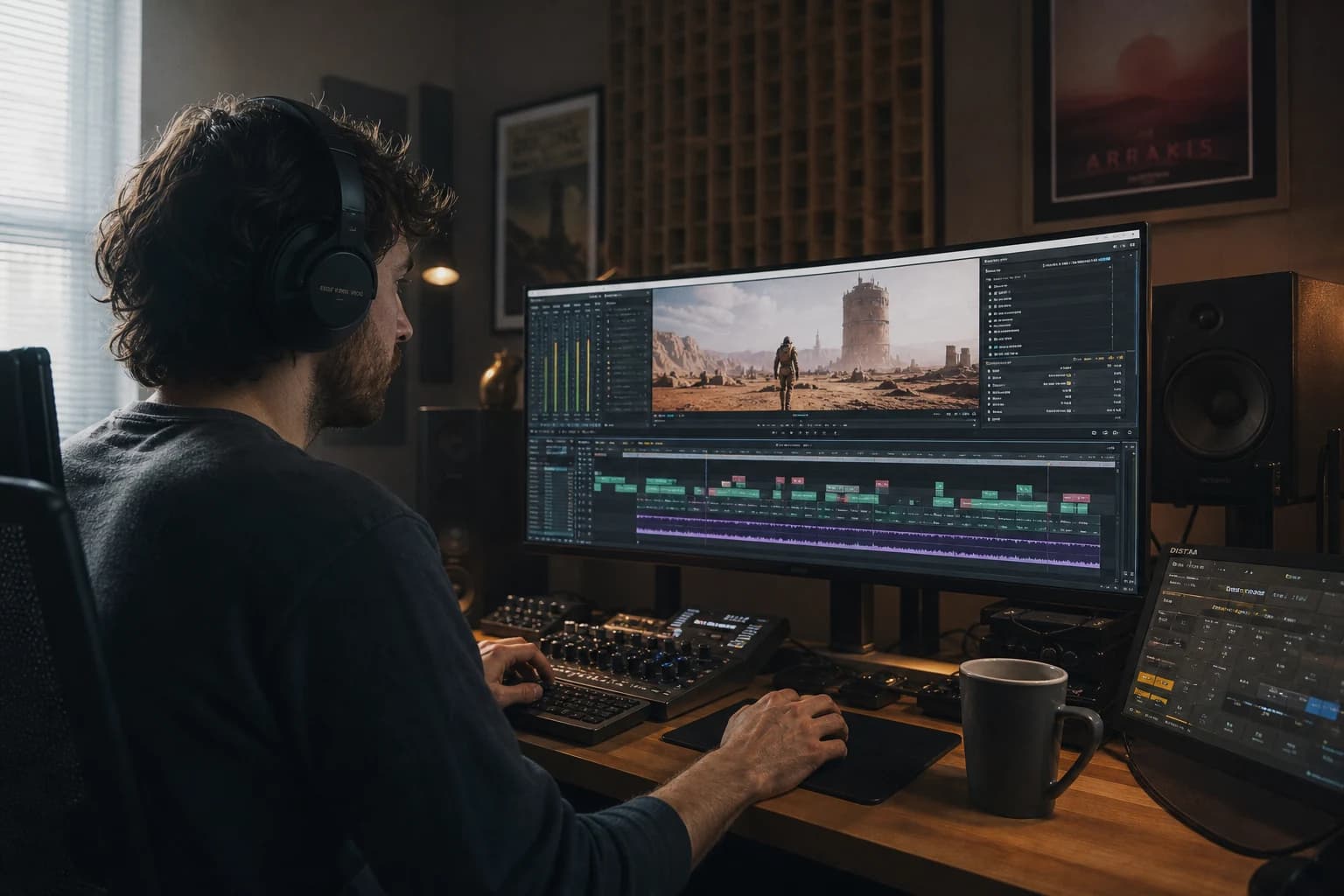
A video generated by artificial intelligence can impress as a still image then collapse in three seconds of playback because it sounds empty. Not only "with no music": empty in the sense that the ear detects a world with no material, no distance, no consequence. AI video sound design, when well thought out, does not replace the story: it anchors the illusion. This guide is for creators who want to move from a "model demo" clip to an edit where the viewer stops wondering where the file comes from.
Here, sound design is not a hunt for giant free libraries. It is a decision of hierarchy: what must be heard first, then, and what must stay subliminal? AI helps you quickly produce pixels; sound, on the other hand, quickly punishes improvisation. The good news: a disciplined audio chain often compensates for a surprising part of visual uncertainty, because the brain fuses the cues. The bad news: an inconsistent sound immediately reveals a collage edit, even if the image was passable.
Why sound betrays you if your AI workflow is decorative
The video generation platforms sell the movement and the texture. Rarely the acoustics of the place. Typical result: a "bright office" shot visually credible, but with no room reflection, no ventilation, no little table noise when a hand places an object. It is not snobbery; it is listened physics. When the image promises a space and the ear hears no envelope, the viewer does not need technical vocabulary to feel the flaw.
Another trap: "trailer" music glued full blast over a still-fragile voice. You think you are giving epic. You actually mask the clarity and you expose every dialogue cut. On synthetic voices, this problem is mechanical: the artificial dynamic does not have the same hold as a well-miked human recording. You have to protect the speech with predictable mix choices, not with a second patchwork of presets.
Finally, AI video makers often accumulate "cinema" effects with no grammar. Five different whooshes over ten cuts, all from different packs, produce a tinkerer's sound signature. Pro sound design often looks like a tight palette: three families of textures, reused with intention, rather than thirty noisy novelties.
Defining a sound roadmap before the timeline
Before opening your audio station, write in half a page what each section must make you feel, not only show. A useful example: "Sequence 1: suspicion, proximity, almost no music. Sequence 2: lift, rhythm, soft percussion. Ending: calm resolution, real room. AI video sound design: light handling noises, no big impacts." This document prevents you from stacking spectacle when the scene asks for silence.
Link this phase to a visual structure already thought out like a film, not like a series of prompts. The guide how to structure an AI video like a real film helps you lock why each shot exists. Sound will not save a confusing breakdown; it can, on the other hand, magnify a clear breakdown by suggesting the space between two images.
The four layers you must name explicitly
Dialogue or voice-over. It is the number one priority if your message is verbal. On generated voices, you want a stable read, little "radio" over-compression, and a credible breath. To push the quality of the synthetic takes and their direction (rhythm, timbre, emphasis), the tutorial ElevenLabs, the definitive guide for ultra-realistic voices stays a concrete reference: you will find how to avoid the cliché of the "too perfect" voice that sounds like a demo.
Music. It often occupies the broad emotional function. In AI video sound design, choose a track with spectral room for the speech: ranges with no garish melody on the spoken segments, or instrumental versions. Think "bed under the voice", not "sound wall".
Ambiences and room tone. It is the most neglected and the most profitable layer. Three to eight seconds of clean ambience under a scene can silence the impression of a digital studio. The room tone does not need to be rich; it must be continuous, with no loop that clicks every two seconds.
Objective effects and transitions. Each effect must answer a visible or implicit cause. A hard cut can stay dry if the story supports it. A delicate AI morphing can require a light energetic dissolve or a minimal foley to guide the ear. The frequent mistake: compensating for a dirty cut with a gratuitous "holographic" noise that screams.
Synchronizing the sound with images that never existed on a set
On AI shots, you have no "ground truth" shooting sound. So you have to replay the world with consistent effects and a credible envelope. A simple method: for each shot, ask three questions. Where are we acoustically? A dry interior, a reverberant hall, a street with perspective, a forest with diffuse depth. What visible causes produce noise? Footsteps, friction, a mechanism, a fluid. What is the camera distance? A face close-up does not sound like a wide shot of the same room if you put the same bare ambience there.
Then, calibrate the accents. A hand grabbing a cup in the center of the frame deserves a small discreet synchronized ceramic click; not a trailer impact. A door opening off-frame can suggest a light filtered creak. AI sometimes shows you an imperfect gesture; if you still align a too-heroic sound, you double the inconsistency. Better a sober and accurate sound than a spectacular and lying one.
For the lip sync on speaking characters, anticipate the problem before the mix. If the mouth and the audio diverge, no whoosh will save the scene. You correct or you cut early. Narrative editing stays your first repair tool: a shorter sentence, a reframe, an insert that detaches the gaze from the defect.
Building a readable audio timeline in any software
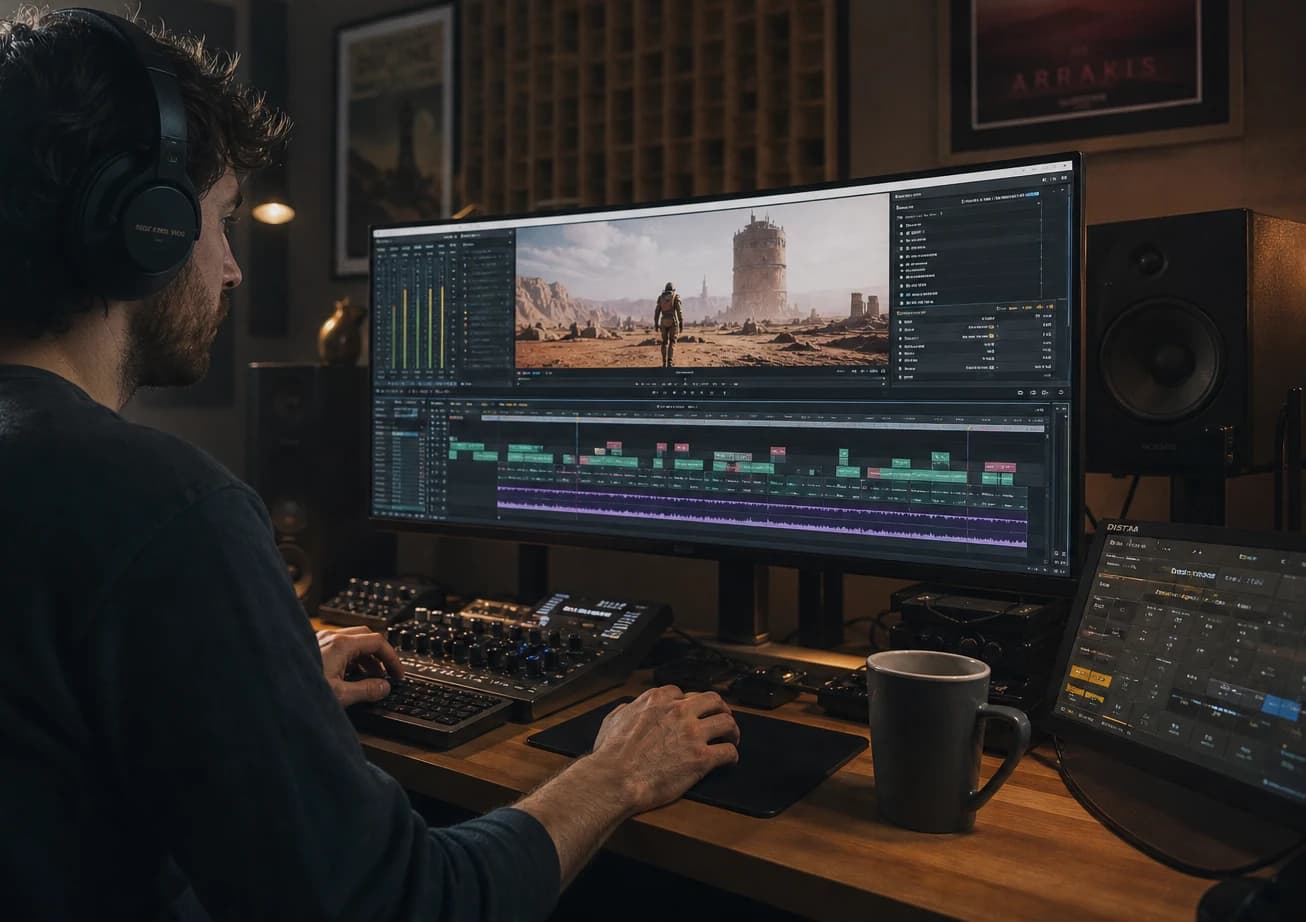
You can integrate this work in DaVinci Resolve, Premiere Pro, Final Cut, or even mobile workflows if you respect the hierarchy. Step one: import a stable visual radio edit (even imperfect) so you do not mix on phantom durations. Step two: lay a continuous room tone under each scene before the details. Step three: hook the voice, set the average levels, compress sparingly if necessary. Step four: lower the music on the spoken ranges (automation curve or light sidechain). Step five: add the effects last, by priority layers.
On heterogeneous AI sources, the digital background noises can vary between shots. Harmonize mentally with a soft filter or a very low-level covering ambience that masks the ruptures without smothering the dialogue. Be careful not to turn that into a permanent pink-wind bath.
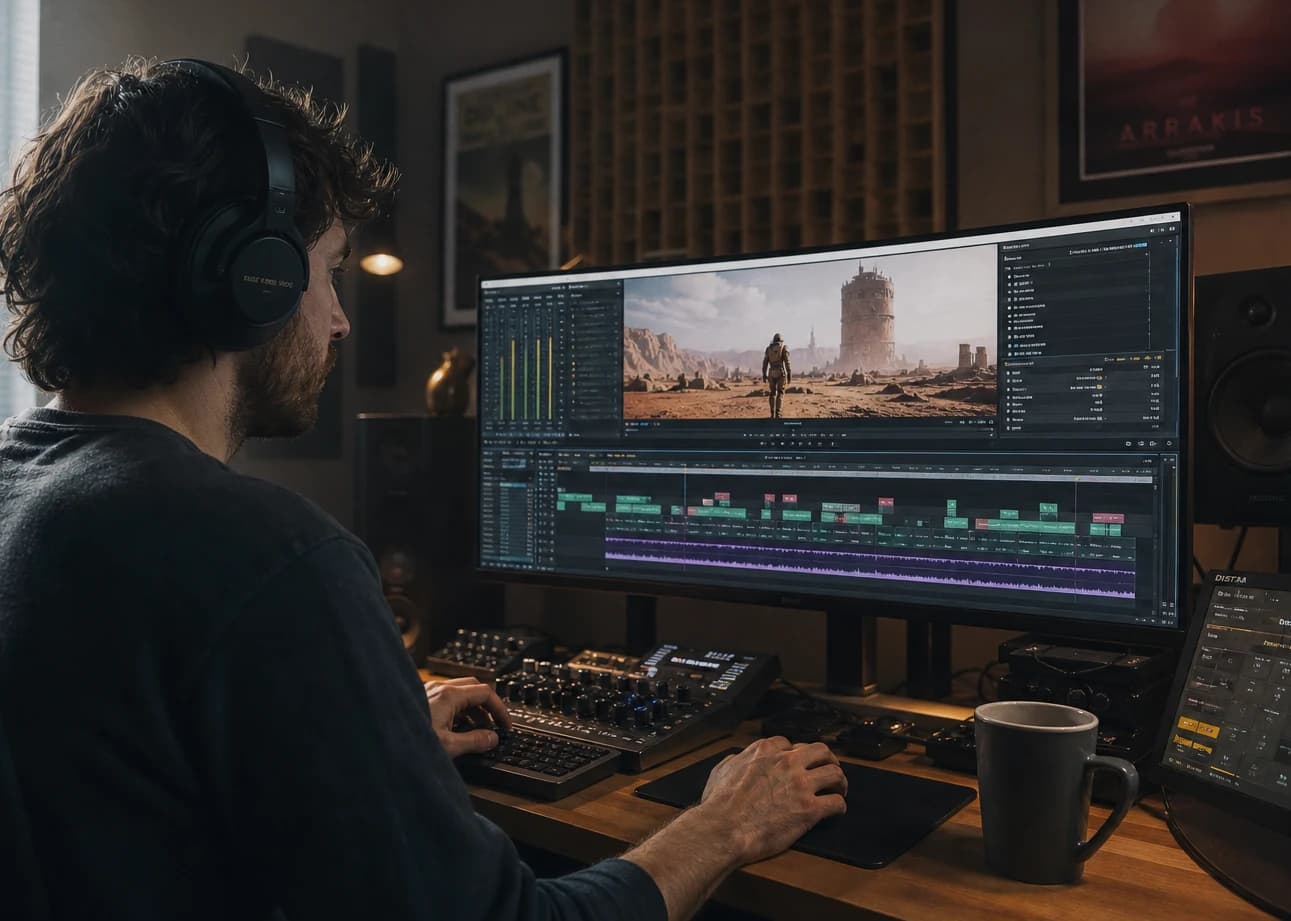
The complete guide to AI-assisted video editing stays your compass when you balance between generation, take selection and assembly: sound does not live in a separate silo from the cutting discipline. An editor who cuts before the artifact saves the internal mixer (often you the next day) hours of tinkering.
Levels, dynamics and "real world" listening
Mix for the destination. A smartphone with tiny speakers quickly reveals music too rich in aggressive mids or a voice too bright. Do at minimum two passes: headphones for the precision of the clicks and an approximate speaker for the brutality of the real. If you aim for social media, also test at low volume, like on a couch late at night: it is that test that betrays the voice that is too weak or too clicky.
Keep headroom on the master: perceived loudness is not a race. An AI video that screams in the red to mask the visual ends up tiring before the narrative even concludes.
Minimalist foley versus industrial library
You do not need to record an armory to improve a clip. Often, ten well-chosen simple foleys beat a hundred anonymous layers. Time-cheap examples: a light fabric rustle on an arm movement, office-paper friction, a homogeneous air-conditioning hiss, a very discreet screen buzz, footsteps on carpet or concrete depending on the perspective. The goal is to give a texture of contact with the world.
When you do not know what to add, remove a music layer instead. A lot of AI video sound design becomes clean when the music steps back and the space breathes.
Consistency between shots: fewer styles, more rules
Choose a signature for your video: effect attacks rather soft or rather dry, noisy or near-silent transitions, but not both in random alternation. The viewers do not name the rule; they feel the personality.
If you mix a short ad that has to hold in a sprint, the logic of how to produce an AI video in 24h also applies to the sound: a minimal scope, owned choices, a ban on micro-sculpting twenty transitions if the message is not clear. The "perfect" music will wait; the clarity will not.
Frequent generator noises and how the sound helps without lying
Some AI videos show hands that pass through objects or impossible reflections. The sound design does not "repair" that; it can only not aggravate the deception. In these cases, avoid the effects that draw attention to the hand: stay on the ambience and the narrative. Conversely, for a minor texture defect, a light scene noise can divert the attention with no gross manipulation.
For intended visual morphings, you can support the transition with a very brief spectral slide, a damped digital-texture type, as long as the style stays consistent with the rest of the project. If you use this trick only once, it looks gimmicky. If you make it a convention of your world, it becomes readable.
AI voices, dubbing and simple spatialization
Synthetic voices often benefit from a light treatment: EQ to remove an excessive sibilance, a low cut to avoid the useless rumble, and sometimes a very short space reverb consistent with the set. Beware of the default big cathedral: a flashy reverb signals "voice disconnected from the place" faster than the image.
If you have several characters with no stereophonic recording, cheat modestly with the panning: two or three stable positions are enough. The ear accepts this convention if it stays stable in the scene.
💡 Frank's Cut: if your music has to drop at every sentence for it to be understood, it is not yet an adapted music; it is a badly chosen obstacle. Change the track before spending three hours on desperate automations.
Deliverables, versions and audio project hygiene
Export a master with an unchanged mix and, if possible, a voice stem and a music stem for client revisions. Even solo, having the voice isolated speeds up the retouches when the client asks for "the same video but twenty percent shorter" one hour before midnight.
Name your audio files like your shots: scene02_roomtone_v3, sfx_keygrab_01. Folder chaos destroys the mix more surely than a bad plugin.
Measuring without obsession: loudness, platform compression and a second pass
You do not need a label mastering on an AI tool video. You need a stable level that survives the double compression of the networks. When the platform re-encodes, the aggressive peaks and the hard mids become public crackle. Prefer a modest dynamic on the music, a voice with a ceiling you control, and a brief controlled true peak before export if your software indicates it. The goal is not a magic number carved in stone: it is to avoid your "clean on a laptop" file collapsing on a smartphone speaker in a noisy room.
Do a listen after an approximate compression on the test side: export an mp4 copy at a bitrate close to what you target, or pass it through a light encoder to simulate the network. The hisses and the too-bright effects often reveal their defects at this step. If you do not have time for a scientific pipeline, keep at least this rule: when you add three decibels of sensation on the music to "give punch", recheck the voice on one sentence of each paragraph. The viewer forgives an image that breathes; they do not forgive a key sentence eaten by the chorus for long.
Finally, anticipate the captions. Even if this guide mostly talks about the mix, AI video sound design also reads on the subtitle timeline: if you frame effects on precise words, make sure the transcription does not contradict the perceived rhythm. A micro reading/text offset is enough to make the magic fall. When you simplify the mix for readability, you also make the felt sync between the ear and the eye more reliable on this type of distribution.
Checklist before calling the mix "finished"
- Voice intelligible at low volume on a phone.
- No ambience loop that is heard every four seconds.
- Music that does not mask the plosives or the sentence endings.
- Effects plausibly synchronized to the gestures, or deliberately abstract but consistent across the whole piece.
- A master with no gross distortion or brutal absolute silence between two scenes that should touch.
- Export tested on at least two devices including a small speaker.
💡 Frank's Cut: cut the sound, watch for a minute; put the sound back, close your eyes for a minute. If one of the two tests fails, the problem is structural, not a missing plugin.
FAQ (Frank's Cut)
| Question | Short answer | Frank's Cut |
|---|---|---|
| Does sound design compensate for a mediocre AI image? | Sometimes yes for the overall perception, no for the major story or anatomy errors. | Do not treat the sound as a miracle detergent on a vague brief. |
| Where do I start if I have no sound design culture? | With the room tone and the vocal clarity, before any paid library. | A flat but continuous ambience often beats five free "cinema" packs. |
| How many simultaneous effects on a cut? | Often one clear accent and a low bed, not four narrative explosions. | If you have to lower the music to hear the effect, the effect is badly framed. |
| Should I systematically sidechain the music on the voice? | Often yes in a spoken ad, with light dosages to avoid the pumping breathing. | A caricatural ducking reveals your chain more than an honest slight manual volume. |
| Are "ambience generator" audio AIs worth it? | Yes if you validate over the duration and you avoid the too-recognizable patterns. | A cliché "sci-fi" loop on three videos in a row labels you fast. |
| Should I copy Hollywood cinema? | Draw on the principles (space, cause, distance), not the maximum default noise. | The viewer wants the consistency, not the blockbuster trailer on your local ad. |
| How do I know if my video is too "clean"? | Listen: if you only hear the music, you have probably killed the space. | Add modest contact rather than cathedral reverb. |
| What is the number one mistake with AI voices? | An overload of emphasis and a too-compressed mix that exposes every cut. | Read your sentence aloud before generating it: if you struggle, the engine will too. |
Conclusion: AI video sound design is a series of kept promises
AI video sound design does not mean "more sounds". It means sounds that confirm the same promises as your images: place, distance, intention, continuity. A clean audio timeline silences part of the instinctive skepticism toward generative visuals, because it suggests an author behind the chain, not only a model.
Keep three principles for your next project: a clear hierarchy (voice or action first), an ambience early (space before spectacle), a tight palette (fewer banks, more rules). The rest is repeatable technique.
If your mix is honest, the viewer may not comment on the sound design. They will simply stay longer. It is often the only positive criticism you really need.
Related articles
 Tutoriels
How to Turn an AI Video Into a Premium Ad
A complete method to turn an AI video into a premium ad: conversion-oriented creative frame, disciplined visual consistency, serious post-production and media quality control like an agency. The keyword turn AI video premium ad becomes here an executable checklist.
 Tutoriels
How to Improve an Average Render into a Pro Render
A decent AI video shot is not enough on a serious screen: layer-by-layer diagnosis, a solid post chain, controlled upscaling and rejection discipline to go from an average render to a pro render with no magic or misleading promises.
 Tutoriels
AI Storyboarding: Turning Your Script Into a Cinematic Vision
A field method to storyboard with AI with no decorative gallery: key shots, spatial consistency, staging prompts, animatic and frequent mistakes.