How to Produce an AI Video in 24 Hours
A field method to produce an AI video in 24 hours: tight brief, disciplined assets, generation with no drift, deliverable-oriented editing. Ideal when the deadline is real and the keyword produce AI video 24h must become an execution plan, not a marketing promise.
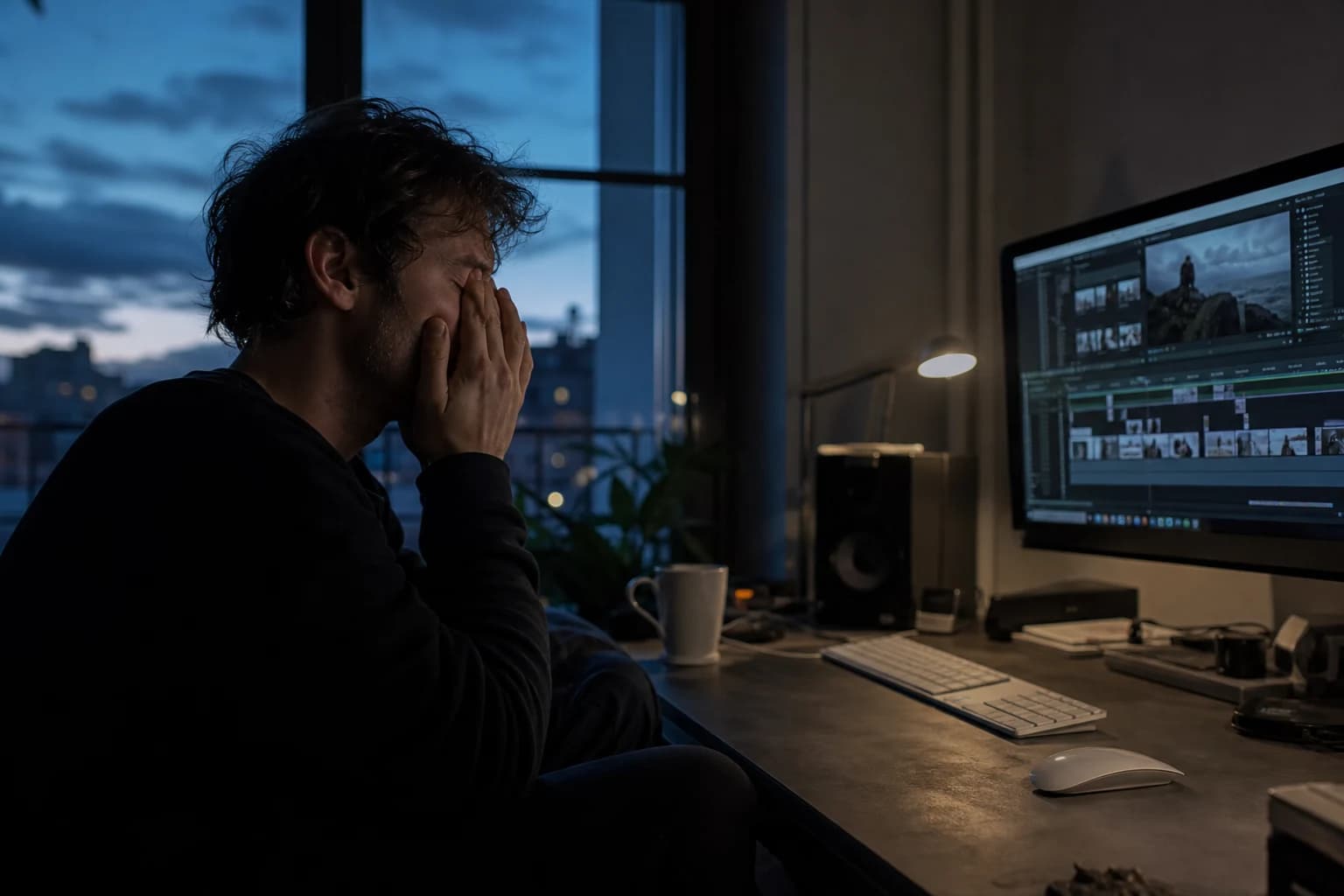
You promised a video for tomorrow morning. Not a three-week "creative laboratory". A clear proposal, usable shots, a sound that holds, and a file you can send without blushing. If you are looking for how to produce an AI video in 24h without falling back into the chaos of infinite variations, this guide is your operational checklist.
The goal here is not to deny the fatigue. It is to accept a simple truth: in twenty-four hours, maximum quality comes from the well-chosen minimal scope. You are not making a feature film. You are making a short piece, readable, consistent, with a fast decision protocol. The rest is noise.
The frame that saves your day (before any generation)
Define the deliverable as an internal contract
Before opening any tool, write in five lines what must exist at the end. Not "something cinematic". Rather: target duration, ratio (16:9, 9:16, 1:1), destination (site, ad, social), language, tone. Add a prohibitions line: no long complex shots, no readable text on clothing, no hands in the foreground if you know your pipeline is not stable on gestures.
This discipline seems administrative. It is in reality your anti-drift shield. Video models amplify ambiguities. A fuzzy instruction becomes a nice morphing at the start and a technical debt at the end. When you want to produce an AI video in 24h, you must treat the brief as a guardrail that is legally as much as psychologically protective: it reminds you what you deliberately excluded.
One intention per shot
In a one-day sprint, "lots of ideas" kills the delivery. You choose one dominant intention per shot: gaze to camera, short walk, static pose with micro-movement, product cutaway, simple emotional reaction. If you mix three intentions, the engine will choose the one that will break the jaw.
It is exactly the same principle as in a mastered image-to-video workflow: a single action, a modest camera move, a readable light. To go deeper on the pilot image then movement chain, keep open the guide the complete Seedance 2 workflow for a cinema render. Even if you do not use Seedance 2, the logic of a locked image and controlled amplitude stays your best quality shortcut.
The honest trade-off: owned generic or risky realistic
In twenty-four hours, you must decide. Either you aim for a stable render with a slightly more generic but consistent aesthetic, or you aim for maximum realism with fewer shots and more retouching. You cannot demand both on twenty ambitious sequences. This decision is made at hour zero, not at the nineteenth hour when the client calls back.
Typical timeline: twenty-four hours with no nightmare
The following structure works for a video of forty seconds to two minutes, a short trailer type, an editorial ad, or an explanatory clip. You can compress it if you aim for thirty seconds, but keep the phases in the same order.
Hours 0 to 2: strategic framing and "breakdown" script
You write a script not like an article, but like a shot list with one mission per line. Example of a useful line: "Shot 4: product on a wood table, window light, hand off-frame, duration 2.5 s, sound: click + room tone."
You add for each shot:
- subject and set in one sentence;
- camera constraint (static, slow push, slight pan);
- minimal sound element;
- acceptance criterion (what makes this shot "good"?).
If you work on a format close to the ad and you want to avoid the trap of the pretty void, cross-reference with creating a striking video ad with artificial intelligence. This guide insists on one thing essential in a sprint: the proof and the promise take precedence over the stylistic demonstration.
💡 Frank's Cut: if your script goes past one page, cut before generating. In 24h, a half-page that holds the attention beats three pages of ungenerateable poetry.
Hours 2 to 6: visual bible and asset preparation
You assemble a mini kit: light references, palette, two words on the texture (grain, natural skin, controlled contrast), and a consistency rule for the faces if you have any. You also prepare the project tree. The folder names must carry the status: 01_BRIEF, 02_PILOTS, 03_RAW_VIDEO, 04_EDIT, 05_AUDIO, 06_EXPORT.
Organizing fast without losing your head is a craft. The detailed method to name, version and avoid the multi-tool chaos is in how to organize your AI assets like a pro. Applied to a sprint, it saves you hours simply because you no longer hunt for "the version that worked" in five different chats.
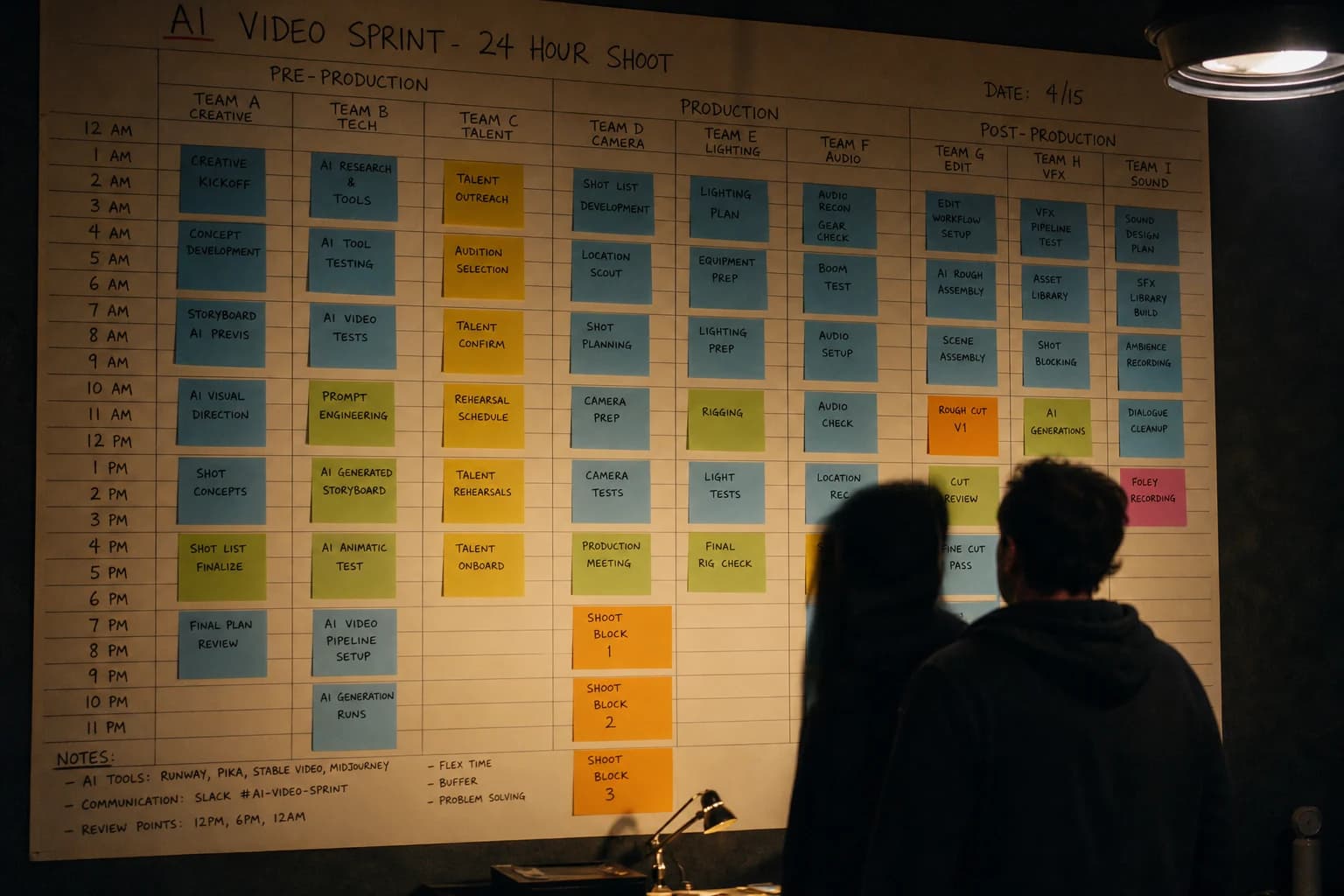
Hours 6 to 14: image and video generation with a try quota
For each shot, set in advance a quota: for example eight image tries and six video tries, or fewer if the shot is sensitive (face). When the quota is exceeded, you change a single variable: the angle, the duration, the movement amplitude, or the subject's action. Never everything at once.
Protect the critical zones. The eyes, hands, hair on the face edge, text, the grid of a set: these are the zones that cost the post-work. If you know you do not have time for a serious masking, avoid these zones in the framing.
Normalize before judging. Look first at the real distribution size. Many "AI" clips pass on desktop then collapse on a phone because the contrast and the grain lie. Your sprint must include a smartphone test early, not at twenty-three forty-five.
To then move on to a fluid edit without fighting against the rhythm, also preload the ideas of the complete guide to AI-assisted video editing. You will find there the logic of building in units of meaning, useful when you must assemble heterogeneous shots fast.
Hours 14 to 18: ruthless selection and assembly
You import only the A takes and sometimes a recoverable B. Everything else is archived but off the timeline. You edit first a radio edit: the audio skeleton and the pace, even if the transitions are ugly. When the skeleton breathes, you dress it.
The classic mistakes at the end of a sprint: correcting the pixel while the narrative structure is not validated, adding effects that mask a fragile cut, over-mixing the music before the voice is clear. Reverse the order. Structure first, polish after.
Hours 18 to 22: sound, subtitles, simple compliance
Voice. If you use a synthetic voice, reduce the emphasis on the difficult sentences. Test at 0.9 speed if the diction snags. If you dub with a human in a hurry, favor comprehension over the "perfect timbre".
Music. Choose a level that supports without crushing. In a sprint, the useful silence often beats the free "trailer" track that drowns the message.
Subtitles. If your video goes to social, plan a burned version and a version with no embedded text if the client wants modular.
Hours 22 to 24: export, QC, delivery
You export a master and a light copy if needed. You redo a short QC pass: three seconds beginning, three seconds middle, three seconds end, then at least one random point. You also check the lip sync if you have any. You name the file with _FINAL only when you have validated the checklist.
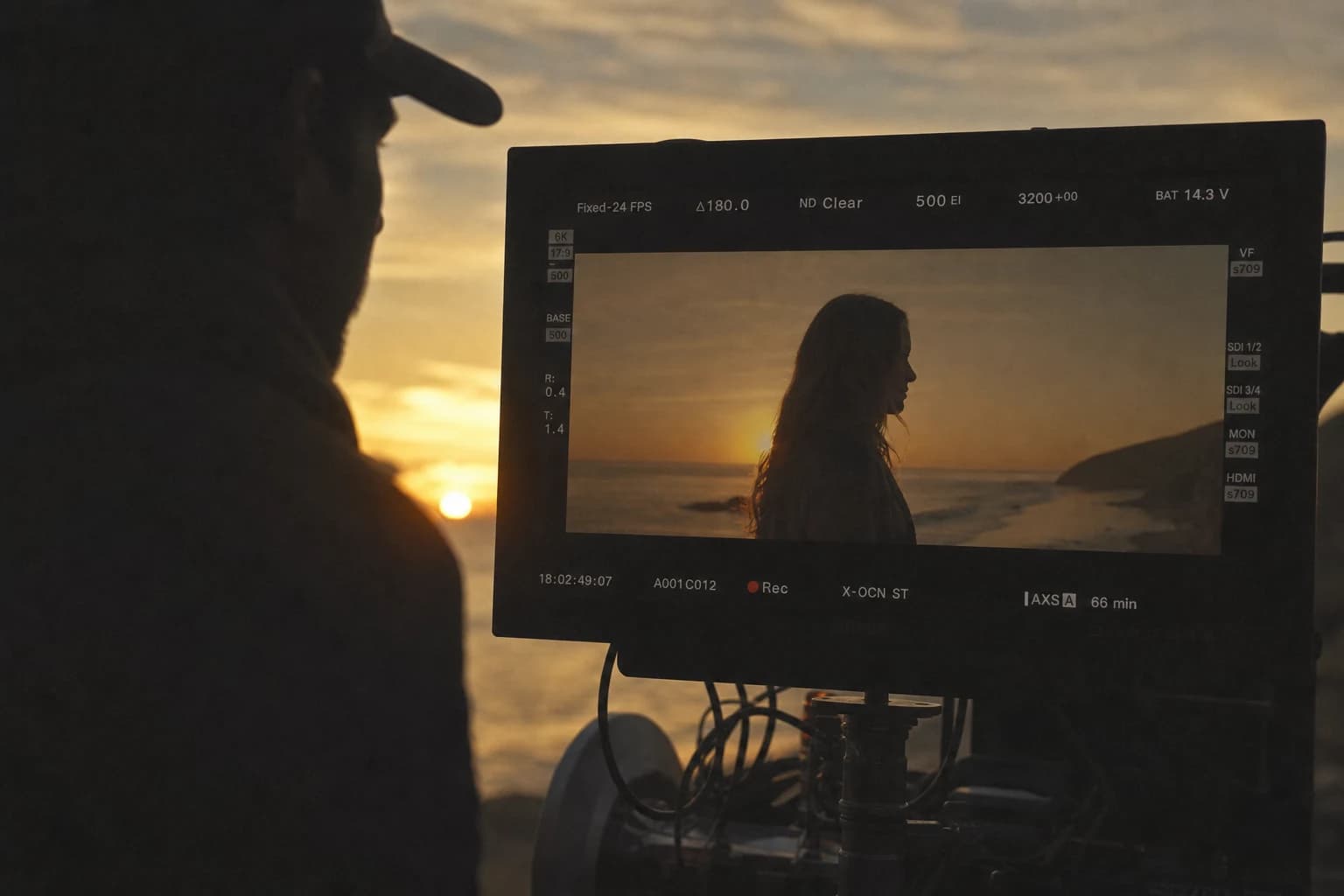
Express reading grid (the fifteen-minute review)
When you no longer have time to philosophize, pass each clip through this grid:
- Immediate reading of the subject: do you understand who, what, where, in one second?
- Face stability on the important shots: is the drift acceptable or destructive?
- Light consistency: does the scene hold from one end of the shot to the other?
- Perspective and depth: do the verticals of the set breathe normally?
- Material credibility (skin, fabric, glass): does it "sound" true at real speed?
If two critical boxes fall, it is not "to retouch a little". It is a rejection or a shot reframe. The sprint wins when you stop saving dead sequences.
Anticipating the classic causes of failure in 24h
The brief that grows during the night
The client or you yourself adds "just one shot" at twelve thirty. The solution is not moral, it is internally contractual. Any new request carries either a removed shot, or a lowered ambition elsewhere. Otherwise you deliver a longer but more fragile file, which is worse than a short solid file.
The overestimation of text in the image
Any readable signage in a still image risks mutating in video. If you absolutely must have text, plan a clean graphic block at the edit rather than a hastily generated sign.
The maximum-movement trap
Models sell the tracking shot and the orbit because it is spectacular in a demo. In express production, modest movement reduces the error surface. You add the dynamism at the edit with rhythm and sound.
The neglect of the "distribution test"
Compression, brightness, cadence: your master must survive the target platform. If you ignore this test, you optimize for a file that does not look like what the audience sees.
Express toolbox: prompts that respect the sprint
In 24h, a useful prompt looks more like a technical sheet than a short story. You separate three blocks and you copy them with discipline between the shots that share the same identity.
Identity block (frozen): apparent age, locked outfit, haircut, a recognizable accessory if you need it for the continuity.
Scene block (controlled variable): interior or exterior, time, dominant light source, material of the important surfaces, wanted depth of field.
Camera block (minimal): angle, equivalent "behavior" focal length (wide tight, portrait, etc.), authorized movement amplitude a single one.
Example of an image skeleton:
IDENTITY (do not modify between P03 and P04)
Woman thirty-five years old, anthracite wool jacket, cream shirt, lock behind the right ear, small silver earrings.

SCENE
Modern office morning, soft lateral window light, light wood, blurred plant in the background.

CAMERA
50mm slightly subjective, chest frame, hands off-frame, no readable text on objects.

PROHIBITIONS
porcelain beauty, gratuitous neons, hands in front of the face, violent reflections on glasses
Example of a video skeleton in English (often better read technically by some engines):
Slow subtle push-in, restrained camera, natural skin texture,
single subject micro-movement only, soft daylight from window,
no orbit, no morphing hands, no dramatic lighting shift,
cinematic restraint, coherent background
Golden rule of the sprint: one modification at a time. If the video breaks on the face, you do not change the lut, the set and the duration in parallel. You choose either the amplitude or the duration or the action. Otherwise you spend the night recomposing causes impossible to isolate.
Micro-post at the end of the day: polishing without missing the export
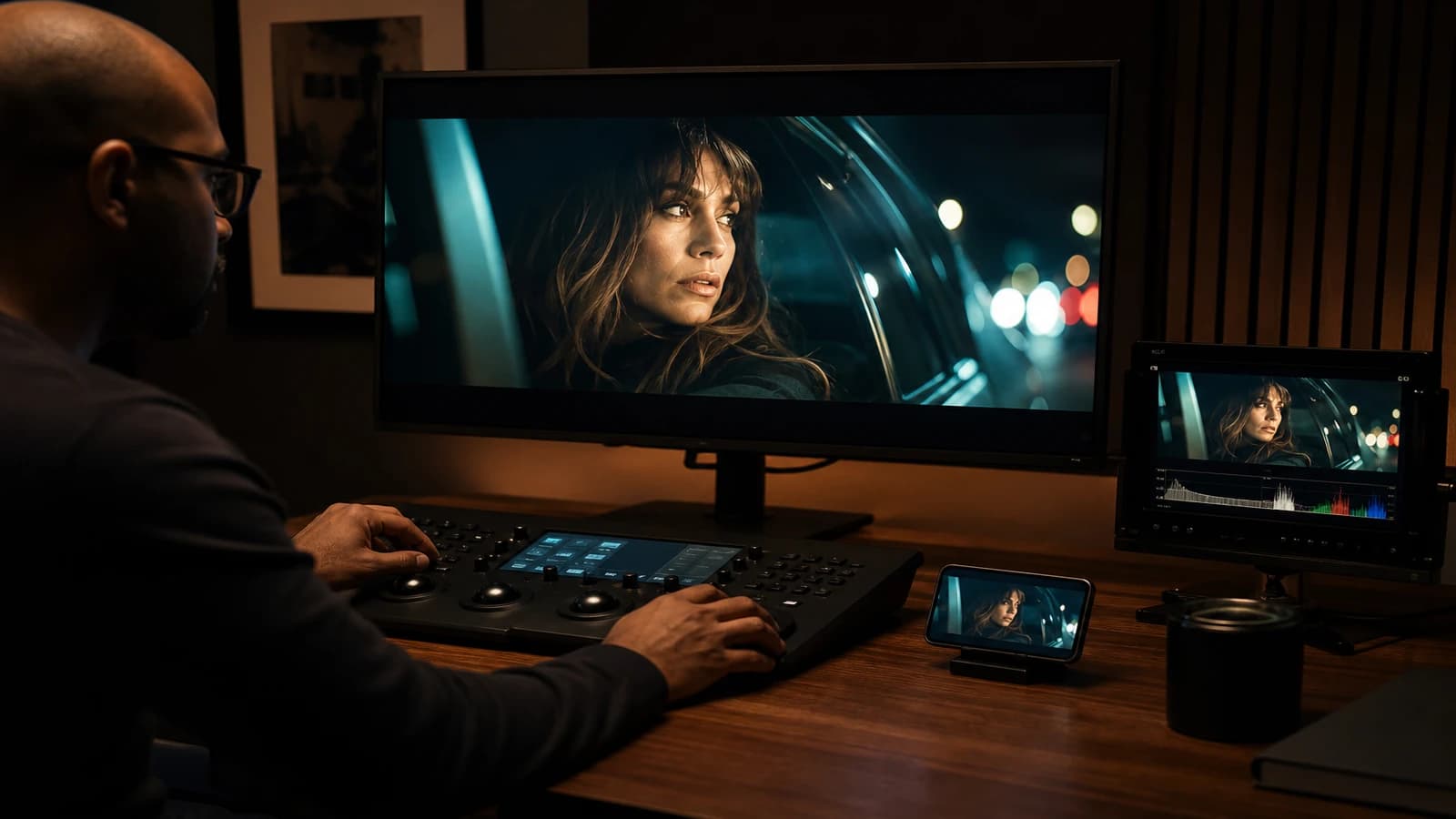
The complete "cinema" post rarely comes out of the oven when you have a deadline the next day. On the other hand, three sober adjustments often produce the most profitable perceived gain.
Grain and texture. A light and even grain can mask a credible micro-instability film-style, without inventing lying details. Stay modest: too much grain on an already-uncertain skin gives a muddy render on mobile.
Curve and global contrast. Aim for an immediate reading at a "realistic platform" medium brightness, not an image that explodes on your calibrated screen then crushes after encoding.
Selective stabilization. If a shot holds narratively but trembles slightly, a soft stabilization saves the sequence. If the shot already deforms in the verticals of the set, the stabilization sometimes reveals worse: in that case, cut shorter or retake a take.
This mini post tunnel must be bounded: for example twenty minutes per shot maximum. Beyond that, you leave the profitable optimization to enter late-night perfectionism.
Solo or duo: realistic distribution over a day
Solo mode. You chain brief, generation, edit, light mix. It works if you explicitly accept a less varied visual universe. Consistency becomes your luxury.
Duo mode. One person holds the validation and the tree (statuses, versions, renaming to APPROVED), the other pushes the models and the edit. You gain the mental time where you hesitate over file names at two in the morning.
Even as two, keep a decision-maker for the last kilometer. The democracy of tastes at eleven at night kills the delivery.
Transparency and ethical frame (without blocking the sprint)
Twenty-four hours do not make the obligations disappear. Depending on your professional context, document at minimum:
- the presence of AI-generated or heavily AI-assisted content;
- the rights on the voices, faces and music used;
- the contractual restrictions of the client on the use of photorealistic-type visuals.
You do not need a legal memo at midnight. You need a clear sentence in the project folder and, if necessary, in the metadata or the delivery email. In a sprint, transparency above all avoids the explosive returns a week later when someone recognizes a sensitive motif or a voice too close to a third party.
Text checklist template (copy-paste)
DELIVERABLE
Target duration:
Ratio:
Destination:
Language / tone:

PROHIBITIONS
(e.g.: hands in foreground, text on clothes, long orbit)

SHOTS (one per line)
P01 | intention | duration | OK criterion
P02 | ...

QUOTAS
Image max per shot:
Video max per shot:

EXPORT
Master:
Light copy:
Final file name:
This checklist aligns you with the same philosophy as the guides already cited: early locking, bounded variations, fast critique.
FAQ (Frank's Cut)
| Question | Short answer | Frank's Cut |
|---|---|---|
| Can you really produce a "pro" AI video in 24h? | Yes, pro in the sense of deliverable, consistent, usable: not in the sense of "custom blockbuster". | If you promise the blockbuster, you recommend the wrong promise. |
| How many reasonable shots in a one-day sprint? | Often six to twelve short shots are better than twenty unstable ones. | Fewer shots, more clean decisions. |
| Should I favor image or video first? | Stable image then minimal movement, except for very text-pure cases. | A lying image destroys the whole chain after. |
| Is the music optional? | No if you aim for social: it structures the emotion and masks a slight background noise. | But if the music wins against the voice, you lost the message. |
| What to do if the face drifts? | Reduce duration, movement, or retake the pilot image; avoid "correcting" indefinitely at the button. | After two unsuccessful strategies, change the framing. |
| Should I automate everything (edit, subtitles, mix)? | Automate what is repetitive; keep the human ear on the essential. | Automation with no listening is fast delivery toward the wrong impression. |
| How to handle a demanding client with no time budget? | Set a scope and a less ambitious option B from the start. | Clarity is worth more than flattery on the deadlines. |
| What minimal KPI to judge the result? | Comprehension in three seconds + absence of major technical distraction. | If the viewer notices the tool before the story, redo the structure. |
Conclusion: producing an AI video in 24h is choosing what you refuse
Producing an AI video in 24h is not a race against the model. It is a race against your own scatter. When you reduce the field, you increase the perceived quality. When you increase the field under strong constraint, you multiply the visible mistakes.
Keep the four linked guides in your project folder: ad strategy and proof, sober cinema pipeline and locked image, asset organization, assisted editing to finish with no friction. This quartet replaces hours of scattered tutorials.
If you remembered only three rules for your next sprint: one intention per shot, try quotas written in black and white, ruthless selection before the polish. The rest is execution.
You can deliver tomorrow morning. But only if you had the courage to write what you will not do tonight.
Related articles
 Tutoriels
Producing Vertical Reels and Shorts Variants With AI
A real pipeline to adapt a horizontal master into vertical formats without losing composition or impact.
 Tutoriels
How to Go From Storyboard to Final Video
A complete method to go from storyboard to final video with AI: pilot-image lock, disciplined animation, temporal QA, editing and delivery with no drift or client surprise.
 Tutoriels
Complete Image-to-Video Pipeline With AI
From brief to delivery: pilot-image chain, AI animation, quality control, post and sound for a complete and credible image-to-video pipeline, with no surprises or sleepless nights.