ElevenLabs: the Definitive Tutorial for Ultra-Realistic Voices
A complete guide to create, direct and mix credible ElevenLabs voices for films, ads and training content.
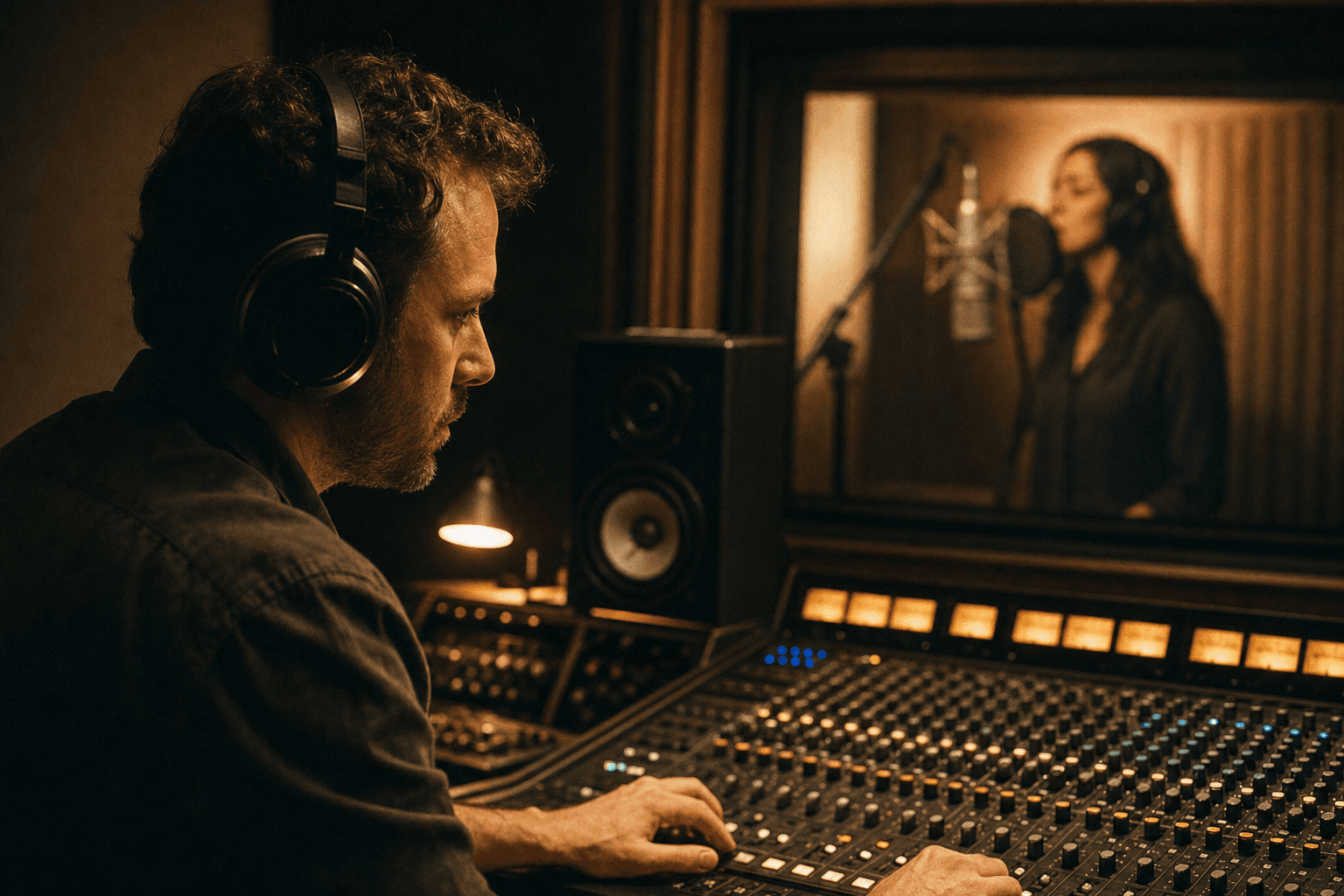
You generate an AI voice in 30 seconds. Technically, it is impressive. Artistically, it is dead. The voice is clean, but with no flesh. No credible breathing. No tension. No subtext. It is exactly there that beginner projects lose their impact.
ElevenLabs is powerful, but it becomes really useful when you treat it like a real voice studio. This guide shows you how to move from "text read by AI" to "credible audio interpretation", with concrete settings, direction workflows, and a sound finish worthy of a broadcastable project. You do not need a Hollywood mastering to progress. You need a method: segment, direct, choose, mix, archive.
The bases that make a realistic voice on ElevenLabs
First base: oral writing. A realistic voice starts with a script thought for the ear, not for silent reading. Long, abstract sentences with no breathing immediately kill the credibility.
Second base: emotional direction. Many creators change voice when the result sounds flat. Wrong diagnosis. The problem often comes from the emotional guidance and the sentence rhythm, not from the timbre.
Third base: character consistency. If you generate section by section with no vocal continuity sheet, your character changes sound identity every 20 seconds.
Fourth base: the light but mandatory post-production. EQ, compression, de-esser, room ambience. With no this, even a good generation stays "stuck" to the image.
Fifth base: the breathing consistency between writing and acting. A sentence written like an academic paragraph will force a voice to simulate absurd pauses or to chain with no air. Write for the diaphragm, not for the eye.
Sixth base: the context truth. An energetic ad voice is not an interior thriller voice. If you change genre without changing settings, you get a correct and empty performance.
Seventh base: the proximity level. A too-close voice for a long time tires. A too-roomy voice loses the intimacy. Choose a sound distance and own it, except if the story makes it move deliberately.
Trench workflow with ElevenLabs
Step 1: prepare a script designed for the voice
Cut your text into short blocks of 1 to 3 sentences. Each block must carry a single emotional intention. You ease the direction and the selection afterward.
Insert explicit breathing pauses with useful punctuation. A well-placed comma is better than a vague emotional prompt.
Remove the useless "filler" words. The clearer the text, the more natural the diction.
Read the script aloud before generation. If you run out of breath, the AI voice will run out of breath too.
Step 2: create or choose a voice with strategy
Do not choose a "pretty" voice. Choose a functional voice for your project: intimate narration, energetic ad, dramatic fiction, pedagogical training.
Test the same sentence on 3 candidate voices. Compare on intelligibility, warmth, dynamics, listening fatigue.
If you clone a voice, work with clean and expressive sources. A flat source gives a flat clone.
Keep a sheet of validated voice settings to avoid drift between sessions.
Step 3: settings and generation by passes
Generate in short segments. Avoid the too-long blocks that accumulate intonation errors. You want to control, not endure.
Work in three passes: neutral version, more engaged version, more restrained version. You will choose at the edit according to the image.
Watch the readability of the consonants and the musicality of the sentence ends. It is often there that the voice "betrays" its synthetic origin.
Version each segment cleanly (sc03_vo_v2_tense.wav, etc.) to come back fast to the best takes.
Add a cold re-listen step: export three segments, walk ten minutes, re-listen. This reset reveals the too-dirty sentences, the too-mechanical line endings, and the micro energy offsets. It is a chore, but it costs less than redoing a whole scene after client feedback. Keep a playlist of the best takes as you go, even imperfect, so as never to restart from zero when a deadline presses you too hard, with no net.
💡 Frank's Cut: when a sentence sounds false, shorten the sentence before touching the settings. The text is often the real problem.
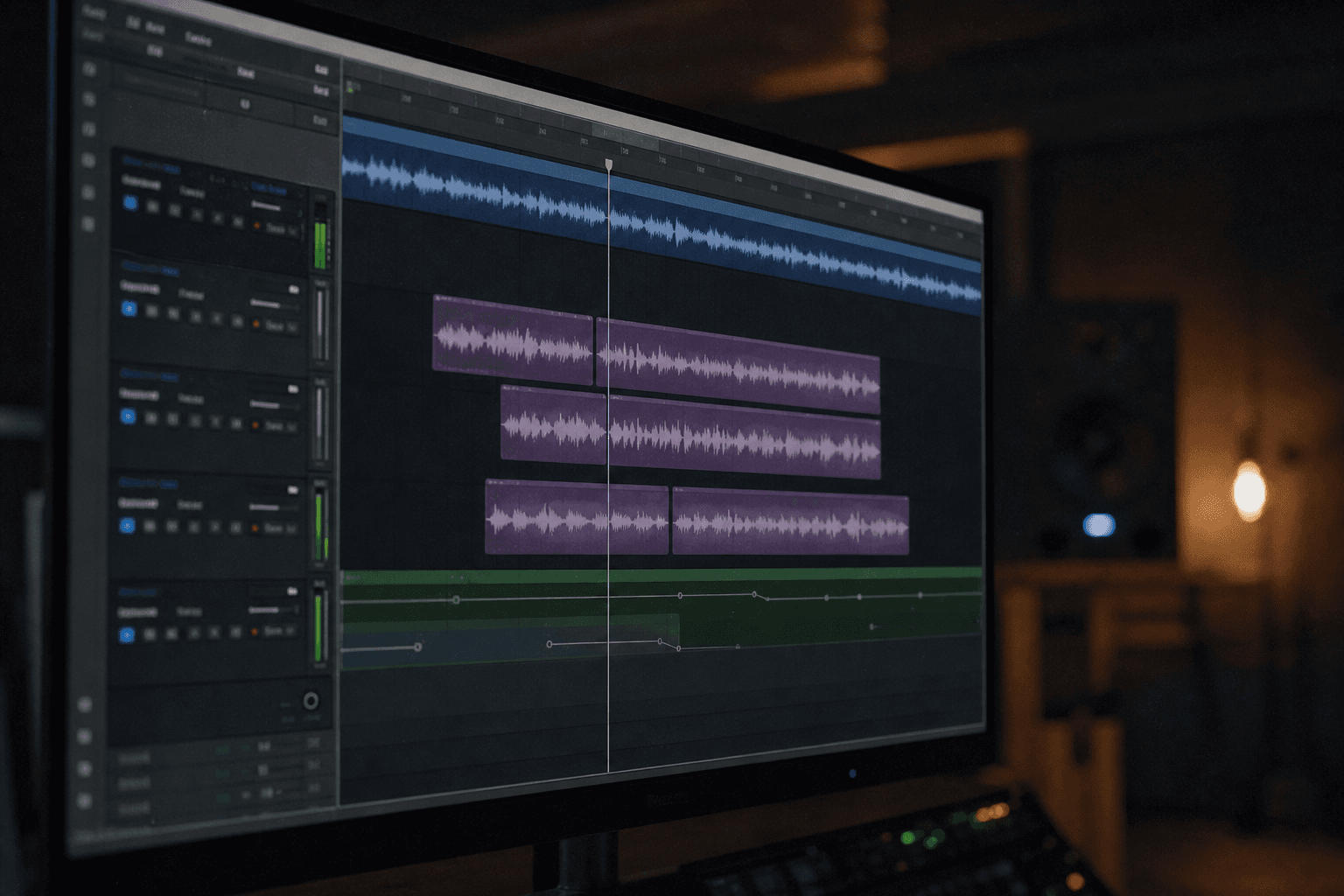
Step 4: fine direction and consistency over time
Build an intensity curve for the scene: 1 to 5. It helps you avoid a monotonous or constantly "full-on" voice.
Maintain a consistent proximity level. A too-close voice then a too-distant one for no reason breaks the immersion.
Check the emotional consistency between consecutive blocks. The ear detects state jumps immediately.
Do a final check in continuous listening, not segmented. It is the only way to judge the global performance.
Step 5: mixing for a credible cinema render
Apply a subtle EQ to clean the useless low and smooth the mid aggressivities. Do not over-treat.
Add a soft compression to stabilize without crushing the natural dynamics.
Use a moderate de-esser on the sibilants and a short reverb consistent with the visual space.
Integrate a light background ambience. A lone voice in the void rarely sounds realistic.
Comparative table: raw render vs directed render
| Voice pipeline | Time | Perceived realism | Long-duration consistency | Ready to broadcast |
|---|---|---|---|---|
| Raw one-shot generation | Very fast | Weak | Weak | No |
| Segmented generation with no mix | Medium | Medium | Medium | Limited |
| Directed generation + light mix | Longer | High | High | Yes |
Troubleshooting: what beginners break
Mistake 1: too-written script. Fix: oral rewrite.
Mistake 2: too many voice variations on the same character. Fix: vocal continuity sheet.
Mistake 3: flat intonation. Fix: generation in emotional passes.
Mistake 4: voice too loud over the music. Fix: level automation and light ducking.
Mistake 5: absence of room tone. Fix: subtle background ambience.
Mistake 6: hard phonemes on a text loaded with figures and acronyms. Fix: rewrite oral, add transitions, or plan a slow variant for the technical passages.
Mistake 7: double compression: aggressive normalization in ElevenLabs then heavy compression at the master. Fix: leave headroom, compress gently, a single dominant step.
Mistake 8: perfect voice but flat acting. Fix: emotional direction by blocks, not by isolated words.
Useful external references
Complete this workflow with ElevenLabs, the iZotope Learn resources, and the narrative mix principles of Berklee Online.
Foire aux questions
Réponses rapides aux questions les plus fréquentes sur cet article.
Is ElevenLabs enough for a pro film voice?
Yes, for many projects, provided you direct the performance and mix cleanly. ElevenLabs can produce a very convincing vocal base, but the final credibility depends on the writing, the intonation choices, and the post-production. If you use a badly built text or an absent mix, even the best generation will seem artificial. You must think in a complete chain, not a magic button. On a long format, the consistency becomes the discriminating criterion: a voice can be beautiful for thirty seconds then tire at the fifth minute if the sentence-to-sentence rhythm does not vary intelligently. So plan tension breaths: more restrained moments after peaks, micro pauses after the key information, and avoid the all-identical sentence ends. This invisible music does more for the realism than any hidden setting.
Should you clone a voice or use a native voice of the platform?
Both approaches can work. The native voices are fast to use and often stable. Cloning becomes interesting if you want a unique vocal identity or a strong character continuity. The critical point is the quality of the cloning samples: noise, diction, emotional dynamics. A bad dataset gives a mediocre clone. Choose according to your narrative goal and your available level of control. If you are starting, stay on a well-tested native voice, then only introduce cloning when you already know how to segment and mix. Otherwise you mix two difficulties: model quality and dataset quality, with no way of knowing which explains the failure.
How to make an AI voice less "robotic"?
First work the script: shorter sentences, breathable punctuation, oral vocabulary. Then, generate several emotional versions and select at the edit. Finally, do a light post-production (EQ, compression, de-esser, ambience). The perceived "robotization" rarely comes from a single factor. It is the accumulation of rigid text, uniform intonation, and dry audio that poses the problem. Add a layer of behavioral truth: a short hesitation on a rare word, a breath before a decision, a slight release after a tension sentence. Do not overload: a well-placed micro imperfection is better than ten human-like written in the prompt.
What segment length is ideal for generating?
In practice, 1 to 3 sentences per segment give a good balance between fluidity and control. The too-long segments increase the risk of inconsistent intonation and make the correction more expensive. The too-short segments can create a choppy effect if you do not do clean transitions. The good compromise depends on your style, but the logic stays the same: segment to direct better. On the technical passages, cut at the action verb rather than at the punctuation: the ear understands a list better if each item is a mini breathing sentence. On strong emotions, leave two sentences in the same segment if they share the same intention, otherwise you get artificial micro breaks in the middle of an arc.
Can you use ElevenLabs for training videos?
Yes, and it is an excellent use case. The key is the intelligibility and the listening fatigue over time. Choose a stable, warm voice, not aggressive in the high frequencies. Structure the text in short pedagogical blocks, with regular pauses. Add a clean mix and test on standard earphones. A training voice must reassure, not perform. Add discreet sound landmarks between sections: a half second of silence, a very light level variation, a stable transition sentence. The brain learns better when the rhythm breathes, even if the visual is static. Avoid the too-dirty or too-hype voices: they tire over thirty minutes.
What are the legal traps to watch?
The main risk concerns the use of cloned voices with no explicit consent. To stay clean, document the origin of the voices, the authorizations, and the usage conditions of the platform. Avoid any imitation of identifiable people with no clear legal frame. In a pro context, keep a traceability of the audio assets used. The technical quality never compensates for a badly managed legal risk. If you deliver to a brand, plan a minimal file: source, date, version, usage scope, and confirmation that the text contains no forbidden claims. This file accelerates the legal validation and protects you in case of a project transfer.
Core concepts (addendum): lip sync, dubbing and the video chain
A credible ElevenLabs voice does not live alone in a WAV file. It lives in a chain: writing, generation, editing, lip alignment if needed, final mix. If you ignore the chain, you get a beautiful voice on an image that does not fit, or an inconsistent sound level between two shots. For the voice-and-face coupling, start with our comparison of lip-sync tools. For directing a voice-over on a film, our guide on dubbing and voice cloning lays performance and consent landmarks.
On the technical side, always document the distribution target: web broadcast, home cinema, phone, cheap earphones. An EQ that sounds chic on a pro headphone can become aggressive on mediocre transducers. Do a bad headphone listening pass before delivery. It is not paranoia. It is audience realism.
Finally, link the voice to the image with a dynamics curve consistent with the edit. If your film breathes visually but the voice is compressed to death with no variation, the brain detects the dissonance. You are not obliged to overact. You just must avoid the flat line.
Troubleshooting (addendum): sound mistakes in post and at the edit
Mistake A: untreated sibilants. Even a realistic voice becomes unpleasant if the s pierce. Moderate de-esser, not destructive.
Mistake B: mouth noise amplified by compression. Sometimes you must lighten the comp and accept a bit more dynamics.
Mistake C: emotional misalignment between music and voice. Lower the music on the key words, not on the whole track.
Mistake D: doubled spatialization: heavy reverb on the voice and heavy reverb on the music with no space consistency.
Mistake E: blind normalization that raises the background noise with the voice.
Mistake F: too-fine cutting that creates artificial micro silences between segments.
Mistake G: absence of a final master at a level consistent with the rest of the program.
To go deeper on audio at the service of AI images, our guide on the original score and AI music for film helps to place voice and music without them fighting.
Quick table: audio symptom and correction
| Perceived symptom | Probable cause | Correction |
|---|---|---|
| "Plastic" voice | written text + dry mix | oral rewrite + room tone |
| State jumps | inconsistent segments | redo two sentences in one pass |
| Listening fatigue | hard HF | soft EQ + de-esser |
| Low intelligibility | sentences too long | cut and breathe |
| Boomy | uncleaned low | light and reasonable high-pass |
Complementary internal links
Cross-reference with our HeyGen and ElevenLabs article if you hesitate between avatar and voice-only pipelines, and with our Runway Gen-3 tutorial when you must stick a voice to an image shot.
External resources
The official ElevenLabs documentation evolves fast: check the exact parameters available on your account. For the mix, the iZotope Learn guides stay useful on EQ, compression and de-essing with no useless jargon.
How to integrate ElevenLabs into DaVinci Resolve or Premiere?
Export clean WAVs, name the segments, sync on timecode or on scene markers. Avoid the intermediate MP3s if you want to avoid additional artifacts. In the timeline, group the takes into folders per character and keep an alt track with the B take. At the mix, first work the intelligibility, then the music, then the polish. This sequence avoids compensating for a poorly readable sentence by pushing the volume, which destroys the dynamics.
Should you normalize to -14 LUFS for everything?
Not systematically. -14 LUFS is a common reference for certain platforms, but a short film or an ad can demand a different dynamic depending on the global mastering. Use the norm as a starting point, then judge by ear on the target support. Document your choice to reproduce the session later.
How to handle several characters without mixing the voices?
Create distinct folders, timeline colors, and a voice map sheet: character, voice ID, validated settings, direction notes. Do not share the same preset between two characters if you want a clear identity. Even a small difference in speed or proximity helps the ear distinguish with no conscious effort. For dialogue scenes, slightly alternate the equalization to separate the timbres without making them artificial, and keep a different dynamic if one whispers and the other imposes.
Can you deliver an AI voice with no mix?
You can, but it is not recommended for a film or an ad. Even a light cleanup and a consistent ambience increase the perceived credibility. The mix is not make-up. It is acoustic situating. With no it, a clean voice stays stuck to the wall, especially when the image suggests a real space.
How to avoid rights problems on a cloned voice?
Document the consent, the provenance of the recordings, and the commercial usage conditions of the platform. Do not clone an identifiable voice with no clear frame. In case of doubt, use a native voice with a suitable license or a voice recorded with a written agreement. The quality is worth nothing if the broadcaster refuses the file.
Related articles
 Actualité
ElevenLabs Retires Its v1 Voices on July 9: What to Do
ElevenLabs is shutting down its v1 voice models on July 9, 2026. Here is what it changes for an AI film pipeline and how to migrate without breaking your renders.
 Tutoriels
How to Use AI to Generate Hyper-Realistic Photos
Motivated light, plausible lens, skin texture, and post-processing: realism is won in layers, not in adjectives.
 Tutoriels
Creating Realistic Rain and Snow Scenes With AI
A layer-by-layer approach to make weather, materials and motion more believable without overloading the prompt.