Lip-Sync: Which AI Tool to Choose for Your Virtual Actors?
A field comparison and a complete method to choose an AI lip-sync tool, direct the performance and get a credible lip synchronization.
Contents · 4 sections
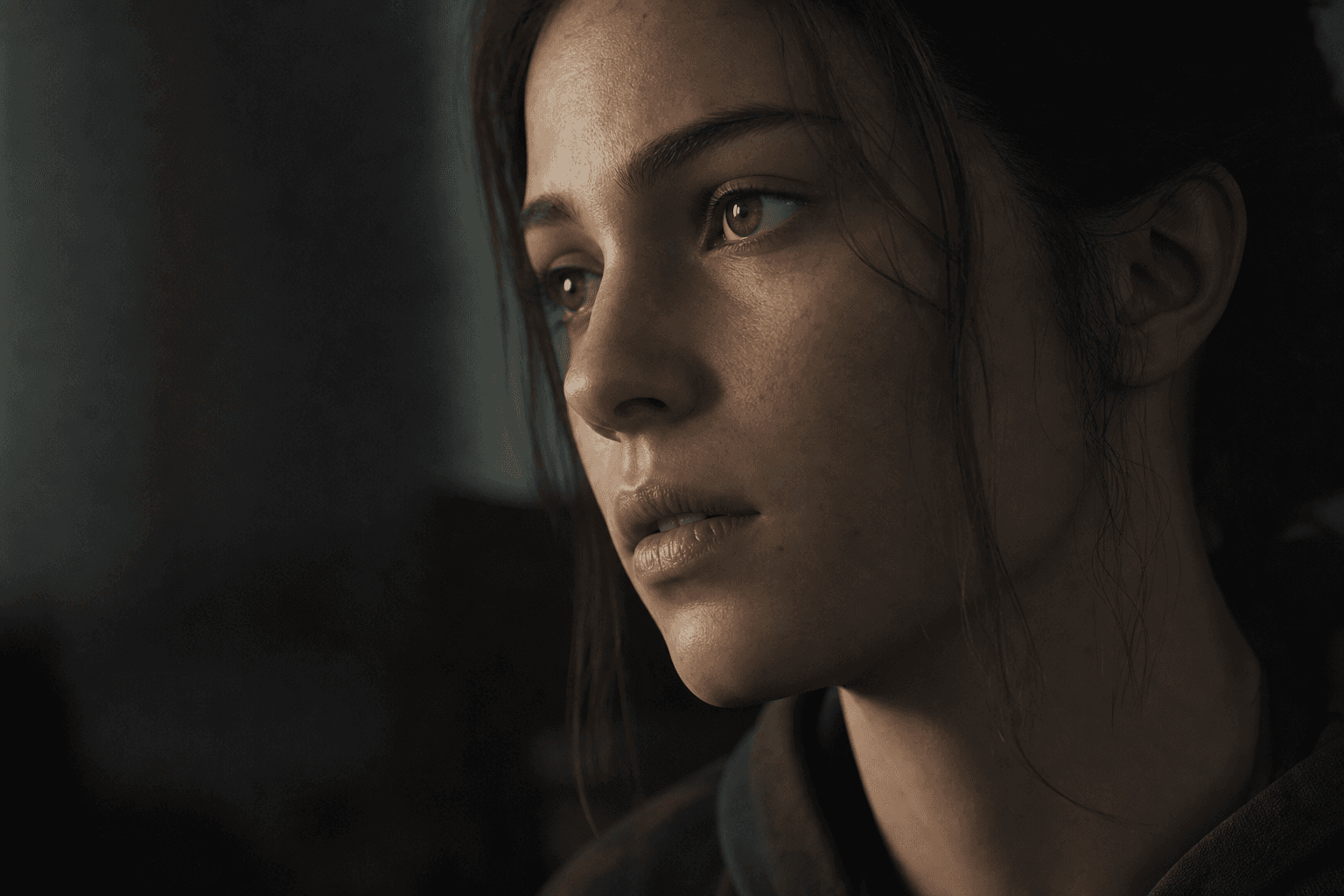
You have already seen this shot that had everything to work. Nice framing, nice light, credible character. Then the dialogue starts and the illusion collapses. The lips arrive too early, the jaw follows badly, the consonants snap with no mouth opening, and in three seconds your viewer understands it is artificial.
I am going to be direct. Lip-sync is one of the most merciless zones of AI video. You can miss the texture of a setting a bit and get away with it. You miss the lip synchronization, you instantly lose the trust. It is why choosing an AI lip-sync tool must never be done on a flashy 5-second demo.
In this guide, you are going to learn how to select a tool according to your real use, prepare your audio to maximize the sync, generate in usable blocks, correct the defects with no massacre, then integrate the result into a credible edit. The goal is not a technical feat. The goal is a performance that holds in a film context.
You leave with an action plan usable from today, even if you are a complete beginner, and a reproducible method to improve each new project without starting from scratch on each session.
Core concepts: what makes a credible lip-sync in production
Lip synchronization is not only a lips-sounds correspondence. It is a relationship between phonemes, micro-expressions, breathing, text cadence, and dramatic intention. A tool can correctly align the vowels and yet produce a dead performance if the facial transitions are mechanical.
The first key concept is the perceptual priority. The viewer mostly spots the attack consonants and the major mouth openings. If these points land right, they accept micro-imprecisions elsewhere. Beginners try to align every millisecond, and end up with a rigid result. The real goal is the global credibility.
The second concept is the face consistency. The lip-sync does not live in isolation. It must respect the gaze stability, the jaw tension, the cheeks, the neck posture, and the emotional state. If the mouth "talks" but the rest of the face stays frozen, the mannequin effect appears immediately.
Third concept, the shot context. A close-up requires a formidable precision. A chest shot tolerates more gap. Many mistakes come from a bad match between the required precision level and the chosen tool. If your project has many dialogued close-ups, you must favor the stability and the fine retakes, not the raw speed.
Fourth concept, the acting direction. A good lip-sync starts with a good voice. If the audio is monotone or overacted, the synchronization engine will have a bad base. To solidify this axis, our dubbing and AI voiceover guide is an essential resource even before launching the sync.
Fifth concept, the staging consistency. A mouth can be correct and stay fake if the framing, the angle, or the light continuity break around it. The brain does not judge the mouth alone, it judges a complete shot. It is why the best lip-sync results come from a globally consistent pipeline. If you have to consolidate your visual logic before attacking the sync, our complete idea-to-realistic-AI-film workflow will help you lock the foundations.
| Type of use | Lip-sync requirement | Ideal tool (profile) | Main risk | Quality signal |
|---|---|---|---|---|
| Fast marketing UGC | Medium | Simple tool, fast pipeline | frozen smile, too-wide mouth | immediate mobile comprehension |
| Dialogued fiction | Very high | Tool with fine control + retakes | facial rigidity | perceived emotion with no discomfort |
| Avatar training | High | Stable long-format tool | drift after 20-30 s | voice/lips consistency |
| Short social content | Medium | Speed + batch tool | artificial over-articulation | natural rhythm in a loop |
The trench workflow: a field method for a clean lip synchronization
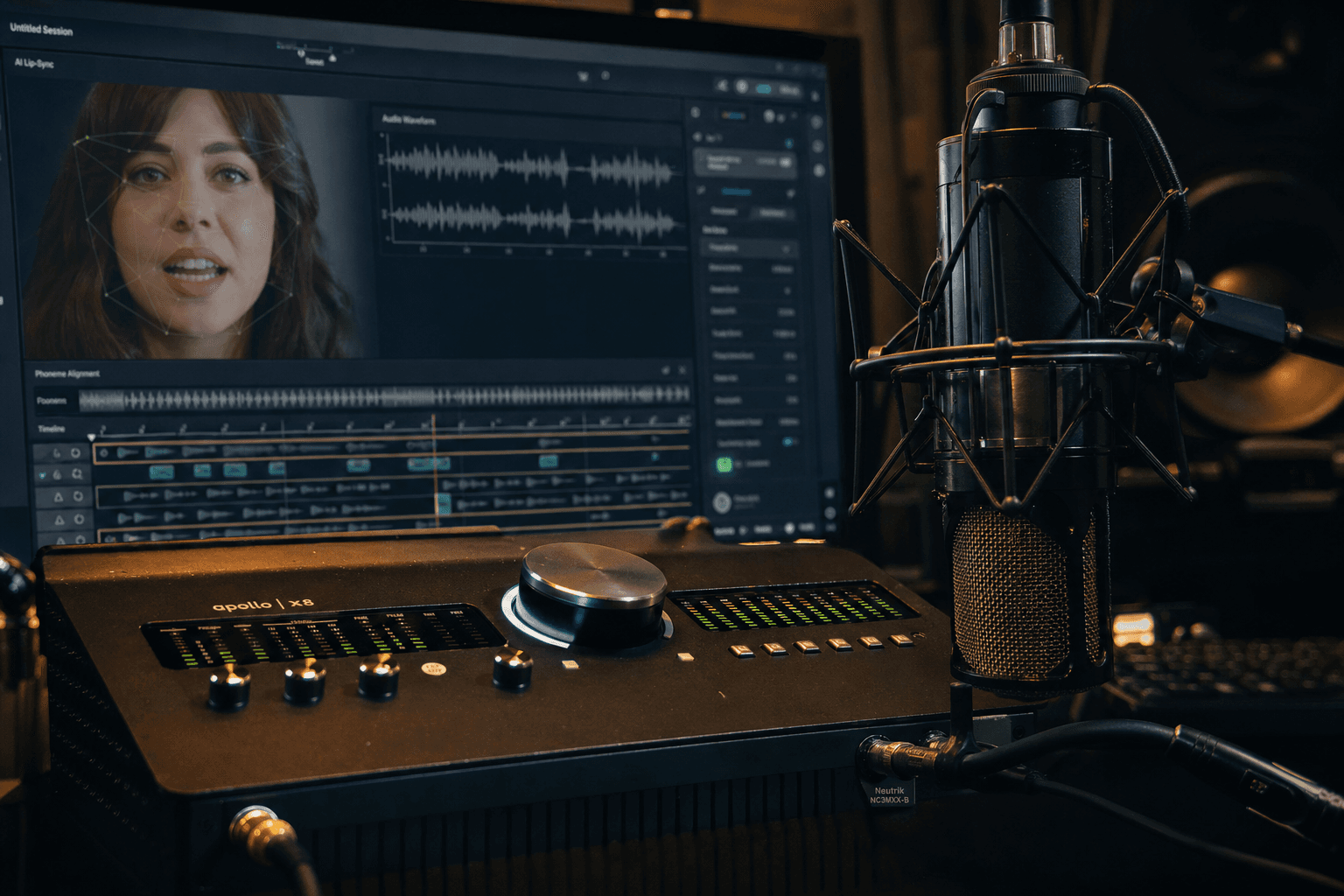
The first step is counter-intuitive. You do not launch the tool. You prepare the audio. Light cleanup, mastered breath, moderate de-esser, consistent level. A badly prepared track forces the engine to interpret dirty signals, therefore to produce inconsistent movements. The sync starts in the sound, not in the mouth.
Then, segment your text into short blocks. I recommend 5 to 12 seconds for the critical passages. The longer it is, the more you risk the performance drift. The platforms that promise a perfect sync on long monologues exist, but in real production, the best results come from controlled blocks.
Then create three variants per block. Variant A neutral, variant B more restrained, variant C more intense. Place them in the timeline and choose in image + sound context, not in isolated preview. The trap of AI lip-sync is to validate a "technically correct" mouth that breaks the emotion of the scene.
Finally, use a control sheet with fixed criteria: attack consonants, long vowels, blinks, jaw rigidity, gaze stability, audio integration. With no grid, your judgment drifts with the fatigue. With a grid, you can make fast and reproducible decisions.
Step 1: choose the tool according to your real case, not according to the fad
You must start by defining your requirement level. Short ads video and high pace? You can accept a simpler but fast engine. Fiction with emotional close-ups? You need a system robust in fine retakes and facial stability. If you ignore this framing, you are going to change tool in the middle of the project.
The second criterion is the pipeline integration. A brilliant but isolated tool, that forces you to constantly convert formats, slows your production and multiplies the errors. Check the codecs, the timeline compatibility, the export options, and the ability to cleanly reinject into the edit.
The third criterion is the tolerance to accents and mixed languages. In French, certain consonants and liaisons cause problems according to the engines. Always test with your real sentences, not with generic demo scripts. A solution "perfect in English demo" can be mediocre on your use.
Last criterion, the local retake quality. In production, you often have to correct half a second without redoing the whole shot. If the tool does not allow a fine retouch, you are going to lose hours. It is often this point, invisible in marketing, that determines the real profitability.
Step 2: prepare the audio like a performance director
A credible lip-sync depends on a readable vocal track. Remove the parasite noise, keep the useful dynamics, and avoid the extreme treatments. An aggressive compression or a violent de-esser can smooth the consonantic attacks that precisely guide the sync.
Then work the acting punctuation. Yes, even before the sync. Add the intentional pauses, simplify the too-dense sentences, and check the diction aloud. The engine follows a clear performance better than a literary text compressed into an impossible delivery.
Record or generate two to three emotional versions of the same text. You will often discover that a slightly less demonstrative take produces a more natural facial animation. The AI tends to over-react to extreme audio signals. The subtlety often gives a better visual result.
Finally think of the preview mix. Place a light atmosphere and a low music before the final validation. A mouth can seem "off" in solo and become credible in a scene context. The opposite is true too. You must judge in realistic conditions.
💡 Frank's Cut: if a line does not work after two retakes, do not force the engine. Rewrite the sentence to simplify the articulation. It is often faster and more human.
Step 3: generate in short blocks and validate on the timeline
Launch your blocks with stable parameters. Do not change all the settings on each attempt. You want to learn what improves the scene, not produce chaos. Note each attempt with a usable name: sc02_bl04_takeB_lipsync_v3.
During the review, look first with no sound, then with sound. With no sound, you evaluate the pure facial credibility. With sound, you check the voice-image fusion. This double test very quickly reveals the errors invisible in a classic reading.
Then control the sensitive zones: labials (p/b/m), fricatives (f/v/s), and long-vowel transitions. These are the points where the engines betray themselves the most. If these points hold, the global perception climbs strongly, even with small secondary imperfections.
Finally assemble the blocks in the complete timeline. A correct sync shot by shot can still fail in sequence if the facial energy jumps from one block to another. Harmonize intensity and breathing between adjacent lines to keep an acting continuity.
Step 4: correct without destroying the organic of the face
The correction must stay surgical. Avoid going back over the whole scene for a single syllable. Target the faulty zone, adjust locally, revalidate immediately in context. This discipline saves you from the unforeseen side effects that appear on already-validated shots.
Watch out for the too-heavy "fast fixes", like smoothing the whole lower face to mask an inconsistency. You fix one defect and you create three: artificial skin, lost micro-expressions, plastic render. In fiction, it shows instantly.
Always keep a safety version. If your fine adjustment deteriorates the performance, you must be able to go back to a stable base without losing an hour. The versioning is non-negotiable, especially under deadline.
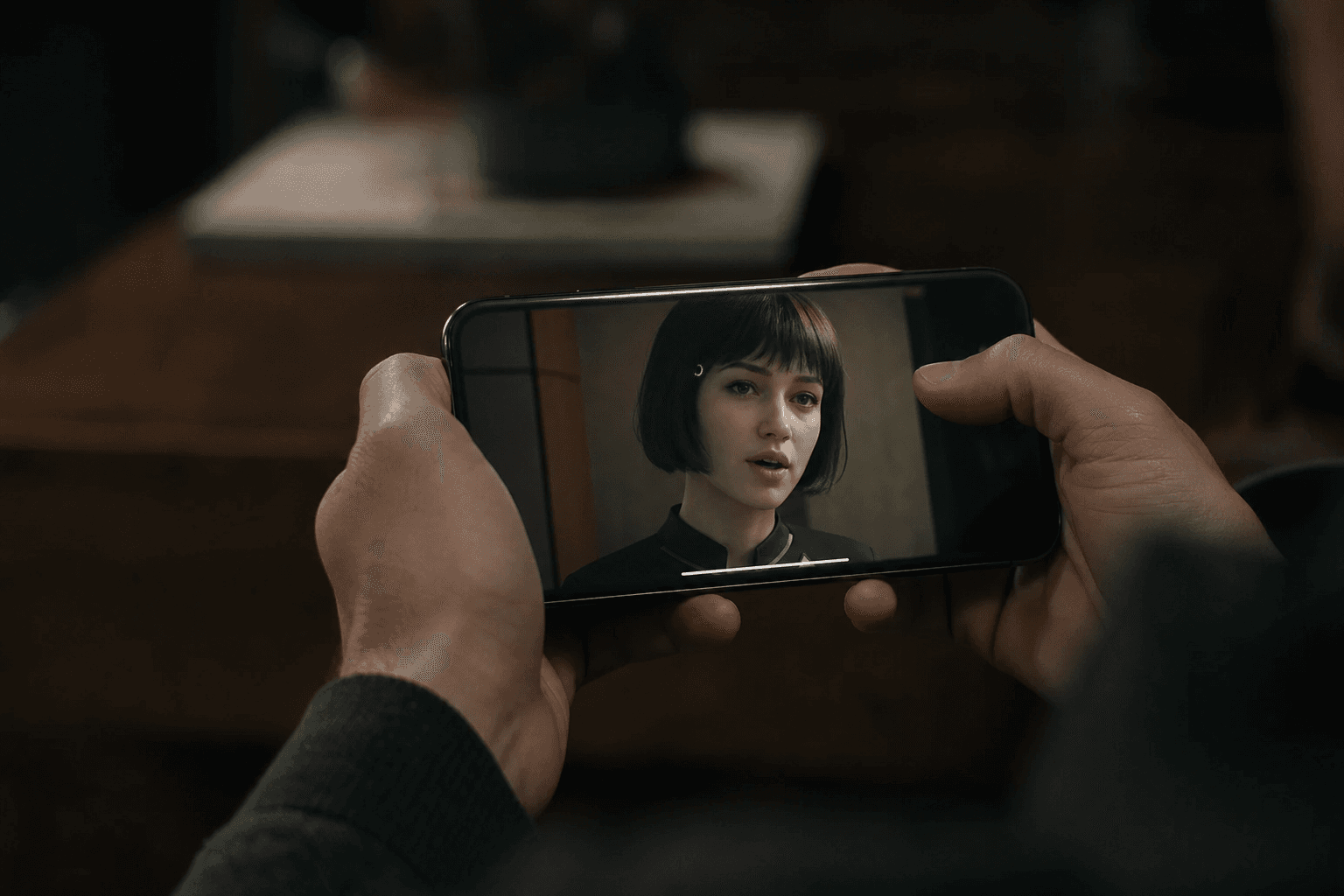
When the correction is validated, go directly to a multi-support check. Mobile, laptop, main screen. The mouth defects do not read the same according to the size and the compression. This final test avoids surprises after publication.
Troubleshooting: what beginners break and how to fix it fast
First classic failure, mouth "ahead" of the audio. Frequent cause: bad interpretation of the sentence attacks or import/export offset. Correction: first re-align the global clip, then retouch the labial zones locally. Do not start with micro-corrections if the temporal base is false.
Second problem, mouth too open permanently. It often comes from an engine pushed toward maximum "expressivity" or an over-compressed audio. Reduce the movement intensity, restore a more natural vocal dynamic, and compare with a more restrained take. The credibility rises immediately.
Third problem, frozen face outside the mouth. It is the signature of a technical lip-sync with no acting direction. Solution: introduce emotional variations in the voice, check blinks and micro-movements, then favor tools capable of complete facial consistency.
Fourth problem, inconsistency between shots of the same scene. The lips seem correct individually, but the facial energy jumps. Correction: harmonize the takes in the timeline, adjust the emotional level per block, and reinforce the global visual consistency. Our guide on AI continuity mistakes helps you structure this pass.
Fifth problem, impossible to get a clean result in fast French. There, simplify the script, fraction the sentences, and reduce the difficult consonantic sequences. It is not an admission of failure. It is a writing adaptation for a more credible render.
Sixth problem, the too-"plastic" render after several correction passes. This case happens when you accumulate treatments that destroy the natural texture of the face. The good practice is to limit the heavy corrections and go back to a better source take when possible. A slightly imperfect but living result works better than a technically "clean" but inhuman face.
Seventh problem, the shot works in solo and fails in the film. It often means that the acting energy is offset relative to the neighboring shots. The correction consists of comparing the lines over a wider window of the sequence and harmonizing the emotional intensity. The lip-sync is judged in continuity, not in a showroom.
To go deeper, lean on solid bases like the Wav2Lip documentation, the IPA phonemes standards, and the principles of speech timing. These resources help you understand why certain sounds break more than others.
💡 Frank's Cut: the best lip-sync is not the one that impresses in slow motion. It is the one that disappears into the story on the first viewing.
FAQ: the important questions before choosing an AI lip-sync tool
-
What is the best AI lip synchronization tool to start with?
There is no universal best tool. The right choice depends on your goal. If you produce fast marketing videos, favor a simple, stable and fast-retake solution. If you do dialogued fiction with close-ups, choose an engine that offers fine performance control and better facial consistency. The beginner trap is to copy a creator's choice without checking the production context. Always do a test on your voice, your script and your real shots before committing. -
Why does my lip-sync seem correct in preview but fake after export?
It is often a pipeline problem: bad frame rate, audio conversion, or compression that modifies the perception of the micro-movements. Check the fps consistency from start to finish, then test an intermediate export before the final version. Also control the audio: a slight offset or a softened attack can destroy the illusion. Finally, do a test on mobile and desktop. Some defects invisible in preview appear immediately in compressed distribution. A stable export protocol is as important as the quality of the tool itself. -
Should you generate long tirades in a single block to save time?
Generally, no. The long generations increase the drift risks, especially on the emotional consistency and the facial stability. The most reliable method stays the breakdown into short blocks with progressive validation. Yes, it requires more assembly, but you keep a much finer control. In real production, this control saves you time because you avoid redoing whole sequences to correct three failed seconds. The global output is better, especially when you work under a high-quality constraint. -
How to improve the lip synchronization on fast French dialogues?
Start by simplifying the oral writing. Reduce the too-dense sequences, add natural pauses, and clarify the consonantic attacks. Then prepare the audio cleanly with a preserved dynamic. The lip-sync engines react badly to too-crushed tracks. Finally segment the fast sentences into shorter units and adjust the critical passages locally. In French, certain liaisons can trap the models, so do not hesitate to reformulate slightly without losing the meaning. This linguistic adaptation is often the key to a credible result. -
Is a frame-perfect lip-sync necessary?
Not always. What counts is the perceived credibility in natural reading. An obsessive alignment can produce a rigid and artificial animation. Viewers accept micro-gaps as long as the key points, consonantic attacks and major labial movements, land right and the emotion stays consistent. In practice, aim for the global acting consistency rather than the surgical perfection of each millisecond. This approach gives more human and more robust results in real distribution, especially on narrative content. -
Why do my virtual actors have the mouth correct but a "dead" face?
Because the lip synchronization alone is not enough to simulate a performance. If the gaze, the cheeks, the jaw and the micro-expressions stay frozen, the brain detects an inconsistency. You must work the audio intention, choose more living takes, and use an engine that handles the facial consistency beyond the lips. Then, validate in scene context, with sound and edit. The "dead face" is often less a technical defect than a lack of acting direction applied to the whole shot. -
What routine to apply to make my lip-sync retakes reliable?
Use a four-step routine: clean audio, short generation, grid validation, local correction. Always keep a safety version and modify one variable at a time. Document what works per type of shot and type of sentence. After a few sessions, you will have reliable presets according to your uses. With no documentation, you repeat the same mistakes believing you explore. With documentation, you build a pro pipeline that improves from project to project. It is this shift to method that makes all the difference. -
How to know that a lip-sync shot is ready to publish?
Check three things. One, the key labial points are credible with no perceptible discomfort. Two, the facial emotion stays consistent over the whole line. Three, the shot holds on mobile and desktop after compression. If these three criteria are validated, you can publish serenely. I also recommend a cold re-reading after a break, because the habituation often distorts your judgment at the end of the session. This simple control avoids the most costly mistakes and clearly increases the perceived quality of your videos.
Related articles
 Comparatifs
Which AI video tool to choose for a product ad? Comparison by use case
Runway, Kling, Luma, Veo, Seedance: not all equal for a product ad. Here is which AI video tool to choose depending on your format, your budget and your brand-consistency constraints.
 Tutoriels
Flux vs SDXL: Which AI to Choose for Realistic Images
A field comparison, use cases, VRAM, and how to decide in twenty minutes of tests.
 Comparatifs
Ideogram, Recraft or Leonardo AI: Which Tool to Choose?
A field comparison between Ideogram AI, Recraft and Leonardo AI to choose the best tool according to your goal: text in the image, brand consistency, speed and real quality.