Producing Vertical Reels and Shorts Variants With AI
A real pipeline to adapt a horizontal master into vertical formats without losing composition or impact.
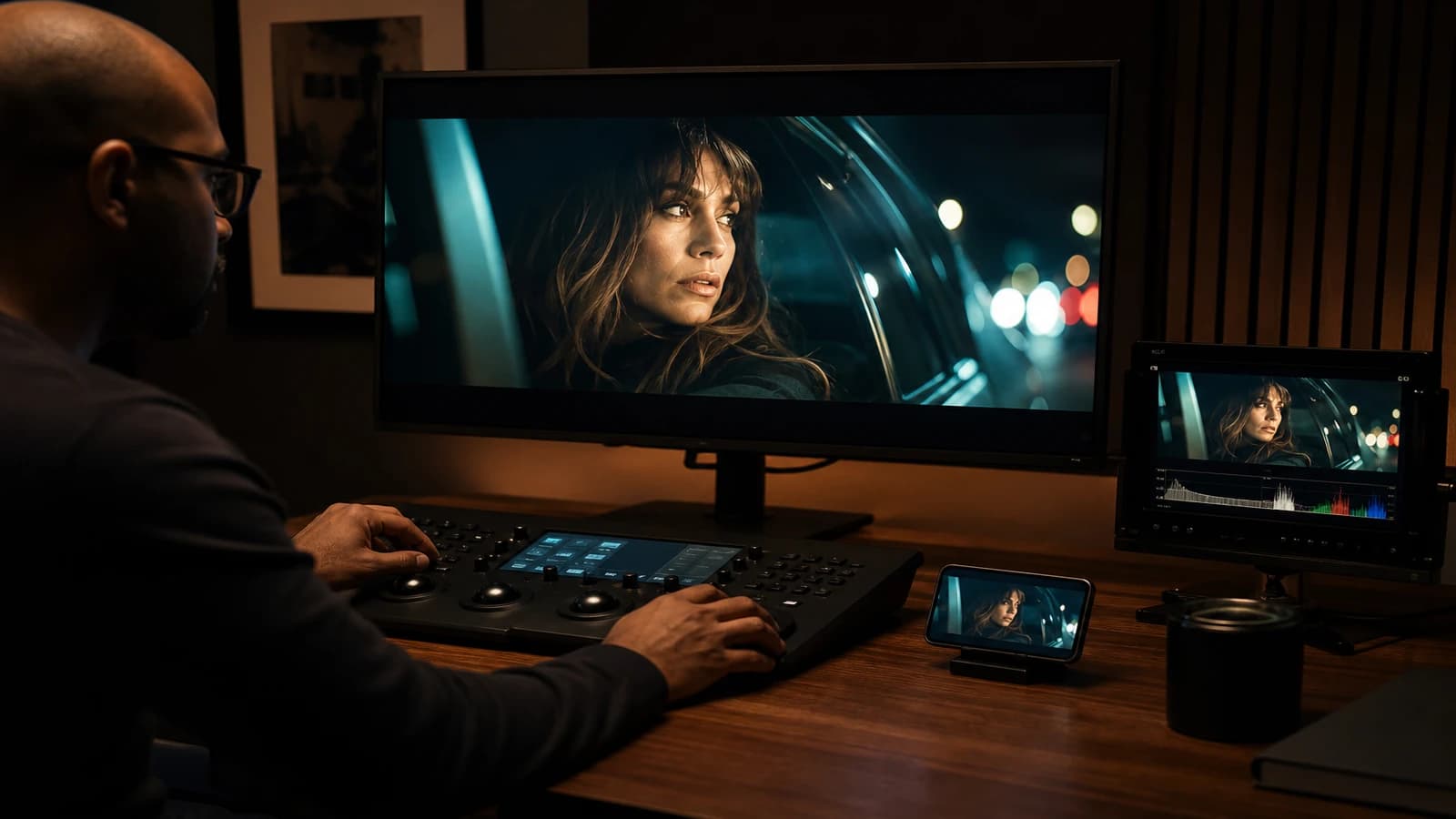
You have a gorgeous 16:9 master. You crop it to 9:16 for Instagram Reels. The face is cut off at the chin. The product disappears under the like bar. The on-screen text overlaps the comments area. You regenerate three hours of "vertical" shots that have nothing to do with the master. The client asks why the two versions seem to come from two different universes. Welcome to the trap of the late crop.
Producing vertical Reels and Shorts variants with AI is not running a crop on a horizontal export. It is designing, from the brief, a composition that survives the ratio change, or honestly accepting which shots will be regenerated natively vertical. Social platforms do not forgive 16:9 thought up after the fact: TikTok, Reels and Shorts eat the edges, the UI overlays, and half your intention if you did not anticipate.
This guide describes the pipeline I use in production: a horizontal master for YouTube and the site, native vertical for social, with a minimum of double work and a maximum of visual consistency. No magic. Framing, breakdown and generation decisions taken at the right time.
Why a simple crop fails in AI video
On a real shoot, an experienced operator sometimes frames "protect" for several ratios. In AI, the geometry of a generated image is fragile. When you crop, you do not only lose pixels: you can cut off a hand that was already borderline, reveal an edge artifact, or shift the center of gravity out of the social network safe zone.
Vertical imposes a higher center of gravity. The eyes and the message must live in the upper third, not in the exact middle of the frame. Mobile interfaces reserve the bottom for the username, captions, buttons. A subject centered in 16:9 often falls too low in 9:16 once the overlays are placed.
Horizontal camera movements do not always translate to vertical. A wide lateral dolly becomes a shot where the subject crosses a narrow corridor of pixels. A shot where the set matters as much as the subject loses its balance when you cut the sides. Some shots must be horizontal only. Others must be vertical first. The breakdown must note it before generation.
Link this discipline to preparing a technical breakdown before AI video generation and to producing variants for social networks through the short rhythm. Social vertical is a nervous edit format, not a slowed master.
💡 Frank's Cut: draw a 9:16 rectangle on your 16:9 monitor during the master review. If the subject leaves the rectangle on more than two key shots, you do not have a derivable vertical: you need native 9:16 shots.
The three vertical production strategies
| Strategy | When to use it | Advantage | Risk |
|---|---|---|---|
| Smart reframing | Tight shots, centered subject, little lateral movement | Fast, consistent with the master | Edge artifacts, flat compositions |
| Native 9:16 regeneration | Wide shots, hero product, frame-integrated text | Optimal mobile composition | Double generation, vigilance on consistency |
| Hybrid (master plus vertical inserts) | Campaigns with a horizontal hero shot plus social cuts | Cost/quality balance | Requires a strict breakdown |
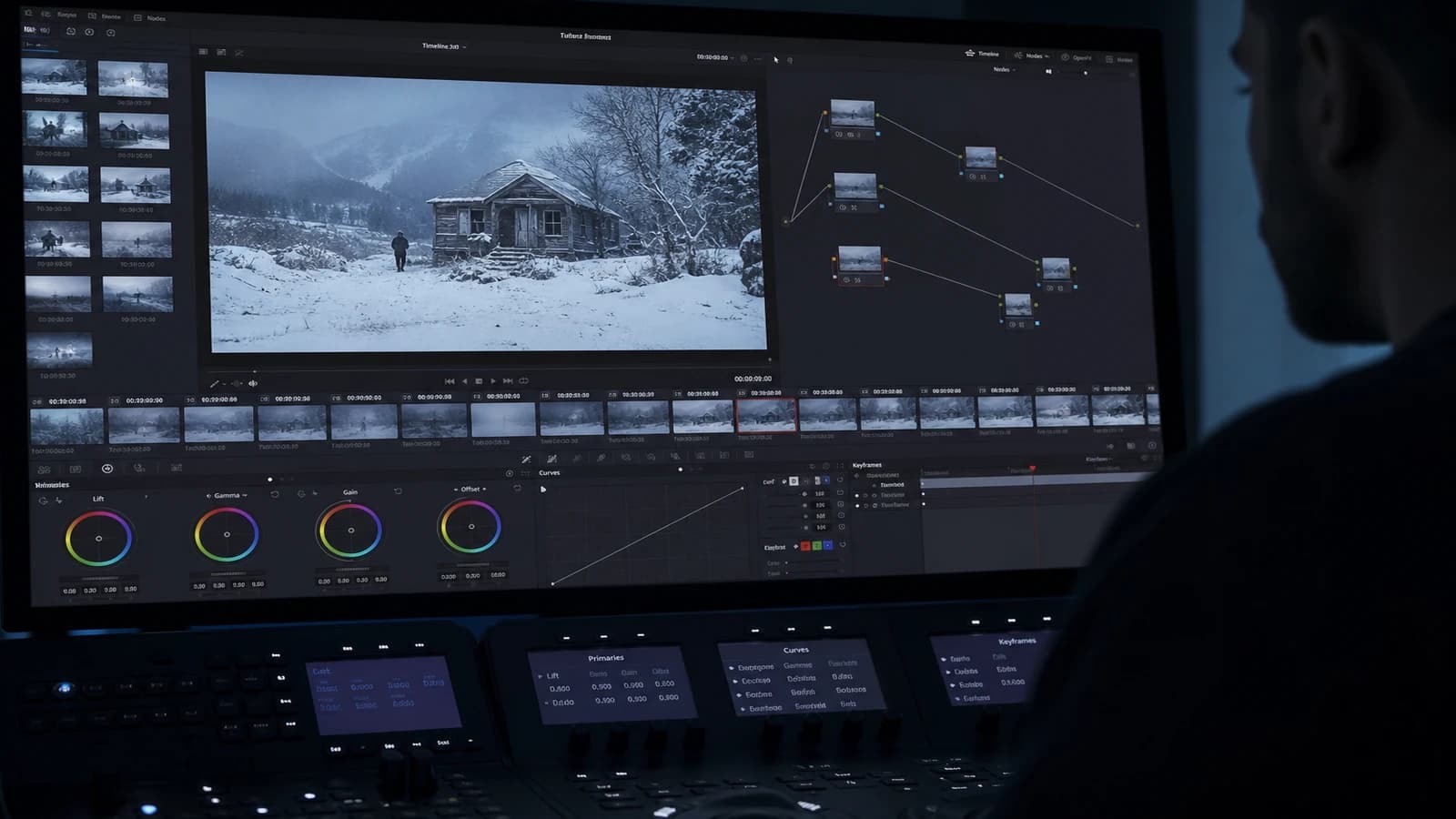
The smart reframing strategy goes through a guided reframe: you define a crop trajectory shot by shot (keyframe on the subject), not a fixed center. DaVinci Resolve, Premiere with Auto Reframe, or dedicated plugins help, but you must validate frame by frame on the shots with movement. AI video amplifies the distortions: a crop that follows a face badly exposes the model's micro-instabilities.
Native regeneration uses the same pilot image and the same prompt, with a 9:16 ratio from generation. You lock the costume, light, set. You adjust the action for the vertical frame: "subject centered upper third, walking toward camera, tall frame composition". It is more expensive in credits but often indispensable for product shots and hero close-ups.
The hybrid is my default strategy on campaigns: a full 16:9 master for the site and YouTube, plus four to six shots regenerated in 9:16 for the Reels hooks (3-second grab, product, CTA). The vertical edit is not a copy of the horizontal: it is a cutdown rethought with these native shots.
A seven-step workflow: from master to a deliverable vertical
Step 1: tag each breakdown shot by ratio compatibility
In your breakdown, add a column: H only, V native, crop OK. Do it before the first generation. A wide crowd shot equals H only. A face close-up equals crop OK or V native. A tablet product shot equals V native. This column avoids the surprise in post.
Step 2: define the UI safe zones per platform
Reels, TikTok and Shorts do not have the exact same overlays, but the logic is similar: avoid the bottom 15-20 percent for critical text, the top 10 percent for important elements if you target a title bar. Place logos and CTA in the upper-mid third. Document these zones in a transparent PNG that you overlay in review.
Step 3: generate the horizontal master first
The master often stays the contractual reference. Generate it cleanly, validate the narration and the grade. The vertical comes after or in parallel on the V-native tagged shots. Do not validate the master if you already know that three key shots will never hold in a crop.
Step 4: produce the V-native shots in an aligned batch
For each V-native shot, reuse the pilot image of the corresponding horizontal shot. Same seed if the tool allows. Same light description. Change only the composition and the ratio. Generate four to six variants, sort A/B/C. Compare to the horizontal pilot: same palette, same time of day, same costume.
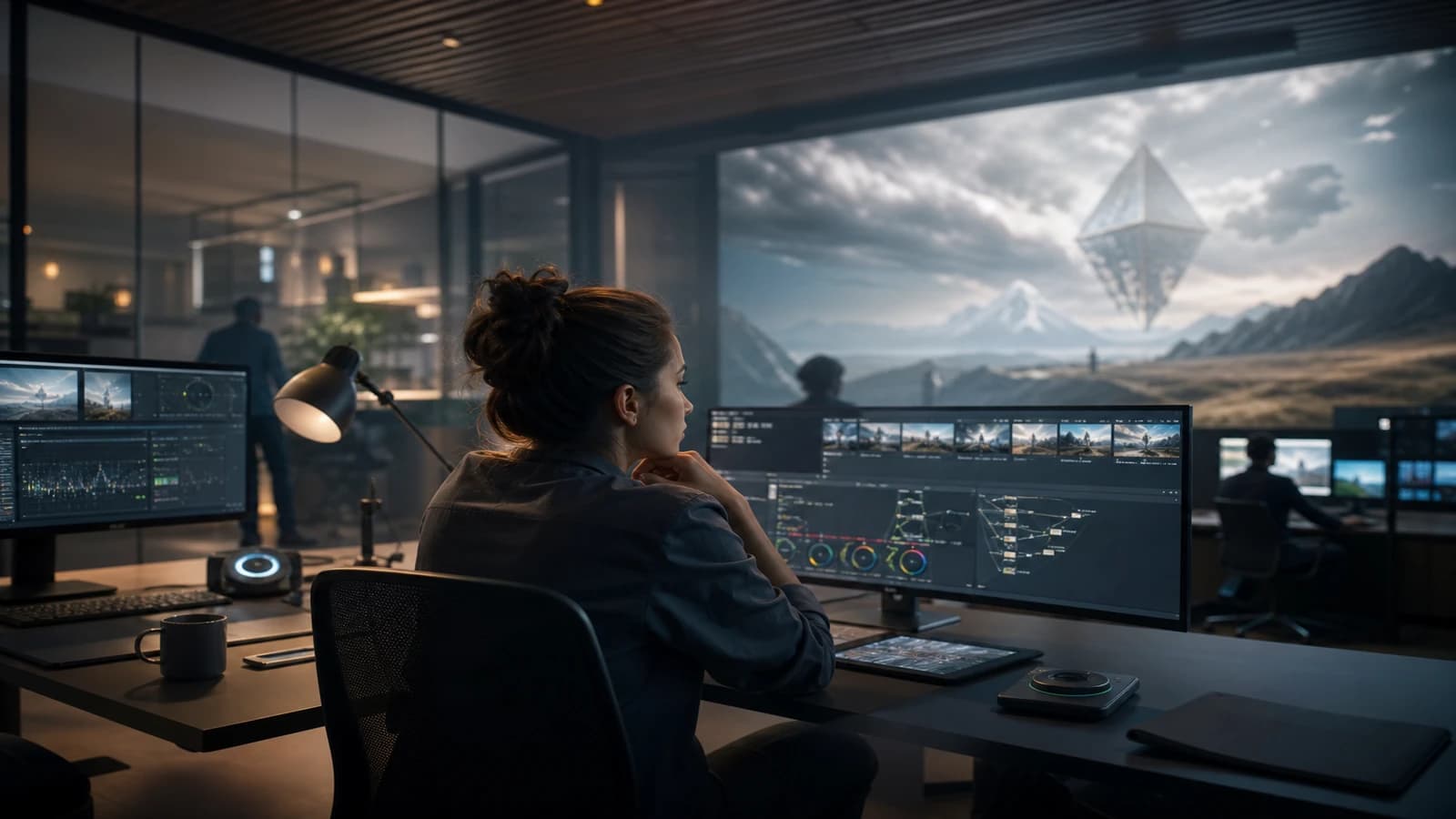
Step 5: reframing of the crop OK shots
Export a 9:16 timeline with animated reframing. Check each crop transition: no abrupt jump. On unstable AI shots, prefer a slightly wider crop and a light scale down to absorb the jitter. Add uniform grain after the crop to mask the sharpness differences edge versus center.
Step 6: re-edit a dedicated vertical, not a mirror
The vertical has its own rhythm. A hook in the first 1.5 seconds. Tighter cuts. Music and burned-in subtitles often mandatory. Do not copy the horizontal timeline shot for shot: select the shots that read on a small screen. See how to design AI video hooks for the hook structure.
Step 7: real mobile QA
Send yourself the file on a phone. Watch in real conditions: auto brightness, low sound, fast scroll. The vertical that holds on a calibrated 27-inch screen can explode on OLED in full sun. Adjust the contrast and subtitle size after this test.
Field scenarios: three real projects
The 15-second cosmetic spot (Ines, Lyon)
A validated 16:9 master. Vertical reframe: the bottle left the frame on the hero shot. Solution: native 9:16 regeneration of the bottle shot with the same pilot, a simple reframe on the two face shots. Double delivery in a day of post. The client did not see the pipeline difference, only the visual consistency.
The YouTube tutorials plus Shorts series (Marc, Toulouse)
Marc produced a long tutorial and ten Shorts extracts. Initial mistake: extracting crops from the 16:9 talking head. The result: unreadable text, the gaze too small. Redo: record (generate) tight face-cam vertical inserts for each tip, reuse horizontal B-roll cropped only on the hand shots. The Shorts outperformed the long video in views.
The auto teaser campaign (Rania, Casablanca)
A car sequence shot in a 16:9 lateral dolly: impossible in a believable vertical crop. V-native shots: front-end approach, headlight detail, wheel in motion, three seconds each. A 12-second vertical teaser edit with no sequence shot. The horizontal kept the sequence shot for the site. Two emotions, one campaign.
Troubleshooting: what beginners break
Automatic centered crop. Symptom: cut-off heads, products out of frame. Fix: manual reframing keyframes or native regeneration.
Exact same duration as the master. Symptom: a soft vertical, not adapted to the scroll. Fix: a shorter cutdown, an earlier hook.
Subtitles added after with no safe zone. Symptom: text under the UI buttons. Fix: a vertical template with margins from the edit.
Light inconsistency between crops and natives. Symptom: two looks in the same video. Fix: a shared grade via LUT, same pilot, same generation session.
Forgetting the vertical sound. Symptom: music designed for a long arc on a short clip. Fix: a remix or short stem, sonic impact at 0:00.
For technical specs per platform, see the YouTube Shorts recommendations and the Meta documentation on Reels formats. Ratios and resolutions evolve; check before delivery.
A three-day execution plan
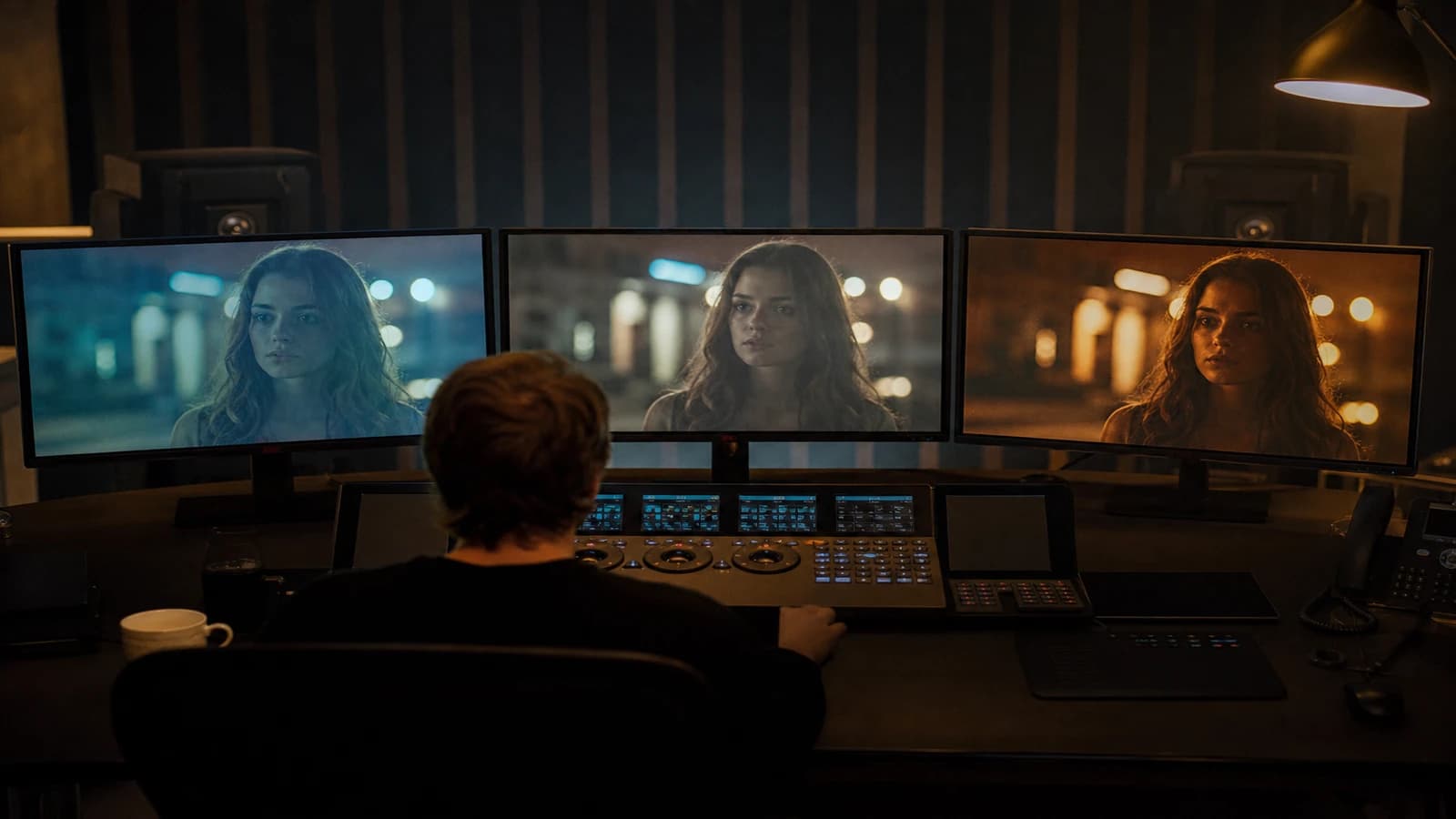
Day 1: breakdown with ratio tags, generation of the master plus the V-native shots. Day 2: vertical edit, reframing, subtitles. Day 3: unified grade, mobile QA, exports per platform (codec, loudness). A short spot can hold in a day if the breakdown was ready.
Foire aux questions
Réponses rapides aux questions les plus fréquentes sur cet article.
Can any 16:9 master be cropped to 9:16?
No. Wide shots with lateral action, symmetrical compositions with elements at the edges, and text integrated into the horizontal frame resist the crop badly. In practice, about 40 to 60 percent of the shots of a well-filmed (or well-generated) master can pass to smart reframing if the subject was already centered with margin. The rest needs native regeneration or must be excluded from the vertical. Assess shot by shot in the breakdown, not by feel in post. An honest vertical with eight solid shots beats a vertical of fifteen shots of which seven are botched crops.
What resolution should I export for Reels and Shorts?
Aim for 1080x1920 minimum, 24 or 30 fps depending on the source. Some creators deliver in 4K vertical for quality margin after platform compression; check that your AI pipeline supports it without amplified artifacts. The bitrate matters as much as the resolution: aggressive compression before upload destroys the fine grain you added in post. Export a ProRes or high-quality master, then an H.264 version for upload. Test a private upload to see the platform's real compression before client delivery.
Should I regenerate with the same AI engine for the vertical?
Ideally yes, or at minimum with the same prompt language and the same pilot image. Changing engines between horizontal and vertical multiplies the risk of visual drift (skin, set, grain). If you must change, limit yourself to the V-native shots and accept a color harmonization session in post. Document the prompts on both sides so you can regenerate if the client compares the versions side by side on a split screen.
How do I handle burned-in subtitles in vertical?
Create a template with safe-zone margins, a font readable at small size (avoid the ultra-light thin one), high contrast with no cheap halo. The subtitles must be integrated before client validation, not stuck on at the last minute. For AI, anticipate the burn-in in the breakdown: leave negative space in the V-native shots where the text will live. Tight crops rarely leave room for two lines of subtitles without covering the face.
Should the vertical rhythm be faster than the master?
Often yes, especially for TikTok and Shorts where the attention competition is extreme. It is not an absolute rule: a contemplative vertical can work if the initial hook is strong. In practice, aim for a more frequent cut in the first three seconds, then adapt to the message. A 30-second master can become a 12-15 second vertical without betraying the idea if you cut the redundant shots. Never slow the vertical relative to the master without a narrative reason.
How do I deliver several ratios without client confusion?
Name clearly: PROJECT-MASTER-16x9-V02-LOCK and PROJECT-REELS-9x16-V02-LOCK. Send a changelog that specifies which shots differ. Avoid two files named final_vertical.mp4. If the contract includes both, both are distinct LOCK deliverables with the same validation date. The client must know which to post where.
Should the pilot images be 9:16 for the vertical?
For native regeneration, yes: prepare 9:16 pilots or crop your 16:9 pilots keeping the subject before image-to-video. A horizontal pilot injected into a 9:16 engine can produce weird stretching. For the crop, the 16:9 pilots are enough. Invest thirty minutes upfront on vertical pilots for the V-native tagged shots: you save hours of regeneration.
Producing vertical Reels and Shorts variants with AI
means accepting that the vertical is not an accessory of the master: it is a product with its own rules of composition, rhythm and QA. Anticipate in the breakdown, generate native when you must, and your social will finally look like the same film as your 16:9 hero.
Related articles
 Tutoriels
How to Produce an AI Video in 24 Hours
A field method to produce an AI video in 24 hours: tight brief, disciplined assets, generation with no drift, deliverable-oriented editing. Ideal when the deadline is real and the keyword produce AI video 24h must become an execution plan, not a marketing promise.
 Tutoriels
Setting the Editing Rhythm for 15s and 30s AI Ads
Shot cadence, breathing room and hooks to turn AI clips into real, high-performing ads.
 Tutoriels
Creating a Location and Set Bible for an AI Project
How to document each set to keep the same visual mood from the pilot to the final delivery.