Top 5 AI Smartphone Apps to Create on the Go (2026)
A realistic selection to shoot, generate, retouch and edit from the phone: quality criteria, mobile traps, and workflows that survive 4G.
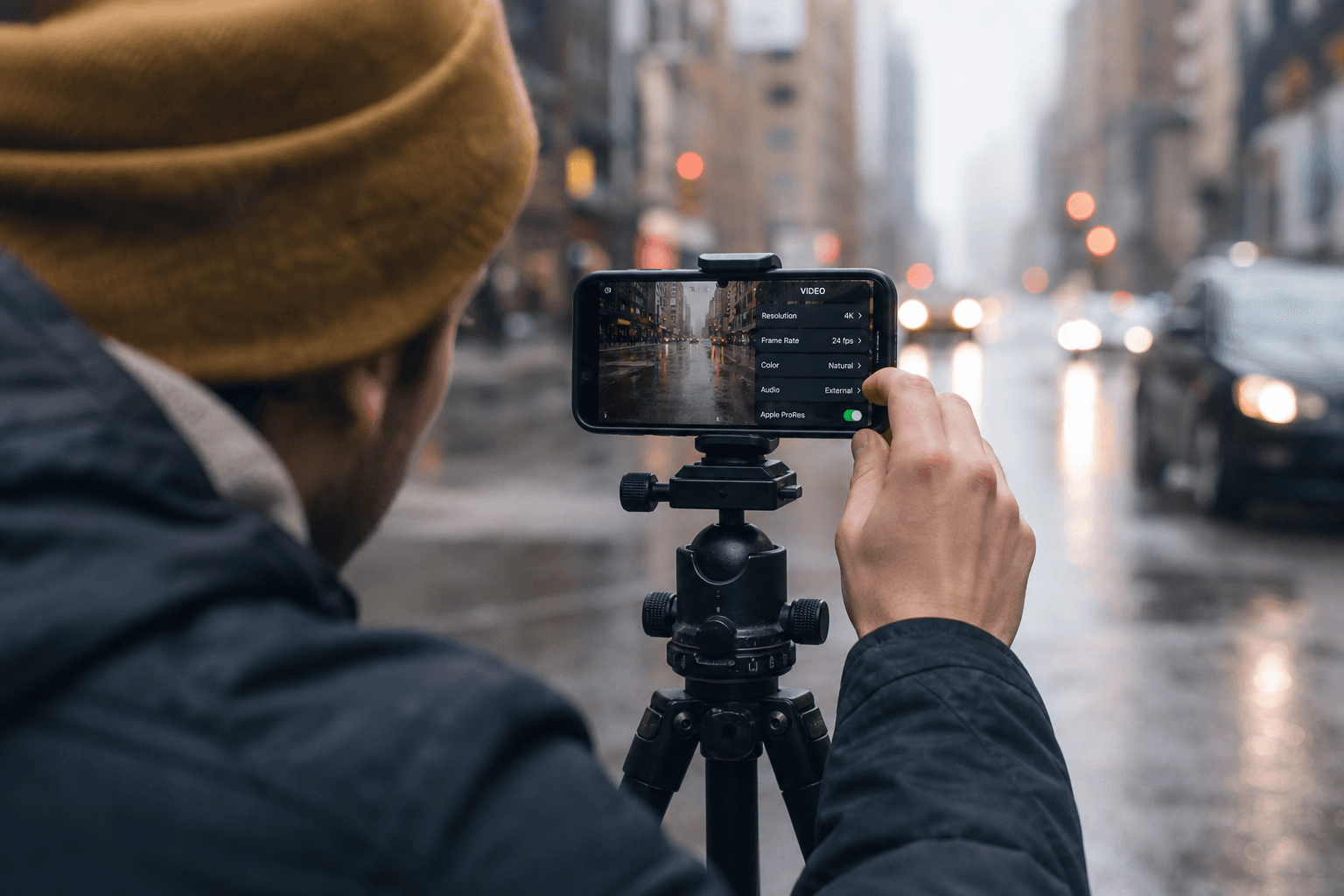
The smartphone is a backup camera, a miniature studio, and sometimes a bad-decision machine. Mobility speeds up everything, including the mistakes.
This top is not "the most hyped apps on TikTok". It is a selection of app families useful for a creator who has to produce out of the office: capture, image generation, retouching, short editing, and dictation / organization. The exact names change according to the stores and the countries: what counts is the function and the usage discipline.
If you think "mobile" means "less serious", you are in the wrong century. Mobile means harder constraints: battery, thermal, screen, network, and fragmented attention. A mobile pro is not someone who does less well: it is someone who knows how to decide faster with less information.
The mobile rules of the game (before talking about apps)
Heat and battery
AI on a phone triggers thermal throttling: your render drops, your export lags, you believe "the app is bad". It is often the silicon.
The network
4G/5G lies. Preload, download in Wi-Fi, keep offline versions when possible.
Storage
The videos and the caches eat the space. A clean session starts with 10 GB free, a psychological minimum.
Light and noise
A small sensor suffers in low light. The AI denoises, but can kill the texture. Learn to read the noise as a signal, not as an enemy.
Sound: built-in mic vs pro mic
The built-in mic is acceptable for notes, not for a sellable voiceover. If you do lip-sync later, a clean voice at the shoot avoids monstrous artifacts.
Notifications
Airplane mode is not an influencer trick: it is a protection against fragmented decision-making. A notification at the wrong moment makes you validate a too-dark image.
For an overview of the desktop video tools and the logic of a stack, see our comparison of the best AI video tools. For the narration and the rhythm, also link how to structure an AI video like a real film.
14-day program: becoming efficient on mobile without clowning your image
Days 1 to 3: camera first
You open no AI app. You shoot ten shots: hand, face, glass, textile, night. You learn where your phone lies.
Also note the geometry: parallels, windows, tiling. The smartphone loves to invent "almost straight". If you do not look at the lines, you will pay in the edit.
Days 4 to 7: retouching
You correct the same shots: exposure, grain, color. You compare the "auto beauty" version vs the cinema version.
You learn to recognize the global sharpening: it makes you believe it is sharp, then it cracks on the textures.
Days 8 to 10: generation
You make ten images from briefs written on a note. You evaluate on a big screen.
You document three winning prompts and three losing prompts. Otherwise you forget.
Days 11 to 12: editing
You edit three reels with homemade templates. You measure the real time.
You compare a direct platform export vs a "master" export then re-encoding. Sometimes the direct is better.
Days 13 to 14: hybrid
You mix a real shot and a generated shot: matches, color, grain. It is the real test.
You write a final checklist: hands, teeth, logos, typography, eye consistency.
Table: five app families and what they replace
| Family | Creative use | Mobile risk |
|---|---|---|
| Pro camera + HDR | capture | overexposure |
| Image generation | moodboard | homogenization |
| Local retouching | clean up | oversharpen |
| Short editing | social | compression |
| Dictation / notes | brief | data leak |
1) "Pro" camera + intelligent HDR (iPhone Camera-like / Android pro modes)
On mobile, the best AI is often the one that stabilizes the image, handles the HDR, and preserves credible light transitions. It is the base of any pipeline: if your source shot is false, the AI will only propagate the bad truth.
I treat this category as an app, because in practice, you spend your life in the camera interface. The mobile creator who neglects the capture ends up in generator hell.
On mobile, think cadence: a too-slow shutter gives a "TV series" motion blur, a too-high shutter gives an amateur stroboscope. You do not need to be an engineer: you need a simple rule per context. For documentary handheld walking, accept a bit of blur. For a product packshot, stabilize and lock.
💡 Frank's Cut: lock the exposure and the white balance before filming a dialogue scene: otherwise the rolling shutter and the color noise rot your cutting.
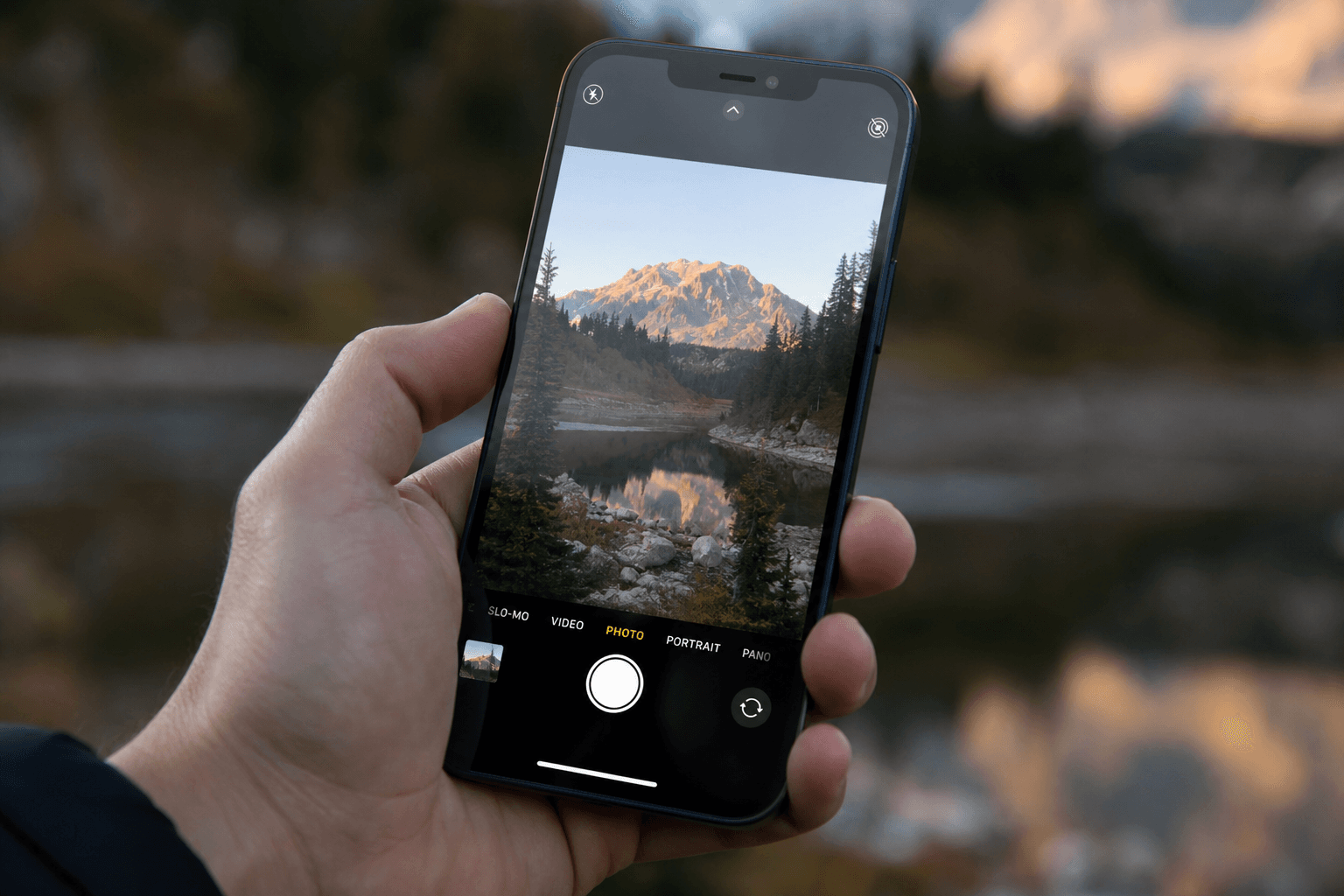
Practical case: reportage + generative shot (with no shameful match)
You film a real street, then you want a complement shot impossible to shoot (aerial view, forbidden interior). You generate the shot on mobile, then you mix it on desktop. The critical point: match the grain structure and the color. On mobile, do at least a rough pre-grade before exporting to the edit. Otherwise you spend three hours on desktop catching up a decision you should have made on the sidewalk.
If you stay 100% mobile, limit the gap: same color temperature, same light direction, same "felt" focal length. The matches break on the micro-differences.
Before sticking the generative shot, export a witness frame of the street: a face, a wall, a glass reflection. You use it as an anchor to calibrate the generative without inventing a light parallel to the universe. On a phone, get into the habit of noting in plain text: "medium gray on the asphalt", "sodium halos", "blue sky tending cyan". These three lines are worth ten blind settings later.
The reportage sound also serves as a narrative glue: if the generative shot is mute or too "clean", the viewer hears the jump. Keep a layer of real atmosphere under the added shot, even low, even filtered. The ear forgives less than the eye when you tinker with hybrid.
Finally, anticipate the platform compression: what seems acceptable in the app can become muddy once uploaded. If you know the distribution will be TikTok or Reels, test a short export on a draft account before validating the match with the client. An "almost good" preview on 4G becomes a definitive mistake once online.
2) Mobile image generation (Midjourney app-like / vendor apps)
Here you win on the iteration speed on the go: moodboard, direction test, idea for a nervous client.
The trap: you produce "correct" but interchangeable images. On mobile, you tend to accept too fast because the screen is small. Force yourself to zoom on the hands.
Add a rule: no client validation on mobile alone for a close-up face. You can show a direction, not sign a campaign.
On iOS/Android, watch out for the color profiles: some viewers lie. Export a reference and compare on desktop before signature.
Short but constrained prompts
On mobile, you write less. Compensate with visible constraints: ratio, focal length, light type, emotional intention. A short prompt is not a lazy prompt: it is a compressed prompt.
Iterations in three passes
- composition, 2) light, 3) details. If you mix everything at once, you lose control and you fall back into the generic.
The infinite scroll trap
The feed pushes you to produce fast. Speed with no criterion becomes noise. Keep a "rejected references" gallery: what you no longer want to reproduce.
To avoid the plastic render, keep in mind the principles of our guide photorealistic AI images with no plastic effect.
On mobile, think "direction folder" rather than "finished product line": you explore angles, you reject fast, you export what deserves a desktop pass for the color signature and the skin details.
3) "Local first" retouching (Snapseed-like / Lightroom mobile-like)
It is the category that saves the shoots: recrop, cleanup, curves, grain, local corrections.
The useful AI here is often discreet: denoising, subject selection, filling. The more invisible it is, the more your image stays credible.
On mobile, I treat the retouching as an emergency room: you do not remake the world, you stabilize the exposure, you save a framing, you add grain to mask a broken detail. The retouching is not a second shot, but sometimes it avoids a real reshoot.
When you use AI masks, check the edges on complex zones: hair, fences, nets. The phone hides the artifacts in zoom out.
4) Social editing with assist (CapCut-like / vendor editors)
For short format, you have to assemble fast, subtitle, set a temporary music, export.
The trap: "viral" presets that destroy your charter. Create three homemade templates.
The mobile editing pushes to over-editing: too many transitions, too many zooms. A simple rule: one effect per sentence, not one effect per word.
5) Dictation + notes + pipeline (Voice Memos + Notion-like)
The creation starts with the brief. On mobile, the dictation is a weapon: you capture an intention in the subway, then you structure it at the studio.
For a production bible, see Notion AI for a film / series production bible.
I also recommend a discipline: each voice note ends with three tags: risk, deadline, decision-maker. Otherwise you find yourself with an unusable library of anxiety.
Clients and sensitive data: what you avoid on mobile
Do not leave client rushes lying around in the iCloud roll with no frame. Do not share previews by SMS if you have to protect an unannounced campaign. Use expiring links, dedicated folders, and a pro / personal account separation. The dumbest leak is the one that comes from a photo sent to the wrong WhatsApp group.
For a vocabulary base on IP when you mix sources and generation, see the WIPO on AI and intellectual property.
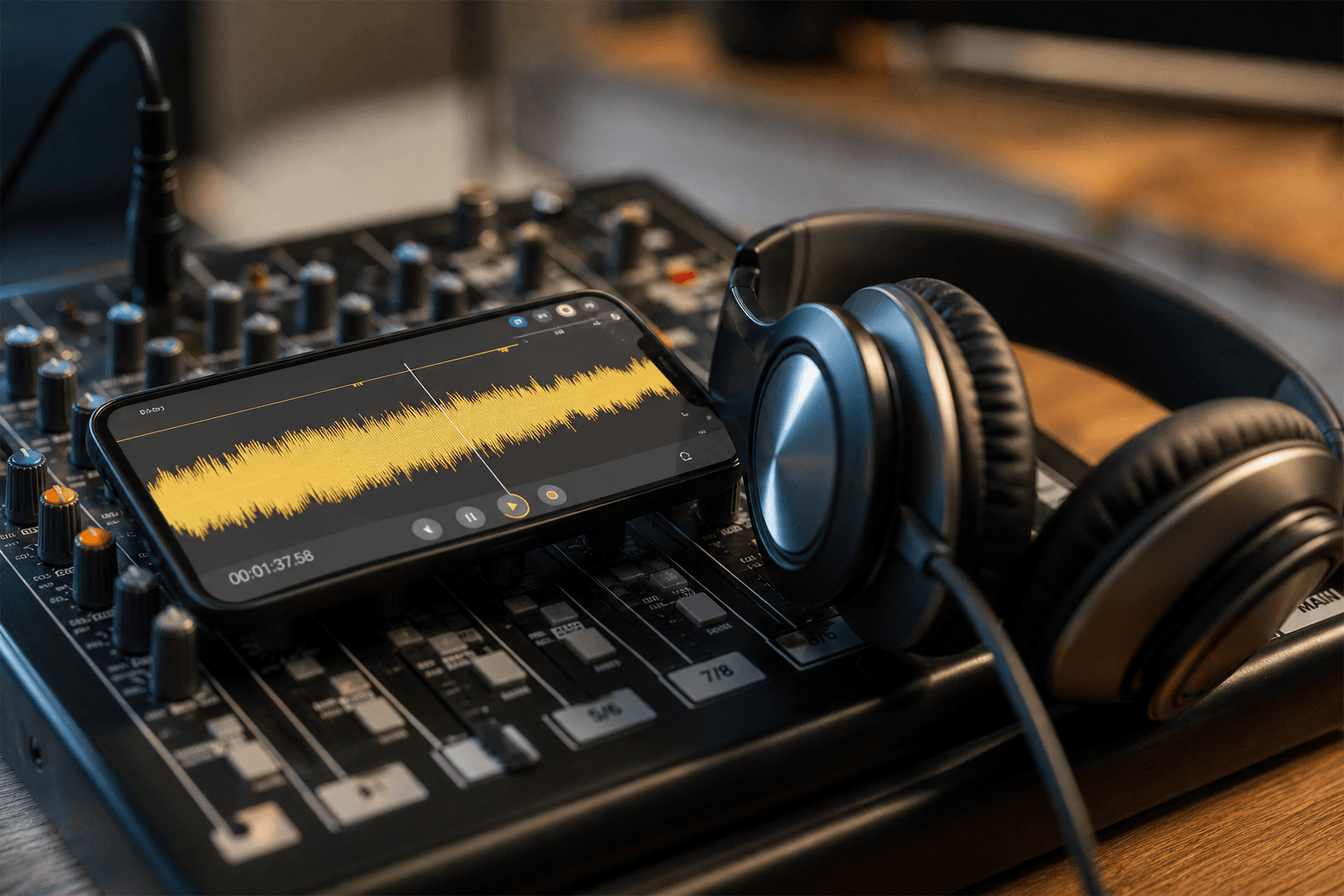
Troubleshooting: what breaks on a phone
You grade on the phone screen
Fix: AirPlay / cable to a neutral screen before final validation. If you cannot, at least send a capture to a second internal screen. The phone lies about the contrast: it compensates for the ambient light and makes you believe your image is "punchy" while it is burned.
You upload client rushes on 4G
Fix: Wi-Fi + encryption + dedicated folder. If you have to send from the street, compress knowing what you lose, and re-download on desktop before validation.
You forget the metadata
Fix: rename on the fly with a files app, not "IMG_4829". Add PROJECT_SCENE_TAKE in the name. Otherwise you lose the chain when you mix with cinema camera shots.
You let the phone overheat
Fix: pause, ridiculous but efficient external fan, temporary resolution drop. A burning phone produces electronic noise and mediocre creative decisions.
Minimal gear kit (that changes everything)
Lavalier mic, ND clip, mini tripod, battery. It is not snobbery: it is signal. A correct mic lets you keep an AI voice line later with no catastrophe. An ND lets you keep a consistent shutter outdoors. With no ND, you fight against the sky that clips.
For the European frame on AI systems and the expected transparency, see European Commission AI strategy. For a cross-cutting reading, UNESCO AI. For honest technical limits on the models, cross-reference with arXiv.
Foire aux questions
Réponses rapides aux questions les plus fréquentes sur cet article.
Is my phone enough for an ad?
Sometimes for social, rarely for broadcast with no control. The smartphone can serve as collection and prototype, not always as a final master. The question is not the marketing resolution of the sensor: it is the stability of the colors, the noise management, and the mic quality when you shoot dialogue. For a TV ad, you almost always go through a desktop step or a sound studio. For a fast social ad, you can deliver from the phone if your validation pipeline is short and if you accept the compression limits of the platforms.
If you have to convince a "premium" client, your argument is not the phone: it is the method and the proof of quality control on a big screen before distribution.
What resolution to aim for?
The useful resolution is that of your final broadcaster. Beyond that, you heat for nothing. If you film in 4K but you deliver in compressed 1080p, you should understand why you film in 4K: recrop, stabilization, oversampling to reduce the noise. Otherwise you waste memory and battery for a null benefit.
In practice, many creators overestimate the resolution and underestimate the bitrate and the chroma subsampling: they are the ones that kill the credibility of the faces.
Is mobile AI confidential?
Not by default. Read the terms: some apps send everything to the cloud. If you process sensitive data, avoid the "automatic upload" flows and prefer apps that specify the local processing. Document what you do: in a company, IT will ask you for an answer, not a vibe.
Do you need an iPhone?
No. But you need a phone that handles a clean codec, a correct mic, and storage. The accessory ecosystem (tripod, lavalier mic, ND) counts more than the brand. A well-set Android beats a badly set iPhone.
How to avoid the "beauty" digital blur?
Disable the beauty filters for realism, or own a cartoon style. The worst is the in-between: a smooth skin but too-sharp eyes, a too-perfect mouth. If you do documentary, the auto beauty is a category error.
Can you edit a music clip on a phone?
A prototype yes. A final master depends on the sound and image requirement level. For many clips, social is the main broadcaster: there, the phone can be enough if you master the loudness and if you avoid the multiple re-encoding artifacts.
Are the free apps OK for pro?
Sometimes, if the license allows it and if you can export with no imposed watermark. Also read the rights on the integrated music: a "free" track can be a trap on YouTube.
How to sync mobile and desktop?
A versioned cloud folder + naming rules. No "WhatsApp copy". The good reflex: a README file in the project folder with the list of apps and the critical settings.
Do you need a battery case?
Often yes if you shoot and generate the same day. Otherwise you change your behavior in the middle of the session without realizing it, and you validate images on a low battery with auto brightness: a catastrophe for the color judgment.
Is the tripod mandatory?
Not mandatory, but close. The software stabilization eats the frame and sometimes invents a background. A mini tripod changes the credibility of your table shots.
How to avoid over-compression?
Export once, upload once. Each "small re-encoding" kills the skins and the gradients.
Do you need a second "pro" phone?
If you can, yes: a dedicated phone avoids the personal notifications and the sharing accidents. It is not a luxury: it is a safety barrier.
Related articles
 Comparatifs
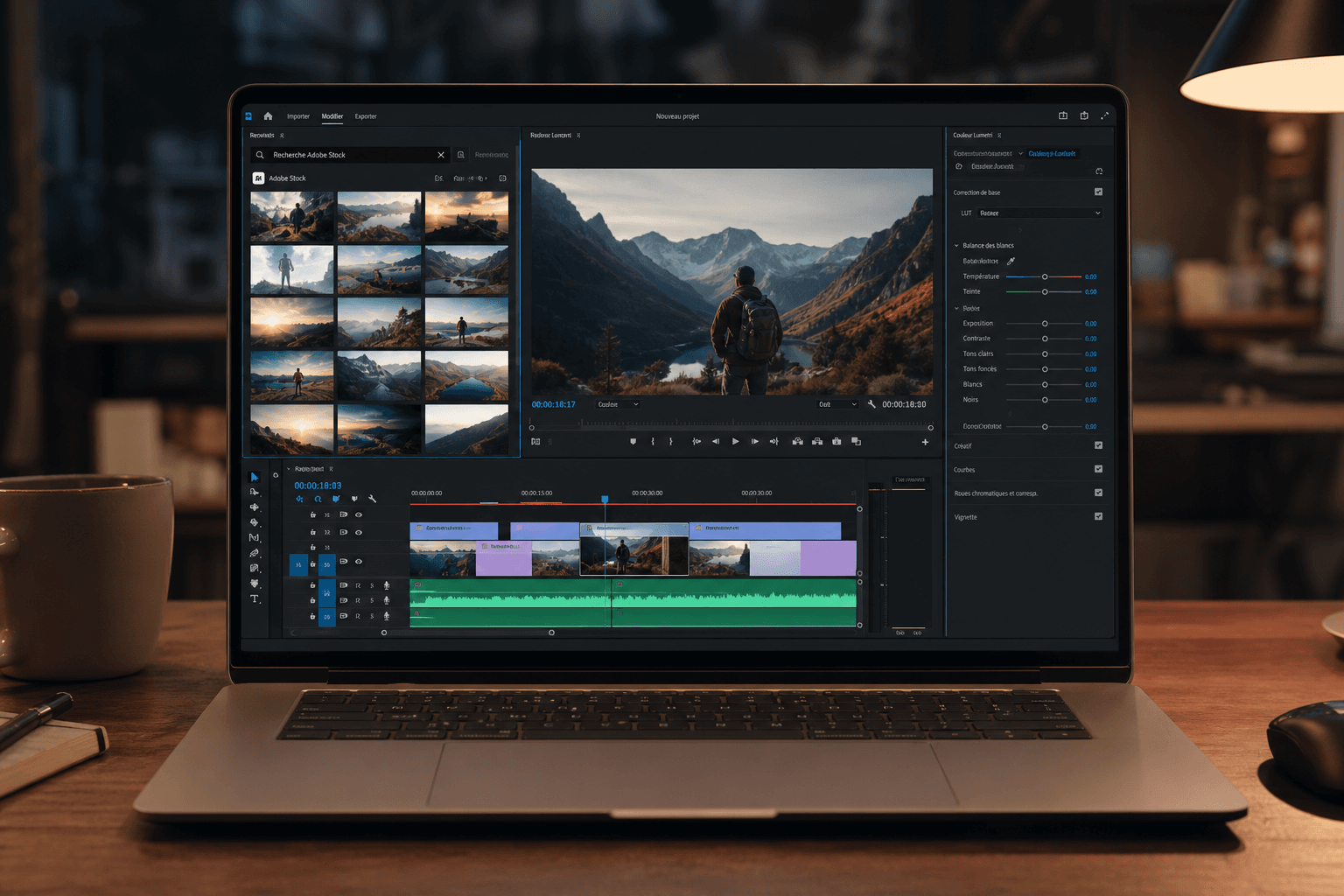
The Best AI Tools to Create, Cut Out and Design Faster
A 2026 field comparison of AI design tools: Photopea, Remove.bg, Looka, Figma, Microsoft Designer, Freepik, Pexels and Shutterstock.
 Analyses
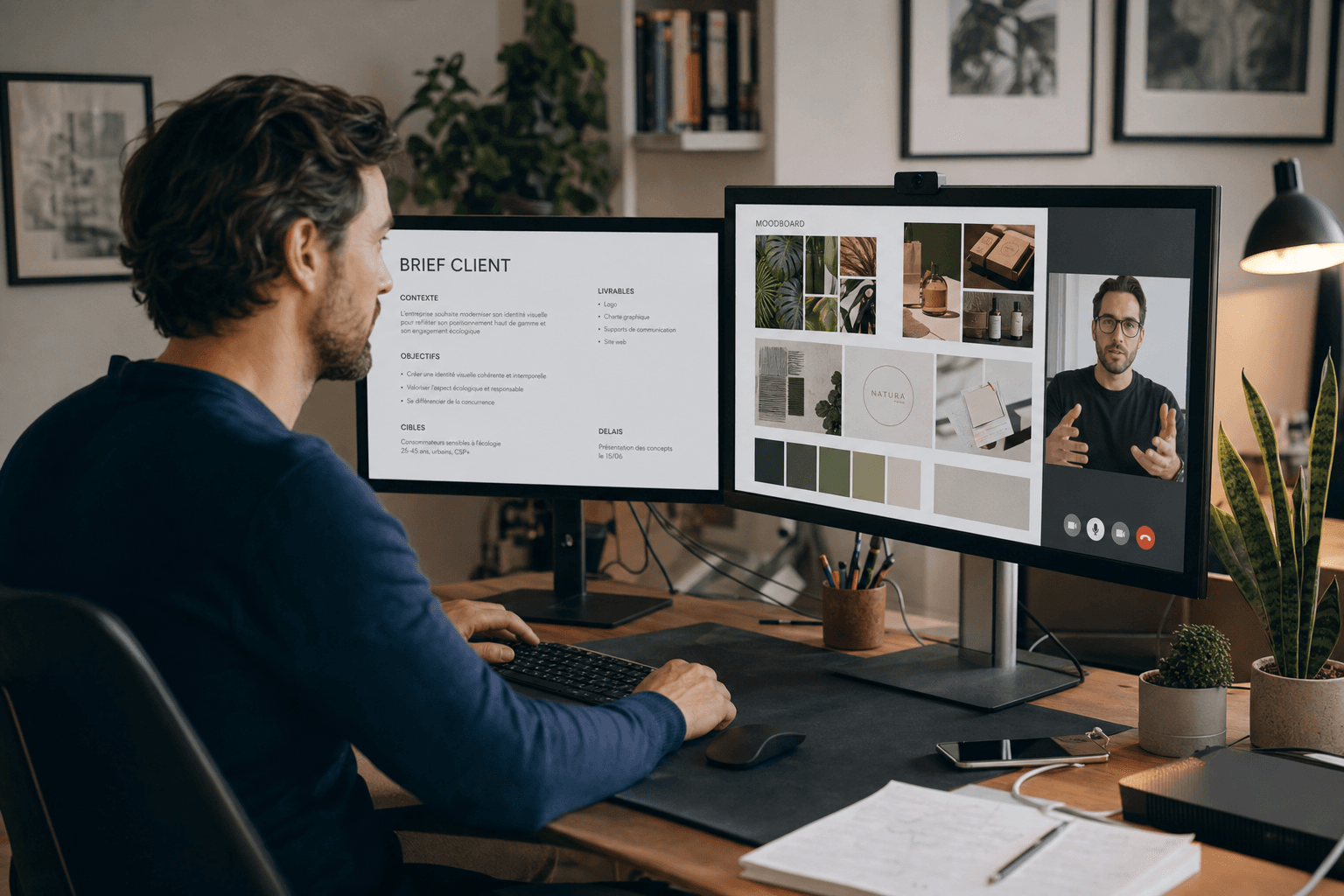
How Google's AI Is Revolutionizing Search and Content Creation
Gemini, enriched search and creative workflows: what changes for SEO, proof, audiovisual production, and how to avoid publishing 'plausible but false' content.
 Business
How to Monetize Your AI Creation Skills (Freelance, Agency)
Offers, packaging, proof, pricing and risks: a frame to sell AI creation without getting crushed by the two-euro prompt market.