How to Go From Storyboard to Final Video
A complete method to go from storyboard to final video with AI: pilot-image lock, disciplined animation, temporal QA, editing and delivery with no drift or client surprise.
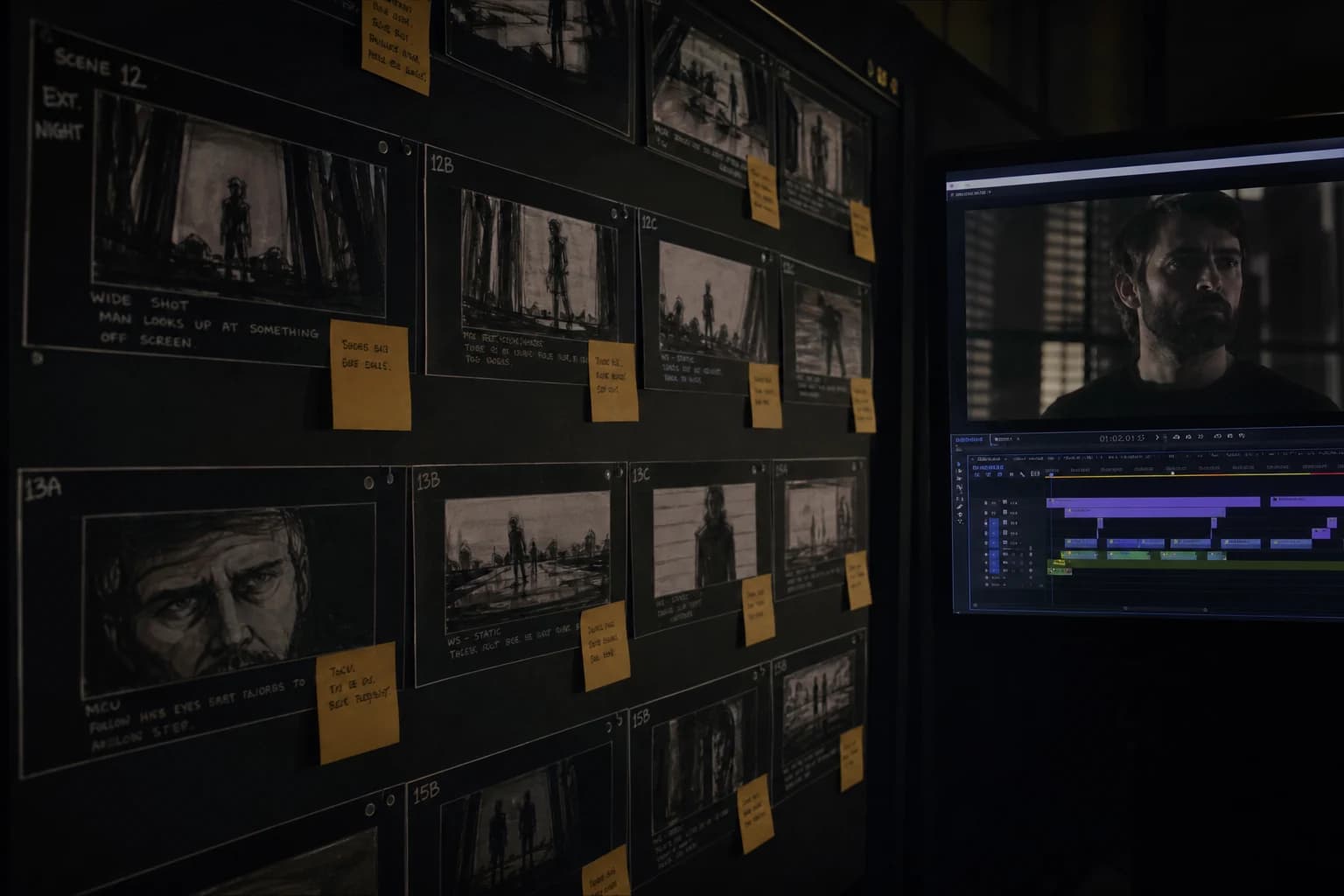
You lay a grid of gorgeous panels on the virtual table. You think you have "finished the hard part". Then you move to the video button. And there, everything that stood up as a still image starts to move like a wet poster: hands that merge, light that changes temperature, a set that invents lines over time. It is not a technical curse: it is almost always a jump too brutal between two production cultures.
Going from storyboard to final video, with or without AI, is not an automatic translation. It is a chain of decisions where each step must have a named output and a readable reason for someone who opens your folder in three weeks. When you add generative models in the middle, the same rule applies with even more rigor: the tool amplifies what is already fragile in your grid.
This guide is written as a field checklist for solo teams or small structures that want to deliver a usable video, not a demo that impresses for five seconds then breaks at the edit. We will cover the board preparation, the pilot stabilization, the move to movement, the edit as a safety net, the sound as narrative glue, then the realistic delivery with compressed previews.
If you are looking precisely for how to go from storyboard to final AI video without wasting your time in forty incomparable variations, keep one simple idea in mind: the storyboard is a reading and framing contract; the final video is a temporal and acoustic contract. You must rewrite part of the contract at the moment time comes into play.
Why a "good" storyboard can still produce a "bad" video
The first mistake consists of confusing narrative readability and temporal stability. A panel can be clear on paper while being geometrically ambiguous for a model that extrapolates between the frames: hands at the edge of the frame, contradictory texture between foreground and background, a mouth open on a line you plan to dub differently, details too sharp where the physics of the face will move.
The second mistake consists of treating the storyboard as a gallery of images you just need to animate one by one. In practice, modern editing lives on the cut, on the sound, and on breathing between tensions. A grid that does not anticipate where the viewer will rest their gaze after an emotional peak forces you to improvise at the last moment, often with animations too long that accumulate artifacts.
The third mistake is organizational: no shot nomenclature, no pilot version frozen by identifier, no rejection protocol. In that void, you spend your energy defending incomparable tries ("this one was better yesterday") instead of moving a sequence toward a stable master.
To lay a solid storyboard base before even talking about animation, set the method milestones with how to create an AI storyboard step by step. This link completes this guide on the upstream part that many skip then regret at the moment they click "generate the video".
The three layers of a "video-ready" storyboard
Layer 1: reading. What is this shot for in the story? To establish, to confront, to reveal, to underline a reaction? If you do not answer in one line per panel, you will generate decorative images that resist the edit.
Layer 2: virtual set. Shot size, axis, desired camera move, target duration, dominant light source, explicit technical prohibitions (no long orbit if you must keep a stable face geometry at the start, for example).
Layer 3: AI risk. For each panel, a "movement complexity" note from 1 to 5. Shots 4 and 5 require a simpler alternative or a split into two short beats. Otherwise you spend your deadline on two heroic shots that refuse to hold together.
This split is not bureaucratic: it becomes your text file or your table column next to the thumbnails. When you come back after a hard night, you know why you validated a given framing and what plan B already exists before the client panic.
For a video backbone that looks like a film and not a succession of clips, link these layers to the method of how to structure an AI video like a real film: acts, transitions, and shot functions clarified before the prompts go off in all directions.
Phase A: freeze the pilots like legal references
You do not move to video on a "pretty frame" that still negotiates with the truth of the hands or the mouth. You move on a pilot that owns its limits and that can be reused as an anchor for several comparable video tries.
Pilot checklist before movement:
- Readable face triangle if you must hold a portrait or a tight two-shot; otherwise explicitly own a masking at the edit or a wider reframe.
- One dominant light source and a contrast hierarchy that does not depend on five contradictory directions.
- Identifiable costume and accessory but with no readable micro text that will mutate at the first movement.
- Depth of field consistent with what you will ask as a tracking shot or as life of the subject.
- File name and folder that correspond to your shot identifier (
S03-P07), not to "final_final_v9".
For the global chain that links image intention and movement render, keep on hand the complete image-to-AI-video pipeline: it is the map of the same journey seen through the tooling and folders angle.
💡 Frank's Cut: forbid yourself from launching a video on a pilot you have not printed or displayed full screen for a minute. If you look away before the end of that minute, the pilot is not ready: it is still in the "exploration" category, not "reference".
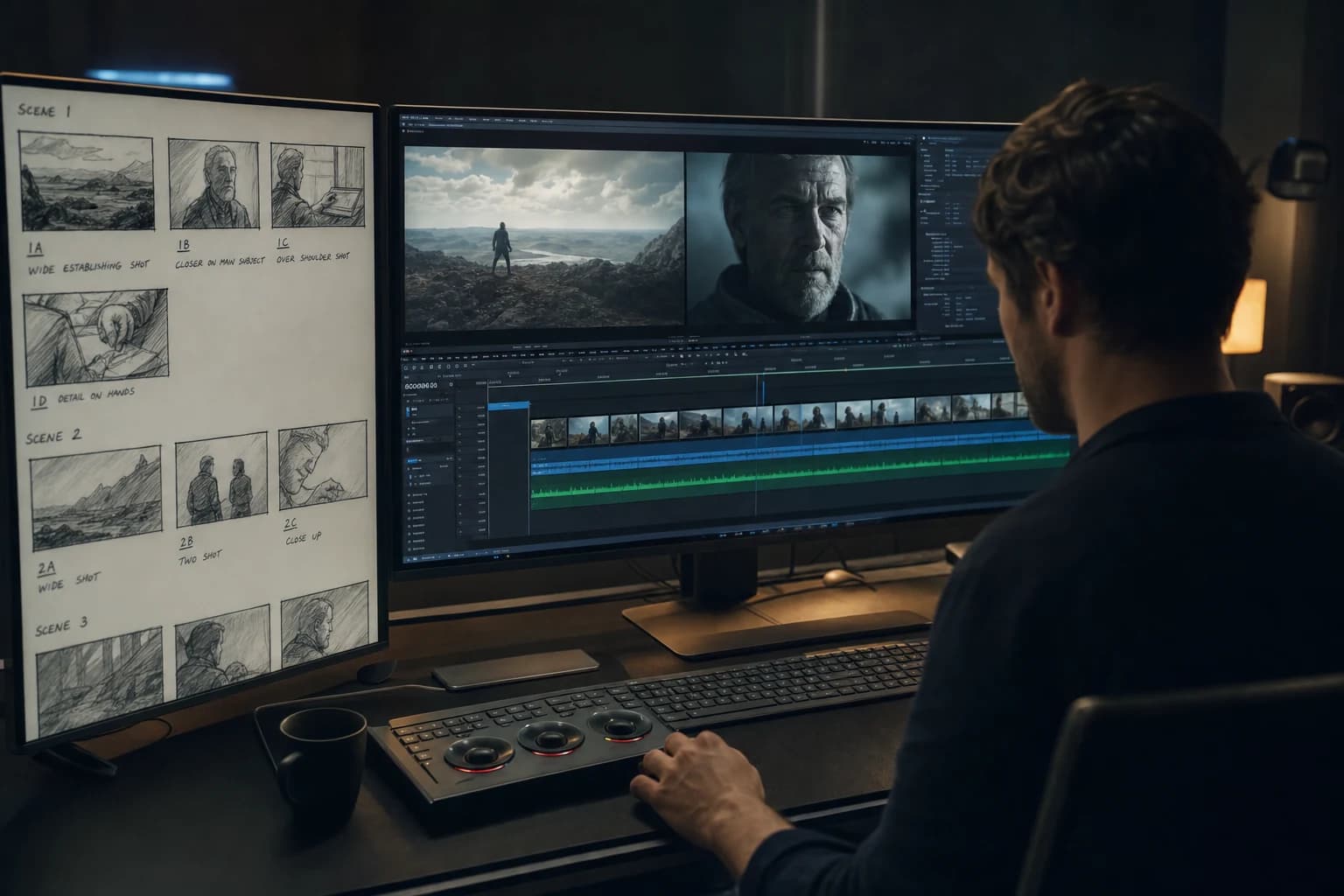
Phase B: translate the storyboard into a movement brief (one minute to save an evening)
The storyboard says "she turns the page". The movement brief must say how with no twelve poetic adjectives: relative speed, amplitude, gaze direction, what must stay stable, what can move, and a single camera intention at the start.
Brief structure you repeat for each shot:
- Subject and state: who, posture, locked clothing.
- Single action: one main verb. If you put three, the model will choose the one it will sabotage mid-clip.
- Camera: a simple word (fixed, micro-pan, slight tracking, insert) plus a possible prohibition (no orbit if you test a fragile face).
- Light: a reminder of the dominant source to reduce the temperature jumps.
- Target duration: a realistic range; better two selected short beats than a long clip that accumulates errors.
- Measurable success criterion: for example "the eyes stay the same person over four seconds" or "the hands off-frame" if you avoid the hand risk.
You add a "dependencies" line: this shot must connect with which previous pilot file and which placeholder sound on the test timeline (a click, a meaningful silence, a minimal ambience).
For a precise movement discipline on an engine often used in this step, send the teams to the Kling 3 workflow for fluid realistic animation: progressive amplitudes and QA over a few seconds before adding complexity.
Phase C: video batch with a comparable protocol
You do not judge two renders if you changed three variables between the two. You batch as in a laboratory: one major variation at a time when you look for a cause; only then do you explore the fine adjustments on a base that already holds.
Useful mental parameters:
- Same source pilot, same requested duration, same camera description for an A/B series on a given day.
- Quotas written in black and white: maximum number of comparable tries before a mandatory pivot (angle change, reframe, or decision to cut the shot in two).
- Immediate A/B/C ranking after a first read with no correction; the correction comes after selection, not before judgment.
If you refuse this discipline, you spend time "saving" C clips with aggressive post that cracks at mobile compression. The real delivery of the project will not thank you.
Phase D: temporal QA with no complacency
QA starts with no sound for certain geometric flaws: you see a sliding jaw better when you are not fooled by a pleasant music. Then you add a room tone or a low ambience to judge the material like a viewer watching on a phone with earbuds.
Minimal quick grid on a portrait:
- Eyes: stable axis and identity over the critical window.
- Jaw and mouth: if important speech later, anticipate the collisions with lip-sync or off-frame.
- Hands: if present and active, software zoom one second to check merging or phantom fingers.
- Fabrics and hair at the edge: oscillations too regular or textures that "swim" signal a fragile clip even if it pleases at first sight.
When a shot resists after two honest strategies, you move to the plan B defined in the risk layer of the board. That is where you win your weekend.
Phase E: editing as a narration instrument, not as decorative sorting
The edit transforms a series of AI clips into a final video because it imposes rhythm, masks weaknesses where the narration allows it, and synchronizes the decisions with the soundtrack.
Simple principles:
- Favor honest short shots linked by a stable intention rather than a single ambitious take that lies at the fifth second.
- Use cuts on movement or on strong sounds to make micro visual gaps between two generations acceptable.
- Avoid the overload of software transitions that scream "anxious editor"; a clean cut with a good sound sells more realism than three decorative fades.
On a timeline, assemble early a cinema scratch or a scratch voice-over if you must sync beats. The creators who neglect this bridge before the final color discover too late that "the video does not breathe", when the problem is often structural in the temporal grid.
Phase F: sound, color, grain, real export
Sound glues the shots together harder than three lines of prompt. A coherent ambience per place, a few precise FX (door, chair, distant city), and a dynamic that respects the silences move a sequence from "obvious AI" toward "plausibly filmed" to the audience's ears.
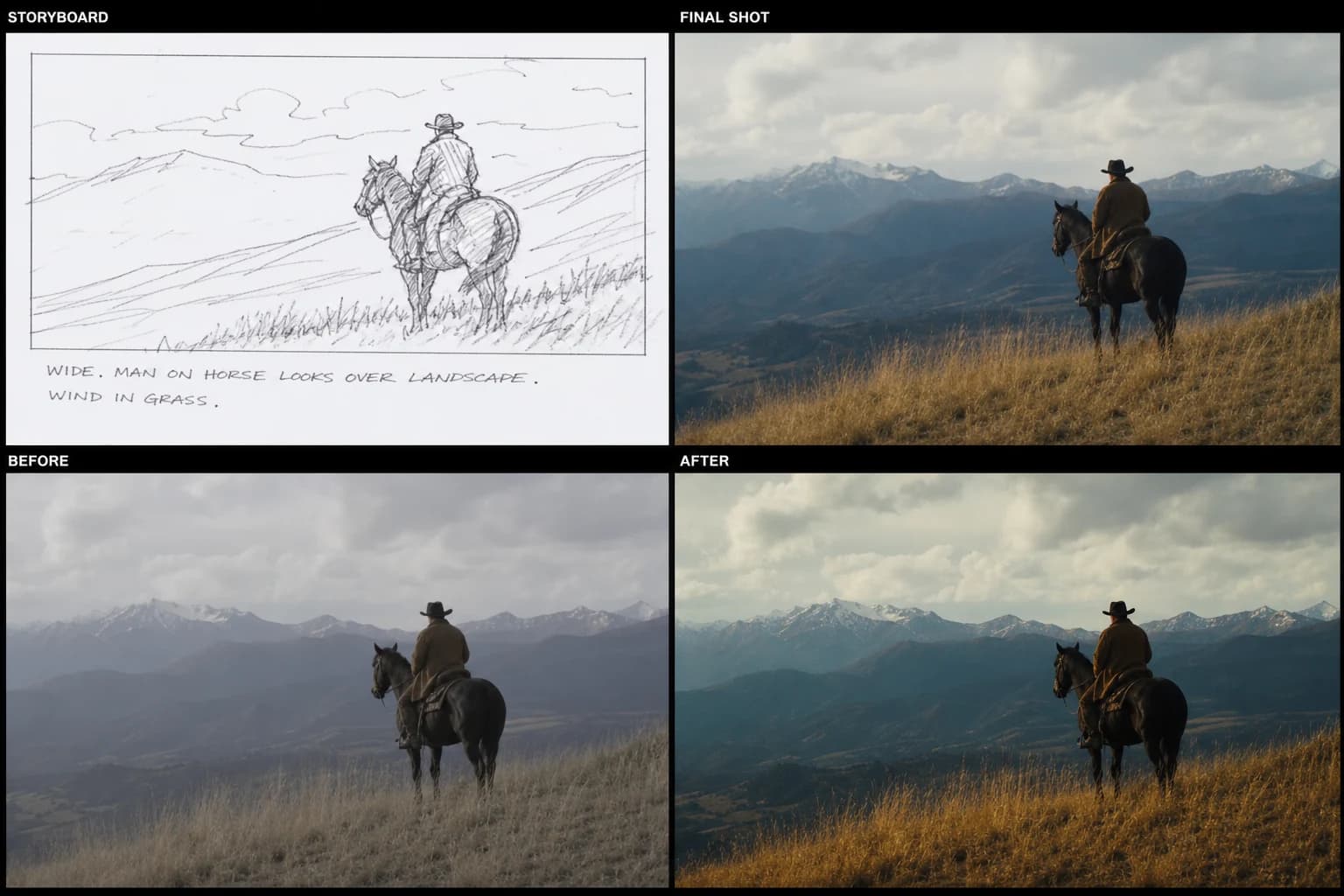
For color, a single intention per sequence brings together clips that have different signatures depending on the models or the generation days. A light grain or a very slight imperfection can reduce the plastic feel without masking a broken geometry.
For the export, you preview with a realistic compression before client validation: many disagreements are born from a wide monitor that lies gently when the delivery lives on a compressed feed and a small screen.
The mistakes that reprogram the whole project without you realizing it
"Pilot too perfect" mistake. An image too smooth with no light motivation becomes an HDR wave that pulses in movement. Fix the light hierarchy and the textures before re-animating.
"Novel prompt" mistake. Ten poetic lines add decisional noise to the model. Fix with a set sentence and three technical constraints.
"Upscale too early" mistake. Enlarging an animation before stabilization also enlarges the artifacts. Validate the movement modestly, then raise the resolution when the direction is acquired.
"Desktop validation only" mistake. What passes on a large surface can collapse on a phone. Fix with a real mobile preview.
"All the same" mistake between shots. You copy the settings of a successful portrait shot onto an active-hands shot without adjusting the strategy. Fix with a per-shot risk assessment, not by ego.
Realistic time budget for a short professional sequence
On a sequence of six to nine shots intended for the web with a "serious but not blockbuster" cinema ambition, an honest breakdown for a small team often looks like:
- Annotated storyboard plus frozen pilots: a good day if the script already exists and the character constants are set.
- Video generation plus selection: two to four days depending on hand-face complexity and respected quotas.
- Editing plus sound plus a first color pass: two to three days depending on final duration and number of returns.
It is not a universal truth: it is an order of magnitude to calibrate a client promise without lying about instant magic.
How to present the chain to a client with no "model" jargon
You show three short documents: a one-page visual bible (palette, typical light, key costume), a list of the shots with their narrative function, and a transparent mention of the owned limits ("two hand shots in wide field deliberately", "inserts with no precise lip reading", etc.). You link each deliverable to an understandable set intention outside the technique.
Trust grows when you show a clear tree and files named like adults: S02-P04_brief.txt, S02-P04_pilot_v02.png, S02-P04_video_selA.mp4. When someone reopens the folder, they recognize a production culture.
For a method entry very oriented toward breakdown and film grammar before massive prompts, your team can also tick the narrative boxes in how to structure an AI video like a real film in parallel with this storyboard-to-animation passage.
"Final video" delivery checklist with no surprise
- Master with cadence and resolution documented in a short readme.
- Compressed preview validated on at least one phone representative of the audience.
- List of shots with minor technical debts owned if necessary.
- Essential sounds present even if the final mix must still evolve: no mute video for an important decision.
- Archives of the pilots used for the retained clips, to allow a targeted regeneration if a broadcaster imposes a ratio or a reframe.
You want a simple sentence to sum up this whole guide on how to go from storyboard to final video when AI is at the center: write this contract before the movement, impose comparable quotas, and let editing plus sound do part of the realism your prompts will never be able to buy alone.
FAQ (Frank's Cut)
| Question | Short answer | Frank's Cut |
|---|---|---|
| Is the AI storyboard enough to move to video with no rework? | Rarely on its own: you need a stable pilot and a movement brief per shot. | If you "hope" with no short brief, you will pay at the edit with stress. |
| How many seconds per clip at the start for portraits? | Often three to five seconds usable before strong drift depending on model and amplitude. | If you insist on twelve hero seconds on a fragile portrait, prepare a plan B or an honest cut. |
| Should the same AI be used for all shots? | Not mandatory, but harmonize color and grain if you mix the signatures. | Mixing with no visual bible is like cutting two stocks with no reference: it shows fast. |
| Does post-production save a broken geometric animation? | No for critical hands-faces; yes for light flicker or flat ambience. | Do not make grading an ambulance for a jaw that lives its own life. |
| Paper or digital storyboard for AI teams? | Digital with exportable metadata; paper for a quick creative meeting then a photo to the folder. | If no metadata travels with the image, you do not have a production board: you have a Pinterest collection. |
| How to avoid forty incomparable variations? | One major variable at a time and quotas written before the batch. | If you change three settings between two exports, your judgment becomes folklore. |
| Music before or after the picture edit? | Scratch early for the rhythm; final music after structural stabilization. | A strong music too early masks problems your client will see without it. |
| How to explain to the client why a "pretty" shot is rejected? | You link to the measurable criterion agreed upstream (face identity, product readability, etc.). | "Beautiful but unstable" is an adult sentence that avoids endless subjective debates. |
Conclusion: from board to master, a single red line
Going from storyboard to final AI video is not a race to the best model. It is a race to decisional consistency: same nomenclature, same referenced pilots, same test protocols, same honesty about the shots that require modesty to survive the viewer's real time.
If you had to remember only four reflexes:
- A pilot that lies is a video that will lie even harder.
- An animation with no batch discipline is a spend of fatigue and a cascade of judgment errors.
- An edit with no early scratch sound is a blind structure.
- A delivery with no real compression preview is client roulette.
Your storyboard was the reading promise; your final video is the promise of an experience in time. Align the two with method, and you move from the creative folder to the deliverable folder without turning each step into a mystery.
To keep the method link toward a stable image then movement in a single documented journey, also reinvest the folders and layers logic of the complete image-to-AI-video pipeline. It naturally extends what you just locked on the pilot wall.
Related articles
 Tutoriels
Structuring a Final Validation Checklist for an AI Project
A complete checklist before sending to the client to validate image, sound, narrative consistency and technical compliance.
 Tutoriels
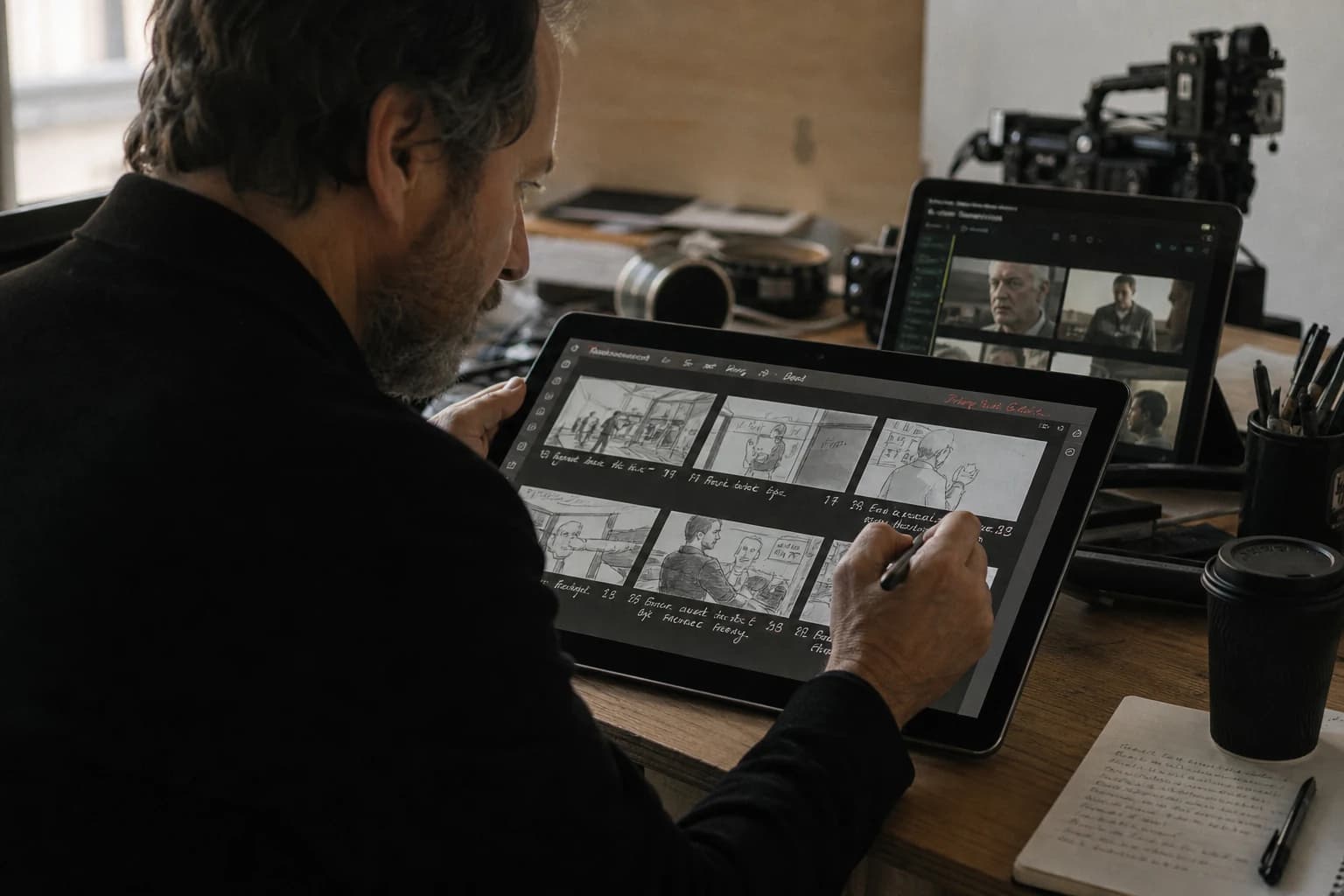
How to Create a Storyboard with AI Step by Step
To create an AI storyboard step by step with no plastic render or decorative gallery: script breakdown, visual bible, stable prompts, sequential QA and a production deliverable.
 Tutoriels
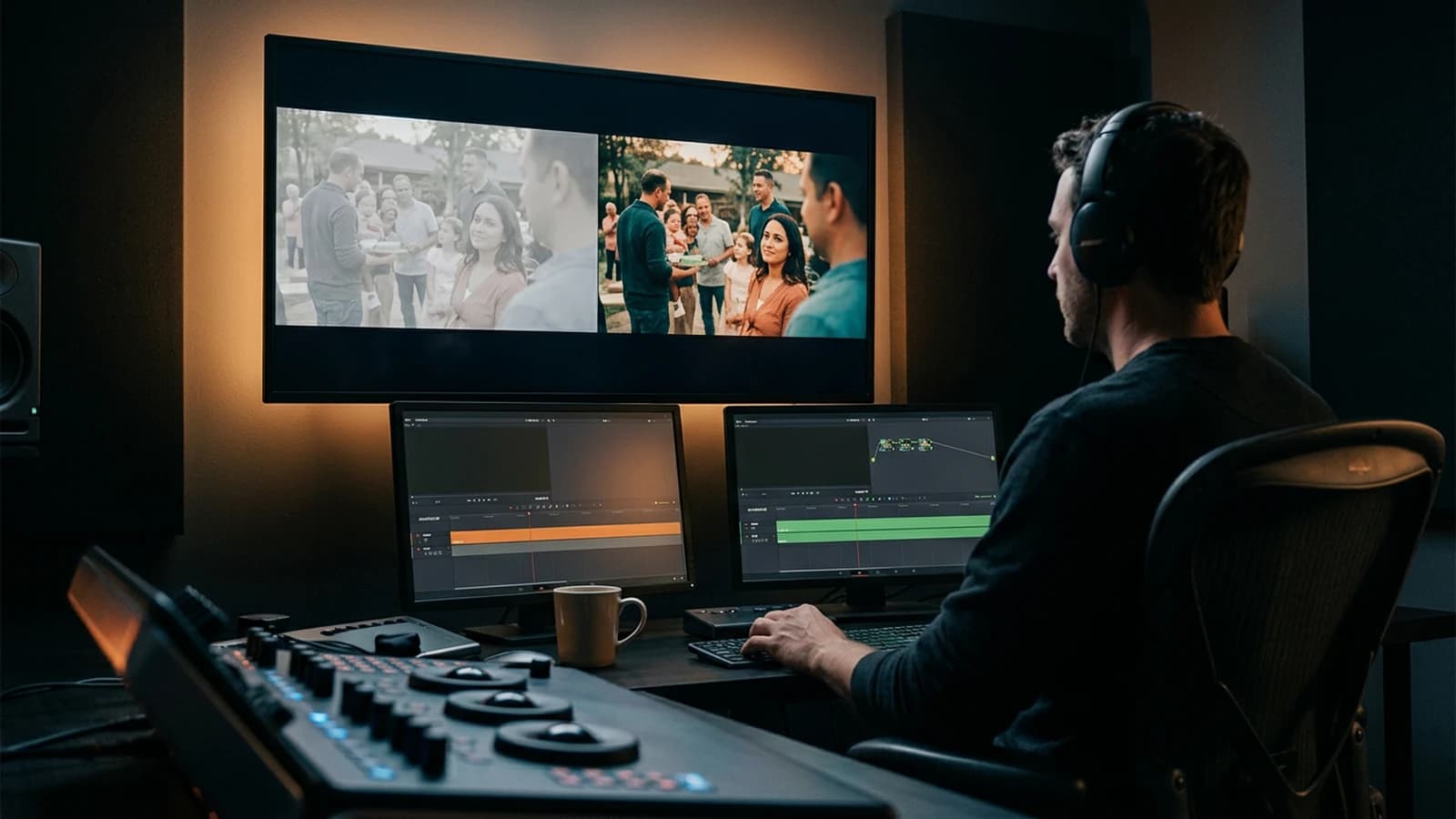
How to Go From an Amateur Render to a Cinema Render
Grade decisions, motivated light, grain, shot rhythm, and rejection: cinema is a discipline of choices, not a preset.