Creating a 100% AI Short Film With No Camera or Actors
Narrative structure, character consistency, honest limitations, and finishing to hold up at an online festival.
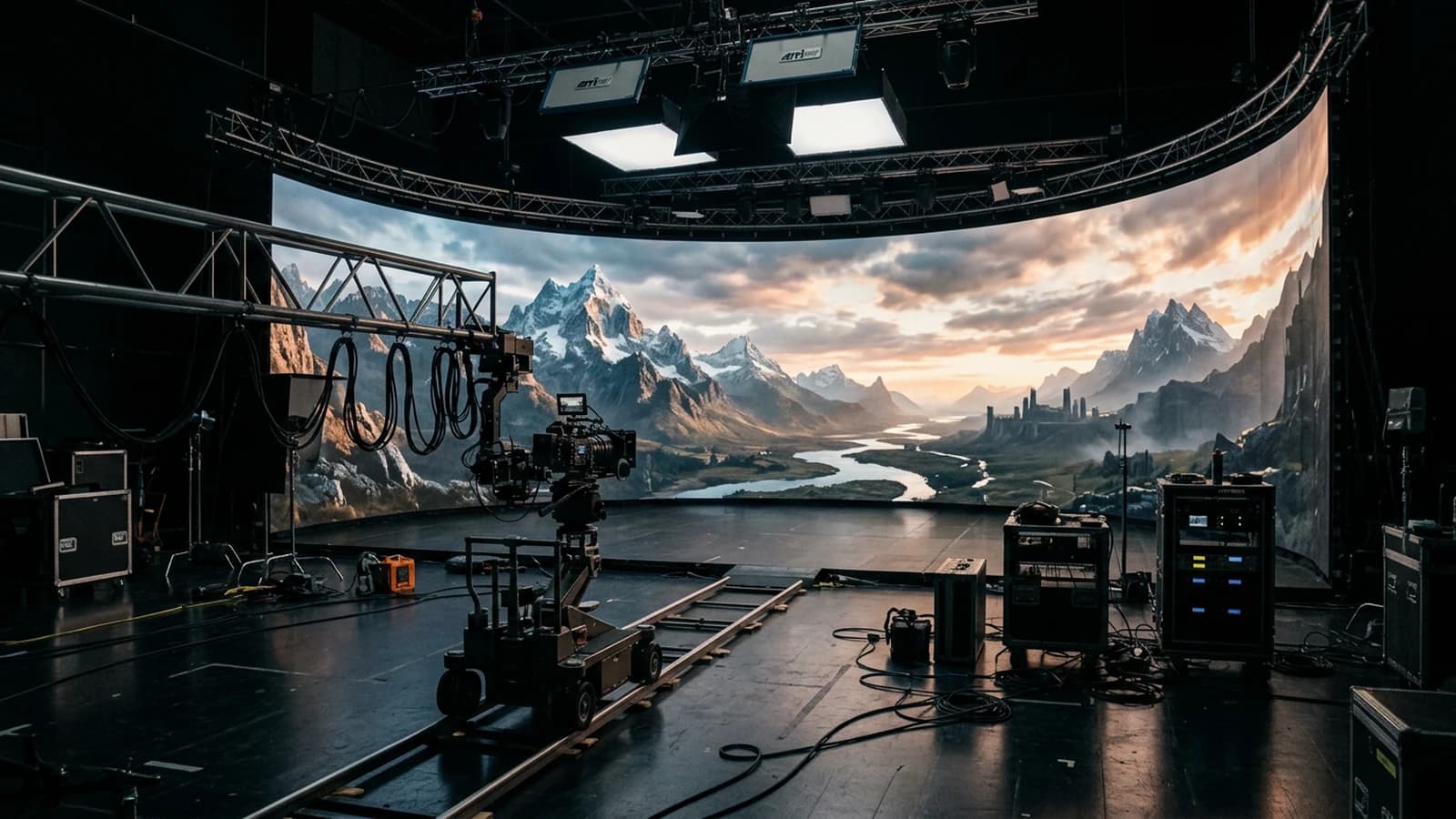
You want to tell a complete story without lifting a camera, with no casting, with no paid location. The excitement lasts until the third shot, when the face changes, the wall ripples, and the absolute silence transforms your drama into a software demo. A fully generated short is possible, but it demands the same disciplines as a real shoot, brief, storyboard, continuity, sound, and acceptance of the limits. The difference is that you replace the sunlight with a sentence, and the set noise with a track you must invent.
Three portraits. Étienne, a musician in Rennes, wanted a two-minute narrative clip: he first failed by wanting shots too wide and hands everywhere, then won by tightening and hiding. Farah, an arts student in Montreal, was preparing a pitch for an online festival: she documented each generated step to reassure the committee about the production chain. Giorgio, a self-taught creator in Milan, thought he would skip the edit: he came back to DaVinci because the rhythm does not generate itself in a single long clip. The three agreed on a simple obvious truth afterward: finishing beats exploring ten tools in parallel with no final deliverable nor a clean archive for later or for the possible next festival.
The short format has a recognized history and narrative constraints, useful to calibrate your ambitions, see short film on Wikipedia. AI does not remove the need for a structure, it makes it more visible when it is missing.
What "100% AI" really commits
Honest limits to accept early
The precise hand-object interactions stay fragile on many pipelines. The extreme face profiles can drift. The detailed crowds explode into artifacts. The long dialogues on a single mouth close-up are a problem. It is not a list to discourage you, it is a map of the workarounds: off-frame, suggestion, cutting, sound.
A hundred percent generated does not mean zero human intervention. It means: no pixels captured by a camera on the set. You still intervene on the brief, the prompt, the choice of shots, the editing, the grading, the mix, sometimes the inpainting. Let us be clear to avoid disappointment: you replace the camera, not the decision. If you announce something else to your audience, prepare for a wobbly return.
Target duration and honest promise
For a first viable project, aim for sixty to ninety seconds final, not five minutes. One well-edited minute beats three minutes of a single sequence that collapses. Write your promise in one sentence: "the viewer discovers X after Y seconds". If you cannot fulfill it, your story is too broad.
The complete workflow to go from an idea to a realistic AI film details the phases brief, pilot image, movement, sound, that you can loop several times over a minute.
Pro tip: one minute is about fifteen to twenty-five shots depending on your style. Count them at the storyboard before generating.
Oral script and structure
Write for the voice and the image, not for the novel. Short sentences, action verbs, pauses marked by periods. Read aloud, if you run out of breath, so does the viewer. The guide how to write an effective script for an AI-generated video fits this step.
A simple structure that still works: balance, disruption, consequence, a final image that poses a question or a gesture. You do not need a Hollywood twist, you need a clear emotion at the end.
Character sheet and continuity
One sheet per character: approximate age, clothing with material, hairstyle, rare accessory, time mark. You copy the sheet into each shot prompt. You only change the framing and the action. For the linkages, how to create consistent scenes with several shots in AI avoids the costume or light breaks.
If a shot demands hands in the foreground and your tool weakens, reframe or replace the gesture with an object detail, cup, key, letter.
Pen storyboard, three boxes minimum per beat
Even an ugly one. Box A entrance, box B tension, box C consequence. Under each box: shot type, focal length, modest movement. The storyboard is the contract between your imagination and the model that does not read your mind.
Typical project folder
Create SHORT2026/ with brief.txt, storyboard.jpg (photo of the paper), prompts.txt, audio/, renders/img/, renders/vid/, exports/. At each validated shot, you move the file into renders with a name that contains scene, shot, version. When you must reopen the project in a month, you do not depend on your memory.
Generation: pilot, then series
Step 1: three still images for the look, same base, light variation only.
Step 2: validate skin and fabric at zoom, choose a pilot reference.
Step 3: for each shot, generate an image then a short video if needed, amplitude 20 to 45% on the tests, never an orbit right away on a busy set.
Step 4: export clean PNGs, name sc01_pl02_v03.png, copy the prompt into prompts.txt.
Typical production day
Morning: you do not generate, you update the storyboard and you read the script aloud. Afternoon: you do three shots maximum, image then video, with immediate critique on a phone. Evening: you edit what you have, even raw, to hear the rhythm holes. This cadence avoids the illusion of progress through the number of files with no edit.
For the global rhythm and the acts, how to structure an AI video like a real film helps avoid the flatness of the middle.
Scene 01 plan 02: 35mm eye level medium shot, same woman cream sweater,
same kitchen north window rain, side key, practical warm back,
slow push in 3 percent, no orbit, hands out of frame
Table: creative choice, AI risk, mitigation
| Choice | Risk | Mitigation |
|---|---|---|
| Wide interior shot | rippling walls | tighten, fewer lines |
| Long dialogue same shot | mouth and cheeks | cut, inserts |
| Long tracking shot | geometry | three fixed shots + sound |
| Multiple characters | identity | sheets + tight framing |
| Night with no practical | visual mud | visible lamp in the frame |
| Hands at 18mm | long fingers | longer focal length |
Pro tip: sound masks hard cuts. A door, a step, a breath, are worth three dubious AI fades.
Editing, grading, mix
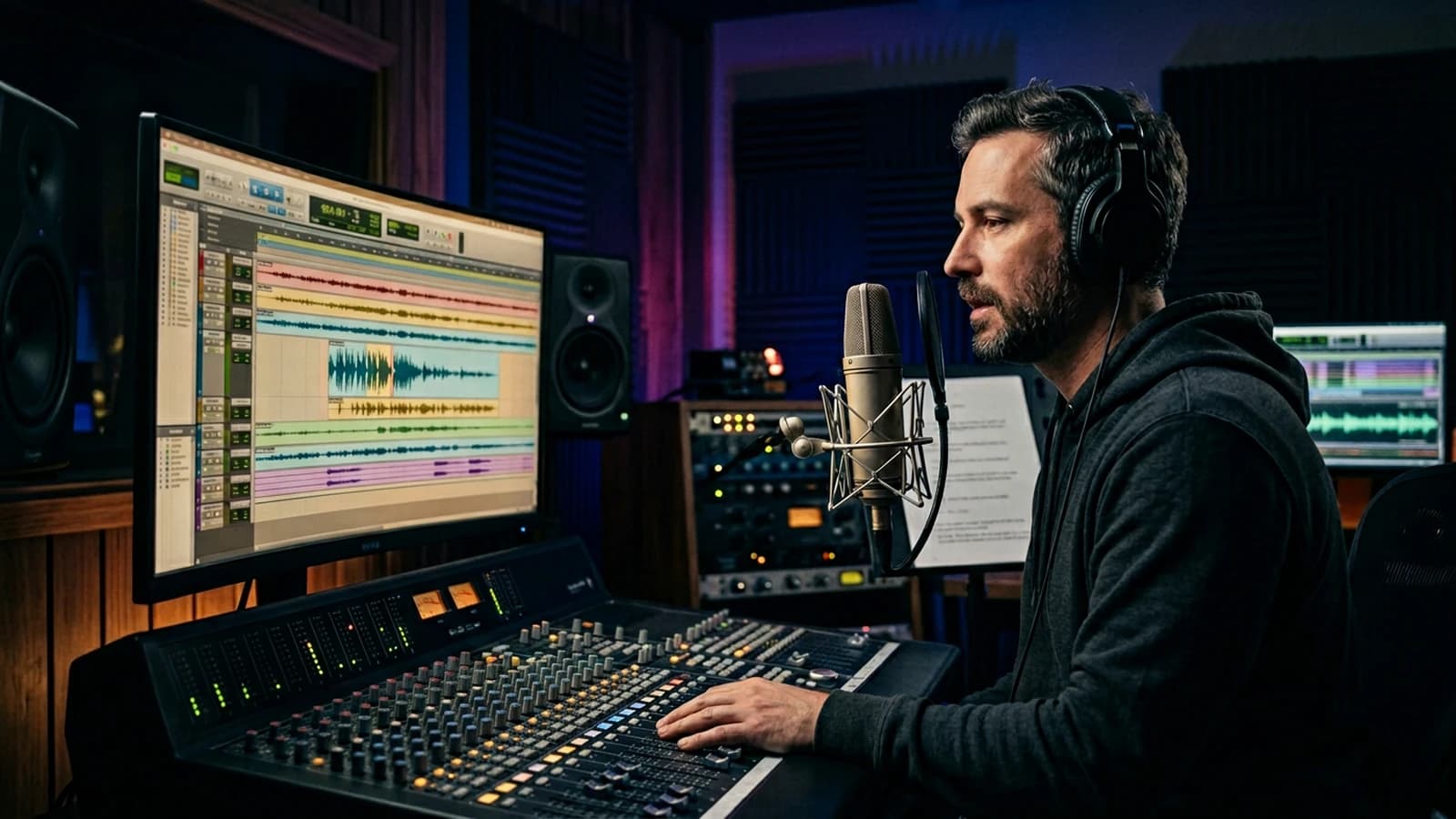
Import everything into your NLE. Reframe slightly to break the perfect symmetry. Global curve, skin mask if needed, fine grain overlay. Mix: room tone from the start, discreet sound effects, music that leaves silences. Export two masters if you must: a clean one and a "social" one with anticipated compression.
DaVinci Resolve clicks (example)
Create a ShortAI project, set a 24 fps timeline, resolution per your master. Import the clips into a bin per scene. On the Edit page, lay an audio track for room tone in A1, voice in A2, music in A3. Cut on the breathing beats of the dialogue, not on each artificial breath of the AI. Go to Color: node 1 global curve, node 2 soft face mask to protect the reds, node 3 grain if needed. On the Deliver page, export master_h264.mp4 and an archive master_prores.mov if you must re-encode later.
If you use Premiere or Final Cut, the logic is identical: grading before compression, not the opposite.
Trench warfare: what beginners miss, and how to fix it
You want a long take because "it looks cinema". You get a soft geometry. Cut into three shots, the viewer prefers three truths.
You change model between scenes with no common grading. The characters change skin. LUT or series curve on the whole timeline.
You forget the sound until the last day. You wonder why it sounds fake. Ambience from the first edit.
You deliver with no readme on what is generated and retouched. Festivals and clients ask the question. Document.
You aim for 4K before having a story. You optimize errors. Story first, resolution after.
You copy prompts without adapting them to your character. You get a different casting each time. Stable sheet.
You refuse the edit because "AI makes the video". The rhythm stays your human craft.
You want a crowd scene: each figure is a hands-and-faces bomb. Silhouettes, blurred background, or a crowd suggested by sound and shadows.
You mix two visual styles because you changed checkpoint in the middle. The viewer reads an ad break. Lock the stack for the project or re-grade everything on a common curve.
You neglect the accessible subtitles: even if your target speaks the language, online festivals and social reward readability. Export a simple .srt aligned with your final edit.
Pro tip: watch the edit with the sound off, then with the sound only. The two passes reveal different problems.
Pro tip: keep a "raw AI" version and a "grade" version in two folders. When a shot must be regenerated, you know which prompt served.
Foire aux questions
Réponses rapides aux questions les plus fréquentes sur cet article.
What duration for a first viable short?
Sixty to ninety seconds final are a good first goal. Go up only when the structure holds.
Do I absolutely need 4K?
No to learn. Yes for certain screenings if your pipeline holds. Iterate low, finalize high.
How to handle the rights and the festival transparency?
Document tools, human retouches, music elements and their license. Each festival has its rules, prepare a short PDF.
Handheld with no shoot?
Very low amplitude on the generation, or a tremor added in post on the background only if the face deforms.
How many characters maximum at the start?
One or two with solid sheets. Each character multiplies the break risks.
Can I mix AI and a single real take?
Yes, it is even often more credible. This guide talks 100% generated, but the hybrid is a smart emergency door.
Where to learn the shot vocabulary?
Silent films with freeze frame, name the framing aloud, copy it into your prompts.
Why does my clip look like an ad?
Saturation, sharpness, frontal light. Tilt the key, lower the sharp on the skin, add grain.
How to avoid the changing faces?
Same light, same sheet, same checkpoint when possible, fixed references.
Does the movement deform everything?
Lower the amplitude, simplify the set, or restart from a corrected frame.
How to choose the music without killing the story?
Avoid the tracks that rise permanently with no breathing. Cut the music under the important lines. Leave three seconds of near silence after a strong piece of information. Test with someone who did not work on the project, ask what they understood without looking at the screen, only the sound.
Can I use cloned or synthetic voices?
Depending on your legal territory and the tool conditions. Document the source of the voice in your festival readme. If the voice is recognizable as a celebrity, avoid it, even "for a test". For a fictional character, keep a timbre consistency between the shots by reusing the same preset or the same documented service.
How to handle on-screen text?
Keep the cards short, sober typography, readable on a phone. Generate the background image with no text if the model deforms the letters, add the text in vector post. Aligned with the safe zone of the networks if you double the output.
Do I need a digital storyboard?
Not mandatory. A photo of a sheet is enough if you name and date it. What matters is the framing decision set before the generation, not the drawing tool.
How to know if my story holds with no image?
Read the script alone to someone. If the person asks for clarifications on who does what, your image will not save the scene. Tighten the text before paying in GPU.
Should I storyboard all the shots from the start?
At minimum the beats: entrance, emotional pivot, climax, fall. The intermediate shots can be specified during the generation if you keep the same promise.
How to avoid the social fatigue on the format?
The format matters less than the clear intention in five seconds. Reframe for vertical if needed, but rethink the composition, do not blindly reframe a horizontal.
What to do if a key shot refuses to stabilize?
Change the place in the brief, simplify the action, or replace the shot with an object insert that carries the same narrative information. The story is more important than the boastful shot.
How to archive for myself in ten years?
Export a readable master, note the tool versions in a text file, keep the prompts and a sample of the raw frames. Codecs change, text files stay.
Can two people collaborate on the same project?
Yes if you share the same naming convention, the same prompts.txt folder, and the same character sheet. Otherwise you create two different films in the same folder.
Does grain mask the AI flaws?
A little, but it is a band-aid. The grain harmonizes, it does not replace a broken geometry. Use it after minimizing the structural errors.
How to present the project to an online festival?
Final video, short synopsis, technical readme with tools, licensed music, storyboard captures. Some festivals ask for a declaration on the use of AI, prepare an honest sentence with no marketing jargon.
How to avoid the gap between trailer and film?
If you edit a teaser before the finished film, use shots you are ready to keep, or clearly mark the teaser as "work in progress". Nothing tires a jury more than expectations created by an over-generated trailer and an unstable film body.
Do I need an external colorist?
If you have the budget and a planned cinema screening, yes it can help. For a first online project, a mastered curve, cautious skin masks, and a consistent grain are often enough if your source image is clean.
How to integrate sound effects with no paid library?
Record five sounds yourself with a clean phone, door, steps, water, chairs. Even basic, they anchor more than a poorly chosen generic bank. Clean the extreme background noise, normalize gently, place under the video before the music.
Useful internal links
Related articles
Tutoriels
How to Write a Short Film Script from A to Z with AI
A complete masterclass to write a short film with AI, from the raw idea to a shootable script, with no artificial dialogue or shaky structure.
 Tutoriels
Video upscaling: bring your old short film to 4K with AI
Field method to upscale an old short film to 4K with AI, preserve the cinema texture and avoid the artifacts that betray an amateur render.
 Tutoriels
Managing Sonic Depth for an AI Short Film
A practical sound design method to give volume, distance and emotion to a generated scene.