Managing Sonic Depth for an AI Short Film
A practical sound design method to give volume, distance and emotion to a generated scene.
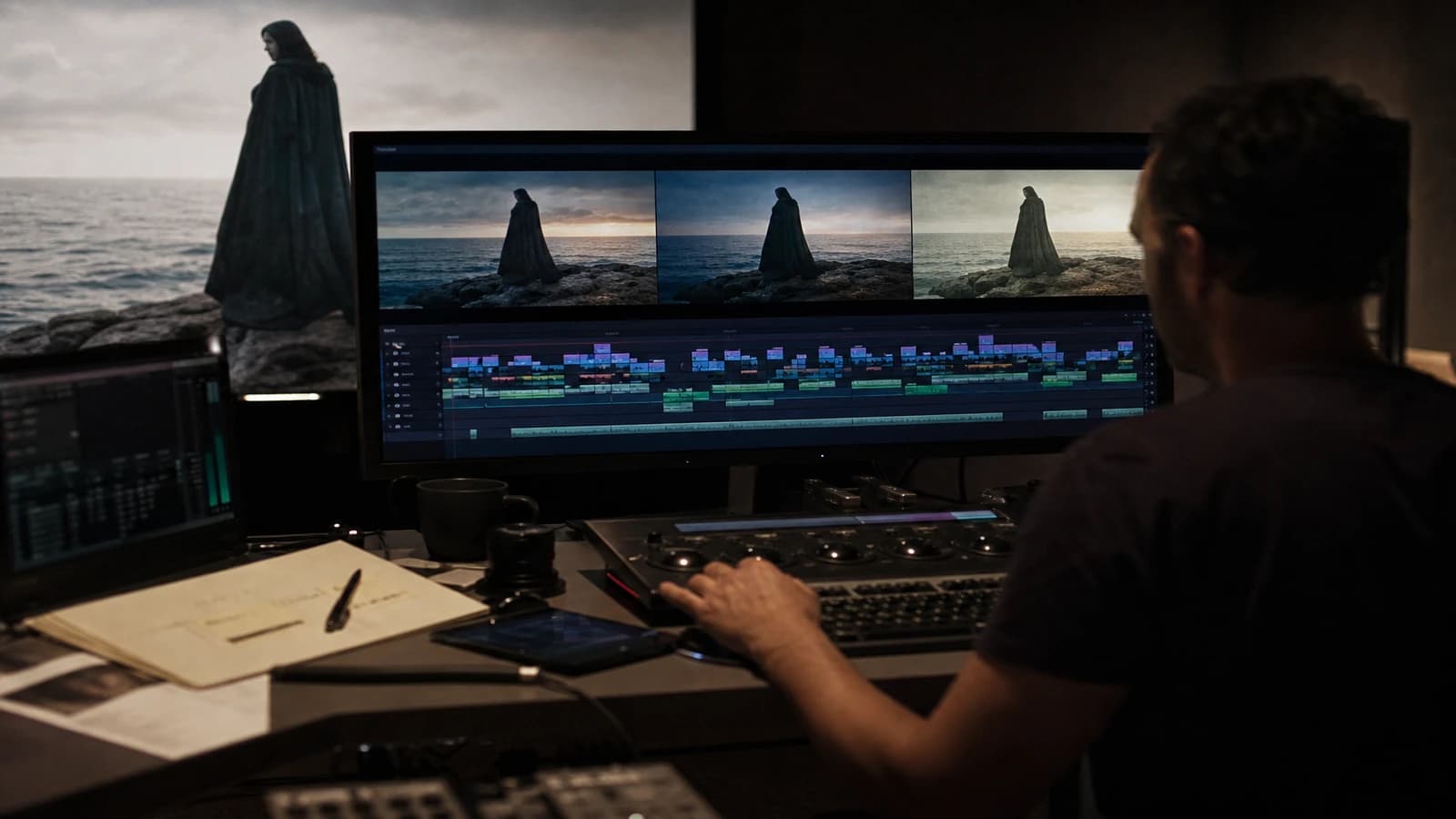
Beautiful image. A "city night" track on loop. The result: a short film that sounds like a muted YouTube clip with a generic background.
Managing sonic depth for an AI short film fills the gap that generation leaves open: the acoustic space sells the 3D when the image is flat. This guide lays out a method of foreground, midground, background layers, plus the dialogue and music mix.
The AI image is often flat, the sound must create the depth
Generated shots lack real parallax, acoustic micro-imperfections, spatialized presence. The viewer still believes the space if the ear receives cues: a close detail (footsteps, breathing, rain on a window), a midground ambience (distant traffic, office room tone), a stable background (city hum, wind).
A single flat looping ambience track destroys depth. It says "stock library", not "we are in this room at this hour".
A minimum of three sound planes per scene:
Foreground: elements close to the implied mic, footsteps on the sidewalk, fabric, a glass set down, a breath.
Midground: the ambience of the place where the action happens, a cafe, a street ten meters away, an open space.
Background: a distant, almost subliminal layer, anchoring the city or the countryside.
The dialogue lives above with headroom. The music below or around, never in blind competition.
| Layer | Night street example | Spatial role |
|---|---|---|
| Foreground | Footsteps, rain on a jacket | Proximity to the viewer |
| Midground | Filtered traffic, distant conversations | Immediate place |
| Background | City hum, high wind | The world beyond the frame |
For the overall image-sound mix, see how to mix audio and image for a cinematic AI video render. For narration, handling voice-over and documentary narration with AI. For the full chain, the complete workflow from idea to a realistic AI film.
Sound design workflow by scene
Step 1: a sound brief from the image breakdown
Before or alongside the image edit, list per scene: place, time of day, room size, visible elements that must sound (door, window, rain), emotion. One line per shot if possible. Sound sometimes guides what the image must serve: if you hear a nearby highway, the shot cannot be a silent rural interior without a transition.
Step 2: a base room tone per place
Record or source a specific room tone for each recurring place. The same silence is not the same hum. Apartment equals light HVAC hum. Office at night equals a discreet AC. Street equals air plus distant. Lay the room tone under the whole scene before the accents.
Step 3: targeted foreground layers
Sync footsteps, object handling, a door, a drawer, with the image or slightly ahead by 2 to 4 frames for punch. The brain accepts a light lead sound. Avoid cartoon FX unless it is deliberate comedy.
Step 4: mid and background with distinct EQ and reverb
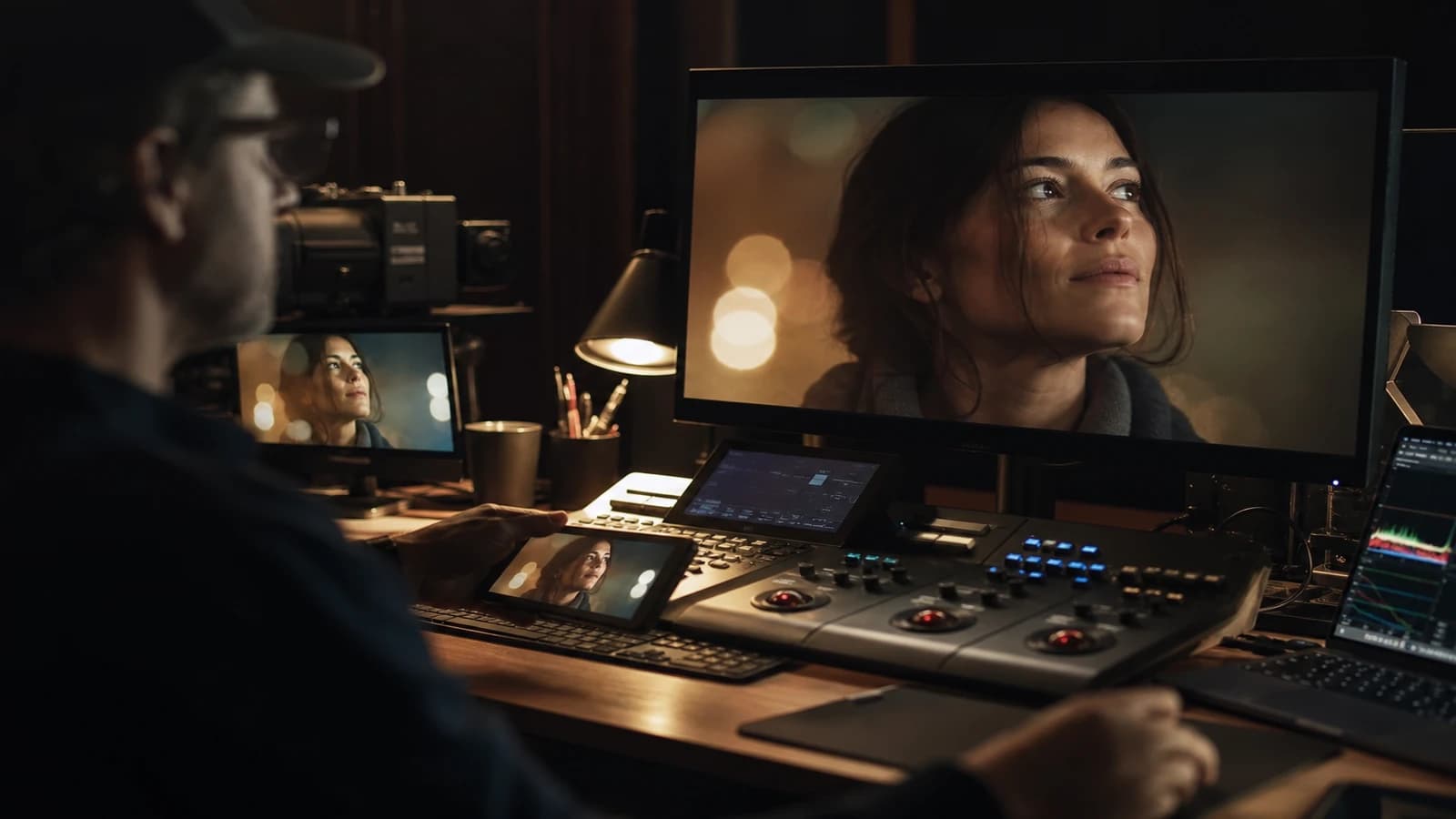
Mid: EQ cutting extreme lows if needed, short room reverb. Background: a light low-pass, a longer reverb, a low level. The same stock ambience cut into three depths beats a single track.
Step 5: dialogue and voice
AI or recorded dialogue: a light compressor, a clarity EQ at 3-5 kHz with moderation, no heavy reverb on a dry interior unless intentional. Voice-over: see the narration guide. Leave headroom for the foreground accents.
Step 6: music and final mix
Music under the dialogue by 12 to 18 dB depending on the moment. A light sidechain is optional. Master for the target: -14 LUFS integrated for streaming, -24 to -27 for dialogue-centric fiction if delivering broadcast web. Check on headphones and on a cheap little Bluetooth speaker.
Scenario A: apartment at night, tension, one character
AC room tone. Foreground: clock tick, sofa fabric, a glass set on the table. Mid: a rare distant filtered car. Background: very low city. No music until the beat. Whispered dialogue. The room exists without the image showing every detail.
Scenario B: rainy street, wide shot then tight
Wide shot: rain mid plus background traffic plus very light foreground. Close-up: rain on the jacket foreground more present, mid reduced, background almost out. Sonic depth follows the framing like on a real shoot.
Scenario C: open space, day, light comedy
Mid: office murmurs, keyboards, a distant printer. Foreground: a chair, a mug. No generic looping comedy music. A musical sting only on the punchline. The silence between lines sells the comedy.
Troubleshooting
Audibly looping ambience. Cut and re-paste segments, 2s crossfade, vary the level slightly. Or layer two out-of-phase tracks.
Drowned dialogue. Lower mid and music, raise dialogue by 2 dB, EQ carve 2-4 kHz on the ambience under the voice.
Sound too "clean", studio. Add room tone and a believable foreground imperfection. The AI image needs acoustic imperfections.
No depth despite three tracks. Check for different reverb and EQ per layer. If everything has the same hall reverb, everything sounds on the same plane.
Rain in the image with no rain in the sound. The mismatch kills believability. Calibrate foreground/mid rain to the framing. See creating realistic rain and snow scenes with AI.
Master too loud. Streaming compression will crush it further. Aim for -14 LUFS integrated, true peak -1 dBTP.
Recognizable stock ambience. The same "city night 01" as a thousand YouTube videos. Fix: layer two libraries, different EQ, cut the characteristic frequencies of the loop.
Foley too loud, cartoon style. Fix: drop by 6 dB, remove the aggressive compression. Realism is often below the level where you think you hear it.
Spatialization and panning: going beyond flat stereo
Even in stereo, light pan and differentiated EQ sell depth. A foreground footstep slightly panned where the foot hits on screen. A background traffic centered or slightly wide. Do not overdo it: 10 to 15 percent pan is enough. Beyond that, the viewer listens to the effect, not the scene.
If you mix in binaural or ambisonic for a VR or headphone experience, the foreground/mid/background rules remain, but you place in a sphere. The flat AI image gains huge thickness. Document the positions for the pick-up.
Location transitions in an AI short film: do not cut an ambience abruptly on an image cut if the place is the same. Crossfade the room tone. If the place changes, fade out over 12 to 24 frames and fade in the new layer. The ear hates hard ambience cuts when the image dissolves.
For in-vehicle interior scenes, layer: low-mid engine, light foreground road texture, radio or dramatic silence. The generated image of a car interior can be static. The sound sells the movement even when the landscape outside is a loop.
Music can occupy a "depth": a close, present theme at the start, the same theme filtered and distant under the dialogue climax. Not a new piece for every scene. A musical identity treated in layers like the ambiences.
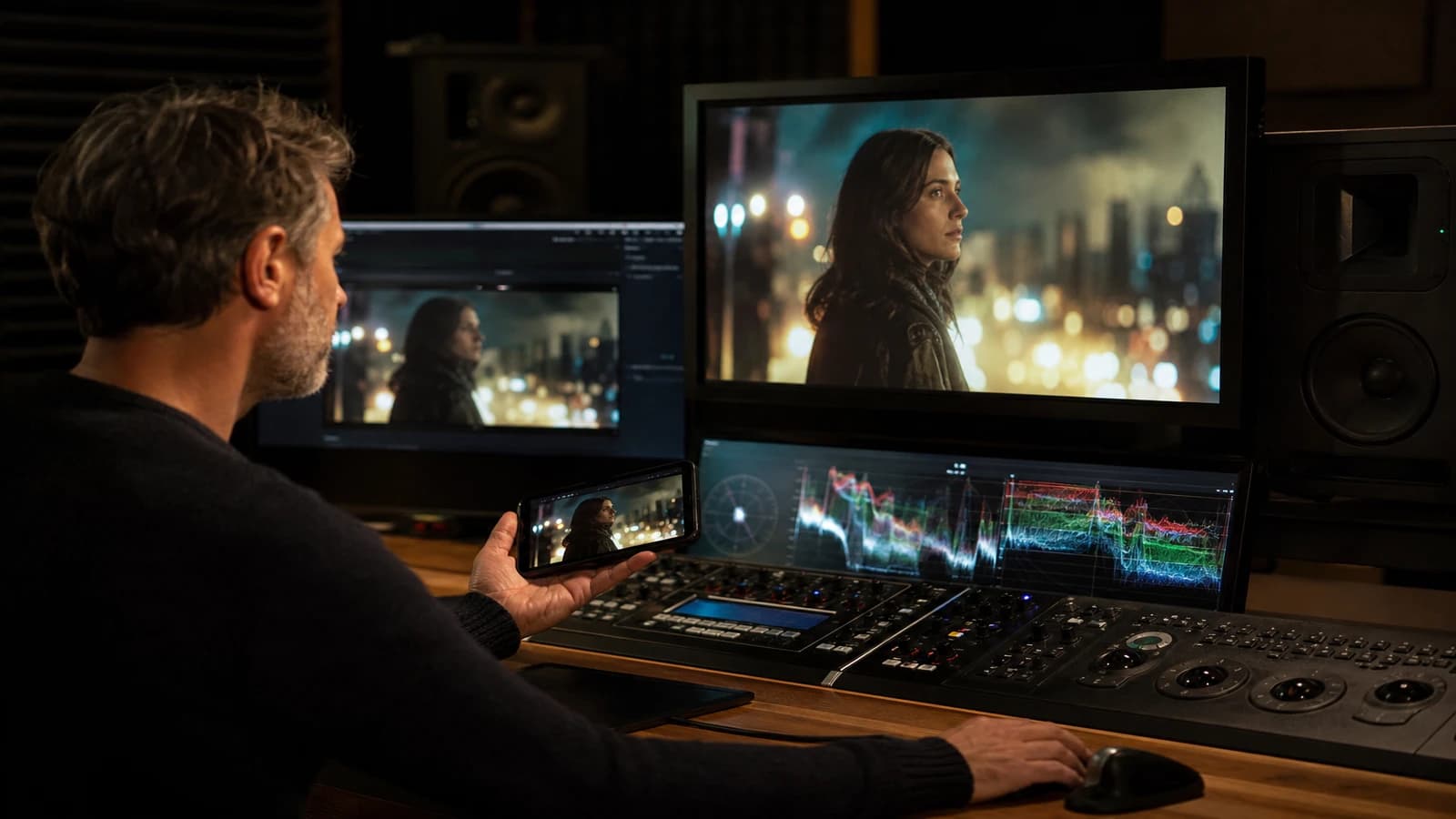
💡 Frank's Cut: design the sound before the image edit when possible. The ear guides what the image must serve. On my last short, I edited a scene on the room tone alone. The image followed.
The BBC Sound Effects resources and the iZotope documentation on dialogue mixing round out the field. For loudness standards, EBU R128 stays the web and broadcast reference.
Foire aux questions
Réponses rapides aux questions les plus fréquentes sur cet article.
Do I need AI-generated sound?
Not required. Professional libraries plus recorded foley often beat generative audio for spatial believability. AI audio can sketch ambiences, then you rework in layers. For a short film delivered to a client, the depth comes from the breakdown and the mix, not from the "AI" label on the track.
How many tracks per scene?
A minimum of three ambiences plus room tone plus dialogue plus foreground accents. A dense scene can rise to fifteen short tracks. The number matters less than the EQ/reverb/level differentiation between foreground, mid, background.
How do I sync without a real shoot?
Design the sound first or in parallel, foreground accents locked to the image edit frame by frame. A slight 2-4 frame lead on impacts. The ear forgives more than the eye on a subtle offset if the direction is consistent.
AI voice and sonic depth?
Treat the voice like recorded dialogue: a consistent room tone, no hall reverb on a dry interior. If the AI voice sounds studio, add a micro early reflection of the room from the brief. Not to deceive, but to anchor.
Music: when to introduce it?
After the ambience layers hold on their own on mute. Music fills the emotion, it does not replace the place. Many AI shorts fail by putting the music too early and too loud to hide the lack of design.
What LUFS for YouTube and social?
Around -14 LUFS integrated for most streaming platforms. Dialogue fiction: prioritize vocal clarity over the LUFS number. Measure with Youlean or equivalent. True peak -1 dBTP to avoid codec clipping.
Is silence part of the depth?
Yes. Cutting mid and background on a dramatic beat, keeping a minimal foreground or a very low room tone, creates tension. The contrast between almost nothing and presence makes the cinema. Not absolute digital zero silence.
How do I archive sound sessions?
A DAW project named like the image edit, stems per scene, a 48 kHz 24-bit wav export. Document the sources (library, recording). The pick-up in six months reopens the session, not a mystery mp3 track.
A per-scene sound brief template (copy-paste)
Place: 40 sqm apartment at night. Acoustics: dry room, little reverb. Foreground: clock, fabric. Mid: filtered street. Background: low city. Dialogue: whispered, mic proximity 30 cm. Music: absent until shot 08. Sound bans: stock thunderstorm, generic siren. This template forces precision before opening the library. Five minutes of a sound brief save an hour of a botched mix.
On AI shorts with no dialogue, the sound design is the emotional screenplay. Build a curve: low ambience at the start, foreground rising in the middle, silence or near-silence before the twist, music only if the twist demands it. Show the project on mute with the ambience layers alone to a collaborator. If they understand the story, your design holds. If not, the image will not save the mix.
AI-generated dialogue: the same spatial treatment?
Yes, but add a micro room tone reverb consistent with the place in the brief. No cathedral hall on an office. If the AI voice sounds too clean, double it with a very low room tone of the same place and a light EQ carve on the mids to blend into the ambience. The dialogue must seem recorded in the room, not laid on top.
Music and LUFS: how do I avoid crushing the ambience?
A light sidechain of the music under important foreground accents (a door, a distant scream). The music can stay high under the continuous ambience if the dialogue is absent. As soon as a voice arrives, the hierarchy is: dialogue, foreground accent, ambience, music. Note the levels in dB on your session template so you do not reinvent it for every scene.
Free and paid libraries mix different levels and acoustic spaces. Normalize each imported track before placing it in foreground, mid or background. The same "city" file can serve all three if you cut, EQ and filter it differently. That is work, not magic drag-and-drop. Plan that time in the sound quote like you plan the image grade.
When you deliver an AI short film, export a dialogue stem, an ambience stem, a music stem, plus a final mix. The festival or the client may ask for an M&E version. If everything is on a single stereo file, you redo the mix. Stems are professionalism that costs ten minutes at export and hours saved at the pick-up.
Can sound design hide AI image flaws?
Partially. A rich ambience and foreground accents divert attention from hands or an unstable background. But sound does not fix a major lighting inconsistency. Use sound for depth and emotion, not as makeup over a visual casting error. If the image does not hold on mute with the base ambience layers, go back to image generation before adding dramatic music.
Do I need a dedicated sound engineer on an AI short?
On a short over five minutes meant for festivals or clients, yes, or at least an external review. On a personal draft, you can mix it yourself with this workflow. The ear tires like the eye. A fresh review catches the ambience loops and dialogue levels in ten minutes.
Related articles
 Tutoriels
HaiLuo / MiniMax Workflow for a Realistic AI Short Film
A complete HaiLuo and MiniMax chain: brief, pilot, modest movement, QA and post for a credible short film with no demo look.
 Tutoriels
Video upscaling: bring your old short film to 4K with AI
Field method to upscale an old short film to 4K with AI, preserve the cinema texture and avoid the artifacts that betray an amateur render.
Tutoriels
How to Write a Short Film Script from A to Z with AI
A complete masterclass to write a short film with AI, from the raw idea to a shootable script, with no artificial dialogue or shaky structure.