Building a Client Versioning and Feedback System for AI
Organizing versions and feedback to speed up client approval with no confusion over deliverables.
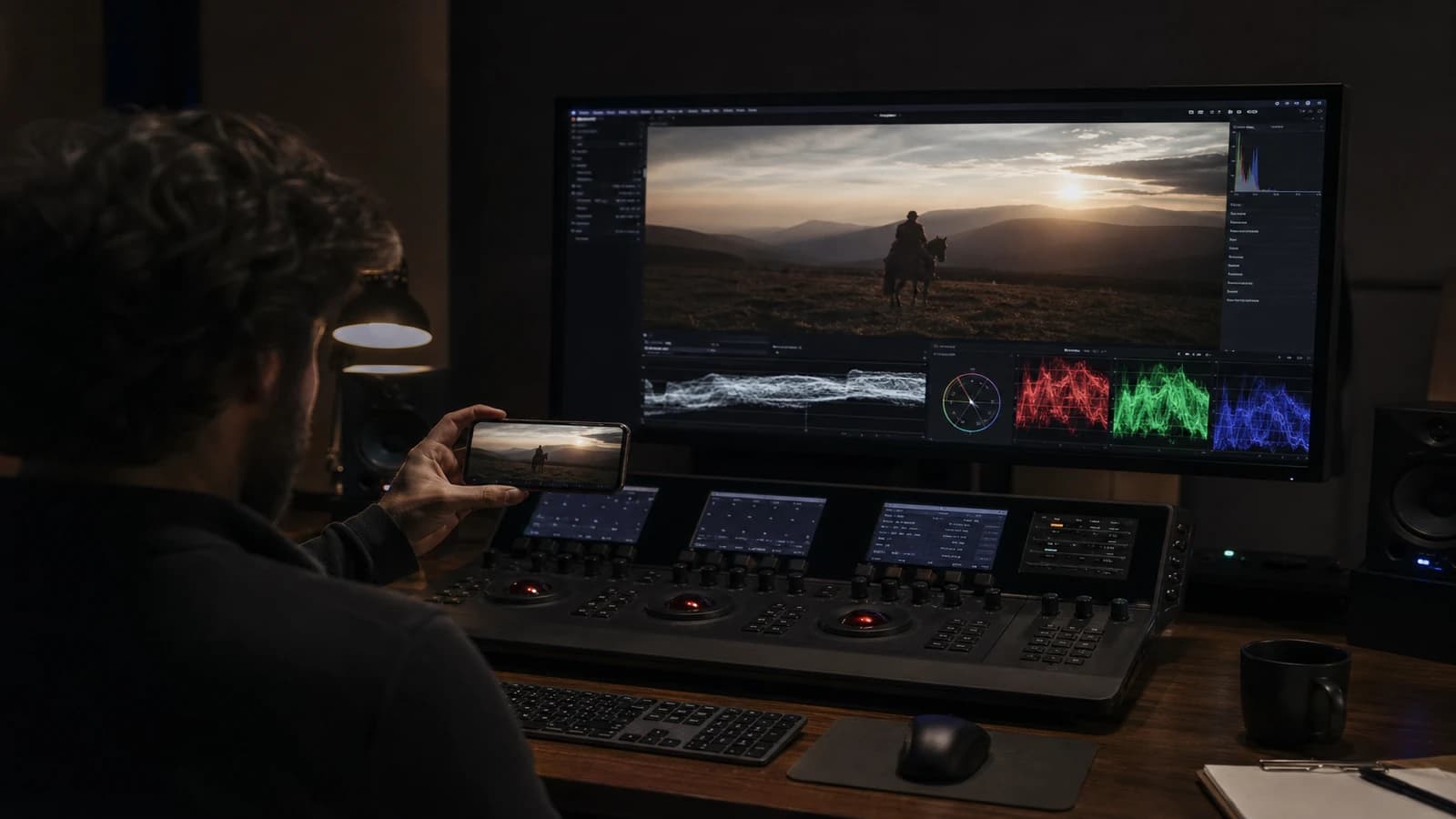
The client replies: "We prefer version 2, but with the light from 4, and the pace of 3, except the ending from 1." You open your folder. Twelve exports with no clear date. Three files named final_really_final.mp4. An expired Frame.io link. You spend the night guessing what they meant. This is not a creative talent problem. It is a problem of nonexistent client feedback versioning.
Building a client versioning and feedback system for AI is not installing a review tool and hoping it sorts itself out. It is building a shared grammar: how you name, how you date, how you present choices, how you capture feedback without ambiguity. When that grammar is in place, client approval goes from three weeks of ping-pong to one or two clean meetings. When it is missing, every AI generation becomes a costly misunderstanding risk.
This guide comes from real deliveries: spots, social campaigns, brand short films. I have seen projects saved by a one-page version table, and others killed by a Google Drive where nobody knew what was approved. You will learn to structure the cycle version by version, from the first export to the final sign-off, without losing creative traceability.
Why client versioning fails in AI video
AI video amplifies a classic audiovisual problem: the ease of producing variants. On a traditional shoot, cost limits the takes. With AI, you can generate twenty versions before lunch. Without a frame, that abundance becomes noise. The client no longer chooses: they accumulate vague impressions. You interpret. The gap between the two explodes.
The second factor is asynchrony. Feedback arrives by email, WhatsApp, comments on a PDF, a thirty-second voice memo from a car. Each channel has its own level of precision. A "more cinematic" on WhatsApp means nothing measurable. A "lift the blacks by 5 percent on shot 3" on a structured sheet does. Clean versioning channels everything into a single language.
The third factor is the confusion between exploration and delivery. Exploratory versions (style tests, light trials) must be clearly labeled as non-approvable. Presentation versions (closed A/B/C) must be limited in number. Mixing the two makes the client believe they have already seen the final direction when you are still in R&D.
To anchor this work in your overall pipeline, link it to how to organize a client brief for AI video production and to how to optimize your AI workflow to save time. The brief sets the intention. Versioning sets the memory of the project.
💡 Frank's Cut: a client version is not a file. It is a package: video plus change note plus list of affected shots plus status (exploration / review / approved). Without all four elements, you do not have a version, you have an orphan export.
The naming rules that save projects
Naming is the foundation. Without a strict convention, even the best review tool collapses. Here is the structure I use on most projects:
| Element | Format | Example |
|---|---|---|
| Project | CLIENT-PROJECT | ACME-PERFUME24 |
| Major version | V01, V02 | Change of direction |
| Minor version | V01a, V01b | Fixes on the same direction |
| Shot | P03 | Shot 3 of the breakdown |
| Status | suffix -REVIEW or -LOCK | ACME-PERFUME24-V02-REVIEW |
The major version corresponds to a structuring creative choice: a different edit, a different palette, a different pace. The minor version fixes without questioning the direction: grading, text, one regenerated shot. This distinction avoids the scenario where the client approves "V2" while you deliver a V2b with three unflagged different shots.
For internal files, clearly separate raw, review and master. The client only sees review and master. Never the raw generation folders. That limits questions like "why this weird shot in the folder?" about a trial you yourself sorted as C.
Date in the name or in the metadata? Both. The name carries the logical version. The file metadata (or a changelog.md file alongside) carries the date and the author of the changes. When a client comes back six months later, the date alone is not enough: the logical version tells the story.
Build the feedback matrix before the first export
Before sending anything, prepare a one-page review document. It contains: the goal of the session ("choose between direction A and B"), the versions presented (maximum three in review), the decision criteria (pace, tone, product readability), and the expected feedback format. You send this document with the video link, not after.
The criteria must be observable. Not "more premium". Rather "less saturation on the skin", "tighter cut on the product shot", "voice-over 10 percent slower". The client is not a director. Your role is to translate their feeling into levers you can execute. The feedback matrix builds that bridge.
For projects with a technical breakdown, link each comment to a shot number. "Shot 4: redo with warmer light" is actionable. "The middle scene does not work" is not. If you do not yet have a breakdown, see preparing a technical breakdown before AI video generation: versioning and the breakdown are twins.
Limit the number of versions in simultaneous review. Three maximum. Beyond that, the client compares micro-differences and tires out. Two clear directions (for example a nervous edit vs a contemplative edit) lead to better decisions than a grid of six similar variations.
A six-step workflow: from generation to approval
Step 1: lock the scope of the version
Before exporting, list what goes into this version: which shots, which grade, which music, which on-screen text. If an element is provisional (unlicensed stock music, temp VO), mark it TEMP in the version note. The client must know what is not final legally or technically.
Step 2: export in review, not in master
The review export is compressed, light, possibly watermarked if the contract requires it. Resolution sufficient to judge framing and light, not for broadcast. The master waits for approval. This prevents a client from circulating an unfinished version internally and then treating it as the reference.
Step 3: write the changelog in client language
Three to five lines. "Compared to V01: shot 2 replaced (better eye-line match), cooler palette on the street sequence, ending shortened by 2s." No tool jargon. No prompt list. The client does not need to know you changed the CFG Scale. They need to know what they see differently and why.
Step 4: centralize feedback on a single channel
Choose one official channel: Frame.io, Vimeo Review, Notion, or even a structured Google Doc. Forbid parallel feedback that is not copied over. If the client sends a voice memo, you transcribe it into the official channel with a timecode. "00:12: the product is too dark." This discipline avoids omissions.

Step 5: translate feedback into technical tasks
Receive the feedback. Sort it: A (blocks approval), B (desirable), C (out of scope or billable). Each A task points to a shot or a parameter. "More cinematic" becomes a list of proposals: grade, grain, shot duration, implied focal length. You send this translation back to the client for confirmation before regenerating. One hour of clarification avoids ten hours of bad generation.
Step 6: lock and archive the approved version
When the client says yes, you switch to -LOCK. Master export. Checksum or hash if the contract requires it. Archive: video, changelog, approved prompts for the affected shots, captures of the grading settings. This archive is your insurance if someone asks to "redo it like the version approved in March". Without an archive, you start from scratch.
Field scenarios: three real projects
The perfume campaign (Camille, Paris)
Camille delivered three directions for a 20-second spot. Initial mistake: nine videos sent at once with no grid. The client mixed up the feedback for two weeks. Redo: three versions named V01-A, V01-B, V01-C, a comparison page, a 48h feedback deadline. Decision in one call. Lesson: scarcity of choices speeds up the decision.
The brand documentary (Julien, Montreal)
Julien worked with a committee of five people. Each member commented on a different email thread. Solution: one version V02-REVIEW, comments only on Frame.io, one reference person on the client side who consolidates. The client's internal conflicts were resolved before reaching Julien. Lesson: versioning includes governance on the client side.
The Reels series (Sofia, Madrid)
Sofia produced ten Reels a month. Without versioning, she regenerated already approved shots because the client said "like last time" without specifying which one. She created a registry: each approved Reel equals REEL-03-LOCK with a link to the source shots. The next ones reuse the locked assets. Lesson: versioning also serves serial production.
Troubleshooting: what beginners break
Too many versions with no hierarchy. Symptom: the client no longer knows which is the reference. Fix: a single "current" version in review, the others in dated archive.
Feedback with no timecode. Symptom: you search for "the moment where it goes wrong" for an hour. Fix: impose the format "mm:ss plus description". Refuse to process vague feedback without clarification.
Mixing exploration and validation. Symptom: the client approves an unfinished style test. Fix: prefix TEST- on every exploratory export, never submitted for contractual approval.
Forgetting to document the approved prompts. Symptom: impossible to reproduce shot 4 of the approved V02. Fix: a prompts-lock/ folder linked to each LOCK version. See how to structure an AI video like a real film for narrative alignment.
No feedback deadline. Symptom: the project stretches indefinitely. Fix: a clear SLA in the contract or the sending email: "feedback before Friday 6pm to keep the Tuesday delivery".
For file delivery and metadata best practices, the Netflix documentation on delivery specifications and the Google Drive guide on secure sharing give useful benchmarks even for smaller projects.
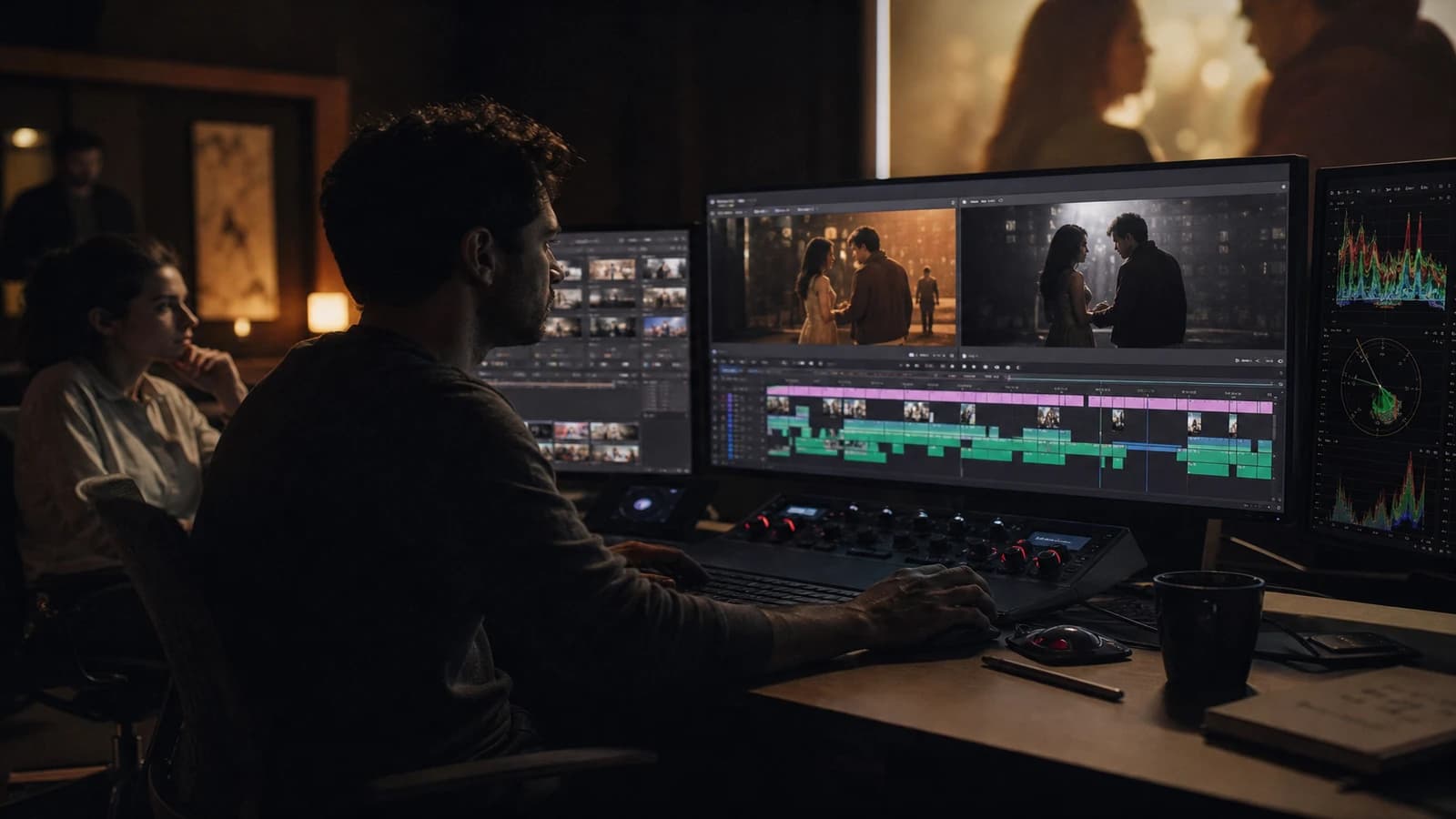
An execution plan over a typical week
Day 1: validated brief, breakdown, naming convention shared with the client. Day 2-3: generation and edit V01. Day 4: REVIEW export plus changelog plus send. Day 5: collect structured feedback. Day 6: V02 or V01b depending on the scale of feedback. Day 7: LOCK approval, master, complete archive.
This rhythm is compressible to four days for a short spot. Never compress the feedback translation step. That is where the margin is won or lost.
Foire aux questions
Réponses rapides aux questions les plus fréquentes sur cet article.
How many client versions should I include in a quote?
For a spot or a short video, generally include two major review rounds in the quote, plus one round of minor corrections after technical approval. Beyond that, each additional version should be billed or explicitly scheduled. With AI, the marginal cost of a new version is low for you but high in confusion for the client: the more you send for free, the more the feedback dilutes. Contractual clarity protects both parties. Also state what counts as a major version (change of direction) versus minor (grading adjustment). This distinction avoids discussions like "it was only a small change" about a full re-edit.
Which review tool should I choose for AI video?
The best tool is the one the client will actually use. Frame.io and Vimeo Review excel at precise timecodes and timeline comments. Notion or Google Docs are enough for light projects if you impose the feedback format. The tool matters less than the rule: one official channel, no parallel uncentralized comments. For AI, favor a tool that lets you compare two versions side by side or leave per-shot markers. Avoid sending raw files via WeTransfer with no feedback grid: the client will watch once and reply "nice" with nothing actionable.
How do I handle a client who changes their mind after the LOCK?
Treat any post-LOCK request as a new work phase, not a free correction. Open a V03 version or a contractual addendum. Archive the request in writing with the date and scope. Technically, reload the LOCK archive: prompts, grading, EDL or timeline. Do not guess from memory. If the change is minor (on-screen text, one shot), a V02b may suffice. If the direction changes, it is a V03. Psychology counts as much as technique: the client must understand that LOCK means "we both commit to this reference". Without that boundary, versioning loses its meaning.
Should I show the rejected versions to the client?
Show the rejected versions only if they serve an explicit teaching comparison: "here is why we did not keep the neon direction". Otherwise, archive them internally. Showing too many trials blurs the decision and gives the impression of less controlled work. In review, present curated choices, not the history of your hard drive. Internally, keep everything: the C versions teach you what does not work on this engine. The client does not need to see the fifteen failed trials of shot 3, only shot 3 chosen in version A or B.
How do I version when several people generate on the same project?
Impose a single repository and clear rights: who can export in REVIEW, who validates in LOCK. Each contributor signs their exports with their initials in the minor versions: V02a-MH, V02b-FK. A production lead merges into the official REVIEW version. Without this, two people send two different "V02s" to the client. Also sync the prompts: a shared file or a light Git repository for the approved prompt texts. Team AI generation multiplies the drift risk if everyone names things their own way.
Is a watermark necessary on review exports?
It depends on the contract and the sensitivity of the content. For unpublished campaigns, a discreet "REVIEW NOT FOR DISTRIBUTION" watermark protects against premature leaks. For trusted clients you work with often, a clean export is enough if the contract already forbids distribution before payment. The watermark is not an insult: it is a technical barrier. Explain it as such. The LOCK master goes out with no watermark, in the contractual resolution and codec.
How do I archive for reuse six months later?
A PROJECT-LOCK folder containing: the final master, ProRes or equivalent if planned, audio stems, the complete changelog, the technical breakdown of the approved version, prompts per shot, LUT captures or Resolve settings, and a link to the source assets (pilot images, logos). Note the version of the AI tools used if relevant. In six months, the interfaces will have changed; your prompts and visual references will be your lifeline. A two-paragraph README "how this project was produced" is worth gold for your future self or a colleague picking up the folder.
In AI production, creativity without versioning gives chaos. With a clear client feedback versioning system, every export has a meaning, every piece of feedback becomes a task, and the final approval looks like a craft, not a vague negotiation. Building a client versioning and feedback system for AI is investing one hour up front to save a week of misunderstandings.
Related articles
 Tutoriels
Keeping Props and Accessories Consistent on an AI Project
A tracking system for key objects to avoid inconsistencies in shape, color and position from one shot to the next.
 Tutoriels
Creating a Location and Set Bible for an AI Project
How to document each set to keep the same visual mood from the pilot to the final delivery.
 Tutoriels
Building an AI Video Shotlist That Avoids Useless Shots
A field shotlist template to plan the shots that truly serve the edit and limit visual debt.