How to Optimize Your AI Workflow to Save Time
A concrete method to optimize your AI workflow and save time: diagnosing leaks, timeboxing, asset organization, QA and iterations with no scatter.
Contents · 21 sections
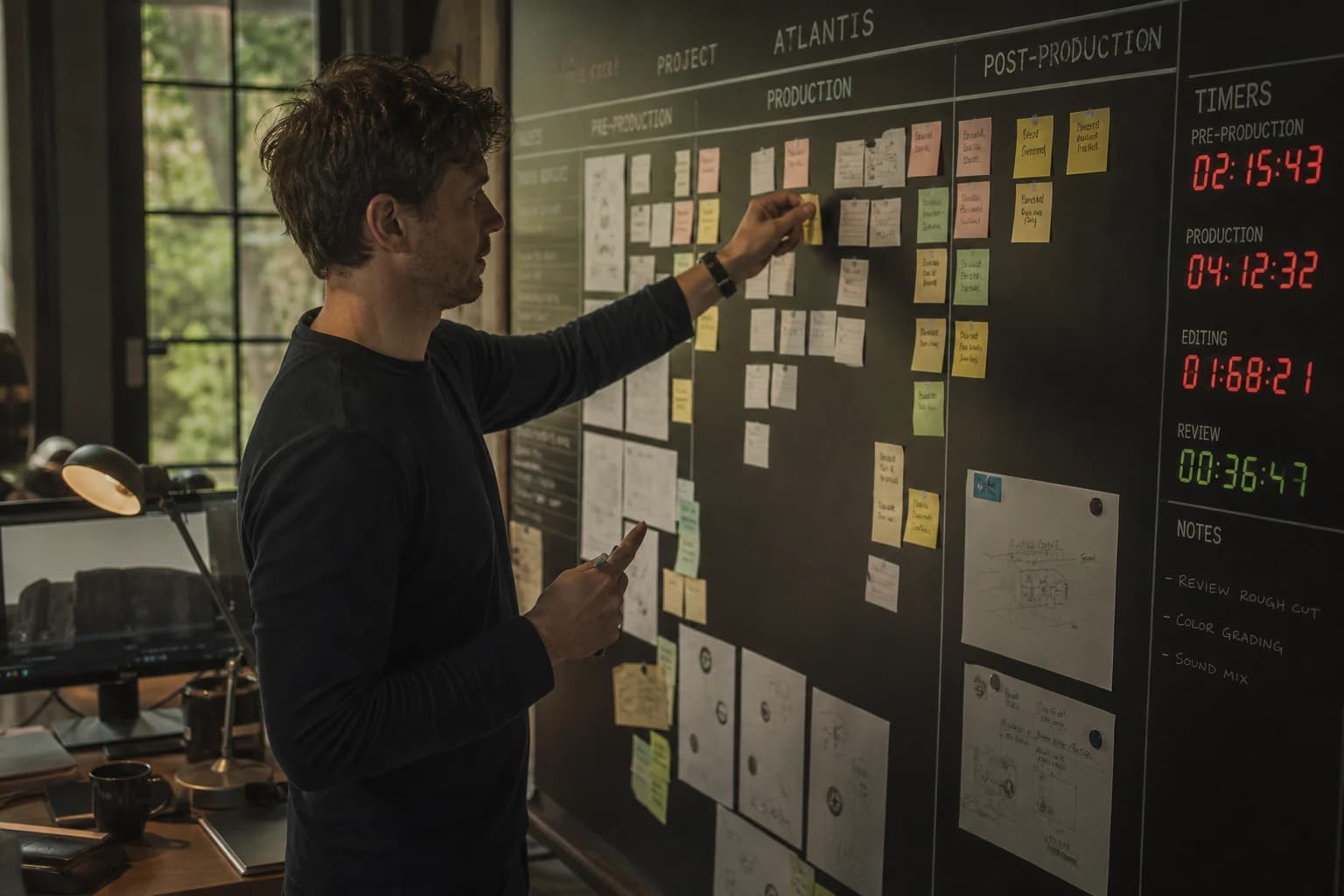
You do not lack tools. You lack cadence. When we talk about optimizing an AI workflow and saving time, the best news is simple: most lost hours do not come from the "slowness" of the models. They come from fuzzy decisions, scattered files, sessions that mix exploration and delivery, and quality assessed too late. This guide is a field toolbox: diagnose where you leak, lock short protocols, treat AI as a production chain and not as a surprise machine, then secure the end with a quality check that protects your reputation.
In the end: fewer useless variations, fewer rollbacks, more decisions made early, and a stable output rhythm even when deadlines close in.
The speed paradox: why AI can slow you down
If AI produces faster, why do so many studios still pull endless nights? Because raw speed with no method multiplies the branches. You explore twenty directions, you keep fifteen sensible folders, you no longer know which one is the truth, you rework the edit to save an image that should never have been approved. In other words: saving time does not mean "generate more". It means reducing uncertainty at each step.
Three classic leaks:
- Brief ambiguity. With no promise sentence, you pay dearly in iterations. A prompt with no intention becomes a generator of decorative variants, not a decision tool.
- No status on the files. You work on a mediocre version because it is "recent", not because it is approved. Time is lost to searching and reconciling.
- Mode mixing. You explore as if you were delivering, or you deliver as if you were exploring. It is the most expensive mode in energy and billable hours.
When you read the creative AI workflow guide, you see the full chain: image, video, voice and delivery. Here we stay on one angle: accelerate by tightening the bolts of that chain, with no sacrifice of consistency.
The five levers that really save time
1. Clarify the deliverable goal in one line
Before any interface, write one non-negotiable line: what the viewer must understand or feel in three seconds. This line guides the prompts, the framing, the edit, the sound mix, down to the exports. If you change it mid-route, you are not doing smart iteration: you are resetting a project.
2. Separate exploration and production in your schedule
Exploration: you test, you break, you look for a look, you accept the mess. Production: you execute with named files, statuses, shot lists, a QA. Do not overlap them in the same mental tab. Many creators "save ten minutes" by skipping that separation, then lose four hours untangling the chaos.
3. Limit the volume of variants per hypothesis
You want to optimize your AI workflow? Stop asking the model to decide in your place. You state a hypothesis: if I change the light, does the message become clearer? Then you launch four variations max, not forty. With no hypothesis, the surplus of outputs teaches nothing: it is noise.
4. Industrialize naming and folders
Artificial intelligence generates files fast, so your disk becomes a warehouse. If you have no project skeleton, you lose time in archaeology. The method to organize your AI assets like a pro is precisely made for this: how to organize your AI assets like a pro spares you the legend of final_v7_reallyfinal files.
5. Push back the "magic", bring forward the decision
The earlier you decide, the less you tinker late. The apparent magic of a spectacular render does not replace a stable geography, a defensible framing, a well-scripted voice. To move on to a long narrative without blowing up your calendar, the useful thread is the complete workflow from idea to realistic AI film: it links the intention to the breakdown, which reduces the impossible fixes in the edit.
The productive morning: a 25-minute protocol
You can wedge this block before the first generation. It is deliberately short: if it goes past thirty minutes, your brief is not ready.
- Promise in one sentence.
- Audience and platform: where it is watched, on which critical screen.
- Minimum shots: how many sequences to say the essential, not how many you dream of making.
- Prohibitions: what you refuse visually and editorially to avoid drift.
- References: three images or three keywords maximum, not three Pinterest boards.
This protocol does not replace creativity. It makes it portable. When a client or a collaborator asks "where are we", you can show the promise line and the shot list. The discussion becomes technical instead of floating in taste.
Honest timeboxing: stopping in time to go faster
Timeboxing works when you accept an uncomfortable truth: early perfection is a debt. You block forty minutes for look hunting, then you decide. If nothing is good at the end of the slot, you change lever: subject, light, framing, model, or intention. You do not add two hours "because it is going to happen".
Standard slots that stabilize a busy week:
- Look dev: 45 to 60 minutes, twelve images max, three retained pillars.
- Key shots: 20 minutes per shot in production, after look validation.
- Mobile QA: 10 minutes before any export that leaves the studio.
Timeboxing does not make you lazy: it forces you to document what is stuck. A recurring blockage signals a brief problem, not a willpower problem.
The modular chain: less noise, more control
Think of your AI workflow as linked modules:
- Intention module: message, tone, proof.
- Visual module: light, material, framing, series consistency.
- Movement module: reason to animate, amplitude, continuity.
- Sound module: voice, breathing, ambience, dynamics.
- Delivery module: formats, loudness, subtitles, metadata.
When something goes wrong, you do not "redo everything". You identify the faulty module, you isolate one variable, you retest. It is exactly the opposite of the catch-all prompt that mixes fifty contradictory adjectives. If you want to understand why ready-made prompt packs dry out your judgment in the long run, read whatever you do, do not buy a ready-made AI prompt: durable speed comes from the home system, not from copy-paste.
Fast quality: a three-pass review grid
QA is not a reward for perfectionists. It is a guardrail for the productive. Three passes are often enough:
Pass A, comprehension. Do we understand the subject with no sound? If not, the framing or the visual hierarchy fails.
Pass B, credibility. Do the light and the textures support the realistic claim? If not, you correct at the source rather than with cosmetic grain.
Pass C, distribution. On a phone, with compression, does it hold? Many "pro desktop" pipelines die on the social feed because nobody looked at the small screen early.
If you sacrifice a pass, rarely sacrifice pass C when your main channel is mobile. That is where your workflow protects your time: better to adjust a contrast or a sharpening before delivery than to republish.
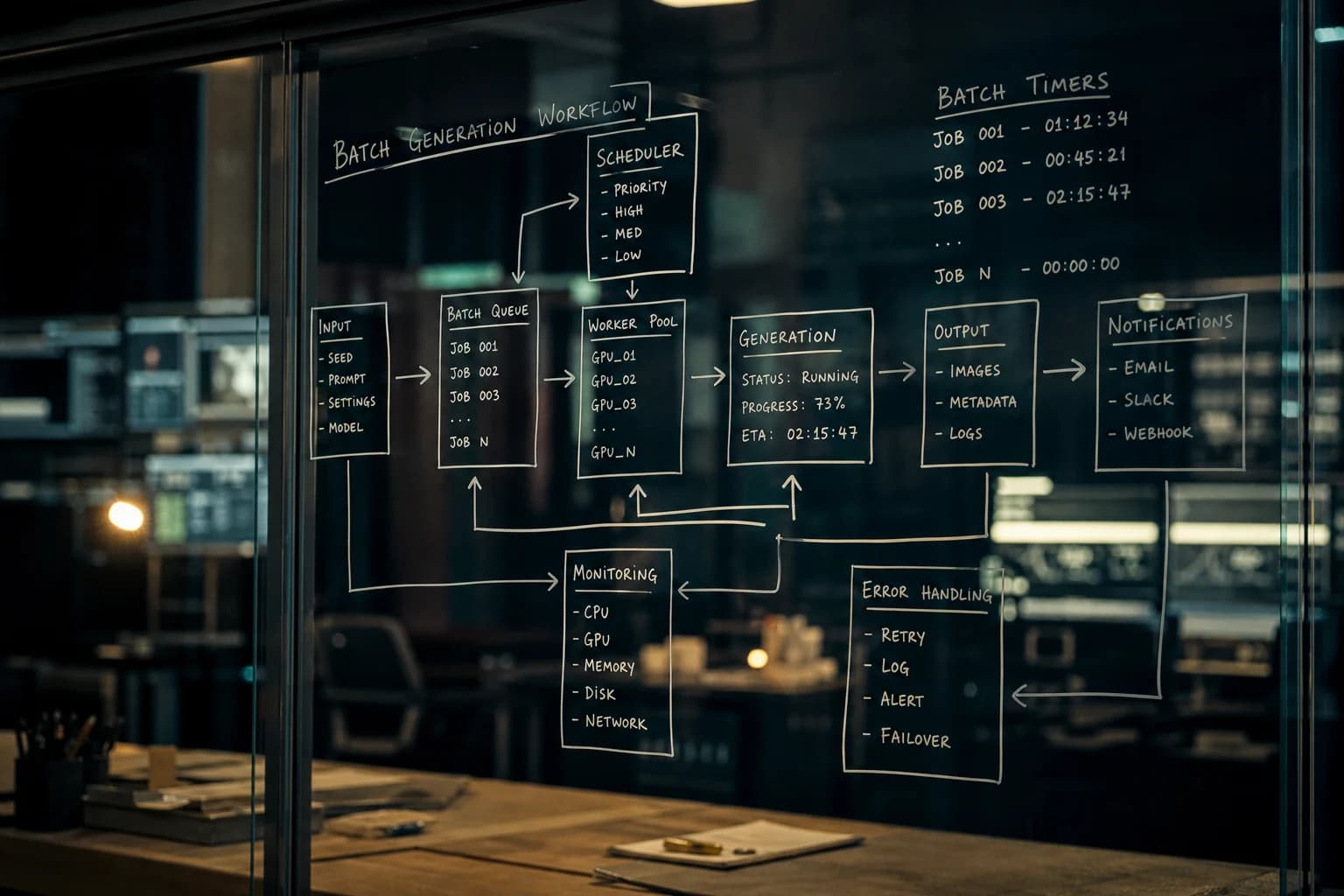
💡 Frank's Cut: if you do not have time for the three passes, do C first. A render that reads on a phone with an honest imperfection often beats a gorgeous desktop master unreadable on the feed.
Short meetings, written decisions
Even solo, "meeting" means synchronization. Two simple rituals:
6-minute stand-up: yesterday I validated what, today I deliver what, what is stuck.
Decision log: three lines after each short session: decision made, file kept, reason.
This log becomes your asset. After three weeks, you predict where you lose time before you even open the tool.
Managing creative energy: the real limit
Optimizing time also means optimizing attention. The models can run while you tire, but you do not decide well when you are exhausted. Keep the mechanical tasks for the end of the session: exports, renamings, uploads. Keep the look choices and the validations for when your eye is fresh.
Sleep is a component of the pipeline. It is not a nice sentence: it is a field observation. A tired validation costs you a whole next day to correct.
Clients, deadlines and realistic promises
When you communicate a delay, anchor it on a complete chain, not on an idea. Better to promise a sober deliverable and hold the date than a hypothetical masterpiece late. Optimizing an AI workflow on the client side means being able to explain what is frozen and what is still malleable.
A simple language that avoids misunderstandings:
- "Frozen": promise, number of shots, duration, format.
- "Malleable": texture variations, micro-cuts, B-roll alternatives.
- "Out of scope": new scene, new message, new character.
When everything is malleable until the eve of delivery, you no longer control your time: you endure the moods.
Tool stack: avoid the scatter
You do not need fifteen subscriptions to go fast. You need a coherent stack:
- a brief space,
- a generation space,
- a curation space,
- an edit space,
- a delivery space.
If you change your constellation of tools every Monday, your brain pays a context tax. Choose a backbone stack for three months, then optimize inside it, not by adding layers out of FOMO.
Measures that lie less than the ego
To know whether you are saving time, watch banal metrics:
- time between "brief validated" and "master exported",
- average number of variations per shot before validation,
- number of files with no status in
_GENERATION, - client return rate due to a brief misunderstanding.
You do not need a NASA dashboard. A notebook is enough if you are regular. What matters is the trend over two weeks, not the absolute precision.
Frequent case: you are fast at the start and slow at the end
That is the symptom of decision debt. You explore fast because everything is allowed, then the end demands consistency and your pipeline has no single truth. Hence the importance of asset statuses and per-shot truths. When each shot has an APPROVED file, the edit becomes assembly, not archaeology.
Frequent case: you spin on a prompt
The solution is almost never "two hundred more words". The solution is to change lever: move from text to a visual constraint, from wide angle to portrait, from the full scene to the simple shot, or from model A to model B to test a technical hypothesis. If you refuse to change lever, you optimize a text that cannot solve a spatial problem.
Frequent case: your team does not follow
Document short formats: a project README, three "good / acceptable / no" captures, one style sentence per voice-over. Human alignment is often slower than the AI render. Your workflow must include a readable human layer, otherwise you spend your life in catch-up voice notes.
Security and compliance: the time you do not see
A rights or disinformation crisis costs you more than a failed generation session. Note what is authorized as proof, what is forbidden as imitation, what must be clearly flagged when you publish. Better to slow down five minutes on the legal frame than lose three days on a contested delivery.
Industrialize without killing spontaneity
The goal is not to become a machine. The goal is to protect your hours of creative play by isolating them in owned slots. You want to experiment? Perfect: set a timer. You want to deliver? Perfect: close the exploration. Spontaneity survives better in a named slot than in a permanent flow where everything is urgent.
Minimalist templates that pay off fast
Create reusable templates: a prompt file with blocks, a naming model, a QA checklist, an export preset. Each template saves little alone, but over twenty deliveries they form a massive difference. A template is not a prison: it is a versioned starting point.
When to stop optimizing
You can fall into meta-productivity: optimizing your optimization. You have optimized enough when your simple metrics stabilize and your "I did not know what you were delivering" returns disappear. After that threshold, the gain comes from training the eye and the scenario, not from new widgets.

Mini 7-day implementation plan
Day 1: write your folder skeleton, even a simple one, and hold it.
Day 2: impose four variations max per hypothesis.
Day 3: explicitly separate exploration and production on your calendar.
Day 4: add the mobile QA pass before any public export.
Day 5: log three decisions per session.
Day 6: link each shot to an APPROVED file before editing.
Day 7: read your metrics: where did you really save thirty minutes?
Synthesis: optimize your AI workflow to save time, with no mythology
Optimizing an AI workflow to save time is not one more app nor a miracle promise. It is a discipline: clear intention, volumes limited per hypothesis, files with status, early QA, consistent narration end to end. You link creativity to internal contracts without smothering it. When your pipeline is readable, your brain stops fighting your hard drive. And that is where, often, speed becomes pleasure again.
Frequently asked questions (Frank's Cut table)
| Question | Short answer | Frank's Cut |
|---|---|---|
| Where to start if I am drowning in files? | Set a _GENERATION / _MASTER structure and a name template: project, batch, shot, status. | No file touches MASTER without a written sentence "why it is validated". |
| How many variations per shot in production? | Three to four, each linked to a measurable hypothesis. | Beyond that, you measure noise, not progress. |
| Should I buy prompt packs to go fast? | No if you substitute your own thinking: a pack can help at the start, but it is fragile in the long run. | Read whatever you do, do not buy a ready-made AI prompt before making one a pillar. |
| How to avoid the editing nights? | Validate the message and the key shots before the effect, not after. | Cut a short shot rather than save a mediocre long one. |
| Is the phone really a pro tool? | Yes: it reveals readability, contrast and hierarchy early. | If it does not pass in compressed vertical, it is not "almost good". |
| I change tools every week, how do I cope? | Choose a backbone stack for three months, then vary only one link at a time. | The context tax costs you more than a slightly "newer" model. |
| How to link image, video and assets without losing the thread? | Use a light bible and one truth per shot, as in the creative AI workflow. | If your bible fits on one page, it has a chance of being followed. |
| Where to learn to organize like a serious studio? | Follow the folders and metadata method in organizing AI assets. | Organization is a continuity function, not an aesthetic chore. |
| I have a long AI film idea: which workflow? | Move on with the thread from idea to realistic AI film to avoid narrative drift. | An AI film that looks like a collage almost always comes from a wobbly breakdown, not from a bad engine. |
Related articles
 Tutoriels
Complete Seedance 2 workflow for a cinema render
From the set sheet to the final export: end-to-end Seedance 2 pipeline for a credible film render, with no demo look or sterile all-nighter.
 Tutoriels
Flux workflow for ultra-detailed images
An end-to-end protocol to get credible details, from the microtexture to the global consistency, with no plastic effect that kills the realism.
 Tutoriels
Kling 3 workflow for a fluid and realistic animation
Kling 3 pipeline from A to Z: pilot image, movement control, temporal QA and post for fluid and credible animations, with no demo effect.