The real creative AI workflow in 2026: image, video, voice and production
The complete creative AI workflow to go from the idea to the delivery: image, video, voice, pipeline, production and quality control in real conditions.
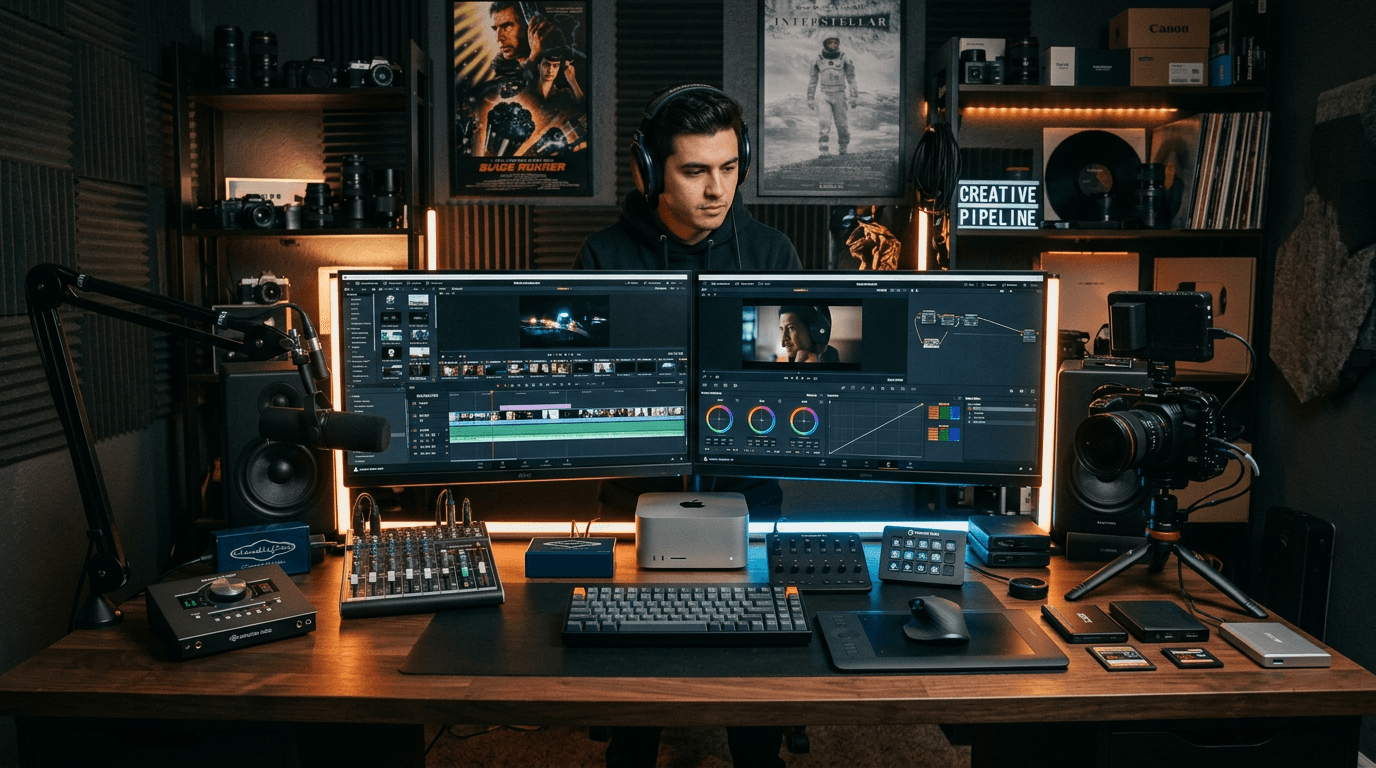
You can have the best tools on the market and still deliver a shaky result. It is hard to hear, but it is the field truth. The problem is almost never "which model to use". The problem is the absence of a creative ai workflow. With no clear pipeline, you spend your time fixing inconsistencies you could have avoided from the brief.
I have seen this scenario dozens of times. A team generates superb images, then the video does not match. The voice seems artificial. The edit breaks the emotion. The client says "you feel the AI too much" without knowing how to explain why. And he is right. This "fake feeling" comes from a continuity break between image, movement, voice, rhythm and intention.
This guide is the version I would have liked to have at the start. A complete method, from the idea to the deliverable, that lets you produce fast without sacrificing the credibility.
What a creative AI workflow really is
A creative AI workflow is not a list of tools. It is a chain of decisions. Each step prepares the next. If a step is vague, you pay the bill at the final step.
The minimal chain looks like this: narrative intention, visual bible, image generation, video transformation, sound design and voice, edit, quality control, formatted delivery. You can adapt the tools, but not this logic. To deepen the image-to-video stage in particular, see the complete image-to-video pipeline.
The beginner trap is to start by generating with no intention. Result: beautiful raw material but unusable in series. You want to avoid that? Always start with a promise sentence: "what the viewer must feel in 3 seconds".
When this sentence is clear, everything becomes simpler: prompts, tool choice, shot rhythm, voice, edit. It is the foundation.
Step 1: Strategic pre-production (before the slightest prompt)
The pre-production is the most underestimated part. It is also the one that saves the most time. You define the message, the target, the channel, the final format, and the constraints.
Then, you write a mini creative bible:
- Emotional intention.
- Authorized visual references.
- Palette and dominant light.
- Narration rhythm.
- Visual bans.
This bible avoids the style drift between image, video and voice. With no bible, each tool pulls in its direction and your project falls apart.
A good workflow starts on paper, not in the AI interface.
Step 2: Base image generation (look development)
It is here that you lay down the visual DNA. You do not yet try to "finish". You seek a coherent base: texture, light, framing, material, emotion.
The good protocol: 4 images max per intention, then brutal sorting. You keep only the images that hold on mobile and in full screen. The rest goes to the trash.
Most creators fail here because they keep too many average variants. When you build a series, the starting mediocrity multiplies.
For a solid base on this step, you can lean on our Midjourney 2026 guide.
Step 3: Image-to-video step (without breaking the consistency)
Transforming an image into a credible video shot requires more than clicking "animate". You must define the role of the movement: emotion, information, tension or breathing.
Each shot must have a readable action. If the movement serves nothing, it disserves the credibility. A slow well-motivated shot is worth more than an artificial "wow" tracking.
Then, check the continuity between shots: light, gaze direction, texture density, contrast level. It is there that many AI sequences break.
To deepen, cross-reference with our comparison of the best AI video tools.
Step 4: Voice and avatars (when, why, how)
Not everything requires an avatar. Sometimes a voice-over is enough and gives a more credible render. Choose the avatar only if the on-camera presence really serves the message.
The voice remains the priority. A bad voice destroys the credibility even with an excellent visual. Oral script, breathing, punctuation, intonation: it is acting work, not a technical parameter.
If you use avatar + voice, separate the roles: voice generation on one side, synchronization and staging on the other. This separation improves the quality control.
For this layer, see our HeyGen and ElevenLabs comparison.
Step 5: Edit and sound design (where the project becomes professional)
The edit decides the emotional rhythm. Good AI material badly edited becomes an amateur result. Conversely, correct material well edited seems immediately more premium.
Three simple rules:
- Cut the weak shots early.
- Keep a breathable rhythm.
- Make the sound talk with the image.
The sound design is the most underestimated realism multiplier. Even a slightly fragile AI shot gains credibility with a coherent sound ambiance, clean transitions, and a well-placed voice.
It is often this step that transforms an "AI test" into "publishable content".
The complete Trench Workflow (idea → delivery)
Phase A: Brief. 15 minutes. Promise, target, format, KPI.
Phase B: Look dev. 45 minutes. 12 images max, sorting to 3 pillar visuals.
Phase C: Video planning. 30 minutes. Cutting into 5 to 8 shots.
Phase D: Shot generation. 60 to 120 minutes depending on complexity.
Phase E: Voice/avatars. 30 to 60 minutes.
Phase F: Edit + audio. 60 to 180 minutes.
Phase G: Cross-device QA + final export.
This workflow is realistic for a weekly production. You can speed it up with templates, but never skip the final QA.
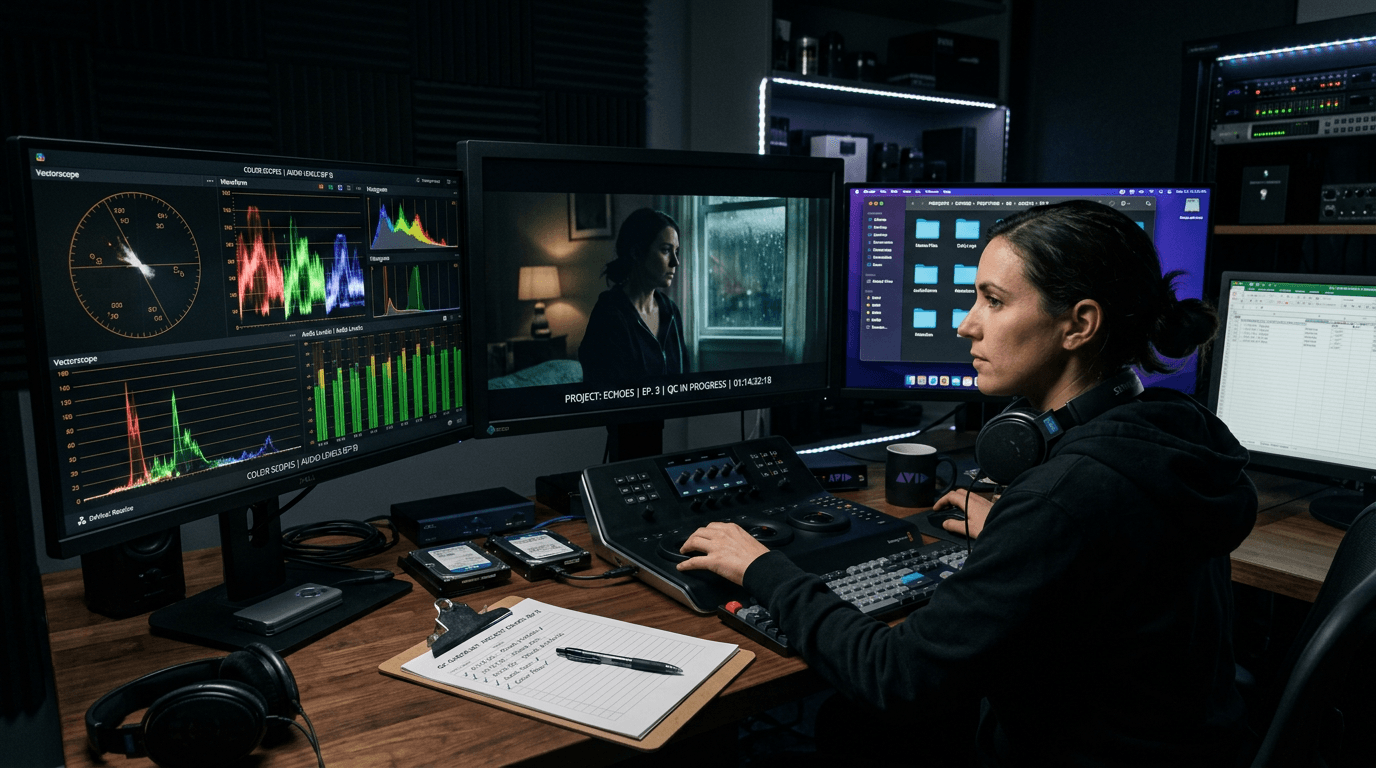
💡 Frank's Cut: if you lack time, cut the volume of shots, never the QA phase. It is the QA that protects your reputation.
Troubleshooting - What Beginners Break
Mistake 1: starting with the tool instead of the message.
Mistake 2: changing style in the middle of a sequence.
Mistake 3: generating too much material with no strict sorting.
Mistake 4: neglecting the voice and the sound.
Mistake 5: publishing with no smartphone test.
Mistake 6: absence of a library of prompts and decisions.
Core Concepts to scale cleanly
First concept: system before tool.
Second concept: consistency before originality.
Third concept: speed with no method = debt.
Fourth concept: one variable modified at a time.
Fifth concept: mandatory multi-screen QA.
To complete the pipeline vision, see our AI design tools guide.
Recommended typical stack according to your level
Beginner: one image generator + one video tool + one voice tool + a simple editor.
Intermediate: hybrid stack with divergence/convergence logic.
Advanced: multi-tool pipeline with templates, QA, and systematic documentation.
The most important thing is not the size of the stack. It is the stability of your process.
Production governance: the invisible part that saves your projects
A solid workflow is not only creative, it is governed. Concretely, that means each deliverable has an owner, a version, a status, and a validation date. With no this layer, you confuse exploration and production.
The minimal governance I recommend fits in five columns: goal, state, owner, risks, next action. It is simple, but enough to avoid the "we no longer know where we are" feedback.
When you work in a team, clearly separate the roles: creative direction, AI execution, edit, QA. A single person can hold several roles, but the roles must exist. Otherwise, the errors pass with no owner.
This frame seems administrative. In reality, it protects the creative space. When the production is clear, you can create with more audacity because you know where you are.
Measurable quality: how to get out of the "I like / I do not like" judgment
Many AI projects fail because the team judges by instinct. The problem is not the instinct. The problem is that it changes depending on the fatigue, the context, and the person who watches.
Set up a simple quality grid:
- Clarity of the message in 3 seconds.
- Visual consistency between shots.
- Voice and rhythm credibility.
- Edit and audio cleanliness.
- Adaptation to the target format.
Each criterion is rated 1 to 5. If the average is under 4, you do not export. This discipline eliminates the endless debates and improves the constancy.
The goal is not to kill the artistic sensitivity. The goal is to avoid fragile deliverables passing "out of enthusiasm".
Risk management: what beginners ignore too long
Risk 1: single-tool dependency. If your main tool changes brutally, your pipeline breaks. Solution: always keep an operational plan B.
Risk 2: rights and usage drift. Systematically check the license and exploitation conditions. In a client context, it is non-negotiable.
Risk 3: loss of reproducibility. With no archive of prompts, seeds, exports and versions, you cannot redo a validated render.
Risk 4: cognitive overload. Too many iterations with no method tire the gaze and lower the decision quality.
Risk 5: finishing debt. If you push the edit/sound to the end with no time budget, the project comes out "almost finished" but not publishable.
Anticipating these risks does not slow you down. It accelerates durably.
Recommended documentary stack
Create a standard project folder with this structure:
brief/for intention, target, format.lookdev/for the chosen images and references.video/for the validated shots.voice/for the scripts and audio exports.edit/for the edit versions.qa/for the checklists and final validations.
Add a decision-log.md file where you note in one line each major arbitration. Example: "v3 validated because better mobile readability despite less detailed texture".
This documentary discipline makes an enormous difference after 10 projects. You capitalize. You no longer improvise.
Publication cadence: how to hold without exhausting yourself
Most creators fail at regularity not by lack of tools, but by lack of a sustainable rhythm. The good rhythm is the one you can hold with quality.
I recommend a weekly cycle in three blocks:
- Block 1: pre-prod + look dev.
- Block 2: generation + targeted iterations.
- Block 3: edit + QA + publication.
Keep a safety margin of 20% of the time to absorb the unforeseen. The AI pipelines always have surprises.
If you publish in series, prepare an "emergency kit" with short formats ready to adapt. It is what saves your regularity when a long project slips.
30-day plan to implement this workflow without losing yourself
Day 1 to 3: audit of your current process. Note where you lose the most time: generation, sorting, edit, or validation. With no this diagnosis, you are going to optimize the wrong step.
Day 4 to 7: standardize the brief. Create a single template with intention, target, channel, format, KPI, visual bans. The same template must serve for all your test projects.
Day 8 to 12: stabilize the image layer. Set a sorting protocol with simple criteria: readability, light consistency, material credibility. Keep 3 references max per project.
Day 13 to 17: stabilize the video layer. Define a repeatable cutting structure: opening, development, visual proof, closing. Limit the gratuitous movements that break the narration.
Day 18 to 21: stabilize the voice layer. Write orally, do a "naked script" pass, then an "intonation" pass. Always check on two different audio devices.
Day 22 to 25: stabilize the post-prod. Set up an edit checklist and a final QA checklist. Nothing comes out with no validation of both.
Day 26 to 28: create your internal library. Group the winning prompts, the script structures, the edit presets, the naming conventions, the typical exports.
Day 29: simulate a complete production in real deadline conditions.
Day 30: final retro. What worked stays, what brings no value exits the process.
This 30-day plan does not seek perfection. It seeks reproducibility. And it is exactly what transforms a motivated creator into a reliable studio.
If you want a single progress indicator, take this one: your average time between raw idea and validated deliverable. When this time drops with no fall in perceived quality, your workflow becomes mature. It is this maturity, not the novelty of the tools, that gives you a durable advantage on the market.
Useful external sources
FAQ (PAA Optimization)
-
What is an effective creative ai workflow for a complete beginner?
An effective creative AI workflow to start must stay simple and stable. You start from a clear intention, you generate a small number of visuals, you select the best, then you move to the video, the voice, and finally the edit with a final quality control. The beginner mistake is to multiply the tools too early. What really works is a short but rigorous chain, with defined steps. In practice, the method regularity produces more professional results than the immediate technical sophistication. -
How many tools do you need to build a complete image-video-voice pipeline?
You can start with four bricks: an image generator, a video tool, a voice tool, and an editing software. This base is enough to produce solid deliverables if you work cleanly. The trap is to believe that adding tools automatically increases the quality. In reality, each tool adds complexity, so a risk of inconsistency. Better a short mastered stack than a wide badly controlled stack. You will be able to widen later, once your quality standards are well installed. -
Why do my AI projects seem incoherent even with good visuals?
The incoherence often comes from a break between the layers: image, movement, voice, edit, sound. Each layer can be good in isolation, but the whole seems false if the direction is not unified. To fix, build a minimal creative bible before production: dominant light, texture, rhythm, vocal tone, and visual bans. Then, validate each step against this bible. This protocol strongly reduces the gaps. A credible production is not an accumulation of successful assets, it is a continuity of intention. -
Do you always have to use an avatar in a creative AI workflow?
No, absolutely not. The avatar is a strategic choice, not an obligation. In many cases, a good voice-over with a coherent visual edit is more effective and more credible. The avatar becomes useful when the "human" presence reinforces the trust or the pedagogy. But if the avatar is badly synchronized or too template, it can harm the result. The good reflex is to choose the avatar only when it clearly serves the message and to apply a strict quality control on voice, lip-sync and rhythm. -
How to speed up the production without losing quality?
You speed up by standardizing what can be: brief templates, prompt structure, sorting grids, QA checklists, export conventions. This frame reduces the hesitations and avoids the chaotic feedback. In parallel, limit the iterations in "one variable at a time" mode to keep control. The non-negotiable point is the final multi-screen validation. Many save time by skipping this step then lose twice as much in post-publication corrections. Accelerating cleanly is optimizing the process, not cutting the quality. -
What is the role of GitHub and Discord in a creative AI pipeline?
GitHub and Discord play different but complementary roles. GitHub can serve to version your scripts, prompts, production docs and workflow templates, which reinforces the reproducibility. Discord is very useful for monitoring, communities, fast feedback, and discovery of emerging tools or practices. The risk is to confuse monitoring and production: spending hours in exploration without delivering. Integrate these platforms into your pipeline with clear limits of time and goal so they stay accelerators, not distractions. -
How to know if my creative ai workflow is ready for clients?
Your workflow is ready when you can reproduce a constant quality level over several projects, in predictable deadlines, with a clear documentation of your decisions. You must be able to explain your process, to justify your choices, and to quickly fix a client request without starting from scratch. Test yourself on three successive mini-projects with different constraints. If the consistency holds, the feedback is manageable, and your QA reduces the surprises, you have a pipeline solid enough to switch to client mode.

A solid creative workflow does not just save you time. It makes you gain confidence, project after project, durably still.
Related articles
 Tutoriels
Sora in Production: Honest Limits and Pro Workflow
What Sora really holds in advertising and short fiction, where it breaks, and how to structure a pro file around the constraints.
 Comparatifs
HeyGen and ElevenLabs: the Best AI Tools for Voice and Avatars?
A field comparison HeyGen vs ElevenLabs to create credible AI voices and avatars in 2026, with a pro workflow, real limits and business use cases.
Business
How to Stand Out in the Creative AI Market (With No Buzz Race)
Positioning, proof, style, process and niche: a realistic strategy to get out of the noise and attract clients who pay.