Suno / Udio: Creating a Structured Song From A to Z With AI
A complete method to compose a structured song with Suno and Udio, from the initial idea to the final track ready to distribute.
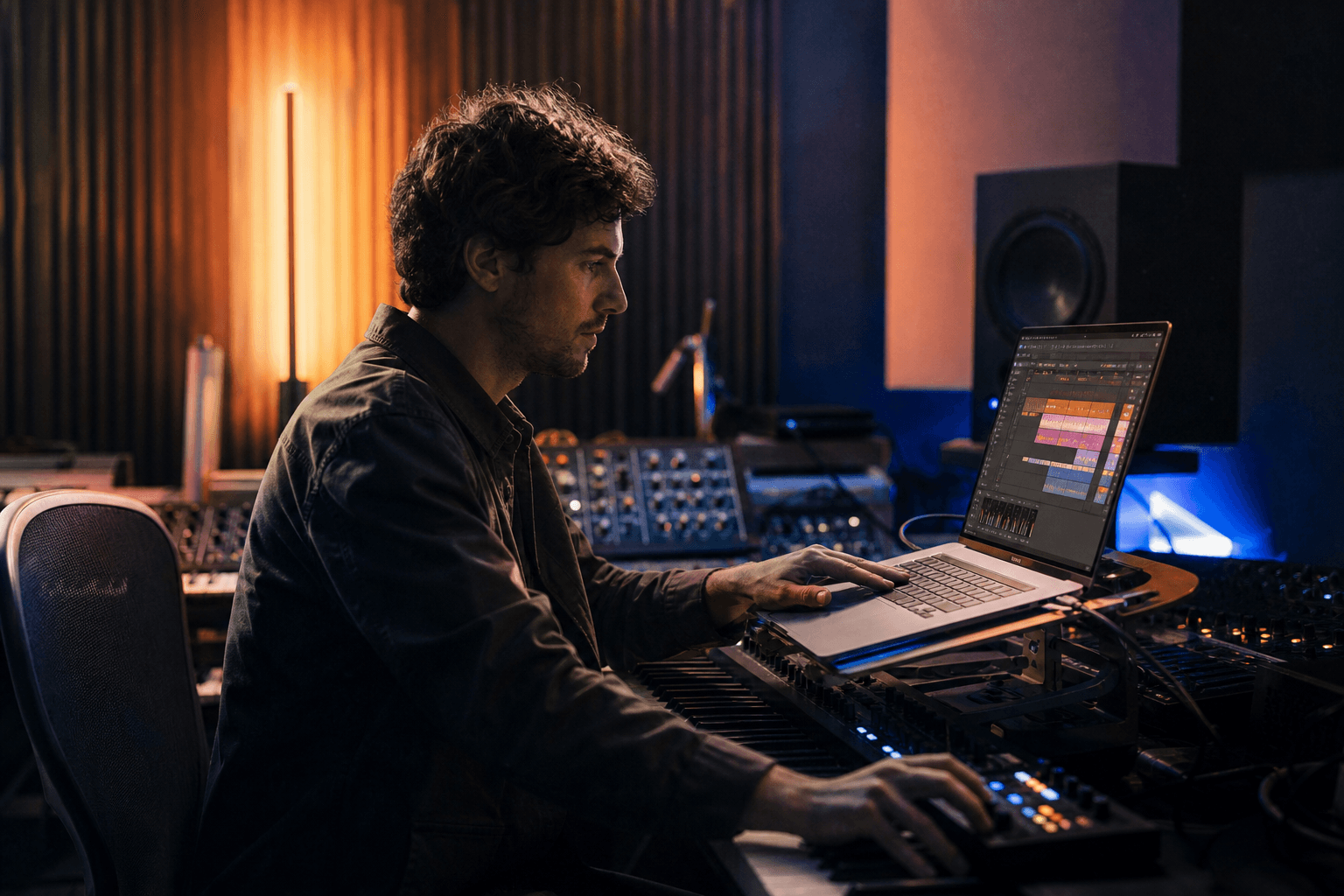
You launch Suno or Udio, you get an excerpt that sounds good, then everything collapses when you want to build a real song. The verse is correct, the chorus is weak, the bridge breaks the energy, and the global consistency disappears. It is the most frequent pain when you move from the AI test to real music production.
Let's be real. Generating "a cool sound" and writing a structured song are two different jobs. The AI can help you very fast on the sonic material, but it does not make the decisions of arrangement, musical narration and emotional progression in your place.
This guide gives you a solid workflow to go from zero to a complete song, usable for a film, an ad, a clip or social content, without staying stuck in the loop of snippets.
The basics that make a real song and not just an excerpt
The first base is the structure. Before generating, decide your architecture: intro, verse, pre-chorus, chorus, verse 2, bridge, outro. With no plan, the AI improvises and gives you a floating form hard to edit.
The second base is the emotional function of each section. A chorus must open, not repeat the verse. A bridge must relaunch, not simply "do something different".
The third base is production consistency. You must lock a sonic palette: type of drums, role of the bass, harmonic density, vocal texture. Otherwise each generation sounds like another song.
The fourth base is targeted iteration. Do not relaunch the whole track on each attempt. Work section by section with precise goals.
Trench workflow: from the idea to the final track
Step 1: write the music brief before generation
Write a short brief with five points: style, approximate tempo, dominant emotion, final use, target duration. This step takes 5 minutes and saves you 2 hours.
Then define an emotional progression per section. Example: mysterious intro, tense verse, luminous chorus, unstable bridge, resolved outro.
Choose a key or at least a dominant harmonic color. Even with no advanced theory, you can define "dark", "nostalgic", "energetic".
Finally, lock your intensity level per section on a scale of 1 to 5. This map avoids the flat tracks.
Step 2: generate sections, not whole songs
Start by generating several versions of the chorus. The chorus is your center of gravity.
Then, generate the verses keeping the same production palette but with less intensity.
Work the bridge as a real tipping moment: dynamic change, harmonic variation, breathing.
Keep the best sections in a versioned library (chorus_v3, verse1_v2, etc.).
💡 Frank's Cut: if your chorus does not work a cappella + a simple kick, it will not work better with a heavier production.
Step 3: assembly and musical continuity
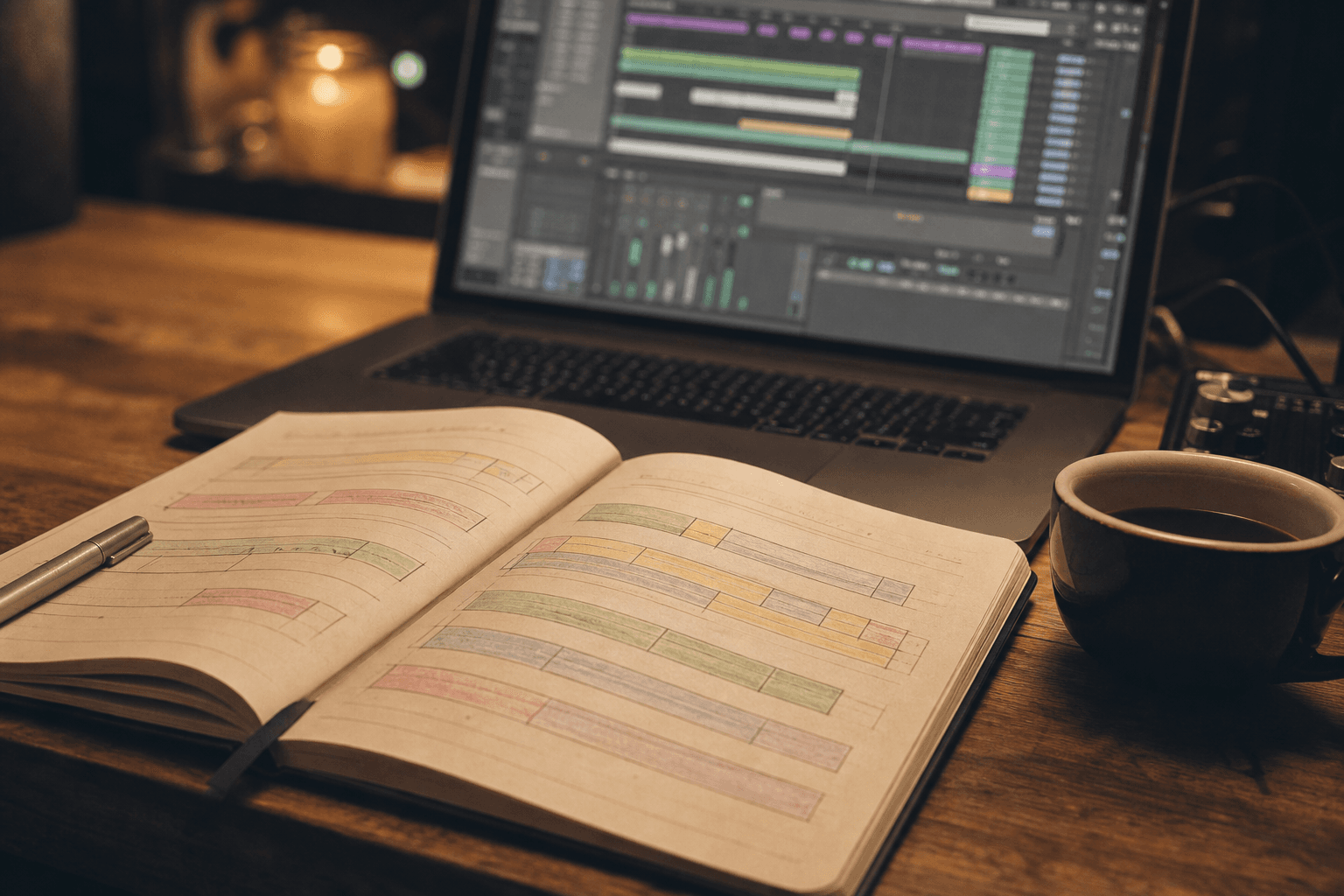
Assemble your sections in a DAW. Even if Suno/Udio give finished tracks, going through an audio station is indispensable for a pro render.
Harmonize the transitions: intelligent fades, linking reverbs, rhythmic fills. With no this step, the "glued" sections are felt immediately.
Adjust the levels and the stereo space so each section seems to belong to the same song.
Do a continuous listen end to end with no pause. It is the truth test.
Step 4: finalization for real use
If the song is destined for a video, prepare stems (vocals, drums, harmony, bass) for flexibility in the edit.
Create a full version, an instrumental version, and a short 30-60 second version.
Do control exports on earbuds, simple speakers and a smartphone. A song that holds on several supports is ready.
Archive your project cleanly with generation notes. You will be able to quickly reproduce your method on the next tracks.
To reinforce your global audio pipeline, also connect with our cinema AI sound design method, our voiceover mixing guide for short films, our complete AI clip editing workflow, and our complete guide on the Flux models.
Comparison table: raw generation vs structured production
| Approach | Initial speed | Global consistency | Distribution potential | Creative control |
|---|---|---|---|---|
| One-shot generation | Very fast | Low | Low to medium | Low |
| Generation by sections | Fast | Good | Good | Medium |
| Sections + DAW assembly | Medium | High | High | High |
| Sections + DAW + multi-version stems | Longer | Very high | Very high | Very high |
Troubleshooting: what beginners break the most
Mistake 1: generating everything at once. Fix: sectioned workflow.
Mistake 2: no intensity map. Fix: levels 1 to 5 per section.
Mistake 3: weak chorus. Fix: work the hook before the rest.
Mistake 4: visible transitions. Fix: DAW assembly with musical links.
Mistake 5: no export versions. Fix: full + instru + short format.
Complete practical cases: building a song usable in production
Case 1: song for a 30-second ad then long version
You have to produce a track that works first in a short spot, then in a complete version for social media and a landing page. The classic trap is to compose a long song then cut it. Result, the hook arrives too late and the ad version loses all efficiency.
The good method inverts the logic: you first build an ultra-readable 30-second core. Immediate hook, clear emotional promise, short progression. Then, you extend this core into a long version with consistent verses and bridge.
On Suno/Udio, that means generating the chorus and the main rhythmic cell first. As long as this cell is not strong, you do not move to the complete arrangement.
When the base is validated, you decline it into a 90-second or 2-minute version keeping the same harmonic markers. You thus get a stable musical identity across all the formats.
Case 2: narrative song for a short film
Here, the track must serve a visual narration, not only "sound good". You must map the musical sections to the dramatic beats of the film. With no mapping, the music can contradict the scene.
Start by marking the emotional tipping points of the film. Then, build musical sections with progressive intensity. Verse for the setup, chorus for the emotional opening, bridge for the break, outro for the comedown.
Do separate generations per section, then assemble in a DAW with fine level automation. A film song is a narrative tool, not an aesthetic loop.
Finally, test the song in image + sound playback. If a sonic passage steals the attention from a key scene, adjust immediately.
Case 3: social-first song for TikTok/Reels
In this format, the challenge is the hook speed. The first 3 seconds count more than the global complexity. The risk is to create a too-long intro that loses the user.
You must therefore generate an immediate entrance with a strong signature: vocal motif, rhythmic impact, or a memorable key phrase. This entry point becomes your main asset.
Then, build a native short version (15-30s) and a consistent long version. Do not mechanically recycle a cut long version.
Also prepare hook variants according to the use. A slight variation can strongly increase the performance depending on the distribution context.
Musical art direction: a method to avoid the generic render
The generic render appears when you change too many parameters between generations. You must fix a musical DNA from the start: drum texture, bass role, harmonic color, vocal treatment, global energy.
Write a one-page "track bible" document. This document contains the non-negotiables. Example: close and intimate voice, dry snare, round bass, simple harmonic progression, open chorus.
Then, do targeted prompts that pick up these constants word for word. The iteration becomes more stable, faster, and above all more identifiable.
Add a strict rejection rule: any render that strays from the sonic DNA leaves the selection, even if it is technically impressive.
Creative parameters to lock before the generations
- Target tempo (or tempo range).
- Energy signature per section.
- Dominant instrumental palette.
- Type of voice and emotion level.
- Arrangement density level.
- Type of desired outro.
This discipline hugely reduces the decision fatigue.
Moving to a DAW: the step that turns a test into a finished track
Suno and Udio speed up the creation of material. The DAW turns this material into a distributable product. If you skip this step, you stay at the "prototype" level.
Import your best sections and align the tempos. Create structure markers on the timeline to visualize the transitions.
Then work the links: fills, transition reverbs, volume automation, and rhythmic micro-cuts. It is there that the track "breathes".
Then prepare several masters: full mix, instrumental, and short edit version. This trio is indispensable for video, advertising and social.
Suno vs Udio decision matrix according to the goal
| Goal | Priority | Suno | Udio | Practical recommendation |
|---|---|---|---|---|
| Fast social hook | Speed + impact | Very good | Very good | Test both then keep the best hook |
| Narrative film song | Structure consistency | Good | Good to very good | Generate separate sections then assemble in a DAW |
| Advertising variations | Version flexibility | Good | Good | Prepare stems and hook variations |
| Brand sonic identity | Repeatability | Medium | Medium | Lean on the music bible + a strict workflow |
Quality control before publication
Before distribution, do three mandatory listens: analytical headphone listen, general-public smartphone listen, video-context listen with image. This triple pass reveals defects invisible in a studio session.
Then evaluate on a simple grid: hook, progression, transition, intelligibility, listening fatigue. If a criterion drops, you correct before publication.
Finally test with an external person. If they cannot summarize the dominant emotion in one sentence, the track lacks clarity.
The final quality comes from this validation loop, not from the first "wow" render.
Music prompts: recommended structure to iterate intelligently
Beginners often write fuzzy prompts of the "make a sad and cinematic song" type. The result can be correct, but it stays unpredictable and hard to reproduce. A stable prompt structure immediately improves the quality of the iterations.
I recommend a six-block structure: genre, dominant instrumentation, tempo/energy, emotional intention, desired structure, arrangement constraint. With this frame, you move from a random attempt to a methodical test.
Example of a clear block: "cinematic indie pop, dry drums, round bass, progressive energy, open chorus with a simple vocal hook, sparser bridge." It is not poetic, but it is usable.
Then, keep the blocks constant over several generations and change only one parameter at a time. This discipline lets you understand what creates a real improvement.
Reproducible prompt mini-template
- Global style and references.
- Main instrumental palette.
- Rhythmic density.
- Dominant emotion per section.
- Target structure.
- Voice and dynamics constraints.
With this template, you can build libraries of reusable prompts across several projects.
Advanced arrangement: making the track breathe
A structured song does not rest only on aligned sections. It rests on breathing. If everything is intense permanently, the ear tires and the emotion drops.
Create contrast zones: denser sections then more airy sections. The bridge is often the ideal place to reduce the density before a strong chorus return.
Also work the relative silences. A short well-placed break can increase the impact of the beat return more than an addition of instruments.
Finally, think in "instrumental roles" rather than in stacking. Each instrument must have a clear function in the section.
Fast distribution-oriented mix
Even with a good generation, the mix decides the perceived quality. You do not need an ultra-complex mix to get a clean render. You need a clear balance.
Priority 1: intelligibility of the voice or the main motif. Priority 2: control of the low end (kick/bass). Priority 3: consistent stereo space.
Then, check the transients and the high frequencies. The AI generations can sometimes produce aggressive zones around the cymbals or the vocal consonants.
Finish with a low-volume listen. If the track holds at low volume, the structure is often solid.
Creative KPIs: measuring a song beyond "I like / I do not like"
To progress fast, measure your tracks with simple indicators. Example: hook memorization, chorus clarity, transition fluidity, listening fatigue after 60 seconds.
Ask three external people to answer three questions: "Which passage do you remember?", "Where does your attention drop?", "How would you describe the emotion of the track?"
These answers give action points much more useful than a simple "it is cool".
Keep this feedback in your production journal. This memory improves the next tracks faster than any preset.
Planning a productive AI music creation session
A productive session starts before the tool. Set a clear goal: hook, chorus, transition, or outro. If you enter a session with no goal, you collect useless versions.
Work in blocks of 45 to 60 minutes with a short break between each block. This pace keeps your ear fresh and avoids the impulsive choices.
At the end of each block, do an immediate sorting: keep, rework, reject. Do not postpone the sorting to the next day, otherwise you lose the decision context.
Finally, end each session with a clear "next step" note. You restart faster and with less friction at the next slot.
Another useful practice consists of keeping a "project reference playlist" with 3 titles maximum. This constraint avoids drifting stylistically on each new session.
If a new generation strays too far from this reference, you reject it even if it seems seductive in isolation. It is this filter that protects the artistic consistency.
A good AI music creator also learns to stop a session at the right moment. When the decisions become hesitant, the quality drops fast. Better to resume with fresh ears than to force an average version.
This decision discipline is what turns an AI workflow into real musical direction.
In the long term, this approach gives you a huge advantage: you no longer evaluate "sounds", you build tracks usable in a real context. And it is exactly what the clients, the labels, and the directors look for.
This mental shift changes everything in the final quality.
Useful external references
To go further, consult Suno, Udio, and the music production resources of Berklee Online.
FAQ
Suno or Udio, which to choose to start?
Both can give good results, but your choice must depend on your workflow and not only on the instant render. Test the same brief on both, compare the structure consistency, the transition quality and the ease of iteration. The "winning" tool is the one that lets you advance fast without sacrificing the stability of the track.
Can you create a real radio-ready song only with AI?
Yes, but rarely in one-shot. The really distributable version comes from a process: generation, selection, assembly, mix, targeted exports. The AI speeds up the creation of material, but the finish and the production consistency stay human decisions. The higher your goal, the more the post-production phase becomes important.
How to avoid each section sounding like a different song?
Lock your sonic palette from the start and keep a stable production reference. Reuse common rhythmic and harmonic motifs between sections. Then, adjust the transitions in a DAW to smooth the perception. With no this work, even good separate sections will seem inconsistent when assembled.
What is the best length for a first structured AI track?
Aim for 1:45 to 2:30 for a first serious exercise. It is long enough to work the complete structure, but short enough to stay iterative. A too-long duration quickly increases the risks of inconsistency and decision fatigue. Start short, validate the method, then extend.
Do you absolutely have to go through a DAW after Suno/Udio?
If you aim for a pro render, yes. The DAW lets you manage transitions, levels, stems, and export versions. With no this step, you stay limited to "platform" renders less flexible for film, advertising or a clip. Going through the DAW turns a good generation into a usable product.
How to know whether the song is ready to publish?
Use a simple grid: memorable hook, clear progression, fluid transitions, balanced mix, good multi-support translation. If the track holds on a smartphone and speakers without losing its impact, it is a good sign. Always do an external listen with a person who does not know your project. Their feedback is often more reliable than your tired ear.
Related articles
 Tutoriels
Creating a Talking Avatar for Your Training Videos With HeyGen
A complete guide to create a credible, pedagogical and consistent HeyGen avatar for professional training videos.
 Tutoriels
Creating AI Advertising Product Packshots That Hold Up in Post
A debrief-to-export packshot workflow to produce clean, believable product shots with AI.
 Tutoriels
Creating a Location and Set Bible for an AI Project
How to document each set to keep the same visual mood from the pilot to the final delivery.