Adobe Firefly: Full Review, Quality, Limits and Use Cases
My field test of Adobe Firefly in 2026: real quality, limits, marketing workflow, practical comparison and a method to avoid artificial AI renders.
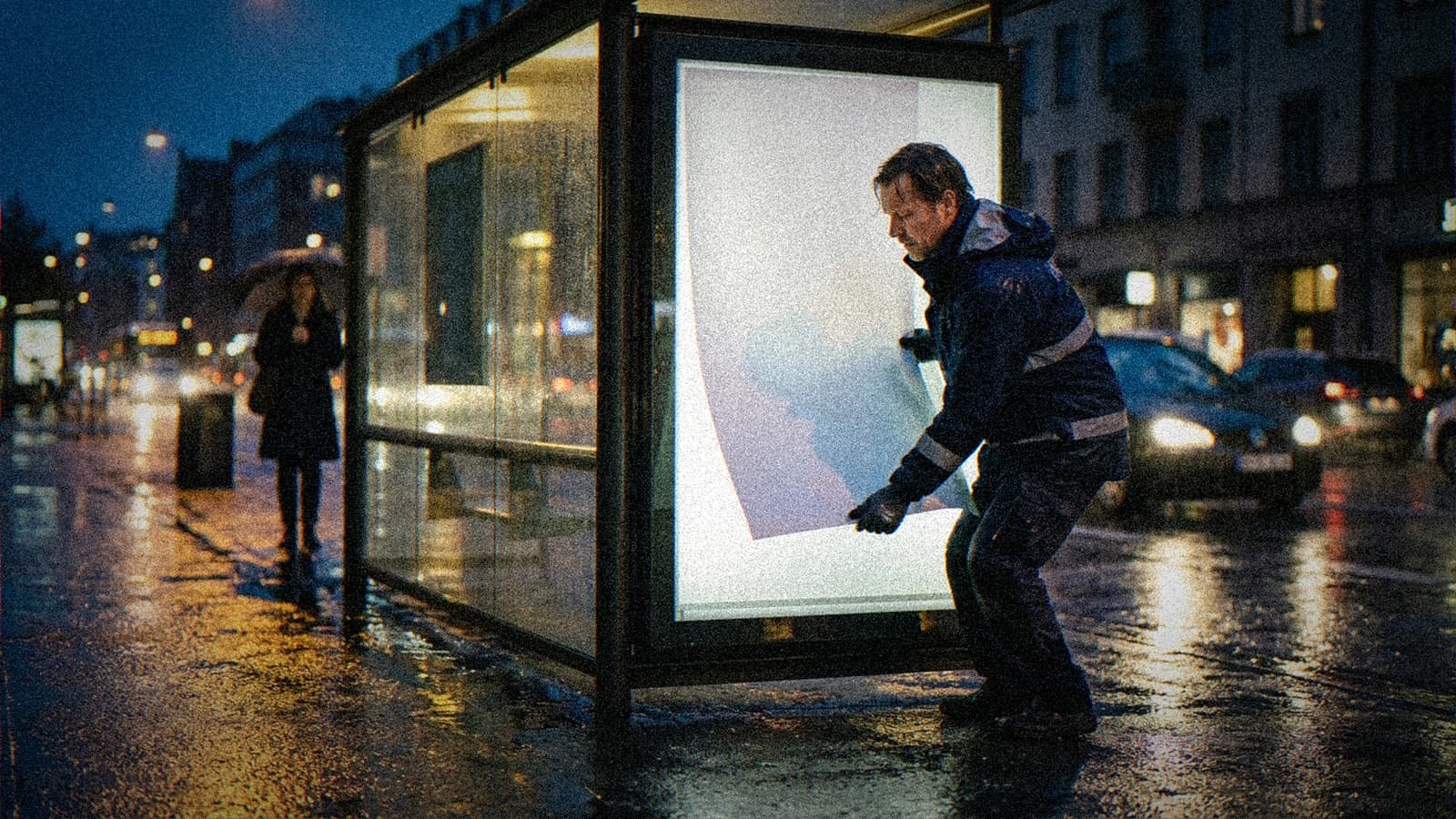
You see a flawless Firefly demo, you try it at home, then you end up with an image too smooth to convince a client. Welcome to real life. adobe firefly can be very useful, but not for the reasons the 20-second mini videos are selling. The classic trap is to judge the tool on its first render instead of judging it on its ability to deliver a consistent, usable series that is fast to integrate into a real pipeline.
I tested firefly in very different contexts: ad concepts, social ad variations, editorial visuals, and last-minute iterations with vague client feedback. The verdict is nuanced. Firefly does not always win on raw "visual punch". On the other hand, in well-structured marketing workflows, it can save an enormous amount of time.
This article is a field test. No fanboyism. No gratuitous trial. We will see what adobe firefly does well, where it breaks, how to fix it quickly, and when you are better off switching tools.
What Firefly really changes in a creative workflow
Firefly's first real advantage is its integration. If you already work with Adobe tools, the continuity of the flow can make the difference. You go from ideation to retouching, then to variation, without piling up patched-together exports. In production, this operational comfort is often worth more than a few points of raw style.
The second advantage is accessibility for non-technical profiles. You can bring a marketer, a copywriter, or a project manager into the creative loop without them having to learn a complex generation tool. This simplicity speeds up decision-making, especially when deadlines are tight.
But this comfort has a flip side. Many users confuse generation speed with render quality. Firefly can quickly output clean images, but "clean" does not mean credible. If your prompt stays vague, you get a polished visual, with no character, often too generic for an ambitious brand.
The real value appears when you use it with method: a precise brief, a series logic, an objective sort, and mobile validation. Without that, you can generate a lot and deliver little.
My Adobe Firefly quality test in 2026
I tested Firefly on three realistic scenarios. Scenario A: local restaurant campaign. Scenario B: B2B SaaS visuals. Scenario C: lifestyle storytelling mini series. The same protocol each time: fixed brief, four initial generations, quality score, then two targeted iterations.
On the restaurant scenario, Firefly handled overall readability and output speed well. Where it needed correcting was the texture of some food that was too "perfect". By adding instructions for imperfect texture, irregular steam, and less frontal light, the render became clearly more credible.
On the SaaS scenario, Firefly shone on graphic cleanliness and compatibility with structured marketing visuals. The risk was a tone too corporate. We fixed it by injecting elements of real use: a living office, slight tiredness, imperfect morning light, less "template" colors.
On the lifestyle storytelling, the base quality was decent but lacked emotional depth. By forcing less sharpness and describing the narrative context better, the result gained depth. Conclusion: Firefly is good, but you have to give it narrative material, not only aesthetic adjectives.
The real limits of Firefly that nobody explains clearly
The first limit is visual standardization. If you use generic prompts, Firefly tends toward "clean" renders, often too close to a stock image language. In premium social or narrative branding, that is a problem. You have to inject concrete context to avoid this showroom effect.
The second limit is handling very complex scenes with multiple micro-consistencies. The more you ask for fine relationships between materials, reflections, and emotions, the more you have to frame the prompt precisely and accept targeted iterations. The "perfect on the first try" render stays rare.
The third limit is the false sense of control. The pleasant interface can give the illusion that everything is mastered, while the visual direction stays vague. You can produce volume without producing value. That is exactly what eats away at campaign budgets.
The fourth limit is the gap between the work-screen render and the final mobile perception. An image that looks premium on a large screen can become flat on a smartphone. Without multi-screen validation, you approve assets that perform poorly in real distribution.
The best use cases for Adobe Firefly
Firefly is excellent for marketing teams that have to produce fast and adapt a lot. If your need is to output clean visuals for several formats, with a workflow integrated into the Adobe suite, you save real time. That is especially true when validation cycles are short.
It is also relevant for creators who want a gentle entry into AI generation without diving immediately into heavy technical stacks. You can learn the logic of visual direction, then gradually strengthen your level of control.
For internal concepts, moodboards, or campaign explorations, Firefly does the job quickly. You can align stakeholders by showing concrete directions instead of discussing abstractly. The gain in clarity is immediate.
On the other hand, for highly signature renders with very fine narrative consistency over long series, you have to test honestly against other options. Firefly may be enough, but not always. What matters is comparing on your real case, not on marketing promises.
Adobe Firefly vs Midjourney, Ideogram and Recraft
The match is not "who is the best". The match is "who is the most profitable for your deliverable". Midjourney can give a strong visual impact quickly. Ideogram can better hold certain integrated-text needs. Recraft can offer a precious design consistency for brand assets. Firefly, for its part, often wins on integration and production fluidity.
When I support a team, I never choose on instinct. I run a short benchmark with the same brief on three tools max. I score readability, lighting consistency, texture, emotion, business usability. Then I decide on the best quality-speed-integration ratio.
Firefly's strength remains the operational chain. You can generate, correct, and deliver without fighting ten file transfers. For a marketing department under pressure, that is a concrete advantage. Pure style is only one of the criteria.
If you want to go deeper on the alternatives by use, read our comparison of the best alternatives to Midjourney. If you are hesitating with text-in-image tools, complete it with our Ideogram, Recraft or Leonardo AI guide.
| Tool | Main strength | Frequent weakness | Best context |
|---|---|---|---|
| Adobe Firefly | integration and marketing cadence | standardization if the brief is weak | team asset production |
| Midjourney | very strong initial visual impact | sometimes less integrated pipeline | intense artistic ideation |
| Ideogram | text often more readable | photo texture variability | textual promo visuals |
| Recraft | series design consistency | initial calibration needed | branding and visual systems |
To check the official information, keep these references handy:
My field workflow to get credible Firefly images
Here is the workflow I apply to avoid the plastic render.
Step 1: visual intention in one sentence. Step 2: structured subject-action-light-material prompt. Step 3: first batch of four images max. Step 4: sort with a scoring grid. Step 5: iterate one variable at a time. Step 6: mobile + desktop validation.
Concrete scenario. You have to produce a visual for a local coffee brand. Base prompt: "barista in their 30s, end of shift, soft side light, visible steam, realistic ceramic texture, intimate urban mood". First result: clean but too smooth. Correction 1: "add traces of use on the counter". Correction 2: "reduce aggressive contrasts". Correction 3: "preserve natural skin, avoid smoothing".
Second scenario. HR SaaS campaign. Need: a human, credible image, not a startup cliché. Base prompt: "HR manager re-reading a file, morning light, lived-in office". Firefly outputs a render too corporate. We fix it by adding "slight tiredness, controlled mess, focused non-smiling expression". The render becomes clearly more authentic.
Third scenario. Local fashion social ads series. We want three consistent visuals. We set a base: palette, type of light, texture density, dominant framing. Firefly holds the consistency if you keep this base stable and modify only the action. That is what turns a series of images into a mini campaign.

💡 Frank's Cut: if an image seems perfect too quickly, be suspicious. The "too clean" render is often the sign of an image that collapses in real distribution. Always add a mobile check and a thumbnail readability test.
Troubleshooting - What Beginners Break
Mistake 1: a decorative prompt with no action. "Cinematic beautiful scene" gives a bland image. Replace it with a concrete action, a context and a physically plausible light.
Mistake 2: rapid-fire iterations with no method. You ask for five contradictory corrections in the same pass. Result: loss of control. Correct one variable at a time.
Mistake 3: validation only on a large screen. You ignore the mobile reality. Many campaigns fall there.
Mistake 4: overconfidence in the tool. You believe the Adobe integration guarantees quality. False. It guarantees fluidity, not the artistic level.
Mistake 5: absence of a sorting grid. With no fixed criteria, you choose "on emotion" and you miss the series consistency.
Mistake 6: forgetting the negative constraints. Without anti-smoothing or anti-CGI-render instructions, you quickly fall back into an artificial style.
Core Concepts for using Firefly well
First concept: Firefly is a pipeline accelerator, not a replacement for art direction. If you have no vision, you produce premium visual noise.
Second concept: consistency is built upstream. Define a style base before generating. Palette, light, texture, framing, prohibitions.
Third concept: the main hidden cost is unframed iteration. A strict method saves more money than a subscription cut.
Fourth concept: team integration is a quality factor. A fluid workflow eases relevant feedback and reduces panic retouching.
Fifth concept: final distribution decides the real quality. An image that is excellent in the studio can be mediocre in a social feed. Always test in the use context.
To improve your realistic render level as a complement, read our guide to generating photorealistic images without the plastic look and our method for writing credible cinematic prompts.
If you want to consolidate your comparison strategy before choosing a main tool, complete it with our comparison of the best AI image generator in 2026 and our Midjourney 2026 guide to situate the workflow differences. These two reads serve as a safety rail when you hesitate between immediate visual impact and sustainable production cadence.
Business use cases where Firefly saves time
Case 1, small local agency. Need: 12 social ad visuals in 48 hours. Firefly lets you generate fast, adjust in a familiar flow, then export without breaking the chain. The gain is not just the generation. It is the reduction of friction between creative and production.
Case 2, e-commerce team. Need: variations of seasonal visuals. Firefly eases fast adaptations with an acceptable base consistency. By adding a strict validation checklist, you get a very solid speed/quality ratio.
Case 3, B2B content department. Need: illustrate weekly articles with no repetitive style. Firefly serves the cadence well, provided you alternate the narrative scenarios and maintain a library of calibrated prompts.
Case 4, solo consultant. Need: quickly produce client mockups. Firefly gives you a fast lever to visualize directions before a shoot or heavier production. You secure the strategic discussion upstream.
FAQ (PAA Optimization)
-
Is Adobe Firefly good for a beginner who wants to create pro visuals quickly? Yes, Firefly is a good entry point to start without excessive technical friction, especially if you already work in the Adobe ecosystem. The interface is accessible and the generation logic is intuitive enough to learn fast. But to get truly professional visuals, you have to structure your method: clear intention, concrete prompt, targeted iteration and multi-screen validation. Without this discipline, you will have clean but generic images. Firefly eases the start, but durable quality comes from your visual direction process and your sorting standards.
-
What is the real limit of Adobe Firefly compared to other AI image tools? The main limit is the possible standardization of renders if your brief is vague. Firefly can quickly generate "beautiful" images but not always embodied enough for premium or narrative campaigns. On complex scenes, you have to frame light, material, action and mood precisely, otherwise the render becomes too standardized. That said, its pipeline integration often compensates for this limit in a marketing context. The question is not whether Firefly is "worse", but whether its profile matches your production need, your team and your level of artistic control.
-
Is Firefly suited for marketing campaigns at volume? Yes, it is even one of its best grounds, provided you set up simple creative governance. Define a common visual base, an evaluation grid and a validation protocol. Firefly then becomes very efficient at quickly adapting multi-format assets. The danger is confusing speed with quality. If you generate with no framework, you get volume but few truly usable pieces. On the other hand, with a rigorous sorting method, Firefly can offer an excellent ratio of time, consistency and profitability for marketing teams under constraint.
-
How do I avoid the "stock image" effect with Adobe Firefly? Start by banning vague, ultra-generic prompts. Describe a precise action, a real context, a plausible light and observable material details. Add negative constraints against excessive smoothing and an overly clean aesthetic. Then correct one variable at a time to keep control. Also think about introducing slight credible imperfections: traces of use, non-uniform textures, micro-variations in light. Finally, always validate on mobile and desktop. It is that double test that reveals whether the image truly tells something or stays at the level of an interchangeable visual.
-
Can Adobe Firefly fully replace Midjourney in a team? In some contexts, yes, especially if the main stake is production speed and integration into an Adobe pipeline. In other cases, no, in particular when you are looking for a very marked artistic signature or a more radical visual exploration. Many high-performing teams use a hybrid model: Firefly for fluid production and Midjourney for certain ideation phases. The right choice depends on the deliverable, the deadline, and the level of consistency expected. It is better to compare on a real brief with measurable criteria than to decide on a general impression.
-
Which business use cases give the best ROI with Firefly? The best returns on investment often appear in volume and adaptation contexts: social ad campaigns, e-commerce visuals, frequent editorial illustrations, and recurring marketing assets. Firefly reduces production friction when the team is already familiar with Adobe tools. The ROI increases further if you formalize a library of calibrated prompts and a common validation grid. Without this structure, the potential gain dilutes. With it, Firefly can become a very profitable cadence engine, especially for teams that deliver continuously.
-
How do I quickly know if Firefly is the right tool for my project? Run a short, framed test. Prepare a single brief, generate four images, apply a scoring grid on readability, lighting consistency, texture, emotion and business usability. Then run two targeted iterations to measure the correction capacity. If the result holds in quality and speed in your real context, Firefly is relevant. If you get renders that are too generic despite a precise brief, compare with another tool on the same protocol. This approach gives you a clear decision in less than an hour, with no endless debate.

A good tool does not save you from a bad brief. A good brief turns a decent tool into a solid production machine.
Related articles
 Actualité
Topaz Video AI: full test and review on video restoration
Complete field test of Topaz Video AI to restore old videos, with a pro workflow, useful settings and real limits.
 Tutoriels
How to Use Photoshop's Generative AI (Firefly) to Extend Your Shots
A practical masterclass to extend shots with Photoshop Firefly without breaking perspective, light and visual continuity.
 Comparatifs
Which AI video tool to choose for a product ad? Comparison by use case
Runway, Kling, Luma, Veo, Seedance: not all equal for a product ad. Here is which AI video tool to choose depending on your format, your budget and your brand-consistency constraints.